
Multimodal Foundation
GPT-4o
Text and image understanding.

Choose GPT-6 Astra for demanding work, GPT-6.1 Sol for coding, GPT-6.1 Terra for visual reasoning and writing, or GPT-6 Luna for focused tasks. Create and edit images with GPT Image 2.5.
Curated by GlobalGPT Review Team
A focused home for the ChatGPT series inside GlobalGPT—not another all-model marketplace.
Selected text and image milestones, with Sol and Terra as the current GPT-6.1 additions.
Text and image understanding.
Previous GPT models for professional work.
Demanding reasoning and coding.
Image generation and editing.
Astra for demanding work, Sol for coding, Terra for visual reasoning and writing, Luna for focused tasks, and GPT Image 2.5 for image generation and editing.
A starting point for complex reasoning, demanding coding, research and document creation. Use the model in GlobalGPT’s chat workspace.

Generate and edit images from text and image inputs. GlobalGPT provides one GPT Image 2.5 entry: describe your creative brief or precise change in the prompt.

A balanced choice for complex coding and professional work. OpenAI positions it near Astra in performance at a lower API cost; choose the route that fits your workflow.
A balanced option for visual reasoning, natural writing and computer-use workflows. OpenAI documents text and image inputs with text output; available tools depend on the GlobalGPT workspace.

An efficient choice for focused, high-volume tasks such as extraction, classification, concise summaries and everyday questions.
GPT-6 SolThe earlier Sol model for coding and agentic workflows. GPT-6.1 Sol is the newer balanced choice./home/gpt-6-sol?inviter=hub_research_chatgpt&login=1
GPT-5.6 TerraFaster & More Efficient · Balanced · Released Jul 2026An earlier balanced GPT-5.6 model, retained for existing workflows.Daily Work · Writing · Balanced/home/gpt-5-6-terra?inviter=hub_research_chatgpt&login=1Official source
GPT-5.6 LunaFaster & More Efficient · High Volume · Released Jul 2026The earlier GPT-5.6 efficient model, retained for existing workflows.Fast Tasks · High Volume/home/gpt-5-6-luna?inviter=hub_research_chatgpt&login=1Official source
GPT-5.6 SolAn earlier flagship that remains available for focused drafting, research and coding tasks./home/gpt-5-6-sol?inviter=hub_research_chatgpt&login=1
GPT Image 2The earlier image-generation and editing entry, retained for existing workflows./image-generator/gpt-image-2?inviter=hub_research_chatgpt&login=1
GPT-5.5Previous flagship for difficult coding and professional workloads · Released Apr 2026./home/gpt-5-5?inviter=hub_research_chatgpt&login=1
GPT-5.4Previous flagship for professional and coding work./home/gpt-5-4?inviter=hub_research_chatgpt&login=1
GPT-5.3Earlier ChatGPT generation retained for reference./home/gpt-5-3?inviter=hub_research_chatgpt&login=1
GPT-5.2Previous flagship for professional work./home/gpt-5-2?inviter=hub_research_chatgpt&login=1
GPT-4oEarlier fast, flexible multimodal GPT model./home/gpt-4o?inviter=hub_research_chatgpt&login=1
Choose by workload, then review official subscriptions, developer API prices and published benchmark conditions.
| Model / API | Input / 1M tokens | Cached input / 1M | Output / 1M | Billing conditions |
|---|---|---|---|---|
| GPT-6 AstraOpenAI OpenAI official documentation ↗Last verified: | $10.00 | $1.00 | $50.00 | Standard speed; prompt ≤272K tokens |
| GPT-6.1 SolOpenAI OpenAI official documentation ↗Last verified: | $2.00 | $0.10 | $10.00 | Standard speed; prompt ≤272K tokens |
| GPT-6.1 TerraOpenAI OpenAI official documentation ↗Last verified: | $1.00 | $0.05 | $5.00 | Standard speed; prompt ≤272K tokens |
| GPT-6 LunaOpenAI OpenAI official documentation ↗Last verified: | $0.10 | $0.01 | $0.50 | Standard speed; prompt ≤272K tokens |
USD. Standard text-token rates for prompts up to 272K. Above 272K, the full request has 2× input/cached-input and 1.5× output rates. Cache writes, tools, other speed tiers and regional processing can add charges. These are direct OpenAI API rates, not GlobalGPT subscription prices. Image tokens use separate rates.
| Plan | USD monthly | Billing | Work / Codex scope in the cited plan guide |
|---|---|---|---|
| FreeOpenAI OpenAI official documentation ↗Last verified: | $0 | Free plan | GPT-6 Luna desktop rollout; usage limits |
| GoOpenAI OpenAI official documentation ↗Last verified: | $8 | Monthly | Lightweight Codex tasks; GPT-6 Luna rollout |
| PlusOpenAI OpenAI official documentation ↗Last verified: | $20 | Monthly | Sol and Luna; Codex tools and usage allowances |
| ProOpenAI OpenAI official documentation ↗Last verified: | $100 / $200 / $500 | Monthly plan options | Higher usage options; Ultrafast on the $500 tier |
| BusinessOpenAI OpenAI official documentation ↗Last verified: | $20 annual billing / $25 monthly billing per user | Minimum 2 users | Managed team workspace and usage controls |
Official ChatGPT subscription prices in OpenAI’s Work/Codex guide. ChatGPT Work and Codex share usage; listed model scope refers to that guide, not every ChatGPT surface. API token billing and GlobalGPT plans are separate. Local taxes and availability may differ.
| GPT model | Professional tasks: Agents’ Last Exam v1 | Visual reasoning: MMMU-Pro | Computer use: OSWorld 2.1 offline | Factual error rate ↓ |
|---|---|---|---|---|
| GPT-6 AstraOpenAIAll four results use Max reasoning effort in this source. OSWorld 2.1 uses the offline set. The factuality test uses deliberately error-inducing prompts and does not measure typical-use error rates. OpenAI GPT-6.1 Terra launch evaluation charts ↗Last verified: | 59.3% | 86.7% | 80.9% | 4.2% |
| GPT-6.1 SolOpenAIAll four results use Max reasoning effort in this source. OSWorld 2.1 uses the offline set. The factuality test uses deliberately error-inducing prompts and does not measure typical-use error rates. OpenAI GPT-6.1 Terra launch evaluation charts ↗Last verified: | 58.6% | 86.3% | 78.0% | 4.4% |
| GPT-6.1 TerraOpenAIAll four results use Max reasoning effort in this source. OSWorld 2.1 uses the offline set. The factuality test uses deliberately error-inducing prompts and does not measure typical-use error rates. OpenAI GPT-6.1 Terra launch evaluation charts ↗Last verified: | 60.0% | 85.5% | 74.2% | 4.3% |
| GPT-6 LunaOpenAIAll four results use Max reasoning effort in this source. OSWorld 2.1 uses the offline set. The factuality test uses deliberately error-inducing prompts and does not measure typical-use error rates. OpenAI GPT-6.1 Terra launch evaluation charts ↗Last verified: | 50.9% | 79.9% | 55.5% | 18.4% |
All four GPT models are compared at Max reasoning effort using the same set of OpenAI GPT-6.1 Terra launch charts. Higher is better for the first three tests; lower is better for factual error rate. Factuality uses deliberately difficult prompts selected after users flagged earlier errors, so it is not a typical-use error rate. OpenAI research/API results depend on the evaluation harness and are not GlobalGPT measurements. These task-specific results do not establish an overall model ranking.
| Model / product | Workload | Inputs and output | Access in GlobalGPT |
|---|---|---|---|
| GPT-6 AstraOpenAI OpenAI official documentation ↗Last verified: | Demanding reasoning and professional work | Text / image input; text output | Chat model entry |
| GPT-6.1 SolOpenAI OpenAI official documentation ↗Last verified: | Coding and professional work | Text / image input; text output | Chat model entry |
| GPT-6.1 TerraOpenAI OpenAI official documentation ↗Last verified: | Visual reasoning and natural writing | Text / image input; text output | Chat model entry |
| GPT-6 LunaOpenAI OpenAI official documentation ↗Last verified: | Focused, high-volume tasks | Text / image input; text output | Chat model entry |
| GPT Image 2.5OpenAIGlobalGPT has one 2.5 entry, not separate Sunburst and Flare selectors. OpenAI official documentation ↗Last verified: | Image generation and editing | Text / image input; image output | Dedicated image workspace |
Task fit follows the provider’s positioning and the visible GlobalGPT route. This is not a measured speed or quality ranking.
Each guide has one primary home. Model tags connect related reading without duplicating the same article across the page.
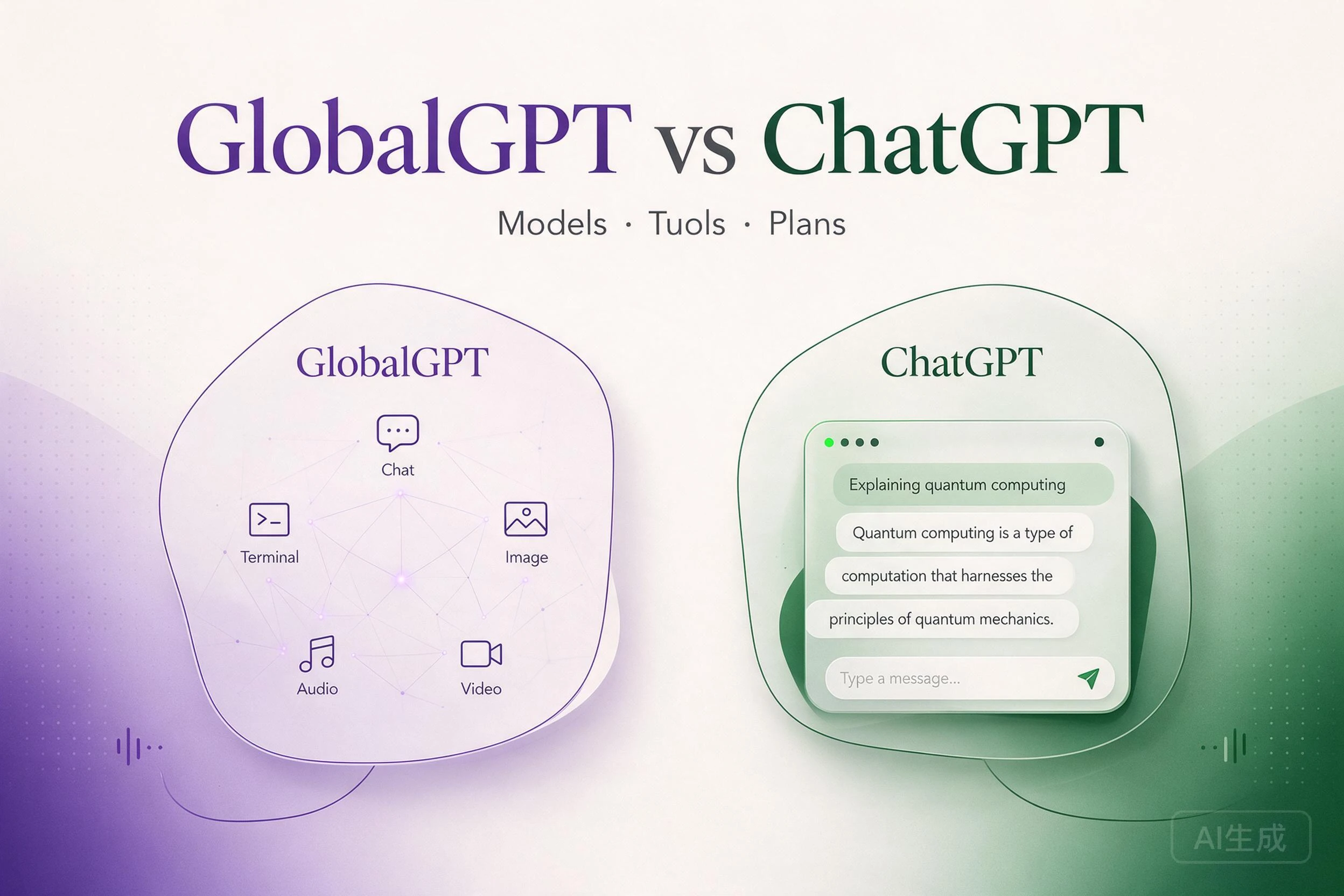 Access & Setup
Separate model access from app features, and compare the two platforms’ workflows and subscriptions.
Platforms & AccessChoose an app, API testing workspace or custom assistant without confusing subscriptions with API credits.
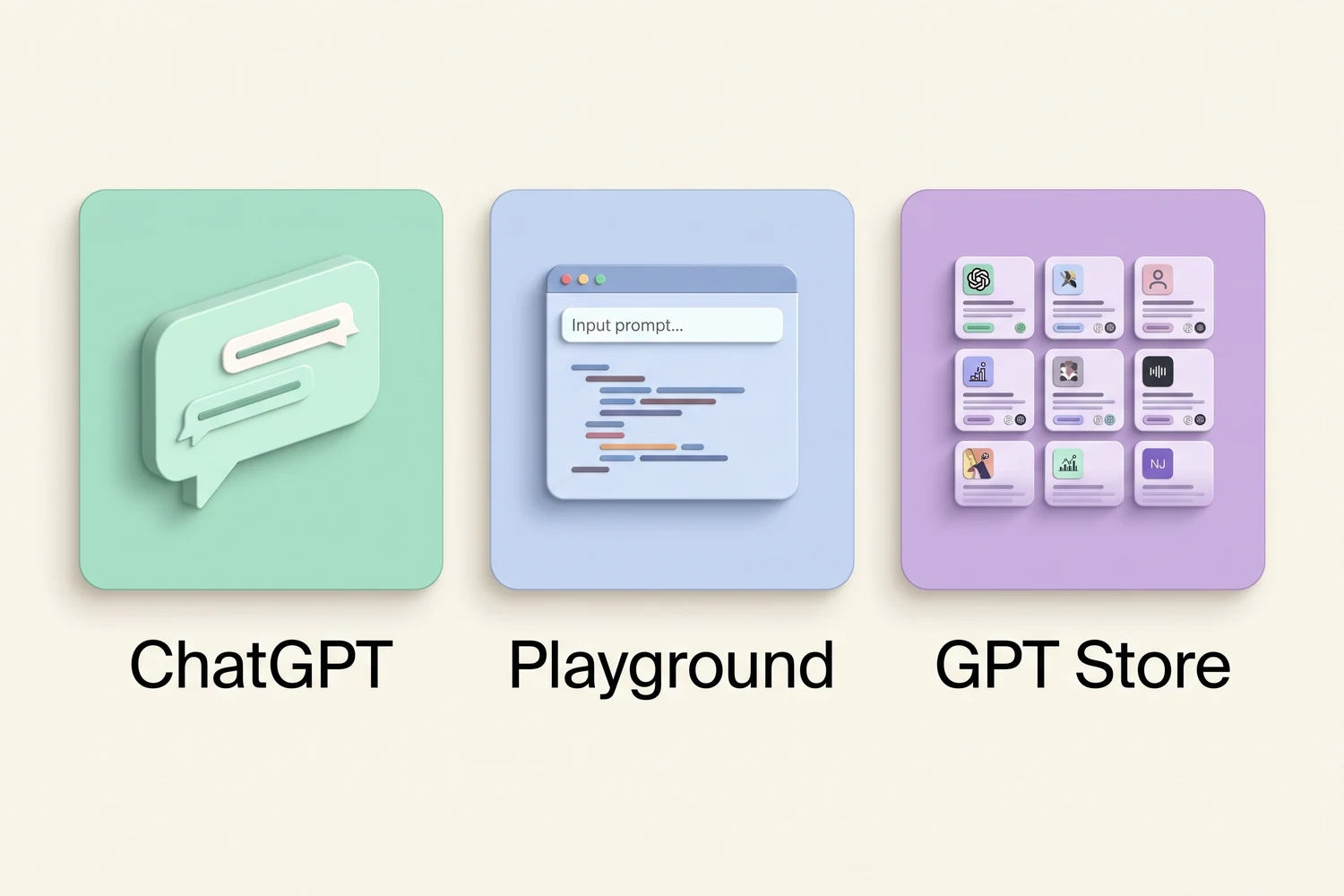 Platforms & Access01GlobalGPTChatGPT Subscription Plans in 2026
Compare model access, plan limits and the differences between individual and team subscriptions.
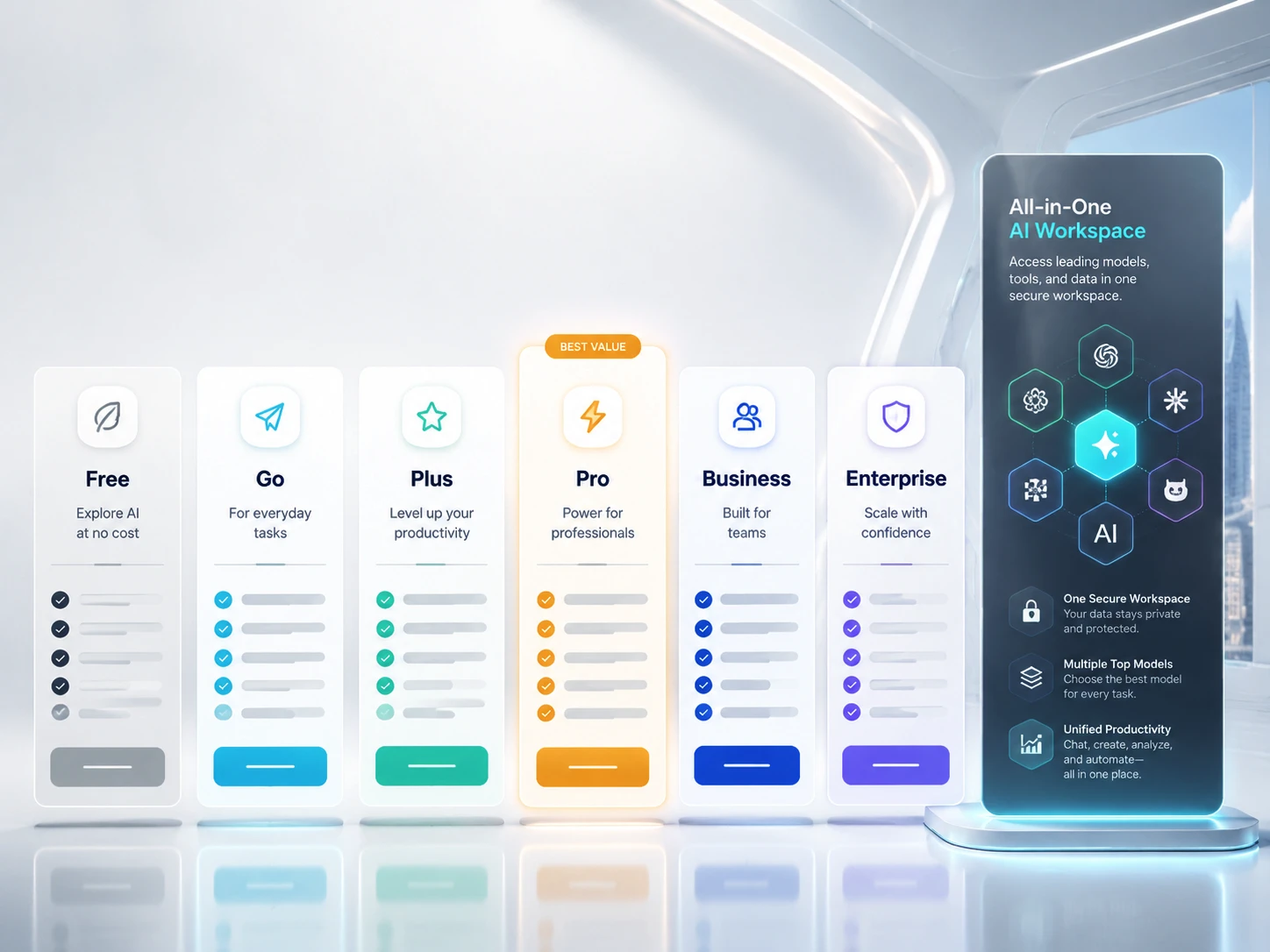 Plans & Access02GlobalGPTHow to Use ChatGPT
Choose a workspace and model, write a clear first prompt, and use files, images or coding tools for the task.
Getting StartedGuide03GlobalGPTHow to Use ChatGPT EffectivelyStructure instructions, provide context and improve a draft through focused follow-up prompts.
Getting StartedWorkflow04GlobalGPTWhy Is ChatGPT Not Working?Diagnose service incidents, account issues, browser problems and tool failures before retrying.
Limits & TroubleshootingTroubleshooting05GlobalGPTWhy Is ChatGPT So Slow?Distinguish service delays from reasoning, long conversations, tool work and local network problems.
Limits & TroubleshootingTroubleshooting06GlobalGPTHow to Cancel ChatGPT PlusCancel through the web, Apple or Google billing channel that originally handled your subscription.
Limits & TroubleshootingSetup07GlobalGPTHow to Use ChatGPT on iPhoneExplore the official iPhone app and Apple integration, with account and device requirements kept separate.
Devices & AssistantsMobile08GlobalGPTHow to Use ChatGPT With SiriConnect Siri through supported Apple integration or Shortcuts and troubleshoot the access route.
Devices & AssistantsIntegration09GlobalGPTChatGPT Plus Free Trial: Eligibility & OffersUnderstand offer eligibility and the difference between free access, trials and paid subscriptions.
Plans & OffersAccess10GlobalGPTChatGPT Plus vs BusinessCompare an individual subscription with company administration, shared workspaces and business controls.
Plans & OffersPlans11GlobalGPTChatGPT Plus Limits: Caps, Reset Times and What to Do NextUnderstand Plus usage limits, rolling windows and what happens when an allowance is reached.
 12
Prompt collections and practical workflows from the GlobalGPT Hub, organized around what you want ChatGPT to help you make.
Turn rough intent into clearer professional communication.
Write Better EmailsBuild a Stronger ResumeUse repeatable structures for generation, editing and visual direction.
Best GPT Image 2 PromptsChatGPT Prompts for ImagesGPT Image 2.5: Workflow & Editing ReviewFrame questions, gather evidence and organize a deeper investigation.
Use ChatGPT Deep ResearchPrompts for Better AccuracyStructure coding requests and continue the work in a focused canvas.
Use ChatGPT CanvasChoose a Coding ModelOriginal research on how people describe the work they want GPT to do—and the control they want to retain.
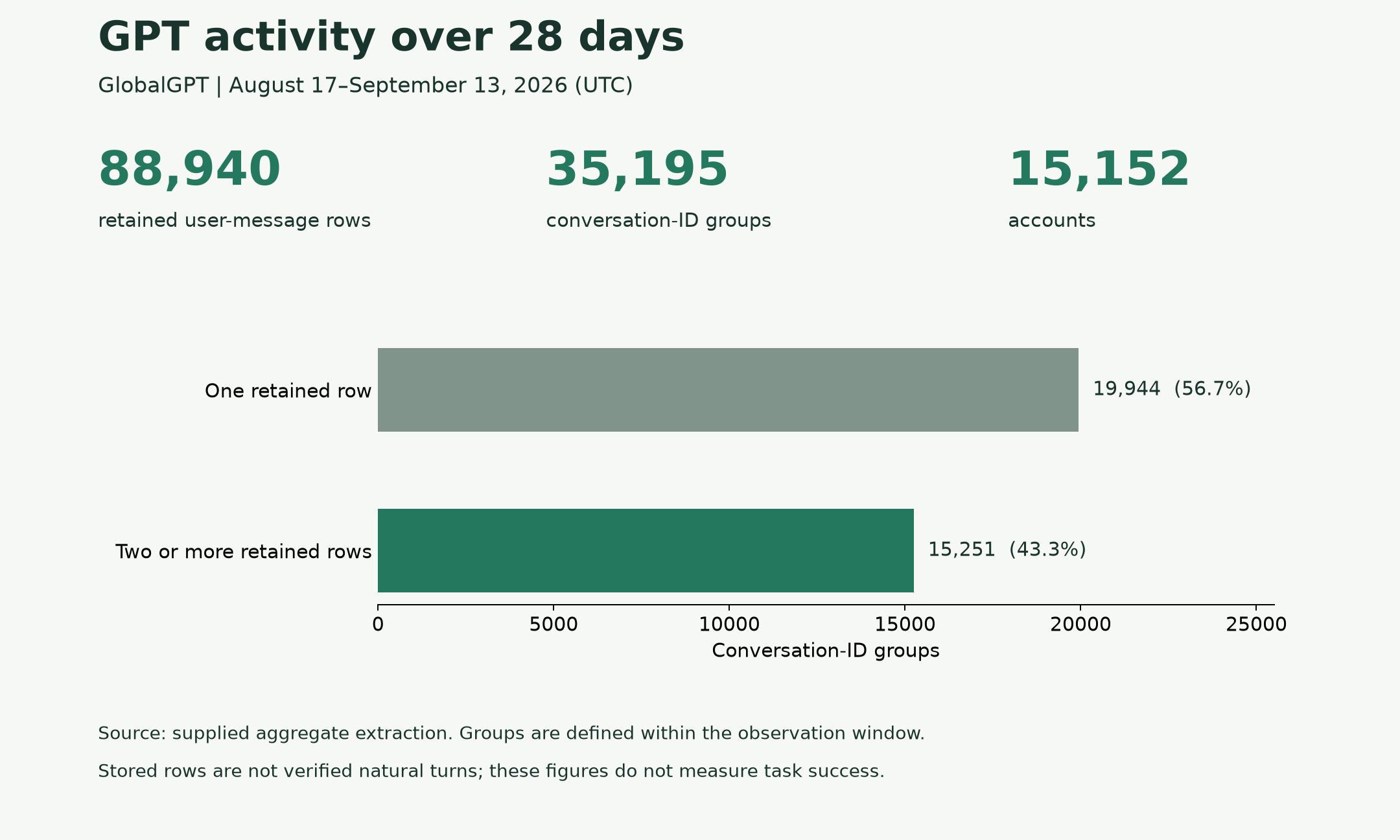
Beyond a relevant answer, what makes an AI-generated result ready to use?
A 28-day GlobalGPT study combines platform activity statistics with qualitative analysis of selected requests. It examines delivery formats, fidelity to source material, evidence requirements and user review before execution.
GlobalGPT ResearchPlatform activity statistics and AI-assisted qualitative analysis of selected request excerpts; findings do not estimate population prevalence.
Read the ResearchProduct entrances stay visually distinct from editorial guides, so every click has a clear destination.
 01
Generate new visuals directly from a focused image workspace.
GlobalGPT
 02
Move directly into an image editing workflow.
GlobalGPT
 03
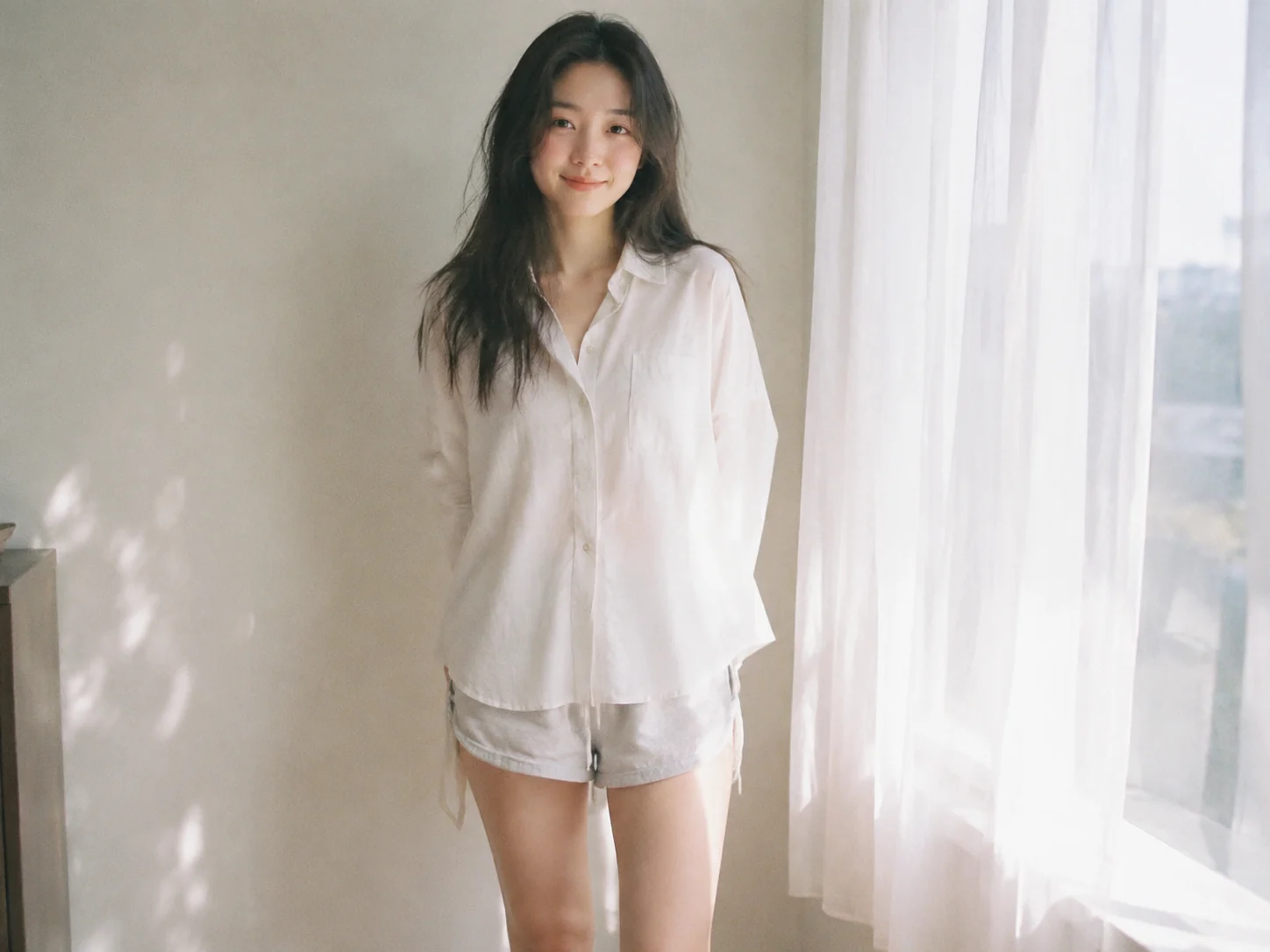
Turn a portrait idea into a more playful visual style.
GlobalGPT
 04
Refine tone and clarity from a focused workspace.
GlobalGPT
 05
Shape a focused cover letter around a role and experience.
GlobalGPT
 06
Review text in a dedicated checking workflow.
GlobalGPT
Official model facts, public background and GlobalGPT editorial content stay visibly separate.
Model choice, access routes and evidence in one place.
Start with Astra for demanding reasoning, Sol for coding and professional tasks, Terra for visual reasoning and writing, or Luna for focused work. These are workload recommendations based on official positioning.
Yes. The official models take text and image inputs and produce images. GlobalGPT offers one GPT Image 2.5 workspace; describe the requested creation or edit in the prompt.
No. GlobalGPT provides its own model entries and account allowances. ChatGPT subscriptions buy OpenAI’s app features and usage under the chosen plan.
The API table quotes direct OpenAI developer billing in USD per million tokens. It does not set GlobalGPT prices or convert into included ChatGPT tasks.
Those actions require a workspace that exposes the relevant tools and permissions. A model’s documented capability does not prove that every chat entry includes those tools.
No. These are OpenAI-published research/API evaluation results for four GPT models at Max reasoning effort. The table links to the source charts. Factual error rate uses deliberately difficult prompts and does not estimate everyday error rates; these results are not GlobalGPT measurements.