

Edit with Plain-Language Prompts
Describe the change in everyday language: what to edit, where it appears and how the result should look.
Prompt Guide
Model
Reference Image
Keep the photo you like. Change the part that needs work: a background, portrait light or product setting. Compare every result with your original.
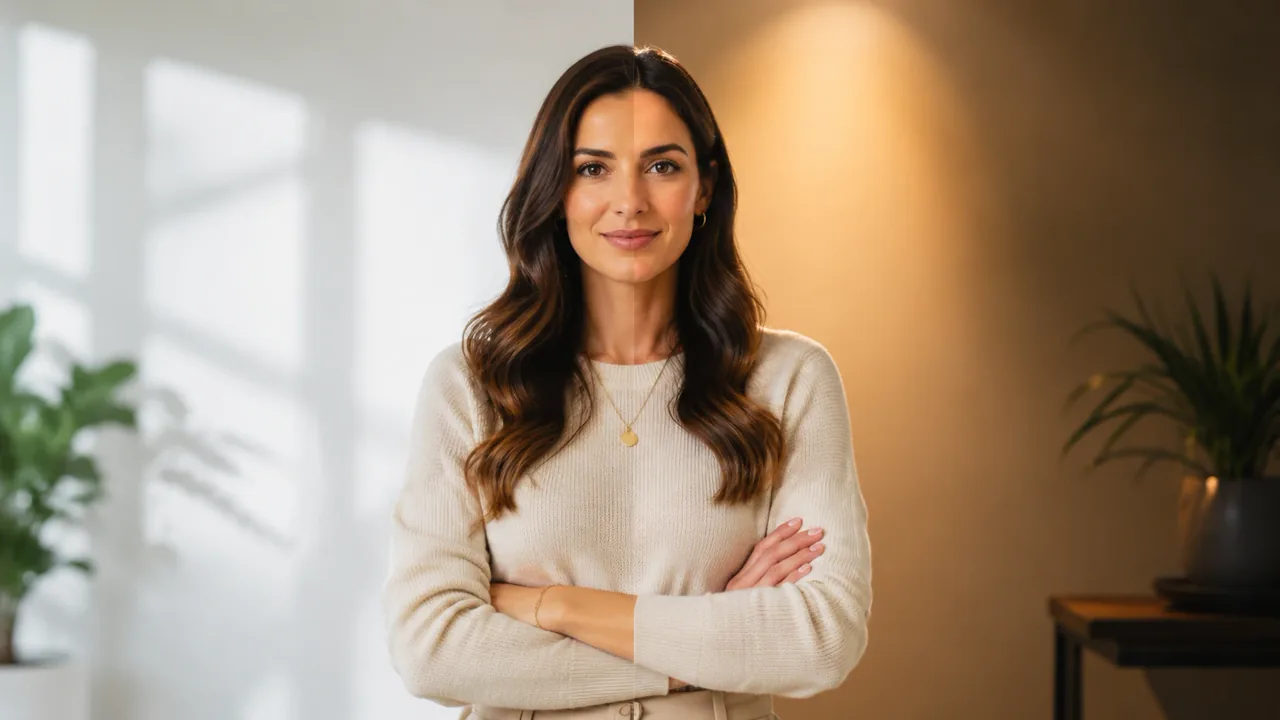
Use the ChatGPT photo editor with a clear edit request and a short preservation note.
Start with a sharp original: a portrait, product shot, travel image or old photo with useful detail and visible edges.
Name the target area, replacement and desired lighting or color. A focused request makes the result easier to judge.
Specify the face, pose, product shape or composition to retain. These instructions guide the model but cannot guarantee exact preservation.
Inspect faces, hands, edges, shadows and unchanged areas at full size. Refine one instruction when another pass is needed.
Explore edit ideas for portraits, products, backgrounds and creative lighting. These images illustrate a visual direction; they are not documented before-and-after tests of photo preservation.
 Portrait & Profile
Relight this adult professional portrait with soft studio window light. Keep the same face, expression, hairstyle, clothing, and realistic skin texture. Keep the composition visually consistent.
Try This Edit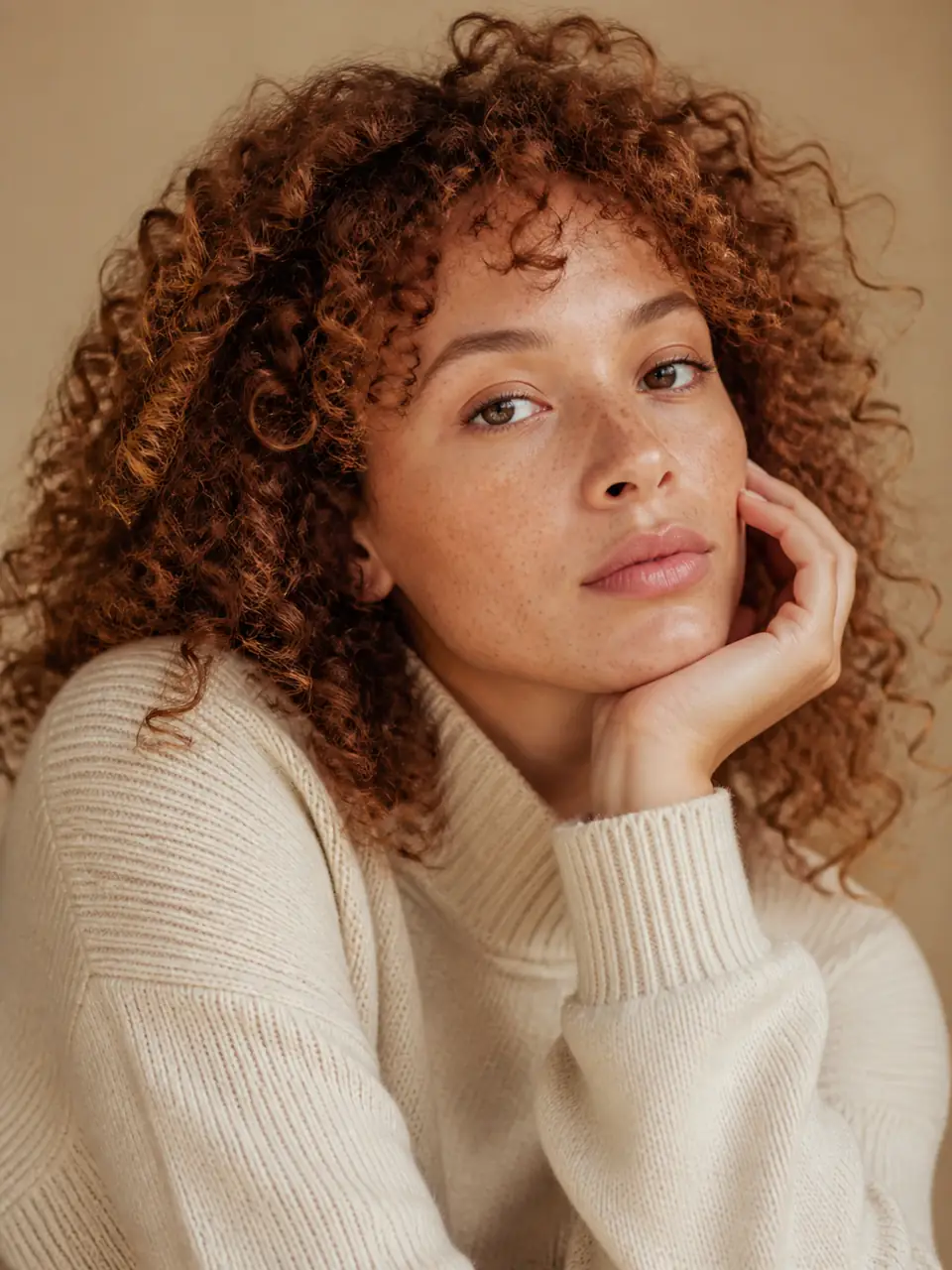 Portrait & Profile
Apply subtle natural retouching to this adult portrait. Reduce temporary blemishes and harsh shine while preserving pores, facial structure, expression, and age. Keep the composition visually consistent.
Try This Edit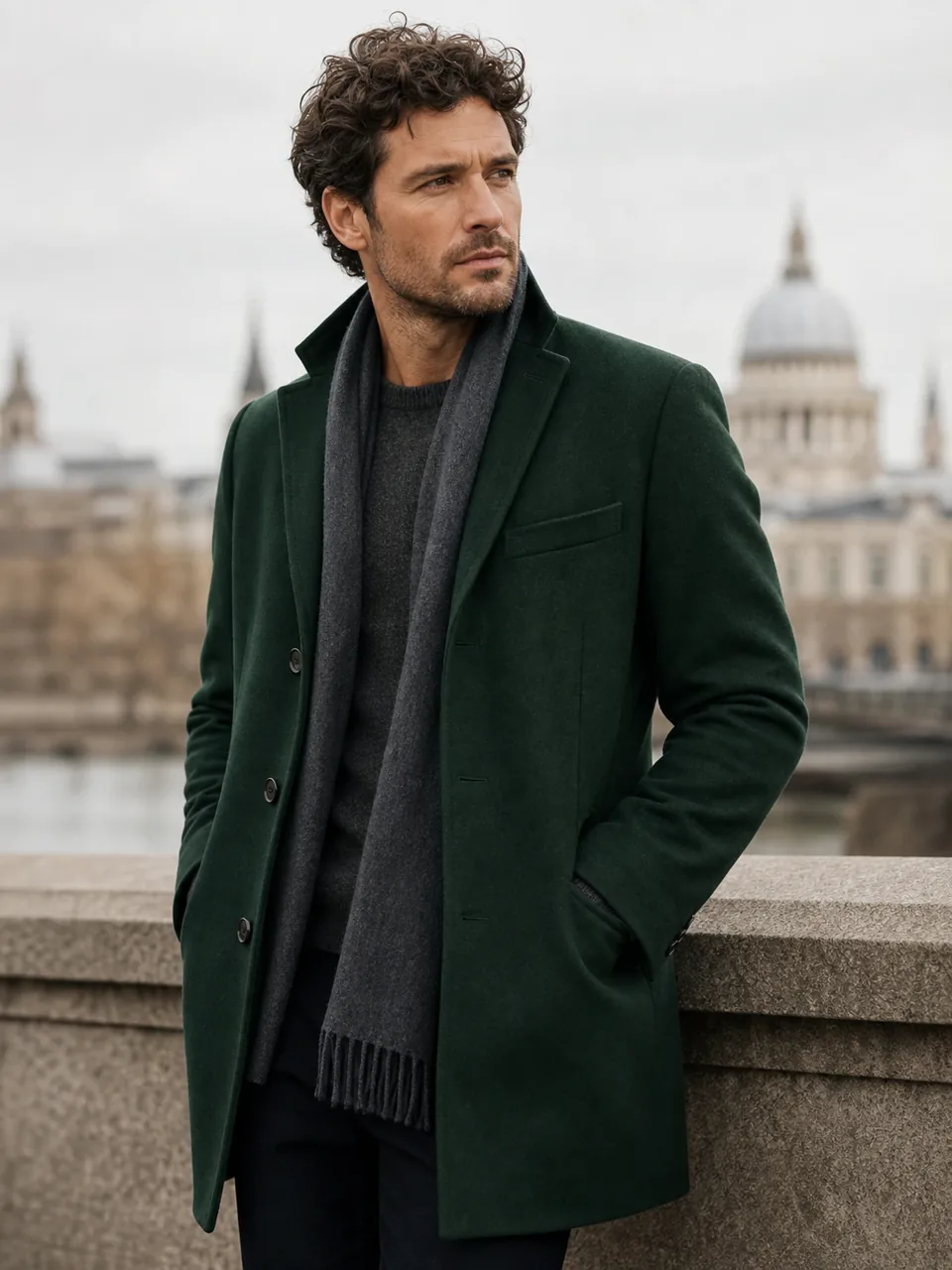 Portrait & Profile
Change the adult subject's jacket to deep forest green. Keep the face, body, pose, fabric structure, background, and lighting unchanged. Keep the composition visually consistent.
Try This Edit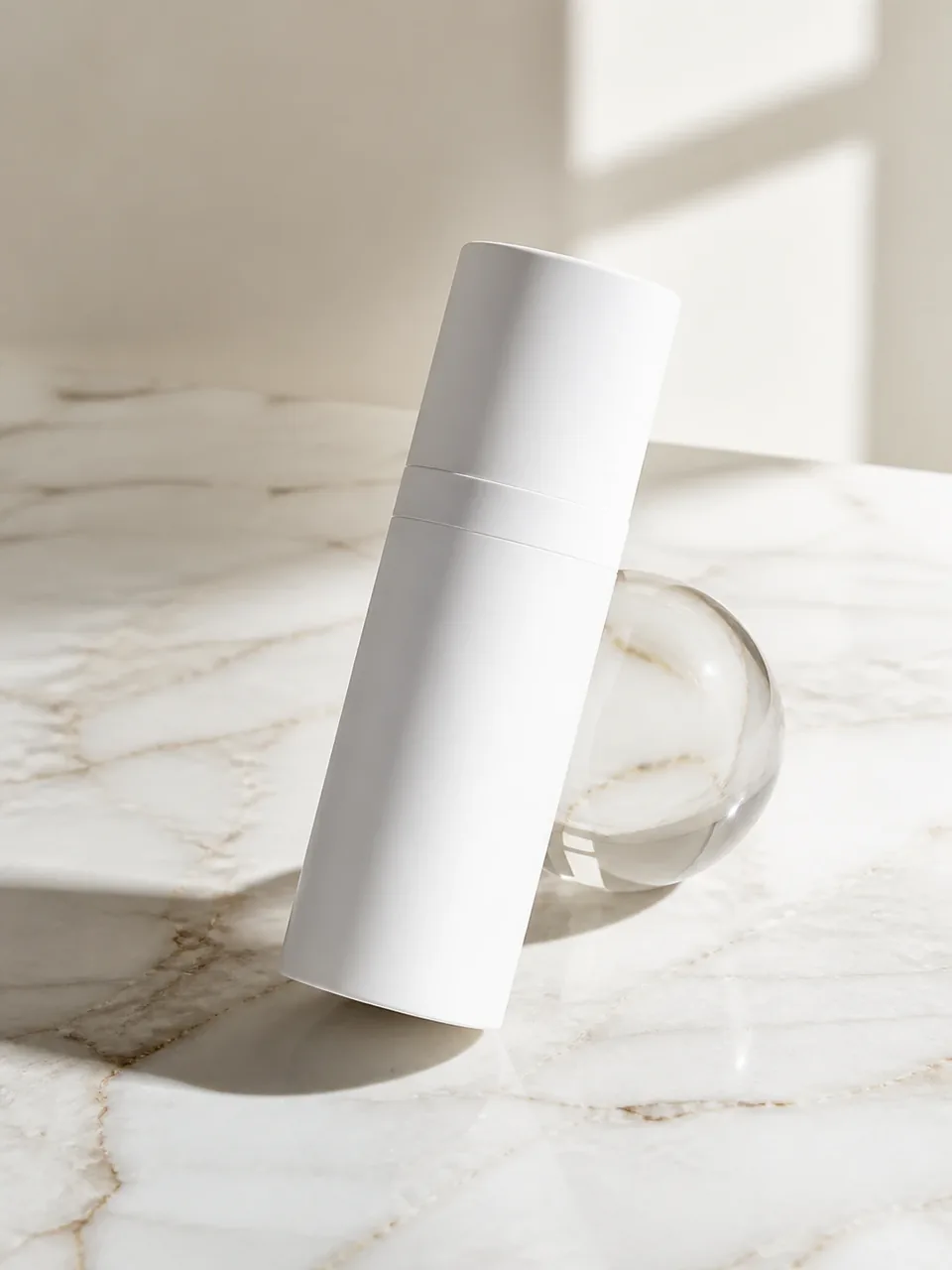 Product & Ecommerce
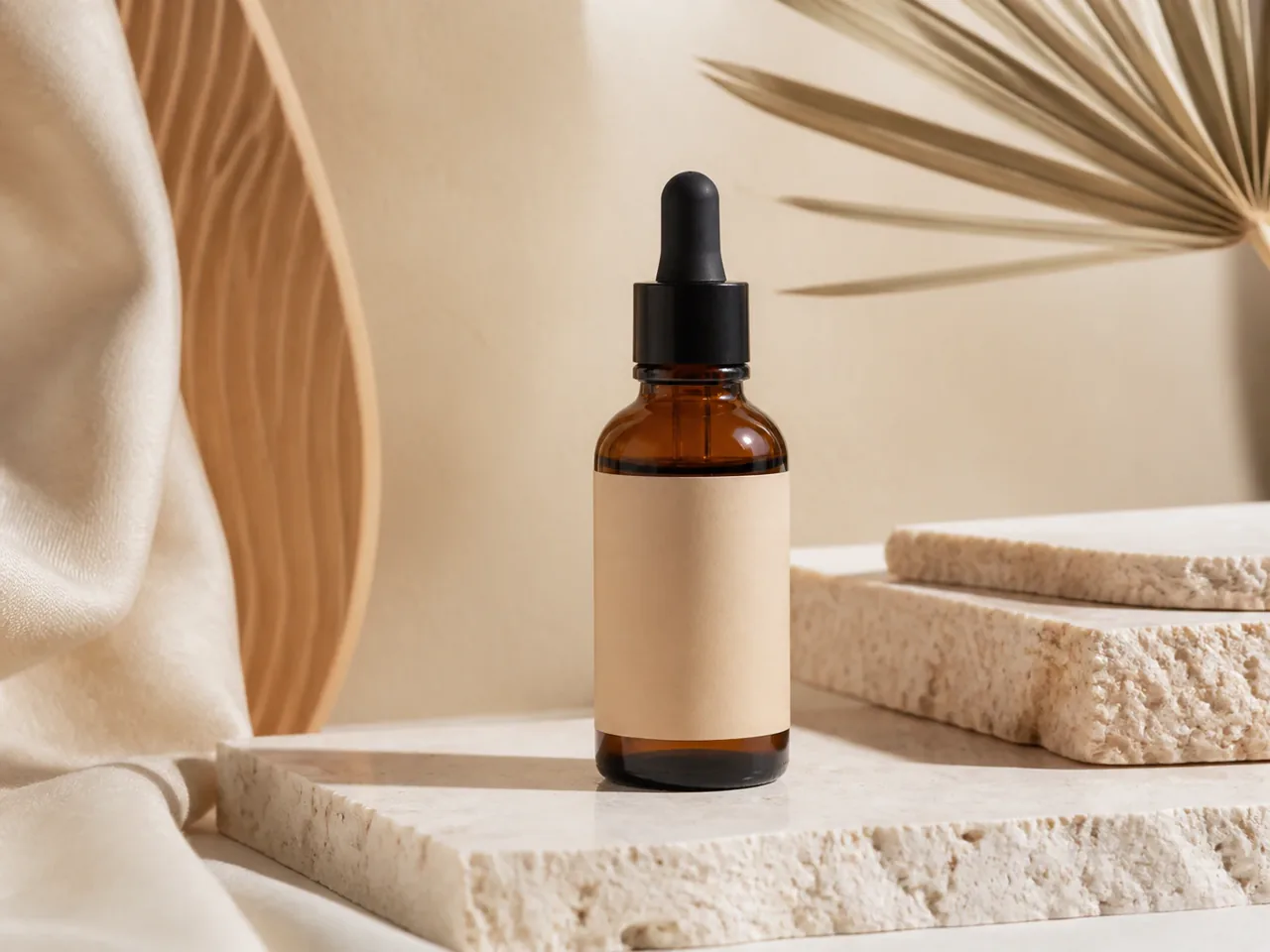
Move this cosmetic bottle onto a pale marble studio surface with soft side light. Preserve the bottle shape, cap, proportions, color, and blank label area.
Try This Edit Product & Ecommerce
Place this ceramic mug in a warm breakfast setting with soft morning light. Keep the mug shape, glaze, handle angle, and color unchanged. Keep the composition visually consistent.
Try This Edit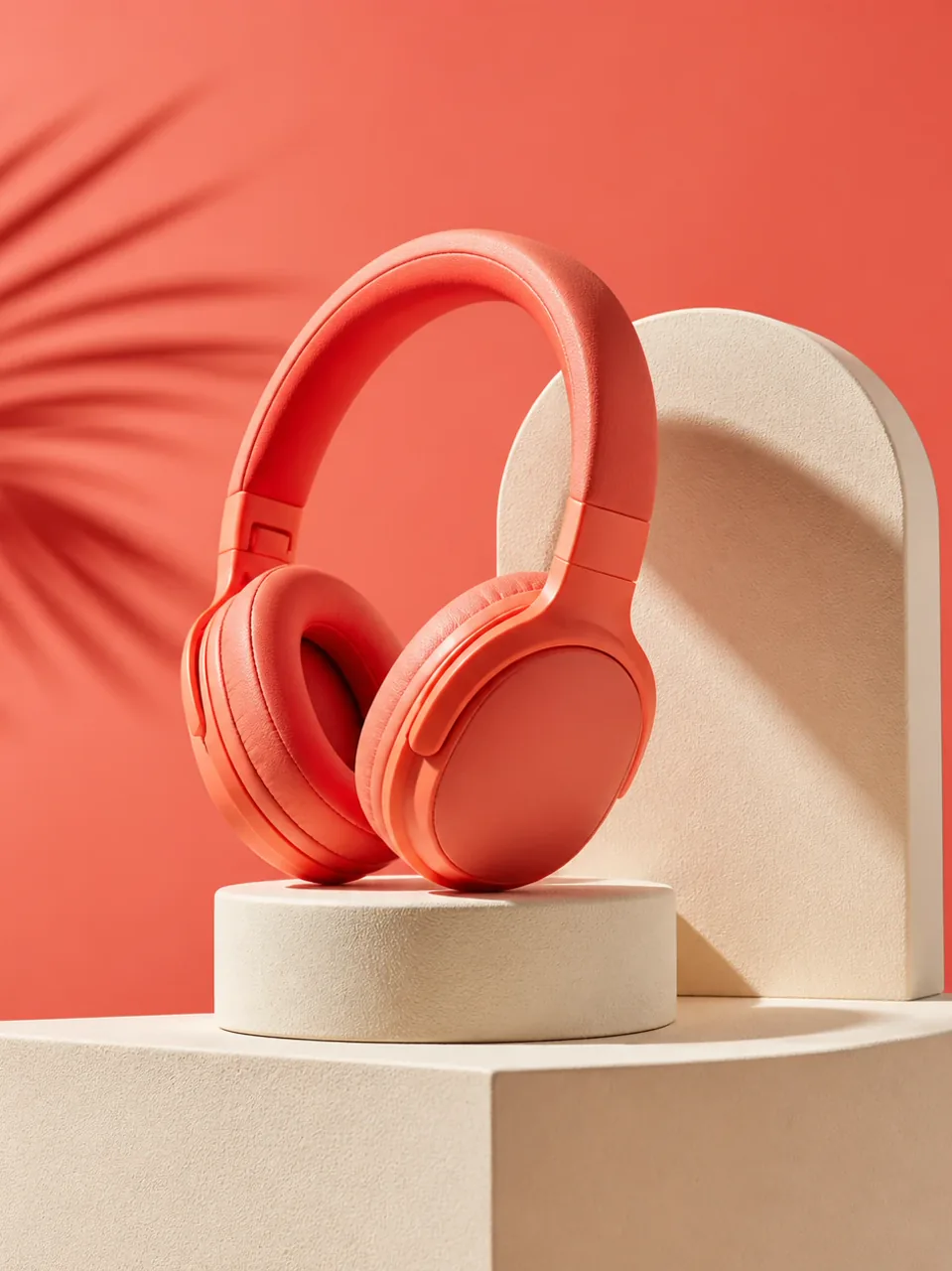 Product & Ecommerce
Give this product photo a clean coral-and-cream social campaign color grade. Preserve the product geometry, surface texture, and composition; no text or logos.
Try This Edit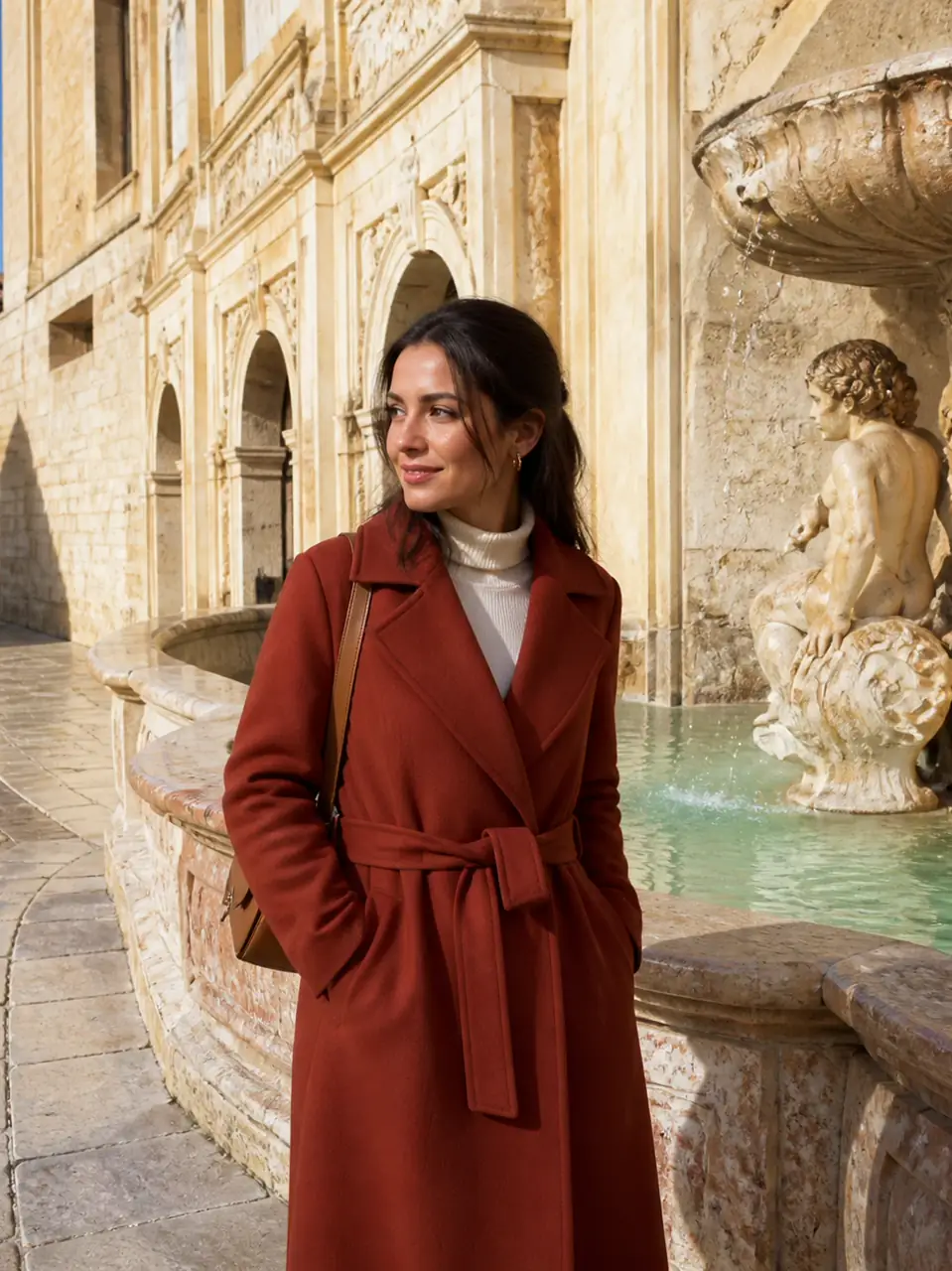 Cleanup & Background
Remove the distant tourists behind the adult traveler. Reconstruct the stone walkway and architecture naturally while preserving the main subject and daylight. Keep the composition visually consistent.
Try This Edit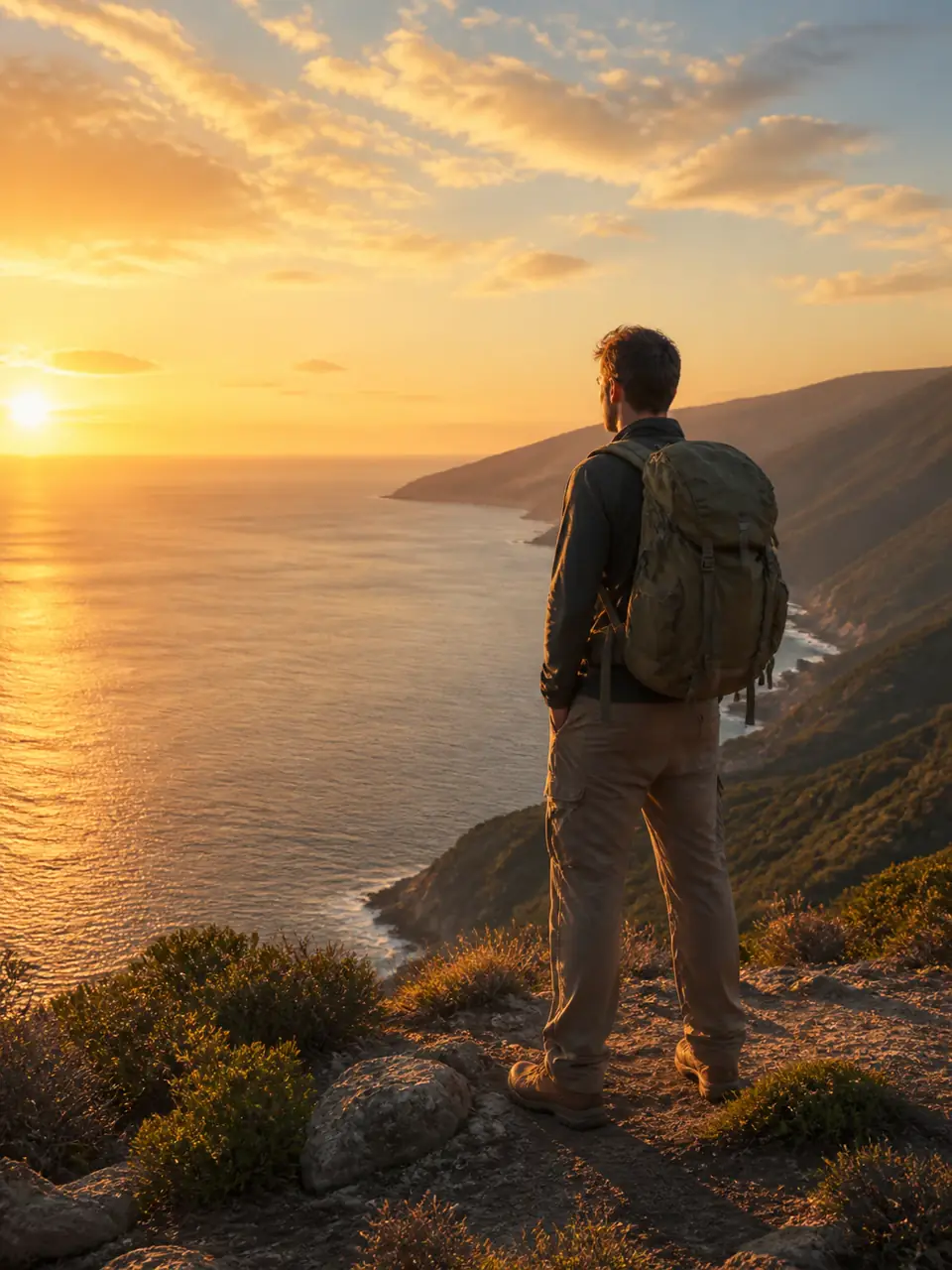 Cleanup & Background
Replace the flat sky with a subtle golden-hour sky and match the scene lighting. Keep the adult subject, landscape, horizon, and composition unchanged. Keep the composition visually consistent.
Try This Edit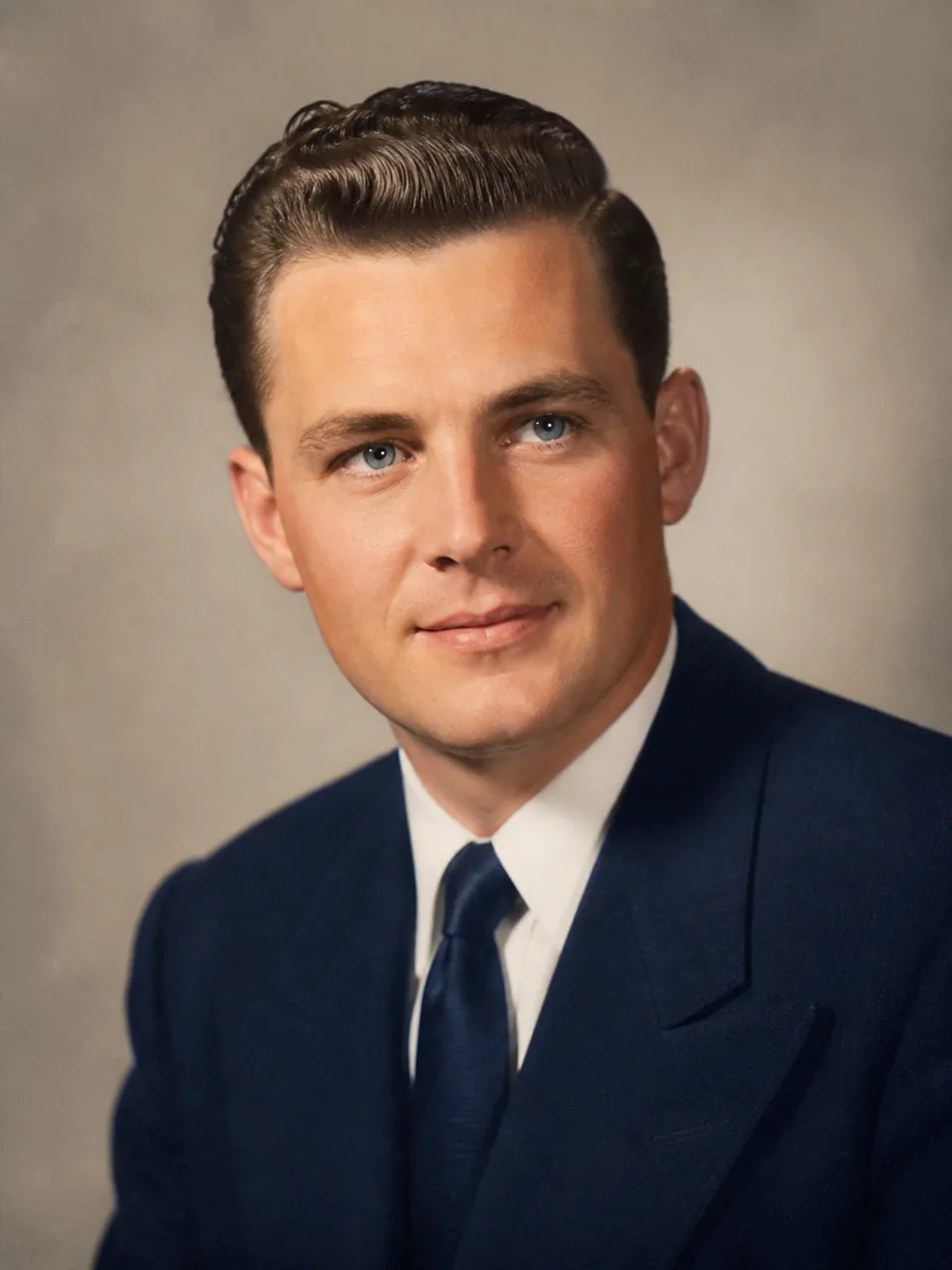 Restoration & Creative Light
Carefully colorize this faded vintage adult portrait with era-appropriate muted tones. Preserve facial structure, clothing, composition, grain, and photographic character. Treat the result as a generative interpretation rather than verified historical detail.
Try This Edit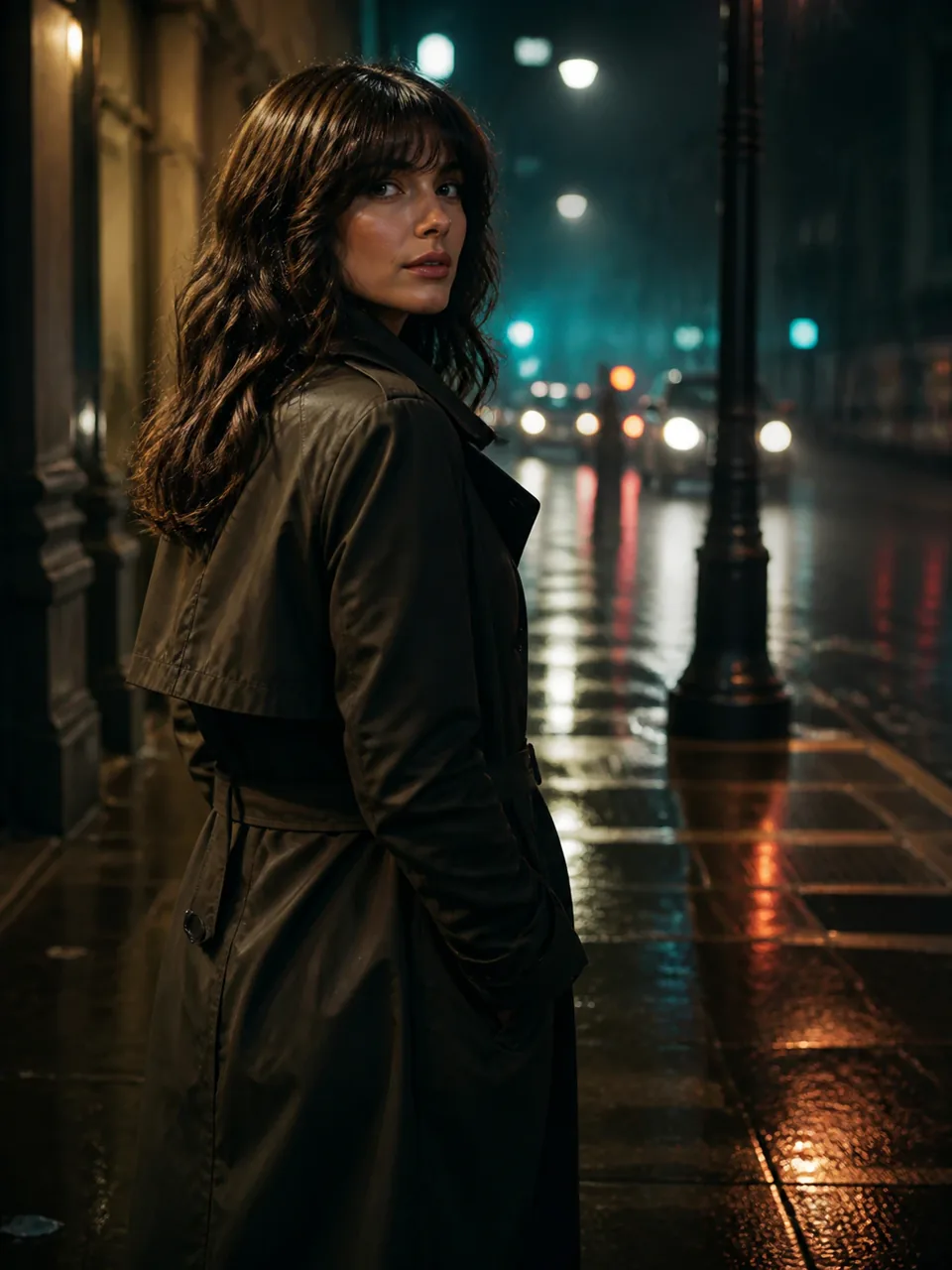 Restoration & Creative Light
Relight this adult street portrait as a cinematic rainy evening with restrained teal and amber reflections. Keep the same identity, pose, clothing, and street geometry.
Try This EditThe ChatGPT photo editor workflow combines plain-language instructions with a careful comparison against your source photo. GlobalGPT lets you choose among the models currently shown in the workspace.
Describe the change in everyday language: what to edit, where it appears and how the result should look.
Add preservation instructions for faces, expressions, products, poses, lighting, or composition. This makes the most important constraints visible before generation.
Remove distractions, rebuild simple surroundings, or replace a weak background with a more useful scene. Complex textures and crowded scenes may need extra review.
Ask for subtle skin, lighting, and color adjustments while preserving realistic texture and character. Natural retouching should still look like the person in the source photo.
Turn a usable source photo into studio, lifestyle, campaign, or ecommerce variations. Preserve product geometry and blank label areas when brand accuracy matters.
Choose an available image model, keep the same photo and instruction, then compare the edited result with your original.
Use the same photo and edit request across available models. These suggested tests guide your review; they are not measured model strengths.
| Criteria | GPT Image 2 | Nano Banana 2 | Seedream 5.0 Lite | FLUX.2 Pro |
|---|---|---|---|---|
| Suggested edit test | Background replacement | Natural portrait retouch | Constrained outfit restyle | Product relighting |
| Inspect closely | Edges and retained details | Face and skin texture | Seams and garment boundaries | Reflections and perspective |
| Access | Check account and credits | Check trial eligibility | Check account and credits | Check account and credits |
Arena image-editing ratings, September 21, 2026. Tested variants may differ from GlobalGPT settings; these external preferences do not measure accuracy on your photo.
| Rank | Model | Arena Rating | Votes | Rank Range | Price / Image |
|---|---|---|---|---|---|
| #1 | gpt-image-2 (medium) OpenAI / Proprietary | 1461.78 | 212326 | #1-#1 | 0 |
| #2 | grok-imagine-image-2.0 (low) SpaceXAI / Proprietary | 1439 | 5936 | #2-#2 | - |
| #3 | mai-image-2.6-preview Microsoft AI / Proprietary | 1416.85 | 9013 | #3-#4 | - |
| #4 | muse-image Meta / Proprietary | 1404.9 | 66921 | #3-#5 | - |
| #5 | mai-image-2.5 Microsoft AI / Proprietary | 1399.45 | 173251 | #4-#6 | 0.05 |
Source: Arena Leaderboard
No. GlobalGPT is an independent multi-model platform. Select GPT Image 2 in the workspace to use that available model. Your OpenAI or ChatGPT subscription does not automatically provide access here.
You can describe a background replacement, object removal, portrait retouch, product restyle, relighting, or color change. Use a clear source photo and specify the target and details to retain. Results need review; complex edits can change nearby areas.
No generative edit guarantees that. Add preservation instructions and inspect faces, product geometry, labels, lettering, and edges at full size. Keep the original file and use a manual editor when exact pixel placement matters.
Do not assume that a new generation remembers a previous one. Include the reference image and instructions needed for each request, and retain a copy of the original. This page does not promise persistent editing history between model runs.
You use GlobalGPT access and credits rather than a ChatGPT subscription. Check the selected model and your GlobalGPT account for current trial and credit conditions. No unlimited-free or fixed-speed guarantee applies.