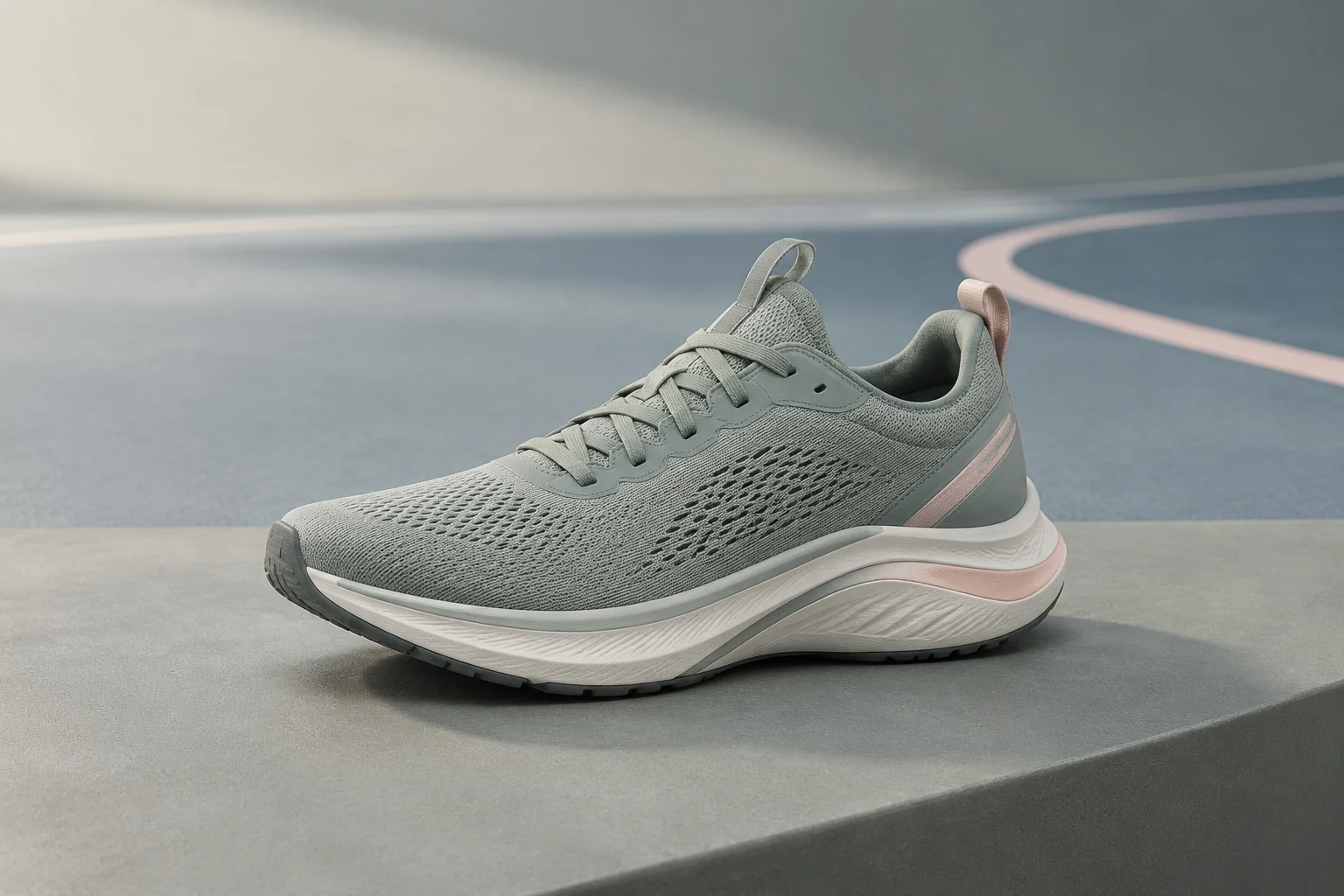
To make a sports product video ad with AI in 2026, begin with photos you own, choose the one product detail the viewer must notice, and generate a short motion shot around it. Use a template-led route for quick hooks and variants; choose a reference-led image-to-video route when the shoe, apparel, bottle, or equipment must retain its exact shape and materials. Finish the claim, price, and call to action in an editor, where you can inspect every frame before paying to distribute it.
Higgsfield’s 2026 sports-product guide describes Marketing Studio for assembling an ad and Cinema Studio 4.0 for directed camera work. This guide applies the same production decision to any route: keep the product recognizable, inspect the export, and clear the claims and rights before distribution. It is a workflow guide, not a model test.
If you want a fast presenter-led product ad, GlobalGPT Studios offers a guided route: choose a style, upload one product image, select a presenter, then review a short vertical result. For a precise shoe-flex or camera-control shot, use a reference-led video workflow instead. Check the live controls and credits before creating. For a broader starting point, compare these voorbeelden van productvideo-advertenties.
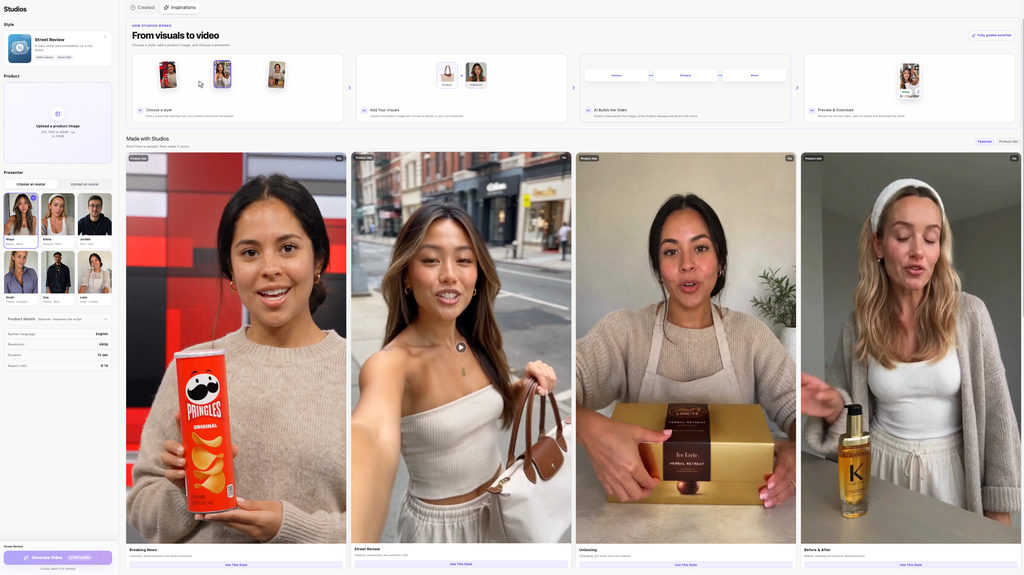
Quick answer: pick the route by what must stay true
Build one brief before opening a generator
Choose one product, one audience, one proof point, and one motion idea. For a running shoe, “lightweight” is a claim to substantiate; a visible flex or grip detail is a shot to plan. Photograph the product from front, side, and detail angles under even light. Keep a clean still of the exact colorway as the source of truth. If a logo or label must be exact, plan to composite or overlay the approved artwork in postproduction rather than asking a model to recreate small type. For a script-first campaign, use this AI video from script workflow to organize the message before making clips.
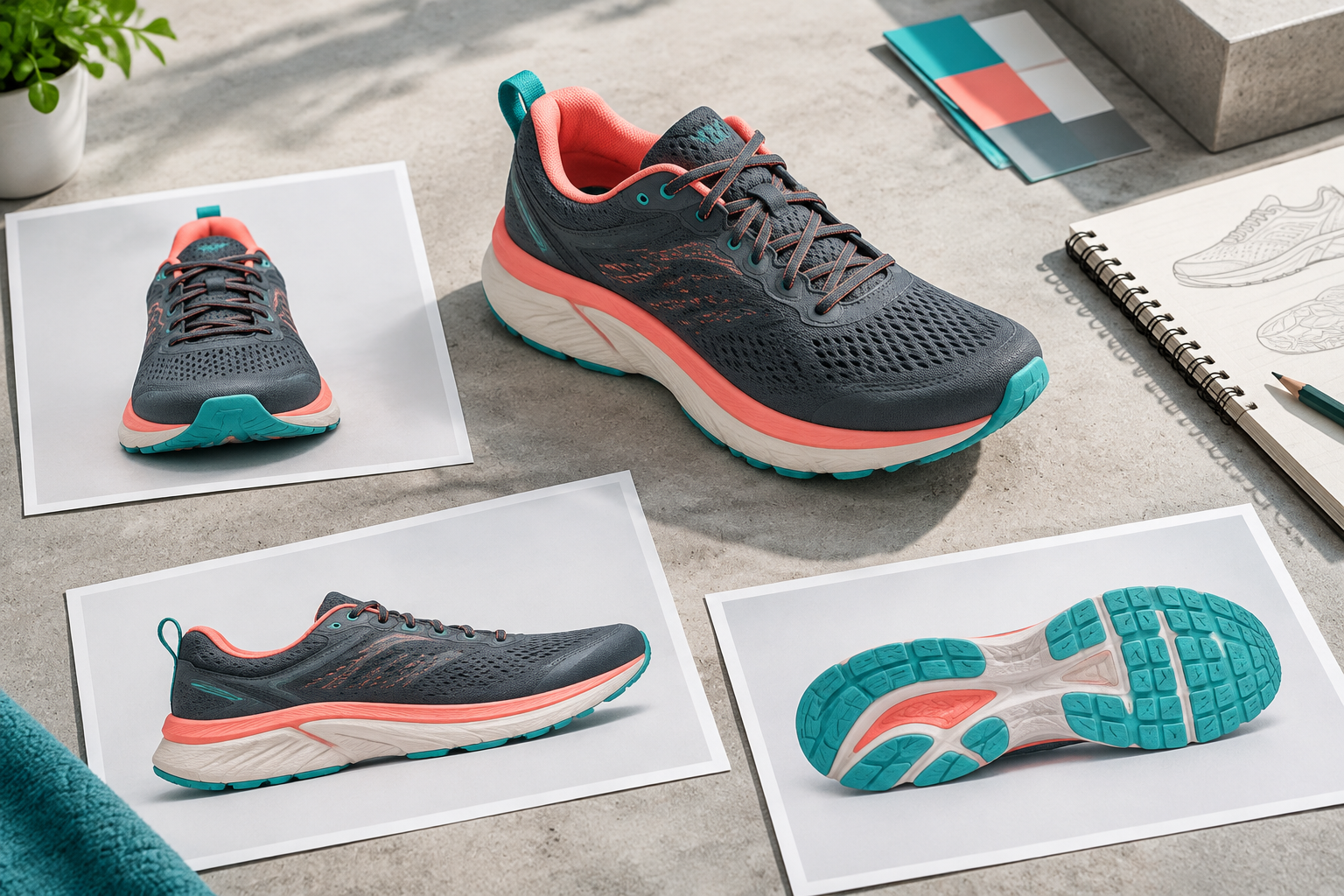
The prompt states what must remain unchanged and what the camera should do. Use one motion instruction per shot. If the output changes the outsole or material, revise the reference or shorten the shot before making a second variant. Do not hide a product error with faster cuts. Our Handleiding voor consistentie in AI-video’s covers the same issue across multiple shots.
Turn the draft into an ad
- Lock the product. Confirm that the input photos, packaging, logos, and product claims are authorized for this campaign.
- Generate the shortest useful shot. Make the product hero first. A clean five-second product shot is more reusable than a longer clip with changing details.
- Inspect frame by frame. Check the silhouette, materials, label, athlete anatomy, contact with the ground, and beginning and ending positions.
- Assemble the message. Add a hook, product benefit, substantiated claim, price if applicable, and CTA in an editor. Keep text clear of platform interface overlays.
- Make one variant. Change one variable, such as the opening hook or camera angle, so you can tell what improved.
- Export and review. Open the actual file, check dimensions, length, audio, watermark, caption readability, and the platform’s current ad specifications.
Inspect the full clip between these checkpoints. Reject identity drift instead of hiding it with a quick cut.
GlobalGPT's videowerkruimte is a route for a reference-led pilot, while Studios is the guided presenter route. The final rights and export checks belong in the campaign workflow regardless of which generator created the shot. If you want to explore Higgsfield’s own route, see our Marketing Studio video-ad walkthrough; for a separate image-to-video approach, see the Handleiding voor het omzetten van afbeeldingen naar video in Kling.
Budget for the usable result
Do not compare only the price of one generation. Estimate usable ad cost = (total generation charges across all attempts + editing + licensed assets + review time) / approved exports. Convert time to a chosen labor rate before adding it to cash costs. Record each route separately: a provider subscription, its direct API, and GlobalGPT credits are different billing systems. A provider’s example credit table does not establish the charge on another platform. Read Uitleg over de credits bij AI-video’s before comparing task charges.
Clear the rights and claims before distribution
Product ownership does not automatically clear every element in the ad. Verify permission for athlete likeness, team marks, stadium footage, music, voice, and any stock asset. Check that a generated scene does not imply a real athlete’s endorsement. Claims about speed, injury prevention, performance, or safety need the same substantiation they would in a filmed ad. Review the provider’s current commercial-use and export terms for the exact account and workflow used. If a generated still becomes the starting frame, also check the Richtlijnen voor commercieel gebruik van AI-afbeeldingen.
Keep the approval record with the final file and confirm the provider’s current commercial-use terms.
Which workflow should you choose?
Choose a template-led route when you need many simple hooks and can accept stock-like motion. Choose reference-led generation when the product itself must be the hero and you can inspect each shot closely. Choose a hybrid when a paid campaign requires exact logos, a real athlete, verified claims, or multiple platform exports. Make one pilot, count the approved results, then scale the route that produces the most usable footage with the least repair work. Start a presenter-led pilot in GlobalGPT Studios, or compare other routes in the Handleiding voor AI-videogeneratoren.
Veelgestelde vragen
Can I make a sports ad from product photos alone?
You can make a draft from clean product photos, especially for a product-only shot. A finished paid ad still needs frame review, message editing, rights checks, and a usable export.
How many photos should I prepare?
Start with a front view, side view, and close-up of the material or defining detail. Add another angle only when it solves a specific visibility problem.
Will AI keep my logo and product details exact?
Do not assume it will. Inspect the entire clip, and use approved artwork in postproduction for small text or marks that must be exact.