

Target the Useful Detail
Focus on the part that needs definition instead of asking for aggressive sharpening everywhere.
Give a slightly soft photo a careful detail pass. Target eyes, hair, texture or product edges, compare the same crop and keep skin, colors and geometry looking natural. The video is an illustrative soft-to-sharp demonstration.
Sharpen My Image







Prompt Guide
Model
Reference Image
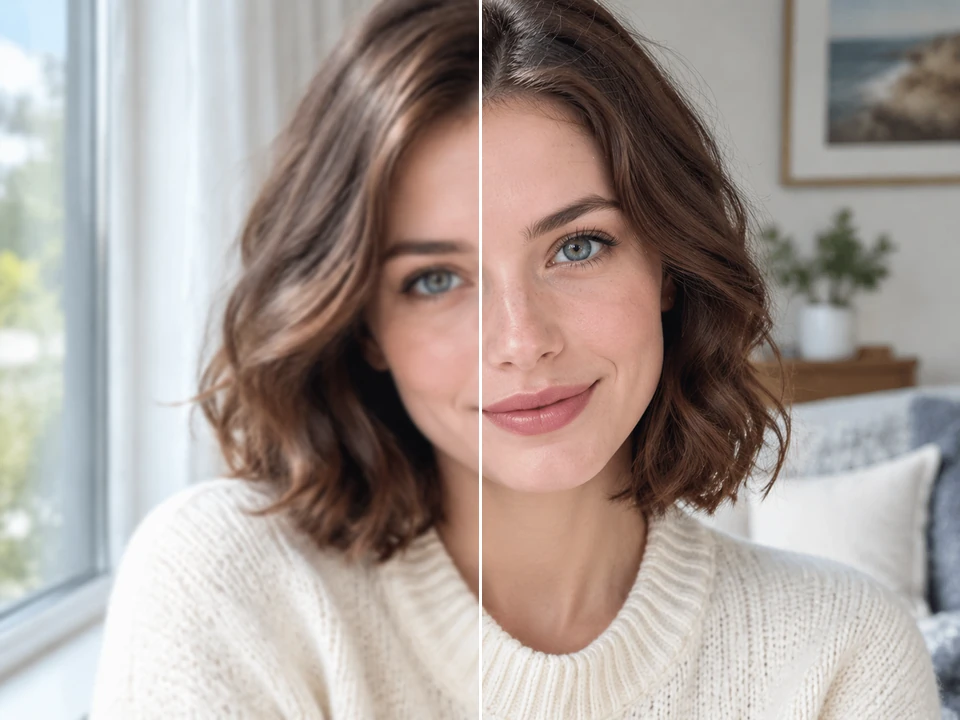
The detail comparisons below are controlled softening demonstrations, not verified restoration results.
Upload the clearest version you have. Mild softness is a better starting point than a severely out-of-focus image or a tiny compressed screenshot.
Name the area that matters: eyes, hair, fur, stone, fabric or product edges. Ask to preserve identity, geometry and colors without halos.
Inspect the original and edited result at the same scale. Check faces, text and fine edges, reduce an exaggerated result and download only after reviewing.
Illustrative comparisons: the left side is a controlled softened copy, and the right is the same generated source. These are not measured tool results.
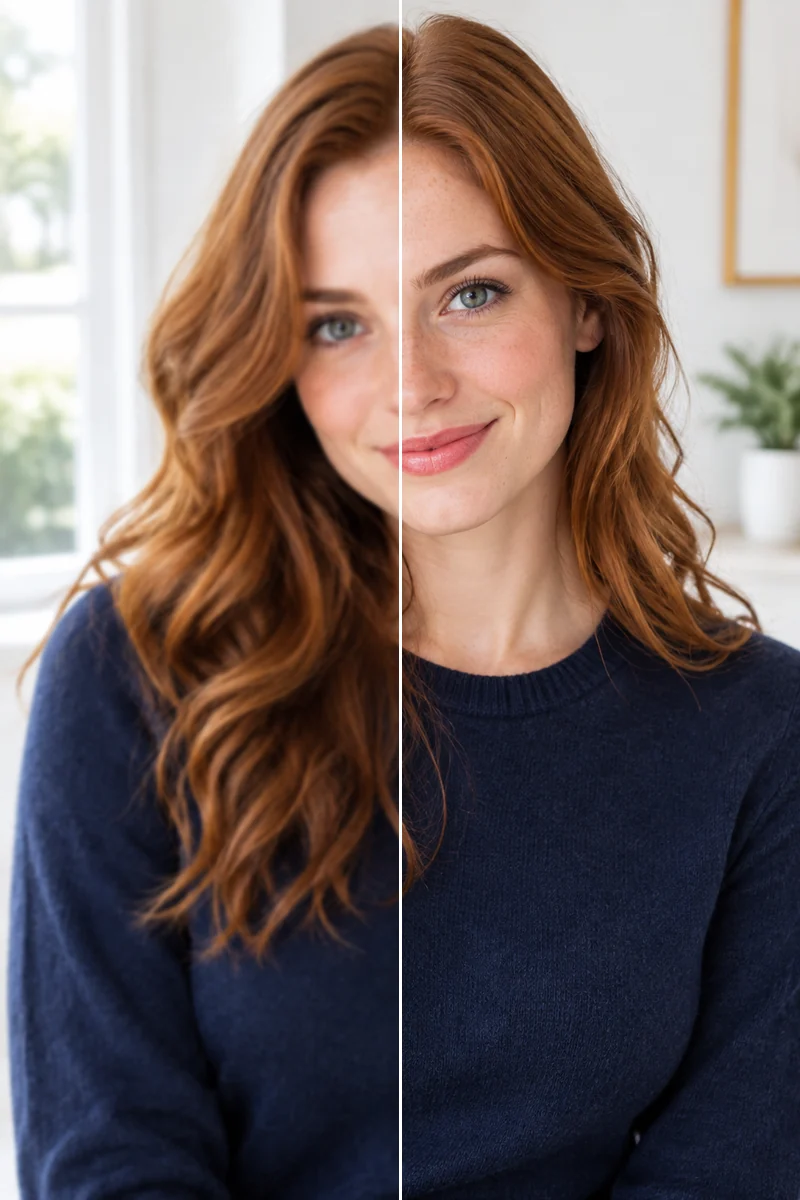 Editorial Portrait
A realistic editorial portrait of a clearly adult 26-year-old traditionally attractive Caucasian woman with auburn waves, subtle freckles, bright eyes, fully clothed in a navy wool top, flattering broad daylight in a pale interior. Fine natural hair and fabric texture, stable realistic anatomy, no smoothing filter, no hands visible.
Try This Prompt Pet Fur
A bright authentic pet portrait of a small white-and-tan wire-haired terrier resting beside a cream linen cushion, fine whiskers and individual fur strands resolved naturally, playful alert eyes, sunlit ordinary home, shallow depth with crisp subject, no collar writing or tags.
Try This Prompt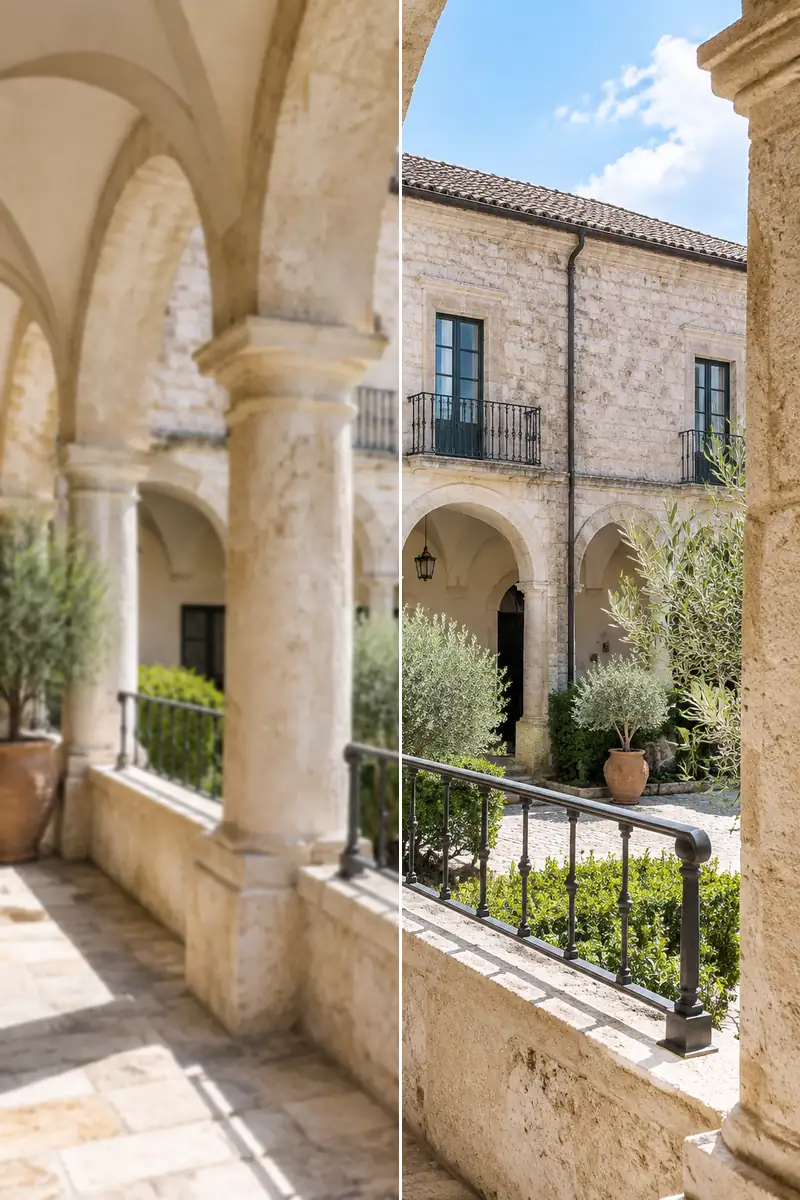 Architecture
A refined realistic travel photograph of an old pale travertine arcade in a quiet European courtyard, stone pores, mortar seams and iron railing edges in clear focus, bright noon light, natural proportions, no people, signs, lettering or logos.
Try This Prompt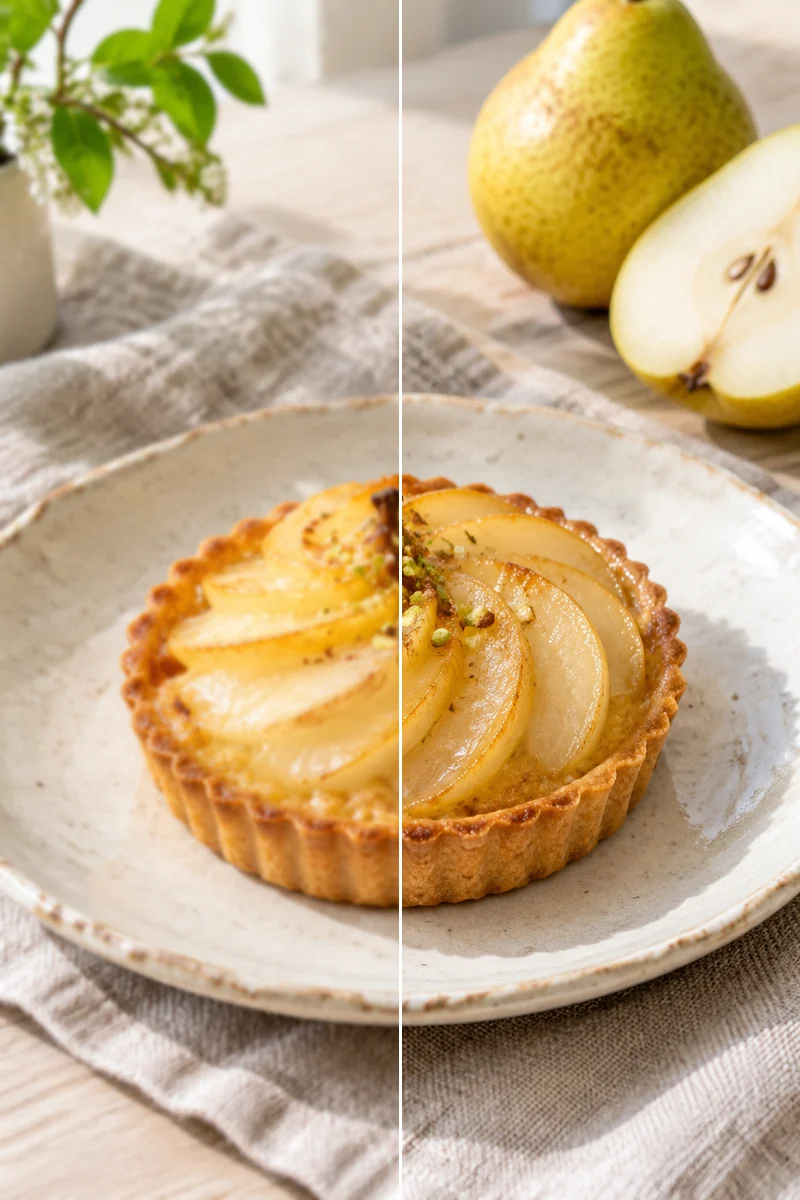 Food Texture
Natural editorial food photograph of a small pear tart on a handmade ivory plate, delicate pastry flakes, glazed pear fibers and linen weave visible, soft bright kitchen daylight, restrained authentic colors, no cutlery logos, text, hands or steam effects.
Try This Prompt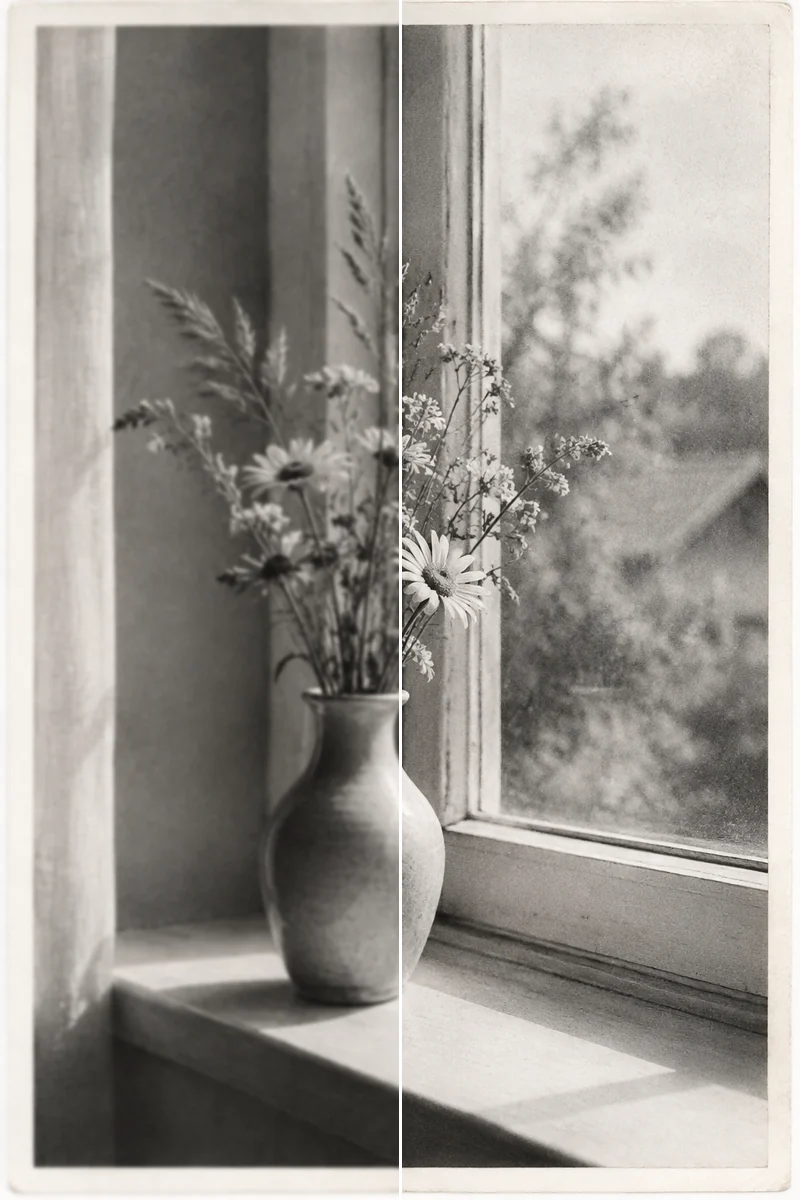 Vintage Print
A carefully preserved 1960s-inspired monochrome photographic print of a simple ceramic vase and wildflowers on a windowsill, subtle authentic silver-gelatin grain and paper border, clear original edges with no invented objects, bright neutral archival scan, no people, date, writing or signature.
Try This Prompt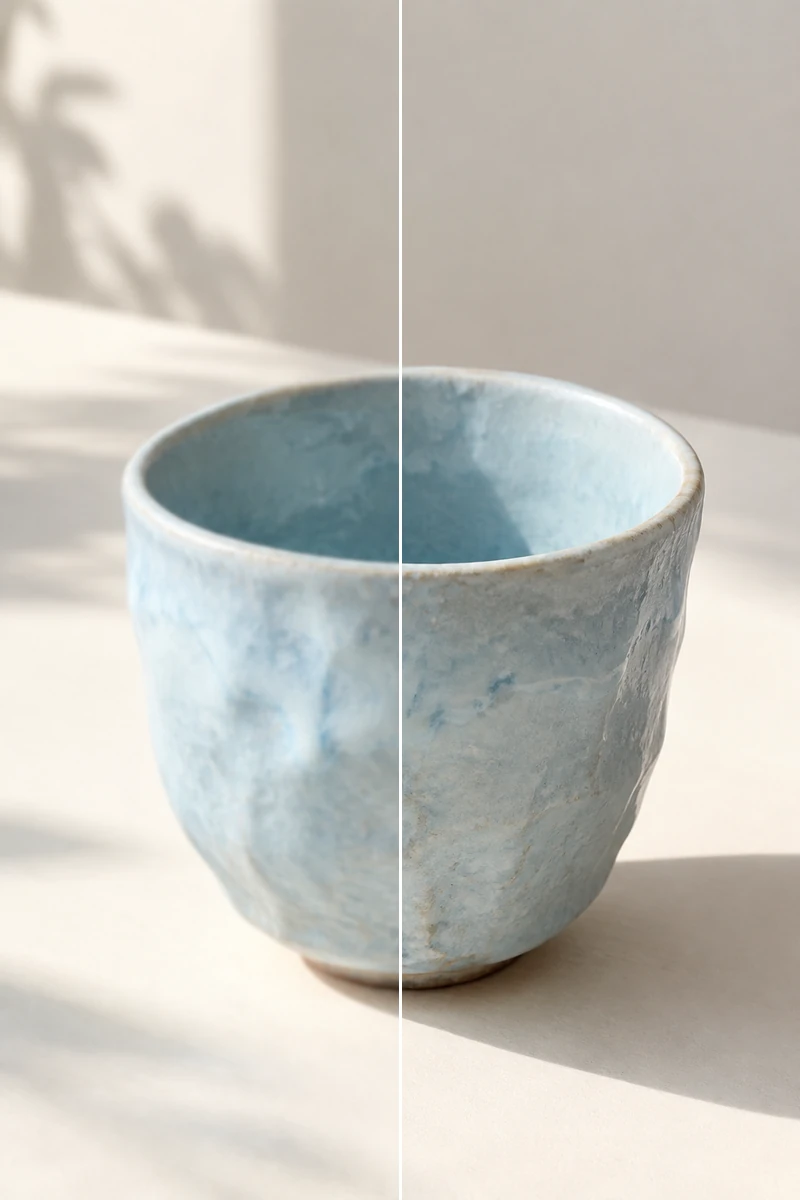 Handmade Products
Close authentic photograph of a handmade pale-blue ceramic cup with irregular matte glaze and a clear finely defined rim on a clean cream tabletop, bright natural side light, visible truthful glaze texture and gentle shadows, no branding, text, logos or hands.
Try This PromptFocus on the part that needs definition instead of asking for aggressive sharpening everywhere.
Keep natural skin, realistic color and consistent object shape; reject crunchy edges and invented texture.
A matching crop makes it easier to notice halos, face drift and changes that a small preview can hide.
Fictional examples of how someone might use the workflow; not verified customer reviews.
I would inspect the eyes and hair at the same crop before accepting a portrait edit.
The woven-bag example gives me a useful way to judge edges without making the material look artificial.
For an old print, I would compare grain and shape carefully and keep the original alongside the edited version.
Mild softness and weak edge definition may improve. The AI sharpen image workflow cannot reliably recover information that was absent or severely blurred.
Preservation is a goal, not a guarantee. Ask for a restrained edit and compare the face carefully; reject changes to features, expression or skin texture.
Do not rely on it to reconstruct unreadable wording or records. Models can invent letters and numbers. Use a better scan or the original document when accuracy matters.
Excessive edge contrast can create bright halos, ringing and amplified noise. Request less sharpening and inspect at the same magnification as the original.
No. The visual comparisons are illustrative examples using controlled softening of generated sources. They explain the inspection method and are not measured restoration benchmarks or guarantees of a particular result.