If you want to download a Sora video without a visible watermark, the safest answer is not to remove a watermark from an existing file. The better workflow is to generate or export the video through a route that is allowed to provide clean downloads, while respecting AI disclosure, platform rules, and content rights.
In 2026, Sora is a maintenance topic rather than a growth topic for creators. Some readers still search for Sora watermark answers, so this guide keeps the facts current. But if you are starting a new video workflow today, compare active alternatives such as Veo 3.1, Grok Imagine, and Nano Banana-based image-to-video workflows instead of relying only on Sora.
The short version: visible watermarks and invisible AI provenance signals are different. A file may have no visible logo and still contain metadata or provenance signals. Do not use watermark-removal tools to hide AI origin or remove ownership marks. Use GlobalGPT or another permitted generation route when you need clean, publish-ready exports, and switch models when Sora access, cost, restrictions, or watermark behavior gets in the way.
Need a clean AI video export now? Try GlobalGPT to compare Sora-style workflows, Veo 3.1, Grok Imagine, Kling, Wan, and Nano Banana image-to-video workflows from one place.

What Is the Default Watermark Policy for Sora 2?
As of 2026, OpenAI’s Sora 2 watermark policy is:
Visible Watermark (Default)
- Standard users always get a visible Sora watermark.
- The watermark typically appears in the bottom-right corner and may be animated.

Invisible Watermark (Always)
All Sora videos—whether Pro or Standard—carry:
- C2PA metadata
- Invisible digital signatures
These cannot be removed and ensure platforms like YouTube, TikTok, Instagram, and Meta can verify AI-generated content.
Sora 2 vs Sora 2 Pro: Watermark Differences (Verified)
✅ Official and Verified Information
All Sora videos include a watermark by default (Standard)
OpenAI has stated that:
→ All generated videos include both visible watermarks and invisible metadata (C2PA)
In practice, this means:
- A visible “Sora” watermark (typically in the corner)
- Used to clearly identify AI-generated content
⚠️ Sora 2 Pro: More Flexible but Not Fully Watermark-Free
Sora 2 Pro offers more flexibility, but the situation is more complex:
- Watermark-free outputs are possible in some cases
- Certain Pro workflows or API outputs
- → Allow downloading videos without visible watermarks
- Not guaranteed in all scenarios
- Some features may still include watermarks, such as:
- Character / cameo generation
- Safety or compliance-related content
- Some features may still include watermarks, such as:
- Invisible metadata still applies
- OpenAI emphasizes that:
→ Even without visible watermarks, videos may still contain hidden metadata (C2PA) for AI content identification
- OpenAI emphasizes that:
🔍 Key Comparison (Most Accurate Summary)
| Feature | Sora 2 (Standard) | Sora 2 Pro |
|---|---|---|
| Visible Watermark | ✅ Always included | ❌ Removed in some cases |
| Invisible Watermark (C2PA) | ✅ Included | ✅ Still included |
| Download Output | Watermarked videos | Sometimes watermark-free |
| Commercial Use | Limited (less professional) | More suitable for commercial use |
Watermark Differences by User Plan
Standard / Plus Users
- Visible watermark: Yes, always
- Invisible watermark: Yes, enforced
ChatGPTPro ($200/mo)
- Visible watermark: You can download videos without visible watermarks sometimes.
- Invisible watermark: Still included (C2PA cannot be removed)

Does Sora 2 API Output Include Watermarks?
Yes—but it depends on which model tier you are calling:
1. Sora 2 Standard (API)
- Visible watermark: Not included
- Designed for testing, prototyping, and internal use.
2. Sora 2 Pro / Enterprise API
- Visible watermark: Not included
- Invisible watermark: Always included
- Higher pricing per second of output.
3. Third-Party API “Wrappers”
Some claim “no watermark,” but:
- They typically download Pro-tier videos and re-serve them
- Or remove the watermark manually
- This can degrade quality
- And may violate OpenAI’s Terms of Use
If you want to know the pricing of the Sora 2 API, please check out this article: Sora 2 API Pricing Compared: Official vs Unofficial Providers, Costs, and Developer Reactions.
Why Sora 2 Videos Usually Cannot Be Downloaded Without Watermark
Most users search for:
- “download sora video without watermark”
- “remove sora watermark free”
- “how to get sora videos clean”
The reality is:
- You cannot legally remove Sora’s watermark unless you are a Pro subscriber.
- Even Pro videos contain C2PA metadata, which platforms can detect.
- OpenAI prohibits bypassing digital watermarking.
Thus, users need an alternative way to create Sora-quality videos without a visible logo.

Sora Alternatives for Clean AI Video Workflows
If your real goal is a professional-looking AI video without a visible logo, Sora is no longer the only path. In many cases, the faster workflow is to start with an active model that fits the job instead of trying to force a Sora export.
Use Veo 3.1 when you need cinematic video, stronger scene control, realistic motion, and production-style output. It is a better default for creators who care about polished storytelling, ads, product clips, or narrative scenes.
Use Grok Imagine when you want fast image-to-video experiments and social-style creative tests. It works best for quick iteration, but you should still avoid non-consensual likenesses, deepfake-style edits, or unsafe content.
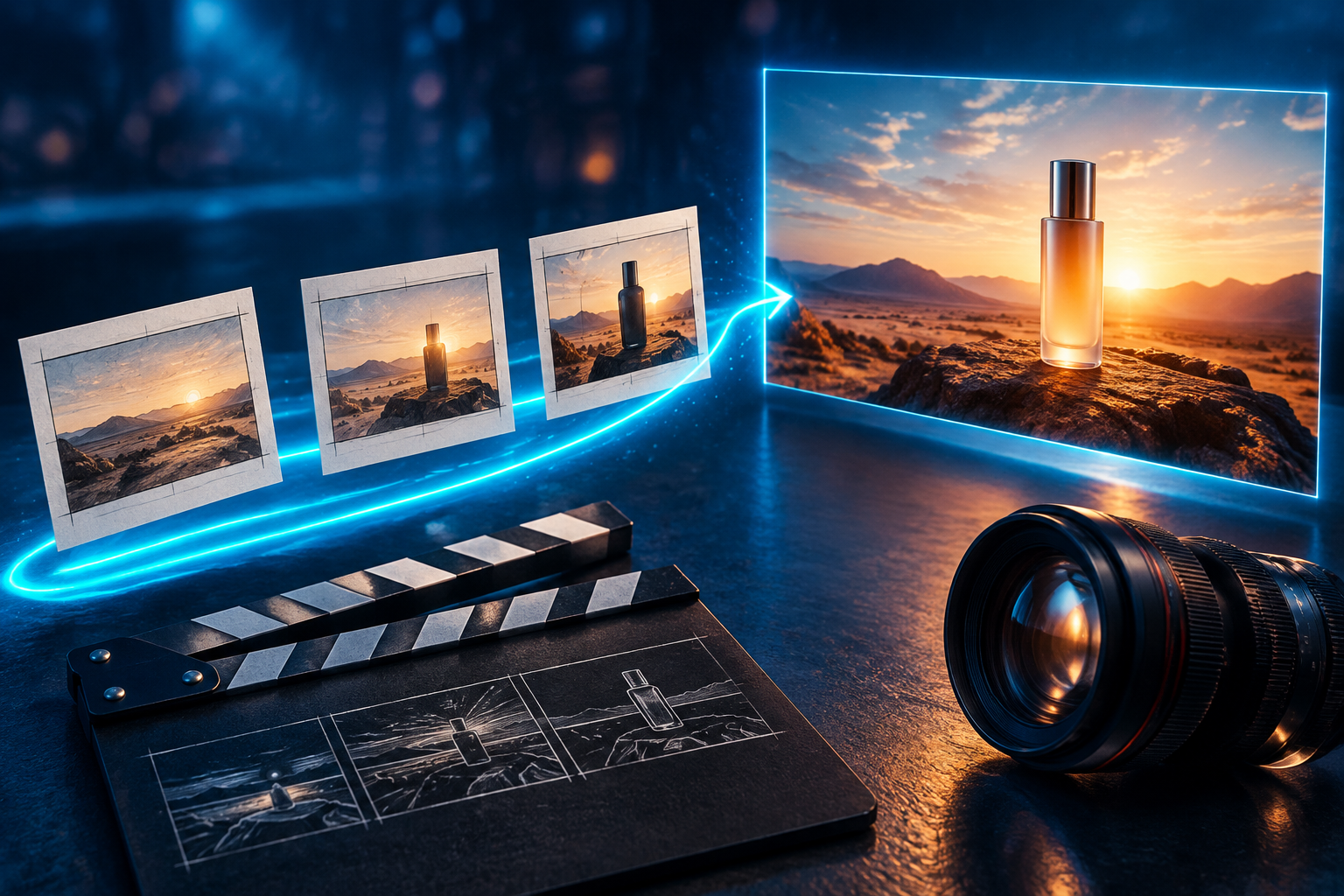
If your idea begins with a thumbnail, product frame, storyboard, or character reference, create the still image first with Nano Banana, then animate it with a video model. For more image variations before the final video render, use Nano Banana 2. Need stronger prompts for image-to-video prep? The Nano Banana prompt guide can help you build cleaner concept frames before animation.
For a broader model comparison, read our Sora 2 alternatives guide. The best 2026 setup is usually multi-model: create the frame in Nano Banana, animate it in Veo 3.1 or Grok Imagine, then compare exports inside GlobalGPT before publishing.
| Goal | Best route | Why |
|---|---|---|
| Cinematic video without a visible logo | Veo 3.1 | Better fit for polished scenes, camera language, realism, and production-style video. |
| Fast social image-to-video tests | Grok Imagine | Good for rapid creative iteration and short expressive clips. |
| Thumbnail, storyboard, product visual, or character frame | Nano Banana | Best when the first asset should be a still image before animation. |
| More image variations before video | Nano Banana 2 | Useful for iterating visual concepts before choosing one to animate. |
| Compare Sora-style and non-Sora workflows | Sora alternatives guide | Helps readers choose based on access, quality, restrictions, speed, and cost. |
Why Global GPT Lets You Create Sora-Style Videos With No Visible Watermark
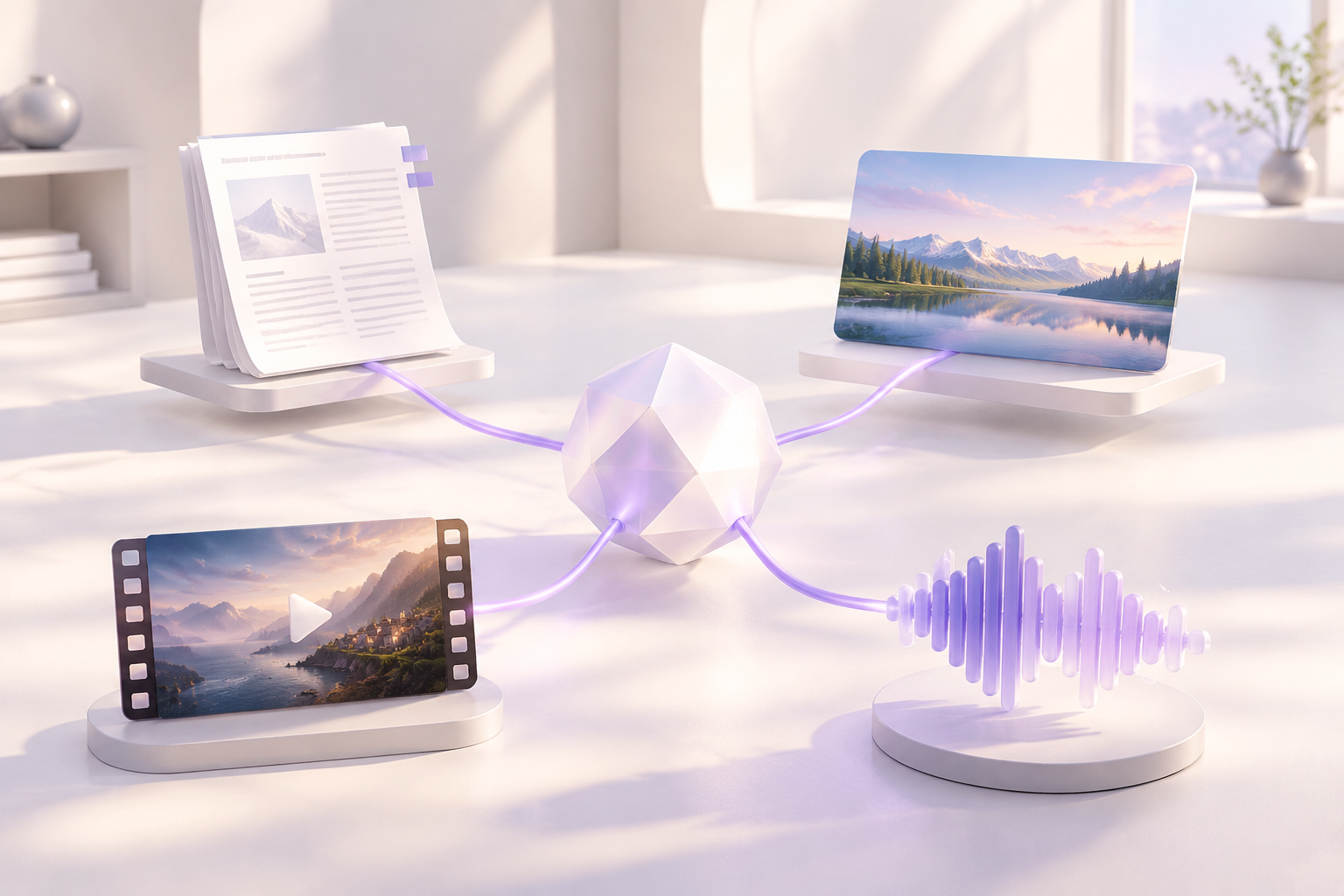
Global GPT is an advanced AI platform that integrates several world-class video models and AI agents:
- Sora 2
- Sora 2 Pro
- Kling
- Veo 3.1
- Additional proprietary and partner models
What makes Global GPT different?
1. No Visible Watermark in Output
Videos generated via Global GPT:
- Do not include visible logos
- Export cleanly in HD / 4K
- Are ready for commercial or creative use
2. Multiple Top-Tier Models
You can generate:
- Sora-style cinematic videos
- Kling ultra-smooth motion videos
- Veo 3.1 photorealistic scenes
All from a single interface.

3. Zero Post-Processing Required
No need to use watermark remover tools or risk quality loss.
Global GPT gives you clean video output by default.
How to Create Sora-Style Videos Without Watermark (Using Global GPT)
Step 1 — Open Global GPT
No installation required. Access through your browser.

Step 2 — Choose Your Video Model
Options include:
- Sora 2
- Sora 2 Pro
- Kling
- Veo 3.1
Each offers different strengths (cinematic realism, fluid movement, etc.).

Step 3 — Enter Your Prompt
Write a detailed prompt describing:
- Scene
- Style
- Camera movement
- Lighting
- Characters
- Atmosphere

Step 4 — Generate and Preview
Global GPT renders within seconds.
Step 5 — Download the Final Video
Your video downloads:
- No visible watermark
- Preserved full quality
- Ready for use immediately

Is This Method Safe and Allowed?
Yes—Global GPT is not bypassing OpenAI watermarks or violating policies.
Instead, the platform uses:
- Official API tiers
- Sora 2 Pro / Enterprise-level endpoints
- High-compliance model integrations
You are not “removing” watermarks; you are simply generating videos from models and model tiers that officially allow no visible watermark.
Final Thoughts: The Best Way to Get Clean AI Video Exports
If your video already has an official Sora watermark, do not use a remover tool to hide it. That can create platform, rights, and trust problems. The better path is to choose a generation route that supports clean downloads before you create the video.
For Sora-style output, GlobalGPT can help you test available video routes from one workspace. But Sora should not be your only option in 2026. If you want polished cinematic video, try Veo 3.1. If you want fast social experiments, try Grok Imagine. If your idea starts as a thumbnail, product shot, character, or storyboard, begin with Nano Banana or Nano Banana 2, then animate the result.
The practical rule is simple: do not remove watermarks after the fact. Generate through the right route, keep AI disclosure requirements in mind, and use the model that best fits the job.
Still unsure which model fits your use case? Compare access, output quality, restrictions, and speed in our full Sora alternatives guide.
FAQs About Downloading Sora Videos Without Watermark
Can I download a Sora video without a watermark?
Sometimes, but it depends on the route used to generate or export the video. Some pro, API, enterprise, or third-party model routes may provide files without a visible logo. Do not assume every Sora or Sora-style export is watermark-free.
Is it okay to remove a Sora watermark from an existing video?
No. Avoid using watermark-removal tools to hide a platform logo, AI origin signal, or ownership mark. A safer workflow is to generate the video through an allowed clean-export route from the start.
What is the difference between a visible watermark and invisible AI metadata?
A visible watermark is a logo or mark that appears on the video frame. Invisible AI metadata or provenance signals may remain inside the file even when no visible logo appears. A video can be visually clean and still include AI disclosure metadata.
Does GlobalGPT remove Sora watermarks?
GlobalGPT should be positioned as a generation and model-access workspace, not as a watermark-removal tool. Depending on the available model and export route, creators may be able to generate clean videos without a visible logo instead of removing a watermark from an existing file.
What should I use if Sora adds a watermark or is unavailable?
Use an active alternative that matches your goal. Choose Veo 3.1 for cinematic video, Grok Imagine for fast image-to-video experiments, and Nano Banana or Nano Banana 2 for still images, thumbnails, product visuals, and storyboard frames before animation.