If you are trying to deal with Sora 2 watermarks in 2026, the most important update is not a hidden export setting. OpenAI now lists the Sora 2 video generation models and Videos API as deprecated, with the API scheduled to shut down on September 24, 2026. That means old Sora 2 tricks are no longer a reliable production plan.
The easiest way to avoid watermarks is to use third-party platforms that integrate Sora 2, such as Global GPT. Videos generated there come without any watermarks, so you don’t need to remove them. Plus, these platforms have looser content restrictions and don’t require invite codes.
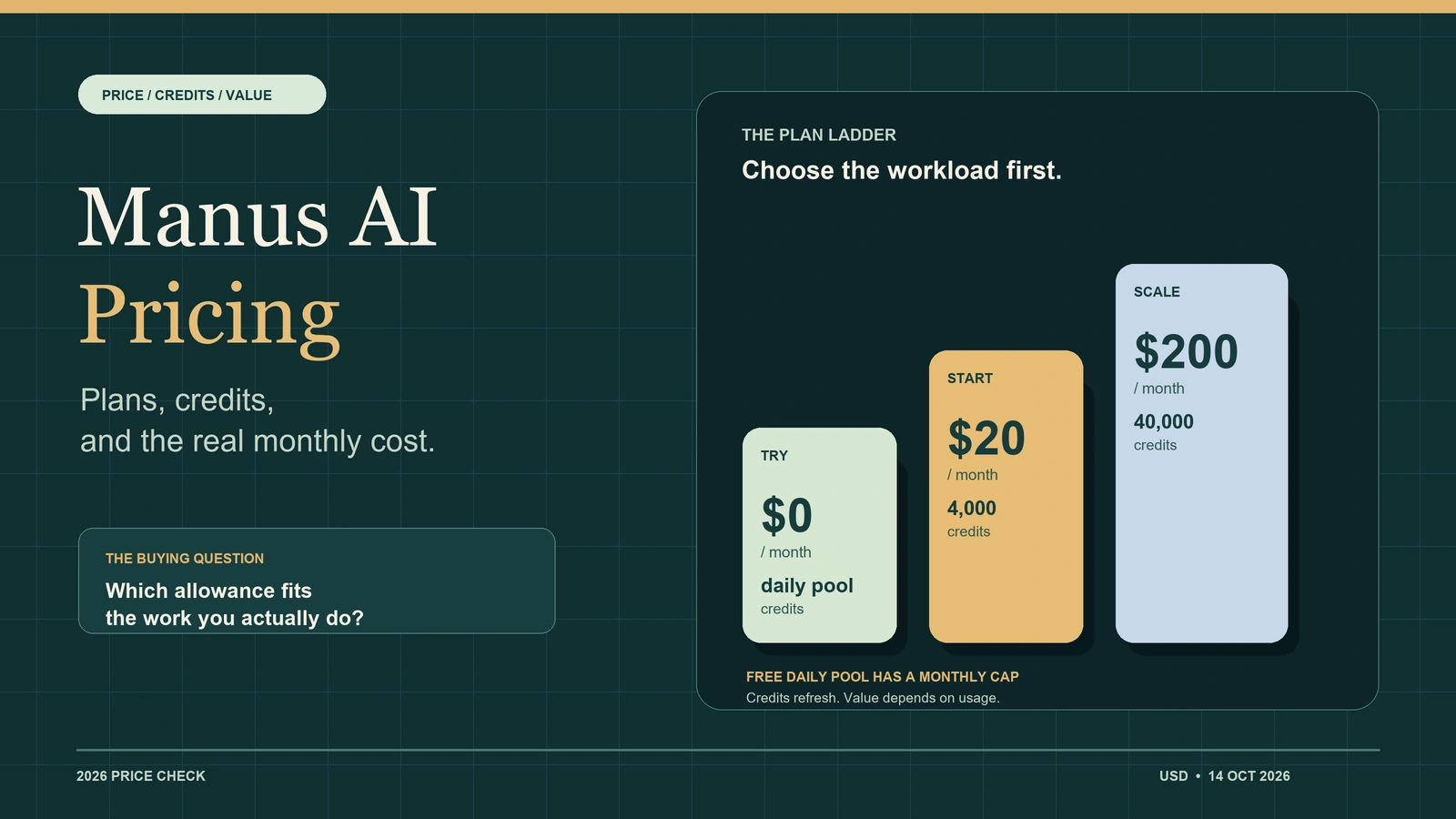
Global GPT currently integrates Sora 2 Pro, which can generate videos up to 25 seconds long. Normally, Sora 2 Pro is only available for users with a $200/month ChatGPT Pro subscription, but with Global GPT, you can use it without the expensive subscription.
As an all-in-one AI platform, Global GPT also offers video models like Veo 3.1, Kling, and Wan 2.6, research and writing with Perplexity, ChatGPT 5.2, Gemini 3 Pro, and Claude Sonnet 4.5, plus image generation via Nano Banana Pro and Midjourney.
Right now, there’s a promotion with discounts of up to 50%.

But let’s go deeper into why the watermark appears and what you can do about it.
Why Watermarks Appear in Sora 2 Pro

I initially assumed that the Pro plan would let me download videos without watermarks. However, after testing, I realized that:
- Sora 2 watermarks are not something you should treat as a simple on/off switch. A visible label is only one part of the picture; provenance, account workflow, export path, and platform rules can all affect how an AI-generated clip should be used.
- The option to remove watermarks works only with the older Sora 1 model, not Sora 2.
- Official documentation about watermark removal is confusing, leaving many users, including myself, frustrated.
Understanding this limitation helped me explore alternative approaches to get clean videos.
When OpenAI launched Sora 2, it promised a robust “provenance system” to make AI-generated videos traceable. Each video was supposed to include both:
- Visible Watermarks: On-screen “Made with Sora” labels for human recognition.
- Invisible Metadata (C2PA): Hidden digital signatures for machine verification.
In practice, however, users soon noticed inconsistencies. Our tests show that visible marks often appear on web and Pro outputs but are sometimes missing in API generations. Invisible watermarks remain, but many third-party tools can strip them accidentally through re-encoding or post-processing.
That’s why even the $200 Pro plan does not guarantee a clean download — and why many creators look for alternatives like Global GPT’s integrated model.
My Experience Using Third-Party Platforms with Sora 2
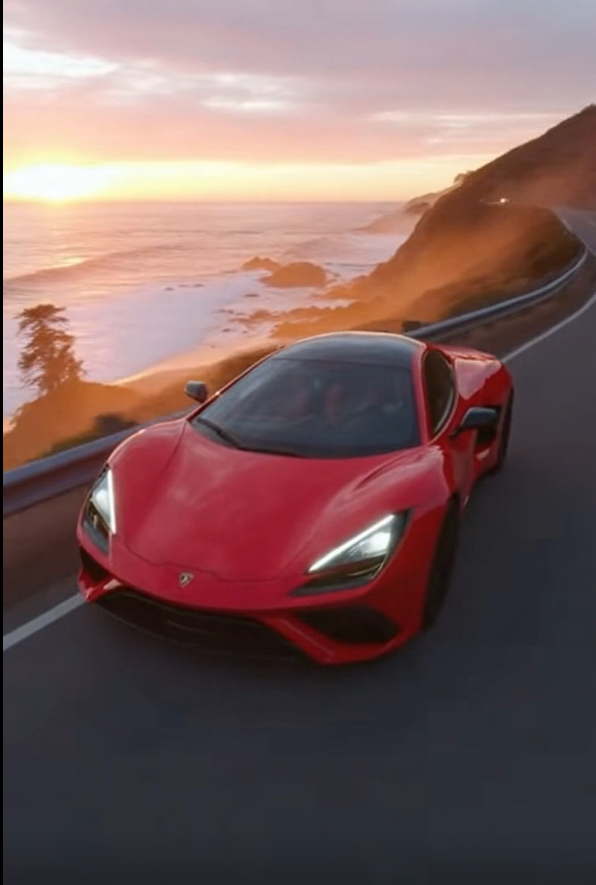
To bypass the watermark, I tried third-party platforms that integrate Sora 2. This turned out to be the easiest solution.
- On platforms like Global GPT, I could generate Sora 2 videos directly without a watermark.
- I noticed that these platforms offer fewer content restrictions compared to the official Sora 2 site, which made my workflow smoother.
- Switching to a third-party platform saved me hours of editing and ensured the videos looked professional.
Pro Tip: If you’re focused on branding or commercial projects, test your workflow.
Watermark Removal Tools We Tried (and What Worked)
In cases where you must use the official Sora 2 platform, watermark removal tools can help — but results vary.
We tested popular options such as Media.io, LunaAI.video, and NanoPhoto.ai. Here’s what we found:
- Fast but Imperfect Results: For simple videos, AI inpainting tools removed watermarks in seconds. For complex scenes with motion, minor traces remained.
- No Impact on Metadata: Most tools don’t touch invisible C2PA data, so forensic tracking still exists — a win for ethics and transparency.
- Risk of Artifacts: Over-aggressive removal can blur frames or distort logos, so manual touch-ups may be needed.
In short: these tools are useful for quick fixes but not ideal for professional outputs. Global GPT’s direct integration remains the cleanest solution.GPT to ensure every export is watermark-free from the start.
The Tech Behind Sora 2 Watermarks and Why They’re Hard to Remove
Sora 2 uses a layered provenance approach: a visible pixel overlay plus C2PA metadata and server-side trace logging. While the visible mark can be cropped or blurred, the invisible signals stay embedded in the file unless the video is re-encoded.
However, research from October 2025 shows that even these invisible signals can be weakened by “diffusion regeneration attacks” — AI processes that re-render frames and wash out metadata. This means no watermark system is 100% foolproof, especially against advanced regeneration methods.
For creators, this underscores the importance of using trusted platforms like Global GPT that balance creative freedom with ethical provenance standards.
Policy and Compliance Considerations
While technical removal is easy, policy compliance matters. OpenAI has stated that removing or altering Sora watermarks could breach its terms of service. However, the policy language remains ambiguous — and many users simply don’t know they’re violating rules.
At Global GPT, we encourage responsible use of AI tools:
- Generate authentic videos that respect consent and copyright.
- Avoid misleading audiences by pretending AI videos are human-made.
- Maintain transparency if using AI-assisted footage commercially.
Ethical AI adoption builds trust — and that’s what will differentiate responsible creators as Sora 2 and similar models evolve.
Better Alternatives to Sora 2 in 2026
I would not start a new project by looking for an older Sora model. If you are making new AI videos in 2026, it is more practical to choose the model around the job: cinematic quality, speed, account access, editing needs, and how the final video will be published.
| Use case | Better direction | Why |
| Cinematic video tests | Veo 3.1 | Google DeepMind presents Veo 3.1 as its leading video generation model. |
| Fast social video experiments | Grok Imagine, where available | xAI’s docs support Grok Imagine for image and video generation/editing; check your account access and pricing before relying on it. |
| Multi-model comparison | Veo 3.1, Kling, or Wan 2.6 on Global GPT | Useful when you want to compare output style and export behavior before committing to one model. |
| Thumbnails and storyboards | Nano Banana Pro or Midjourney | These image tools are useful for video assets, but they are not direct video-model replacements. |
The point is not to find a shortcut around Sora 2. It is to choose a maintained workflow that can still support revisions, publishing rules, and client expectations after the first export.
Practical Tips for Creating Watermark-Free Sora 2 Videos
Based on months of testing, here are our top recommendations:
- Use Global GPT for instant access to Sora 2 with no visible watermarks.
- Keep your prompt simple if using official Sora 2 — adding complex images often triggers watermarks.
- For light editing, AI inpainting tools like Media.io work well for static frames.
- For professional projects, revert temporarily to Sora 1 for clean exports.
- Stay ethical — don’t use unapproved removal methods on public platforms.
Following these steps ensures your content looks polished, compliant, and ready for publishing on YouTube, TikTok, or any social media platform.
Conclusion – The Future of Watermarking in AI Video
The old question was “how do I remove the Sora 2 watermark?” In 2026, the better question is whether Sora 2 is still the right model for the project. OpenAI now lists the Sora 2 video generation models and Videos API as deprecated, with shutdown scheduled for September 24, 2026.
If you already have Sora 2 footage, handle it carefully: keep disclosure clear, avoid edits that could mislead viewers, and check the rules of the platform where you generated and publish the video. If you are starting fresh, compare maintained video models before you commit to a workflow.Other Sora 2 limitations include caps on usage and video length. Free users have very limited quotas and often run into congested generation queues.
The cleanest path is not to remove a watermark after export. It is to choose the right model, generate the asset through a workflow you can publish responsibly, and keep enough flexibility to switch models when the AI video landscape changes.