
키미는 특히 긴 맥락과 리포지토리 차원의 신중한 판단이 필요한 작업을 수행할 때 정말 유용한 코딩 도우미입니다. 대개 걸림돌이 되는 것은 공식적인 가입 절차, 요금제 및 작업 공간 설정 과정이지, 코딩 자체의 품질은 아닙니다. GlobalGPT는 이를 드러냅니다. 키미 K3 따라서 Codex나 Claude Code와 함께 사용되는 CLI 워크플로우에서도 동일한 종류의 요청을 보낼 수 있습니다.
본연의 사용자 경험을 원한다면 공식 Kimi Code를 계속 사용하거나, 하나의 계정과 하나의 CLI, 그리고 비용이 더 저렴한 다중 모델 워크플로를 선호한다면 GLB를 사용하세요.
Kimi Code가 호감을 얻기 쉬운 이유는 간단합니다. 프로그래밍 작업이 단순히 하나의 파일에 대한 자동 완성 연습 단계에서 벗어나더라도 여전히 유용하게 쓰이기 때문입니다. Kimi Code는 긴 요구 사항을 읽고, 제약 조건을 유지하며, 리팩토링을 설명하고, 모든 답변을 일반적인 코드 예제로 변환하지 않으면서도 테스트를 생성할 수 있습니다. 이러한 특성 덕분에 Kimi Code는 리포지토리 전반에 걸쳐 작업하거나, 반복 작업을 진행하는 동안 모델이 기능의 구조를 기억해 주기를 필요로 하는 개발자들에게 매력적인 도구입니다.
문제는 접근 과정의 번거로움입니다. 공식 Kimi Code는 별도의 계정, 제품 및 결제 경로를 갖추고 있는데, 이는 이미 Codex, Claude Code 및 기타 도구들을 오가며 작업 중인 개발자에게 항상 가장 매끄러운 방식이라고 할 수는 없습니다. GlobalGPT는 실용적인 대안을 제공합니다: 검증된 kimi-k3 채팅 경로, 다음 명령어로 호출하세요 glbgpt 실행, 그리고 생성된 코드를 이미 익숙한 터미널 워크플로우에 그대로 유지하세요.
키미 코딩이 실제 개발에 효과적인 이유
키미의 코딩 매력은 화려한 자동 완성 기능보다는, 긴 요청 과정 전반에 걸쳐 일관성을 유지한다는 점에 있습니다. 간단한 기능 개요, 기존의 명명 규칙, 테스트 요구사항만 제공해도, 이 도구는 이러한 제약 조건들을 계획, 구현, 검증의 반복 과정으로 전환해 냅니다. 실제로 이는 단순히 “함수를 작성하라”는 것과 “현재 API를 깨뜨리지 않고 이 함수를 추가하라”는 것 사이의 차이입니다.”
또한 패치에 대한 설명을 원하는 개발자들에게도 적합합니다. 코드 생성을 위한 모델을 비교하고 계신다면, 당사의 코딩을 위한 최고의 AI 모델 가이드 단일 순위표보다는 과제 유형을 중심으로 모델을 선정합니다.
키미의 코딩 강점 한눈에 보기
요점을 놓치지 않도록 한다
특정 기능이 리포지토리 노트, API 계약서 및 하나 이상의 관련 파일에 걸쳐 있을 때 유용합니다.
다음과 같은 제약 조건이 적용됩니다.
일반적인 코드 조각을 반환하는 대신, 명명 규칙, 서명 및 특수 사례에 대한 요구 사항을 유지할 수 있습니다.
설명하고 테스트합니다
잘 작성된 요청은 작은 패치, 추론 과정 설명, 그리고 로컬에서 실행할 수 있는 테스트를 만들어 낼 수 있습니다.
공식 접근 권한의 상충 관계
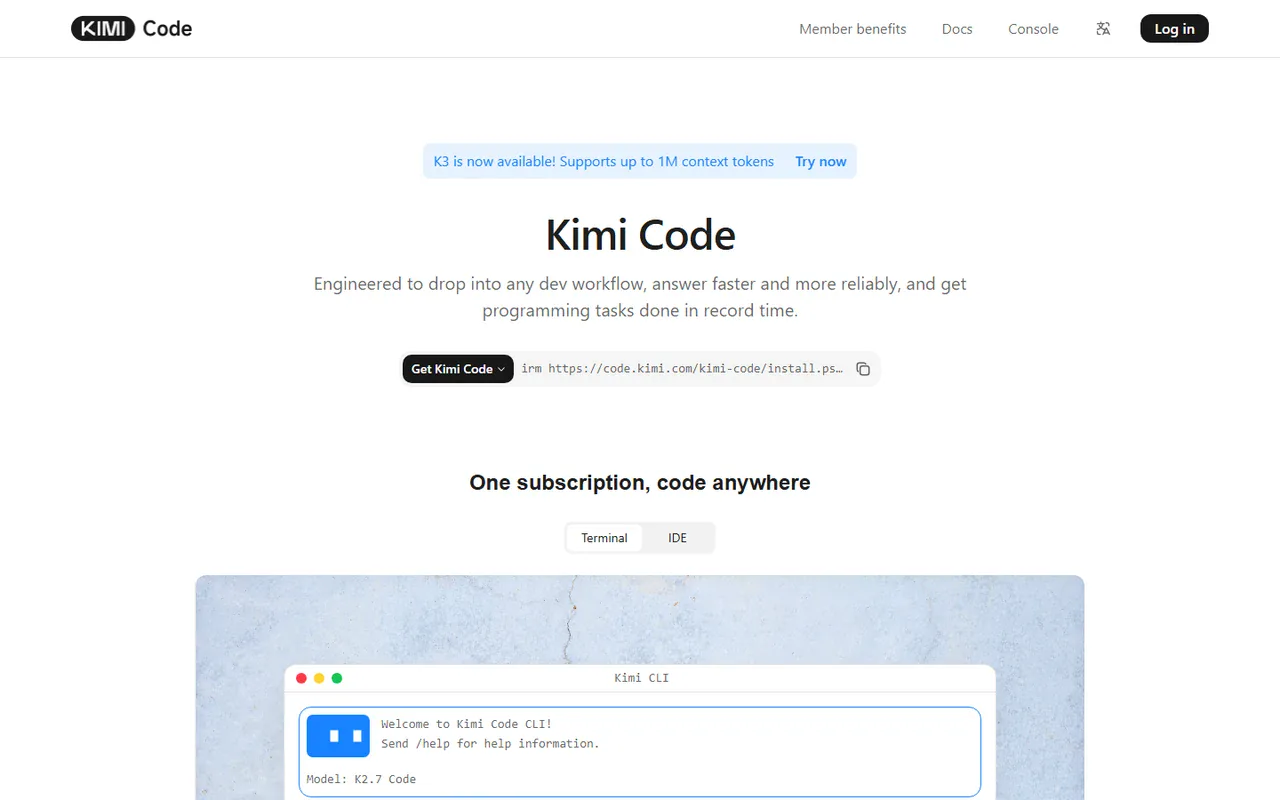
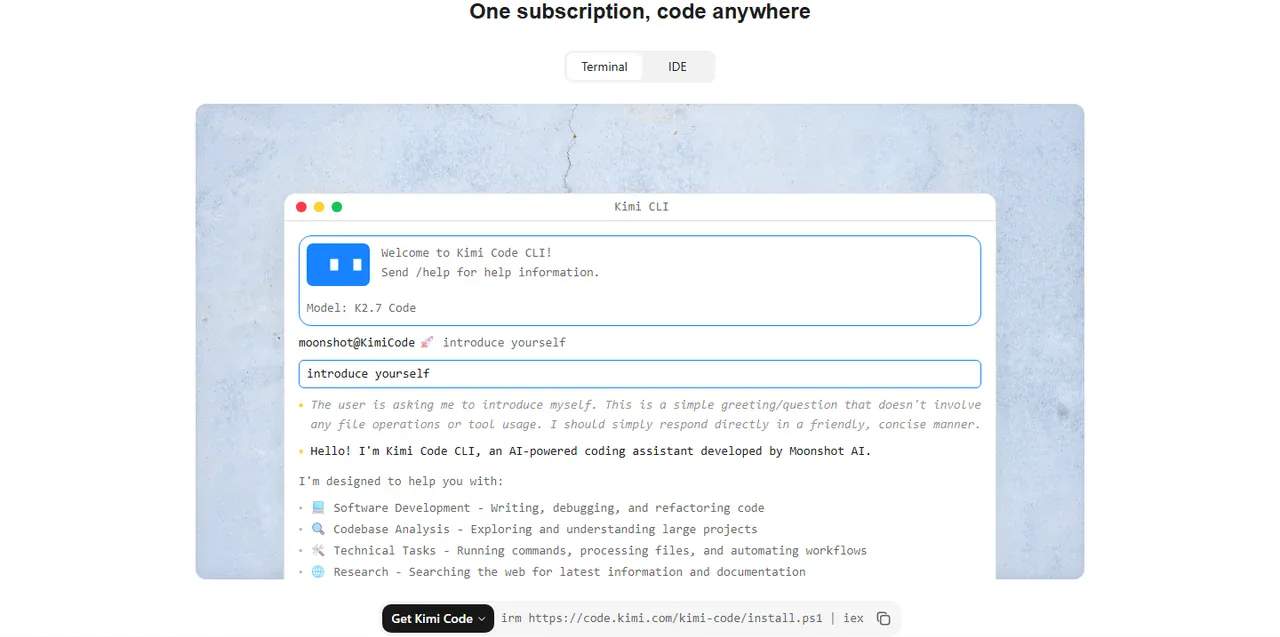
공식 경로는 Kimi Code의 제품 경험을 파악하는 데 있어 가장 신뢰할 수 있는 기준이 됩니다. 이곳에서는 기본 인터페이스, 공식 문서 및 제공업체의 계정 규정을 확인할 수 있습니다. 단점은 실용적인 측면에서 나타납니다. 별도의 로그인 정보와 요금제가 필요하며, 워크플로가 이미 매일 사용하고 있을지도 모르는 코딩 도구들과 분리되어 있습니다. 이용 가능 여부와 요금제 세부 사항은 변경될 수 있으므로, 다음을 확인하시기 바랍니다. 키미 코드 공식 페이지 그리고 공식 회원 요금 오래된 가격 스크린샷을 최신 정보로 간주하기 전에.
Kimi의 매력은 코딩 경험 그 자체에서 시작됩니다. Kimi는 장기 프로젝트의 개요를 파악하고, 명명 규칙과 API 제약 사항을 준수하며, 관련 파일들을 종합적으로 분석하고, 리팩토링이 안전한 이유를 설명하며, 요청된 변경 사항을 실행 가능한 테스트로 변환할 수 있습니다. 이러한 조합 덕분에 Kimi는 단순한 스니펫 작성뿐만 아니라 실제 개발 작업에도 유용하게 활용될 수 있습니다. 이 공식 키미 코딩 가이드 서비스 제공업체 고유의 설정 및 용어를 반영합니다. Kimi의 결과물은 마음에 들지만, 별도의 구독 절차나 계정 관리, 도구 전환을 원치 않는다면, GlobalGPT가 더 편리한 방법을 제시합니다. 바로 하나의 멀티 모델 작업 공간에서 Kimi K3를 사용하고, 이미 사용 중인 코딩 도구와 함께 GLB CLI를 통해 이를 호출하는 방식입니다.
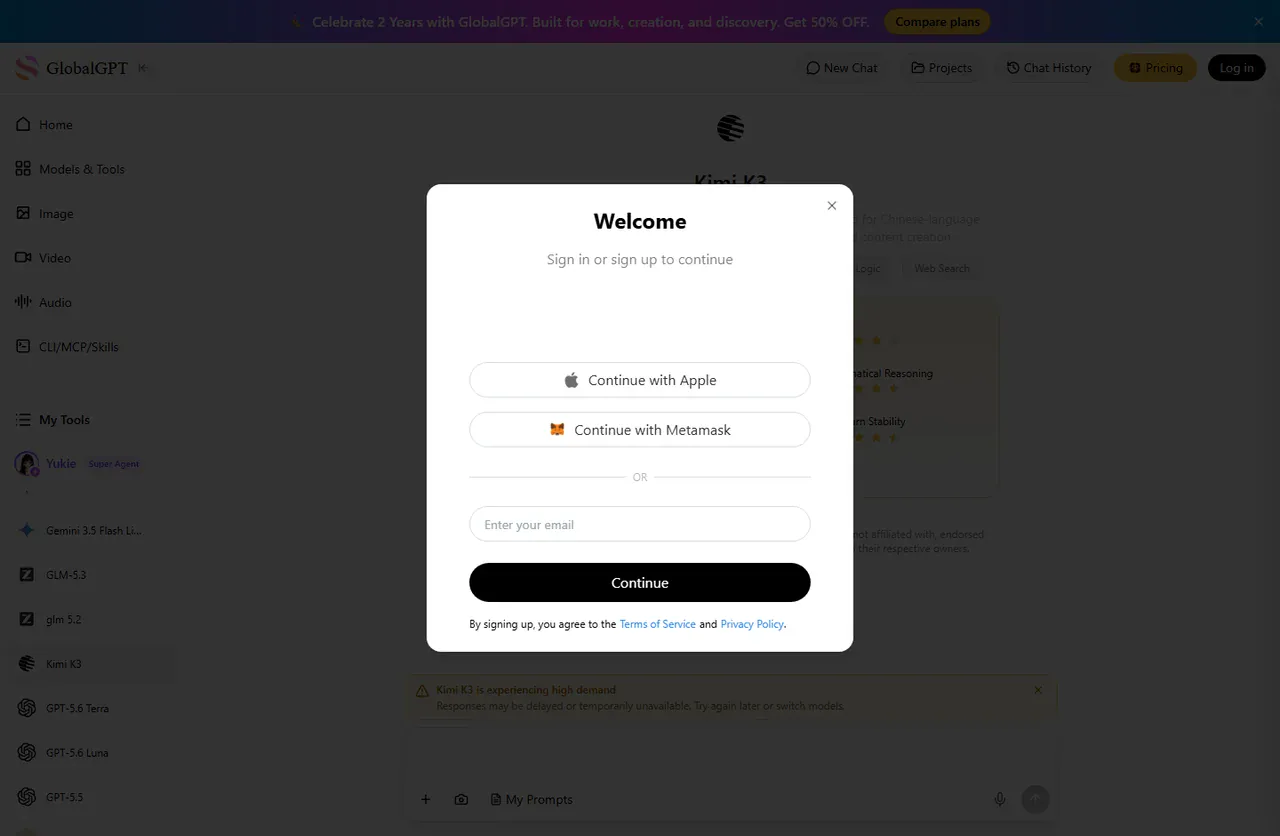
GlobalGPT 키미 루트
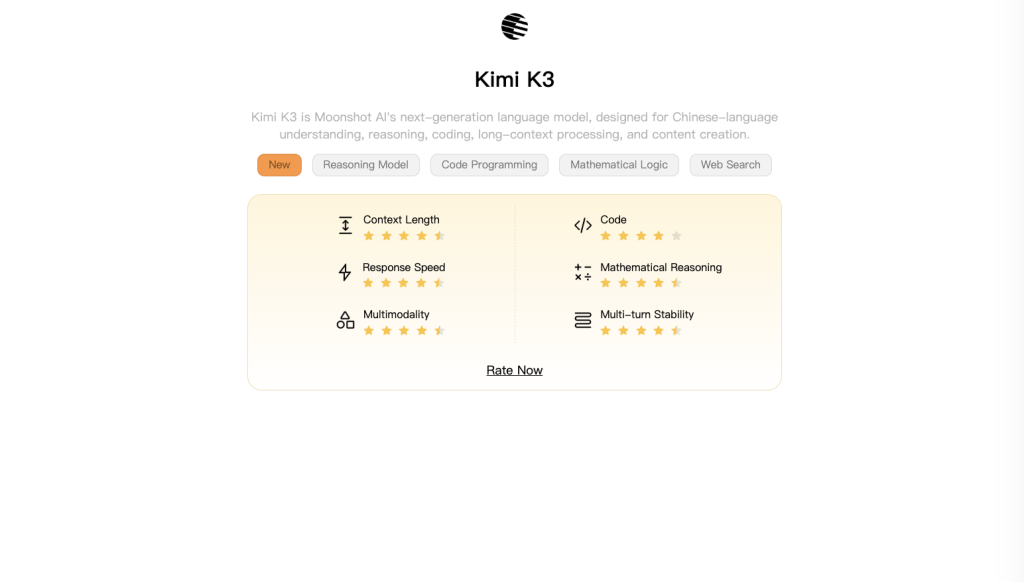
GlobalGPT는 여기에서 실용적인 액세스 계층으로서 유용합니다. 이 제품의 현재 채팅 카탈로그에는 다음과 같은 내용이 포함되어 있습니다. kimi-k3, 해당 설명에 따르면 1M 컨텍스트를 지원하는 심층 추론 모델입니다. 이것이 바로 이 기사에서 테스트한 방식입니다. 이는 GlobalGPT가 공식 Kimi Code 앱이라고 주장하는 것과는 다릅니다. GlobalGPT는 Kimi K3로 코딩 과제를 전송할 수 있게 해주는 별도의 작업 공간입니다.
주변 도구를 비교해 보고 싶다면, 다음을 읽어보세요. Codex와 Claude 코드 비교, 그런 다음 저장소에 맞는 환경 내부에서 모델 호출로 ‘Kimi K3’를 그대로 유지하세요. 동일한 패턴이 Codex의 GlobalGPT CLI 및 GlobalGPT CLI가 Claude 코드 내.
GLB CLI 설정하기
CLI를 설치하고, 본인의 브라우저에서 로그인한 다음, 해당 계정으로 채팅 카탈로그를 볼 수 있는지 확인하세요. 다음 명령어는 더 긴 작업을 시작하기 전에 액세스 권한을 진단하는 데 사용됩니다:
npm i -g @glbgpt/cli
glbgpt login
glbgpt whoami
glbgpt model list chat
로그인 명령을 실행하면 브라우저가 자동으로 열리며, 셸에 비밀번호가 노출되지 않습니다. 모델 목록에 kimi-k3, 이제 준비가 되었습니다. 또 다른 명령줄 예제를 보려면 Cursor 튜토리얼: GLB CLI.
Kimi K3를 Codex 또는 Claude 코드와 함께 사용하세요
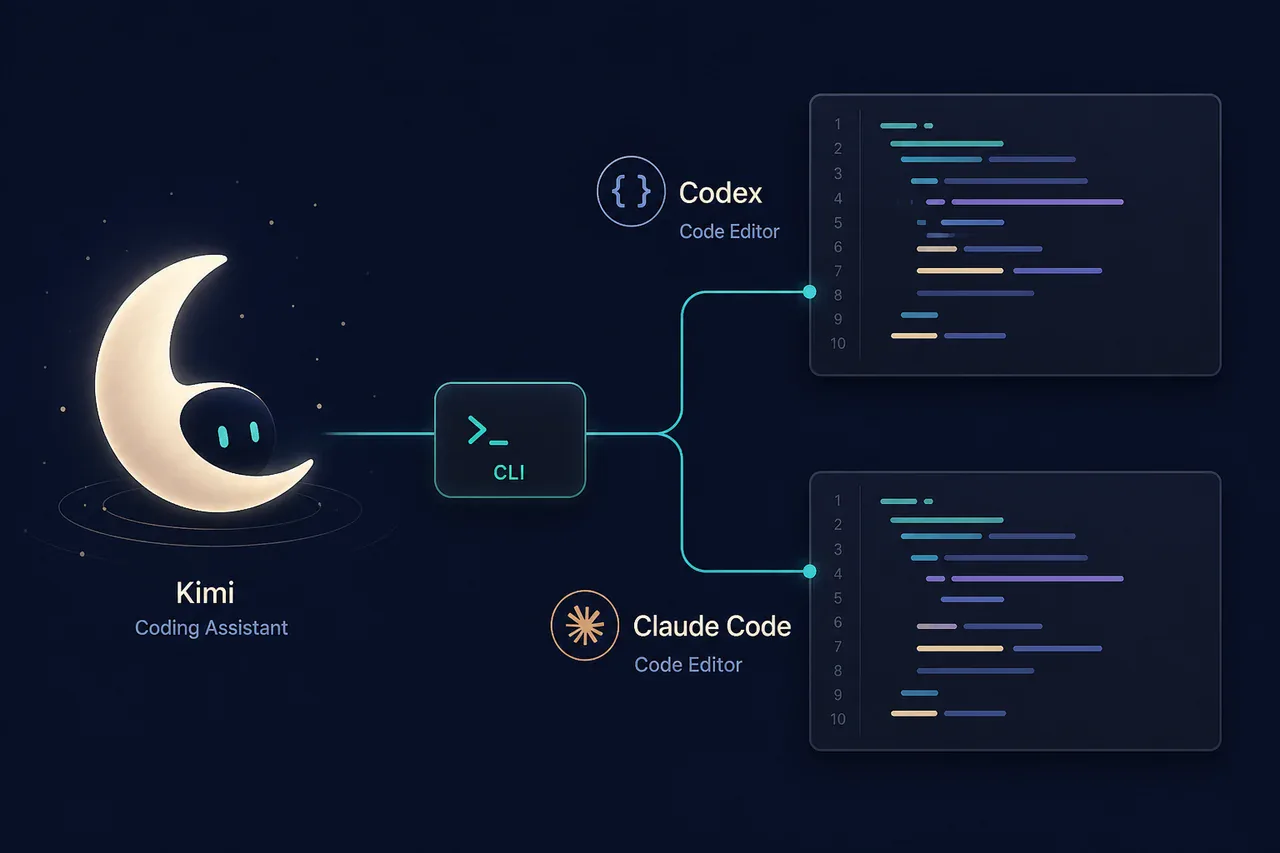
명확한 정신 모델은 다음과 같습니다. Codex 또는 Claude Code는 여전히 코딩 환경으로 사용되며, GLB는 Kimi K3 모델 호출을 제공합니다. Kimi에게 패치를 요청하고, 응답 내용을 리포지토리에 붙여넣은 다음, 로컬에서 테스트를 실행하고, 평소 사용하는 코딩 에이전트를 통해 검토를 진행하면 됩니다. 이렇게 하면 채팅 엔드포인트가 파일을 자동으로 수정하는 것처럼 가장하지 않으면서도 모델 선택의 유연성을 유지할 수 있습니다.
범위가 명확한 변경 사항과, 이름이 지정된 파일 및 테스트를 요청하세요.
이 TypeScript 유틸리티를 검토하고 다음을 제출하십시오: (1) 가장 간결한 구현, (2) 테스트 5개, (3) 경계 사례 2개. 공개 함수 시그니처를 변경하지 마십시오. 유니코드 문자와 숫자, 소문자 ASCII를 유지하고, 구분 기호를 하이픈 하나로 통합하며, 하이픈을 제거하십시오.
설정 사항을 더 자세히 비교해 보려면, 최고의 AI 모델 개요 및 코딩 대안 가이드 다른 브라우저 탭을 하나 더 여는 대신, 두 번째 모델을 추가할 가치가 있는지 결정하는 데 도움을 드립니다.
실제 코딩 테스트: 유니코드 호환 슬러그 생성 헬퍼
다음과 같은 설정으로 GlobalGPT를 통해 테스트를 실행했습니다. kimi-k3, 그런 다음 Node.js 환경에서 반환된 함수를 로컬에서 테스트했습니다. 이 과제는 현실적이면서도 범위가 명확했습니다. 의존성이 없는 TypeScript를 구현하는 것이었습니다. slugify() 보조 기능으로 일반 텍스트, 반복되는 구두점, 악센트, 중국어 텍스트 및 빈 입력 필드를 처리합니다.
function slugify(input: string): string { return input.replace(/[A-Z]/g, c => c.toLowerCase()).replace(/[^\p{L}\p{N}]+/gu, '-').replace(/^-+|-+$/g, ''); }

PASS  Hello World → hello-world
PASS  A---B!!! C → a-b-c
PASS  Crème brûlée → crème-brûlée
PASS  你好,世界 → 你好-世界
PASS  빈 문자열 → 빈 문자열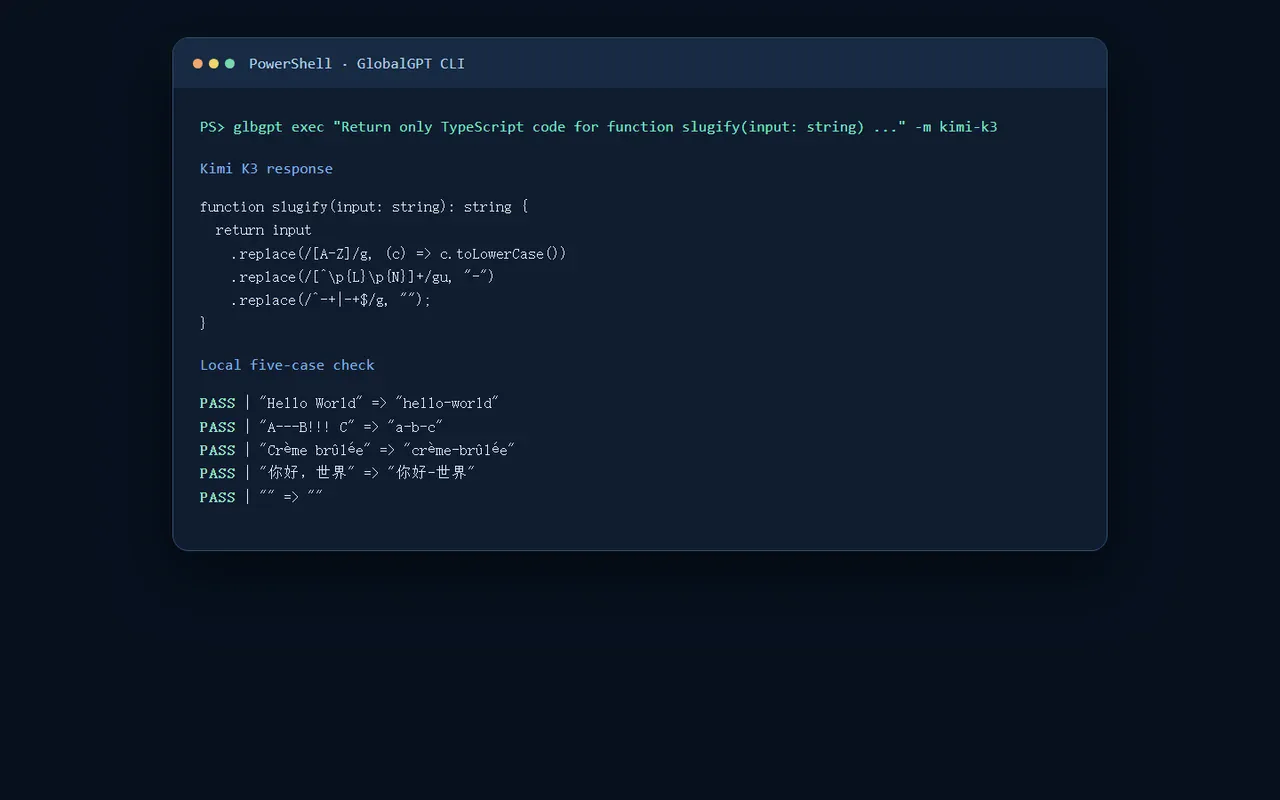
이 결과는 제약 조건을 준수하고 유니코드 문자를 그대로 유지하기 때문에 이 작업에 적합합니다. 하지만 이것이 모든 Kimi 코딩 작업이 완벽하게 수행될 것이라는 증거는 아닙니다. 리포지토리 자체 테스트를 실행하고, 정규식 동작을 점검하며, 보안에 민감한 변경 사항을 검토하십시오. 비용 측면을 파악하려면 별도의 코덱스 가격 안내서 그리고 Claude 코드 가격 안내서.
누가 어떤 경로를 선택해야 할까요?
Kimi 본연의 제품, 관련 문서 및 계정 관리 기능이 가장 중요할 때는 공식 Kimi Code를 선택하세요. 단일 멀티모델 작업 공간을 중요하게 생각하거나, 다른 코딩 모델과 함께 Kimi K3를 사용하고자 하거나, Codex나 Claude Code가 리포지토리 작업을 관리하는 동안 CLI를 통해 모델을 호출하는 것을 선호할 때는 GlobalGPT를 선택하세요.
어느 방식을 선택하더라도 엔지니어의 판단이 필요하지 않은 것은 아닙니다. GLB는 액세스 및 오케스트레이션 계층일 뿐이며, 버전 관리, 코드 검토, 로컬 테스트 스위트 또는 공식 제품의 정확한 기능 세트를 대체하지는 않습니다.
키미 코딩 계획 FAQ
키미는 코딩을 잘하나요?
네. Kimi는 분량이 많은 브리핑, 여러 파일이 관련된 상황, 구현 방식에 대한 설명, 테스트 중심의 코딩 작업 등에 유용합니다. 다만 출력된 결과는 여전히 현지에서 직접 검증해야 합니다.
Kimi Code는 GlobalGPT Kimi K3와 같은 제품인가요?
아니요. Kimi Code는 Kimi의 공식 코딩 제품입니다. GlobalGPT Kimi K3는 GLB CLI에서 호출할 수 있는 별도의 모델 액세스 경로입니다.
CLI에서 Kimi K3는 어떻게 사용하나요?
@glbgpt/cli를 설치하고, glbgpt login을 실행한 다음, glbgpt whoami로 확인한 후, 채팅 모델을 나열하고, glbgpt exec your coding prompt -m kimi-k3 명령을 사용하여 검증된 모델을 호출하세요.
Codex나 Claude 코드를 사용하여 GLB 노선을 이용할 수 있나요?
네. GLB를 사용하여 Kimi K3 코딩 응답을 요청하거나 검토한 다음, Codex 또는 Claude Code를 관련 리포지토리 워크플로로 유지하십시오.
이 기사는 키미 구독 요금이 고정될 것이라고 약속하고 있나요?
아니요. 공식 가격 및 재고 상황은 변경될 수 있습니다. 최신 Kimi Code 및 멤버십 페이지를 확인하시고, GlobalGPT 결제는 별도의 플랫폼 결정 사항으로 간주해 주십시오.
키미가 코드를 생성한 후에는 무엇을 테스트해야 할까요?
단위 테스트와 통합 테스트를 실행하고, 경계 사례를 검토하며, 종속성을 점검하고, 보안에 민감한 경로를 확인합니다.
결론: 코딩이 훌륭하고 접근성이 유연함
Kimi는 일반적인 스니펫으로 축소되지 않고 세부적인 작업에 집중할 수 있기 때문에 코딩 툴킷에서 그 입지를 굳혔습니다. 공식 Kimi Code는 기준이 되는 경험이지만, 별도의 구독 방식이 모든 개발자에게 적합한 것은 아닙니다. GlobalGPT의 Kimi K3 경로는 CLI를 통해 더 간편하고 저렴한 비용으로 다중 모델에 접근하고자 하는 사용자에게 실용적인 해결책이며, Codex나 Claude Code도 여전히 함께 사용할 수 있습니다.



