Seedance 2.0’s All-round Reference system is the definitive solution for embedding brand logos into AI-generated videos with cinematic stability and 2K resolution. By utilizing the specific @Image tag to lock your brand assets, creators can finally overcome the “hallucination” issues that usually distort visual identities, though some still seek a safe AI alternative due to flickering logos, strict regional access blocks, or the high cost of fragmented AI subscriptions.
Distorted brand marks and “identity drift” can instantly ruin the professional quality of a marketing campaign, making it feel amateurish and untrustworthy. GlobalGPT provides the professional bridge you need, offering a seamless gateway on how to access Seedance 2.0 without the frustration of region locks, Chinese phone verification, or complex VPN setups.
Our all-in-one platform simplifies your creative workflow by integrating elite models like GPT-5.4
, Claude 4.6, and Gemini 3.1 Pro into a single interface. For high-fidelity video and image generation, our $10.8 Pro Plan delivers unmatched value—check our guide on how much Seedance 2.0 costs to see how we feature watermark-free outputs and a no-restriction environment specifically designed for global brand managers and digital agencies.

Seedance logo and brand identity: How to maintain visual consistency in AI videos?
Keeping your brand’s logo stable in an AI video has traditionally been a nightmare for creators. Most AI models “hallucinate” the logo, causing it to change shape or color in every frame, as noted in our latest Seedance 2.0 review, but this new update changes the game with its advanced reference system.
- Solving the “Flickering” Problem: In earlier AI versions, logos would often “flicker” or morph into different shapes because the AI didn’t understand that the logo must remain a static, unchanging object.
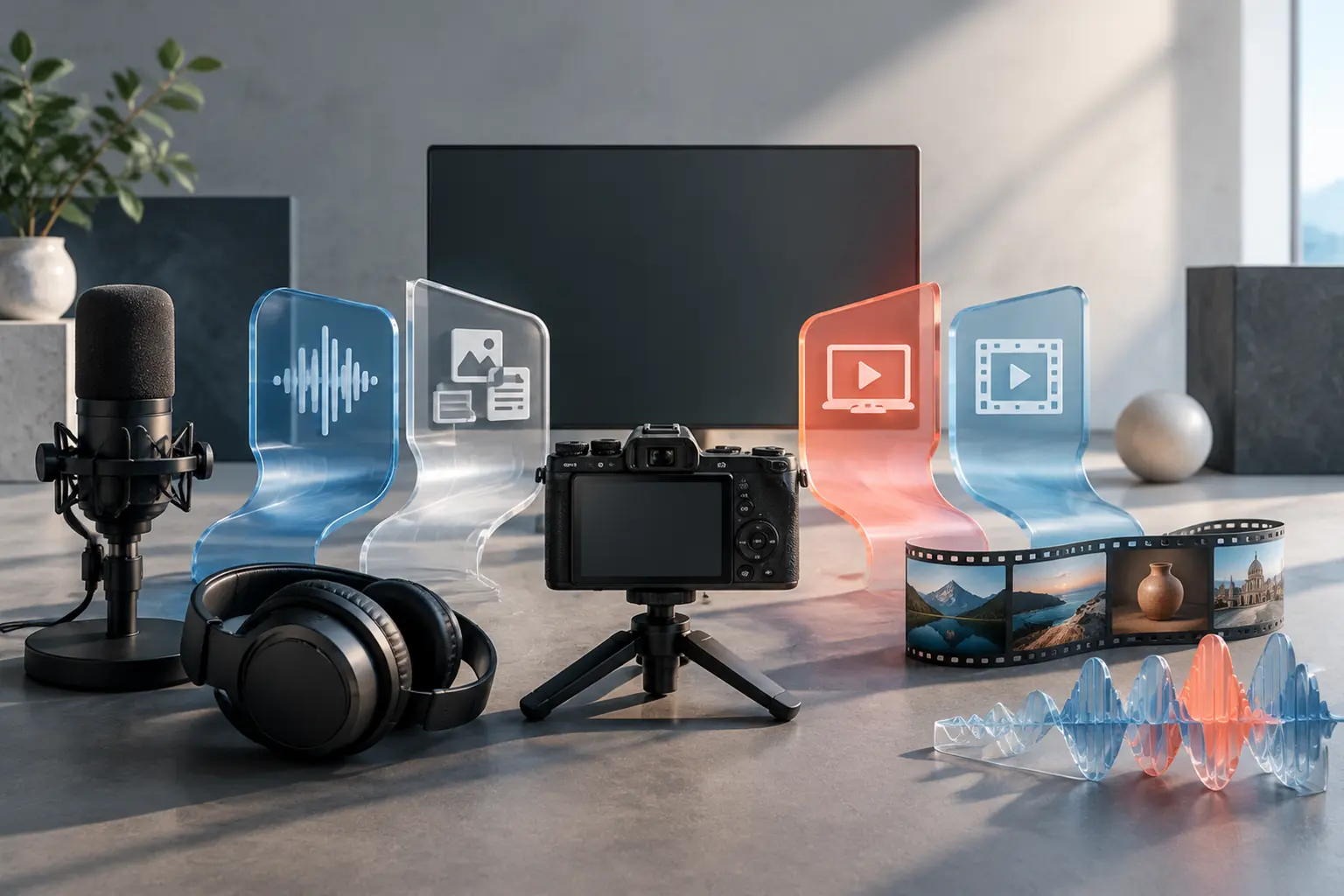
- The Power of All-round Reference: By using the “@Image” reference feature, you tell the AI exactly what your logo looks like, unlocking multimodal capabilities that allow it to “lock” that visual data into the video pixels without distorting your brand’s identity.
- 2026 Identity-Lock Technology: This latest update ensures that even as a camera moves or lighting changes, the specific colors and geometry of your logo stay consistent throughout the entire duration. You can learn more about maximum video length and how to bypass generation limits in our technical breakdown.
Logo Consistency Comparison
| Feature | Standard Text-to-Video | Seedance 2.0 (@Image Reference) |
| Logo Stability | Low (Morphs every frame) | High (Static and locked) |
| Color Accuracy | Approximate | Precise (HEX match) |
| Complex Shapes | Often distorted | Crystal clear 2K detail |
| Motion Handling | Logo disappears during movement | Logo tracks with the object |
GlobalGPT provides an all-in-one workspace where you can switch between 100+ AI models including Seedance 2.0 vs Sora 2 with a single click.
Seedance 2.0 vs. OpenAI Sora 2: Which model handles brand logos better?
While OpenAI’s Sora 2 is famous for its dreamlike quality, Seedance 2.0 is often the preferred choice for commercial branding. Many official websites from ByteDance emphasize the precision of its “Reference” tags.
- Control via @Tags: Seedance uses a tagging system (like @Image1) to tell the AI “use exactly this file for the logo.” Sora 2 relies more on text descriptions, which can lead to spelling errors in logos.
- Editing vs. Generating: Seedance 2.0 allows you to “edit” existing videos (like swapping a plain shirt for one with your logo), whereas Sora 2 is primarily focused on creating new footage from scratch.
- 2K Legibility: For brand videos, the ability to read small text on a product is vital. Our tests on support for 1080p and higher prove that Seedance’s 2K rendering ensures your logo is sharp and professional.

Step-by-step tutorial: How do I use the @Image tag for precise logo placement?
Using your logo in Seedance 2.0 is a simple process that relies on the “@” command. This AI filmmaking guide breaks down how to link your visual assets to your prompt.
- Step 1: Prepare Your Asset: Upload your logo as a high-resolution PNG with a transparent background. This is similar to creating films from photos and prevents the AI from creating a weird “box” around your logo.
- Step 2: Use the Tag: In your prompt, type something like: “A cinematic shot of a futuristic drone flying through a city, with the logo from @Image1 printed clearly on its side.”
- Step 3: Refine with Editing: If the logo looks slightly warped, use the “Video Editing” mode to paint over the area. This is a common technique used to replicate viral videos for a perfect finish.
| Do | Don’t |
|---|---|
| Use a high-resolution transparent PNG | Use a low-resolution JPEG |
| Specify exact placement | Say only “add logo” |
| Repeat “keep unchanged” | Assume the model understands brand rules |
| Use simple camera movement | Ask for too many rotations |
| Keep text minimal | Ask AI to generate long text |
Logo prompt tips:
Recommended prompt:
Use @Image1 as the exact brand logo reference.
A cinematic shot of a futuristic drone flying through a city, with the logo from @Image1 printed clearly on its side.”
If you want to know the more comprehensive usage methods of Seedance, such as how to use it to create advertisements or viral videos, please read Seedance 2.0 Ultimate Prompt Guide.
Frequently Asked Questions
Can I remove the Seedance watermark for commercial use?
Yes, when using the Pro plan on GlobalGPT, you can generate videos that are watermark-free. View this Seedance 2.0 example to see the final quality ready for official social media channels.
Does Seedance 2.0 support 4K resolution?
As of early 2026, the model natively supports up to 2K. However, if you are using the Seedance Lite guide for faster drafts, you can still use “Smart Upscale” within GlobalGPT to reach 4K quality.
Is my brand data safe when using GlobalGPT?
Absolutely. We use enterprise-grade encryption to ensure proprietary prompts are protected. We also keep users informed about general face-to-voice privacy risks in the broader AI industry.
Conclusion
Seedance 2.0 has fundamentally changed the landscape of AI video generation by prioritizing control and brand consistency. By following our where to use Seedance 2.0 guide, creators can finally achieve professional results. As we watch the Seedance 2.0 release date and updates throughout the year, the ability to maintain a cohesive workflow will be the essential key to staying competitive in the digital age.