The best free AI depends on what you need to finish. For a zero-cost writing assistant, start with Claude; for everyday help around a Google account, consider Gemini. GitHub Copilot Free is a practical coding entry point, while Fathom suits recurring meeting recordings and basic summaries. A specialist can be a better choice than a general chatbot when the output is a design, a transcript, or a voice prototype.
This guide compares 35 tools across chat and research, coding, productivity, and creative work. The important distinction is whether an allowance renews. An ongoing Free plan, a one-time credit grant, and a paid trial create different budgets. For video in particular, being able to open an account is not the same as having a fresh generation allowance every month.
Choose by the task you can finish
Start with one tool and a small real job. These are task-based recommendations, not a performance ranking.
- Write or revise: Claude; Grammarly for help within your writing workflow.
- Study a source pack: NotebookLM, now covered by Google’s Gemini Notebook help pages.
- Complete code: GitHub Copilot Free, with 2,000 completions per month.
- Keep meeting notes: Fathom for recordings and basic recaps; Otter for short meetings within its monthly minutes.
- Try voice or video: ElevenLabs offers monthly free credits for personal voice use; Runway gives 125 credits once.
If your work grows from research and drafting into images, audio, and video, GlobalGPT offers a paid subscription for multiple AI models and functions in one dashboard. It is an affordable way to organize a broader workflow when managing separate tools becomes cumbersome. Start with the free option that answers today’s need, then compare the value of a combined workspace when you need more.
A quick comparison of free starting points
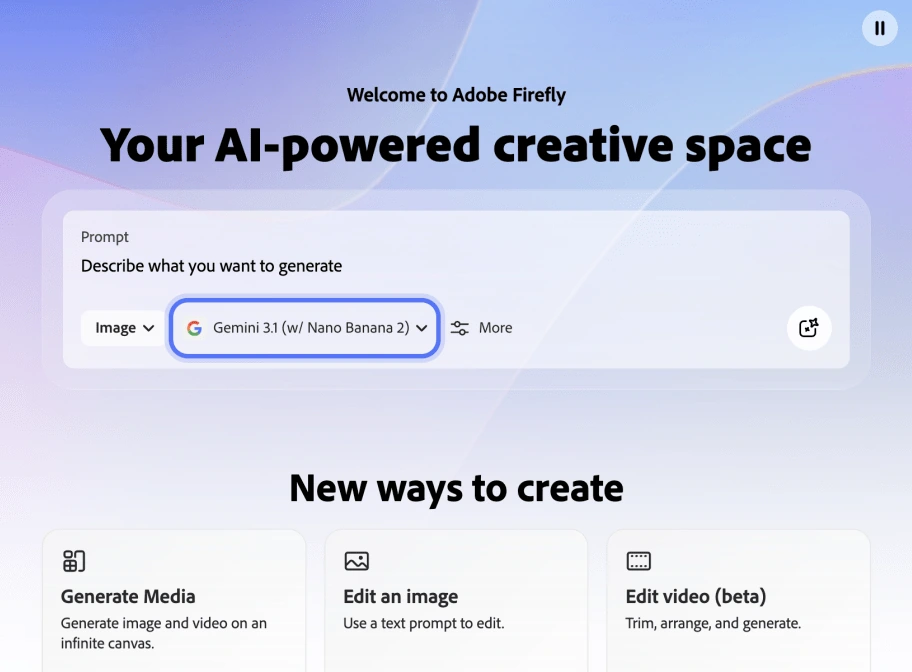
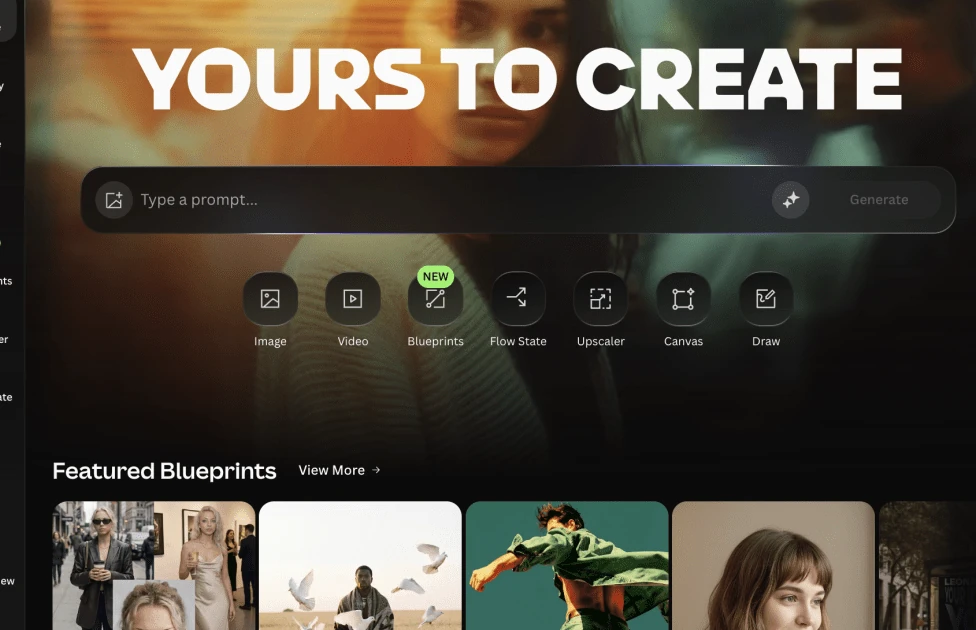
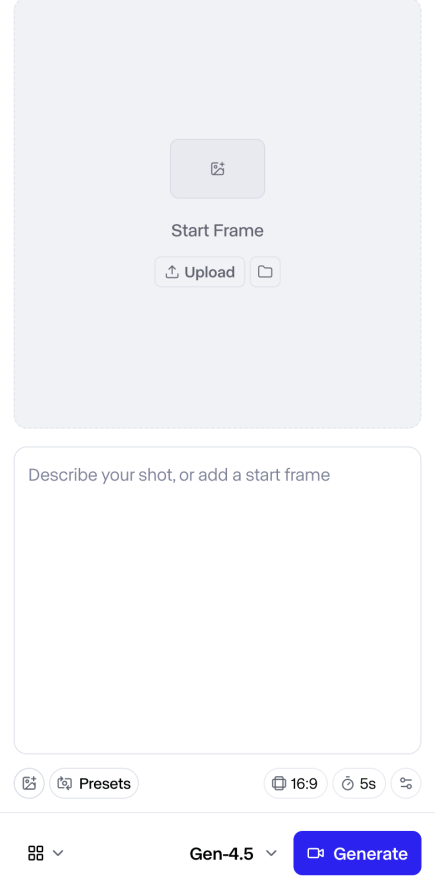
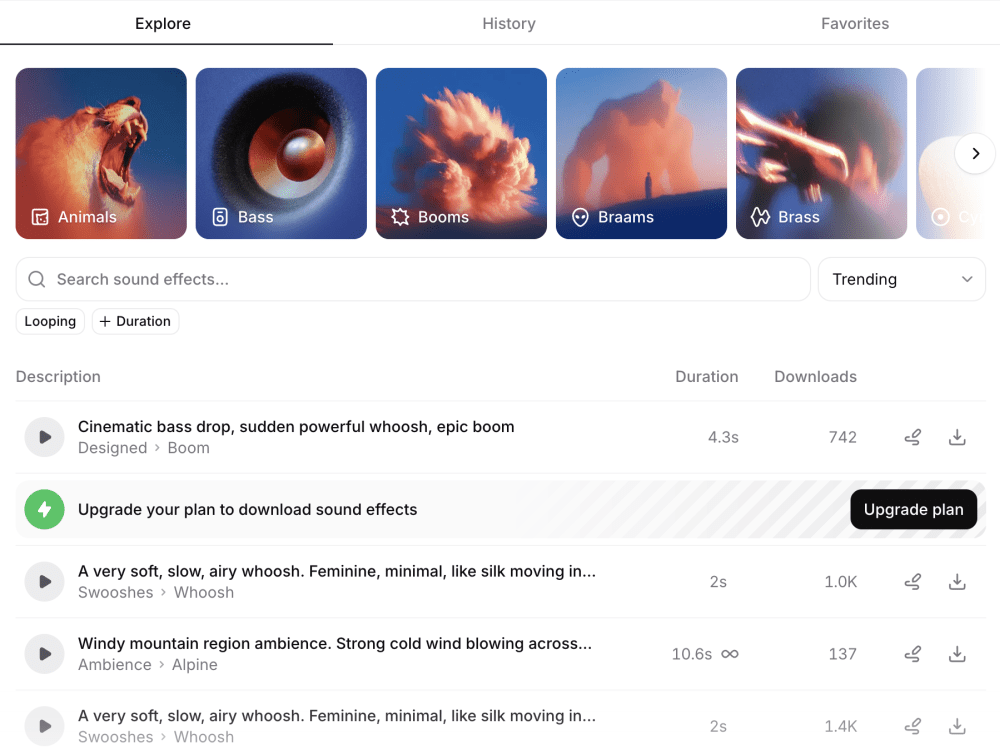
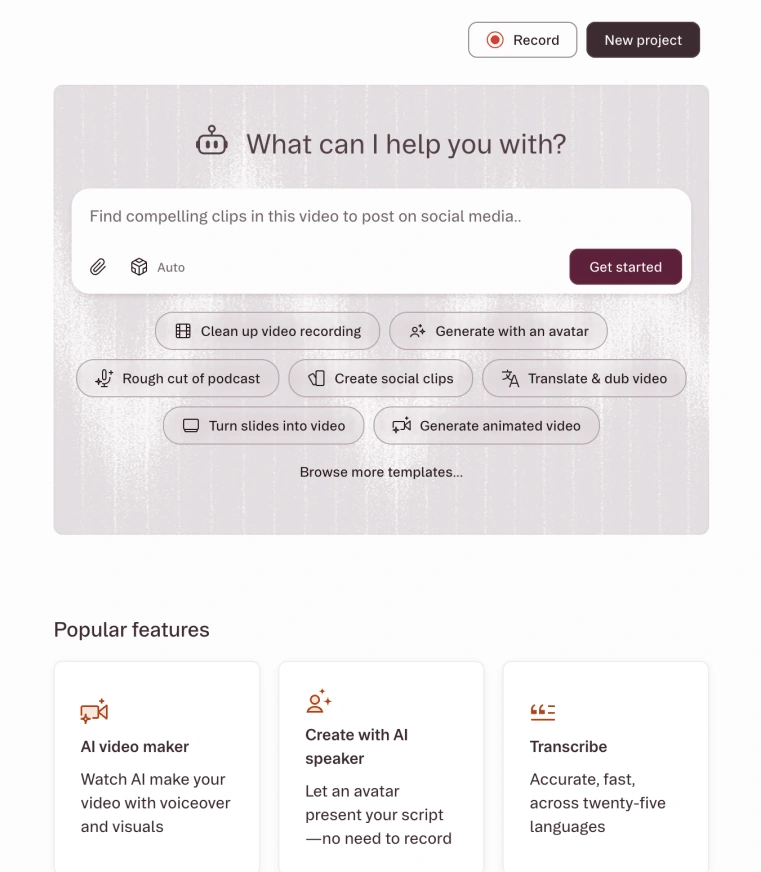
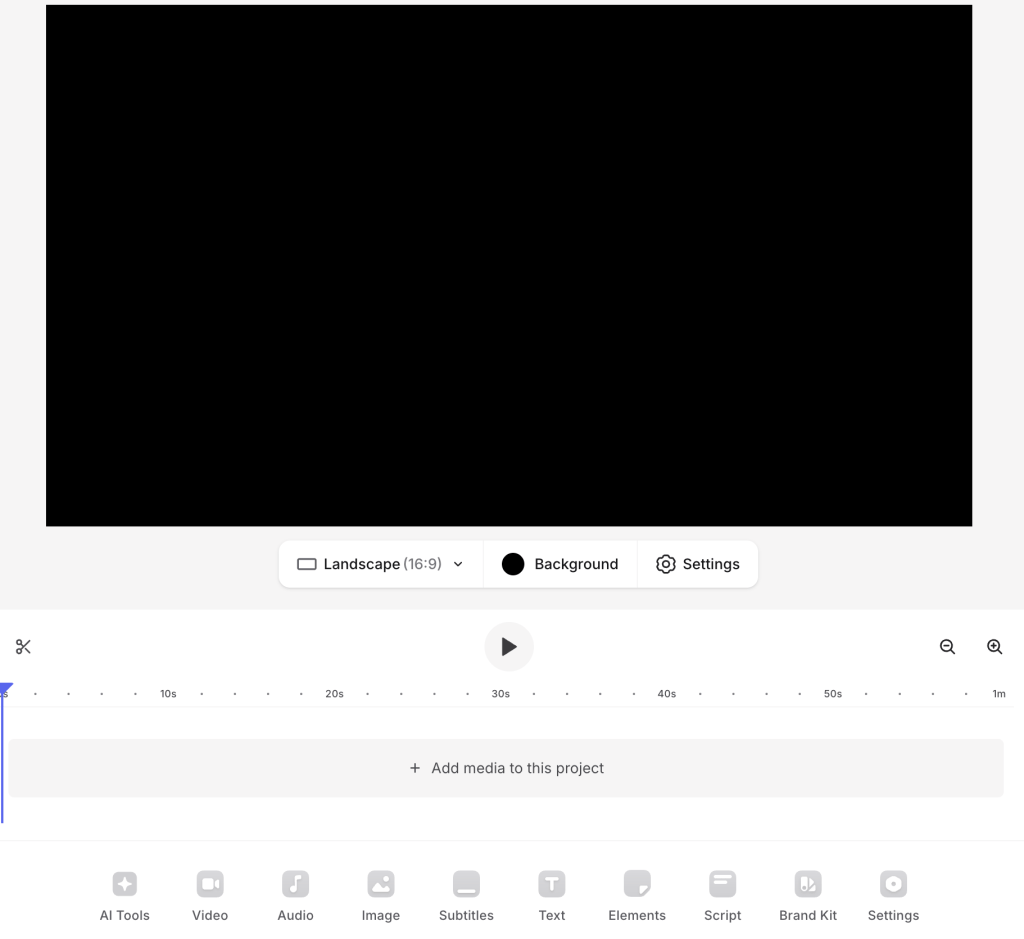
The 35 entries include confirmed free starting points and retained candidates whose current Free terms remain unconfirmed. Each Access line makes that distinction. The interfaces are historical captures from the earlier article; they illustrate workflows, while current allowances come from the dated sources in the text.
For the shortest path to a useful result, choose the task first and read the limit that can stop it. The examples below have an identifiable free plan or allowance in the cited official material. Account eligibility and feature-specific terms still apply; a paid trial is a separate enrollment.
| Task | Starting point | Useful free allowance | Watch for |
|---|---|---|---|
| Writing and documents | Claude | Free $0; writing, files, search, and code tools listed | Usage limits; paid products are separate |
| Google-centered assistance | Gemini | Standard limits without an AI plan | Compute use; five-hour refresh subject to a weekly cap |
| Source-based study | NotebookLM / Gemini Notebook | 50 sources per notebook; 50 chats/day | Different limits for notebooks, sources, and audio |
| IDE completions | GitHub Copilot Free | 2,000 completions/month | Chat and agents use a separate allowance |
| Meeting memory | Fathom | Unlimited recordings and basic instant summaries | Advanced AI and team features have limits |
| Short meeting transcription | Otter Basic | 300 minutes/month | 30 minutes/conversation; three lifetime imports |
| Personal voice prototype | ElevenLabs | 10,000 credits/month | Commercial license is a paid entitlement |
| First video experiment | Runway | 125 one-time credits | No monthly free-credit refill |
The linked official pages in each tool section provide the terms behind this comparison. We use task fit and plan rules to guide the choices; the guide is not a controlled benchmark of model quality. Earlier interface examples show how the tools are organized and are not presented as new Free-plan tests.
Free plans, trials, and one-time credits
“Free” can describe the account, the feature, or a temporary offer. Look for the unit and the reset rule. Five hundred minutes of storage describes how much you can retain; it does not mean five hundred new transcription minutes arrive each month. A credit balance also tells you little about output volume until you know what one operation costs.
- Recurring Free plan: a lasting free account with an allowance that refreshes, such as monthly completions or daily credits.
- One-time grant: an initial budget for trying a tool. The account may remain free after those credits are spent.
- Paid-plan trial: temporary access to paid features. Check the enrollment, end date, payment method, and renewal separately.
- Open model or developer API: a different route from a free consumer app. Hosting, compute, API usage, and the model’s license can create costs or obligations.
What comes back—and what does not
Official individual/free-plan listings checked September 15, 2026. Units are kept separate: this is a reset map, not a ranking of how much each plan provides.
| Reset | Tool | Allowance and unit | Source |
|---|---|---|---|
| Every day | Suno | 50 credits/day | Suno pricing |
| Every month | GitHub Copilot Free | 2,000 code completions/month | GitHub plans |
| Every month | Otter Basic | 300 transcription minutes/month | Otter pricing |
| Every month | Descript Free | 60 media minutes/month | Descript pricing |
| One time | Runway Free | 125 credits; do not expire | Runway pricing |
| One time | Descript Free | 100 AI credits | Descript pricing |
| Account lifetime | Otter Basic | 3 pre-recorded file imports | Otter pricing |
Budgeting takeaway: Descript can renew your media minutes without renewing its introductory AI grant. Otter can renew transcription minutes without adding another file import. Runway’s free account does not imply a recurring credit budget.
Chat, search, and research: 16 tools
These tools cover general conversation, search, document work, and creative chat. Choose a source-focused workflow for research, a document notebook for supplied material, and a personality-led assistant for entertainment. These are different jobs; one overall winner would conceal the trade-offs.
1. ChatGPT — A general assistant for a varied day
Access: ChatGPT is free to use. OpenAI’s Free Tier FAQ, checked September 15, 2026, lists GPT-5.6 Luna for Free users. Think is available in the mobile app and rolling out on the web; web availability is not yet universal.
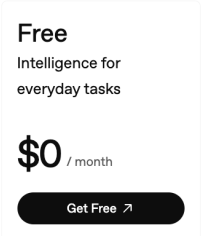
ChatGPT is a sensible first stop when your work changes from one small task to the next: explain a concept, turn notes into an outline, improve an email, then help you understand a spreadsheet. The useful comparison is whether the free account can finish your particular task before a tool or model limit interrupts it.
For a useful drafting job, supply the audience, the intended length, and the facts the edit must preserve. A meeting-note-to-email request is a good example: names, decisions, and deadlines provide concrete criteria for judging the draft.
- Free users can search the web, analyze data, upload files or images, use existing GPTs, and create images. Library includes 500 MB of storage; storage capacity is not an upload or generation allowance.
- One familiar interface can cover several everyday tasks without choosing a separate specialist for each.
- Everyday text chats are unlimited subject to abuse-prevention safeguards. OpenAI’s File Uploads FAQ, checked September 15, 2026, limits Free users to 3 file uploads per day and says limits may be lowered during peak hours. Image generation, voice, data analysis, and other tools have separate usage limits; ChatGPT displays applicable limits and reset timing for GPT access in-product. Personal Free, Go, Plus, and Pro accounts cannot create or publish new GPTs. Existing GPTs remain usable, while editing depends on the plan and permissions.
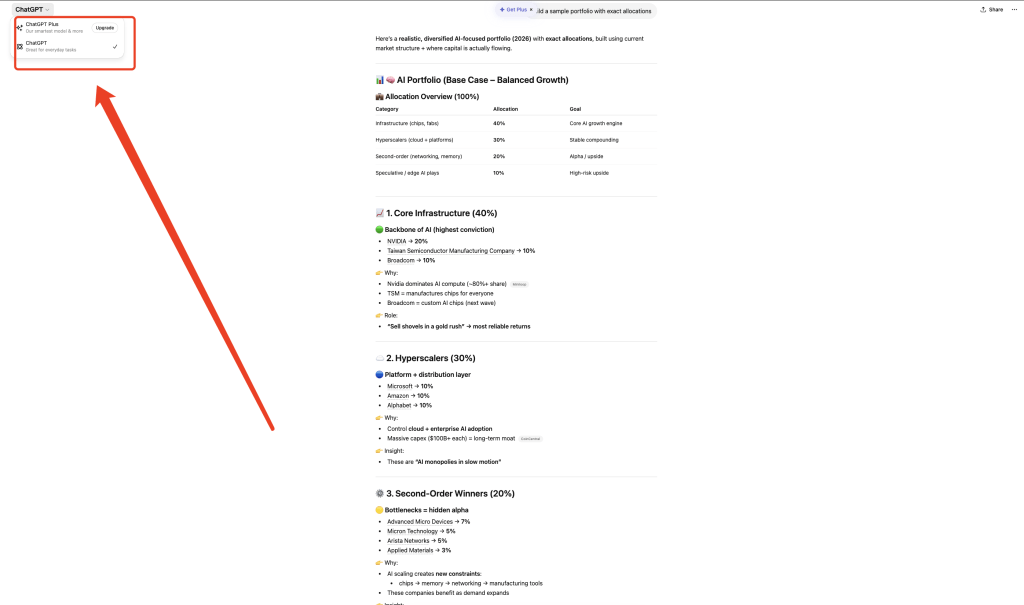
Related reading: our guide to ChatGPT’s Free plan.
2. Claude — Writing, editing, and working through documents
Access: Free is $0; the payment comparison marks a credit card as not applicable. Pro is $20 when billed monthly or $200 billed annually, a separate paid choice.
Claude is a practical choice for revising a draft with a clear brief. Instead of asking it to make something “better,” specify what should change: a less formal tone, a shorter introduction, or a clearer explanation for a beginner. That gives you an output you can judge against the original rather than a vague impression of eloquence.
The official Free plan includes writing and editing, web search, code generation, files, and code execution. Its comparison table also lists a 200k context window. That does not mean every large document job fits within your usage allowance: reading a long file and repeatedly revising the answer can consume considerably more of a session than a short question.
- Text creation, web search, files, code execution, and conversation memory on the listed Free plan.
- A useful combination for turning supplied material into a draft, then revising the result in the same conversation.
- Usage limits still apply, and the ability to chat with Claude is separate from access to paid products such as Claude Code.

Related reading: the Claude plan comparison.
3. Google Gemini — Everyday assistance with a Google account
Access: Without an AI plan, standard limits apply. Use the Google account and age requirements for your country; a Google AI subscription or promotional trial is a separate enrollment.
Gemini makes sense when you already organize your work around Google and want help explaining, drafting, or reviewing information. Start with the task you can complete in the Gemini app. An assistant connected to your account and an AI feature embedded inside another Google product are not automatically the same entitlement.
Google’s current limits page lists standard access without an AI plan, including its Flash-Lite, Flash, and Pro model options. Usage is compute based: complexity, features, and conversation length affect consumption. The allowance refreshes every five hours until the weekly limit is reached. A long conversation can therefore consume a different share of the allowance from a short question.
- General conversation and supported Google-connected workflows; the no-plan context window is listed as 32k tokens.
- A convenient starting point for a Google-centered workflow, with several model choices listed without an AI subscription.
- Heavier features consume more usage; access can tighten during high demand. A larger context window is a separate reason to upgrade.
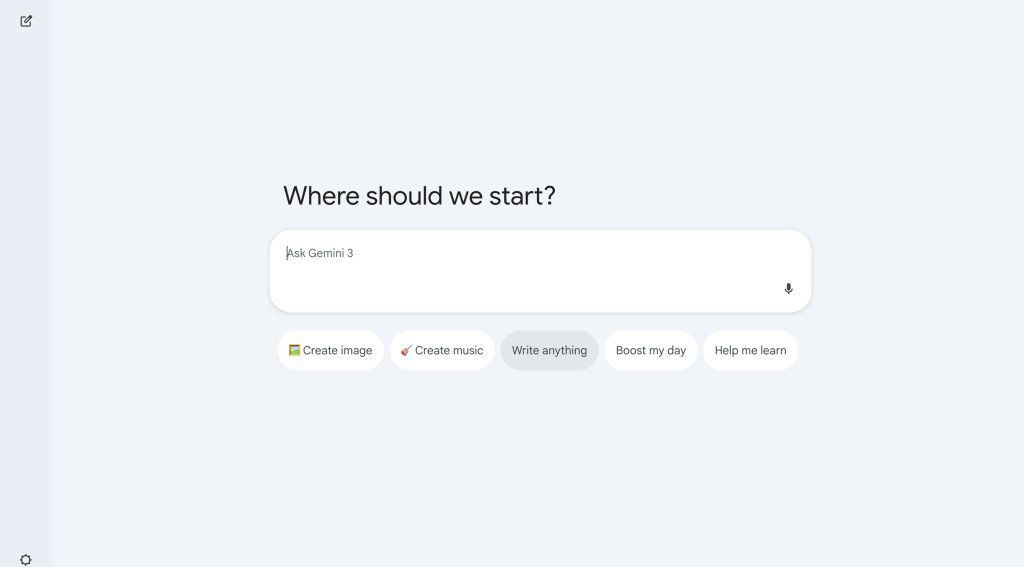
Google Gemini — official details.
For a separate advanced or paid workflow, see the version-specific Gemini 3.1 Pro workflow guide.
For a separate advanced or paid workflow, see the Gemini subscription breakdown.
4. DeepSeek — Reasoning and code questions in a simple chat workflow
Access: Current consumer Free terms are not confirmed here. DeepSeek’s chat application is a candidate; its separately priced developer API is not evidence of a consumer allowance.
DeepSeek remains worth considering when your main job is to reason through a problem or examine a piece of code. Give it the relevant input, the expected result, and the part you do not understand. For debugging, a short reproducible example is usually more useful than an unexplained repository dump.
Keep DeepSeek’s consumer website separate from its developer API. The official homepage links to both, and the API has its own pricing. A screenshot of token prices does not establish what a person can use for free in the chat application. Likewise, a published open model can be run through several hosts with different costs and restrictions.
- A consumer chat route, separate developer access, and an open-model research ecosystem.
- A focused candidate for reasoning and code assistance when you want to work from a concrete problem.
- Do not infer consumer quotas, uptime guarantees, or an unrestricted context allowance from the model’s technical specification.

5. Perplexity — Finding sources before writing an answer
Access: The official consumer pricing checked on September 15, 2026 lists Free at $0 per month. Pro and Max are separate paid subscriptions. The Free plan chooses the model for the query; the locked models shown below are not all free choices.
Perplexity is useful when your question starts with something you need to look up: a recent announcement, competing explanations, or a short research brief. The main benefit of a search-led workflow is having a route back to the underlying pages. A citation is a starting point for checking an answer, not a guarantee that every sentence is supported.
Ask a narrow question and open two or three cited sources. Check their dates and whether they support the answer. The official plan comparison checked on September 15, 2026 lists three Pro Searches per day and one Research query per month on Free. Basic search is a separate mode; save the deeper modes for questions that need them.
- Basic search answers with links to underlying sources and limited file uploads. Free does not include advanced AI models or image generation.
- A useful way to move from a question to a shortlist of pages worth reading.
- Basic search, Pro Search, Research, and file uploads have separate limits. A source link does not guarantee a supported answer. AI Data Retention is enabled by default for Free users. To opt out of training, open Account settings, then Preferences, and turn off AI data retention. This applies only to data collected after opting out; it does not remove previously collected training data or stop all service-related data processing.
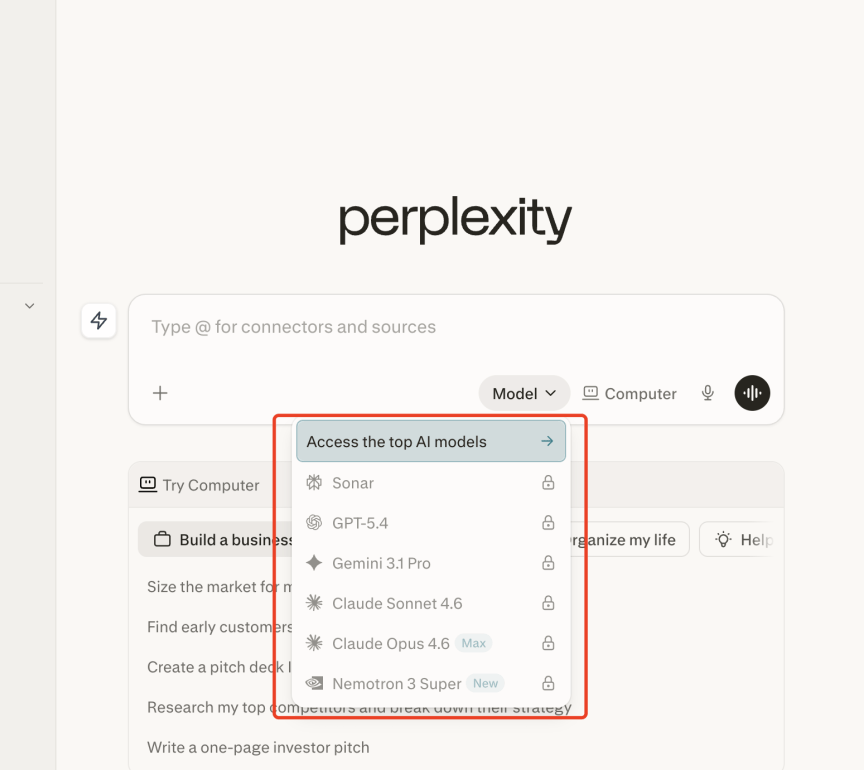
Perplexity — official details · Perplexity data collection and training opt-out.
Related reading: the Perplexity beginner workflow; our Perplexity and DeepSeek comparison.
6. Microsoft Copilot — An assistant alongside a browser or Windows workflow
Access: Current consumer Free terms are not confirmed here. Personal Copilot chat, Microsoft 365 personal benefits, and business per-seat subscriptions are distinct offers.
Copilot is worth a look if opening another dedicated workspace would slow you down. Its appeal is proximity to the material you are already reading. For a web page or document, first make sure the specific Copilot surface can access the content, then ask for the points that matter to your task.
Keep the consumer assistant separate from Microsoft 365’s individual and business subscriptions. AI inside an Office application is a different feature from a conversation in Copilot. When summarizing material, first identify which app is open and whether the assistant can access the page or document you mean.
- Conversational assistance across supported Microsoft surfaces.
- Potentially less switching for people who already use Microsoft’s ecosystem.
- Features differ by app, account, and subscription. A chat response or refusal does not establish access to a feature inside Word, Excel, or another Microsoft 365 application.

Microsoft Copilot — official details.
7. Meta AI — Quick assistance in familiar social apps
Access: Meta announced free assistant access in April 2024. That establishes the earlier launch offer, not current access in every country, app, or media mode; those present-day conditions remain unconfirmed here.
Meta AI’s attraction is that an assistant can sit near the conversation you are already having. That may be enough for a quick explanation, a casual idea, or a creative prompt. It is a different use case from building a source library or organizing a complex coding project.
A natural use is a short conversation from the app already open: develop a caption, explain an unfamiliar phrase, or brainstorm a reply. A long document workflow or a reusable media file is a different requirement from an answer in that conversation.
- Assistant experiences associated with Meta’s apps and website.
- Low workflow friction for people already using the supported social surfaces.
- Region, age, account, and the individual feature determine which experience is available. A casual chat workflow can be insufficient for a job that needs source citations or document exports.
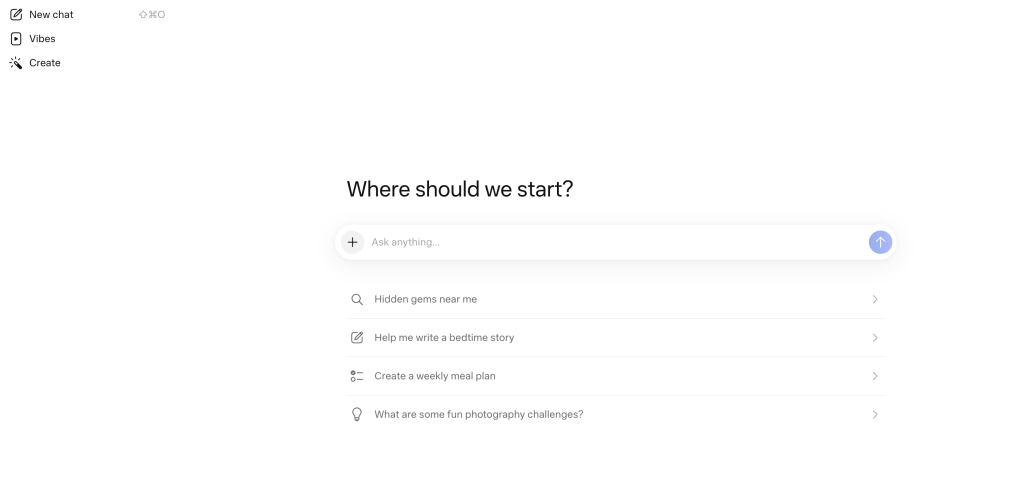
8. Grok — Following fast-moving topics and discussions
Access: Current Free terms are not confirmed here for grok.com, X, or the mobile app. Grok remains a candidate for this workflow without a claimed recurring message or media allowance.
Grok is a candidate when your research begins with current discussions rather than a fixed document pack. Frame the question with a date range and ask for the original announcement or report behind a claim. A popular post, a report about that post, and a confirmed fact are different kinds of source.
A trend brief needs a topic, an audience, and a time window. A useful prompt can ask for the primary links behind competing claims and organize their points of agreement and disagreement. This makes the research question concrete without treating popularity as accuracy.
- Conversational assistance with a focus on current information across supported Grok surfaces.
- A relevant option to examine when live discussions are part of the research task.
- Do not infer a universal free message count or paid-plan parity from an uncluttered homepage.

9. Mistral Vibe, formerly Le Chat — Moving between work tasks and coding assistance
Access: Mistral offers a Free plan with limited messages, searches, and coding sessions. Pro provides higher limits; developer API billing remains a separate budget.
Mistral Vibe brings work tasks and coding assistance under one product name. Vibe for work is the assistant formerly called Le Chat; Vibe for code is the coding agent. Mistral’s product FAQ says existing conversations, settings, and plans carry over. That continuity matters if you already have work saved in Le Chat.
The official Free plan lists limited messages, web searches, and coding sessions, plus image generation and access on web and mobile. Start with a small workflow such as reading a document, extracting the decisions, and drafting a follow-up. If you need terminal-based coding, evaluate that route separately from a browser chat task.
- Messages, web searches, document work, creative generation, and limited coding sessions in the stated plan.
- A broad set of tasks under one provider, useful for people who want to explore more than plain text chat.
- The free allowance is limited. API credits, coding sessions, and ordinary messages are separate units, even when listed on the same pricing page.

Mistral Vibe, formerly Le Chat — official details · Vibe name and product FAQ.
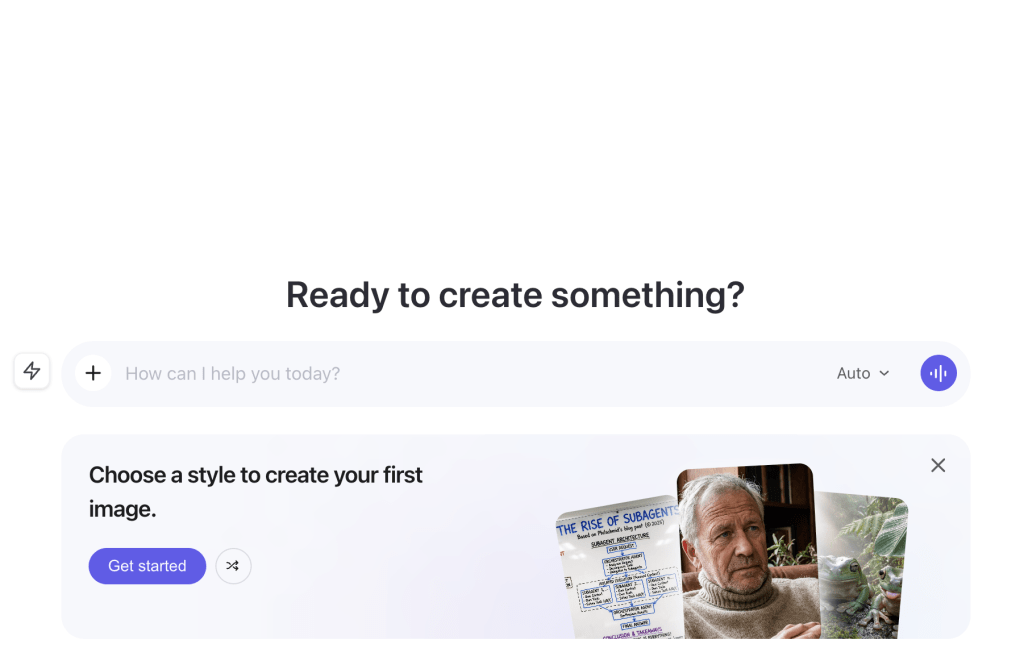
10. Qwen Chat / Qwen Studio — Exploring text, documents, and visual tasks
Access: Qwen Studio is free to use as a consumer AI assistant, according to the Qwen team’s official documentation. Check the selected model and feature for availability and usage limits.
Qwen’s official site describes a broad assistant spanning conversation, document processing, web search, image creation, and image or video understanding. That breadth makes it a candidate for users who want to experiment across several formats before choosing a specialist.
A useful artifact brief might turn supplied product notes into an outline with headings, a feature list, and a short introduction. For an image-related task, specify whether you want a description of an input or a newly generated asset; those operations can have different entitlements.
- Chat, document processing, search, artifacts, and several visual capabilities in the official product description.
- A broad experimentation surface for users whose tasks span more than writing.
- A broad model and tool catalog can conceal different limits for each media feature. Decide which input and output you need before evaluating the allowance.
Qwen Chat / Qwen Studio — official details.
11. NotebookLM / Gemini Notebook — Research grounded in material you supply
Access: Standard signup is free with a Gmail account; qualifying work or school access follows its own license. Daily quotas reset after 24 hours and monthly quotas after 30 days, according to Google’s help page.
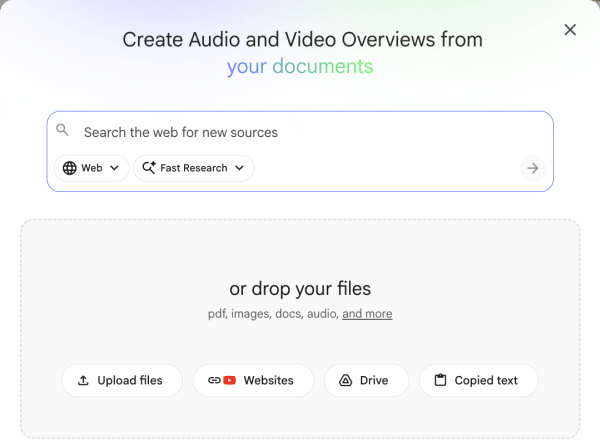
For study notes, reports, and a packet of documents, a source-based notebook can be a better starting point than an open-ended chatbot. Put the relevant material together, then ask questions that refer to those sources. Google’s current help pages use the Gemini Notebook name for the service previously covered here as NotebookLM.
The Standard plan lists 100 notebooks, 50 sources per notebook, and 50 chats per day. It also includes three Audio Overviews per day. These limits describe different parts of the workflow: creating more notebooks does not increase the source allowance inside one notebook. Keep each notebook focused on a project or question rather than treating it as a dumping ground.
- Source collections, grounded questions, summaries, and generated study formats.
- A clear fit for understanding a source pack and finding the passage behind an answer.
- A source-grounded answer can still need checking. Sharing a notebook does not increase its source limit; advanced outputs have separate allowances.
NotebookLM / Gemini Notebook — official details.
Related reading: the guide to summarizing a PDF with ChatGPT.
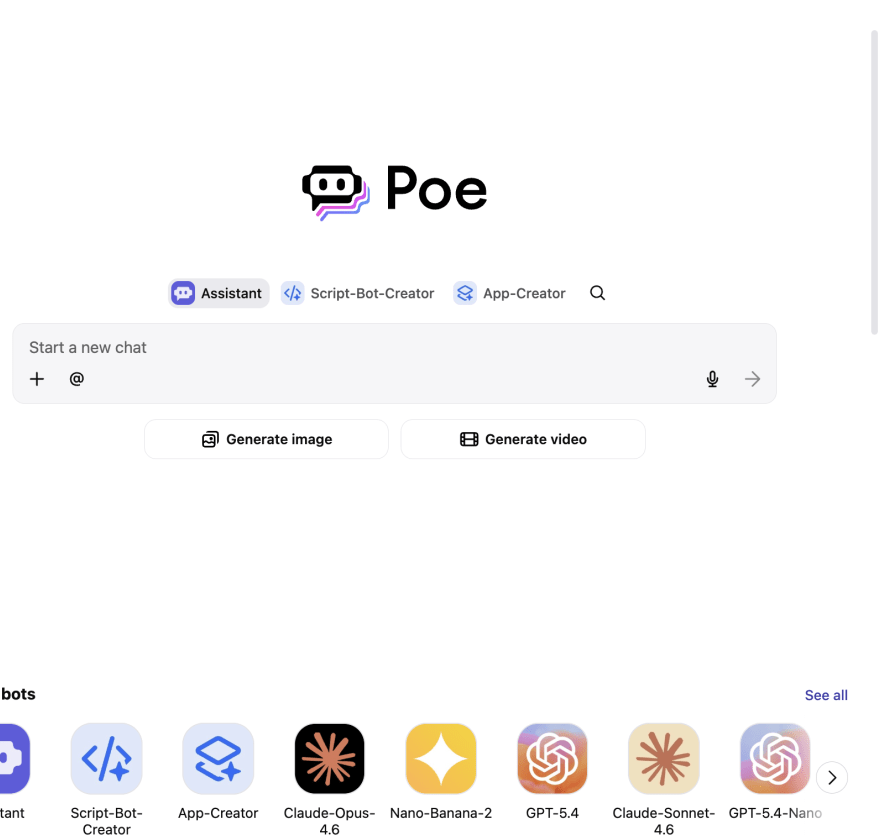
12. Poe — Trying different assistants in one interface
Access: Non-paying users receive a daily points pool; subscribers receive more points and additional bot access. Poe’s public FAQ does not specify one fixed point total for every non-paying account. The actual bot rate and displayed account balance determine how much a session can do.
Poe is worth considering when you want to explore several assistants without immediately committing your work to a single provider. A useful first session is to try the same small, clearly defined task on a few available bots and decide which style suits you.
Poe’s official FAQ says non-paying users receive points daily. They reset at the end of each 24-hour period and do not roll over. Before sending a prompt, open the selected bot’s Rates to see how it charges. The cost may be fixed per image or vary with the text read and written, so a long conversation can use a different budget from a short question.
- Multiple assistants and creative tools in a shared interface.
- Convenient for learning which kind of assistant suits a task before moving a larger workflow into it.
- Some cutting-edge bots require a subscription. Points are shared across bots, and unused daily points do not accumulate into a larger future allowance.
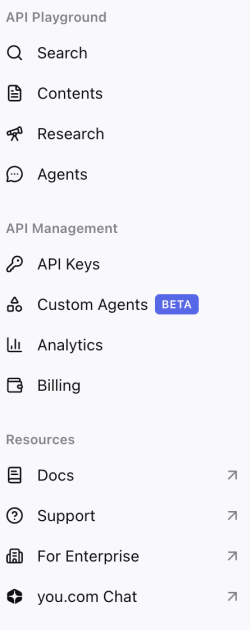
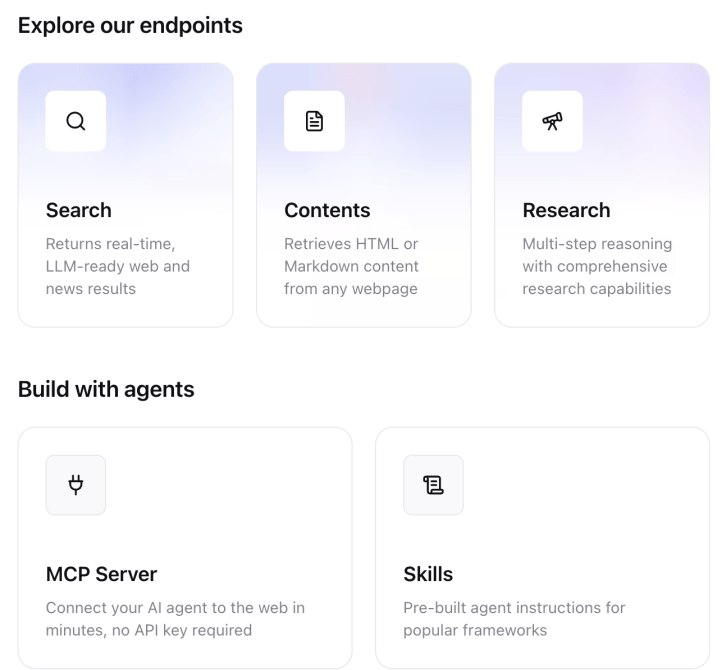
13. You.com — Search workflows, with a separate developer route
Access: The confirmed offer is 100 Web Search API queries per day. Current consumer-chat Free terms are not confirmed here; the API offer does not supply that missing allowance.
You.com offers search tools for distinct workflows. The public pricing page verified for this guide describes a Web Search API for developers. Browser-based consumer chat requires its own access terms, so the API allowance below should not be counted as free consumer-chat usage.
For a developer, the current page advertises 100 Web Search API queries per day without an API key. It also describes a separate introductory credit offer. For consumer chat, use the chat product’s own plan details. Do not sign up for a developer service simply because its pricing page is easier to find.
- Search infrastructure and a separate chat entry point.
- Useful to distinguish when you need sources inside an application rather than another standalone assistant.
- API queries, introductory dollar credits, and consumer chat messages cannot be treated as interchangeable free usage.
14. Character.AI — Character conversations and creative play
Access: Current Free terms are not confirmed here. Character.AI remains a creative-conversation candidate; the separate c.ai+ offer does not establish a free account’s entitlement.
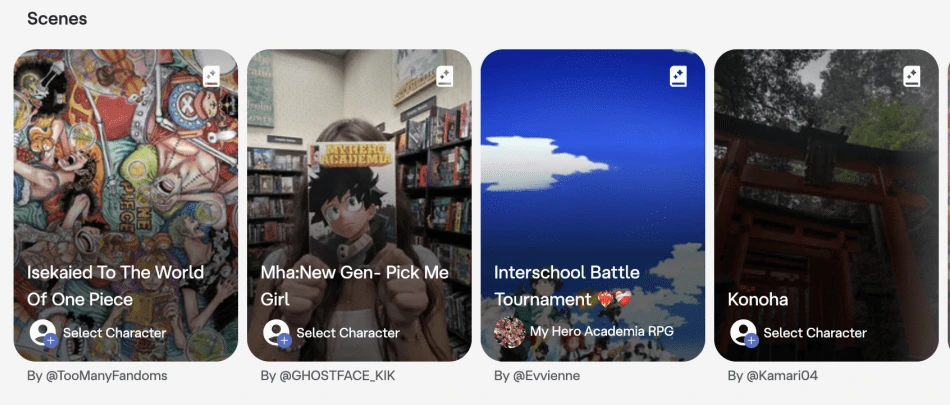
Character.AI fills an entertainment and creative-conversation role. Choose it when the goal is to interact with a persona, explore a fictional scene, or play with dialogue. That is a legitimate task, but it is different from finding reliable citations or reviewing a financial document.
Give a character a clear setting and keep a copy of the details that matter to your story. Review the response for continuity and tone. Do not treat a character’s confident voice as factual authority, professional advice, or evidence that a real person holds the views expressed.
- Character-based conversations and a catalog of user-created personas.
- A focused creative experience for people who want personality-led interaction rather than a work dashboard.
- It is a poor basis for source verification. Age rules and available interaction features should be checked for the account concerned.
Character.AI — official details.
15. HuggingChat — Learning how open-model assistants differ
Access: Current HuggingChat Free terms are not confirmed here. Hugging Face PRO, model hosting, and inference billing are separate services and do not establish a free-chat allowance.
HuggingChat is a useful starting point for understanding that a chat application and the model behind it are separate things. Its official interface describes an automatic router and the ability to choose among available open-source models. The practical benefit is exploring those options without first building your own chat application.
The model directory is useful when you want to understand a model’s license or consider hosting it. Its model cards answer a different question from which assistant is available inside HuggingChat; the repository view below illustrates that research route.
- An open-model chat interface, automatic routing, and direct selection among available models.
- Helpful for exploring model behavior and finding the documentation behind an open-model project.
- Open weights do not make hosting, electricity, or every inference service free. Each model’s license and host’s terms still matter.

HuggingChat — official details.
16. Felo — Multilingual search that leads into a presentation
Access: The official site describes free search. Advanced creation features and search are separate parts of the offer; evaluate their credits and renewal rules against the work you plan to do.
Felo positions itself as a free multilingual search and creation platform. It is worth considering when the task is to find information in more than one language, then organize it into something you can share. A translated answer should still lead you back to the original-language source.
A research-to-slides workflow has two distinct outputs: the source-backed findings and the presentation. For example, assemble a short comparison with links and dates first, then turn that material into slides. Search access alone does not establish access to every creation tool.
- Search and creation workflows, including document and presentation-oriented entry points in the illustrated interface.
- A relevant option for moving from multilingual research into a shareable document.
- Advanced search, file analysis, and creation features can have different credit costs. A general “free search” label does not establish their individual allowances.

Coding and development: 3 tools
For code, the workflow matters as much as the assistant. Inline completion, a chat about a file, and an agent that edits a project can use different allowances. Start with a small repository or an isolated example, review the proposed changes, and run the project’s relevant checks.
17. GitHub Copilot Free — Coding assistance inside an editor
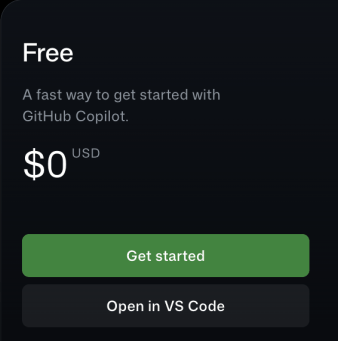
Access: Copilot Free is $0. A student entitlement or paid plan is separate; do not enroll in an upgrade simply to activate the free plan.
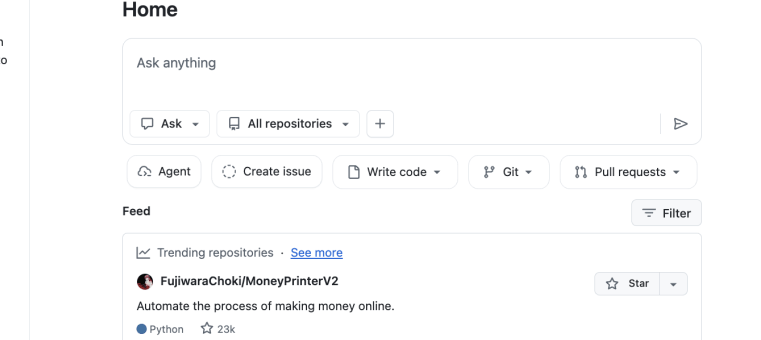
GitHub Copilot Free is a clear zero-cost starting point for an individual developer who wants assistance near the code. It avoids the friction of repeatedly copying a snippet between an editor and a chat window. Use it for a bounded task such as explaining a function, suggesting a completion, or proposing a small change you can review.
The current plan page includes 2,000 code completions per month and explicitly says no credit card is required. Chat and agent interactions have limited usage under GitHub AI Credits. Those are two different counters: using the completion allowance does not establish how many long agent tasks you can run.
- Code completions, limited chat and agent usage, supported editor integration, and Copilot CLI access in the current plan comparison.
- A documented free plan with a clear no-card entry point for eligible individuals.
- Model selection and more extensive agent workflows differ from paid plans. Organization-provided access can affect individual Free eligibility.
GitHub Copilot Free — official details.
For a separate advanced or paid workflow, see the version-specific Claude Code setup guide.
18. Windsurf — Trying an AI-oriented coding editor
Access: Current Free terms are not confirmed here. The historical Free editor offer and the separate Pro trial remain distinct; no continuing agent or completion quota is established in this comparison.
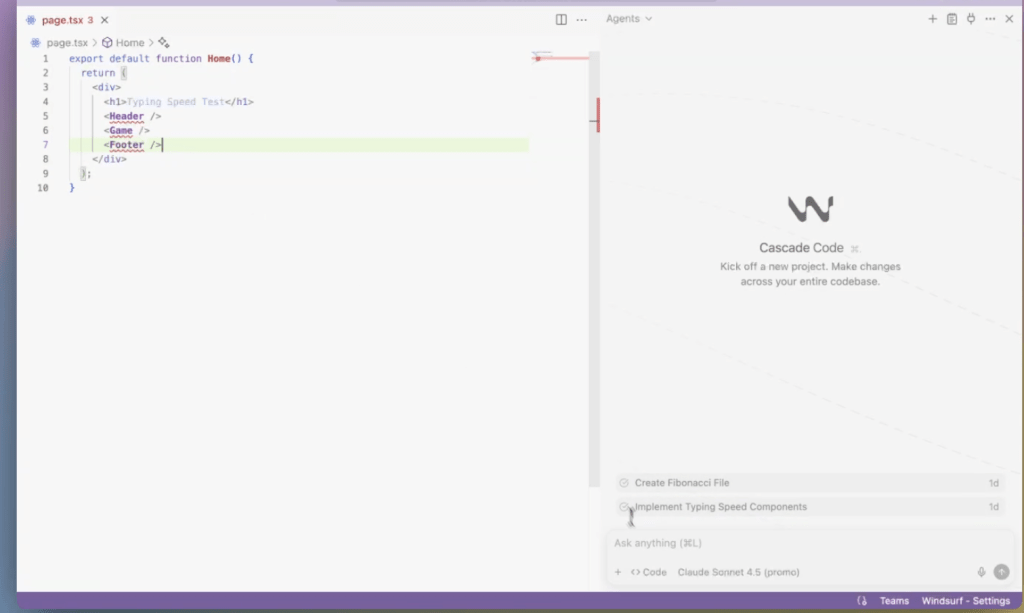
Windsurf is relevant if you want to evaluate an editor built around AI assistance rather than add a chatbot to an existing setup. The first question is whether its editing workflow suits you. A modest project with a familiar codebase is a better trial than handing over an unfamiliar production system.
An editor assistant is most useful when its suggestion is tied to the file you are changing. For example, a request to explain an unfamiliar function and propose one focused revision produces a reviewable code difference. Accepting that change still requires the project’s relevant checks.
- An editor workflow with completion and agent-oriented assistance.
- A useful candidate for developers deciding whether they prefer an integrated AI editor.
- Editor access, model access, and agent usage may have different limits. A Pro trial can temporarily show capabilities beyond the lasting free plan.
19. Amazon Q Developer — Coding help for AWS-centered work
Access: The Free tier is listed at zero cost; Pro is $19 per user per month. Use the documented identity route for your environment and review separate cloud-service charges before running suggested infrastructure work.
Amazon Q Developer is a more targeted choice when you work with AWS or want its supported IDE and command-line assistance. The official pricing page documents a Free tier, so the useful decision is whether that allowance fits your workload rather than whether the product is exclusively paid.
The Free tier lists 50 agentic requests per month and 1,000 lines of code transformation per month for the specified transformation capability. These are not one shared allowance. A code transformation job and an ordinary explanation request draw on different parts of the service.
- IDE and CLI assistance, agentic coding requests, and a limited code-transformation allowance.
- Clear published free limits and a natural fit for developers already working in AWS.
- An assistant’s free tier does not pay for cloud resources it helps you create. Infrastructure, deployment, and other AWS services can incur their own charges.


Amazon Q Developer — official details.
When the job moves beyond one assistant
A project may start with research, need a draft and code, then end with a presentation or video. GlobalGPT combines multiple AI models and creative functions through one paid subscription, helping you manage that work in a shared dashboard.
For developers, its CLI also connects the platform with terminal and existing development workflows. Consider the combined workflow when you would otherwise maintain several separate subscriptions.
Writing, meetings, and productivity: 6 tools
Meeting and writing tools are useful when they remove a repeated step. Before adopting one for a team, consider capture compatibility, consent, where the files go, and whether you can export what the team needs. Minutes, storage, uploads, and AI summaries are distinct limits.
20. Otter — Light meeting transcription
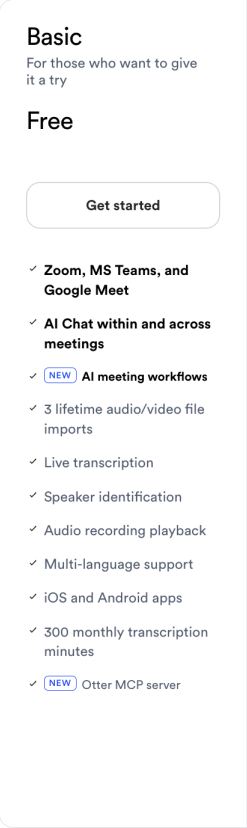
Access: Basic is free with 300 monthly transcription minutes and three lifetime pre-recorded file imports. Estimate both counters before choosing a paid upgrade.
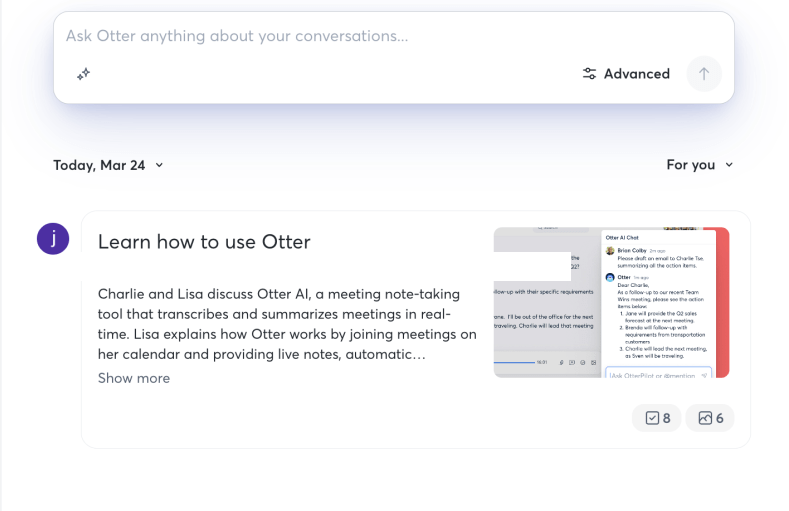
Otter’s Basic plan is useful when you have a few meetings to capture rather than a full calendar of recorded calls. The right way to size it is to estimate your monthly minutes and the length of each meeting. A single long session can matter as much as the monthly total.
Basic includes 300 transcription minutes per month, with a 30-minute limit per conversation. It also allows three pre-recorded audio or video imports over the lifetime of the account. That makes a short live meeting a better recurring use than importing a large archive. Review the transcript for speaker names and decisions before sharing a recap.
- Live transcription, speaker identification, playback, meeting summaries, and supported meeting-platform integration.
- A documented recurring allowance for a modest transcription workload.
- The 30-minute conversation cap can interrupt longer meetings even when monthly minutes remain. Three lifetime file imports are not three new imports every month.
21. Fireflies.ai — Collecting meeting transcripts across platforms
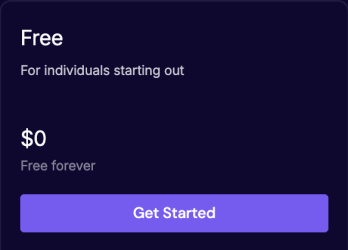
Access: Free is $0 and described as free forever. It lists 400 minutes of storage per team, limited AI summaries, and 20 AI credits; storage capacity is distinct from a recurring transcription allowance.
Fireflies is a candidate when you want meeting records to be searchable in one place. Its Free plan is explicitly described as free forever. The practical constraints are not just how much speech can be transcribed, but how much you can store, summarize, and export afterward.
The current Free card lists limited AI summaries, 400 minutes of storage per team, and 20 AI credits. Storage is a capacity limit, not a new monthly transcription allowance. If your workflow depends on downloading transcripts or recordings for another system, inspect the export entitlement before recording a large archive.
- Meeting capture, transcription, search, file upload, and limited AI assistance across supported surfaces.
- A useful route for collecting and finding meeting information without immediately paying for a team plan.
- The current page places downloads and expanded features in paid plans. A free recording workflow can still be unsuitable if export is essential.
Fireflies.ai — official details.
22. Fathom — Recurring meeting recordings and basic summaries
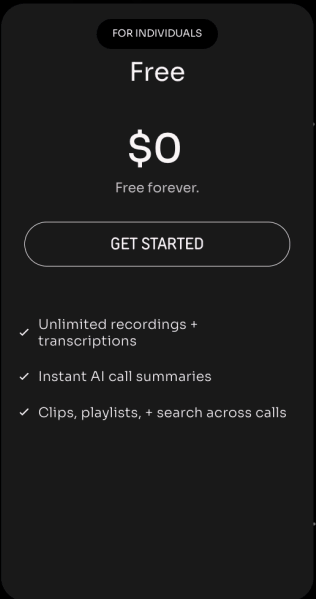
Access: The individual Free plan is described as free forever. Premium and team trials are separate offers; choose the free signup when you only need the lasting free experience.
Fathom is a strong option to examine when your main need is to keep meeting recordings and obtain an immediate recap. Its official site describes a free-forever plan with unlimited recordings and instant call summaries. That gives it a different shape from a plan with a small monthly pool of transcription minutes.
For recurring meetings, the useful artifact is a navigable recording plus the decisions and action items. A project handoff is a concrete case: someone who missed the call needs to find the decision and its context, not read an entire transcript. Advanced AI summaries are a separate entitlement from unlimited recording.
- Meeting recordings, transcription, basic summaries, clips, and search-oriented workflows.
- A recurring free recording option for users whose main need is meeting memory.
- Advanced summaries, Ask Fathom usage, and team capabilities have their own boundaries. “Unlimited recordings” should not be read as unlimited every AI feature.
23. tl;dv — Organizing a history of recorded meetings
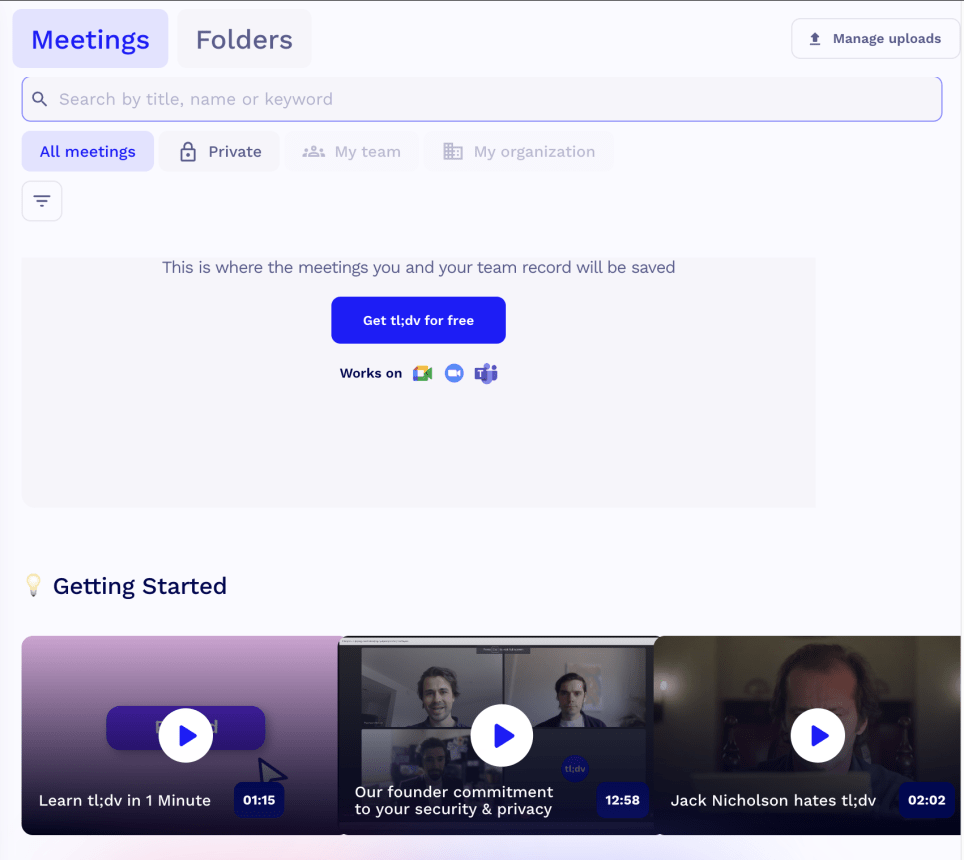
Access: The official entry point is free to start. Check the current recording, upload, and AI-feature limits separately before relying on it for an ongoing team process.
tl;dv is another meeting-focused option, particularly when you want to find a discussion later rather than only receive a summary immediately after the call. Its official pricing page invites users to start free with recording, transcription, notes, and meeting insights.
A recurring customer interview series is a good fit for a searchable meeting archive. Finding the moment someone describes a problem, then sharing that passage with its timestamp, can be more useful than circulating another full-length recap.
- Meeting recording, transcription, notes, and discovery workflows.
- A focused tool for building a useful record of conversations over time.
- Do not assume that a free recording offer includes unlimited uploads, advanced AI reports, or team analytics.
24. Grammarly — Improving writing where you already work
Access: Free is $0. The advertised seven-day Pro trial is a separate temporary offer, not the duration of the Free plan. Read its renewal terms before selecting the trial.
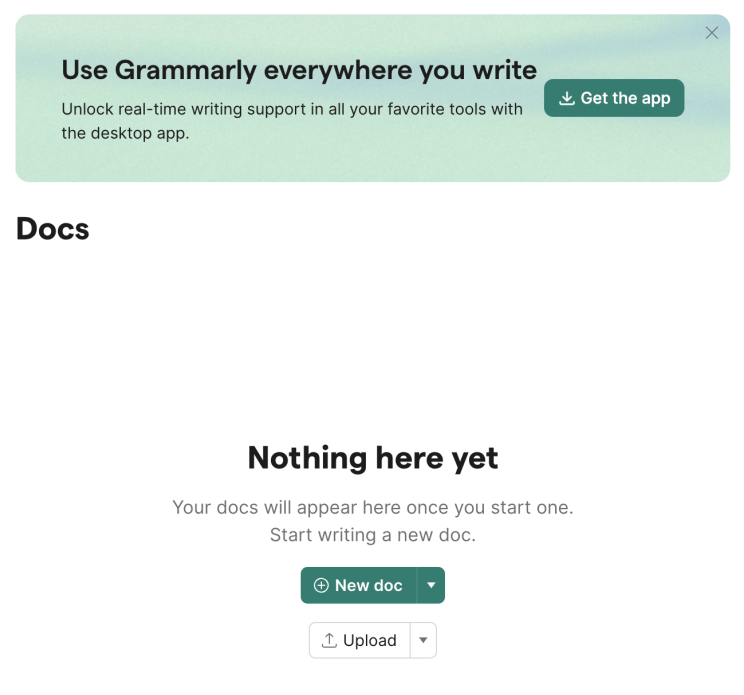
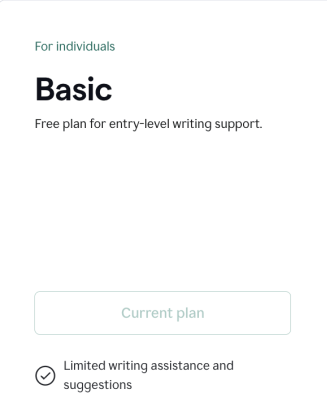
Grammarly is useful when you do not need a long conversation with an assistant; you want help with a sentence, an email, or the tone of a document. The Free plan focuses on spelling and grammar, tone information, and a limited generative-writing allowance.
For a customer email, useful edits preserve the promised date, product terminology, and intended tone. Grammar and wording suggestions help within that task; a polished rewrite that changes a commitment is an edit to reject.
- Grammar and spelling help, tone visibility, and 100 AI prompts per month in the current Free plan.
- A low-friction complement to writing rather than another place to move an entire project.
- Full-sentence rewriting, broader tone adjustments, and other advanced tools sit in paid plans. The generative prompt allowance is separate from ordinary corrections.
25. QuillBot — Reworking a short passage
Access: The official help center says most tools can be used free by visiting the website and starting to type. The free and Premium limits differ by utility; Premium’s larger allowance is a separate purchase, not a requirement for basic paraphrasing or summarization.
QuillBot is a focused candidate when you want to paraphrase, summarize, or clean up a piece of writing rather than maintain a long-running conversation. Start with a paragraph whose meaning you understand so that you can judge whether the revision preserves it.
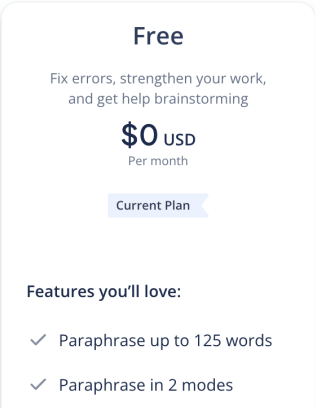
The Free paraphraser handles up to 125 words at a time in Standard or Fluency mode. For a longer text you want to condense, the Free Summarizer accepts up to 1,200 words per input and offers Paragraph and Bullet Point modes. These are per-input limits, not a daily word budget; choose the utility that matches the task.
- 125-word paraphrasing in two modes, plus summaries of inputs up to 1,200 words with Paragraph or Bullet Point output.
- A direct workflow for a small writing job with a clearly defined input and output.
- Premium unlocks more paraphrasing modes and longer summaries. A rewrite can still change meaning, so keep citations and check important qualifications after editing.

Official Summarizer input limits · Using QuillBot free.
Images, design, video, and audio: 10 tools
A creative tool is useful only if you can obtain a deliverable you are allowed to use. Check the selected model, generation cost, resolution, watermark, and commercial terms before investing time in a series of variations. A free editor and a free generative model are not interchangeable.
26. Canva — Turning an idea into a usable design
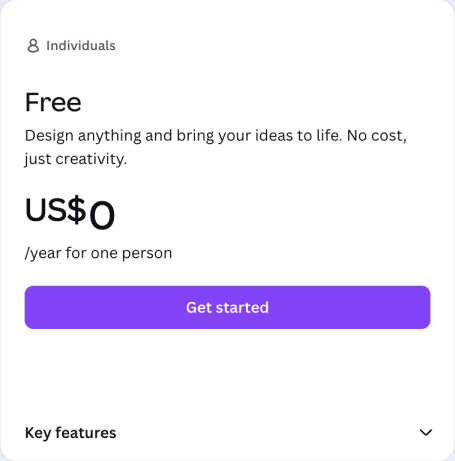
Access: Canva Free is a no-cost design plan for individuals. The official pricing page checked September 15, 2026 lists a Free card with a Get started button, separate from Pro and Business trials. It includes a limited shared AI allowance; different tools and tasks consume that allowance at different rates. This does not make every AI feature, stock element, or export option free.
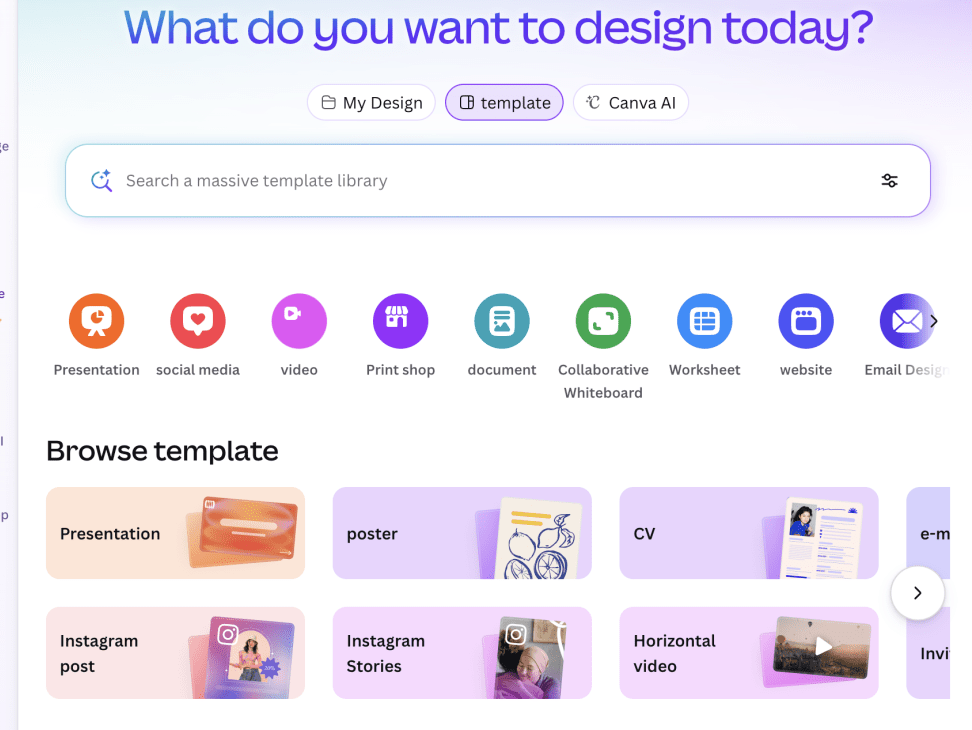
Canva is useful when the final deliverable is a slide, a social graphic, or a simple layout. The design workflow is the reason to choose it: templates, text, images, and export live near one another. A chatbot may help write the message, but you still need somewhere to make the visual.
For a social graphic, start with the destination size, one main message, and the assets you already have rights to use. A premium template element, an AI operation, and a particular export format can create separate costs even within one design.
- Template-based design with AI-oriented creation and editing entry points.
- A practical place to assemble a finished visual without learning a professional desktop design application.
- A free design account does not make every stock asset or AI generation free. Licensing and plan badges should be checked at the element and feature level.
Canva individual Free plan and AI allowance.
Related reading: our guide to ChatGPT image-generation models.
27. Adobe Firefly — Exploring creative generation in Adobe’s workflow
Access: Current Firefly Free terms are not confirmed here. A generation feature, a paid trial, and a commercial-use entitlement are separate offers; no recurring generation budget is established in this comparison.
Firefly is worth considering if you want generated material to fit into an Adobe-centered creative process. Begin with the kind of output you actually need—an image, an edit, or a media experiment—because different operations can use different credits and entitlements.
A concrete creative brief names the subject, composition, and intended use—for example, a background concept with empty space for a headline. Generation, retouching, and a client-ready commercial asset are different tasks, so their model and rights conditions need to match.
- A creative-generation interface with image and other media-oriented tools.
- A relevant option for users who already work with Adobe’s design ecosystem.
- Standard and premium features may consume credits differently. A trial badge for one feature does not establish a recurring free allowance for the entire suite.
Adobe Firefly — official details.
28. Leonardo AI — Repeated image experiments and visual iteration
Access: Current Leonardo Free terms are not confirmed here. The historical daily-token card is not used to establish a current grant, reset time, or fixed image count.
Leonardo is a candidate for users who expect to revise an image several times rather than accept the first output. In that workflow, the allowance matters as much as the initial result: you need room to change composition, adjust details, and compare alternatives.
For a series of visual variations, keep the subject stable and vary one detail such as framing or lighting. Token costs can differ by model and operation; a token total alone cannot predict how many usable variations the workflow will produce.
- Image generation and related creative-editing entry points in a dedicated workspace.
- A focused environment for exploring a visual idea across several variations.
- Public generation, private work, commercial use, and access to particular models can have different plan boundaries. A shared token balance should not be read as an identical image allowance across tools.
Leonardo AI — official details.
29. Ideogram — Visuals where lettering is part of the design
Access: A Free plan exists. Check its current slow-credit allowance, public-generation policy, and the cost of the selected tool; paid plans use different priority and capacity rules.
Ideogram is a relevant candidate for posters, social graphics, and other images where text placement matters. A useful check is not simply whether the image looks attractive, but whether every word is correct, readable, and positioned as intended.
A poster concept with a short phrase is a useful text-in-image task. The spelling, punctuation, and reading order need to survive at the final display size. Private drafts and particular editing tools have separate plan conditions.
- Image generation and design-oriented tools, with free and paid plan options documented by Ideogram.
- A focused candidate for evaluating text-led visual work.
- Free and paid plans have different priority, capacity, and privacy options. Choose the plan on the basis of the output and sharing settings you need.

30. Runway — A limited first experiment with AI video
Access: Free is $0 with 125 one-time credits that do not expire. Paid plans provide their own monthly allocations. That is a plan change, not an automatic refill of the original free grant.
Runway is a useful example of why “free account” and “recurring free generation” need different labels. Its Free plan is described as free forever, but it provides 125 credits once. The account can remain free after you have used the initial generation budget.
The one-time grant is suited to exploring a focused motion idea: animate a supplied image or compare a small number of camera moves. The selected model and clip settings determine the credit cost; a rate for a model unavailable on Free cannot be used to estimate the grant’s output.
- A selection of creative models for exploring concepts, with 5GB of asset storage listed on the Free plan.
- A clearly documented way to examine the workflow before deciding whether it is worth paying for.
- The 125-credit grant is one-time. It does not support a fresh monthly video-production budget, and different models can consume credits at different rates.
Related reading: how AI video credits work.
31. Luma Dream Machine — Checking a cinematic video workflow before budgeting
Access: The current public pricing page lists paid plans starting with Plus at $30 per month. A recurring $0 plan has not been established from that page; do not include monthly free Luma generations in a production budget.
Luma Dream Machine is a creative video option to evaluate carefully when your budget is zero. Its current public pricing page presents paid plans starting with Plus. That page does not establish whether a particular new account receives introductory access, so a recurring free allowance should not be part of your production budget.
An animated product concept is one possible use, but a preview and a downloadable finished clip serve different purposes. Without an established recurring Free allowance, Luma belongs in the comparison as an access-dependent alternative, not as a monthly zero-cost video budget.
- A creative image and video workflow with model-dependent credit costs.
- Worth evaluating when camera motion and a visual production workflow are central to the task.
- A paid plan’s features do not establish an introductory offer. Watermark, commercial use, and export resolution depend on the actual plan used to generate the clip.

Luma Dream Machine — official details.
32. ElevenLabs — Personal voice prototypes and short narration experiments
Access: Free is $0 with 10,000 credits per month on the current pricing page. Starter is $6 per month and adds a commercial license.
ElevenLabs is a clear option for trying voice generation without committing to a subscription. The official voice page says no credit card is required for free access and limits that use to personal projects. That makes the Free plan useful for experimentation, but it is a different choice from a paid commercial voiceover workflow.
The pricing page lists 10,000 credits per month on Free. Credit consumption depends on the product and model, so do not turn that into a guaranteed duration for every voice. Test a short passage first and check pronunciation, pacing, and names before generating a longer script. The sound-effects library is another part of ElevenLabs: browsing sounds, generating them, and downloading them can have different entitlements.
- Voice and other audio tools, with a shared credit allowance across supported products.
- A documented no-card entry point for evaluating whether a voice suits a personal project.
- Commercial rights require the appropriate paid plan. Credit units and the character allowance advertised on a voice landing page are not a universal one-to-one conversion.
ElevenLabs — official details.
Official free voice and personal-use conditions.
33. Suno — Personal music experiments
Access: Free is $0 with 50 credits per day. The pricing page says included credits do not carry over from day to day or month to month; paid plans have separate rights and allowances.
Suno offers a recurring free allowance for exploring music ideas. Its current Free plan lists 50 credits per day and access to free models. Use that for experimenting with a style, mood, or song idea, then decide whether the results suit the project you have in mind.
Keep a record of the plan and terms that applied when you made a track. Generation credits, download entitlements, and commercial rights are separate. The current Free card explicitly lists no commercial rights and no monthly song downloads, so free generation alone is not enough to promise a deliverable for a client campaign.
- Prompt-based music creation, standard features, and a shared creation queue.
- A daily recurring allowance for casual exploration rather than only a one-time credit grant.
- Free outputs have commercial-use restrictions, and export or download needs must be checked separately. Do not assume a fixed number of songs from the credit total alone.

34. Descript — Editing a small audio or video project through text
Access: Free is $0 and does not require a credit card, according to Descript’s FAQ. The paid comparison shown below uses annual-billing monthly equivalents. The current Free plan provides 60 media minutes per month and 100 AI credits once.
Descript is useful when you want to edit spoken material through its transcript and use AI tools for selected cleanup tasks. The Free plan combines a recurring media-time allowance with an introductory AI-credit grant. Those two counters should be assessed separately before you plan a monthly production routine.
The current comparison lists 60 media minutes per month for Free and 100 AI credits one-time. A new month can replenish media time without replenishing that introductory AI grant. For a small recording, use the transcript to make precise cuts, then reserve AI operations for a task that would otherwise take meaningful manual effort.
- Text-based audio and video editing, transcription, and limited access to AI editing tools.
- A focused way to learn the transcript-editing workflow on a small project.
- Free local and web-link video exports are listed at 720p. Higher-resolution and watermark-free options belong to the relevant paid plans; the Free media allowance does not imply recurring AI credits.

35. VEED — Assembling a short social video in a browser
Access: A free starting point is available for editing and watermarked 720p exports. Decide whether that file fits your purpose before choosing a paid upgrade; upgrading later requires re-exporting the original project to obtain a watermark-free version.
VEED is a candidate when your main job is to assemble media, text, subtitles, and audio into a short shareable video. The editor workflow may be useful even when you are not generating the underlying footage with AI. That is an important distinction for a free-tool budget.
The official export guide lists 720p for the Free plan. Finish the edit, choose export settings, click Done, wait for rendering, and download the MP4 from the video page. VEED’s watermark policy says projects exported while signed out or on a free account carry a VEED.IO watermark. A paid subscription is required for a watermark-free export.
- Browser-based editing with media, text, subtitle, and audio tools.
- A direct workflow for putting together a short visual message without moving between several desktop applications.
- Free exports are limited to 720p and carry a watermark. AI generation allowances are separate from editor access. Stock-library safelisting and copyright-claim support are limited to paid accounts.
Can a free AI video tool finish your project?
A free video tool can be enough to learn the controls or explore an idea. The harder question is whether it can finish your specific project: the right duration, usable motion, required resolution, a permitted soundtrack, and an export you can share. Generation alone does not answer that question.
- Write down one deliverable: for example, a short silent product-motion concept for internal review.
- Identify the model and the cost of the selected duration and resolution before pressing Generate.
- Check whether you are spending a recurring allowance or a one-time grant. Leave room for a revision.
- Inspect the download, watermark, and commercial-use conditions before using the result outside the experiment.
Runway’s 125-credit introductory grant can help you explore its workflow. Descript’s free media minutes serve an editing task, while VEED combines timeline editing with separate AI features. Those are different routes to a video; comparing only a credit number will not tell you which route fits.
The final file is the real test
Before committing to a creative workflow, check four things together: Can I generate it? Can I download it? Is the exported quality sufficient? Am I allowed to use it for this purpose? A “yes” to the first question does not answer the other three. Suno’s Free plan explicitly separates generation credits, downloads, and commercial rights.
How to choose without collecting subscriptions
Start with a recurring task that is small enough to evaluate. For a writing assistant, use a paragraph with facts that must not change. For a research tool, use a question whose answer you can trace to a reliable source. For a meeting tool, check names, decisions, owners, and deadlines against the recording.
- Choose a repeatable job: “Turn this meeting into accurate action items” is easier to judge than “Find the smartest AI.”
- Record the stopping point: Was the problem a model limit, a file limit, a download restriction, or the quality of the result?
- Match the remedy: Waiting for a reset, using a different free specialist, or paying for a workflow are different solutions. Upgrade only when it solves the problem you actually encountered.
- Protect the source material: Review sharing, training, and retention settings before uploading private documents. Follow the relevant organization’s rules.
For a more detailed check, read our AI data privacy guide. If you are considering a paid ChatGPT plan, the Plus limits guide addresses that separate decision; paying does not mean that every feature becomes unlimited.
Frequently asked questions
Is there a completely free AI with no limits?
OpenAI’s Free Tier FAQ, checked September 15, 2026, describes unlimited everyday text chats subject to abuse-prevention safeguards. ChatGPT’s file uploads, image generation, voice, data analysis, and other tools have separate usage limits. Fathom offers unlimited free recordings, another feature-specific allowance. Neither example means unlimited access to every feature, export, or commercial right.
Which free AI is better than ChatGPT?
The better fit depends on the job. Claude is a practical choice for writing and document work, Gemini suits a Google-centered workflow, and a source-based notebook helps with a fixed collection of documents. These are task-fit recommendations, not a claim that one model wins every benchmark.
Which free AI tools do not require a credit card?
GitHub Copilot Free explicitly says no credit card is required. ElevenLabs’ free voice page also says no card is needed, and Descript’s pricing FAQ confirms that its Free plan does not require one. Choose the Free enrollment rather than assuming the same rule applies to a paid-plan trial.
Do free AI credits renew every month?
It depends on the product and the unit. GitHub Copilot Free provides 2,000 completions per month. Runway’s 125 free credits are a one-time grant. Descript combines 60 media minutes per month with 100 one-time AI credits. Otter’s 300 monthly transcription minutes do not replenish its three lifetime file imports.
Can I use free AI for commercial purposes?
Read the terms for the exact product, feature, model, and plan. ElevenLabs’ free voice page limits use to personal projects, while Suno’s Free plan lists no commercial rights. A downloadable file, a watermark-free export, and commercial permission are different conditions.
Is an open-source AI model free to use?
An open model can be available to download without making every hosted chat application or API free. Running it requires suitable computing resources, and each model has its own license. Check the model card, license, hosting costs, and the terms of the service you plan to use.
Is GlobalGPT a free AI platform?
GlobalGPT is presented here as a paid multi-model subscription option. It combines AI models and functions for research, writing, coding, images, audio, and video in one dashboard. Consider it when a combined workflow is more useful than maintaining several separate tools.
Keep the free tool that works. Expand when the workflow needs it.
One well-chosen free tool can be enough for a small recurring task. When you need a wider set of models and creative functions, explore a combined paid workflow with GlobalGPT.