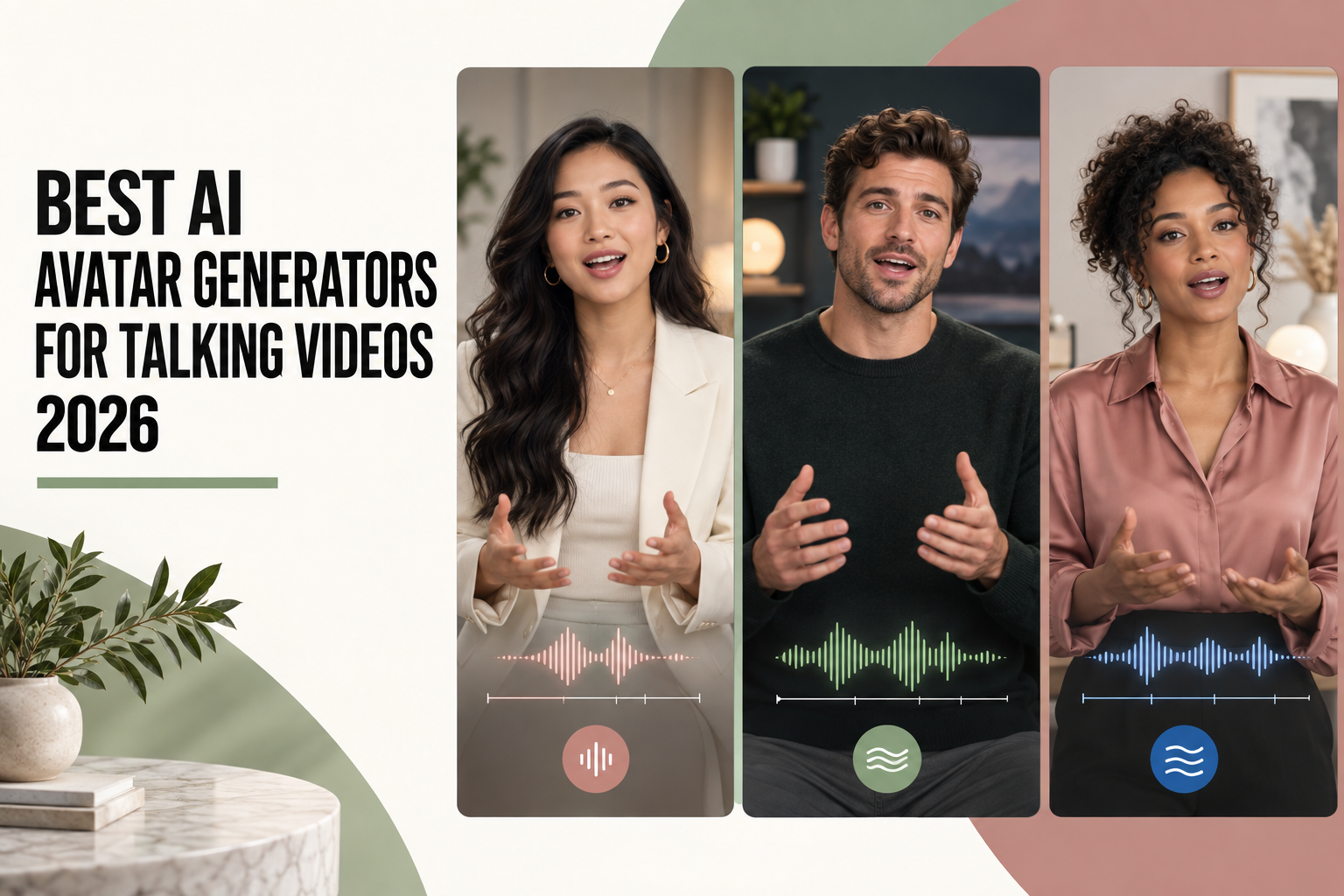
Best AI Avatar Generators for Talking Videos

The best AI avatar generator for talking videos depends on the job: shortlist HeyGen for a recurring presenter and multilingual delivery, Synthesia for structured business videos, Colossyan for interactive learning, D-ID for a talking-photo workflow, and Creatify for avatar-led ads. Start with the output you need to approve, then compare the tools that can produce it.

A convincing face is only the beginning. Your presenter also needs to say the right words, keep their identity between scenes, survive a language change, and fit a budget that includes revisions. A polished five-second sample tells you little about those production requirements.

For script development and supporting visual concepts, you can start in GlobalGPT before moving into the avatar service that fits your production requirements.

立即体验热门视频模特

Best AI Avatar Generators for Talking Videos: Five Tools by Use Case

These are workflow recommendations, not a league table of face realism. Each service solves a different part of the job. Use the last column to decide what to test before committing to a subscription.

工具最合适What stands outTest before buying
HeyGenRecurring presenters and localizationStock, photo and recorded custom avatars; localized voice and lip movementUse your names and product terms, then check face, voice and meaning in the target language
合成Business explainers and trainingStock/custom presenters, branding and scene-based productionEdit a sentence and scene; check approval flow, timing, plan access and update cost
ColossyanInteractive lessons and coursesQuizzes, branching, localization and SCORM/MP4/shared-link deliveryBuild one real lesson and open the result in your LMS; confirm plan-specific exports
D-IDTalking photos and short messagesText, audio or still-image input with avatar and translation optionsUse the intended portrait; inspect teeth, jawline and eyes. Plan broader still-image motion with the Kling 图片转视频指南
CreatifyAvatar-led product adsAvatar Video alongside URL-to-video advertising workflowsCompare two openings with the same accurate offer; reject invented claims or endorsements

Choose the Avatar Type Before the Subscription

Avatar type在以下情况下选择它:Test before committing
Stock presenterSpeed matters more than a unique identityVoice fit, plan access and one real script
Photo avatarYou have an authorized still portrait and need a short messageFace fidelity at the start and end, especially mouth, teeth and eyes
Custom avatarAn authorized person must appear repeatedlyTwo scenes, one script revision, consent flow and repeat identity
Generative characterVisual freedom matters more than a saved real-person presenterScript accuracy and continuity; use a character and scene consistency workflow for repeat appearances

Pricing: Budget for Approved Videos and Revisions

A monthly subscription price is not a per-video price. Avatar generation, translation, video assets and revisions may consume different portions of a shared allowance. These official plan examples give you a starting point; they are not a normalized cost-per-clip ranking.

Official plan examples checked September 7, 2026
计划每月价格Allowance and purchase check
HeyGen Creator$29600 credits; 1080p export. Confirm the charge for your avatar and translation workflow.
Synthesia Starter$29, billed monthly1,200 shared credits per month, listed as up to 12 minutes of video. Other eligible AI uses draw on the same pool.
Creatify Starter$39100 credits per month. Confirm the charge for each ad format and revision.

For a useful budget, calculate total production spend divided by approved video minutes. Include the subscription allocation, charged attempts, extra credits and required translation or avatar add-ons. Keep your editor’s time as a separate line so a cheap render does not hide expensive cleanup.

For example, a hypothetical $30 allocation that produces ten approved 30-second videos buys five finished minutes, or $6 per approved minute. If the same spend produces only five approved videos, the cost doubles to $12. These are arithmetic examples, not prices or measured results from any provider.

Cost per approved minute
Hypothetical example$6.00 / min$30 / (10 clips x 30 seconds / 60)
Same spend, fewer approvals$12.00 / min$30 / (5 clips x 30 seconds / 60)

Free plans are useful for checking the interface and a sample output. HeyGen's published free tier, for example, permits three videos per month of up to one minute each. Check download access, watermarking, voice choice and commercial permissions separately before treating any free tier as a production plan.

How to Check AI Avatar Lip Sync

Start with a short script you control. Include words that close the lips, a proper name, a number and a pause. Listen to the complete sentence at normal speed, then inspect any suspicious moments more slowly. A convincing mouth shape in a still frame is not proof that the movement matches the audio.

检查Pass signalReject signal
WordsNames, numbers and instructions match the approved scriptA fluent delivery substitutes or drops a required word
PausesThe mouth settles during silenceSpeech motion continues after the audio stops
Mouth and teethClear closures on P, B and M; stable teeth and jawIncomplete closures, drifting teeth or sudden jaw changes
声音One consistent voice at natural speedTone, identity or pronunciation changes halfway through
Original AI-generated close-up illustration. An unobstructed mouth and steady framing make speech motion easier to examine.

Audio-driven lip sync animates a face around an existing track; native audiovisual generation creates speech with the performance. The Veo 3.1 dialogue and lip-sync guide covers the second route. When a clip fails, use the AI video generation failure guide to separate recording, pronunciation, animation and export problems before spending on another attempt.

Multilingual Talking Videos Need More Than Translation

Decide whether you are localizing an existing recording or generating a new performance from a translated script. An existing master gives reviewers a concrete reference. A new target-language script gives you room to rewrite an example or call to action for that audience. Both need language review.

Review layer需要核实的内容Action when it fails
TerminologyNames, product terms and technical phrases follow an approved glossaryCorrect the target-language script before rendering again
含义Prices, units, dates, instructions and calls to action stay accurateHave a fluent reviewer rewrite the line instead of trusting subtitles alone
时间安排Speech fits the scene without rushing; gestures still match the wordsShorten or rewrite with the reviewer rather than forcing the original timing
IdentityFace, voice, clothing and delivery remain coherent across clipsUse the workflow for 角色设定统一的长视频
Original multilingual presenter illustration. Short greetings illustrate the format; they do not establish translation quality for longer scripts.

A Practical Workflow for Your First Presenter Video

步骤决定行动Approval signal
1Audience and outcomeChoose one viewer action, destination, aspect ratio and approximate durationThe brief fits one sentence
2Authorized presenter and voiceUse licensed stock, an original fictional identity or a consenting person; complete provider consent stepsRights cover the intended use
3Approved scriptRead aloud; simplify long sentences; verify names, numbers and promises; preview voice when availableA reviewer signs off on the exact words
4Short sampleUse a steady camera and restrained motion; check face, speech, timing and background with the AI video mistakes checklistThe actual export passes, not just the preview
5Captions and devicesCorrect captions against final audio; keep them clear of the mouth; test phone and desktopThe clip is readable and audible at both sizes

Where GlobalGPT Fits in an Avatar Video Workflow

GlobalGPT can support the work around the presenter: developing a brief, drafting shorter script variations and exploring supporting image or video concepts. Use the avatar platform you choose for its own saved-presenter, translation or learning-delivery features. GlobalGPT access does not imply a subscription to HeyGen, Synthesia, Colossyan, D-ID or Creatify.

If a project also needs demonstrations, establishing shots or visual cutaways, compare those requirements separately from the talking head. Our AI视频生成器对比 covers the broader category. Keep the presenter decision focused on speech, identity and the production features your team will actually use.

Develop your video brief in GlobalGPT

常见问题

Which AI avatar generator should I try first?

Try HeyGen for a recurring multilingual presenter, Synthesia for business explainers, Colossyan for interactive courses, D-ID for a talking photo, or Creatify for avatar-led ads. Test your actual script and output requirements before paying for more capacity.

Can I create a talking avatar for free?

Some providers offer a limited free plan or trial. HeyGen lists three videos per month of up to one minute each on its free tier. Check export access, watermarks and usage rights separately; a free preview is not necessarily a finished production asset.

Can one AI avatar speak several languages?

Yes, supported workflows can translate an existing performance or generate speech from a target-language script. Review the actual voice, wording and lip movement in each language. Names, numbers and the presenter's identity deserve separate checks.

Is a talking photo the same as a custom avatar?

A talking photo animates a still image. A custom avatar may use recordings and a saved identity to support repeat appearances, depending on the provider. Test the exact creation method you intend to use rather than assuming both behave identically.

How do I check whether lip sync is good?

Review a short script at normal speed, then inspect suspicious moments slowly. Look for lip closures on clear sounds, a mouth that stops during pauses, stable teeth and accurate spoken words. A sharp still frame cannot establish audio-video synchronization.

How much should I budget for talking-avatar videos?

Budget for the subscription, charged attempts, translations, add-ons and editing time. Divide the cash spend by approved video minutes to compare your own workflows. Published monthly prices alone do not establish the cost of a usable clip.

Can I use an AI presenter in commercial videos?

That depends on the provider's terms, your plan and the rights to the face, voice and other assets. Obtain permission for a real person's likeness or voice, and avoid inventing customer endorsements. A paid subscription does not clear every possible use.

Can GlobalGPT replace a dedicated avatar platform?

GlobalGPT can help with scripts and supporting visual concepts. Saved-avatar controls, specific translation features and course exports depend on the dedicated service you choose. Do not assume a GlobalGPT subscription includes those separate accounts.

Choose the Tool That Passes Your Production Test

Pick the service that matches your deliverable, run a short script with your own terminology, and make one real revision. For multilingual work, approve a target-language version before expanding. For training, test the edit and delivery workflow. For ads, judge the complete variation against the actual offer.

The right AI avatar generator is the one that repeatedly gets your message approved at a workable cost. Buy more capacity after that test, not before it.

分享帖子:

相关帖子