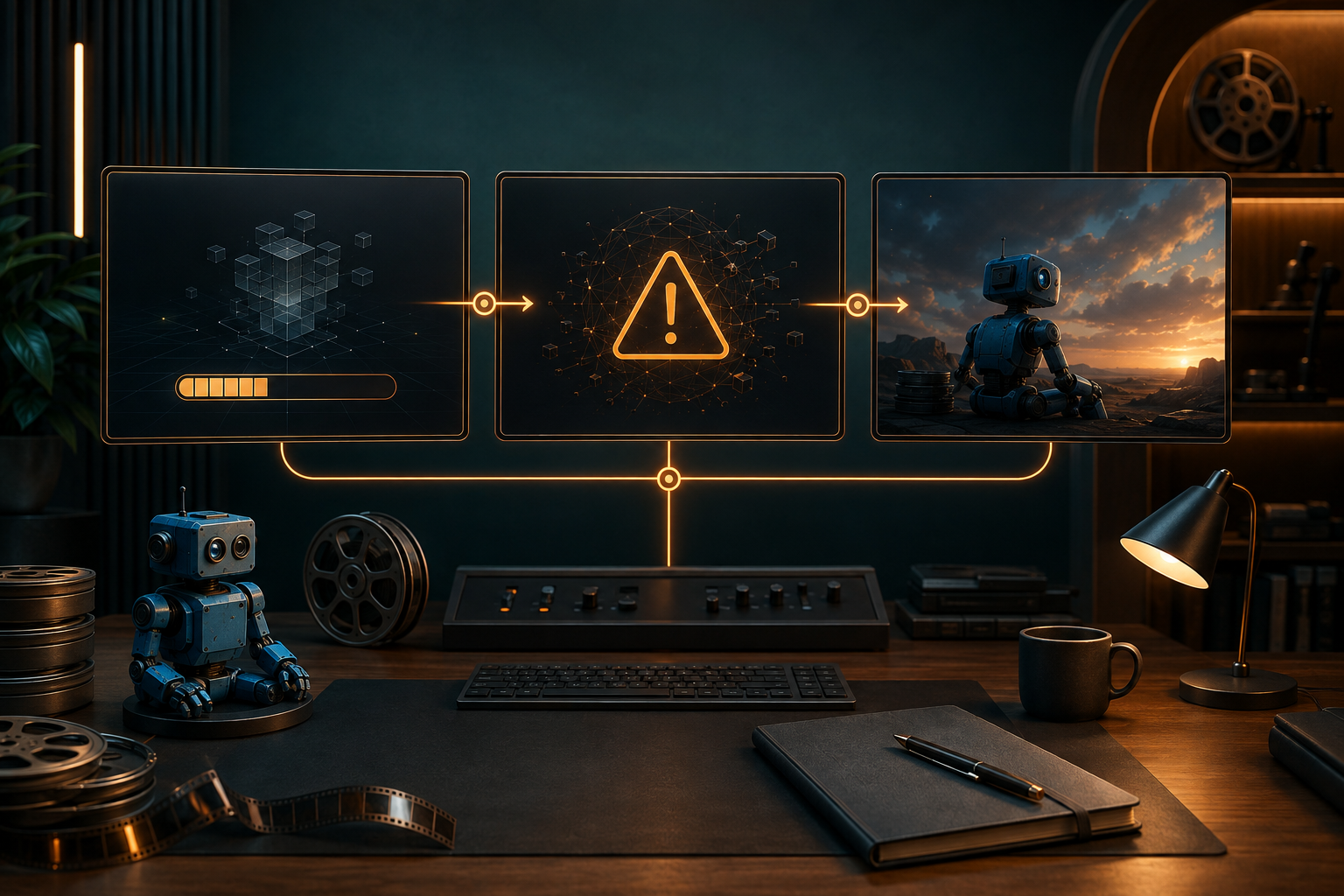
Большинство сбоев при генерации видео с помощью ИИ проще устранить, если определить, на каком именно этапе произошел сбой. Отклоненный запрос, задание, застрявшее в очереди, «черный» плеер и клип, который воспроизводится, но теряет ключевой реквизит — это разные проблемы. Не запускайте повторно, пока не выясните, с какой именно проблемой вы столкнулись.
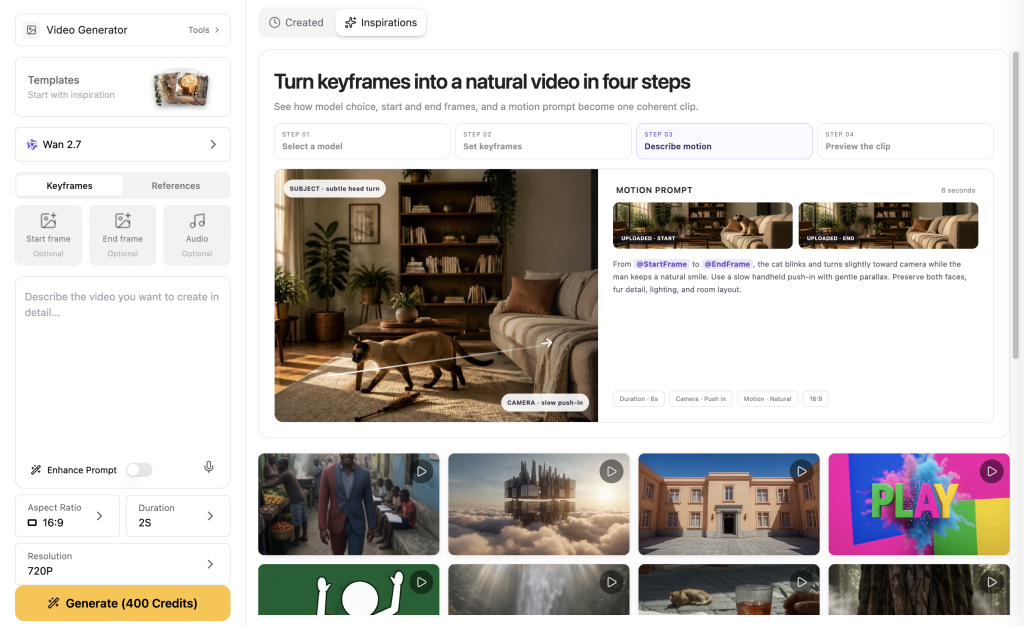
Я рекомендую использовать Видео GlobalGPT Если вам нужно провести такую диагностику в рамках реального рабочего процесса: создайте эталон в Image, выберите доступный маршрут видео и сравните запрос с возвращенным клипом в одном рабочем пространстве. Вы можете переключаться между вариантами видео, такими как Seedance, Veo, Kling и другими, без необходимости пересоздавать весь задание в отдельных продуктах.
Почему создание видео с помощью ИИ не работает
“Термин ”неудача» зачастую слишком общий, чтобы быть полезным. Задача может завершиться неудачей ещё до того, как она будет выполнена, поскольку выбранный маршрут требует другого параметра. Она может оказаться в состоянии ожидания после утверждения из-за перегрузки очереди. Она может быть выполнена с технической точки зрения, но всё же не соответствовать вашим творческим требованиям, поскольку реквизит изменил форму или вышел за пределы кадра.
Схема классификации неисправностей
Перед повторным запуском определите причину сбоя
- Найдите идентификатор задачи. Отсутствие идентификатора задачи, как правило, указывает на проблему с входными данными или несовместимостью маршрута.
- Считать состояние задачи. Статус «В очереди» или «Выполняется» не означает наличие ошибки.
- Откройте URL-адрес, который был возвращён. Перед перезаписью подсказки убедитесь, что файл удается загрузить.
- Сравните этот ролик с кратким списком обязательных к просмотру видео.
Создать чистый пакет ввода данных
- Идентификатор: лицо или силуэт, цветовая палитра, одежда, фирменный реквизит.
- Обязательно указать: две детали, которые должны быть разборчивыми.
- Действие: сделайте реквизит частью происходящего.
- Камера: укажите композицию, которая сможет это продемонстрировать.
Воспользуйтесь рабочим процессом GlobalGPT для выявления причины
Начало в Изображение GlobalGPT с понятным справочным материалом. Перейти к Видео, выберите подходящий маршрут и сделайте контрольный снимок перед началом более сложного перемещения. Прочитайте это рабочий процесс, обеспечивающий единообразие персонажей в разных сценах для метода «сначала ссылки».
Что показывают проверки первых результатов
Эти три первых приемлемых результата были запрошены в формате 16:9 и с разрешением 480p через Anywhere. Они не являются рейтингом. Они демонстрируют разницу между технически выполненным заданием и пригодным для использования творческим результатом.
F01: Допустимая привязка, неполные доказательства в поддержку
Робот с кремовой лицевой панелью, янтарными линзами, желтой лентой и графитовым блокнотом идет по проходу библиотеки.- Маршрут: Seedance 2.0 через Anywhere
- Вывод: первый допустимый 5-секундный файл в формате MP4, соотношение сторон 16:9, разрешение 480p
- Что сохранилось: корпус, лицевая панель, линза, створка.
- Класс сбоев: записи в тетради неразборчивы, но это не считается невыполнением задания.
- Ремонт: сделать блокнот объектом действия.
F02: Реквизит сохранился как посторонний объект
Робот открывает тетрадь из графита на столе реставратора.- Маршрут: Seedance 2.0 через Anywhere
- Вывод: первый допустимый 5-секундный файл в формате MP4, соотношение сторон 16:9, разрешение 480p
- Что сохранилось: корпус робота и жёлтая повязка.
- Класс сбоев: сдвиг вывода: ноутбук превратился в большую раскрытую книгу.
- Ремонт: Повторите информацию о материале, размере и форме в предложении, которое обязательно нужно упомянуть.
F03: Широкий диапазон движений с различимыми идентифицирующими признаками
Робот пересекает двор, держа тетрадь под левой рукой.- Маршрут: Seedance 2.0 — быстрая передача данных из любой точки
- Вывод: первый допустимый 5-секундный файл в формате MP4, соотношение сторон 16:9, разрешение 480p
- Что сохранилось: робот, янтарные линзы, пояс и прямоугольный предмет, который он нес.
- Вывод: Общие планы могут быть уместны, если подсказки явно выражены.
Устранение типичных ошибок при генерации видео с помощью ИИ
Маршрут отклонен: Проверьте наличие необходимых входных данных. Застряла обработка: сохранить идентификатор задачи и дождаться достижения конечного состояния. Неработающий плеер: проверить возвращённый URL-адрес. Воспроизводимый фрагмент, неверный результат: уточните необходимый сигнал, действие и кадр. По вопросам продолжительности см. как сделать видео Sora 2 длиннее.
Когда стоит попробовать ещё раз
Повторите попытку, если ошибка транспорта помешала получению ответа, если поставщик явно пометил задачу как неудачную или если вы исправили зафиксированное несоответствие параметров. Не повторяйте попытку только потому, что принятая задача всё ещё выполняется.
ЧАСТО ЗАДАВАЕМЫЕ ВОПРОСЫ
Почему процесс генерации видео с помощью ИИ застрял?
Принятая задача может находиться в очереди. Сохраняйте идентификатор задачи, отслеживайте изменения её состояния и избегайте отправки дубликата до тех пор, пока первая задача не перейдёт в конечный статус.
Почему генерация видео с помощью ИИ терпит неудачу ещё до того, как начинается?
Запрос может быть отклонен, поскольку для выбранного маршрута требуется ввод данных или параметр, который не был указан.
Почему моё видео с ИИ воспроизводится, но выглядит не так, как надо?
Обычно это связано с проблемами в режиме вывода, а не с сбоем при воспроизведении.
Стоит ли мне сразу же повторить попытку создания видео с помощью ИИ?
Нет. Сначала необходимо определить, существует ли данная задача и находится ли она по-прежнему в очереди или уже выполняется.
Как запретить изменение видео-реквизита, созданного ИИ?
Опишите материал, форму, цвет и способ использования реквизита, а затем покажите его без препятствий.
Можно ли сменить модель искусственного интеллекта для видео, если система маршрутизации отклоняет мой запрос?
Да, после проверки, не связана ли проблема с отсутствием параметра маршрута. Сам по себе отказ маршрута не дает представления о качестве видео.