
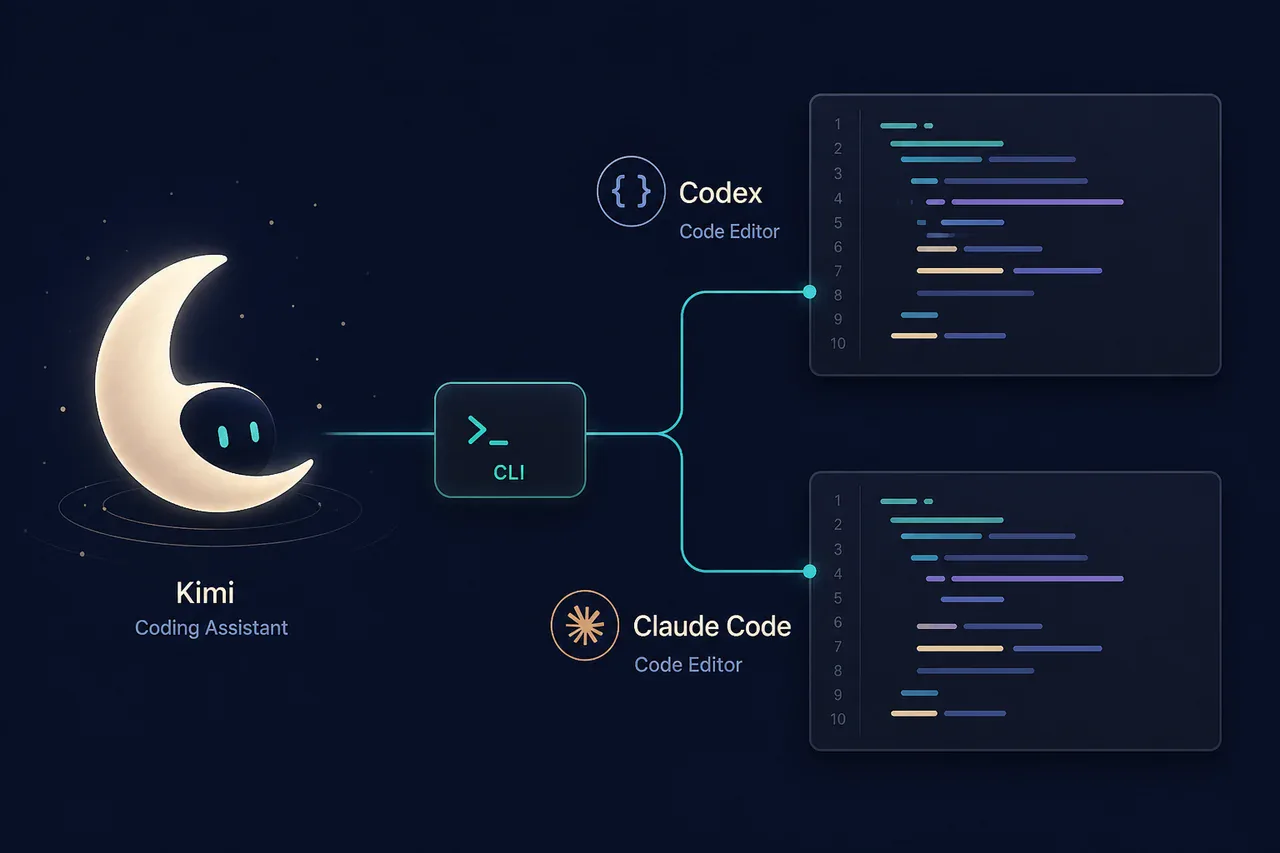
Kimi is a genuinely useful coding assistant, especially when a task needs long context and careful repo-level reasoning. The friction is usually the official sign-up, plan and workspace path—not the quality of the coding itself. GlobalGPT exposes Kimi K3 so you can send the same kind of request from a CLI workflow used alongside Codex or Claude Code.
Keep official Kimi Code for its native experience, or use GLB when you prefer one account, one CLI and a lower-cost multi-model workflow.
Kimi coding is easy to like for a simple reason: it stays useful when a programming task stops being a one-file autocomplete exercise. It can read a long brief, preserve constraints, explain a refactor and produce tests without turning every answer into a generic code sample. That makes Kimi Code attractive to developers who work across a repository or who need the model to remember the shape of a feature while they iterate.
The catch is access friction. Official Kimi Code has its own account, product and billing path, and that is not always the cleanest fit for a developer already moving between Codex, Claude Code and other tools. GlobalGPT gives you a practical alternative: select the verified kimi-k3 chat route, call it with glbgpt exec, and keep the generated code in the terminal workflow you already understand.
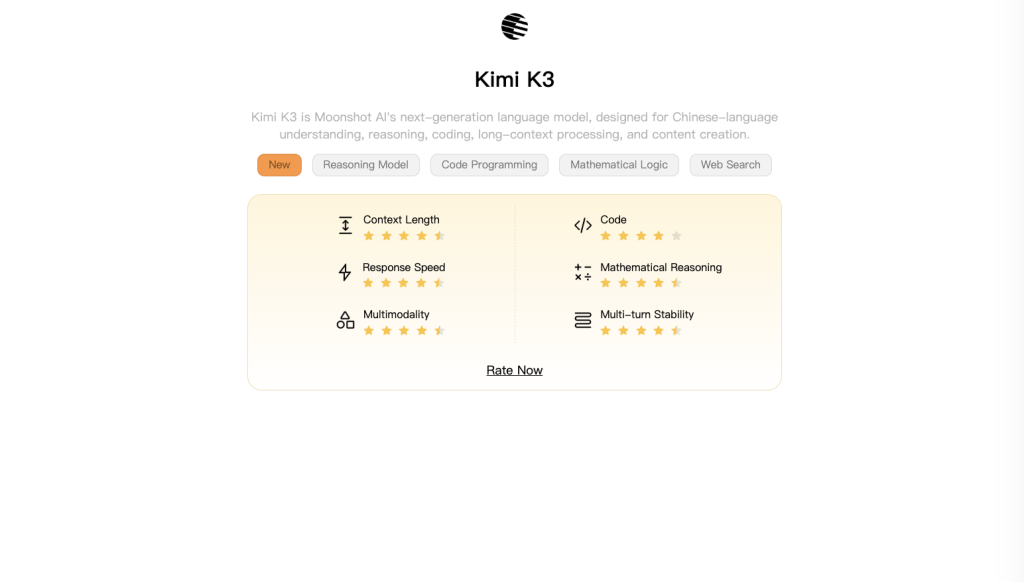
Why Kimi coding works for real development
Kimi’s coding appeal is less about flashy autocomplete and more about staying coherent over a longer request. Give it a small feature brief, existing naming conventions and a test requirement, and it can turn those constraints into a plan, implementation and verification loop. In practice, that is the difference between “write a function” and “add this function without breaking the current API.”
It is also a good fit for developers who want an explanation with the patch. If you are comparing models for code generation, our best AI model for coding guide frames model choice around task type rather than a single leaderboard.
Kimi coding strengths at a glance
Keeps the brief in view
Useful when a feature touches repo notes, API contracts and more than one related file.
Follows constraints
It can preserve naming, signatures and edge-case requirements instead of returning a generic snippet.
Explains and tests
A good request can produce a small patch, reasoning notes and tests you can run locally.
The official access trade-off
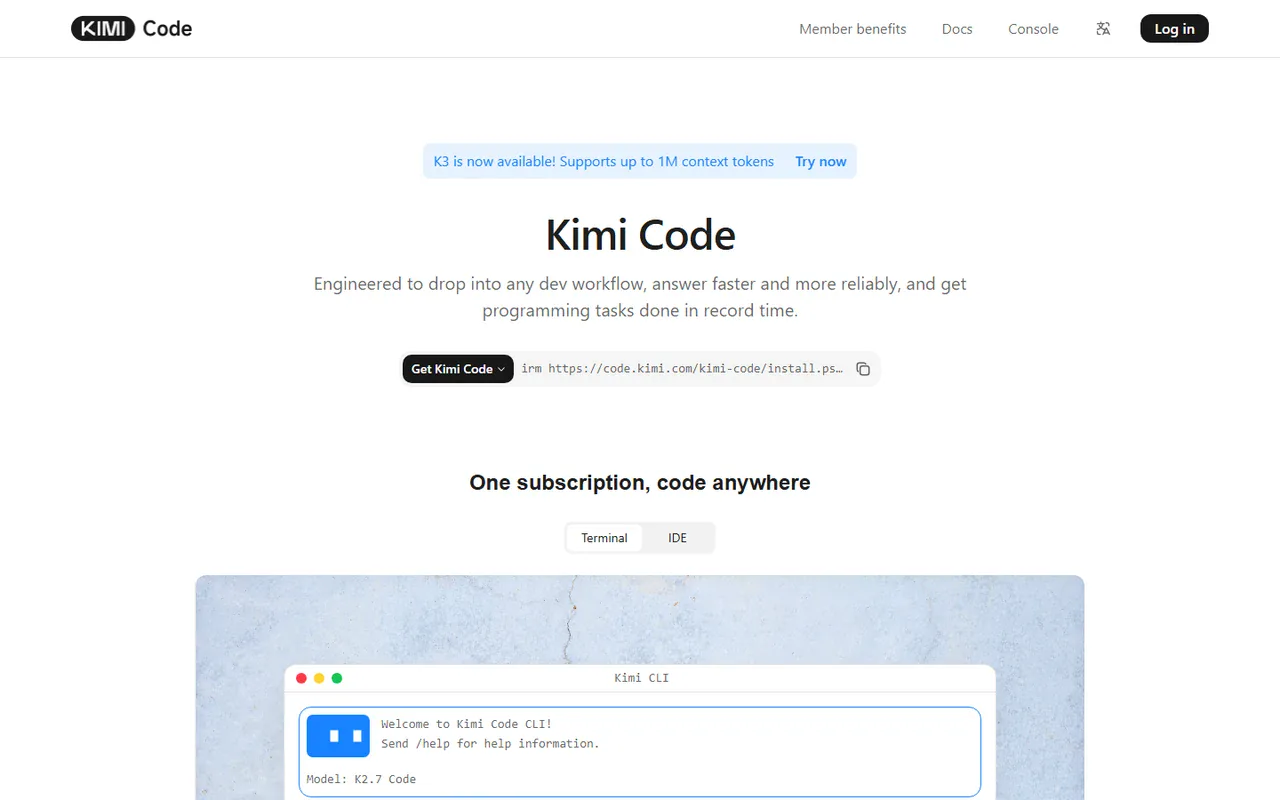
The official route is the right reference point for Kimi Code’s own product experience. It gives you the native interface, official documentation and the provider’s account rules. The downside is practical: you need another login and another plan, and the workflow is separate from the coding tools you may already use daily. Availability and plan details can change, so check the official Kimi Code page and official membership pricing before treating an old price screenshot as current.
Kimi’s appeal starts with the coding experience itself. It can keep a long project brief in view, follow naming and API constraints, reason across related files, explain why a refactor is safe, and turn the requested change into runnable tests. That combination makes Kimi useful for real development work rather than only quick snippets. The official Kimi Coding guide documents the provider’s own setup and terminology. If you like Kimi’s output but do not want another subscription flow, account to manage, or tool switch, GlobalGPT offers a more convenient path: use Kimi K3 from one multi-model workspace and call it through the GLB CLI alongside the coding tools you already use.
The GlobalGPT Kimi route
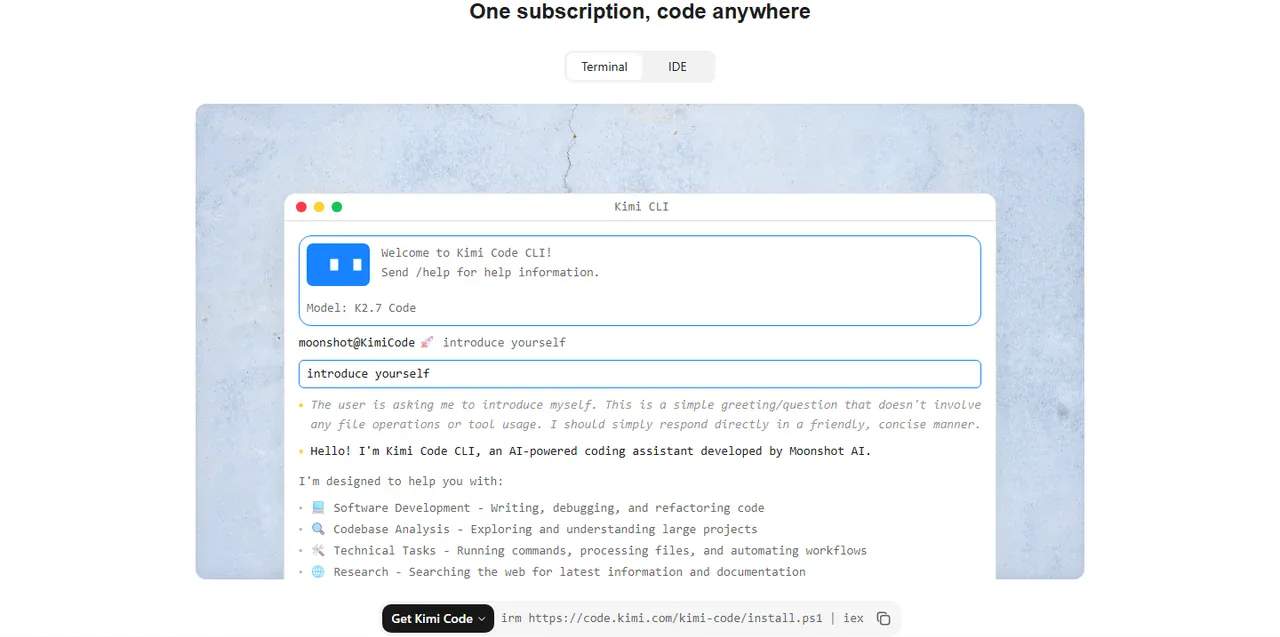
GlobalGPT is useful here as a practical access layer. Its current chat catalog exposes kimi-k3, described in the account as a 1M-context, deep-reasoning model. That is the route tested for this article. It is not the same thing as claiming that GlobalGPT is the official Kimi Code app; it is a separate workspace that lets you send coding tasks to Kimi K3.
If you want to compare surrounding tools, read the Codex vs Claude Code comparison, then keep Kimi K3 as the model call inside the environment that fits your repository. The same pattern works for the GlobalGPT CLI in Codex and the GlobalGPT CLI in Claude Code.
Set up the GLB CLI
Install the CLI, sign in in your own browser, and confirm that the account can see the chat catalog. These commands diagnose access before a longer task:
npm i -g @glbgpt/cli
glbgpt login
glbgpt whoami
glbgpt model list chat
The sign-in command opens the browser for you; it does not expose your password to the shell. When the model list includes kimi-k3, you are ready. For another command-line example, see the GLB CLI in Cursor tutorial.
Use Kimi K3 with Codex or Claude Code
The clean mental model is: Codex or Claude Code remains your coding surface, while GLB supplies the Kimi K3 model call. Ask Kimi for a patch, paste the response into the repository, run tests locally, and use your normal coding agent for review. This keeps model choice flexible without pretending that a chat endpoint edits your files automatically.
Ask for a bounded change, named files and tests.
Review this TypeScript utility and return: (1) the smallest implementation, (2) five tests, and (3) two edge cases. Do not change the public function signature. Keep Unicode letters and numbers, lowercase ASCII, collapse separators to one hyphen, and trim hyphens.
For a deeper setup comparison, the best AI models overview and the coding alternatives guide help you decide when a second model is worth adding instead of another browser tab.
Real coding test: a Unicode-safe slugify helper
I ran the test through GlobalGPT with kimi-k3, then checked the returned function locally in Node.js. The task was realistic but bounded: implement a dependency-free TypeScript slugify() helper and cover ordinary text, repeated punctuation, accents, Chinese text and empty input.
function slugify(input: string): string { return input.replace(/[A-Z]/g, c => c.toLowerCase()).replace(/[^\p{L}\p{N}]+/gu, '-').replace(/^-+|-+$/g, ''); }

PASS  Hello World → hello-world
PASS  A---B!!! C → a-b-c
PASS  Crème brûlée → crème-brûlée
PASS  你好,世界 → 你好-世界
PASS  empty string → empty string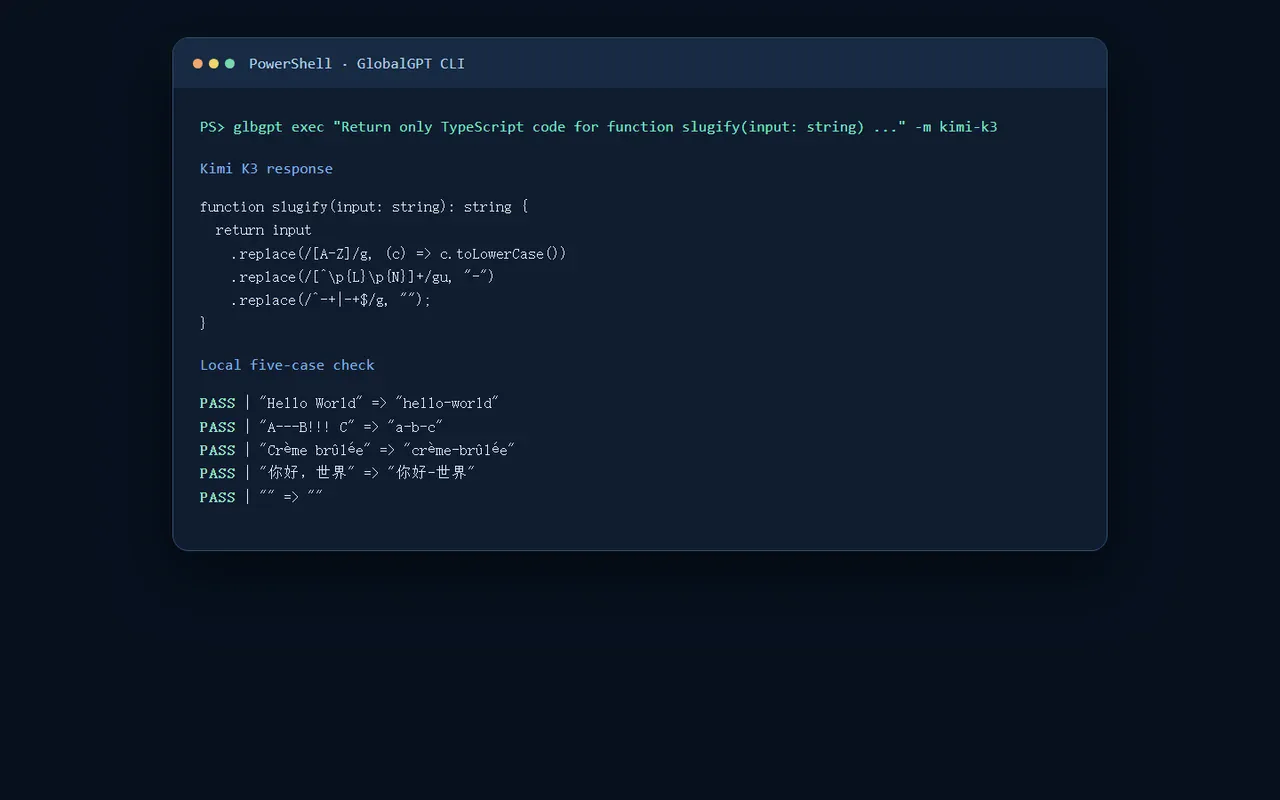
The result is good for this task because it follows the constraints and keeps Unicode characters intact. It is not evidence that every Kimi coding task will be perfect. Run your repository’s own tests, inspect regex behavior and review security-sensitive changes. For cost context, compare the separate Codex pricing guide and Claude Code pricing guide.
Who should choose which route?
Choose official Kimi Code when the native Kimi product, its documentation and account controls matter most. Choose GlobalGPT when you value one multi-model workspace, want Kimi K3 beside other coding models, or prefer calling the model from a CLI while Codex or Claude Code stays in charge of repository work.
Neither route removes engineering judgment. GLB is an access and orchestration layer; it does not replace version control, code review, a local test suite or the official product’s exact feature set.
Kimi coding plan FAQ
Is Kimi good for coding?
Yes. Kimi is useful for long briefs, multi-file context, implementation explanations and test-oriented coding tasks. The output still needs local verification.
Is Kimi Code the same as GlobalGPT Kimi K3?
No. Kimi Code is the official Kimi coding product. GlobalGPT Kimi K3 is a separate model-access route that can be called from the GLB CLI.
How do I use Kimi K3 from a CLI?
Install @glbgpt/cli, run glbgpt login, confirm glbgpt whoami, list chat models, and call the verified model with glbgpt exec your coding prompt -m kimi-k3.
Can I use the GLB route with Codex or Claude Code?
Yes. Use GLB to request or review a Kimi K3 coding response, then keep Codex or Claude Code as the surrounding repository workflow.
Does this article promise a fixed Kimi subscription price?
No. Official prices and availability can change. Check the current Kimi Code and membership pages, and treat GlobalGPT billing as a separate platform decision.
What should I test after Kimi generates code?
Run unit and integration tests, inspect edge cases, review dependencies and check security-sensitive paths.
Verdict: good coding, flexible access
Kimi earns its place in a coding toolkit because it can stay with a detailed task instead of collapsing into a generic snippet. Official Kimi Code is the reference experience, but its separate subscription path will not suit every developer. GlobalGPT’s Kimi K3 route is a practical answer for users who want lower-friction, lower-cost multi-model access from a CLI, with Codex or Claude Code still available around it.



