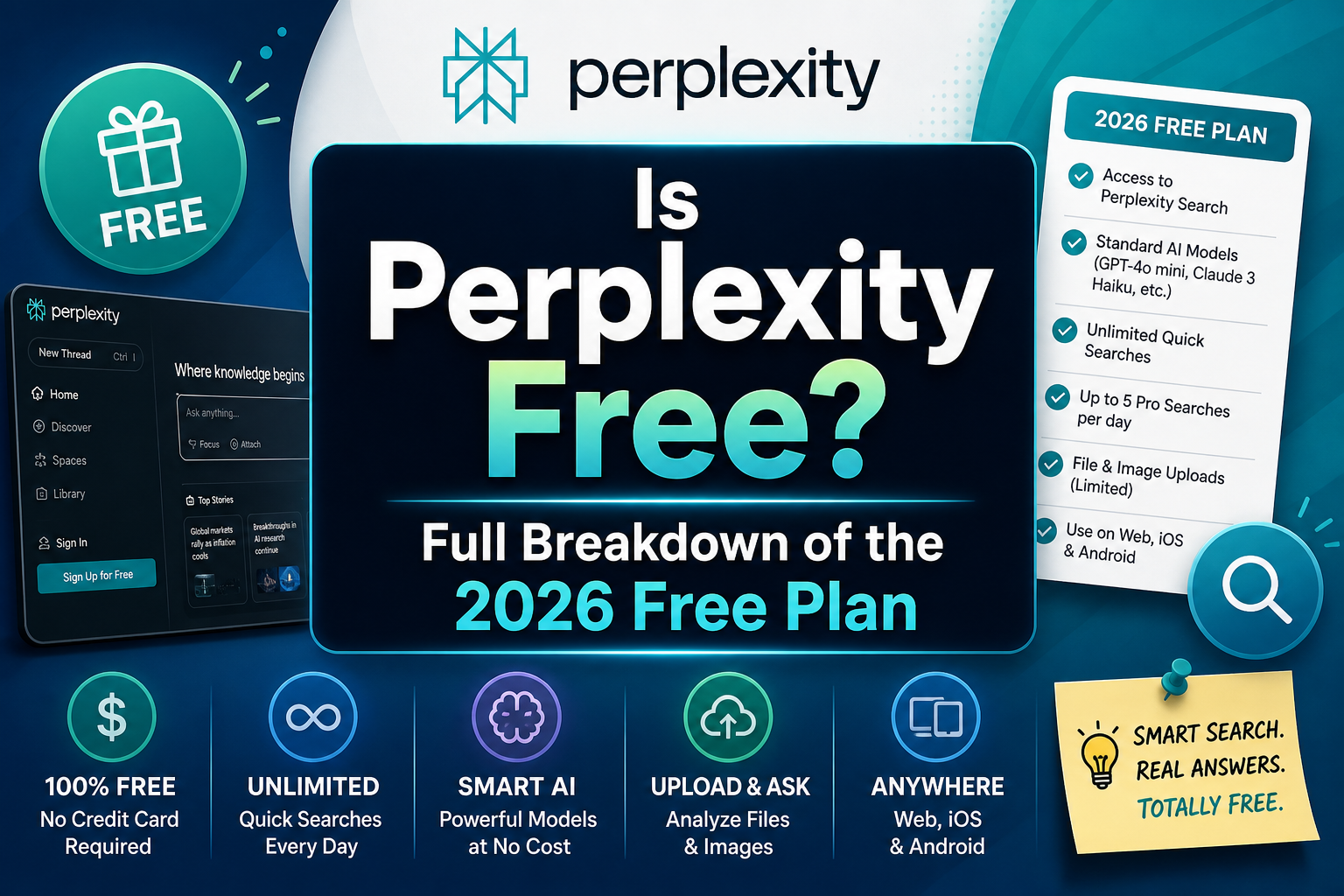
Yes, Perplexity has a free plan. The current official pricing page lists Free at US$0/month, Pro at US$17/month billed annually, and Max at US$167/month billed annually. The free tier is suited to everyday search with citations; paid tiers add more Computer use, research, model choice, file uploads, and other capacity.
Perplexity’s own allowance details can change by product surface, so the safest way to read “free” is to separate the plan price from the usage limits and from the tools that appear in your account.
When a research answer needs to become a draft, code review, presentation, or visual, GlobalGPT is a useful broader workspace: keep the research step, then switch models and functions without carrying several subscriptions for the rest of the job.
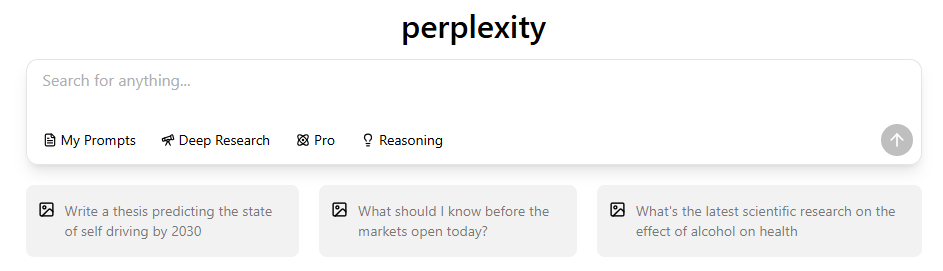
What do you get with Perplexity Free?
Perplexity combines an answer with links to the material behind it. That is useful when you want a starting explanation and a route back to the source: a product specification, a government page, a research paper, or a company announcement. The free plan lets you use that basic search workflow without turning every question into a subscription decision.
| Feature | Free-plan access | What it means |
|---|---|---|
| Basic searches | Practically unlimited | Use for everyday questions and initial source discovery. |
| Pro Search | 3 per day | A limited allowance for more involved searches. |
| Research | 1 query per month | Occasional report-style research, not a daily allocation. |
| File uploads | Limited | An upload allowance exists; check the in-app limit before a file-heavy task. |
| Search history | Included | Return to saved research in your account. |
| Advanced model selection | Not included | Perplexity chooses the model for your query. |
| Image generation | Not included | Finding an existing image is different from generating a new one. |
| File and app creation | Not included | The dedicated creation tool is separate from uploading a file and asking questions. |
| Premium support | Not included | The free tier does not include the paid support benefit. |
Free covers the core search workflow. Its paid-tool allowances are separate limits, not an overall score for answer quality.
Source: Perplexity plan guide. Checked September 11, 2026. Individual consumer plans; published allowances, not measured performance.
Citations make checking an answer easier; they do not guarantee it is correct. Open the cited page and check whether it supports the exact sentence, number, or date you plan to use. A link to a relevant topic can still fail to support a particular claim. For academic work, cite the original source after reading it.
Free limits and reset periods
Basic search, Pro Search, and Research are different buckets. Reaching a Pro Search allowance does not mean that every basic search has become paid. The official plan guide lists the free Pro Search allowance by day and the Research allowance by month, so they should not be added together as a single daily total.
Pro Search: 3 per day
Three query units within the published daily allowance.
Research: 1 per month
One report query within the published monthly allowance.
Each unit means one query in that mode. Widths do not compare daily and monthly capacity. Plan a Research request before spending the monthly allowance.
Source: Perplexity plan guide. Checked September 11, 2026. Individual consumer plans; published allowances, not measured performance.
The guide specifies those periods but does not establish a universal reset clock for every account. Use the allowance or reset message shown in your account rather than assuming midnight in your time zone. It also does not promise that unused requests roll over. Check the message before scheduling a task that depends on the next reset.
Automatic model selection is not manual model access
On Free, Perplexity chooses the model used for the query. That does not identify the exact underlying model, and it does not give you the paid model picker. A locked model option tells you about access to that choice, not whether a simpler search can answer your question.

The model menu changes over time, so buying a plan for one model name deserves an extra check. Look for that model in the current plan and product menu. The older menu above is useful for recognizing locked options, but it should not be read as a list of models included today.
What changes when you upgrade?
An upgrade mainly buys more access and a broader set of tools. Pro adds advanced model choice and expanded search, Research, and upload allowances. Max is the higher-access individual plan. Both still have usage conditions; neither should be treated as a promise that every mode is unlimited.
| Your constraint | Relevant upgrade benefit | When it is worth considering |
|---|---|---|
| You often use all 3 daily Pro Searches | A higher Pro Search allowance | The limit repeatedly interrupts useful research. |
| You need Research reports every week | More Research access | One report per month is too infrequent for your work. |
| You need to pick an advanced model | Manual advanced-model access | A specific model is part of your actual workflow. |
| You frequently upload documents | Expanded upload access | You repeatedly hit an upload limit on permitted files. |
| You need generated images | Image-generation access | You will use the feature often enough to justify paying. |
| You need the dedicated file and app creation tool | Creation access with plan-specific monthly limits | Creating deliverables is a recurring task, beyond asking questions about an uploaded file. |
Choose the lowest tier that resolves your recurring constraint. A higher price is not evidence that every answer will be better.
Source: Perplexity plan guide. Checked September 11, 2026. Individual consumer plans; published allowances, not measured performance.
The wider Perplexity subscription plan breakdown separates personal, education, enterprise, and developer routes. Keep those routes distinct: a personal upgrade is a different purchase from an organization workspace or API usage.
How much do Pro and Max cost?
For individual monthly subscriptions, Perplexity lists Free at $0, Pro at $20 per month, and Max at $200 per month. These are the public dollar prices on its pricing page, checked September 11, 2026; local currency, tax, and the final checkout can differ.
Free · $0/month
Pro · $20/month
Max · $200/month
Max costs 10 times as much as Pro on monthly billing. Its value depends on whether you need the higher access; price is not an answer-quality score.
Source: Perplexity pricing. Checked September 11, 2026. USD, individual monthly subscriptions, excluding account-specific tax or local pricing. Shared scale: $0-$200 per month.
Annual billing is a different commitment. The Pro page advertises Pro at $17 per month when billed annually and Max at $167 per month when billed annually. The Max billing guide gives its exact annual charge as $2,000 and says annual billing is available only through the web app. Use the annual charge shown at checkout rather than multiplying a rounded headline monthly amount.
Education Pro is a paid discount, not the standard free plan
Education Pro is a discounted paid plan for verified students and educators. It is separate from Standard (Free). A past promotion offering a free year does not establish what a new applicant receives now; check the offer available after verification.
Perplexity’s student verification guide says you can use a personal or student email. Existing users can select Education from the upgrade area and choose “Verify as student.” A school email alone is not approval: the SheerID verification must succeed. Compare the billing interval, eligibility result, renewal terms, and final account price before paying.
Students comparing budgets can also review ChatGPT student access options. Campus-provided access and an individual subscription solve different access questions; check what your institution already supplies before adding another plan.
Free-plan workflows and file uploads
A useful way to evaluate Free is to take it through work you already do. Start with an ordinary search, inspect the sources, and decide whether the answer leaves an important gap. Use an advanced allowance when it addresses that gap, rather than choosing a mode only because its name sounds more powerful.
- Quick fact check: ask a precise question, name the relevant country or date, then open the primary source. For example, ask for a product’s official return window in your market.
- Product comparison: specify the features that matter, such as dimensions, connectivity, and compatibility. Verify price and stock on the seller’s page.
- Study preparation: ask for an explanation and a short list of original sources. Read the sources before turning the explanation into notes or citations.
- Document question: attach a permitted file, ask one focused question, and request the passage or page supporting the answer. Compare the output with the actual document.
Use a specific Research brief
With one Research query per month, a focused request is easier to use than a broad topic. For example: “Compare the official refund policies of these three products for customers in the UK. Use the companies’ current terms, separate exclusions from deadlines, and link to each policy.” Adjust the products and market to your task.
Include the decision you need to make, the sources you prefer, and the time or geographic scope. Even a polished report still needs source review. An extra paragraph or a longer answer does not, by itself, make the result more complete.
Uploading a file is different from connecting a source
The free-plan table says file uploads are limited. It does not say that every uploaded document can only receive a basic analysis, nor does it establish one universal file-size ceiling. Check the actual upload message for the file you want to use. Upload count, file size, file type, and access to an external connector are different constraints.

In this menu, “Upload files or images” sits separately from “Connectors and sources.” Choose the attachment action for a local document. If a source connection asks for an upgrade, check that specific connector’s access requirements.
For a large project, first check that the required source can be accessed at all. If the task needs a private repository, a paid publication, or a school database, a more expensive AI plan does not automatically grant the underlying permission. Use material you are allowed to share and keep the original files available for checking.
Privacy and data controls: Free versus paid
Privacy involves several separate questions: what the service collects to operate, whether content is used to improve models, how long material is retained, and who can access shared information. Paying for a subscription does not automatically mean no information is collected.
Perplexity’s data collection guide says Free, Pro, and Max users all have AI Data Retention enabled by default, and all can opt out of AI training. In Account settings, open Preferences and turn off “AI data retention” if you do not want future data used for that purpose. You do not need to buy Pro solely to get this control.
The opt-out applies to data collected after you change the setting. It does not remove previously collected training data. Perplexity says data may still be processed for service operation, legal compliance, and product improvement, while core features remain functional. Turning off training use is therefore different from deleting your information or stopping all data collection.
The same official guidance says Enterprise data is never used for AI training. That is a separate organizational policy, not a benefit to assume from an individual Max subscription. File retention also needs its own policy check; the free upload allowance does not establish one universal deletion deadline.
For personal research, remove unnecessary names, contact details, and identifiers before sharing a document. For confidential work or student records, follow your organization’s approved tool and data policy. Enterprise terms and administrative controls need their own review; they should not be inferred from a personal Pro or Max subscription.
Who should stay free, and who should pay?
Stay on Free when basic searches answer most of your questions, you only occasionally need an advanced search, and the file allowance is sufficient. The free plan can be a sensible permanent choice for casual research. There is no need to pay simply because you sometimes ask a difficult question.
- Stay free: you mainly look up facts, explore topics, check sources, or summarize modest amounts of material.
- Consider Pro: the same usage limit repeatedly stops useful work, or you need an advanced model or paid tool for a recurring task.
- Consider Max: you already know which Pro limit is costing you time and can justify the higher-access tier.
- Check an organizational plan: the decision is about team access, confidential information, permissions, or administrative controls.
A practical comparison is to note what interrupted you during a normal working week. Record the task and the limit message, rather than assuming every weak answer is a subscription problem. If the issue is a missing source, an unclear question, or an answer that misreads a document, paying may not resolve it. If the issue is consistently running out of a tool you use well, a higher allowance has a clearer purpose.
Alternatives for broader AI work
Perplexity is not the only way to get help with research. ChatGPT, Gemini, and Microsoft Copilot are also worth considering when you need a general assistant or already work in their surrounding tools. Choose around the work you need to finish: inspect the source links for a research task, the editing experience for a draft, and the file handling for a document task.
Try the same representative task in the tools you are considering. For a research question, check whether the linked sources support the answer; for a draft, look at how much editing it needs. Free allowances change, and a result from one model or date does not settle every workflow.
The Perplexity versus ChatGPT comparison explores research, writing, and coding workflows in more detail. For a wider shortlist, the Perplexity alternatives guide also covers specialist research and office-oriented choices.
When a project starts with research and ends with finished content, Perplexity in GlobalGPT gives you a route from source gathering to work with GPT, Claude, Gemini, and creative tools. Gather the sources, bring the relevant findings into a writing model, then create supporting images or media as the project requires. Keep the source links with the brief when moving between tools.

That workflow is useful when several kinds of AI work share the same budget. Choose direct Perplexity access for the native search product and its plan benefits, or a multi-model workspace when you want the broader workflow. Compare the tools you will actually use; a long feature list alone does not justify another subscription.
FAQ
Is Perplexity completely free?
No. The Free plan is US$0, while Pro and Max are paid plans with expanded limits and features.
What does Perplexity Free include?
Search answers with citations, basic model access, and limited advanced search, file, and resource features.
How much is Perplexity Pro?
The current pricing page shows US$17/month billed annually. Confirm the checkout view for your region before paying.
Is Perplexity Max worth it?
It is aimed at high-intensity users who need much more Computer, research, credit, and file capacity than Pro.
Is GlobalGPT another Perplexity plan?
No. It is a separate multi-model workspace for research and follow-up work across models and functions.