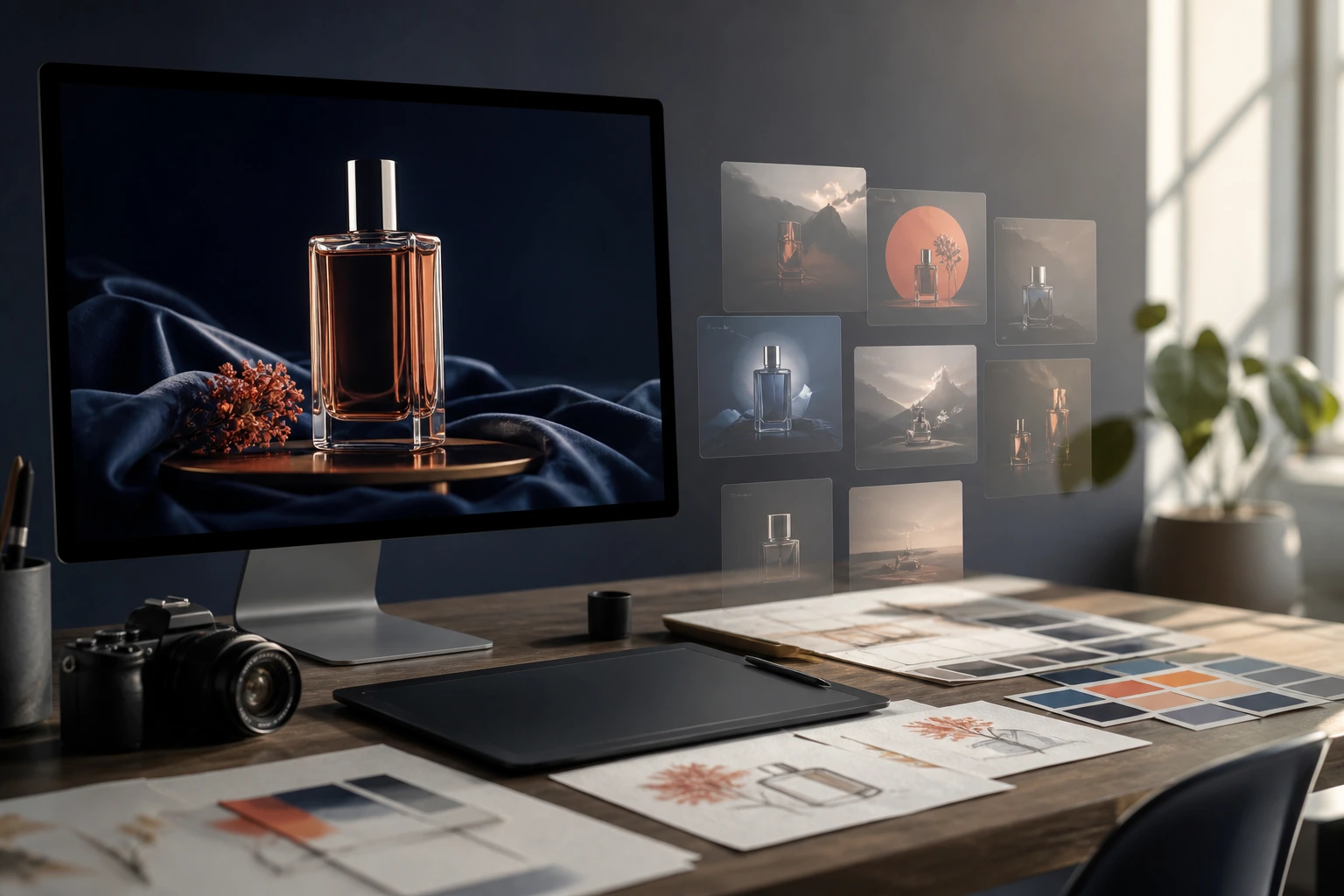
La IA es mejor para una exploración creativa rápida; Photoshop es mejor para una edición precisa y un archivo final controlado. Si necesitas diez propuestas de diseño antes de comer, un modelo de imagen te puede ayudar a conseguirlo rápidamente. Si un cliente necesita retocar un objeto concreto, limpiar una selección o entregar un archivo con un control fiable, Photoshop sigue siendo la herramienta más eficaz.
Por eso GlobalGPT Es un buen punto de partida para la parte del trabajo relacionada con la IA. Puedes probar modelos de imágenes como Nano Banana 2, GPT Image 2, Seedream e Ideogram en un mismo sitio, elegir una línea que te parezca prometedora y, a continuación, pasar la imagen seleccionada a Photoshop para realizar el trabajo que requiere el ojo humano y un control preciso.
La IA frente a Photoshop: un resumen rápido
Consulta cómo llegar
Crea tableros de inspiración, prueba ideas de composición, genera variantes y pon a prueba una dirección artística antes de pasar a la edición detallada.
Controla el acabado
Realiza selecciones precisas, corrige los detalles locales y prepara un archivo que se ajuste a un pliego de condiciones específico.
| Necesidad creativa | La mejor herramienta para empezar | Por qué |
|---|---|---|
| Descubre varias estrategias de campaña | Modelo de imagen basado en IA | Explora rápidamente diferentes enfoques visuales. |
| Elimina un detalle concreto | Photoshop | La selección local y el control de la edición repetible son importantes. |
| Recurso final listo para el cliente | Photoshop | Es posible realizar correcciones finales deliberadas. |
| Desbloquear un informe vacío | Modelo de imagen basado en IA | Una primera representación visual ofrece al equipo algo concreto sobre lo que trabajar. |
En qué aspectos la IA es realmente más rápida
La IA resulta especialmente útil antes de que se haya definido la dirección visual. Un responsable de contenidos puede necesitar varias propuestas de estilo para una imagen principal; un profesional del marketing puede querer varios enfoques para la historia de un producto; y un diseñador puede querer comprobar si un concepto escrito transmite la atmósfera que promete. En cada caso, el resultado es un punto de partida para el diálogo, no el archivo fuente definitivo.
- Elabora varias propuestas de dirección artística a partir de un breve resumen creativo.
- Prueba la iluminación, la paleta de colores, el lenguaje cinematográfico, el espacio negativo o la puesta en escena del producto.
- Crea una referencia preliminar para una presentación, una revisión creativa o un briefing de seguimiento para Photoshop.
- Compara cómo interpretan la misma idea los distintos modelos de imagen.
Para trabajos en los que el mismo personaje aparece en varias escenas, consulta esta guía para mantener la coherencia de un personaje a lo largo de las escenas.
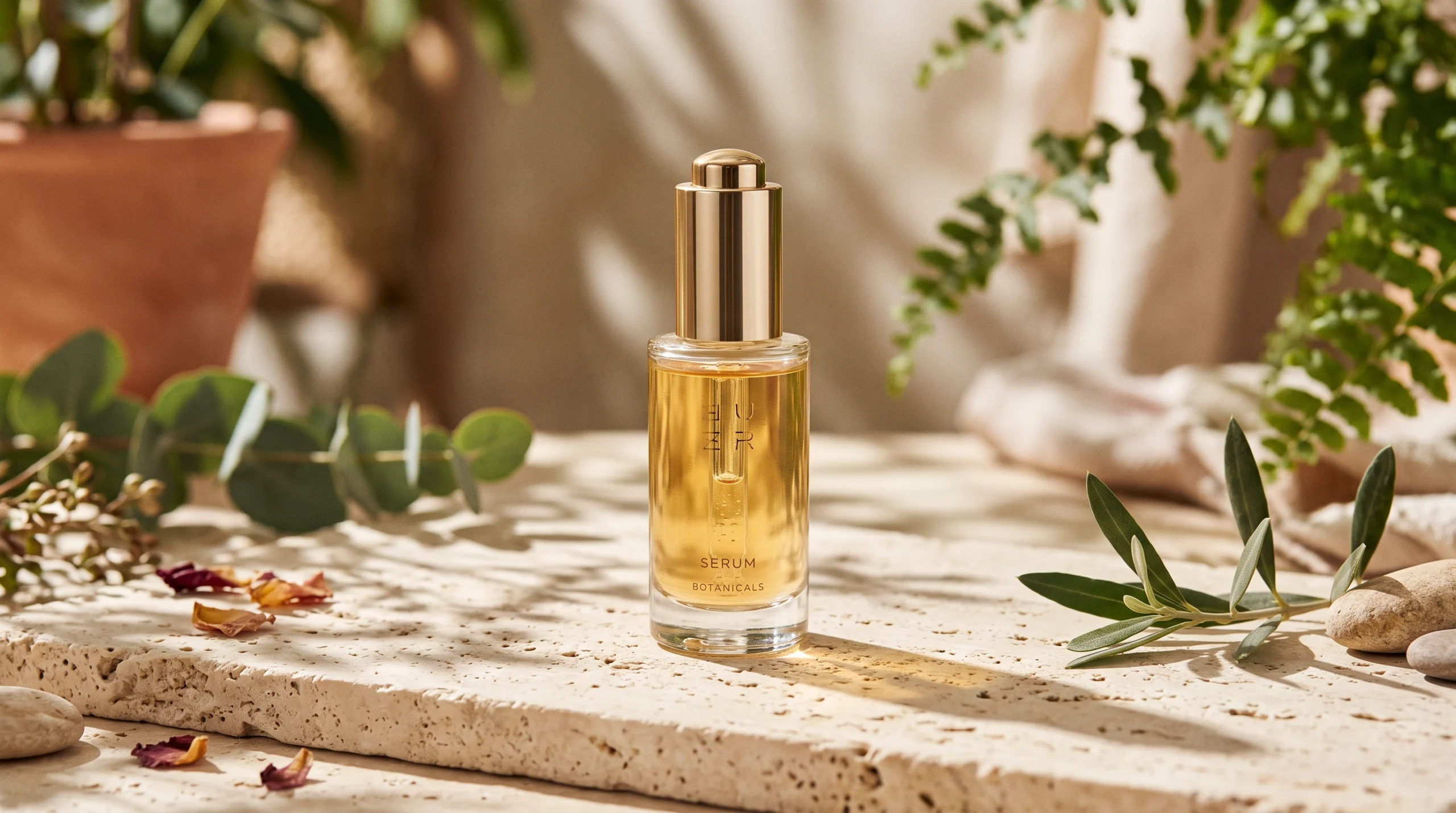
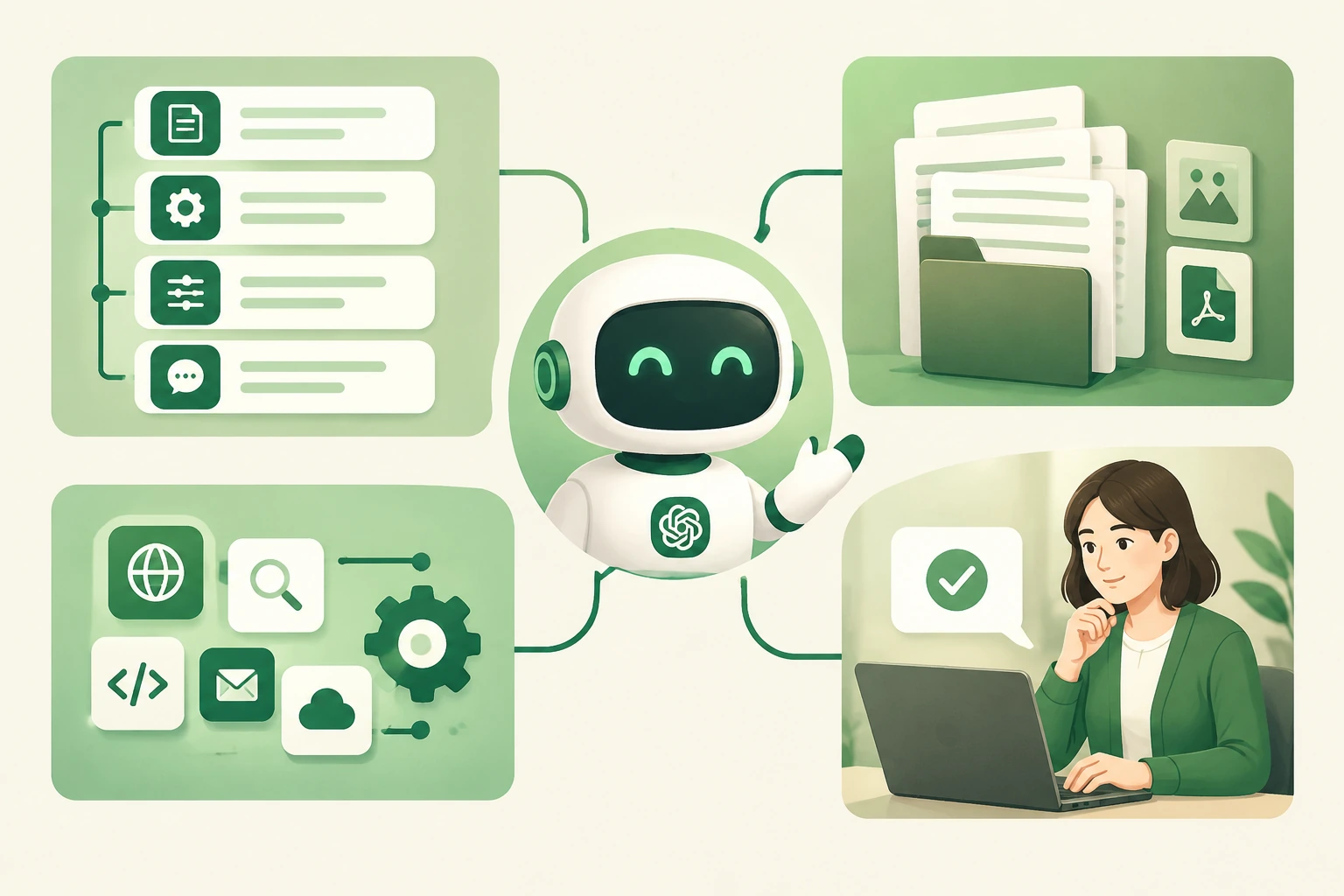
Una línea conceptual horizontal de Nano Banana 2: una propuesta concreta en materia de iluminación, productos y materiales que hay que debatir antes de la fase de ajuste de precisión.
Áreas en las que Photoshop sigue teniendo ventaja
Adobe describe Photoshop en torno a flujos de trabajo avanzados, selecciones precisas, velocidad impulsada por la inteligencia artificial y control creativo. Esos son los momentos en los que un creador no puede conformarse con una imagen meramente aceptable: el logotipo debe ser exacto, los bordes deben quedar nítidos y un pequeño cambio no puede alterar el resto.
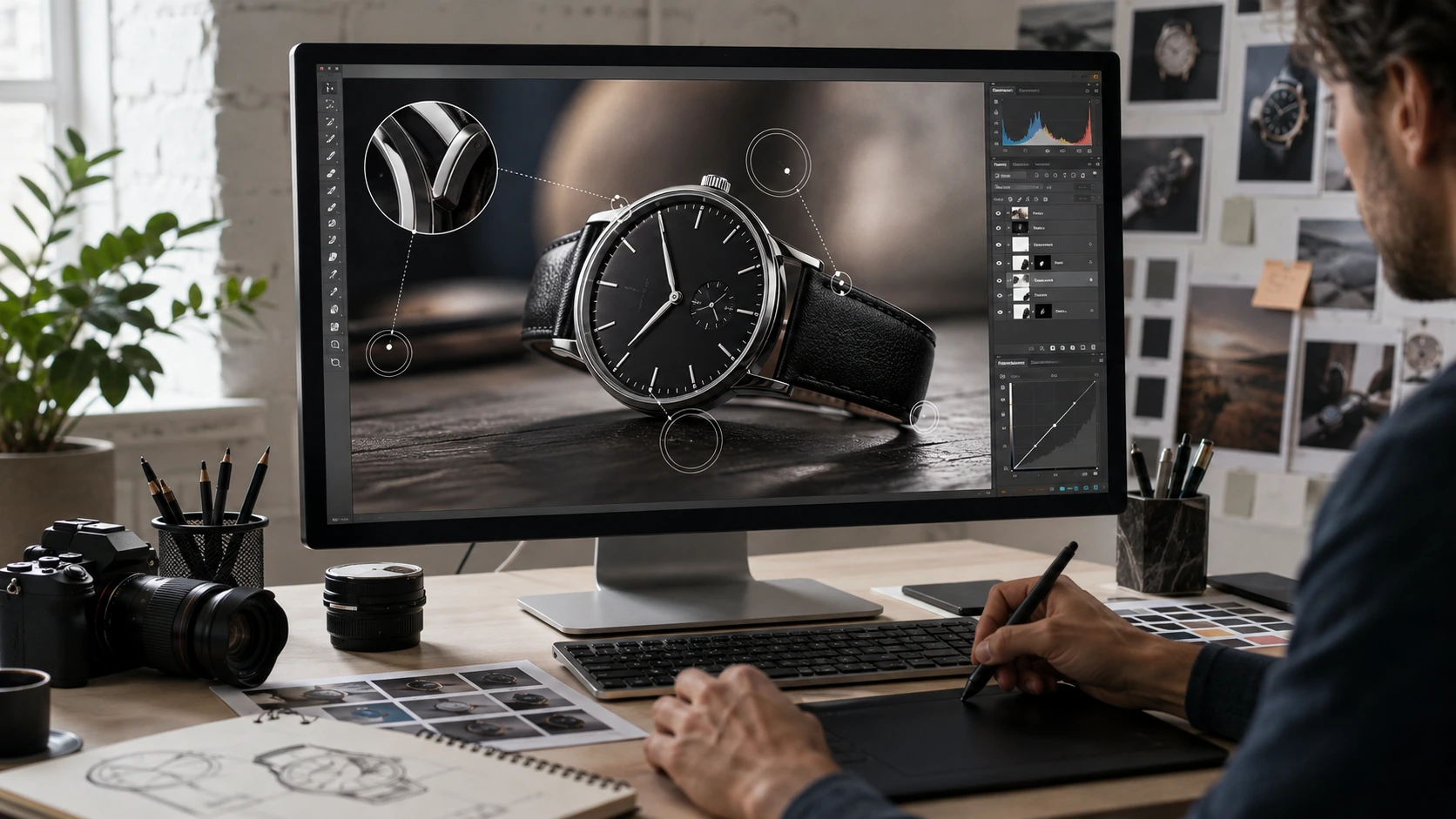
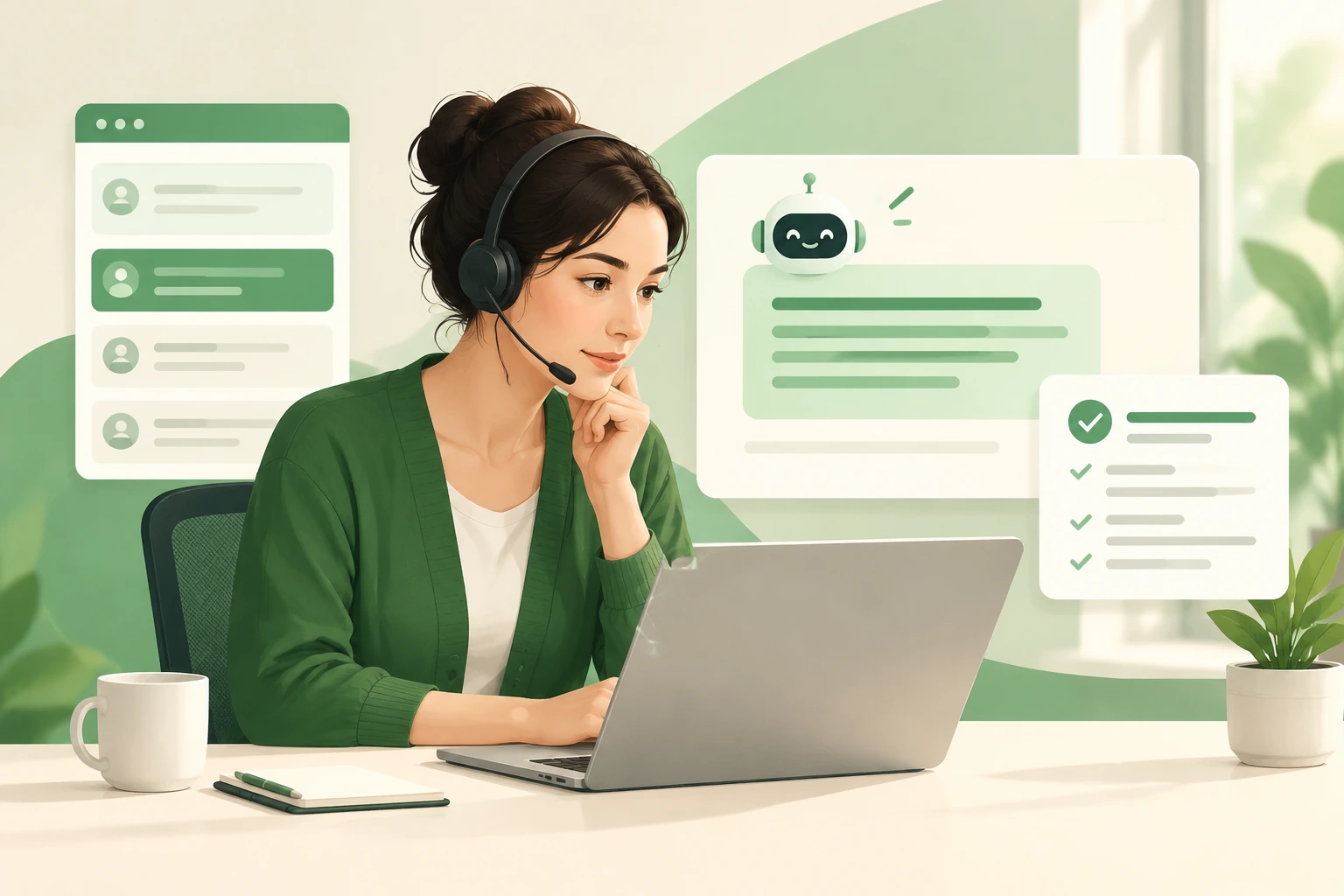
Una ilustración generada de la fase de refinamiento controlado; no es una captura de pantalla de Photoshop.
Cuando se consultó para este artículo, Adobe ofrecía Photoshop a un precio de US$22,99 al mes en su plan mensual individual con facturación anual. Las condiciones del plan pueden variar, por lo que te recomendamos que consultes la página actual de Adobe a la hora de comparar una compra.
Un flujo de trabajo práctico de la IA a Photoshop
- Redacta el briefing visual. Indica el tema, el público, el tono, la composición y lo que no debe cambiar.
- Explora en GlobalGPT. Aplica la misma dirección principal a uno o dos modelos de imagen adecuados.
- Elige, no te pases el día volviendo a tirar los dados. Comenta con el equipo la línea de trabajo prometedora antes de introducir pequeñas variaciones.
- Dale los últimos retoques en Photoshop. Aplicar correcciones locales, aspectos tipográficos, detalles de la marca y comprobaciones de entrega.
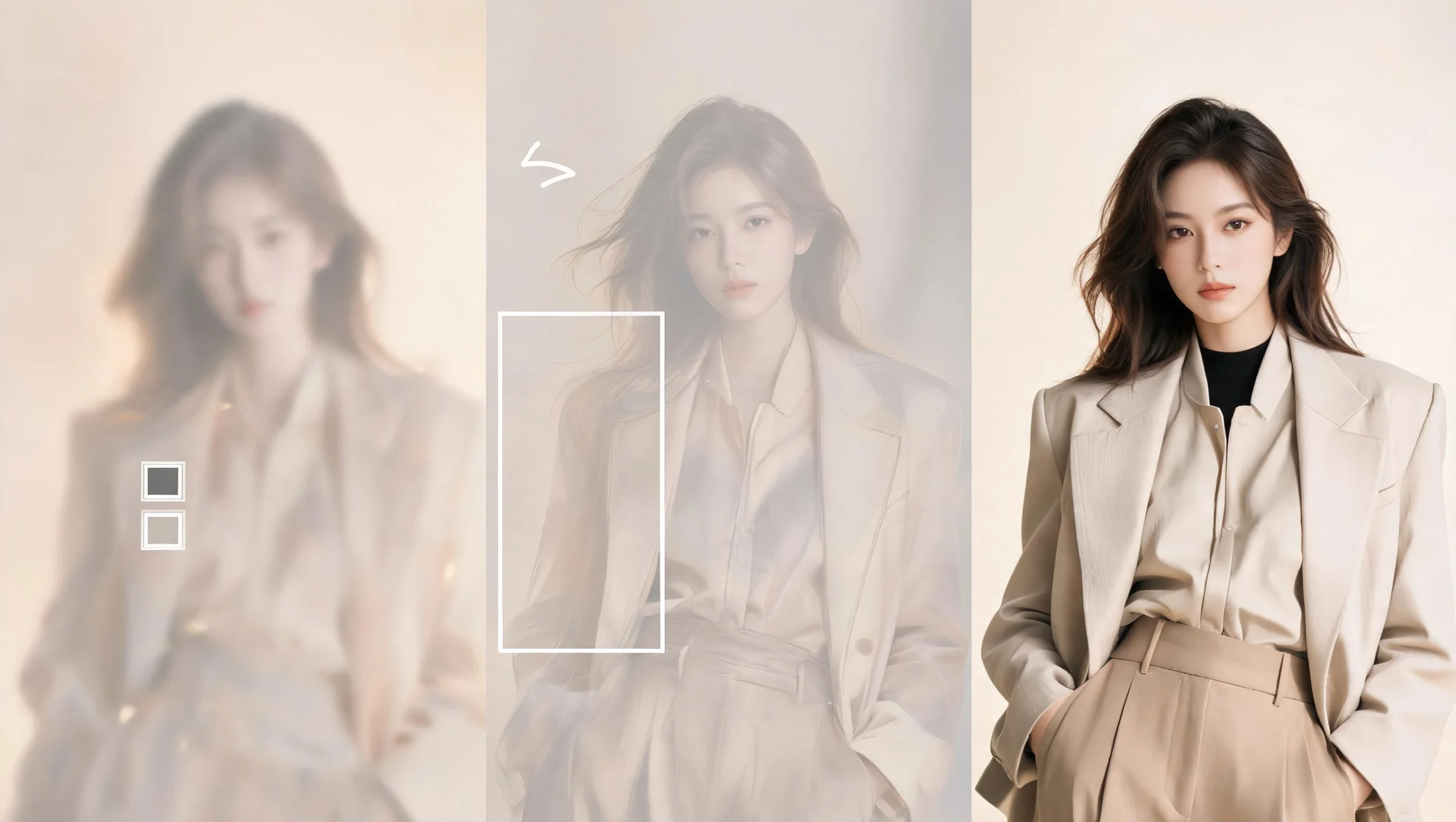
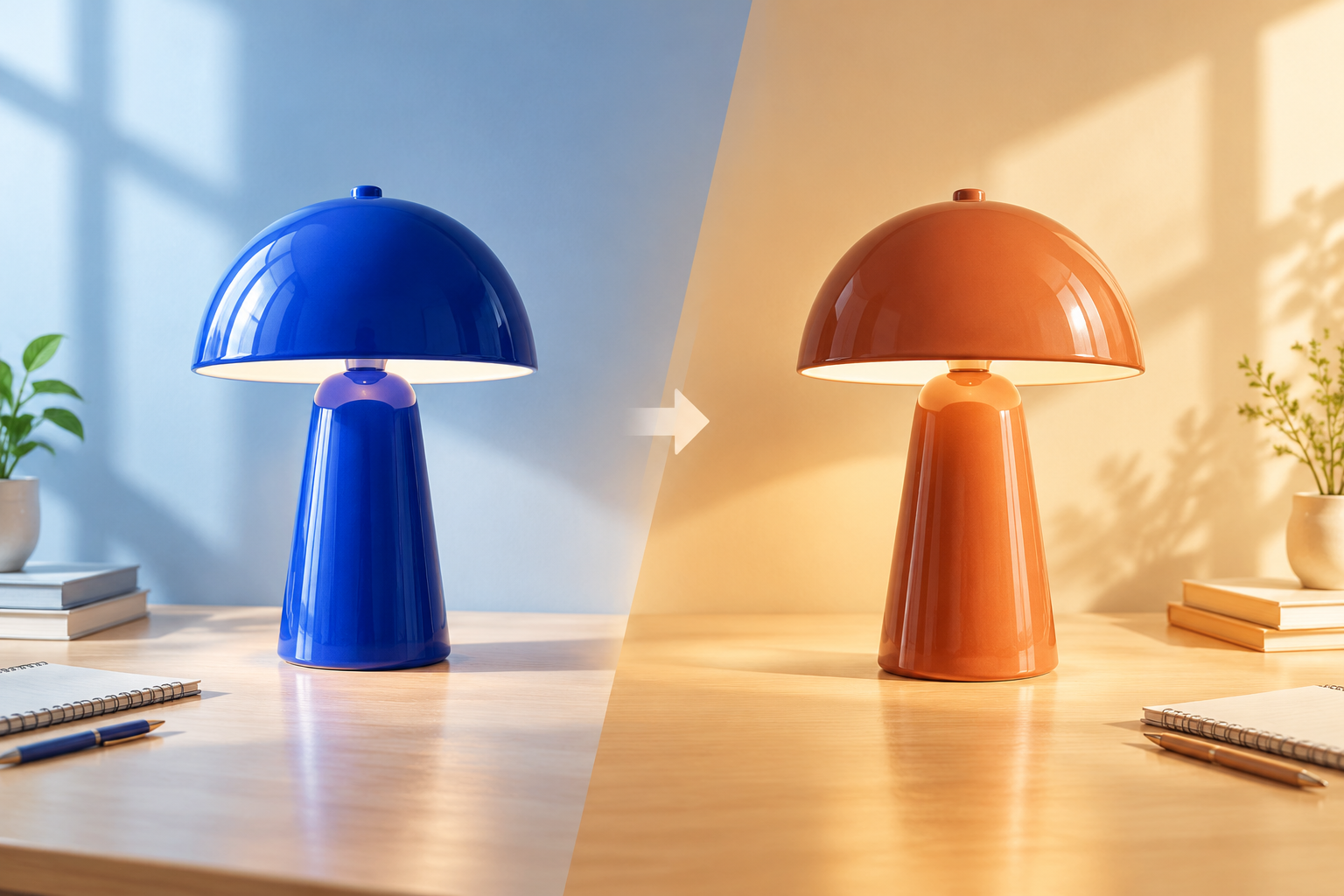
Ilustración de un flujo de trabajo generado: explorar una dirección, seleccionar lo que merece la pena desarrollar y, a continuación, perfeccionar la ruta aprobada. No se trata de una edición documentada del «antes y después».
Práctica: cómo definir una línea conceptual en GlobalGPT
Para comprobar realmente cómo funciona la exploración de conceptos, utilicé Nano Banana 2 en GlobalGPT para convertir el briefing de una campaña de cuidado de la piel en una primera línea visual. El resultado resulta útil como referencia de ambiente y composición, pero no es una prueba de que la IA pueda sustituir al trabajo controlado con Photoshop.
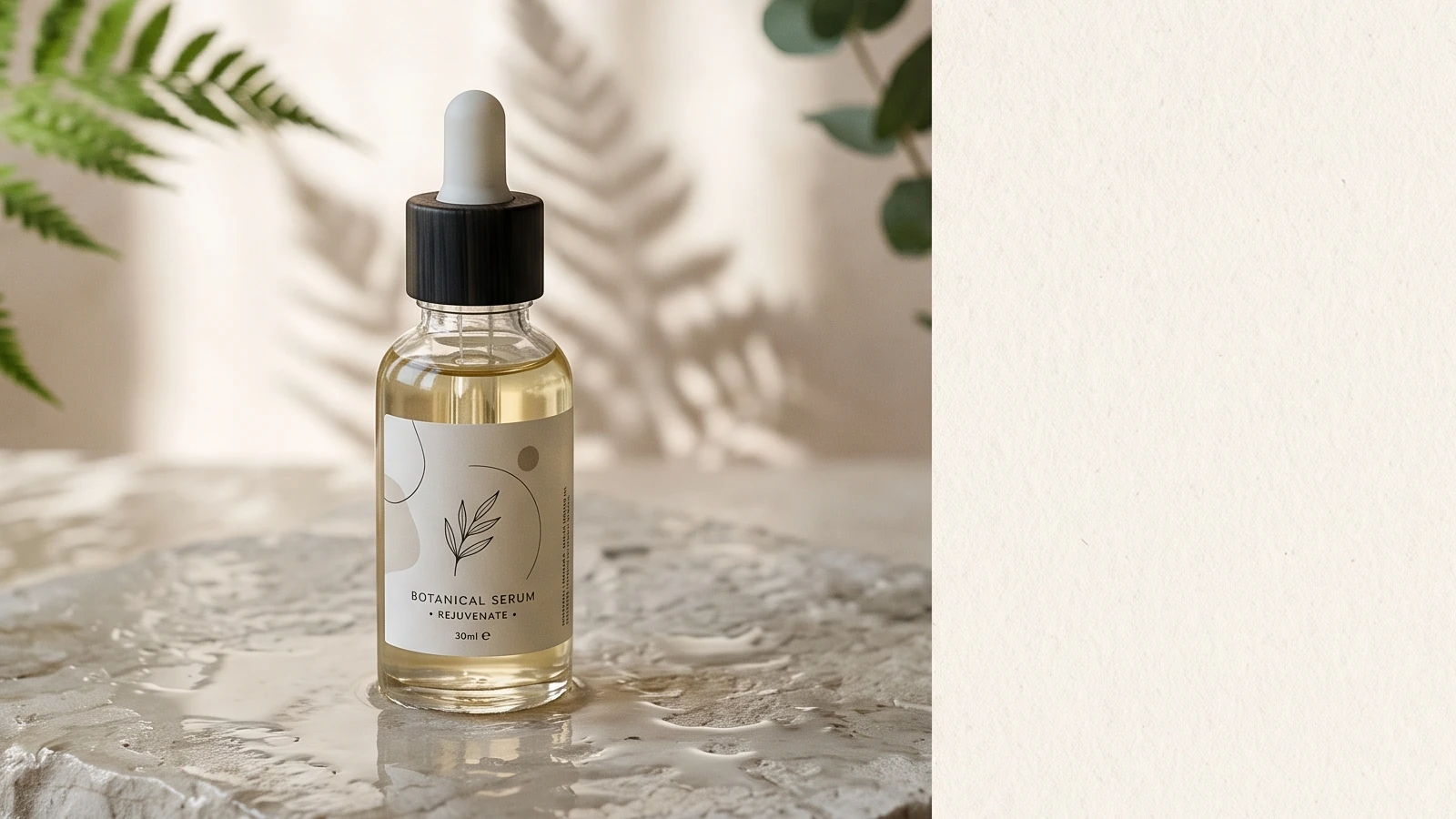
La primera imagen seleccionada, recortada a 16:9 para adaptarla al diseño del artículo. El recorte conserva la botella y el entorno del producto, al tiempo que elimina la mayor parte del espacio inutilizable del lado derecho.
I01: dirección de la imagen del tablero conceptual
Ver la entrada completa
Un panel conceptual horizontal para el briefing creativo de una campaña de productos de cuidado de la piel sostenibles de alta gama: un frasco de sérum de cristal sobre una piedra pálida y húmeda, suave luz matutina que entra por la ventana, sombras botánicas, una dirección artística editorial sobria, espacio en blanco a la derecha, sin texto legible, 16:9
Ver el registro completo de resultados
Estado: Correcto; ID de la tarea: 1155759256306190336; Archivo entregado: WebP de 2048 x 2048; se ha respetado el estilo del producto con el frasco de sérum, las sombras botánicas, la luz suave y el espacio negativo; se solicitó un formato 16:9 y se ha entregado en formato cuadrado; se ha conservado el primer resultado válido sin necesidad de volver a generarlo.
- Lo que funcionó
- Una imagen de marca coherente proporcionó al equipo creativo una orientación concreta sobre la que debatir.
- Lo que no demostró
- Retoque local preciso, control de la producción por capas o cumplimiento fiable de la relación de aspecto.
- Uso práctico
- Elige una dirección y, a continuación, pasa a Photoshop para dar los toques finales con precisión.
Cómo elegir para tu próximo proyecto
Elige la IA cuando el equipo tenga que decidir qué podría representar la imagen. Elige Photoshop cuando el equipo ya sepa qué debe representar la imagen. Abrir el espacio de trabajo de imágenes de GlobalGPT cuando quieras probar un briefing creativo con los modelos de imagen disponibles sin tener que cambiar de producto.
Veredicto final
La IA no es mejor que Photoshop en todo, y Photoshop no es la forma más rápida de explorar todas las ideas. La IA destaca en la fase inicial y generativa del trabajo. Photoshop destaca cuando el trabajo requiere precisión: selecciones, correcciones, acabados controlados y resultados fiables.
PREGUNTAS FRECUENTES
¿Puede la IA sustituir a Photoshop?
No es adecuado para todos los flujos de trabajo. La IA puede generar instrucciones y variaciones rápidamente, mientras que Photoshop sigue siendo la mejor opción para ediciones específicas y controladas, así como para el trabajo de producción final.
¿Es la IA mejor que Photoshop para retocar imágenes?
La IA puede sugerir cambios generales rápidamente, pero Photoshop suele ser la opción más segura cuando necesitas modificar una zona concreta sin alterar inesperadamente el resto de la imagen.
¿Debería utilizar la IA antes o después de Photoshop?
Utiliza la IA antes de Photoshop cuando necesites opciones visuales. Úsala después de Photoshop solo cuando una nueva variación generativa resulte más útil que una edición precisa del archivo existente.
¿Puedo utilizar imágenes generadas por IA en los proyectos para mis clientes?
Antes de la entrega, comprueba las condiciones vigentes del proveedor de modelos, los requisitos del cliente y cualquier restricción relacionada con la marca o los derechos.
¿Cuál es el flujo de trabajo más sencillo para pasar de la IA a Photoshop?
Crea un pequeño conjunto de versiones, elige una junto con el equipo y, a continuación, pasa esa versión a Photoshop para realizar el retoque final controlado.