

Quick answer: Claude can analyze images and generate visual outputs through SVG, HTML, CSS, JavaScript, charts, diagrams, and interactive artifacts. It does not natively render photorealistic raster images in the same way as a dedicated text-to-image model. For JPG or PNG artwork, use Claude to plan the prompt or design, then send it to an image generator. The best AI image generator comparison helps match the renderer to the job.
As of 2026, Claude AI cannot natively generate raster images (pixels) like DALL-E or Midjourney, but it creates visuals by generating high-quality SVG code, React artifacts, and interactive software components. While Claude Sonnet 4.5 focuses on world-class reasoning and coding, users can generate complex diagrams and UI designs through its “Imagine with Claude” research preview and “Artifacts” feature. For traditional photo-realistic image generation, Claude must be paired with external diffusion models or accessed via multi-model platforms.
In 2026, even elite models like Claude specialize in reasoning and coding rather than native pixel generation. Consequently, users often face fragmented workflows and high subscription costs when trying to access specialized visual and analytical tools simultaneously.
GlobalGPT solves this fragmentation by integrating over 100 AI models—including Claude, GPT-5.6 Sol, and Sora 2 Pro—into a single, unified workspace. Instead of paying for separate premium accounts, you can access advanced reasoning and real-time image generation models starting at a basic plan of approximately $5.75. This allows you to leverage Claude’s superior SVG design capabilities and immediately switch to a dedicated multimedia model for photorealistic results without leaving the platform.
Can Claude AI generate images directly like ChatGPT or Gemini?
- Unlike competitors such as DALL-E 3 (integrated into ChatGPT) or Imagen (within Gemini), Claude 4.5 does not currently offer a native “text-to-image” tool for creating pixel-based raster files like JPGs or PNGs.
- The model’s underlying architecture is specifically optimized for world-class reasoning, complex coding, and nuanced technical understanding rather than direct visual art synthesis.
- However, Claude 4.5 is a multimodal leader in visual analysis; it can ingest complex images, interpret dense technical charts, and extract data from documents with state-of-the-art precision.
- While it may decline to “paint” a portrait, it excels at providing the mathematical logic, color theory, or structured code required to build that visual from scratch.
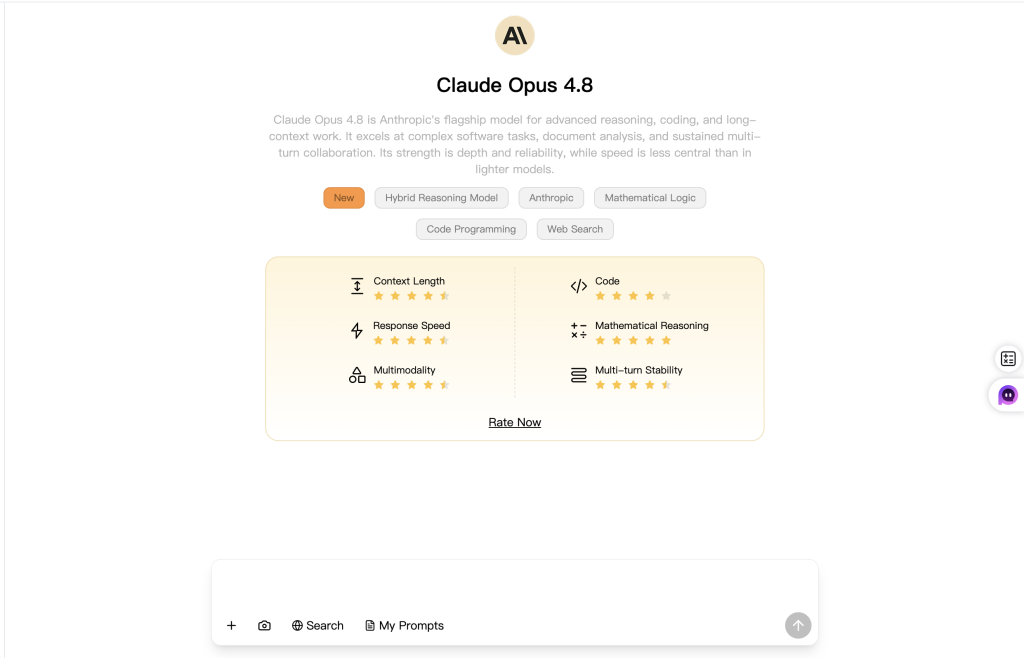
Updated model comparison (checked August 27, 2026): The closest current GlobalGPT routes for this workflow are Claude Opus 4.8, GPT-5.6 Sol, and Gemini 3.1 Pro. The key distinction is that visual understanding and visual code generation are not the same as native raster-image generation. Anthropic documents Claude as a vision-capable model, while OpenAI and Google document separate image-generation workflows.
| Visual task | Claude Opus 4.8 | GPT-5.6 Sol | Gemini 3.1 Pro |
|---|---|---|---|
| Analyze an uploaded image | Yes; strong document, chart, UI, and image interpretation | Yes; useful for image understanding and mixed text-visual tasks | Yes; useful for multimodal analysis and visual context |
| Create a photorealistic JPG or PNG inside the chat model | No native pixel renderer; use SVG/code or connect an image model | Use OpenAI’s dedicated image-generation workflow rather than treating GPT-5.6 Sol as the pixel renderer | Use Google’s dedicated Gemini image-generation models rather than treating Gemini 3.1 Pro as the renderer |
| Create SVG, diagrams, or UI code | Excellent fit for structured SVG, HTML, React, diagrams, and editable artifacts | Strong for planning, code, structured layouts, and prompt development | Strong for multimodal planning, code, and Google-centered workflows |
| Best role in an image workflow | Visual architect: analyze, plan, write SVG/code, and refine design logic | General creative partner: plan assets, write prompts, and coordinate OpenAI image tools | Multimodal planner: analyze references and coordinate Google image tools |
| Current verified GlobalGPT route | Claude Opus 4.8 | GPT-5.6 Sol | Gemini 3.1 Pro route verified; no tracking parameter added without confirmation |
How to use Claude for diagrams, SVGs, and visual UI design?
- Claude leverages its status as the world’s premier coding model to “draw” using Scalable Vector Graphics (SVG) and React-based interactive components.

- By outputting editable code instead of a flat image, the AI allows you to create infinitely scalable logos, flowcharts, and technical illustrations that remain crisp at any resolution.
- The Artifacts feature streamlines this process by rendering code snippets in a side-by-side window, enabling users to see their visual designs come to life instantly during the conversation.
- This “coding-as-creation” workflow is ideal for:
- Technical Documentation: Generating precise architecture maps and system flowcharts.
- UI/UX Prototyping: Designing functional dashboards and responsive web elements in real-time.

- Data Visualization: Turning raw numbers into clean, geometric charts that can be directly embedded into websites.
What is “Imagine with Claude” and can it create visual software?
- Released as a research preview alongside Sonnet 4.5, “Imagine with Claude” allows the model to generate entire software applications and interactive files on the fly.
- In this environment, Claude creates in real-time—responding and adapting to your requests as you interact with the interface it just built.
- While not a traditional art tool, it can generate complex visual layouts, spreadsheets, and document structures that previously required human designers.
- This experiment highlights a shift from “static AI images” to “generative software,” where the visual output is a functional tool rather than just a picture.
Claude Opus 4.8 vs. GPT-5.6 Sol vs. Gemini 3.1 Pro: Which is better for visual tasks?
- Logic vs. Creativity: For tasks requiring high-precision technical visuals or functional UI code, Claude 4.5’s superior coding benchmarks make it the preferred choice for developers.
- Artistic Expression: For users who need photorealistic textures, abstract digital art, or creative “out of the box” image synthesis, GPT-5’s DALL-E integration remains more convenient for non-coders.
- Practical Utility: Claude 4.5 leads in “Computer Use” and real-world software engineering (SWE-bench Verified), making it better at navigating actual design software or filling complex visual spreadsheets.
- Alignment & Reliability: As the most aligned frontier model to date, Claude 4.5 is less likely to hallucinate data within visual charts or generate deceptive visual content compared to its predecessors.
Claude Opus 4.8 vs GPT-5.6 Sol vs Gemini 3.1 Pro
Visual workflow fit comparison · August 2026
How to get Claude and Other Top image models in one place?
- The primary challenge in 2026 is the high cost of maintaining separate $20/month subscriptions for Claude (for logic) and other platforms (for image generation).
- GlobalGPT bridges this gap by offering a unified interface where users can access Claude, GPT-5.6 Sol, Sora 2 Pro, and over 100 other AI models simultaneously.

- By utilizing a basic plan starting around $5.75, you can use Claude’s world-class reasoning to plan a project and then immediately call upon a dedicated image model to execute the visual assets without extra fees.
- This workflow reduces friction, eliminates region-based restrictions, and ensures you always have the latest “frontier” intelligence at your fingertips.
Summary: Is Claude AI getting a native image generator?
- Anthropic’s 2026 roadmap continues to prioritize Safety Level 3 (ASL-3) and functional “agentic” capabilities over pure entertainment or media generation.
- While a native pixel-based engine hasn’t been announced, the rapid evolution of the Claude Agent SDK suggests future visual updates will likely focus on “Computer Use” and real-time software manipulation.
- For now, the most professional way to “generate images” with Claude is to treat it as your head architect—using it to write the code and structure that defines the visual world.
Frequently Asked Questions
Can Claude AI generate images?
Claude can create visual outputs through SVG, HTML, CSS, JavaScript, diagrams, charts, and interactive artifacts. It can also analyze uploaded images. However, it does not natively render photorealistic raster images in the same way as a dedicated text-to-image model.
Can Claude create PNG or JPG images directly?
Not as a native pixel-generation workflow. Claude can write the SVG or interface code behind a visual, prepare a detailed image prompt, and critique an existing image. To produce a photorealistic PNG or JPG, send that prompt to a dedicated image-generation model.
Can Claude generate SVG images and diagrams?
Yes. SVG is one of Claude’s most practical visual outputs because the result remains editable, scalable, and easy to embed on a website. Claude can also produce flowcharts, architecture diagrams, data visualizations, and interface prototypes with structured code.
Can Claude analyze an uploaded image?
Yes. Claude supports vision tasks such as describing an image, reading a chart, examining a user interface, extracting information from a document, and comparing visual details. Image analysis does not mean the same model can natively render a new photorealistic image.
Which is better for visual work: Claude Opus 4.8, GPT-5.6 Sol, or Gemini 3.1 Pro?
Claude Opus 4.8 is the clearest choice for editable SVG, diagrams, and interface code. GPT-5.6 Sol is a strong generalist for creative planning and prompt development. Gemini 3.1 Pro fits multimodal and Google-centered workflows. For final pixels, use a dedicated image model.
Is Claude better than an AI image generator?
They solve different jobs. Claude is better used as a visual architect: it can analyze references, plan composition, write prompts, generate SVG or UI code, and review results. A dedicated image generator is the better tool for producing finished illustrations, product images, or photorealistic scenes.
Can I use Claude with an external image generator?
Yes. Ask Claude to turn your goal into a structured brief covering subject, composition, camera, lighting, color, materials, and exclusions. Generate the image in a dedicated model, then return the result to Claude for critique and a more precise revision prompt.
Can I use Claude and image models on GlobalGPT?
Yes. GlobalGPT provides Claude and multiple image-model workflows in one workspace. This lets you use Claude for reasoning, SVG, prompt planning, and quality review, then switch to a dedicated image generator without maintaining a separate workflow for every model.



