
Quick verdict: The best AI UGC video generator depends on the production bottleneck. Choose Arcads for actor-led performance ads, Creatify for product-URL workflows, Higgsfield for product-plus-creator concepts, HeyGen for repeatable localized presenters, Captions for editing-first creator videos, Synthesia for structured business content, and Topview for agent-led multi-shot campaigns. Use GlobalGPT when you want one flexible workspace for scripts, concept images, and multiple video-generation routes.
This is not a realism beauty contest. A useful UGC system must preserve the product, deliver the script naturally, support revisions, and produce enough approved variations to justify its cost. The winning tool is the one that clears those gates for your actual ad workflow.
Reviewed September 21, 2026. Vendor capabilities come from current official pages. Our hands-on observations use GlobalGPT-created editorial examples, not a controlled cross-vendor benchmark. Prices and plan limits can change, so verify them on the linked official pages before purchasing.
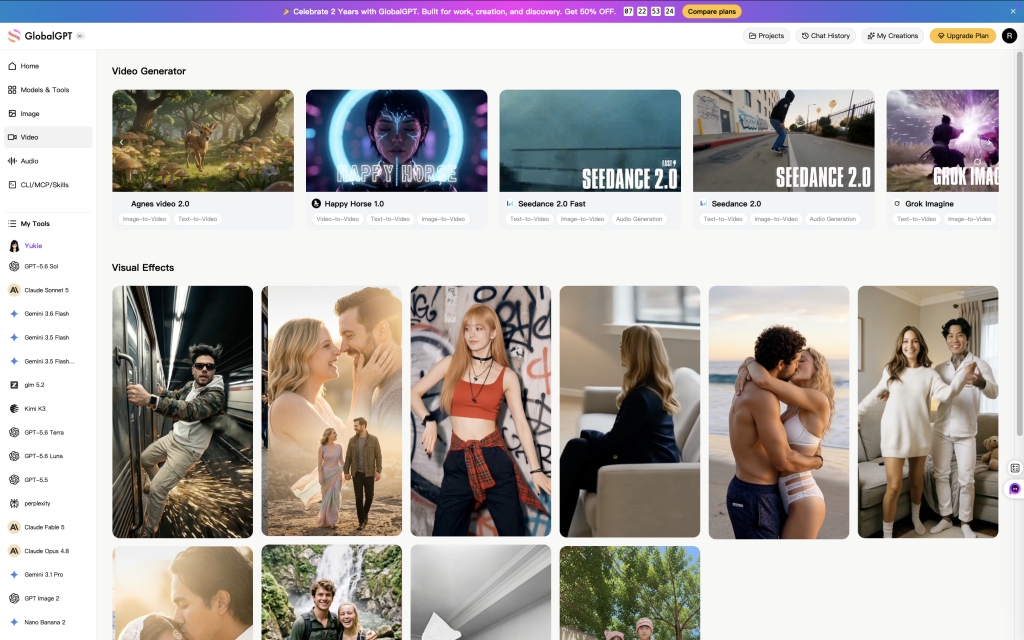
Best AI UGC Video Generators at a Glance
| Tool | Best for | Strongest workflow | Verify before buying |
|---|---|---|---|
| GlobalGPT | Flexible multi-model production | Script, concept, image and video routes | Model controls and output ratio |
| Arcads | Actor-led ad iterations | Presenter library and performance-style ads | Product handling and actor fit |
| Creatify | URL-to-ad speed | Product link, avatar, captions and editor | Watermark and export access |
| Higgsfield | Creator-style product concepts | Product and creator inputs with presets | SKU fidelity between shots |
| HeyGen | Localization | Reusable presenters and translated delivery | Names, claims and target-language voice |
| Captions | Editing existing footage | Prompt edits, captions, avatars and inserts | Desktop/web feature parity |
| Synthesia | Business explainers | Scene-based presenter and brand workflow | UGC tone versus corporate polish |
| Topview | Agent-led multi-shot work | URL/reference inputs and editable Canvas | Consistency and model selection |
The 8 Best AI UGC Video Generators by Use Case
1. GlobalGPT: Best Flexible Multi-Model Route
GlobalGPT is the practical choice when a campaign needs more than a single avatar template. You can develop hooks and scripts, create product concepts, and move into different video-generation routes without rebuilding the brief in separate tools.
- Best fit: small teams testing several visual directions.
- Why it stands out: one workspace can support the planning and generation stages.
- Watch for: model-specific controls, especially aspect ratio, duration and reference handling.
2. Arcads: Best for Actor-Led Performance Ads
Arcads centers its workflow on AI actors, scripts and ad variations. That makes it a natural shortlist candidate when the creative concept depends on a presenter delivering multiple hooks or offers.
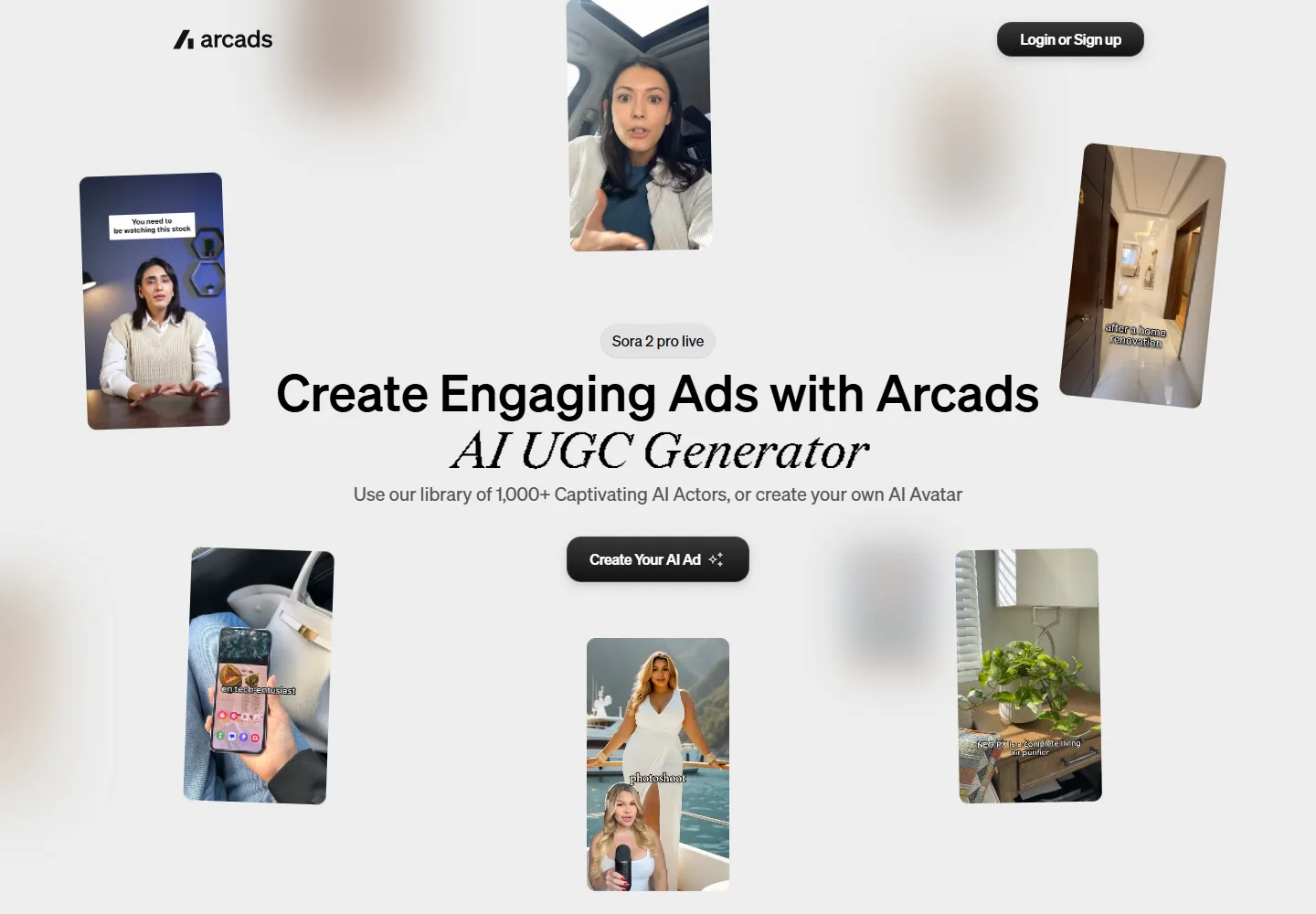
Test one script with a physical product before committing. Look for believable grip, scale and occlusion, not just a convincing face. An actor who performs well but mishandles the product will still create unusable advertising.
3. Creatify: Best for Turning Product URLs Into Ads
Creatify combines product-link intake, AI avatars, captions, a music library and an editor. Its official UGC page also describes platform-ready exports, so it suits teams that want a short path from a product page to a first ad draft.
The free route is useful for interface evaluation, but the official page says free exports include a watermark. Check current credits, revision rules and export rights on the official pricing page.
4. Higgsfield: Best for Product-and-Creator Concepts
Higgsfield documents a workflow built around product inputs, creator inputs and UGC presets. That pairing is useful when the visual idea requires both a recognizable item and a consistent creator-style presence.
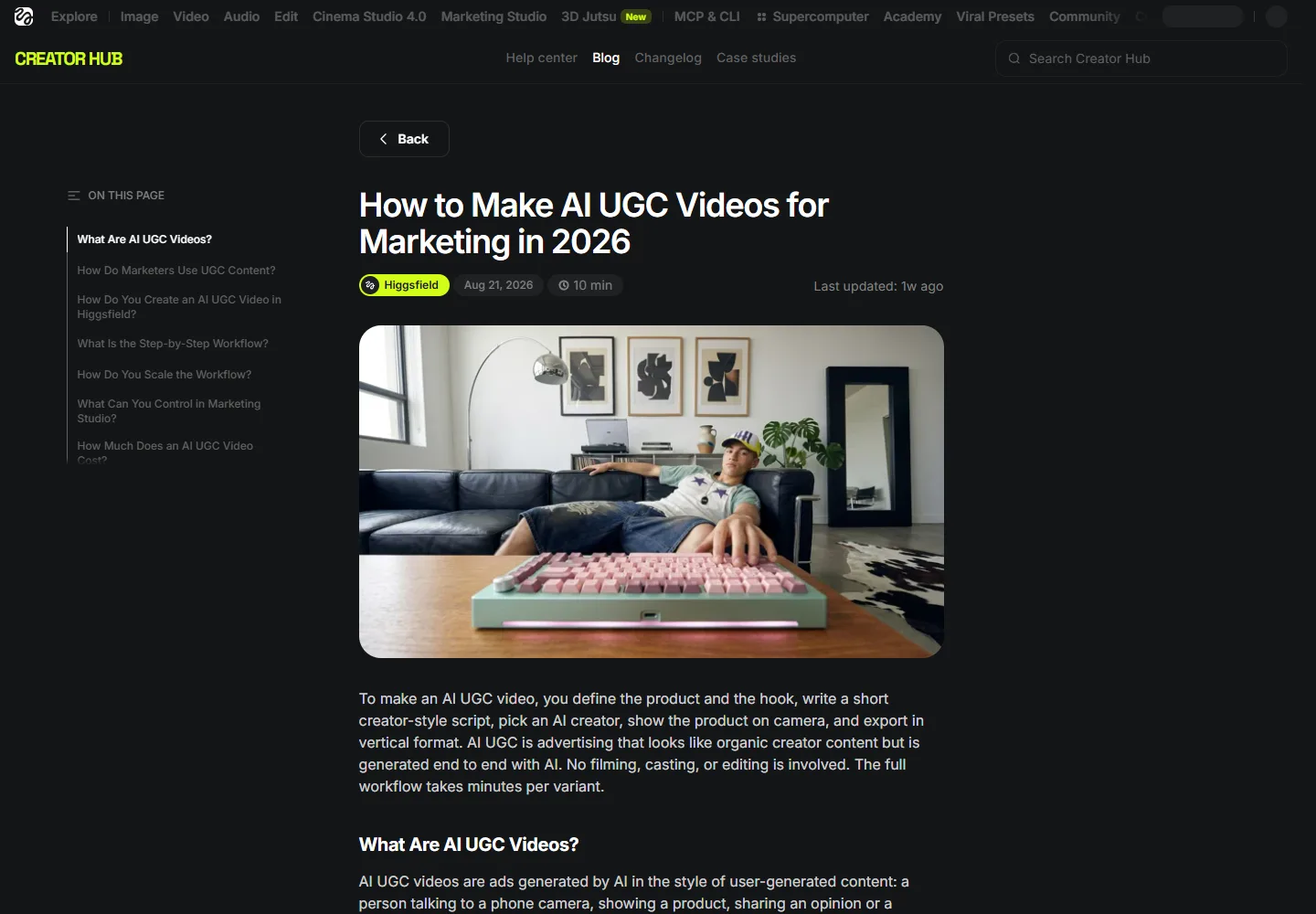
Run a product-fidelity gate before judging style: logo shape, label text, color, cap, proportions and hand contact must survive the full sequence. For more on recurring visual errors, use the AI video generation failure guide.
5. HeyGen: Best for Repeatable Localized Presenters
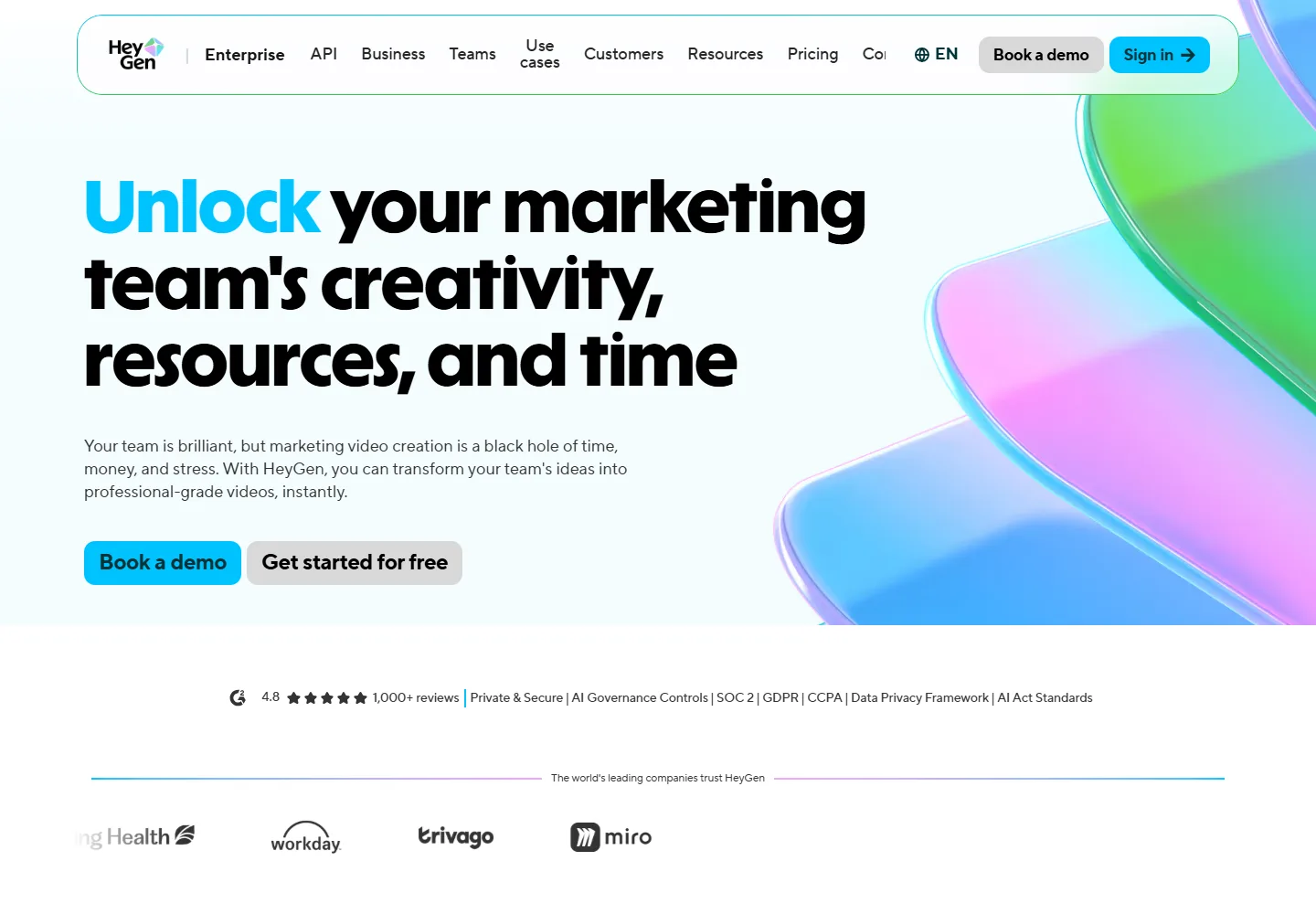
HeyGen is strongest when the same presenter and message must travel across markets. Its marketing workflow highlights avatars, localization, Brand Kit controls and collaboration.
Approve the translated script, voice and lip movement separately. Brand names, numbers and product claims are the first things to stress-test. Our dialogue and lip-sync guide provides a practical review checklist.
6. Captions: Best Editing-First Creator Workflow
Captions starts from editing rather than only generation. Its official site combines AI edits, caption styles, translation, avatar creation, digital twins and product inserts. It is a strong candidate when you already have footage or expect to revise pacing and overlays.
Check whether the features you need are available on your intended device and plan. A mobile-first editing workflow may feel very different from a desktop review process with several approvers.
7. Synthesia: Best for Structured Business Video
Synthesia offers stock, personal and prompt-built avatars inside a scene-based production system. Brand controls, analytics and localization make it well suited to explainers, training and polished product education.
That polish can be a mismatch for intentionally casual ads. Test whether your audience needs an informal creator delivery or a consistent business presenter. The two formats solve different trust problems.
8. Topview: Best for Agent-Led Multi-Shot Campaigns
Topview describes an agent workflow that can accept an idea, script, product URL or reference video, plan scenes, select models and keep shots editable on a Canvas. Its official site explicitly includes UGC-style ads among its marketing workflows.
The tradeoff is orchestration risk: more models and more shots create more places for identity, product and style to drift. Use a shot ledger and the character and scene consistency workflow before scaling a batch.
Use the Same Scorecard for Every Tool
Vendor demos are difficult to compare because each one uses a different actor, script, product and edit. A fair shortlist test holds the brief constant and scores the complete export. Use six gates, each worth five points.
Do not average away a critical failure. A score of 29/30 is still a rejection if the packaging changes, the actor makes an unsupported health claim, or the export lacks required usage rights. Treat product accuracy and trust as pass/fail gates; use the remaining points to compare creative quality.
Run Three Variations, Not Thirty
Start with three controlled versions: change the hook, keep the product demonstration and offer constant, and log which outputs pass. This reveals whether the tool can follow direction without turning a small test into an expensive batch.
After one version passes, request a revision that changes a single factual line. The revision test exposes hidden workflow costs: regeneration, timing shifts, caption repair, voice inconsistency and product drift. It is usually more informative than another polished first draft.
What Our Hands-On Editorial Test Revealed
We reused a GlobalGPT editorial test set created on September 7, 2026 instead of spending credits on duplicate footage. Four video jobs completed once. The batch estimate was about 2,000 GlobalGPT credits; we did not convert that figure to dollars or audit campaign performance.
What the Editorial Test Actually Proved
The comparison report was checked on September 21, 2026. It is useful as an editorial audit, but it is not a controlled benchmark: we did not run the same brief through every vendor, play every output, or verify campaign performance. The strongest claim we can make is narrower: the GlobalGPT article had real media and an indexed page, but its production example did not yet expose enough settings for another editor to reproduce the result without guessing.
| Test field | Observed record | What a reader should conclude |
|---|---|---|
| Jobs reviewed | Four GlobalGPT video jobs: three scene examples and one editing/lip-sync result. | The page contains real editorial material, not only vendor copy. |
| Requested format | The brief requested vertical 9:16 output. | Record the requested ratio separately from the delivered file. |
| Delivered file | The source clip was 1280×720 (16:9), then locally cropped for a vertical presentation. | Do not promise native vertical output until the model route is verified. |
| Product consistency | Product geometry and small details changed between scenes; the final shot also lost part of a horizontally held phone after cropping. | Treat the sample as a concept demonstration, not approved product advertising. |
| Estimated usage | About 2,000 GlobalGPT credits for the editorial batch; no dollar conversion was claimed. | Readers need current account pricing and model-specific usage before budgeting. |
This is the content change that matters most: every future example should name the exact model route, generation mode, requested duration and ratio, reference assets, number of attempts, delivered dimensions, edits after generation, credits used, and the acceptance decision. A polished clip without that record is inspiration; a clip with that record becomes a reproducible test.
What the Ranking Data Does Not Prove
The same audit found no evidence of a noindex or canonical failure. URL Inspection reported the page as submitted and indexed, with a successful crawl and a self-referencing canonical. Search Console recorded only a small number of impressions for how to make AI UGC videos, so the page had not established stable visibility yet. That is a reason to improve the page and collect a longer observation window, not proof that policy explanations, AIO, or one competitor caused the gap.
Semrush showed one visible Higgsfield keyword and no top-100 result for the GlobalGPT URL in the supplied screenshot, but the screenshot did not identify the keyword, exact position, or sampling details. It cannot establish that both pages were compared on the same query. The fair editorial conclusion is practical: Higgsfield made its product-input workflow and credit context easier to follow, while this article needed a clearer, reproducible GlobalGPT test record.
GlobalGPT Video Showcase: What Each Model Is Good For
These three clips are public GlobalGPT model showcase samples, added to make the model differences easier to inspect. They are not the controlled editorial test described above: the clips do not prove product fidelity, ad conversion, or repeatability for every prompt. Use them to choose a route, then run the same brief through your own acceptance checklist.
For a current entry point, use the Seedance 2.0 video route. Start with one short hook and one visual action before scaling to a batch.
Use the Seedance 2.0 Fast route when the goal is rapid concept screening. Keep the product reference and acceptance criteria unchanged across variants.
You can open the Grok Imagine 1.5 route when the brief needs a more visual concept pass. The same six-gate scorecard still applies: product fidelity, delivery, hook clarity, editability, platform readiness, and trust.
How to Choose the Right AI UGC Generator
Prioritize scripting and batch variants.
Prioritize actor choice and lip sync.
Prioritize reference controls and editing.
Prioritize translation and approvals.
- Define the deliverable. Specify platform, aspect ratio, length, product shot and required claim.
- Use the same 15-second test. Give every shortlisted tool the same script, product reference and acceptance checklist.
- Count approved outputs. Do not compare subscription prices without counting failed generations and editing time.
- Run a real revision. Change one claim, product detail or language after the first output.
- Review rights and disclosures. Confirm commercial use, likeness consent and platform-specific AI labels.
A Practical AI UGC Production Workflow
Audience, offer, proof and prohibited claims
Hook, problem, demonstration and CTA
Presenter, product and supporting scenes
Words, product, motion, ratio and disclosure
Captions, pacing, sound and safe zones
Change one variable and log approved output
Use a single source of truth for product details and shot constraints. If your campaign expands beyond one clip, the long-video consistency guide explains how to preserve characters and scenes across a larger sequence.
The copy button is optional enhancement; the prompt remains selectable if WordPress strips JavaScript. For more production prompts, see how to make AI UGC videos.
Compare Cost per Usable Video, Not Monthly Price
A cheap plan can be expensive if most outputs need to be regenerated. Compare tools with the complete production cost:
Example: $60 total production cost ÷ 5 approved videos = $12 per approved video. This is an illustrative formula, not a vendor price.
Log rejected attempts, revision time and localization work. The AI video generator comparison can help you evaluate broader generation routes, while the AI video mistakes checklist helps reduce avoidable reruns.
Synthetic UGC Is Not Customer Testimony
AI UGC is better described as creator-style advertising. A synthetic actor has not purchased, used or experienced your product. Do not write first-person claims that imply a real customer experience unless you can truthfully substantiate them.
- Correct packaging and color
- Readable, accurate label
- Believable scale and handling
- No fabricated demonstration
- No invented customer history
- No unsupported performance claim
- Consent for likeness and voice
- Clear AI disclosure where required
Review the FTC guidance on reviews and endorsements and the rules of the platform where the ad will run. This article provides a production framework, not legal advice.
Frequently Asked Questions
What is the best AI UGC video generator?
There is no single winner for every workflow. Arcads suits actor-led ad variations, Creatify suits product-URL workflows, Higgsfield suits product-and-creator concepts, HeyGen suits localization, Captions suits editing, Synthesia suits structured business videos, Topview suits agent-led multi-shot work, and GlobalGPT suits flexible multi-model production.
Can I create AI UGC videos for free?
Some providers offer limited free access or trials. Check watermarks, export rights, credits and commercial-use terms. Creatify’s official UGC page states that free-plan exports include a watermark, so a free test may not be a publishable final asset.
Are AI UGC videos real user-generated content?
No. They are synthetic creator-style videos. An AI actor is not a customer and cannot truthfully describe a personal product experience. Avoid fabricated testimonials and use appropriate disclosure.
Which AI UGC tool is best for ecommerce?
Creatify is a strong shortlist candidate for a product-URL workflow, while Higgsfield and Arcads are relevant when product presentation or actor-led ads matter more. Test the exact SKU because packaging, scale and hand contact can fail even when the presenter looks convincing.
Which tool is best for multilingual UGC ads?
HeyGen is the clearest specialist shortlist choice for repeatable localized presenters. Synthesia also supports multilingual presenter workflows. Approve the target-language wording, voice, names, numbers and lip movement before scaling.
How should I test AI UGC video quality?
Use one short script and the same product reference across your shortlist. Check spoken words, lip sync, identity, product fidelity, aspect ratio, captions, disclosure and one real revision. Count only outputs you would approve for publication.
How much does an AI UGC video cost?
Calculate cost per approved video: add subscription cost, extra credits and editing labor, then divide by approved outputs. Current plan prices change, and the lowest monthly price does not guarantee the lowest usable-output cost.
Can GlobalGPT replace a dedicated UGC platform?
GlobalGPT can cover scripts, concept images and multiple video-generation routes in one workspace. A dedicated platform may still be better when you need a saved actor library, a specific localization system or a specialized URL-to-ad pipeline. Choose based on the production bottleneck.
Build a Shortlist, Then Run One Honest Test
Pick two or three tools that match your bottleneck. Give them the same brief, product reference and acceptance checklist. Reject any result that changes the product or invents customer experience. Then compare revision effort and cost per approved video.
For the most flexible starting point, draft the hook, storyboard the shots and test video routes in GlobalGPT before committing to a specialized production stack.





