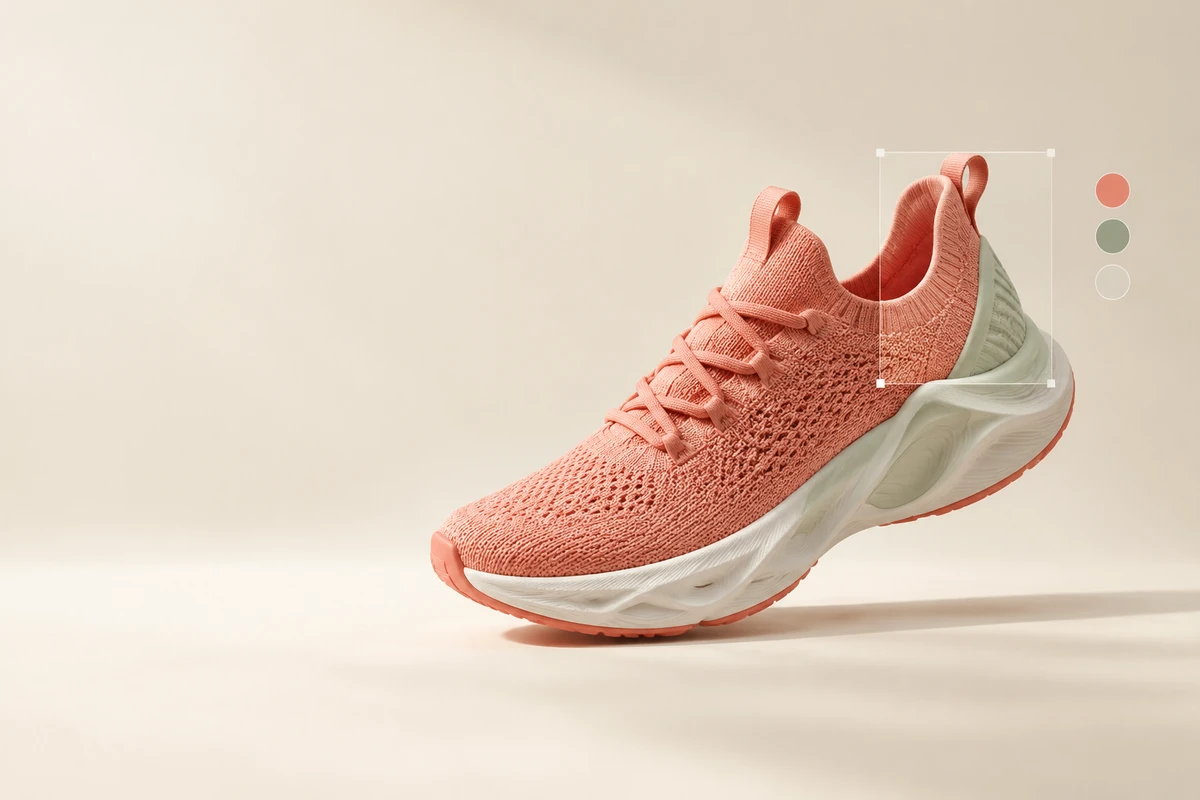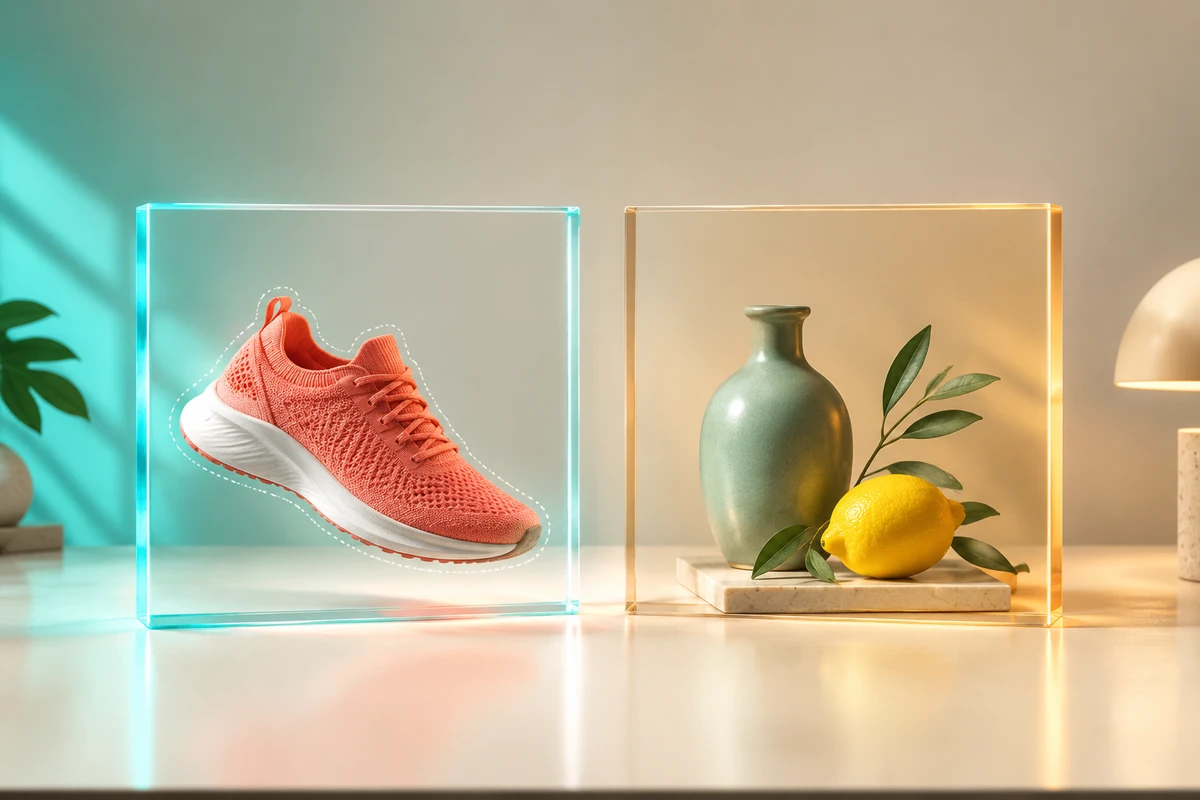
Ideogram 4.5 and GPT Image 2.5 overlap in image generation and editing, but the choice becomes clearer when you name the job. For a narrowly controlled product revision, start by evaluating Ideogram 4.5 Precise Edit against GPT Image 2.5 Sunburst. For fast everyday generation, OpenAI positions Flare as the relevant 2.5 option. This comparison uses official capabilities and prices checked on October 21, 2026; it does not claim an independent head-to-head image-quality winner.
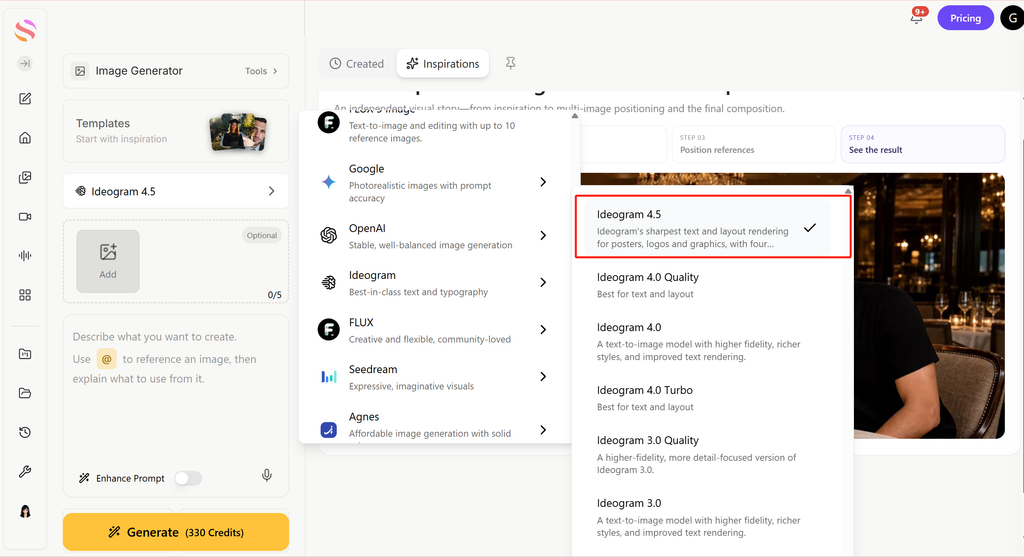
GlobalGPT has dedicated pages for both image models, so you can begin from a common workspace. Keep a copy of the same input and check the selected mode before comparing results; a page labeled GPT Image 2.5 does not by itself identify which upstream variant a particular task used.
Ideogram 4.5 vs GPT Image 2.5: which should you choose?
This is a workflow recommendation, rather than a quality ranking. If a model changes the product label or shifts the background, the edit may be unusable even when the picture looks polished. If you want a new ad concept, a larger creative change may be exactly the point.
For a wider field of candidates, the أفضل برامج توليد الصور باستخدام الذكاء الاصطناعي guide helps you separate editing, typography, realism and ideation needs. Choose the task first, then make a smaller comparison worth running.
Be specific: Precise Edit, Sunburst and Flare
Ideogram 4.5 exposes two distinct direct API paths: Generate and Precise Edit. Generate builds or reworks a scene from prompts and references. Precise Edit starts with an image and supports masks and a bounded context region. The official Ideogram 4.5 page emphasizes preserving the image through repeated changes.
OpenAI صفحة نموذج GPT Image 2.5 Sunburst positions Sunburst for workflows where editing precision matters most. Its API model ID is gpt-image-2.5-sunburst, with a September 8, 2026 snapshot available for a version-locked integration.
إن Flare model page يصف gpt-image-2.5-flare as fast, high-quality everyday image generation. Both variants accept text and images and support generation and editing; their positioning gives you a sensible first candidate, not a measured speed difference for your workload.
إن مراجعة لعبة ChatGPT Images 2.5 provides the family-level background. When you save a result, record Flare or Sunburst explicitly wherever the route exposes it. A generic gateway label should remain generic in your report rather than being silently promoted to Sunburst.
Editing control: the most useful technical difference
The strongest documented distinction is how precisely you can define the working region. Ideogram’s Precise Edit API reference accepts a black-and-white mask and context_window=auto, or an explicit pixel rectangle. With an automatic or explicit region, the API says the output retains the source dimensions and only that region changes.
OpenAI دليل إنشاء الصور describes GPT Image masking as prompt-based guidance: the model may not follow the mask’s exact shape with complete precision. Its mask needs an alpha channel, and the first source image receives the mask when you supply multiple inputs. That is a meaningful integration difference for small local corrections.
Do not treat Ideogram’s region guarantee as proof that every requested change will look correct. A bounded edit can still miss the intended shade, damage a seam inside the region or produce an awkward join at its edge. The guarantee and the visual result answer different questions.
For a detailed mask-upload walkthrough, the OpenAI Image Edit API guide explains the OpenAI side. If you move between providers, convert the mask semantics deliberately rather than reusing a grayscale file with the wrong alpha channel.
What do the multi-turn comparisons actually prove?
الرموز التصويرية September 30 comparison post on X shows the vendor’s selected sequence against GPT Image 2.5 Sunburst, Nano Banana Pro and Nano Banana 2. Ideogram says its outputs stay clean while competing outputs deteriorate after several edits. The author is Ideogram, so this is vendor evidence for its launch argument, rather than an independent benchmark.
The practical lesson is to test a revision chain, not just the first attractive image. A product may survive one color change and lose lettering or texture after several follow-ups. Keep a comparison with the original at every turn; comparing only adjacent turns can make gradual drift harder to spot.
If your alternative is a different model family, the مقارنة بين Flux 2 و Nano Banana Pro illustrates another pair of creative priorities. Its conclusions are specific to those models and should not become a score for this comparison.
Pricing: fixed output rates versus token usage
Ideogram publishes a price per image; GPT Image 2.5 publishes token rates. They cannot be compared fairly by placing “$0.06 per image” beside “$30 per million tokens” and calling one cheaper. The مرجع أسعار OpenAI and model pages give the billing units needed to calculate the actual request.
Using Ideogram’s displayed rates, 100 medium outputs cost $6 and 100 high-quality Precise Edit outputs cost $22. The official model page describes fixed prices regardless of resolution, while the Generate reference also describes 1K/2K tiers. Use an authenticated dry run to quote your exact request before treating the displayed rate as a final batch budget.
For an uncached Standard GPT Image request, the rate calculation is (5 × text-input tokens + 8 × image-input tokens + 30 × image-output tokens) / 1,000,000. Cached input categories have their own lower rates. If you build through Responses, also account for the mainline model usage rather than counting only the image tool.
Flare and Sunburst have the same published token rates, but that does not mean they consume the same number of tokens for a task. The GPT Image 2 price calculator does not estimate GPT Image 2.5 token consumption. The GPT Image 2.5 API guide covers the setup and usage records you need.
For a useful business metric, divide total spend by the number of accepted final images. Twenty cheap attempts that miss a product label can be more expensive than a smaller number of usable results. Keep subscription fees, direct API charges and GlobalGPT credits separate throughout that calculation.
Which model fits product photos, ads and fresh concepts?
For catalog revisions, begin with a narrow edit and a preservation checklist. Ideogram 4.5’s region controls make it a natural candidate; Sunburst belongs beside it because OpenAI positions it for editing precision. Review small label text and product geometry before reviewing the image’s overall mood.
For advertising concepts, start from the actual deliverable: composition, aspect ratio, exact headline, brand colors and required objects. Flare’s everyday-generation positioning makes it relevant here, while Ideogram Generate can also work from a new prompt or references. The documentation alone does not settle which will draw your particular brief better.
For a team making many kinds of changes, GlobalGPT image editing workflows provides practical editing use cases beyond this pair. It is often more efficient to choose a model per task than to keep forcing a single route to handle both careful restoration and open-ended art direction.
Prompt quality still matters. State the requested transformation, then the parts that must remain. If the brief mixes a new camera angle, a new background, a different material and exact preservation of every existing pixel, simplify it into separate requests. The دليل موجه نانو موزة 2 offers another model-specific approach to writing a clear visual brief.
Reuse your original image and instruction. Check the selected model, task cost and returned details before deciding which result deserves the next revision.
Open GPT Image 2.5 →How to run a comparison that answers your question
Use the same source image for both candidates. Keep the output size as close as the routes allow and set quality explicitly. A “medium” setting is a provider label, rather than a guarantee of equal compute or equal cost, so retain the actual dimensions, usage and displayed task price with each output.
Our local editing trials on GlobalGPT
We tried the same 1536 × 1024 synthetic product mockup and the cap-only instruction above once in each GlobalGPT image-generator entry on October 21–22, 2026. The fixture has a flat bottle illustration and the label “ASTER / BOTANICAL / 50 ml”; it does not test photographic texture or a real product’s branding.
In the Ideogram 4.5 result, the cap became sage green while the bottle body, label, background and shadow remained visually consistent with the input. In the GPT Image 2.5 result, the cap changed, but the body gained a different color treatment and the scene was redrawn into a square composition. For this narrow task, the Ideogram result followed the requested edit more closely.
The settings limit that observation: Ideogram used Auto aspect ratio, 1K and Medium; the GPT entry used 1:1 and exposed no quality, resolution or mask control. The outputs were 2496 × 1664 and 1254 × 1254 respectively. Neither entry exposed a mask, and the GPT entry offered no Sunburst/Flare selector. This is one exploratory run per entry with different output settings; it does not establish a matched API benchmark, a variant-specific result or a multi-turn winner.
The interfaces displayed 200 credits for Ideogram and 320 for GPT. Those labels describe these platform settings; we did not audit the task-specific debits, and they are separate from either provider’s official API rates.
Exact text: ASTER to CEDAR
We then restarted from the original mockup and asked each entry to replace only ASTER with CEDAR. Both outputs spell CEDAR, BOTANICAL and 50 ml correctly. Ideogram kept the surrounding flat design visually close to the source; the GPT result also changed the bottle’s proportions in the frame and introduced a different shaded treatment on the bottle and background.
For this second trial, Ideogram again used Auto / 1K / Medium and returned 2496 × 1664. GPT used the 3:2 selector and returned 1024 × 672; quality and resolution controls were still absent. Each entry ran once, without a mask or prompt enhancement. These results show why exact lettering and preservation of the surrounding design need separate checks; they do not establish a general model ranking.
The mask files should represent the same edit area but use each provider’s encoding. Save an untouched output before resizing it for a web page. If you compare outside-region pixel changes, use the original full-resolution files, register them consistently and account for any resizing or color conversion.
Record failed or rejected requests as attempts, and keep retries separate. Report the number of runs and the actual variant; one successful pair can answer whether a workflow is promising, but it cannot establish a universal quality ranking. For more alternatives to shortlist, see ChatGPT الصور 2.5 البدائل.
API integration: what changes when you switch?
Ideogram authenticates with Api-Key and has a dedicated Precise Edit endpoint. Its dry-run query can price an exact request before generation. For asynchronous work, it returns a generation ID that you poll; successful image URLs should be downloaded before they expire.
GPT Image 2.5 can be selected directly through the Images generation and edits endpoints. For a conversation-based application, use a supported mainline model in Responses and put the image model inside the إنشاء الصور tool configuration. The image model is not the top-level Responses conversation model.
The example submits a paid edit and saves the full JSON response. Prepare a same-size PNG source and an alpha-channel mask, set your API key through the environment and decode the returned base64 image. Preserve the usage and request metadata beside the decoded output.
Both GPT Image 2.5 variants support low, medium, high, xhigh, max and auto quality settings. For a controlled comparison, avoid auto until you have a baseline. Ideogram has very_low, low, medium and high, with very_low generation requiring references; the quality names do not provide a direct cross-provider conversion.
Choose Ideogram 4.5 when its bounded editing controls and quoted per-output cost fit the job. Choose Sunburst when you want to evaluate editing within your OpenAI workflow, or Flare when everyday generation is the main task. Let a matched trial on your own images determine the final choice.
الأسئلة الشائعة
Is Ideogram 4.5 better than GPT Image 2.5?
The official documents support different workflow strengths, not a universal winner. Compare Ideogram Precise Edit with Sunburst for local edits, and include Flare when everyday generation speed is your priority.
Should I compare Ideogram 4.5 with Flare or Sunburst?
Use Sunburst as the editing-focused candidate because OpenAI positions it for precision editing. Flare is positioned for fast everyday generation. Record the exact variant instead of treating all GPT Image 2.5 outputs as identical.
أي طراز أرخص؟
Ideogram publishes per-image rates, including $0.06 at medium quality. GPT Image 2.5 charges by tokens. Compare the exact Ideogram quote with actual GPT usage, then calculate spend per accepted final image.
Do Flare and Sunburst have the same price?
They have the same published token rates: $5 per million uncached text input tokens, $8 image input and $30 Standard image output. Actual cost can differ because token consumption can differ.
Can I use the same mask with both APIs?
Use the same edit area but convert the encoding. Ideogram uses black to edit and white to preserve. GPT Image needs an alpha-channel mask, with transparency marking the edit area, and treats masking as guidance.
Does the launch comparison prove Ideogram wins every edit?
No. The comparison was published by Ideogram and shows the vendor’s selected examples against Sunburst and other models. It is useful launch evidence, but it is not an independent result for every task.
Can I try both models on GlobalGPT?
GlobalGPT has dedicated Ideogram 4.5 and GPT Image 2.5 pages. Use the same source and prompt, check each task’s selected mode and cost, and do not infer a Flare or Sunburst identity when the task does not expose it.
Which API fits conversational image editing?
OpenAI’s Responses image-generation tool supports multi-turn image workflows with a supported mainline model. Ideogram offers direct Generate and Precise Edit endpoints, so your application manages its revision history.