ИИ лучше подходит для быстрого творческого поиска; Photoshop — для точной обработки и получения конечного файла с полным контролем. Если вам нужно до обеда подготовить десять возможных вариантов художественного оформления, с помощью образца можно быстро достичь этой цели. Если клиенту требуется отретушировать конкретный объект, очистить выделение или передать файл с возможностью надежного контроля, Photoshop по-прежнему остается более эффективным инструментом.
Именно поэтому GlobalGPT — это хорошая отправная точка для работы с искусственным интеллектом. Вы можете опробовать в одном месте такие модели обработки изображений, как Nano Banana 2, GPT Image 2, Seedream и Ideogram, выбрать перспективное направление, а затем перенести выбранное изображение в Photoshop для выполнения тех задач, которые требуют человеческого взгляда и точного контроля.
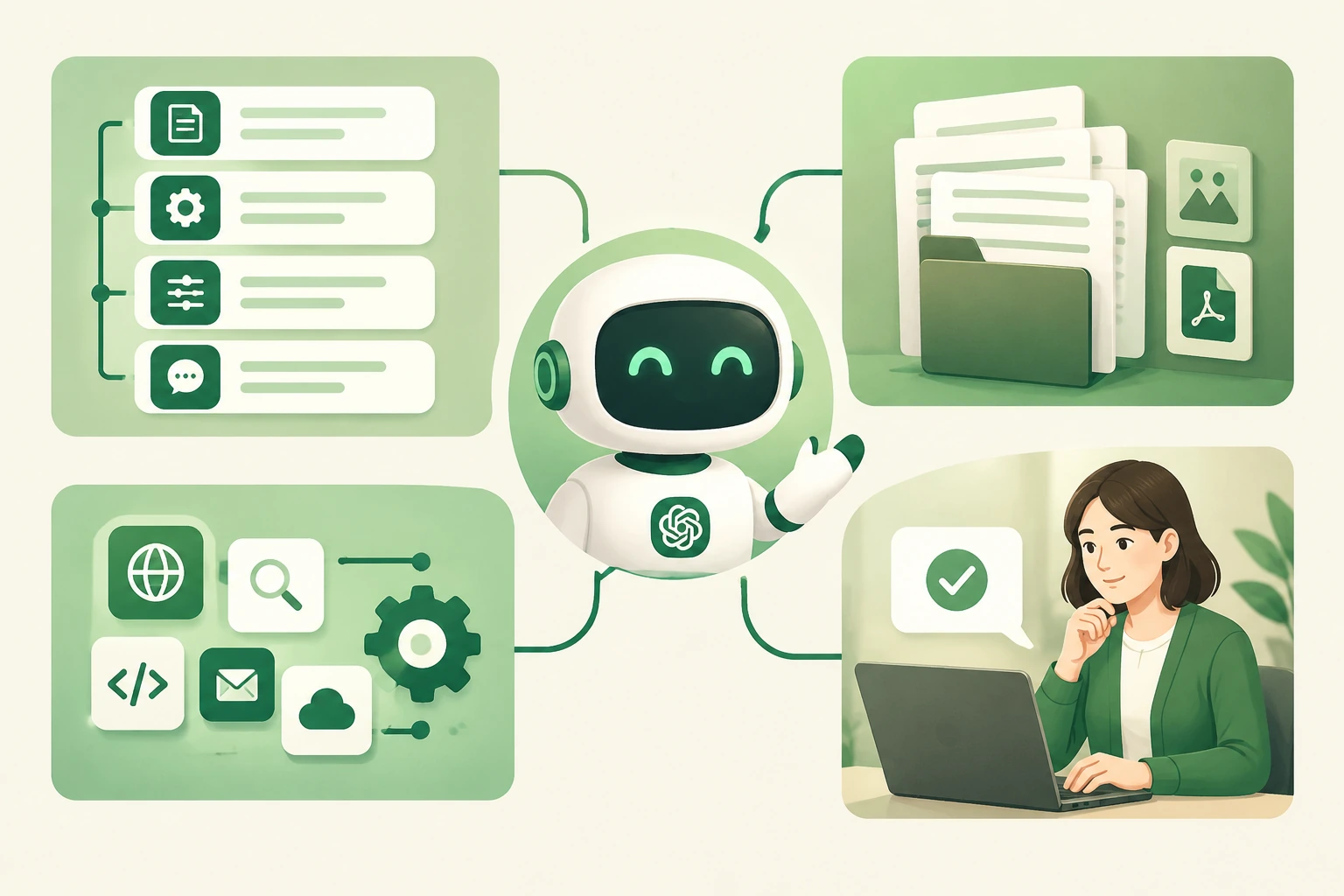
ИИ против Photoshop: краткий обзор
Посмотреть маршруты
Создавайте модные коллажи, пробуйте различные композиционные решения, разрабатывайте варианты и проверяйте художественное решение на практике перед тем, как приступить к детальной доработке.
Контролируйте качество отделки
Выполняйте точную выделение элементов, корректируйте локальные детали и подготовьте файл, который должен соответствовать конкретному техническому заданию.
| Творческая потребность | Лучший первый инструмент | Почему |
|---|---|---|
| Найдите несколько направлений кампании | Модель искусственного интеллекта для обработки изображений | Быстро ознакомьтесь с визуальными подходами. |
| Удалить одну конкретную деталь | Photoshop | Важны локальный выбор и возможность повторяемого редактирования. |
| Окончательный вариант материала, готовый к передаче клиенту | Photoshop | Возможны целенаправленные окончательные исправления. |
| Разблокировать пустой бриф | Модель искусственного интеллекта для обработки изображений | Первый визуальный макет даёт команде конкретную основу для доработки. |
В каких случаях ИИ действительно работает быстрее
ИИ оказывается наиболее полезным на этапе, когда визуальное решение ещё не определено. Руководителю по контенту может понадобиться несколько вариантов настроения для главного изображения; маркетологу — несколько ракурсов для истории о продукте; дизайнеру — возможность проверить, создаёт ли описанная концепция ту атмосферу, которую обещает. В каждом случае результат служит отправной точкой для обсуждения, а не окончательным исходным файлом.
- Разработайте несколько вариантов художественного оформления на основе краткого творческого брифа.
- Проверьте освещение, цветовую гамму, визуальный язык съемки, негативное пространство или компоновку продукта.
- Составьте приблизительный план для презентации, творческого обзора или последующего технического задания по работе в Photoshop.
- Сравните, как разные модели изображений интерпретируют одну и ту же идею.
Если в работе требуется использовать один и тот же персонаж во многих сценах, см. это руководство по обеспечению единообразия персонажа в разных сценах.
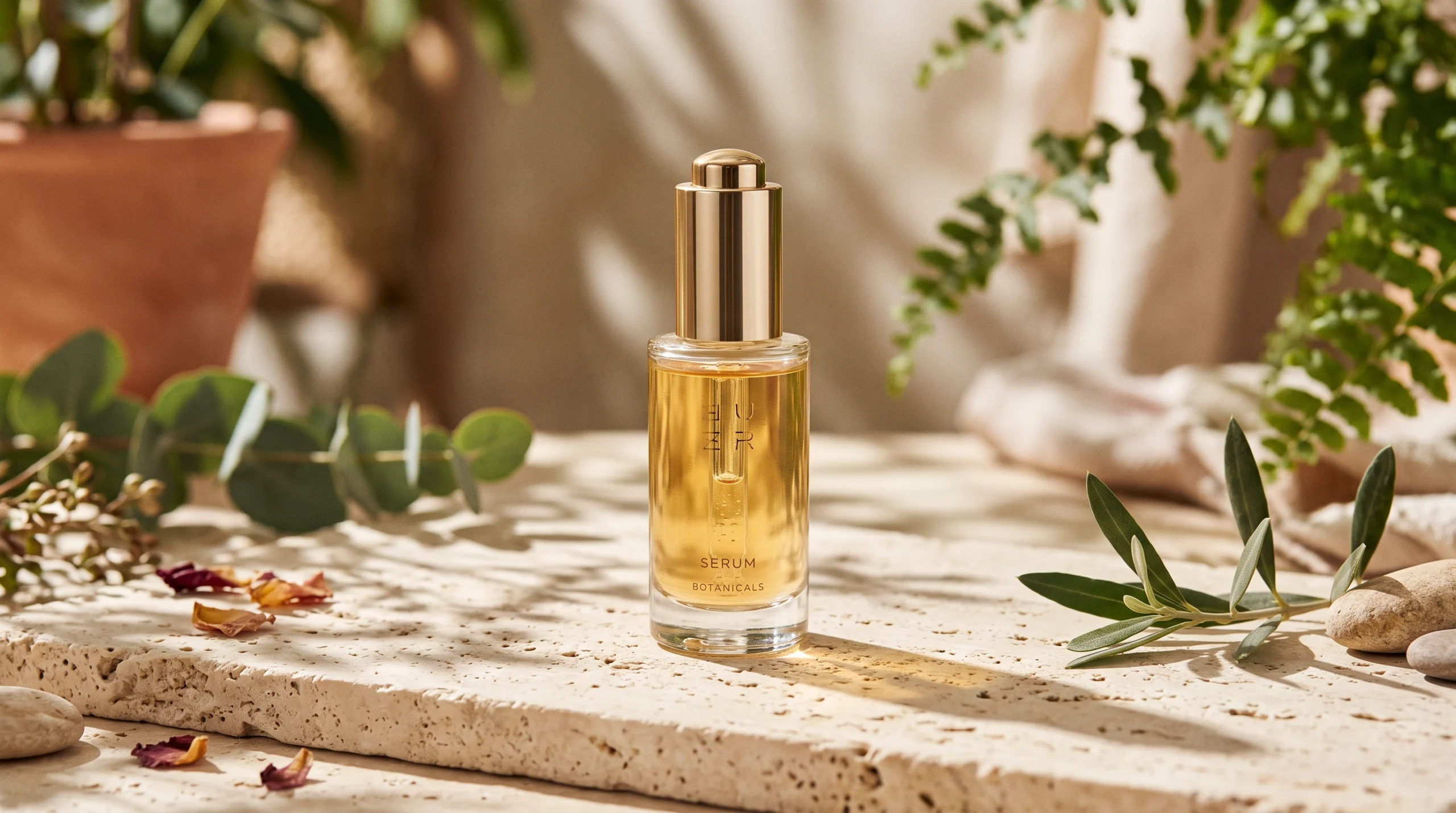
Горизонтальное концептуальное направление из Nano Banana 2: конкретные решения по освещению, продукту и материалам, которые необходимо обсудить перед этапом доработки.
В чем Photoshop по-прежнему имеет преимущество
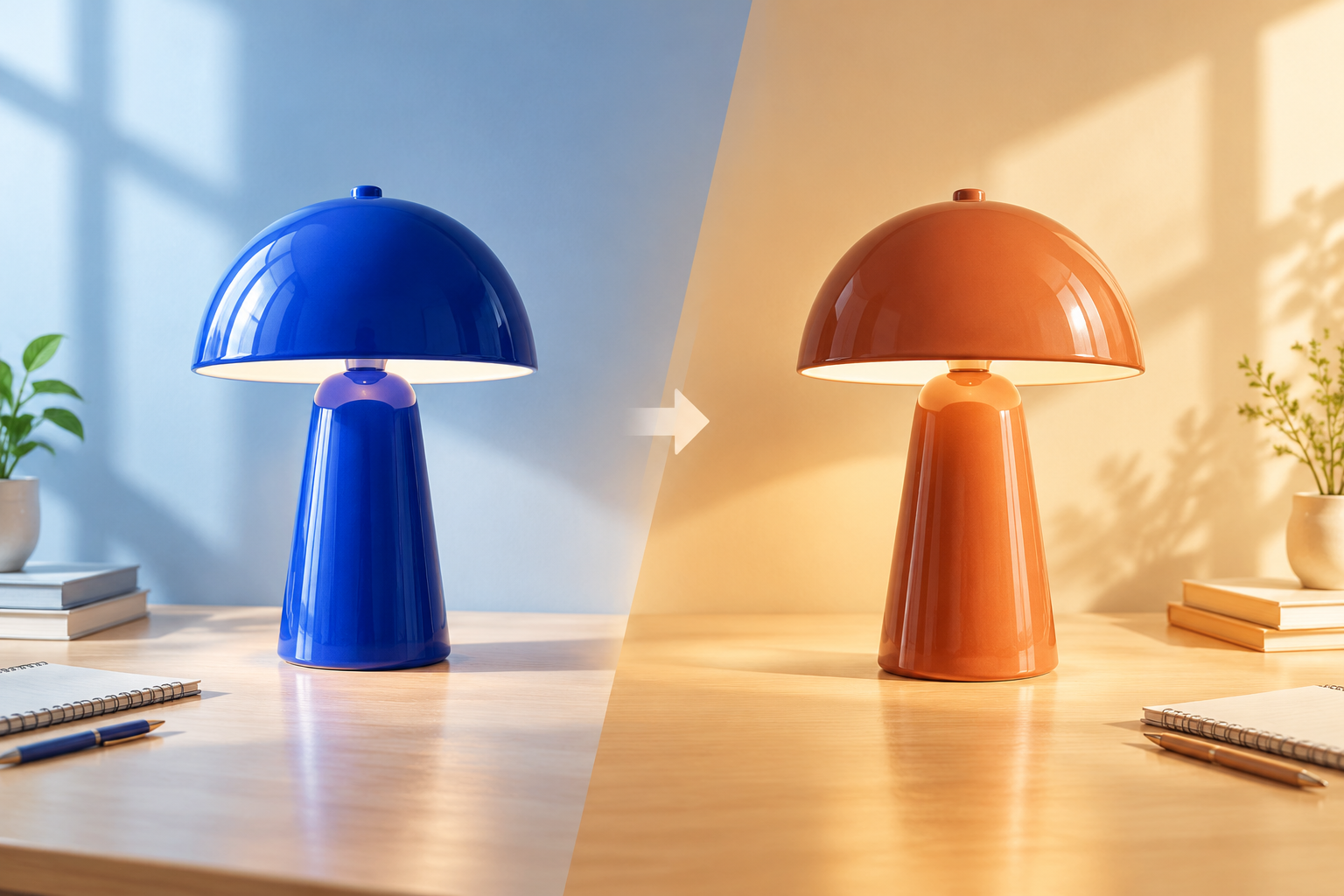
Adobe описывает Photoshop связанные с продвинутыми рабочими процессами, точным выделением объектов, высокой скоростью работы благодаря искусственному интеллекту и творческим возможностями. Именно в такие моменты создатель не может довольствоваться просто приемлемым изображением: логотип должен оставаться точным, контуры — четкими, а небольшое изменение не должно нарушать общее впечатление.
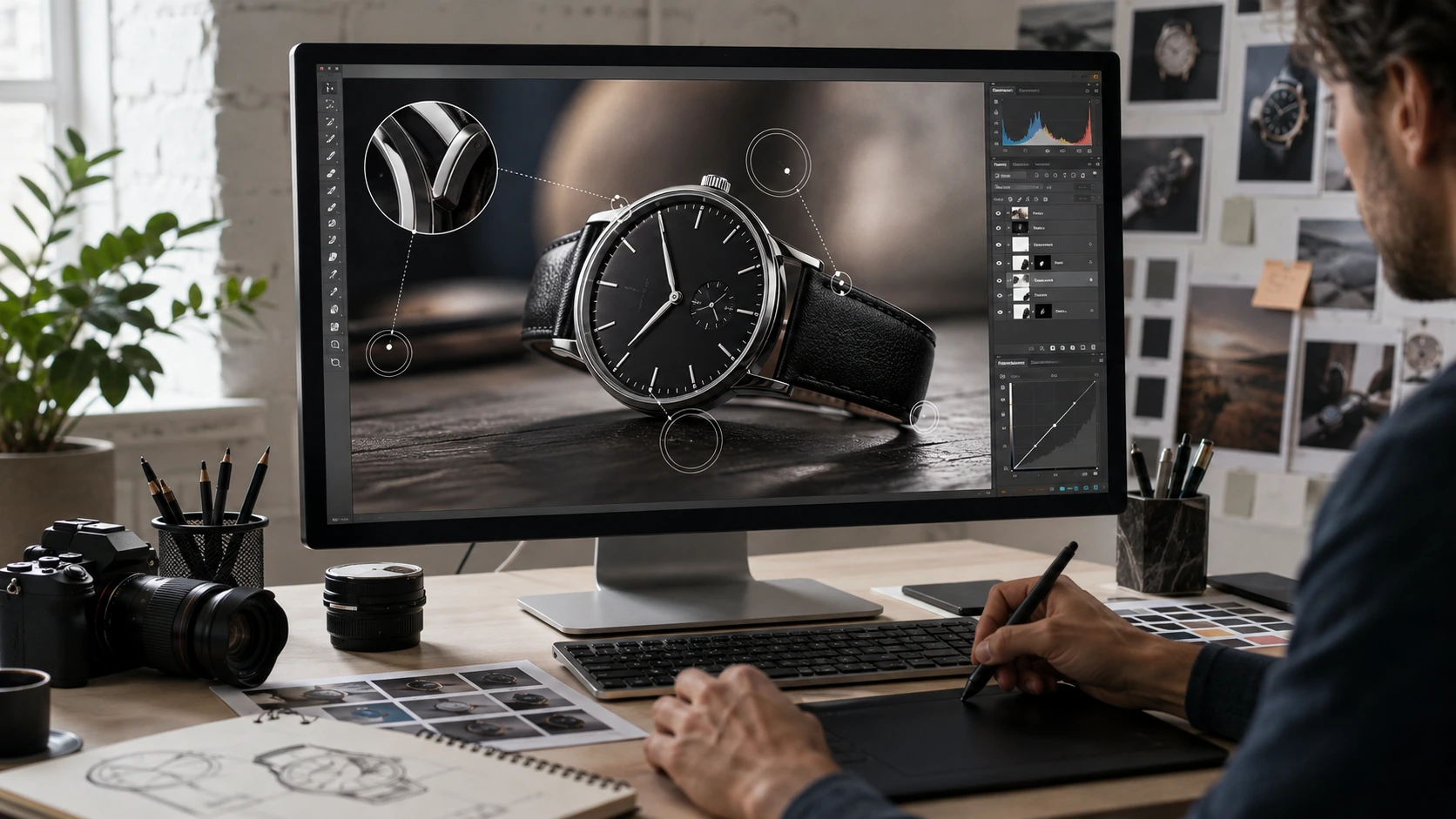
Генерированная иллюстрация этапа контролируемого уточнения, а не скриншот из Photoshop.
На момент подготовки данной статьи компания Adobe предлагала Photoshop по цене US$22.99 в месяц в рамках индивидуального тарифного плана с ежегодной оплатой и ежемесячной фактурацией. Условия тарифного плана могут изменяться, поэтому при сравнении вариантов покупки ориентируйтесь на актуальную страницу сайта Adobe.
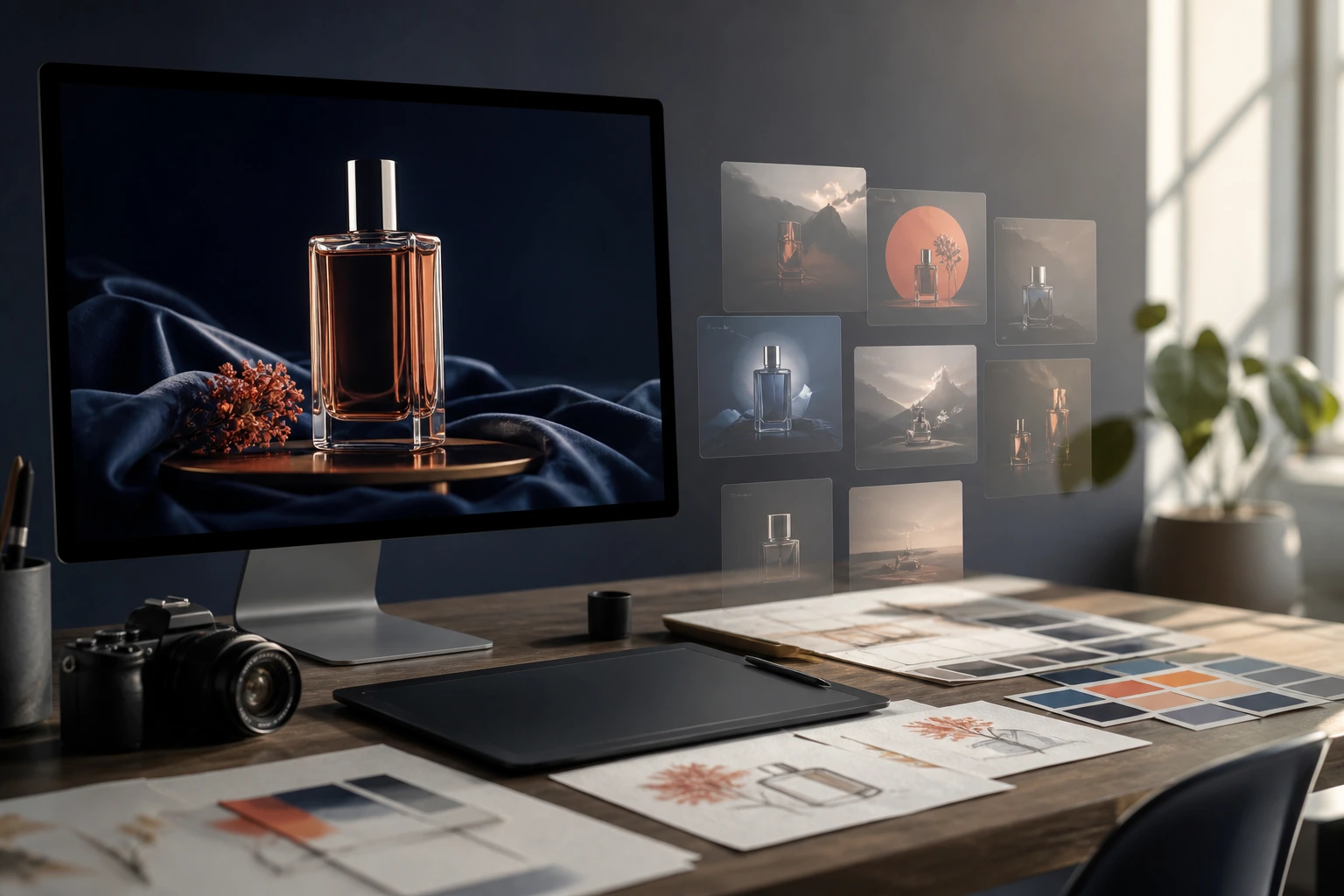
Практичный рабочий процесс: от ИИ к Photoshop
- Составьте визуальный бриф. Укажите тему, целевую аудиторию, настроение, композицию и то, что не должно измениться.
- Откройте для себя GlobalGPT. Примените одно и то же основное направление к одной или двум подходящим моделям изображений.
- Выбирайте, а не бесконечно перебирайте варианты. Перед внедрением незначительных изменений обсудите это перспективное направление с командой.
- Завершите работу в Photoshop. Внесите локальные исправления, отредактируйте верстку, добавьте элементы брендинга и проверьте готовность к отправке.
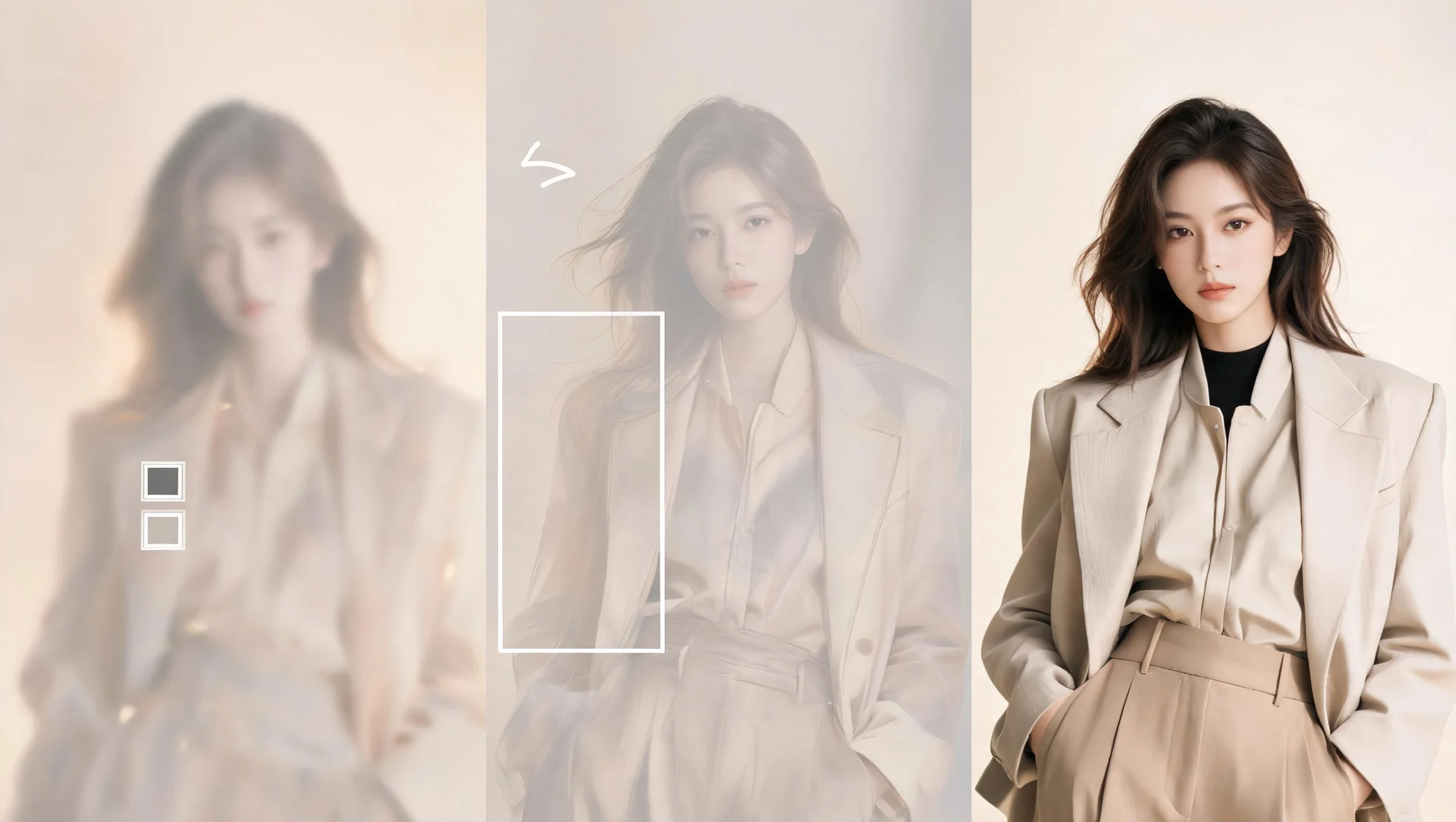
Иллюстрация сформированного рабочего процесса: изучить направление, выбрать то, что стоит развивать, а затем доработать одобренный вариант. Речь не идет о задокументированном редактировании «до и после».
Практическое занятие: выработка концептуального направления в GlobalGPT
Чтобы по-настоящему проверить возможности концептуального исследования, я использовал алгоритм Nano Banana 2 в рамках проекта GlobalGPT для преобразования бриф на рекламную кампанию по уходу за кожей в первоначальное визуальное решение. Полученный результат полезен в качестве ориентира для создания настроения и композиции, но он не является доказательством того, что ИИ может заменить тщательную работу в Photoshop.
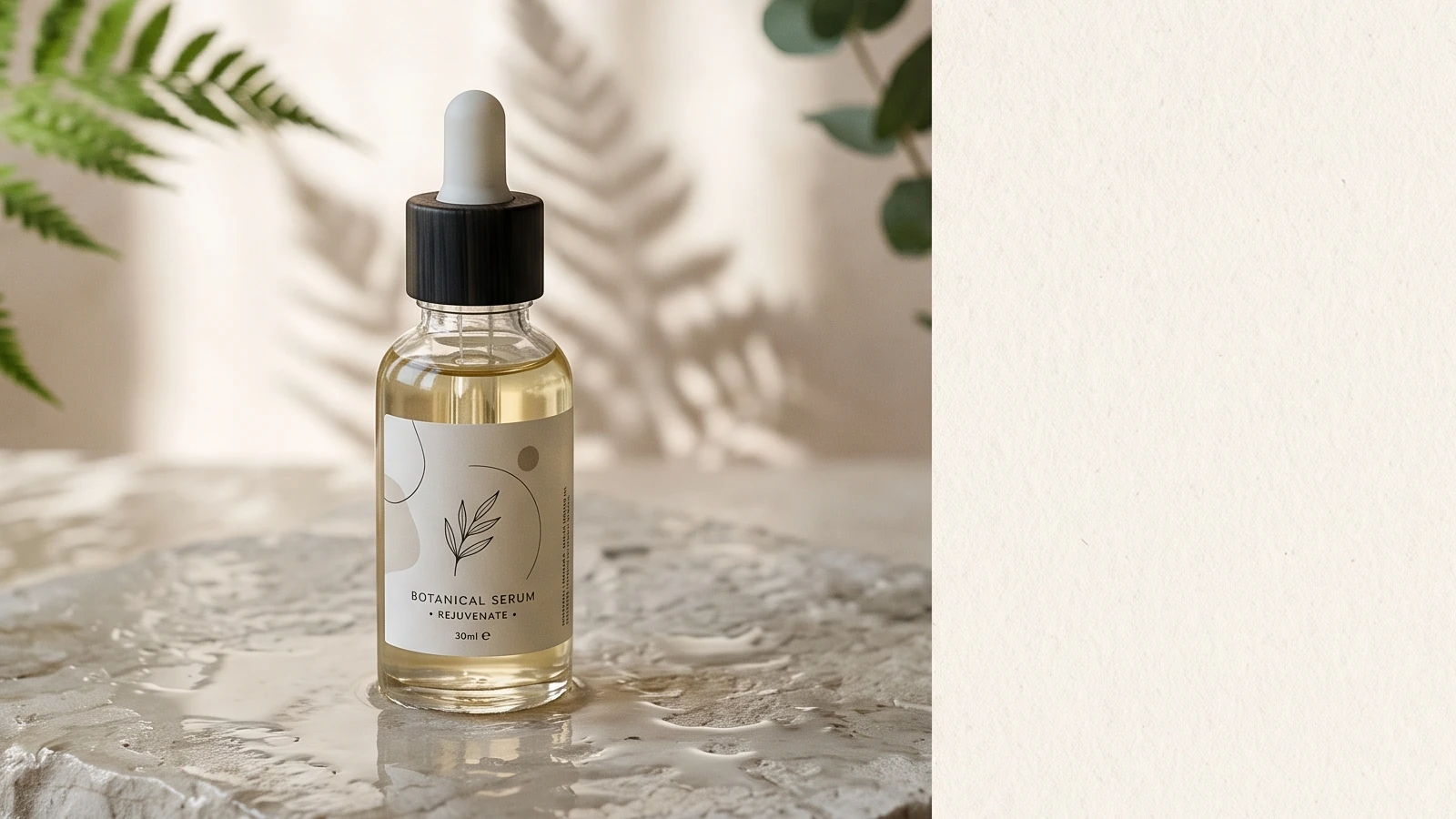
Оставленный первый вариант изображения, обрезанный до соотношения сторон 16:9 для верстки статьи. При обрезке сохранены бутылка и композиция с продуктом, а большая часть ненужного пространства с правой стороны удалена.
I01: ориентация изображения на концептуальной доске
Просмотреть полный текст ввода
Горизонтальная концептуальная доска для креативного брифа по рекламной кампании экологически устойчивой косметики премиум-класса: стеклянный флакон с сывороткой на мокром светлом камне, мягкий утренний свет, проникающий через окно, тени растений, сдержанный художественный стиль в духе журнальных съёмок, пустое пространство для текста справа, отсутствие читаемого текста, формат 16:9
Просмотреть полную запись вывода
Статус: Успешно; Идентификатор задачи: 1155759256306190336; Предоставленный файл: 2048 x 2048 WebP; соблюден заданный стиль продукта с флаконом сыворотки, растительными тенями, мягким освещением и негативным пространством; запрошенный формат 16:9 возвращен в виде квадрата; первый допустимый результат сохранен без повторного выполнения задачи.
- Что сработало
- Единая концепция продукта дала творческой команде четкое направление для обсуждения.
- Чего это не доказало
- Точная локальная ретушь, многоуровневый контроль производства или надежное соблюдение соотношения сторон.
- Практическое применение
- Выберите направление, а затем перейдите в Photoshop для тщательной доработки.
Как выбрать для своего следующего проекта
Выбирайте ИИ, когда команде нужно определить, что может быть изображено на картинке. Выбирайте Photoshop, когда команда уже знает, что именно должно быть изображено на картинке. Открыть рабочую область изображений GlobalGPT когда вам нужно протестировать творческий бриф на всех доступных моделях изображений, не переключаясь между отдельными продуктами.
Окончательный вердикт
ИИ не во всех аспектах превосходит Photoshop, а Photoshop — не самый быстрый способ воплотить любую идею. ИИ превосходит человека на начальном этапе работы, связанном с генеративными задачами. Photoshop же показывает свои преимущества, когда речь заходит о точности: выделение объектов, коррекция, контролируемая доработка и надежная передача результата.
ЧАСТО ЗАДАВАЕМЫЕ ВОПРОСЫ
Может ли искусственный интеллект заменить Photoshop?
Не для всех рабочих процессов. ИИ может быстро генерировать варианты и модификации, тогда как Photoshop по-прежнему лучше подходит для конкретных, тщательно контролируемых правок и финальной обработки.
Искусственный интеллект лучше Photoshop для ретуширования?
ИИ может быстро предложить общие изменения, но Photoshop, как правило, является более надежным выбором, когда нужно откорректировать отдельную область, не изменяя при этом неожиданно остальную часть изображения.
Следует ли использовать ИИ до или после работы в Photoshop?
Используйте ИИ до работы в Photoshop, когда вам нужны варианты визуального оформления. Используйте его после работы в Photoshop только в том случае, если новый генеративный вариант окажется более полезным, чем точная правка существующего файла.
Можно ли использовать изображения, созданные с помощью ИИ, в проектах для клиентов?
Перед сдачей работы ознакомьтесь с действующими условиями поставщика моделей, требованиями заказчика, а также с любыми ограничениями, связанными с брендом или правами.
Каков самый простой рабочий процесс при использовании ИИ в Photoshop?
Создайте несколько вариантов макетов, выберите один из них вместе с командой, а затем перенесите этот макет в Photoshop для тщательной доработки.