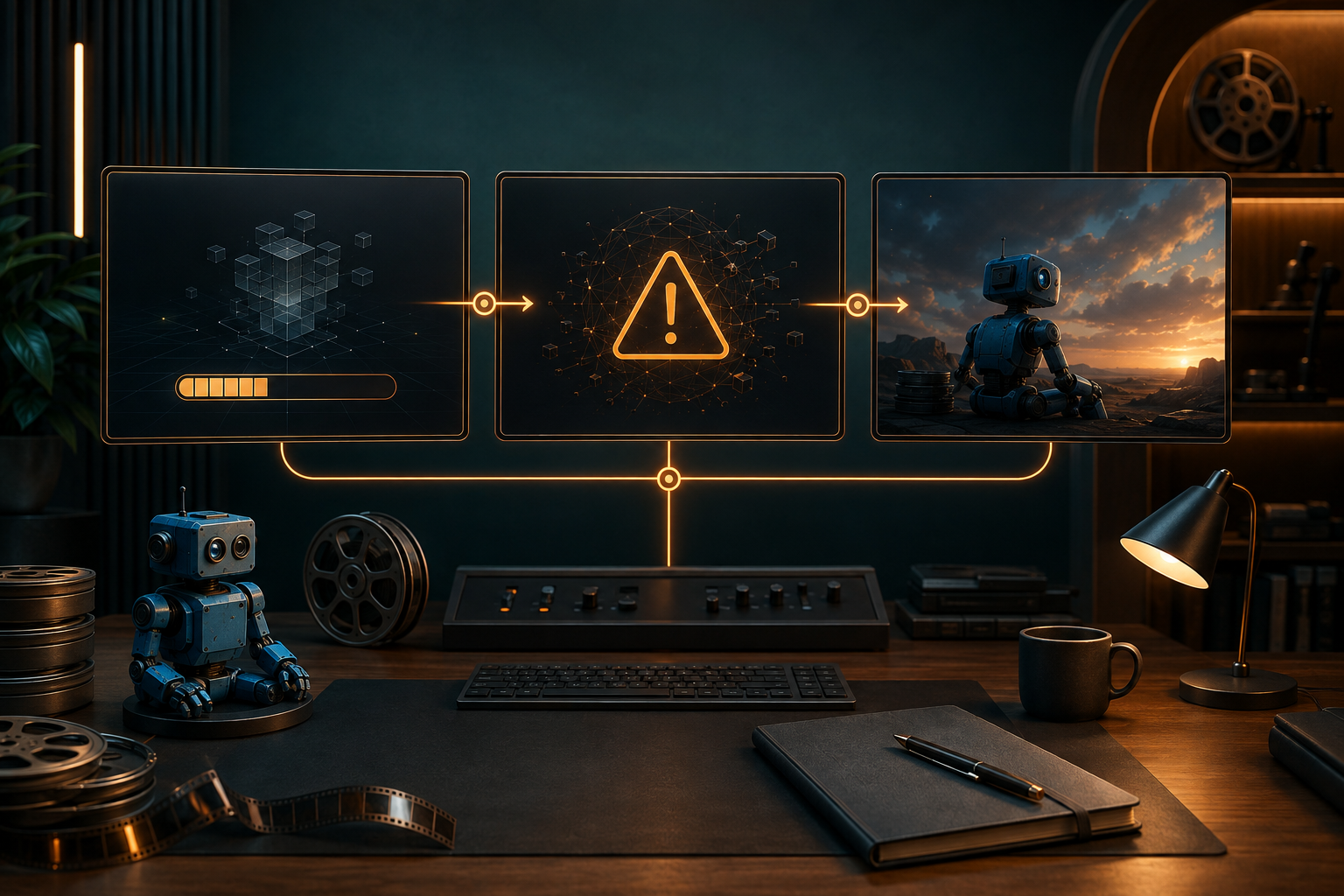
Sebagian besar kegagalan dalam pembuatan video berbasis AI lebih mudah diperbaiki setelah Anda mengidentifikasi tahap mana yang sebenarnya mengalami kegagalan. Permintaan yang ditolak, pekerjaan yang macet di antrian, pemain berwarna hitam, dan klip yang bisa diputar tetapi kehilangan properti utama adalah masalah yang berbeda-beda. Jangan jalankan ulang sebelum Anda mengetahui masalah mana yang Anda hadapi.
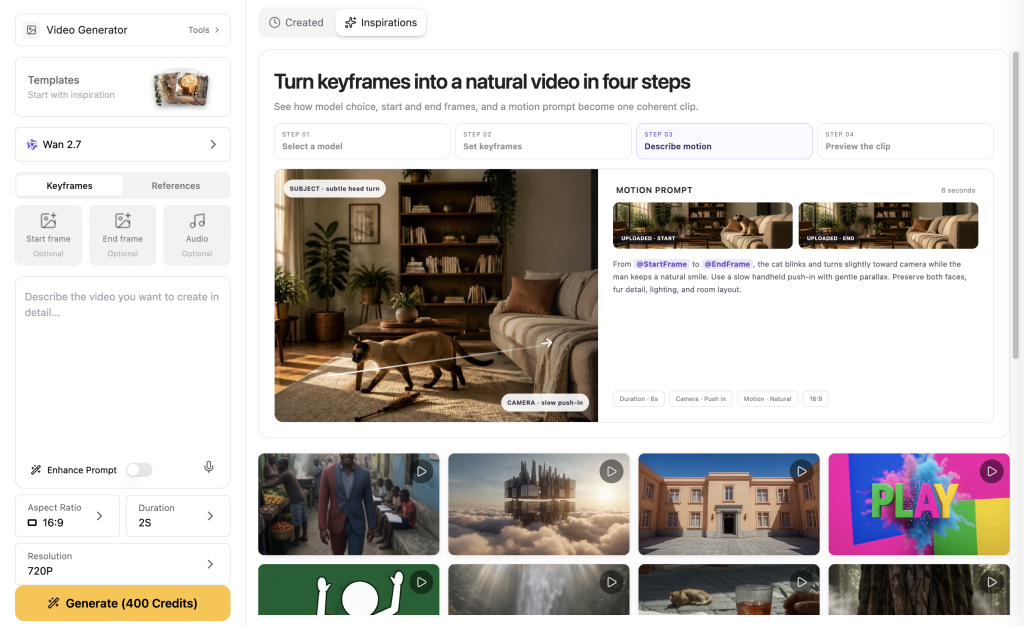
Saya menyarankan untuk menggunakan Video GlobalGPT Saat Anda perlu mendiagnosis hal ini dalam alur kerja praktis: buat referensi di Image, pilih rute video yang tersedia, dan bandingkan prompt dengan klip yang dihasilkan dalam satu ruang kerja. Anda dapat beralih di antara opsi video seperti Seedance, Veo, Kling, dan lainnya tanpa perlu membuat ulang seluruh pekerjaan di produk terpisah.
Mengapa Pembuatan Video Berbasis AI Gagal
“Istilah ”gagal” sering kali terlalu luas untuk bisa berguna. Sebuah tugas bisa gagal bahkan sebelum dimulai karena rute yang dipilih memerlukan parameter yang berbeda. Tugas tersebut bisa tertunda setelah disetujui karena antrean sedang sibuk. Tugas tersebut bisa berhasil secara teknis, tetapi tetap tidak memenuhi persyaratan kreatif Anda karena properti berubah bentuk atau keluar dari bingkai.
Peta penentuan prioritas kegagalan
Diagnosislah penyebab kegagalan tersebut sebelum Anda menjalankannya kembali
- Cari ID tugas. Jika tidak ada ID tugas, biasanya itu menandakan adanya masalah pada input atau kompatibilitas rute.
- Baca status tugas. Status "dalam antrian" atau "sedang berjalan" tidak sama dengan adanya kesalahan.
- Buka URL media yang dikembalikan tersebut. Pastikan berkas tersebut dapat dimuat sebelum menulis ulang prompt.
- Bandingkan klip tersebut dengan daftar singkat yang wajib ditayangkan.
Buat paket input yang rapi
- Identitas: wajah atau siluet, palet warna, pakaian, properti khas.
- Harus ditampilkan: dua detail yang harus dapat dibaca.
- Tindakan: jadikan properti sebagai bagian dari alur cerita.
- Kamera: tentukan komposisi yang dapat menggambarkannya.
Gunakan alur kerja GlobalGPT untuk mengidentifikasi penyebabnya
Mulai dari Gambar GlobalGPT dengan referensi yang mudah dipahami. Pindah ke Video, pilih rute yang sesuai, dan lakukan gerakan penyeimbang sebelum melakukan gerakan yang lebih rumit. Baca ini alur kerja untuk memastikan konsistensi karakter di seluruh adegan untuk metode yang mengutamakan referensi.
Apa yang terungkap dari pemeriksaan hasil pertama
Tiga hasil valid pertama ini diminta dalam rasio 16:9 dan resolusi 480p melalui Anywhere. Hasil-hasil ini bukanlah daftar peringkat. Hasil-hasil ini menunjukkan perbedaan antara tugas yang secara teknis telah diselesaikan dan hasil kreatif yang dapat digunakan.
F01: Jangkar sah, bukti pendukung tidak lengkap
Sebuah robot dengan panel wajah berwarna krem, lensa berwarna kuning kecokelatan, selempang kuning, dan buku catatan berwarna grafit sedang berjalan melintasi lorong perpustakaan.- Rute: Seedance 2.0 melalui Anywhere
- Output: file MP4 pertama yang valid berdurasi 5 detik, rasio aspek 16:9, resolusi 480p
- Yang terjadi: bodi, panel depan, lensa, sayap jendela.
- Kelas kegagalan: Catatan tidak terbaca dengan jelas, bukan kegagalan tugas.
- Perbaikan: Jadikan buku catatan itu sebagai objek aksi.
F02: Properti tersebut tetap ada karena dianggap sebagai objek yang salah
Robot itu membuka buku catatan berlapis grafit di meja restorasi.- Rute: Seedance 2.0 melalui Anywhere
- Output: file MP4 pertama yang valid berdurasi 5 detik, rasio aspek 16:9, resolusi 480p
- Yang terjadi: badan robot dan selempang kuning.
- Kelas kegagalan: pergeseran hasil: notebook berubah menjadi buku besar yang terbuka.
- Perbaikan: Ulangi bahan, ukuran, dan bentuk dalam kalimat yang wajib dicantumkan.
F03: Gerakan yang luas dengan petunjuk identitas yang dapat dikenali
Robot itu melintasi halaman sambil memegang buku catatan di bawah lengan kirinya.- Rute: Seedance 2.0 Cepat di Mana Saja
- Output: file MP4 pertama yang valid berdurasi 5 detik, rasio aspek 16:9, resolusi 480p
- Yang terjadi: robot, lensa berwarna kuning kecokelatan, selempang, dan sebuah benda berbentuk persegi panjang yang dibawa.
- Bawa pulang: Pengambilan gambar yang lebih luas bisa efektif jika petunjuknya jelas.
Atasi masalah umum dalam pembuatan video berbasis AI
Rute ditolak: Periksa input yang diperlukan. Proses terhenti: Simpan ID tugas dan tunggu hingga mencapai status akhir. Pemutar yang rusak: periksa URL yang dikembalikan. Klip yang dapat diputar, hasil salah: perketat isyarat, tindakan, dan bingkai yang diperlukan. Untuk masalah durasi, baca cara membuat video Sora 2 lebih panjang.
Kapan upaya ulang itu layak dilakukan
Cobalah lagi jika terjadi kesalahan transportasi yang menghalangi respons, jika penyedia secara eksplisit menandai suatu tugas sebagai gagal, atau jika Anda telah memperbaiki ketidaksesuaian parameter yang telah didokumentasikan. Jangan mencoba lagi hanya karena suatu tugas yang telah diterima masih berjalan.
PERTANYAAN YANG SERING DIAJUKAN
Mengapa pembuatan video AI saya terhenti?
Sebuah tugas yang telah diterima mungkin sedang menunggu dalam antrian. Simpan ID tugas tersebut, periksa apakah statusnya berubah, dan hindari mengirimkan tugas duplikat sebelum tugas pertama mencapai status akhir.
Mengapa pembuatan video berbasis AI gagal bahkan sebelum dimulai?
Sebuah permintaan dapat ditolak karena rute yang dipilih memerlukan input atau parameter yang tidak disertakan.
Mengapa video AI saya bisa diputar tetapi tampilannya tidak benar?
Itu biasanya merupakan masalah kondisi keluaran, bukan kegagalan pemutaran.
Apakah saya sebaiknya langsung mencoba lagi membuat video dengan AI?
Tidak. Pertama-tama, tentukan apakah suatu tugas sudah ada dan apakah tugas tersebut masih berada dalam antrian atau sedang dijalankan.
Bagaimana cara mencegah properti video AI agar tidak berubah?
Jelaskan bahan, bentuk, warna, dan cara penggunaan properti tersebut, lalu tunjukkan properti tersebut tanpa terhalang.
Apakah saya bisa mengganti model video AI ketika rute menolak permintaan saya?
Ya, setelah memastikan apakah masalahnya terletak pada parameter rute yang hilang. Penolakan rute saja tidak menunjukkan kualitas video.