Nano Banana AI peut vous aider à créer une photo réaliste de type « photo d'identité », avec un visage centré, un fond uni, une expression neutre et un éclairage homogène. Cet outil est utile pour les photos de profil, les maquettes, les aperçus de cartes d'identité internes, les CV et les ressources graphiques.
Dans ce guide, je vais vous montrer, étape par étape, comment créer une photo d'identité avec Nano Banana en 2027. Vous y trouverez également des instructions prêtes à l'emploi, des conseils sur les dimensions et l'arrière-plan, les erreurs courantes à éviter, ainsi qu'un aperçu clair des situations dans lesquelles les photos d'identité générées par IA sont utiles et de celles où il vaut mieux utiliser une photo originale non retouchée.

Réponse rapide
Nano Banana AI peut vous aider à créer une photo réaliste de type « photo d'identité », avec un visage centré, un fond uni, une expression neutre et un éclairage homogène. Cet outil est utile pour les photos de profil, les maquettes, les aperçus de cartes d'identité internes, les CV et les ressources graphiques. Pour les demandes officielles de passeport ou de visa, utilisez une photo originale non retouchée et respectez les règles édictées par l'administration compétente.
Qu'est-ce que Nano Banana AI ?
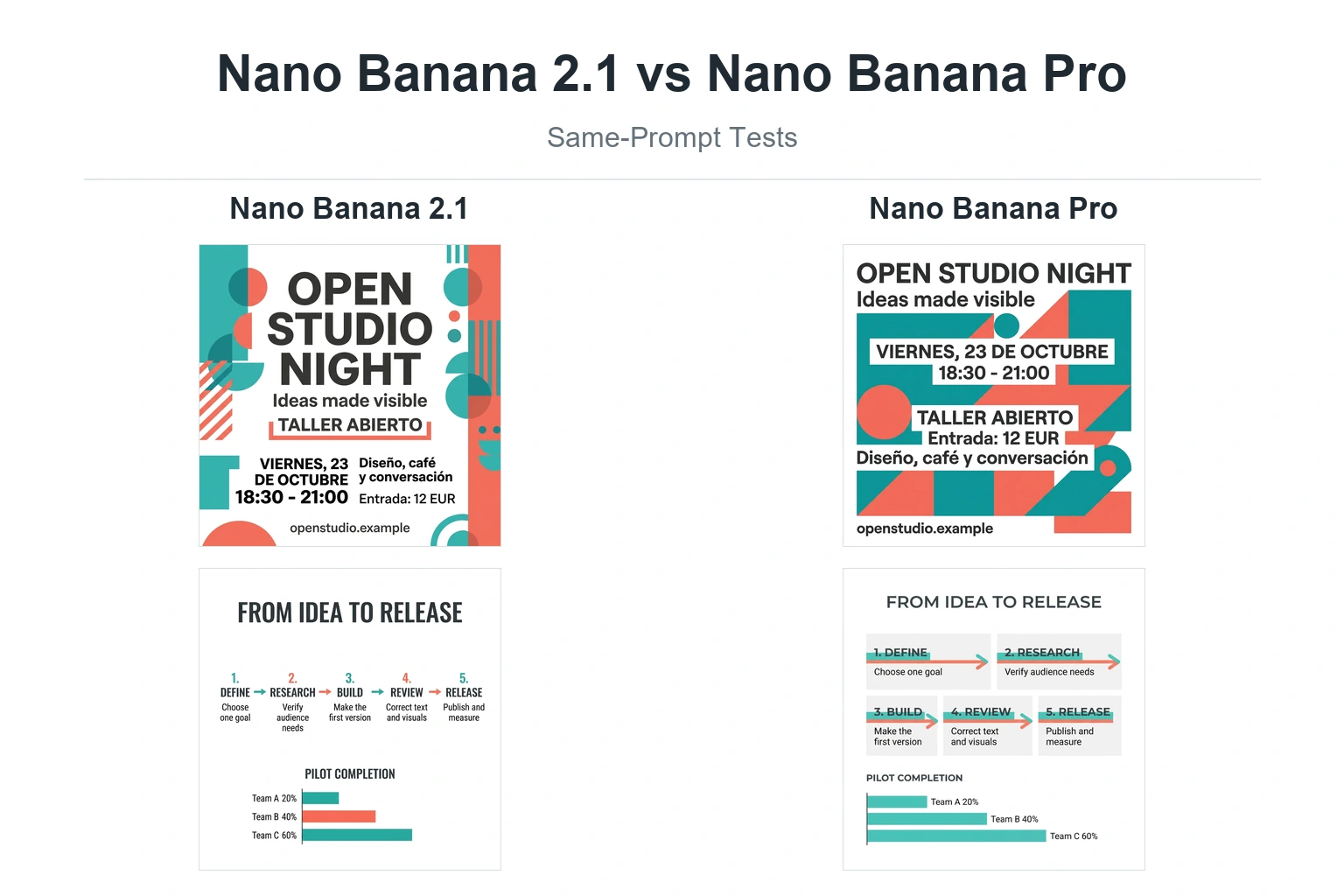
« Nano Banana » est le nom couramment utilisé pour désigner les fonctionnalités natives de génération et d'édition d'images de Gemini. Selon la documentation de l'API Gemini de Google consacrée à la génération d'images, « Nano Banana » désigne plusieurs modèles d'images, notamment Nano Banana 2, Nano Banana Pro et Nano Banana, qui s'appuient sur les modèles d'images de Gemini.
Pour les créateurs et les professionnels du marketing, Nano Banana s'avère utile car il permet de générer des images à partir de consignes textuelles, de modifier des images importées à l'aide du langage naturel, de préserver la cohérence du sujet d'une révision à l'autre et de créer des visuels réalistes de type « studio ». Google précise également que les images générées comportent un filigrane SynthID.
En termes simples, Nano Banana AI est un outil de création et de retouche d'images capable de transformer une consigne ou une photo de référence téléchargée en un visuel soigné. Pour les photos d'identité, cela signifie que vous pouvez demander un portrait de face, une expression neutre, un fond uni, un éclairage homogène et une qualité d'image réaliste.
Peut-on utiliser Nano Banana pour les photos d'identité ?
Vous pouvez utiliser Nano Banana pour réaliser des photos d'identité, mais vous ne devez pas partir du principe que le résultat sera accepté pour une demande officielle de passeport.
Utilisez Nano Banana pour :
- Photos de profil LinkedIn
- Photos de profil pour CV
- Aperçus des identifiants internes à l'entreprise
- Maquettes de cartes d'étudiant
- Exemples d'interface utilisateur d'applications
- Espaces réservés pour la conception
- Portraits créatifs au format photo d'identité
Ne comptez pas uniquement sur Nano Banana pour :
- Dépôt des demandes de passeport américain officiel
- Demandes de visa
- Demandes de pièces d'identité officielles
- Documents d'identité officiels
- Toute photo de document pour laquelle l'organisme exige une image originale et non retouchée
Le Département d'État américain précise que les photos d'identité doivent être originales et non retouchées, et déconseille vivement de modifier les photos à l'aide de logiciels, de filtres, d'applications mobiles ou d'intelligence artificielle. C'est pourquoi ce guide utilise l'expression “ photo de type passeport ” plutôt que de garantir une photo d'identité officiellement acceptée.
Photo d'identité officielle vs image générée par IA de type photo d'identité
| Cas d'utilisation | Nano Banana peut-il aider ? | Meilleures pratiques |
|---|---|---|
| Photo LinkedIn ou photo de CV | Oui | Utilisez une photo de visage réaliste, prise sous un éclairage neutre et sans retouche du visage. |
| Aperçu du badge de l'entreprise | Oui | Créer un style visuel cohérent pour les maquettes avant la séance photo finale. |
| Exemple de carte d'étudiant | Oui | Utilisez-le pour prévisualiser vos créations, et non pour vérifier officiellement l'identité d'une personne. |
| Espace réservé pour une application ou un site web | Oui | Utilisez des personnages synthétiques ou des images de référence autorisées. |
| Demande de passeport américain | Ne concerne pas la photo finale soumise | Utilisez une photo récente et authentique qui n'a pas été retouchée numériquement. |
| Visa ou pièce d'identité officielle | Vérifiez d'abord | Les conditions requises varient selon les pays et les organismes. |
Point à retenir : Nano Banana est un outil pratique pour créer des visuels de type « photo d'identité ». Il ne s'agit toutefois pas d'un moyen de contourner les règles officielles en matière de photos d'identité.
Les meilleures idées de poses « Nano Banana » pour les photos d'identité
Utilisez ces consignes pour les photos non officielles de type “ photo d'identité ”. Si vous téléchargez la photo d'une personne réelle à titre de référence, ajoutez la mention « préserver les traits du visage et l'identité réels de la personne » afin que le modèle ne retouche pas excessivement le visage.
| Scénario | Invite prête à être copiée |
|---|---|
| Portrait professionnel épuré | Réalisez un portrait de type « photo d'identité » de la personne dont la photo a été mise en ligne. Respectez les traits réels du visage et l'identité de la personne. Celle-ci doit regarder directement l'appareil photo avec une expression neutre, les deux yeux ouverts, la bouche fermée, les épaules visibles, sur un fond uni de couleur blanc cassé, avec un éclairage homogène et doux, un teint naturel, une photo réaliste prise par un appareil photo, sans filtre de beauté ni retouche du visage. |
| Photo de profil professionnel | Réalisez un portrait professionnel de type « photo d'identité » de la personne dont la photo a été mise en ligne. Respectez les traits distinctifs et les proportions du visage. La personne porte un blazer foncé par-dessus une chemise claire, regarde directement l'appareil photo, avec une expression neutre ; la tête et les épaules sont centrées, sur un fond blanc uni, avec un éclairage de studio homogène et une qualité photographique réaliste. |
| Photo de type carte d'étudiant | Créez un portrait réaliste, de type carte d'étudiant, de la personne dont la photo a été mise en ligne. Conservez le visage et l'âge d'origine. Tenue décontractée mais soignée, regard direct, expression neutre, épaules visibles, fond uni gris clair, éclairage doux et homogène, pas de retouche, pas de filtre stylisé. |
| Photo pour le badge du personnel | Créez un portrait de type « badge d'employé » de la personne dont la photo a été mise en ligne. Préservez son anonymat. La personne porte un haut simple et professionnel, regarde droit devant elle, a une expression neutre, le visage est centré, les épaules sont visibles, le fond est blanc uni, le teint est fidèle à la réalité, l'éclairage est homogène et l'image est réaliste. |
| Maquette de l'application (mode portrait) | Créez un portrait de type « photo d'identité » destiné à une maquette d'interface d'application. La personne doit regarder directement l'appareil photo, avec une expression neutre, les épaules visibles, sur un fond uni blanc cassé, avec un éclairage réaliste, des contours nets, une texture de peau naturelle, sans déformation du visage ni retouche exagérée. |
Modificateur de prompt « Pro » :
fond uni blanc cassé sans couture, éclairage frontal doux de studio, teint naturel, photo réaliste prise à l'appareil photo, tête et épaules centrées, aucune ombre sur le visage ni sur le fondComment créer une photo d'identité avec Nano Banana
Étape 1 : Choisissez le cas d'utilisation approprié
Avant de générer quoi que ce soit, déterminez si l'image est destinée à un usage officiel ou non officiel. Si elle est destinée à une photo de profil, à une maquette de pièce d'identité, à un CV, à une page d'équipe ou à un aperçu de design, Nano Banana est la solution idéale. Si elle est destinée à une demande officielle de passeport ou de visa, vérifiez d'abord les règles en vigueur et utilisez une photo originale si nécessaire.
Étape 2 : Téléchargez une photo de référence nette

Utilisez une image nette, prise de face et bien éclairée. Évitez les photos floues, fortement retouchées, prises de profil ou recadrées. Si l'image de référence est de mauvaise qualité, le résultat généré par l'IA nécessitera généralement davantage de corrections.
Ne publiez que des photos que vous êtes autorisé à utiliser. Dans le cadre de projets professionnels ou d'équipe, demandez l'autorisation avant d'utiliser des photos d'employés ou de clients.
Étape 3 : Coller une invite avec protection de l'identité
Commencez par l'une des suggestions ci-dessus. Si l'image représente une personne réelle, précisez :
Préserver les traits réels du visage et l'identité de la personne.Ajoutez également des consignes négatives telles que :
pas de filtre beauté, pas de retouche du visage, pas de modification de l'âge, pas d'effet stylisé
Étape 4 : Gérer l'arrière-plan et l'éclairage
Pour un style classique de type « photo d'identité », demandez un fond uni blanc, blanc cassé ou gris clair. Pour les profils professionnels, le blanc cassé ou le gris clair donnent souvent un rendu plus naturel que le blanc pur.
Suivez les consignes d'éclairage telles que :
un éclairage frontal doux et homogène, pas d'ombres marquées, des teints de peau fidèles, une photo de studio réaliste
Si l'image modifie l'identité du personnage, générez-la à nouveau en utilisant une consigne plus précise.
Liste de contrôle des dimensions et des règles relatives aux photos d'identité pour les passeports américains
Si vous réalisez une maquette de photo d'identité au format américain à titre de référence, utilisez ces exigences courantes du Département d'État américain comme liste de contrôle. Cette liste de contrôle ne garantit pas que l'image générée par IA soit officiellement acceptée.
| Exigence | Consignes relatives aux photos d'identité pour les passeports américains |
|---|---|
| Date de la photo | Pris au cours des 6 derniers mois |
| Taille d'impression | 2 x 2 pouces, soit 51 x 51 mm |
| Tour de tête | De 1 à 1 3/8 pouces, soit de 25 à 35 mm, du menton au sommet de la tête |
| Contexte | Blanc uni ou blanc cassé |
| Pose | Regardez directement l'appareil photo, la tête bien centrée. |
| Expression | Expression neutre, yeux ouverts et visibles, bouche fermée |
| Eclairage | Un éclairage homogène, sans ombres marquées |
| Qualité | Photo couleur en haute résolution, non floue, non granuleuse, non abîmée et non pixélisée |
| Évolutions numériques | Utilisez la photo originale, sans IA, sans filtres ni retouches logicielles |
Pour les demandes officielles aux États-Unis, veuillez vérifier les règles en vigueur sur la page officielle du Département d'État consacrée aux photos de passeport avant de soumettre votre demande.
Conseils pour le modèle Nano Banana en 2027
La documentation actuelle de Google sur la génération d'images décrit Nano Banana comme une famille de modèles de génération d'images natifs de Gemini. La différence pratique la plus importante pour ce cas d'utilisation réside dans le choix entre qualité et rapidité.
| Nom du modèle dans Google Docs | Rôle pratique | Idéal pour les photos de type passeport |
|---|---|---|
| Nano Banane 2 | Rapidité et production à grande échelle | Ébauches en série, variations rapides, maquettes internes |
| Nano Banane Pro | Production professionnelle de ressources et instructions complexes | Des éléments de profil de meilleure qualité et des visuels marketing soignés |
| Nano Banane | Création et modification rapides d'images | Retouches rapides et portraits simples de type « photo d'identité » |
Si votre plateforme propose plusieurs options Nano Banana, commencez par le modèle le plus rapide pour les ébauches, puis utilisez l'option offrant la meilleure qualité pour le rendu final.
Erreurs courantes à éviter
Erreur n° 1 : qualifier le résultat de « photo d'identité officielle »
Utilisez l'expression “ photo d'identité ” sauf si vous faites référence à une véritable photo conforme aux règles officielles d'un organisme. Cela permet de garantir l'exactitude de l'article et de préserver la confiance des utilisateurs.
Erreur n° 2 : trop retoucher le visage
Les photos d'identité doivent donner une image naturelle. Évitez les retouches qui rajeunissent le visage, l'amincissent, lissent les traits, le rendent plus symétrique ou plus glamour.
Erreur n° 3 : utiliser un arrière-plan trop chargé
Les éléments d'arrière-plan, les textures, les dégradés, les ombres et les murs décoratifs nuisent au style ID. Privilégiez un arrière-plan sobre.
Erreur n° 4 : recadrer de manière trop serrée
Une bonne photo d'identité doit montrer la tête et les épaules dans leur intégralité. Si le front, les cheveux, les oreilles, le menton ou les épaules sont coupés, refaites la photo ou recadrez-la.
Erreur n° 5 : ne pas tenir compte des réglementations nationales en vigueur
Les exigences en matière de photos d'identité pour les passeports et les visas varient d'un pays à l'autre. La liste de contrôle américaine est utile pour respecter le format américain, mais d'autres pays peuvent avoir des exigences différentes en termes de dimensions, de couleur de fond, de proportions du visage ou de règles relatives à la soumission numérique.
Foire aux questions sur les photos d'identité « Nano Banana »
Nano Banana permet-il de créer une photo d'identité ?
Nano Banana permet de créer des photos au format passeport pour les photos de profil, les CV, les maquettes et les aperçus de cartes d'identité internes. Pour les demandes officielles de passeport, veuillez d'abord vérifier les règles en vigueur auprès de l'organisme concerné. Certains organismes exigent une photo originale et non retouchée et peuvent refuser les images générées ou retouchées par IA.
Les photos d'identité générées par IA seront-elles acceptées en 2027 ?
Les conditions d'acceptation varient selon les pays et les organismes. Les directives américaines relatives aux passeports stipulent actuellement que les photos fournies doivent être originales et non modifiées, sans retouche par IA ou logiciel. Considérez les images Nano Banana comme des photos de type passeport, sauf si les règles officielles de la demande autorisent clairement les photos retouchées par IA.
Quelles sont les dimensions d'une photo d'identité ?
Pour les passeports au format américain, la photo imprimée mesure 2 x 2 pouces, soit 51 x 51 mm. La taille de la tête doit être comprise entre 1 et 1 3/8 pouces, soit entre 25 et 35 mm. D'autres pays peuvent utiliser des dimensions différentes.
Puis-je utiliser Nano Banana pour changer la couleur de fond en blanc ?
Oui, Nano Banana permet de créer ou de modifier un fond blanc ou blanc cassé pour les photos non officielles de type passeport. Pour les demandes officielles de passeport américain, le Département d'État précise que la photo fournie ne doit pas avoir été retouchée numériquement.
Le Nano Banana Pro est-il plus adapté aux photos d'identité ?
Nano Banana Pro peut s'avérer plus adapté lorsque vous avez besoin d'un résultat plus soigné ou que vous devez suivre des consignes complexes. Pour des ébauches rapides, un modèle Nano Banana plus rapide peut suffire. Faites votre choix en fonction de vos exigences en matière de qualité, des limites d'utilisation et de la plateforme sur laquelle vous accédez au modèle.