

Create JoJo Inspired Images
Prompt Guide
Model
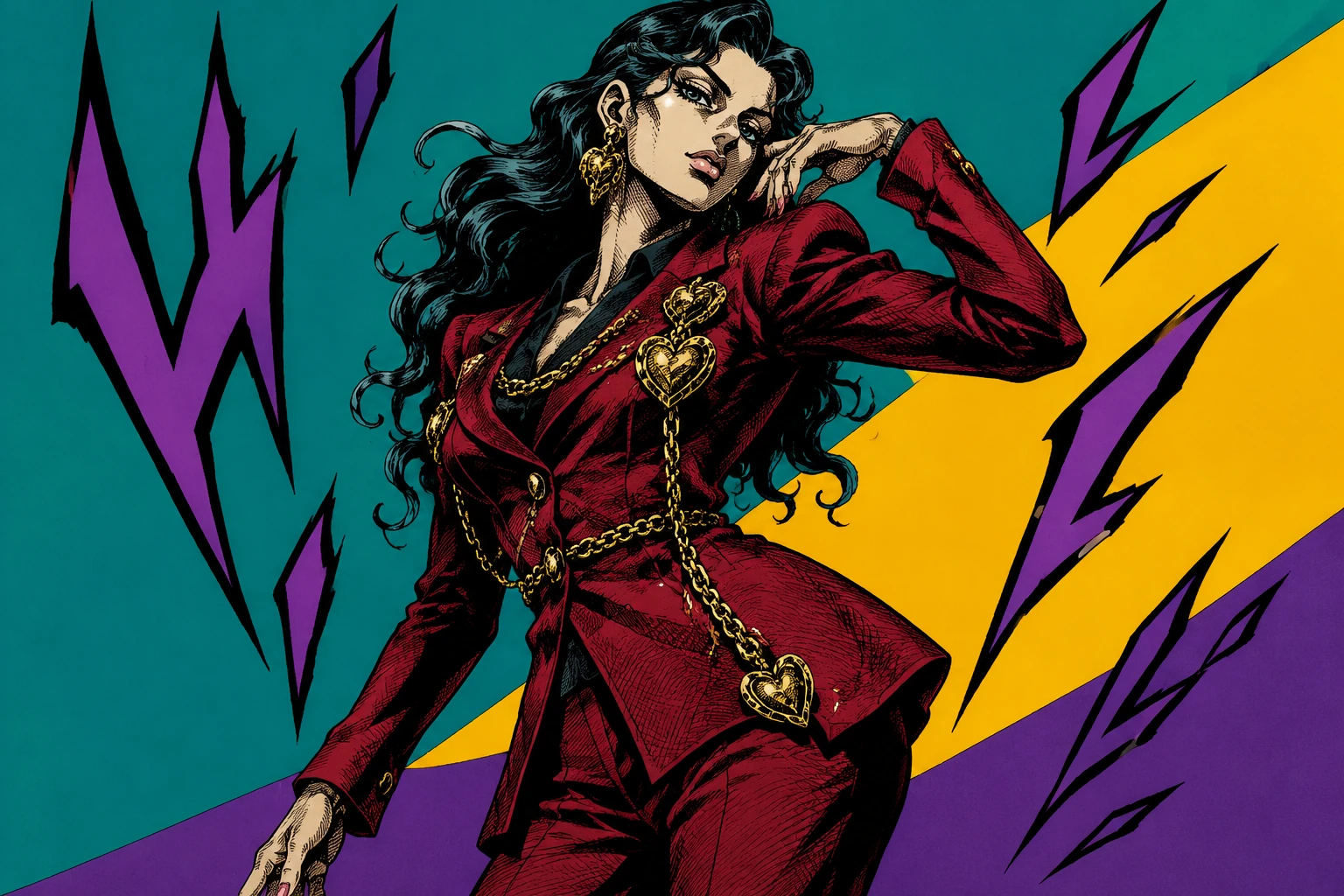
JoJo Style Image Generator
Create original dramatic manga portraits with sculptural poses, high-fashion details, sharp ink shadows, saturated colors, and aura-like energy silhouettes. Use the ai jojo image generator for avatars, cosplay previews, fan-safe original characters, and share-ready comic panels.
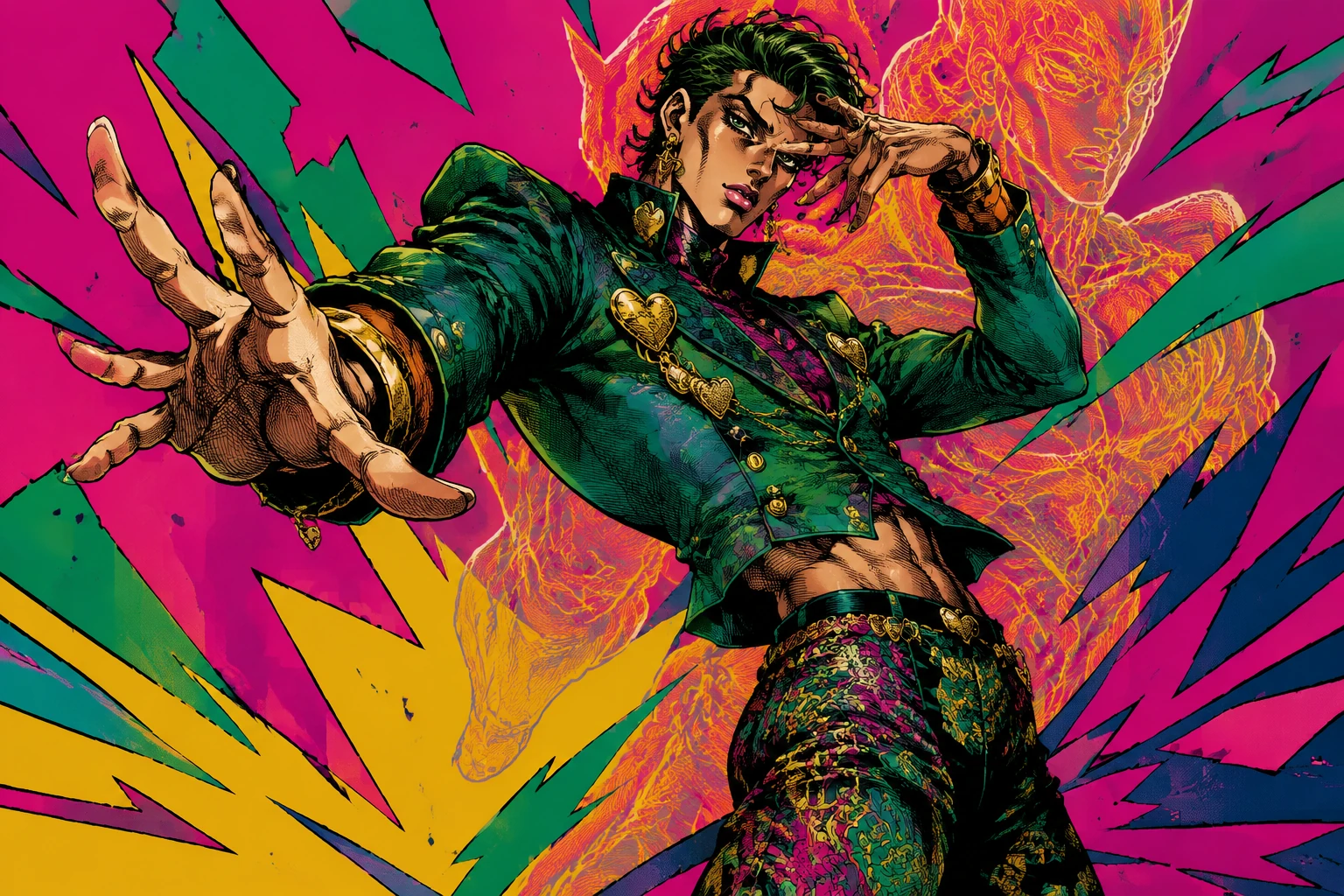
How to Create a JoJo Style Image with AI
The best results come from describing the visual ingredients rather than asking for an exact character copy. Guide the ai jojo image generator with pose, outfit, ink, color, and aura details.
Start with an original subject
Upload a clear portrait or describe an original adult character. Keep the subject fully clothed and avoid official characters, exact anime panels, or real public figures.
Describe the pose and fashion
Use terms like sculptural contrapposto, torso twist, arched back, theatrical hand pose, designer suit, heart brooches, chains, patterned trousers, and runway attitude.
Add ink, color, and aura effects
Request thick black contours, dense crosshatching, hard cel-shaded shadows, saturated flat backgrounds, jagged abstract shapes, and an original aura silhouette behind the subject.
JoJo Style Image Ideas You Can Generate
These examples show the corrected direction for the ai jojo image generator: sculptural posing, high-fashion clothing, dense linework, vivid color, and original aura energy.
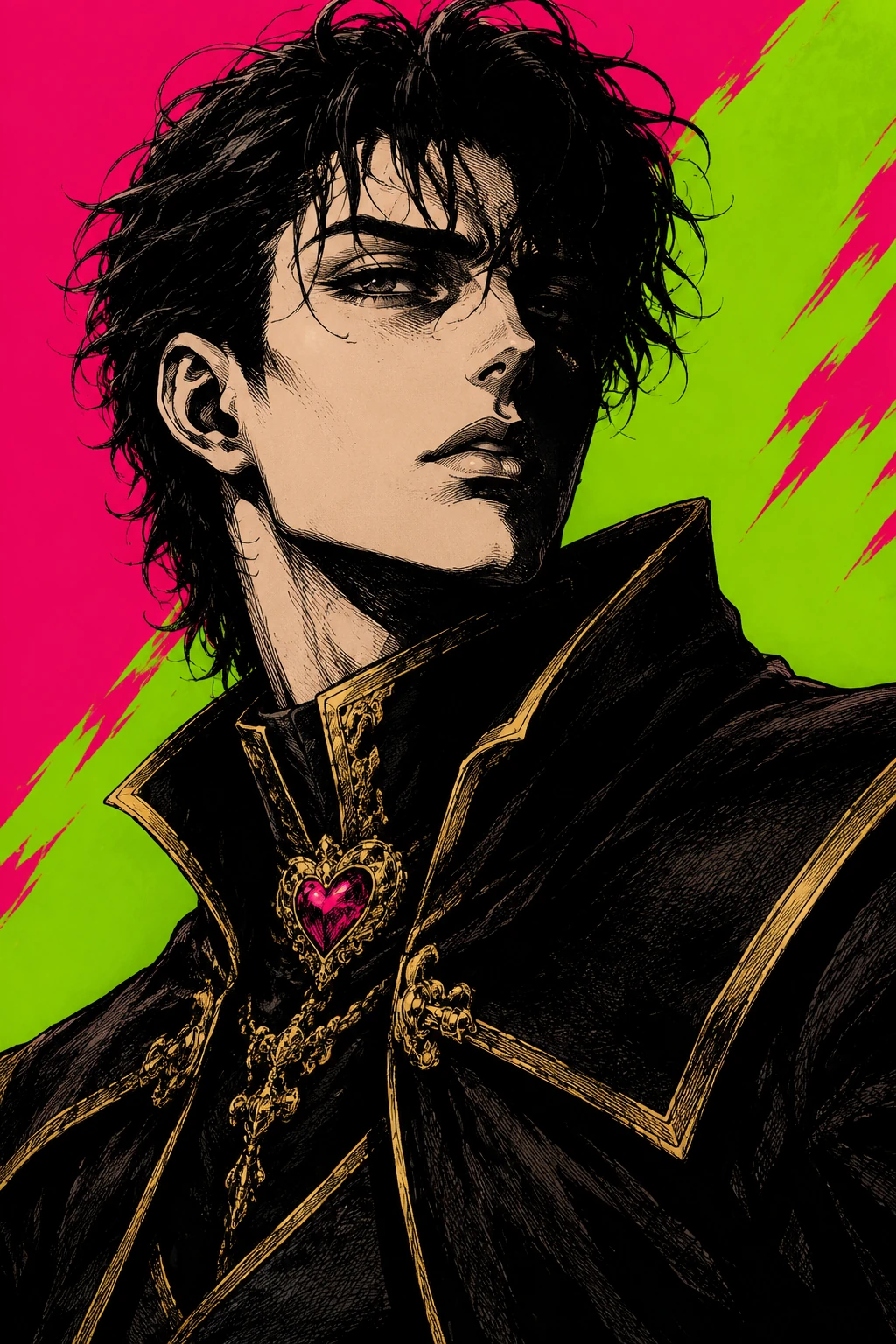 Dramatic Portraits
A sharp portrait with long neck, hard shadows, gold trim, acid color blocks, and dense manga hatching.
Try This Style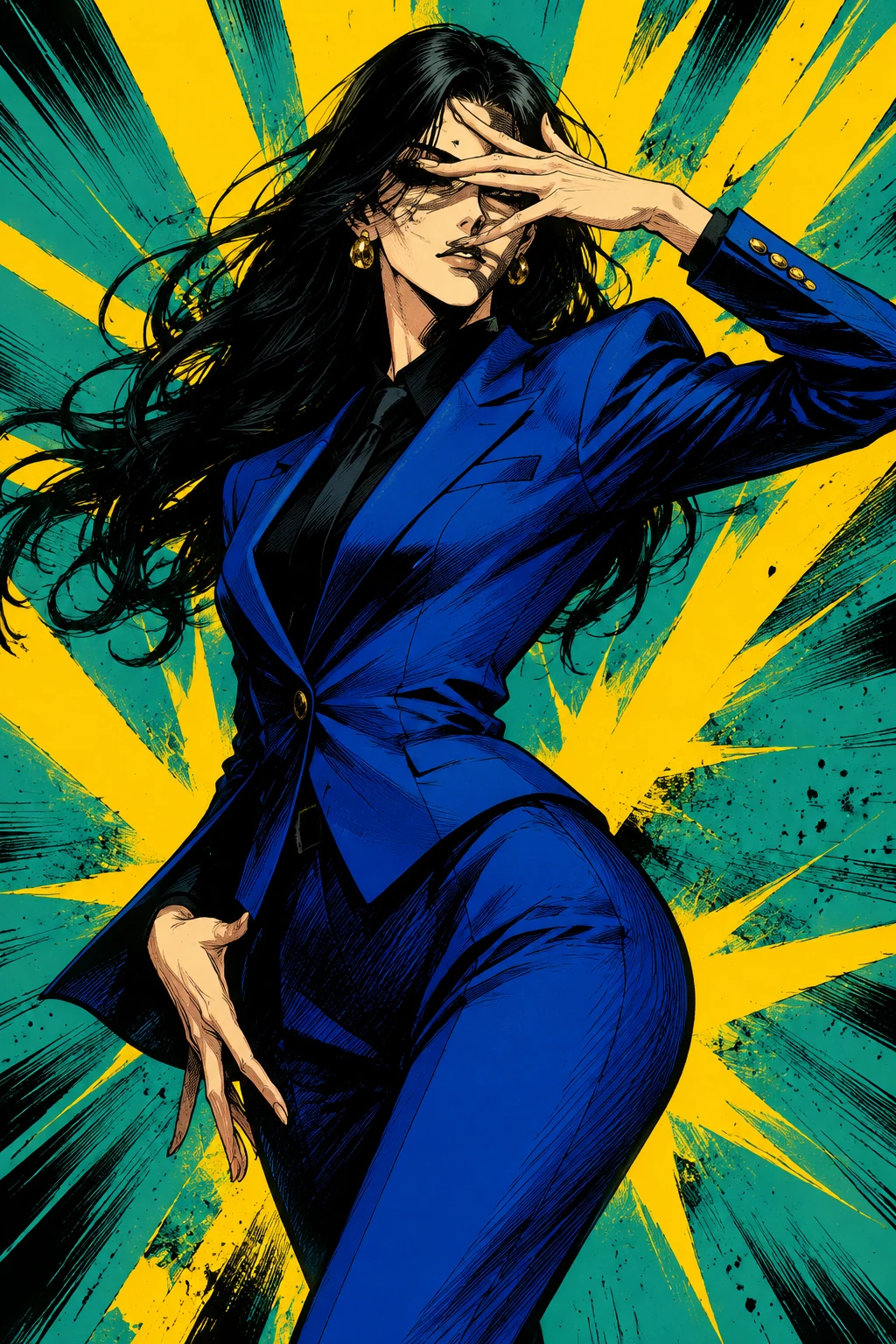 Dramatic Portraits
A blue fashion-suit image with a theatrical hand gesture across the eyes and yellow burst composition.
Try This Style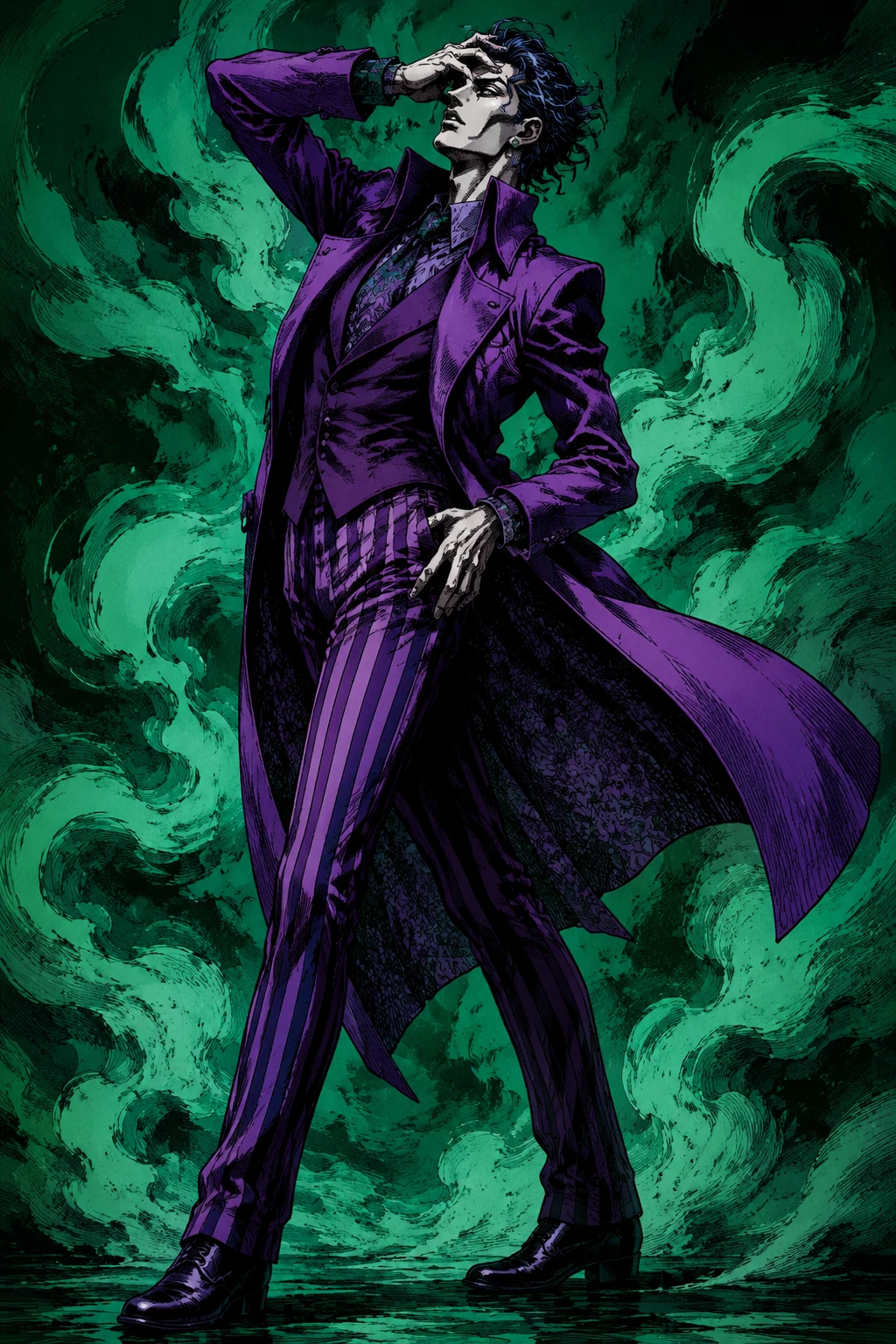 Sculptural Poses
A full-body twisted runway pose with green smoke shapes, long lean anatomy, and heavy contour ink.
Try This Style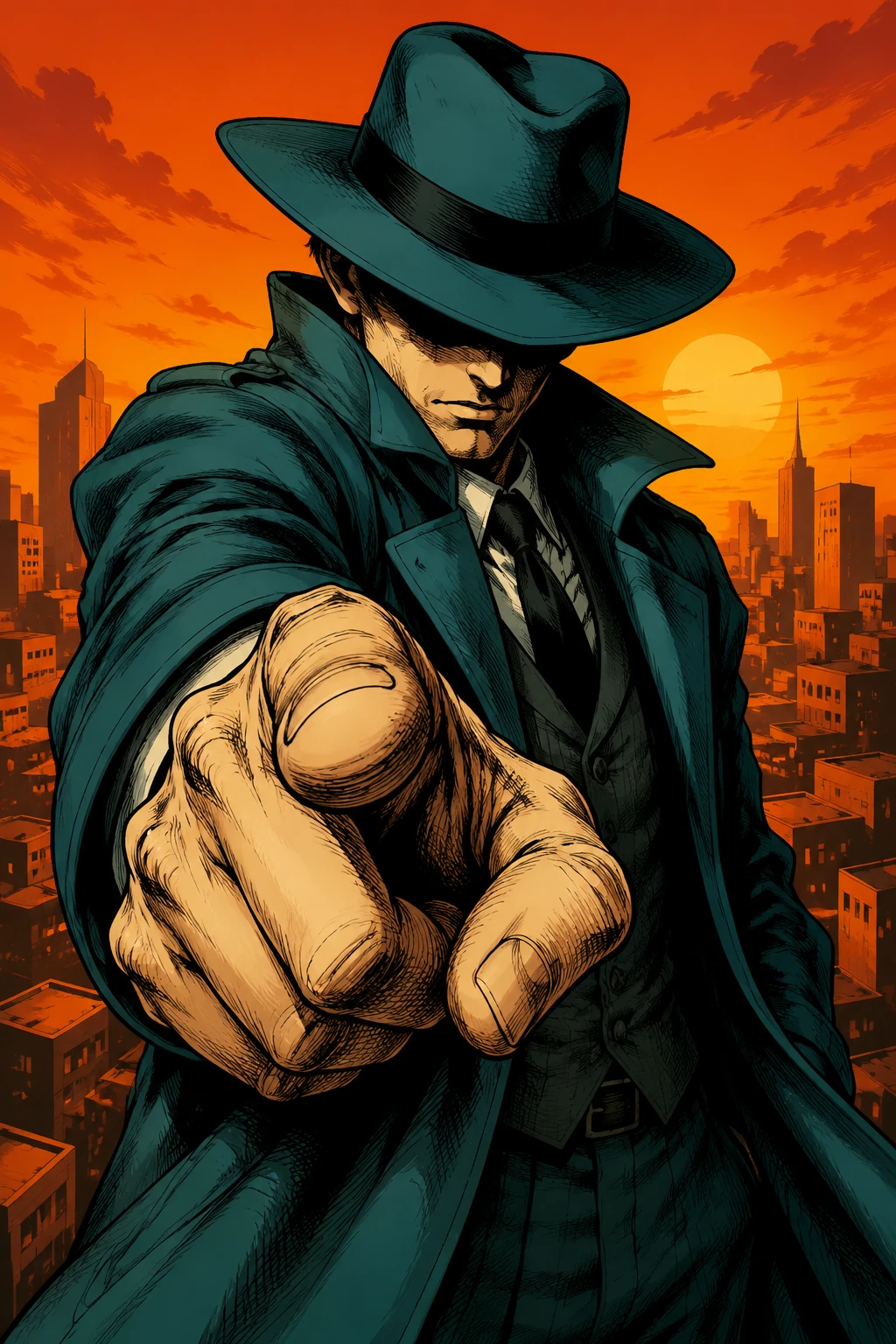 Sculptural Poses
A hat-shadow detective panel with a foreshortened pointing hand and flat orange city skyline.
Try This Style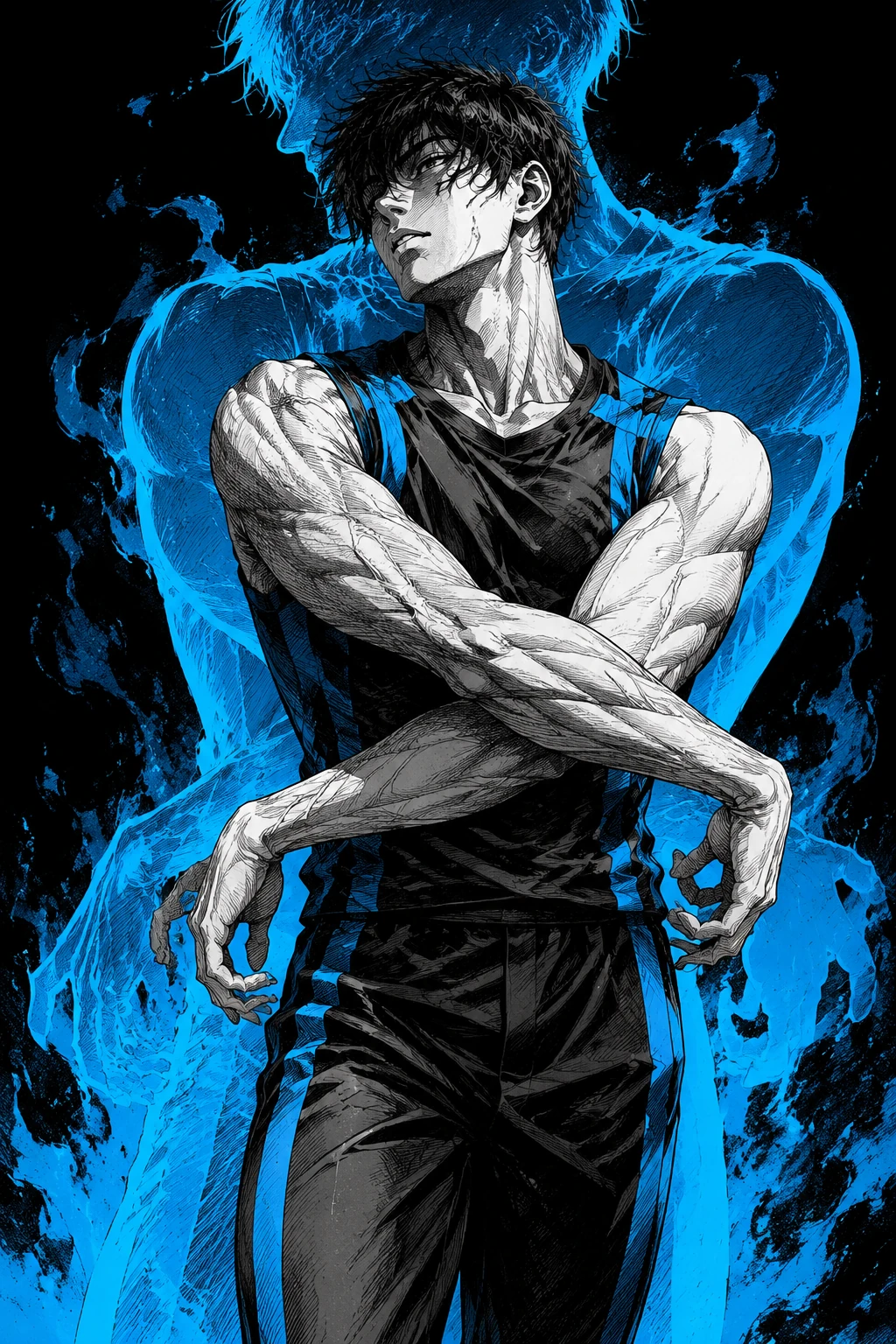 Sculptural Poses
A lean athletic figure with crossed arms, carved anatomy shadows, blue aura energy, and dense hatching.
Try This Style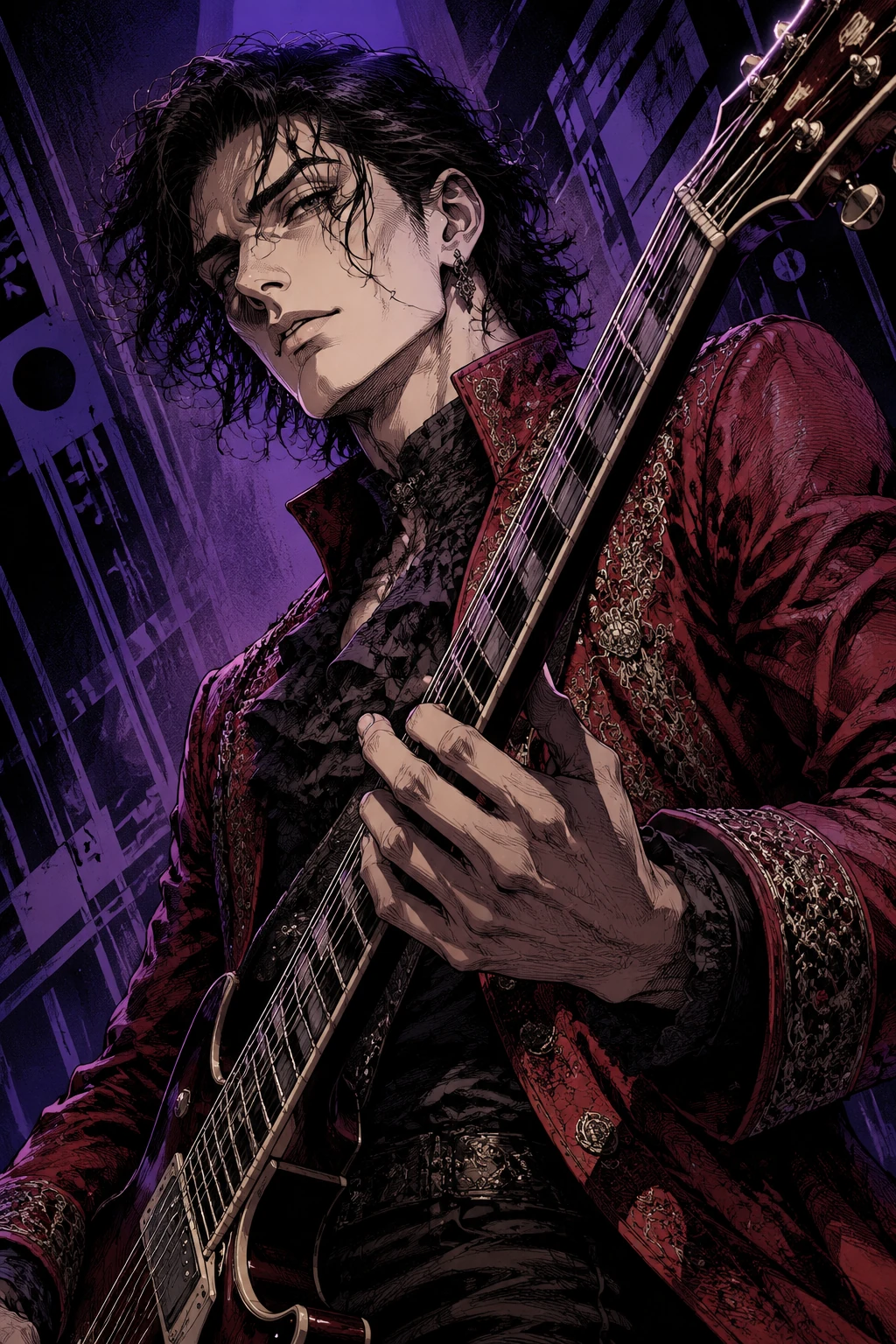 Fashion Panels
A music-panel composition with dense hatching, purple lighting, and a strong diagonal guitar line.
Try This Style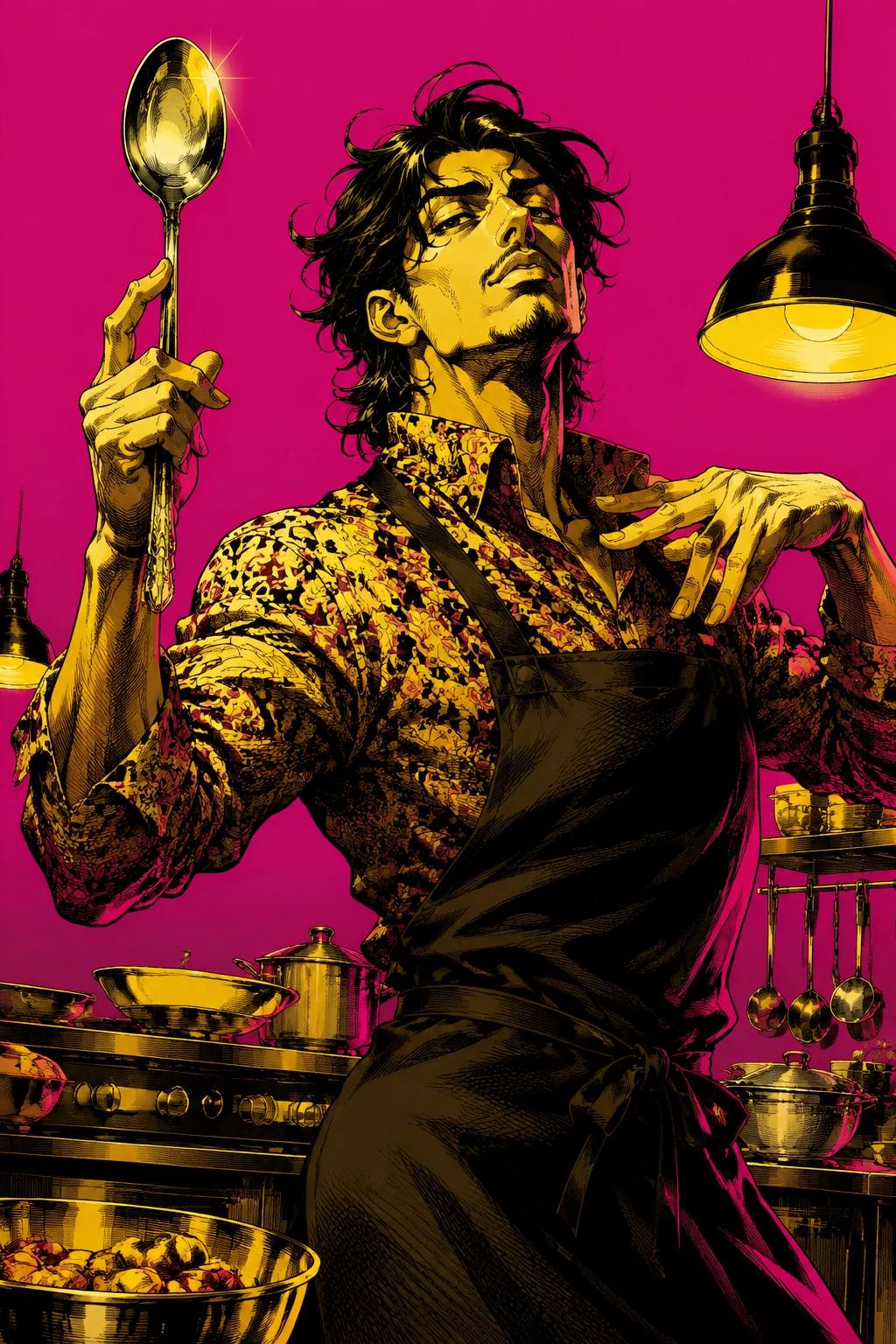 Fashion Panels
A flamboyant chef pose that turns a kitchen prop into a theatrical manga accessory.
Try This Style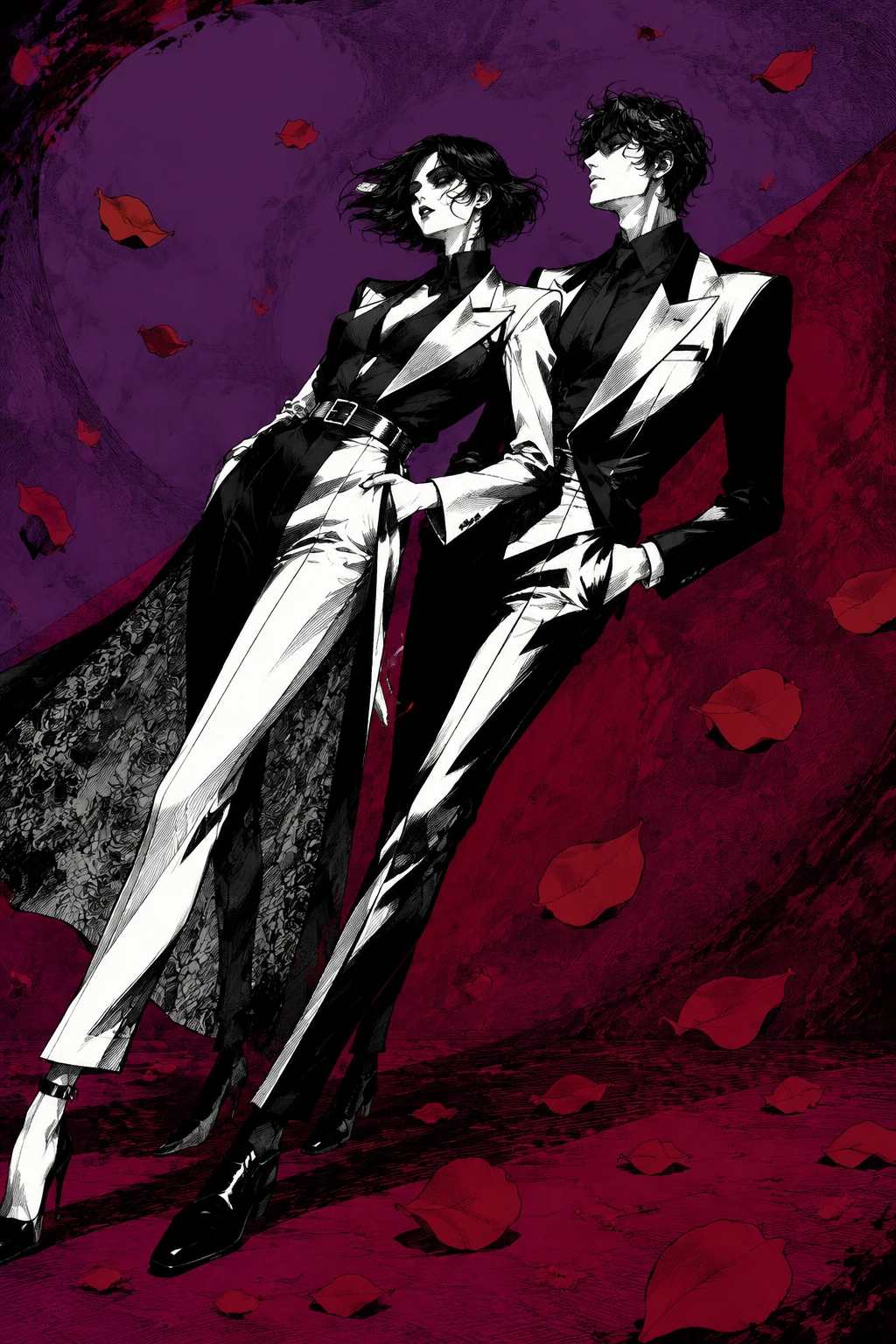 Aura and Group Scenes
A black-and-white couple image with synchronized impossible lean and rose-petal graphic shapes.
Try This Style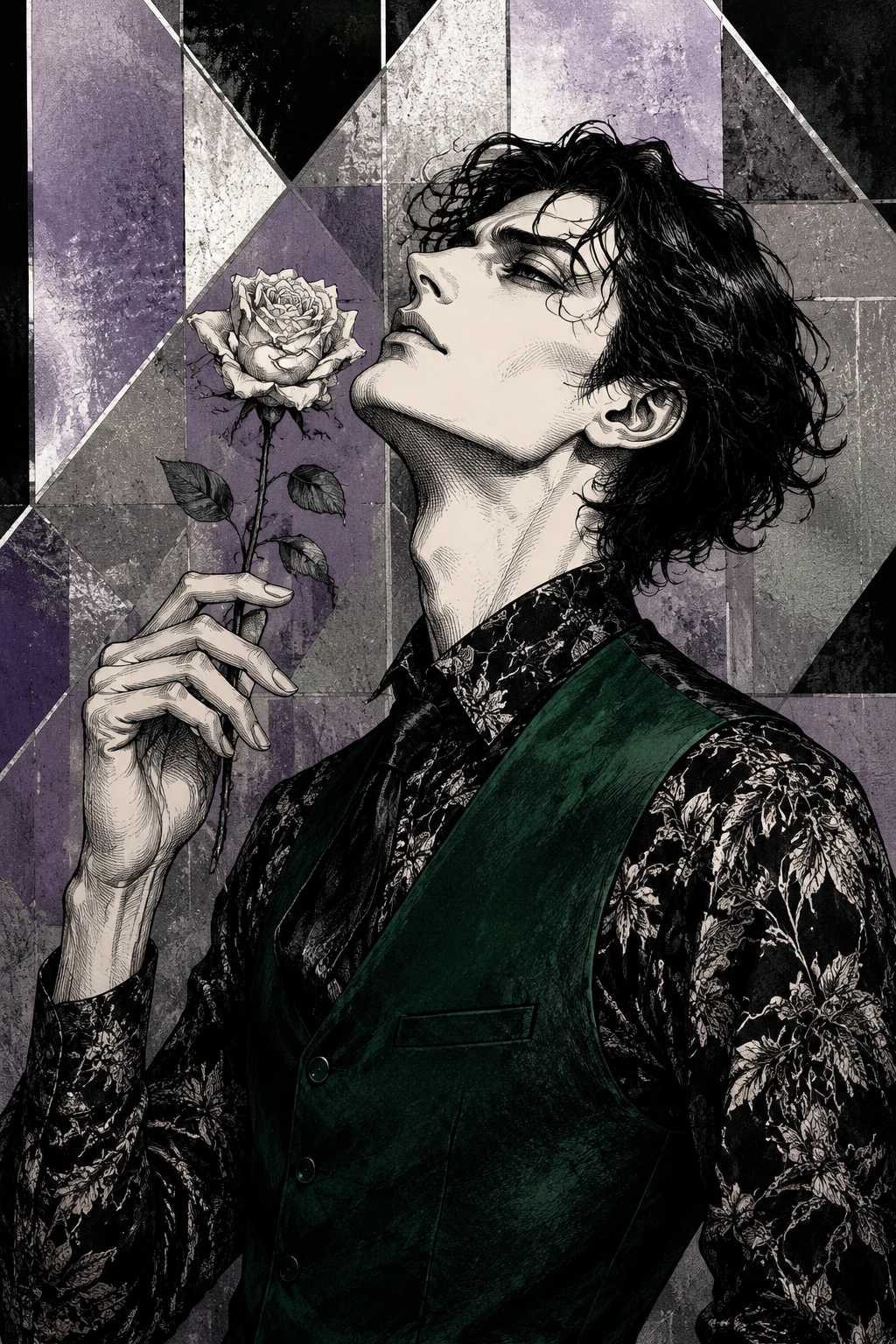 Aura and Group Scenes
A rose prop portrait with tilted head, long fingers, hard cheekbone shadows, and silver-purple geometry.
Try This Style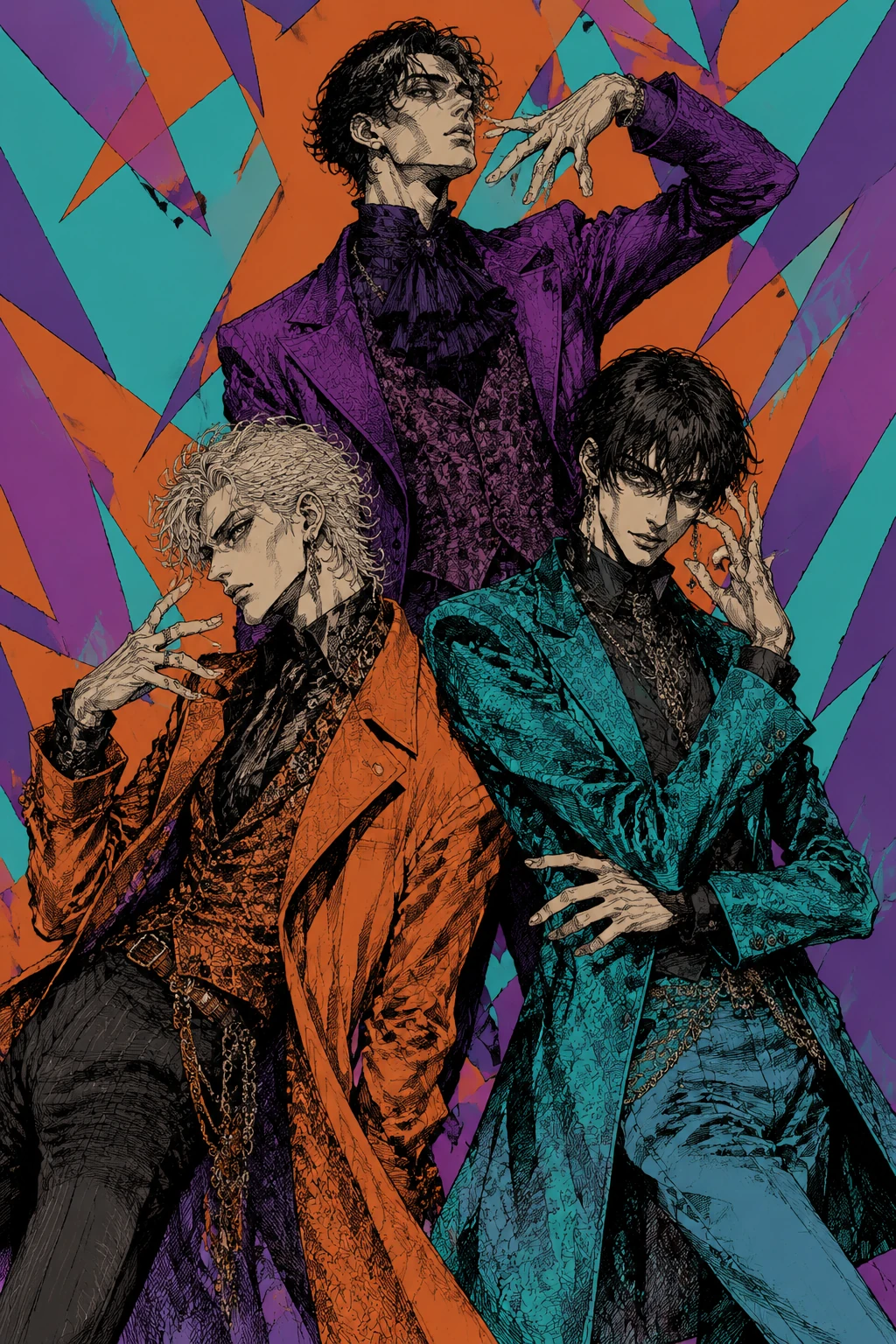 Aura and Group Scenes
Three original characters in clashing outfits, triangular composition, and theatrical hand poses.
Try This StyleAI JoJo Image Generator FAQ
The corrected draft focuses on sculptural posing, fashion-editorial outfits, dense hatching, hard cel shadows, vivid flat color, and original aura silhouettes instead of generic anime poster styling.
Yes. Upload a clear portrait or full-body photo, then describe the pose, outfit, ink contrast, color palette, and aura effect you want.
No. For safer results, create original characters and describe visual traits like contrapposto, thick contour ink, designer clothing, and saturated comic backgrounds.
A strong prompt names the subject, pose, outfit details, face shadow style, ink treatment, background palette, aura silhouette, and constraints such as no text, no logo, and original character.
Yes. The ai jojo image generator is useful for dramatic avatars, cosplay previews, fan-safe original characters, fashion manga edits, and social posts.