

AI GTA Filter
Prompt Guide
Model
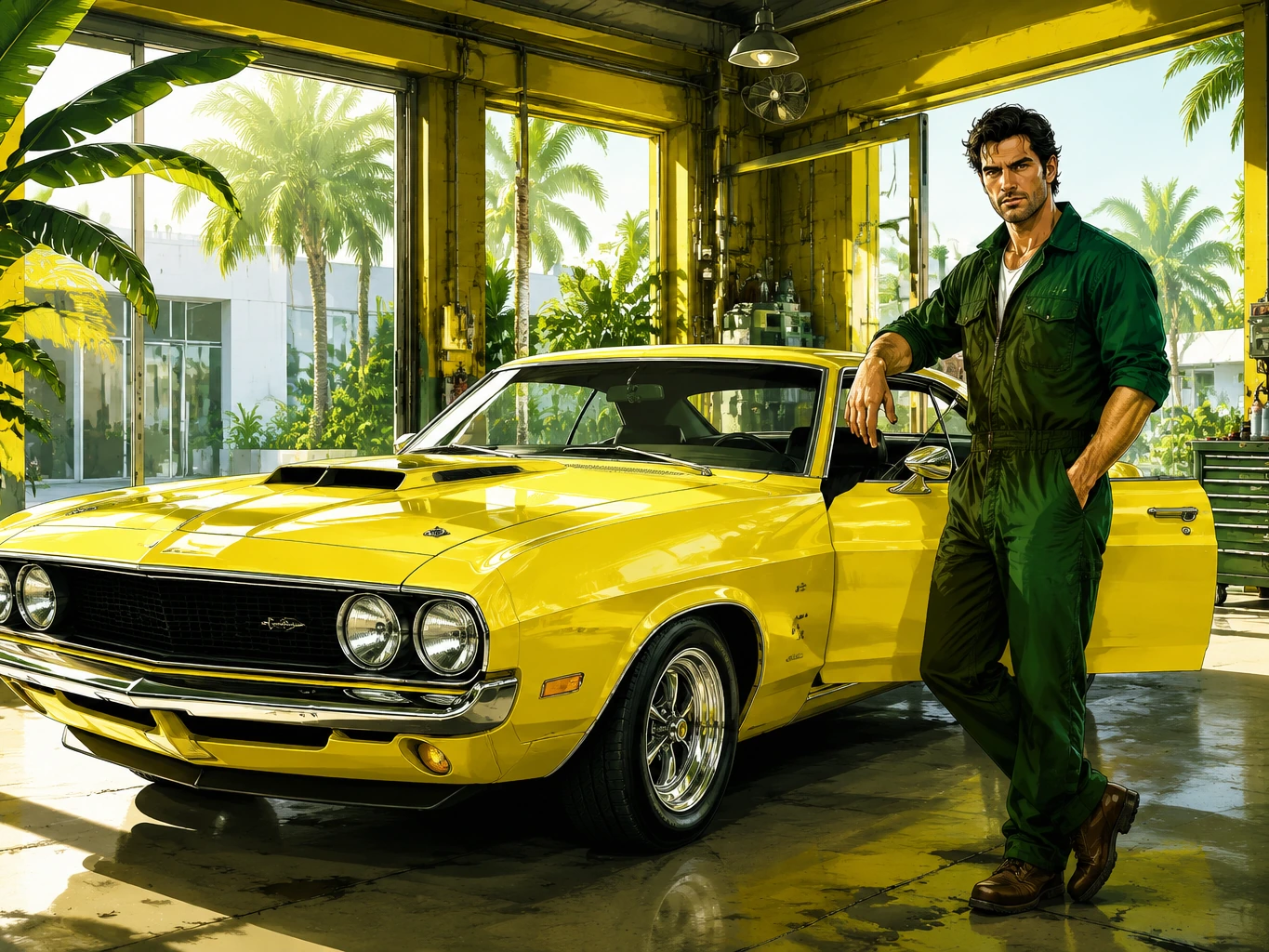
AI GTA Filter
Create original game-cover portraits with sunny tropical streets, yellow sports cars, green character styling, bold comic outlines, and polished airbrushed color. The AI GTA filter gives your photo the energy of an open-world crime game key art panel without copying official characters or logos.
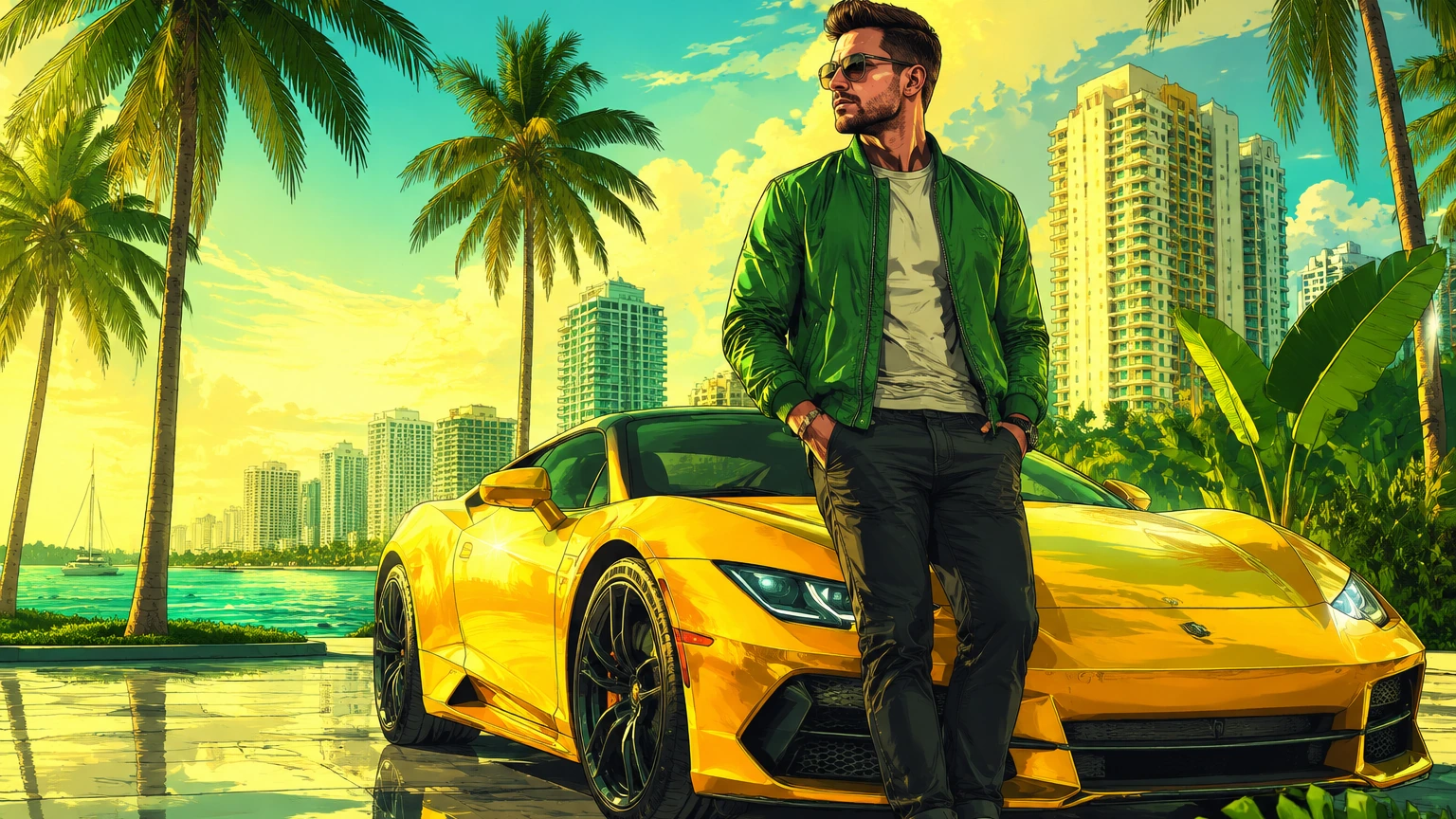
How to Use the AI GTA Filter
The AI GTA filter works best when you describe the subject, city setting, vehicle, and color palette together. Use style cues rather than asking for exact characters, logos, or copied cover art.
Upload or describe the subject
Start with a clear portrait, car photo, crew image, or city scene. The stronger the pose and lighting, the easier it is to turn the image into polished cover art.
Set the game-cover look
Ask for semi-realistic comic illustration, bold clean outlines, airbrushed faces, cinematic vehicles, palm-lined streets, and a yellow-green daylight palette.
Refine the result
Adjust the palette, vehicle, background, and outline strength. Add no logo, no readable text, and no trademarks for a cleaner, original AI GTA filter result.
AI GTA Filter Ideas
Use these ideas to create original open-world game cover art from portraits, car photos, city scenes, and character prompts. The final palette favors yellow, green, cyan, sunny tropical streets, and bright coastal settings instead of a uniform dark purple neon look.
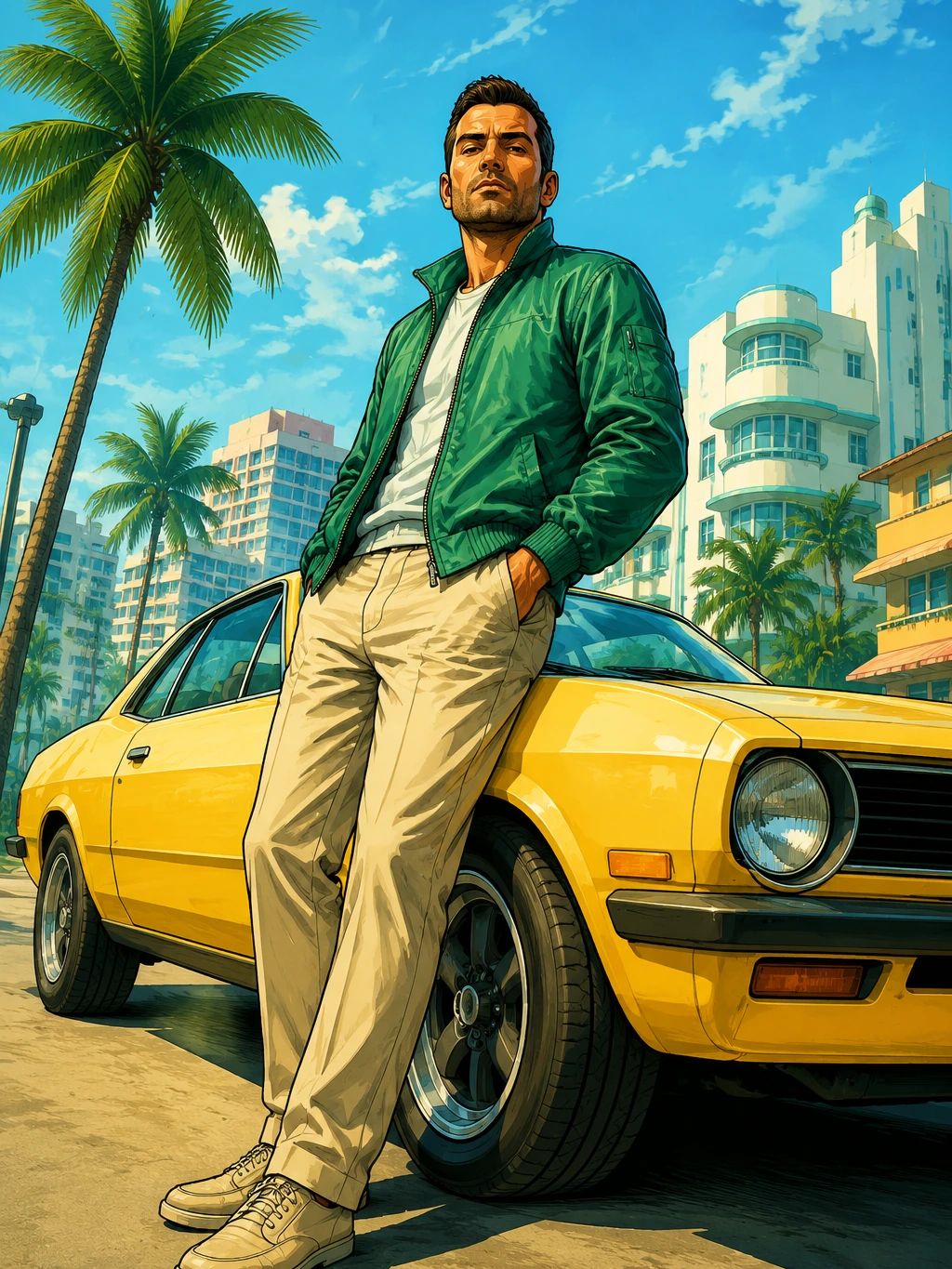 Yellow Green Cover Art
A green jacket character beside a bright yellow coupe on a sunny palm street.
Try This Style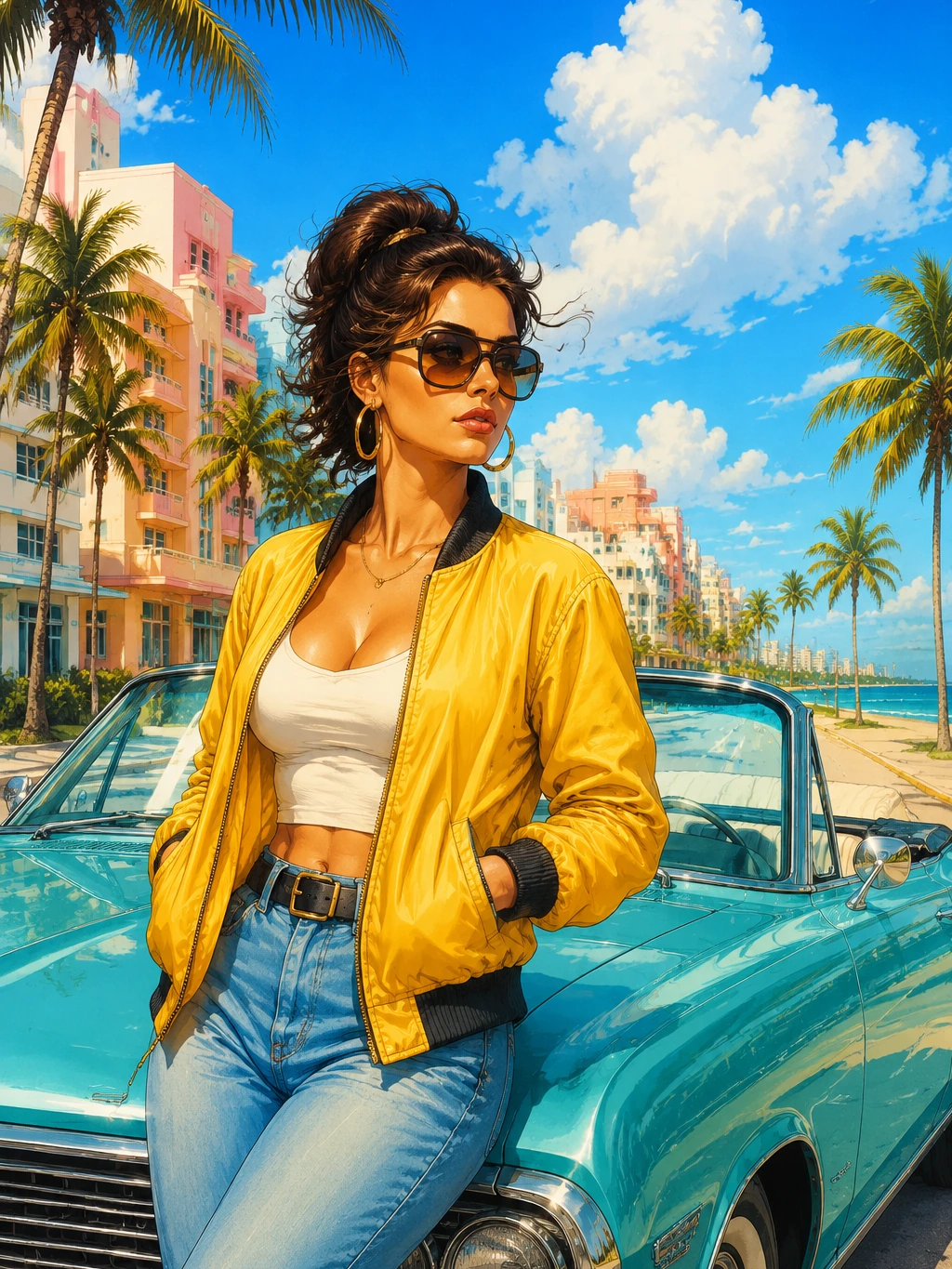 Yellow Green Cover Art
A bright beach boulevard portrait with a yellow jacket, cyan convertible, and tropical sky.
Try This Style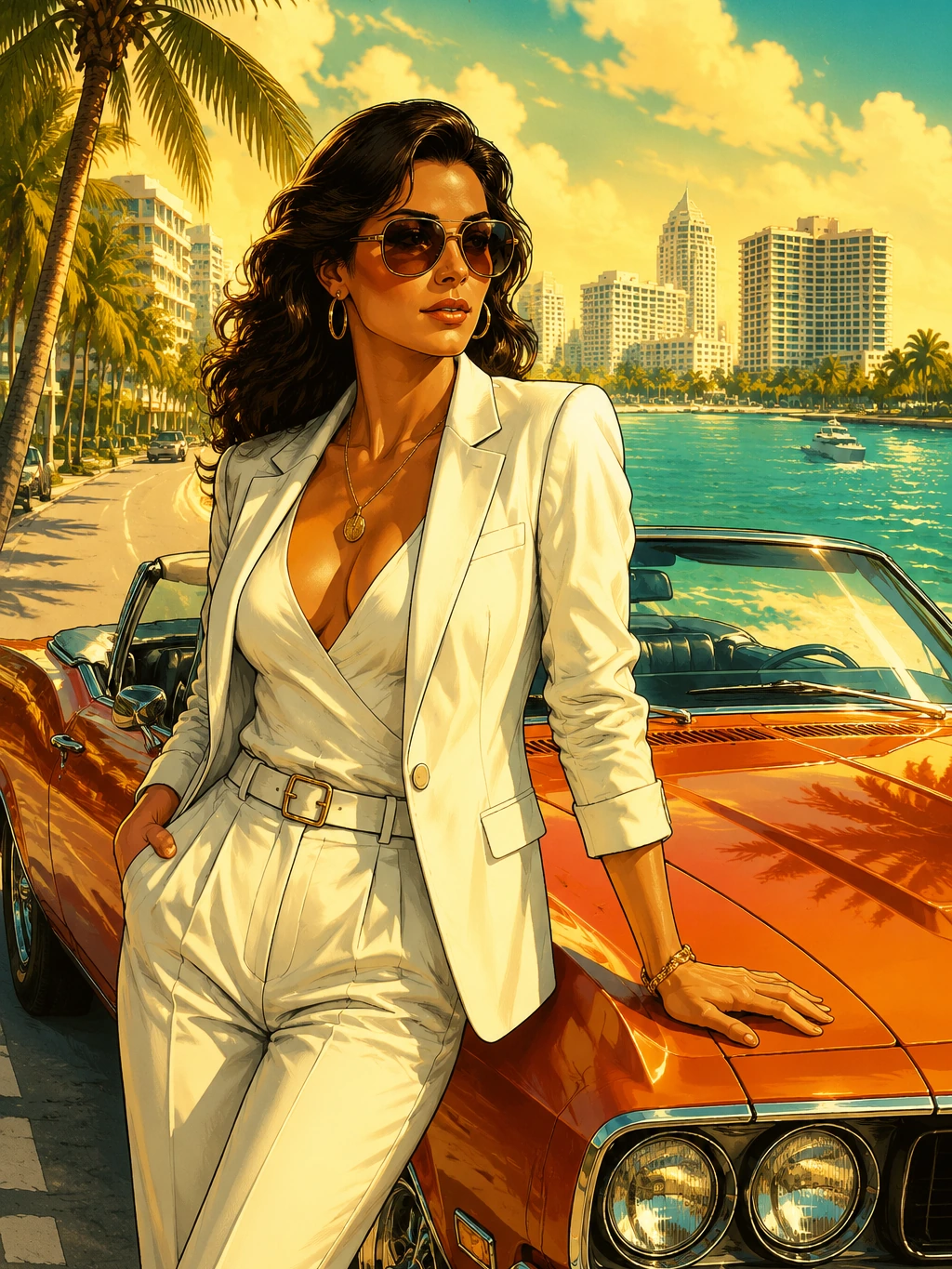 Sunny Vehicle Portraits
A golden coastal car scene with polished airbrushed cover-art lighting.
Try This Style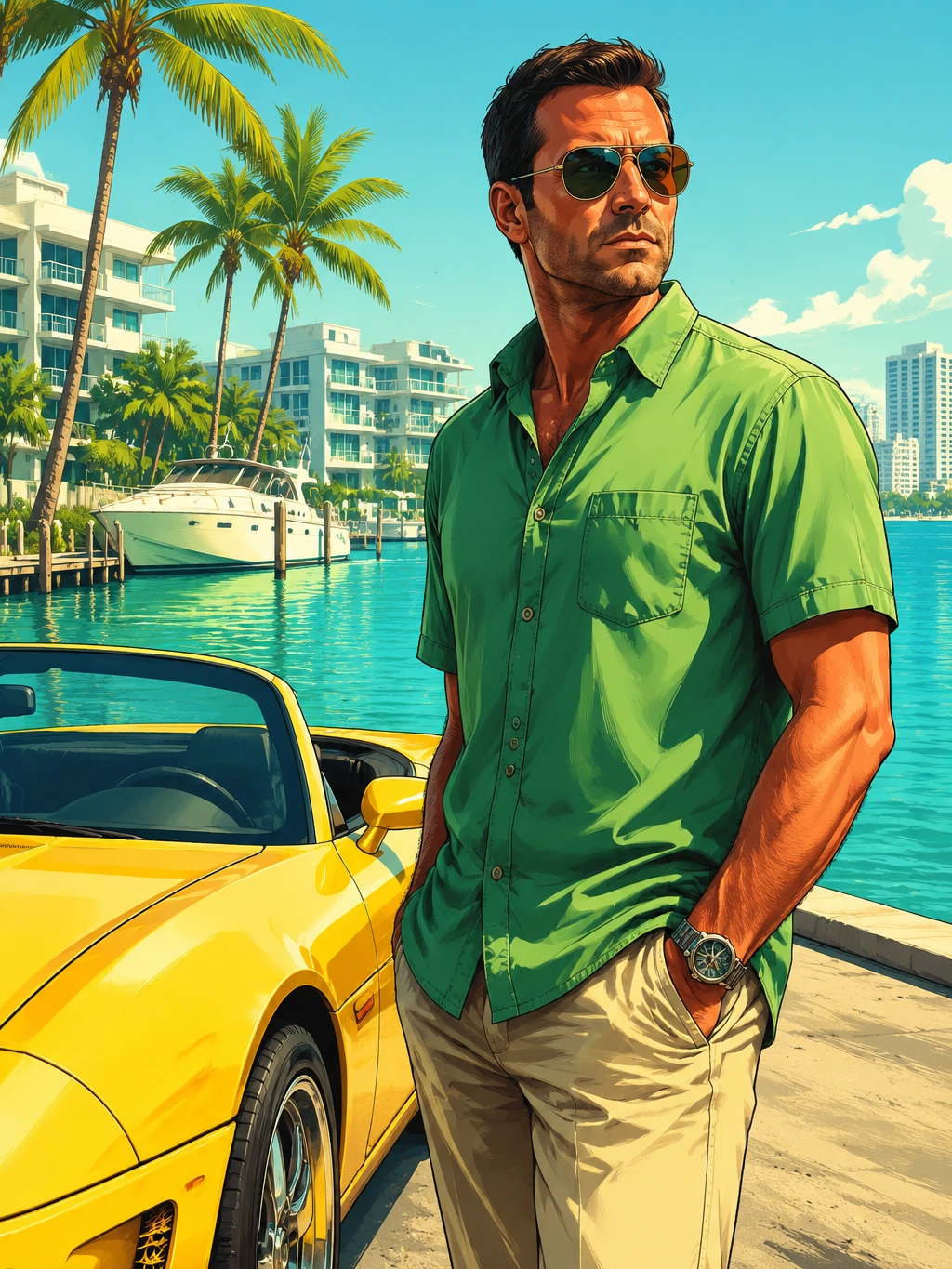 Tropical City Scenes
A green shirt character beside a yellow roadster at a bright tropical marina.
Try This Style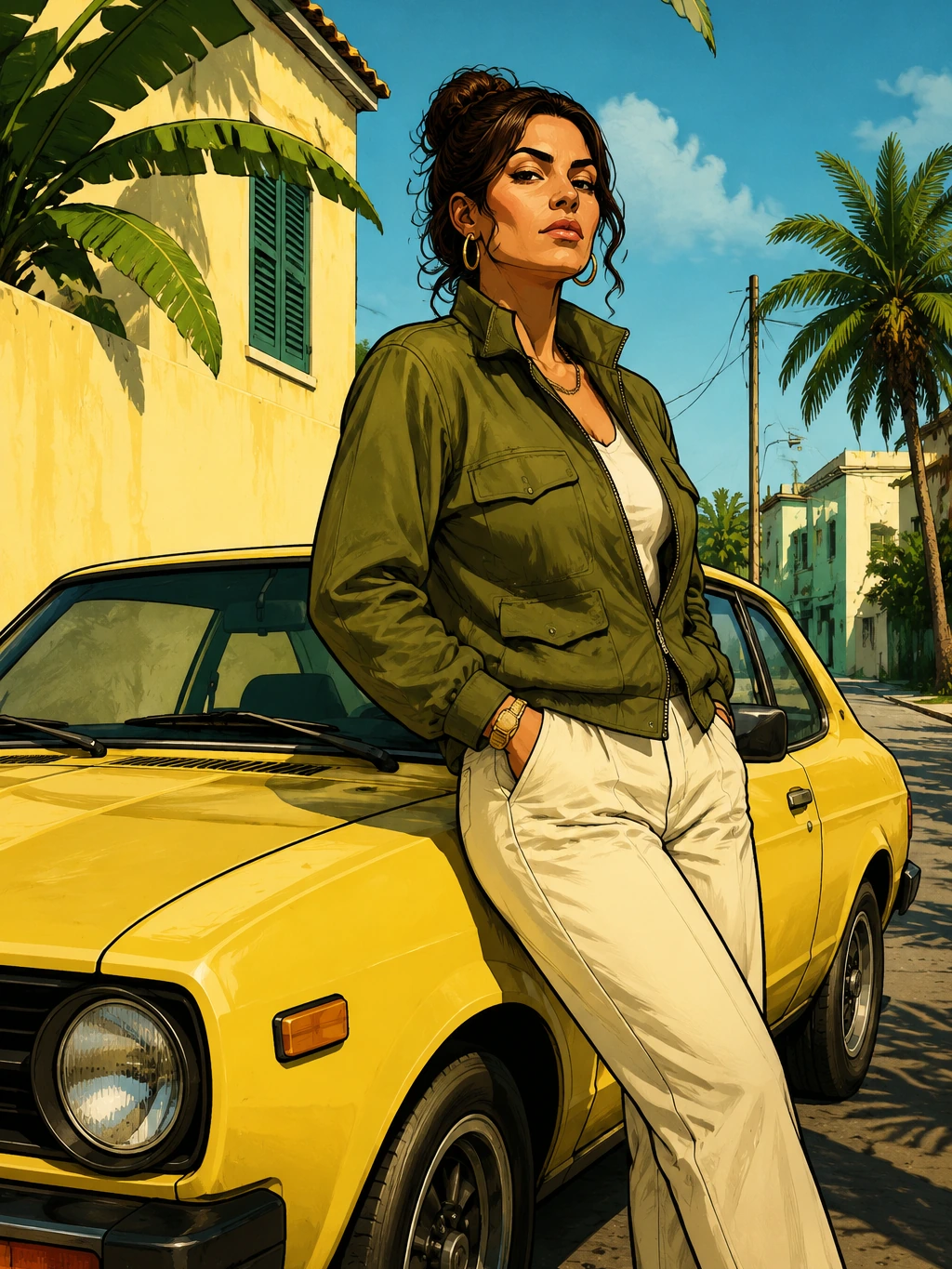 Tropical City Scenes
An olive jacket and yellow car scene with palm shadows and warm city walls.
Try This Style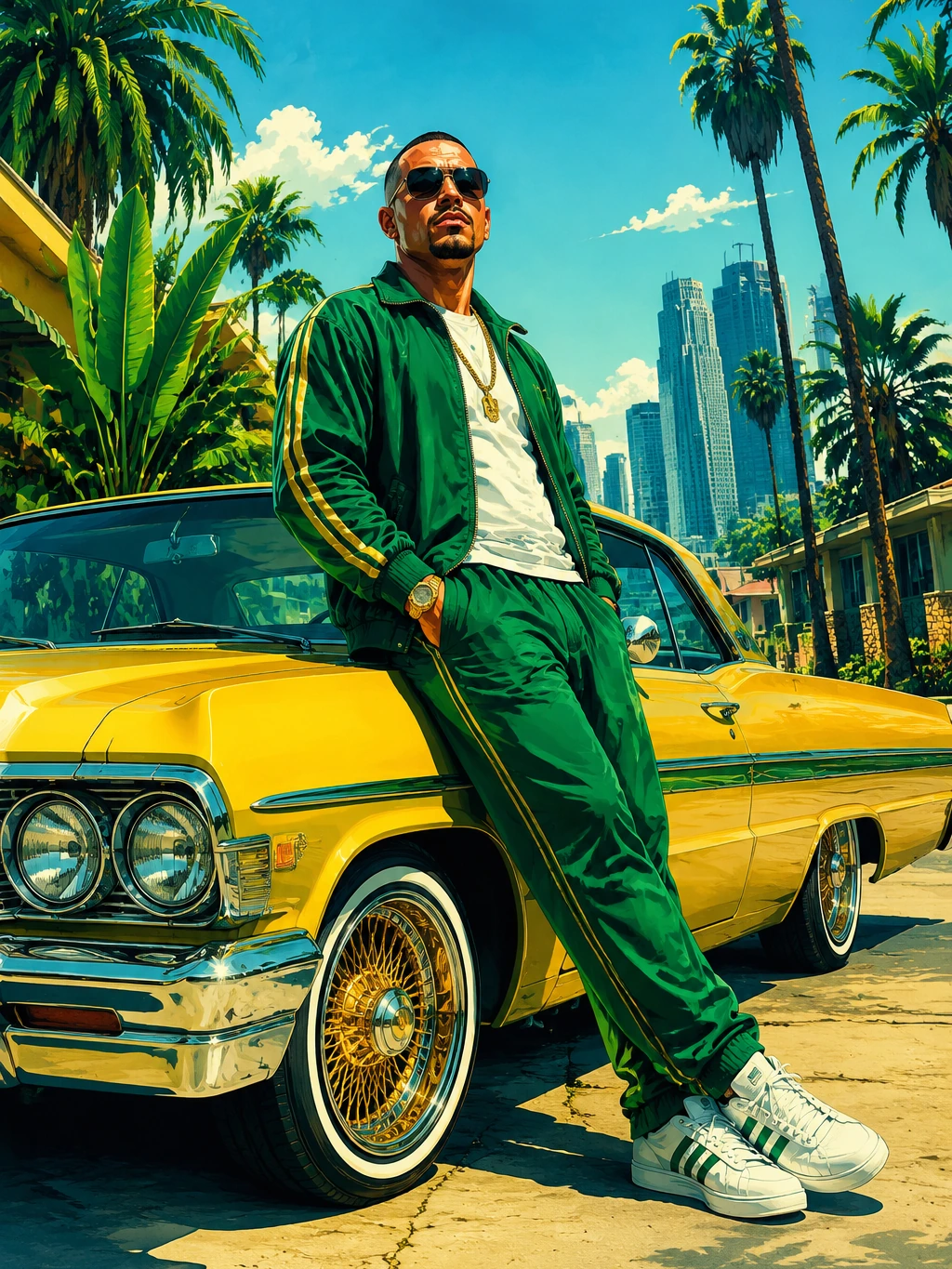 Yellow Green Cover Art
A green tracksuit character leaning on a yellow lowrider under a clean cyan sky.
Try This Style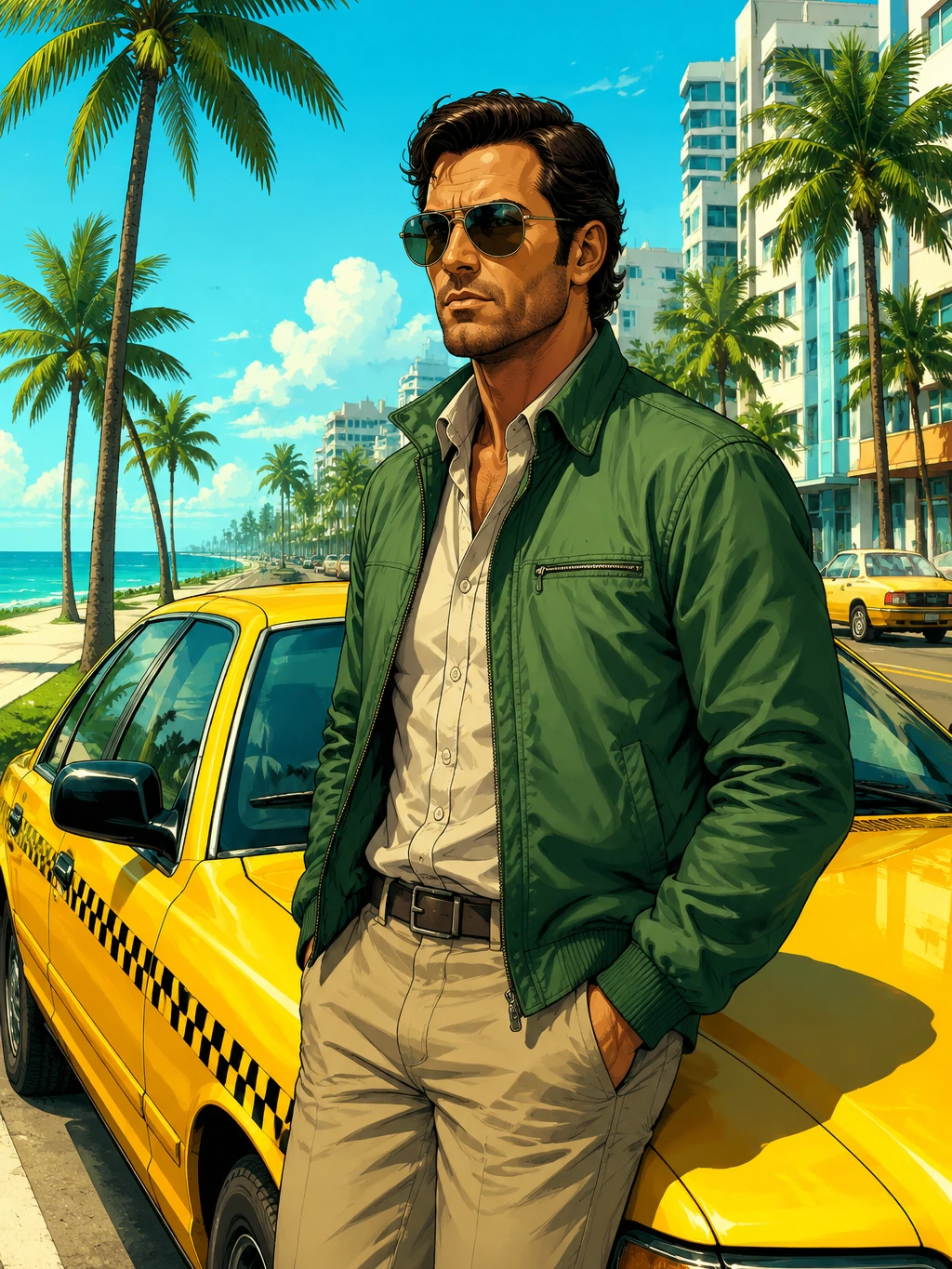 Cyan Coastal Posters
A green jacket character with a yellow taxi-style car on a palm-lined seaside avenue.
Try This Style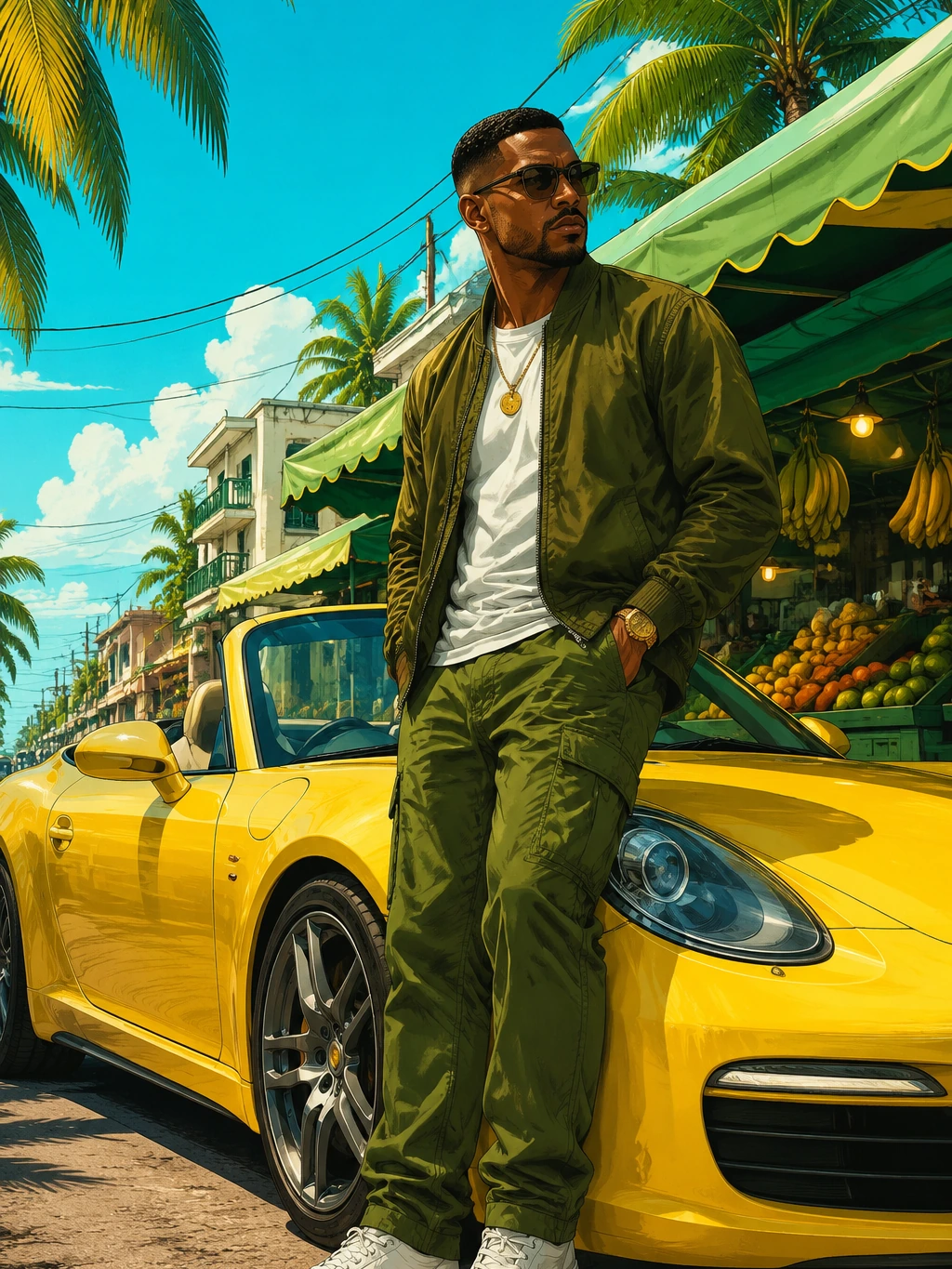 Tropical City Scenes
A citrus market roadster poster with green awnings, yellow paint, and bright tropical light.
Try This Style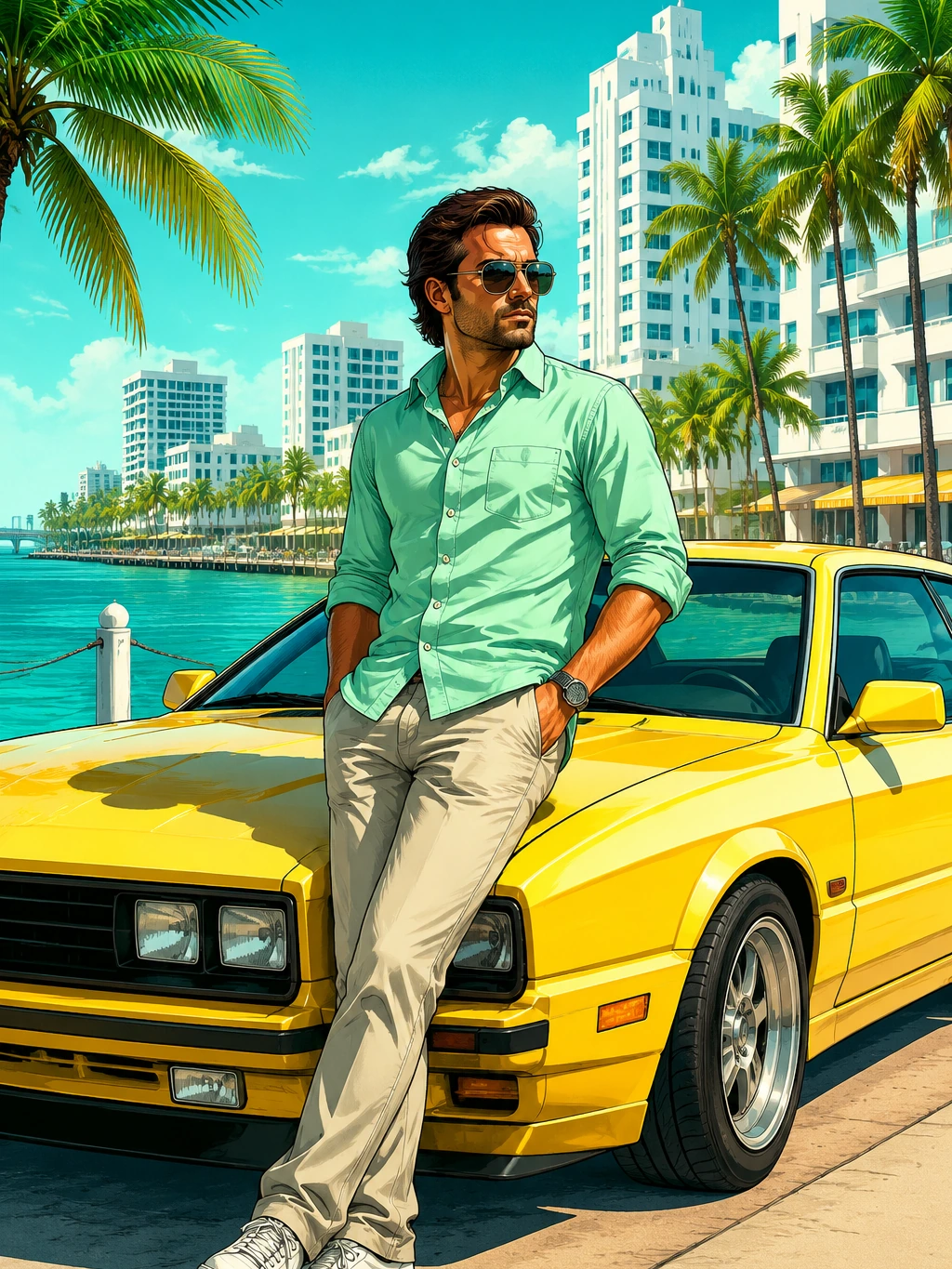 Cyan Coastal Posters
A mint shirt character beside a yellow coupe on a sunny teal-water boardwalk.
Try This Style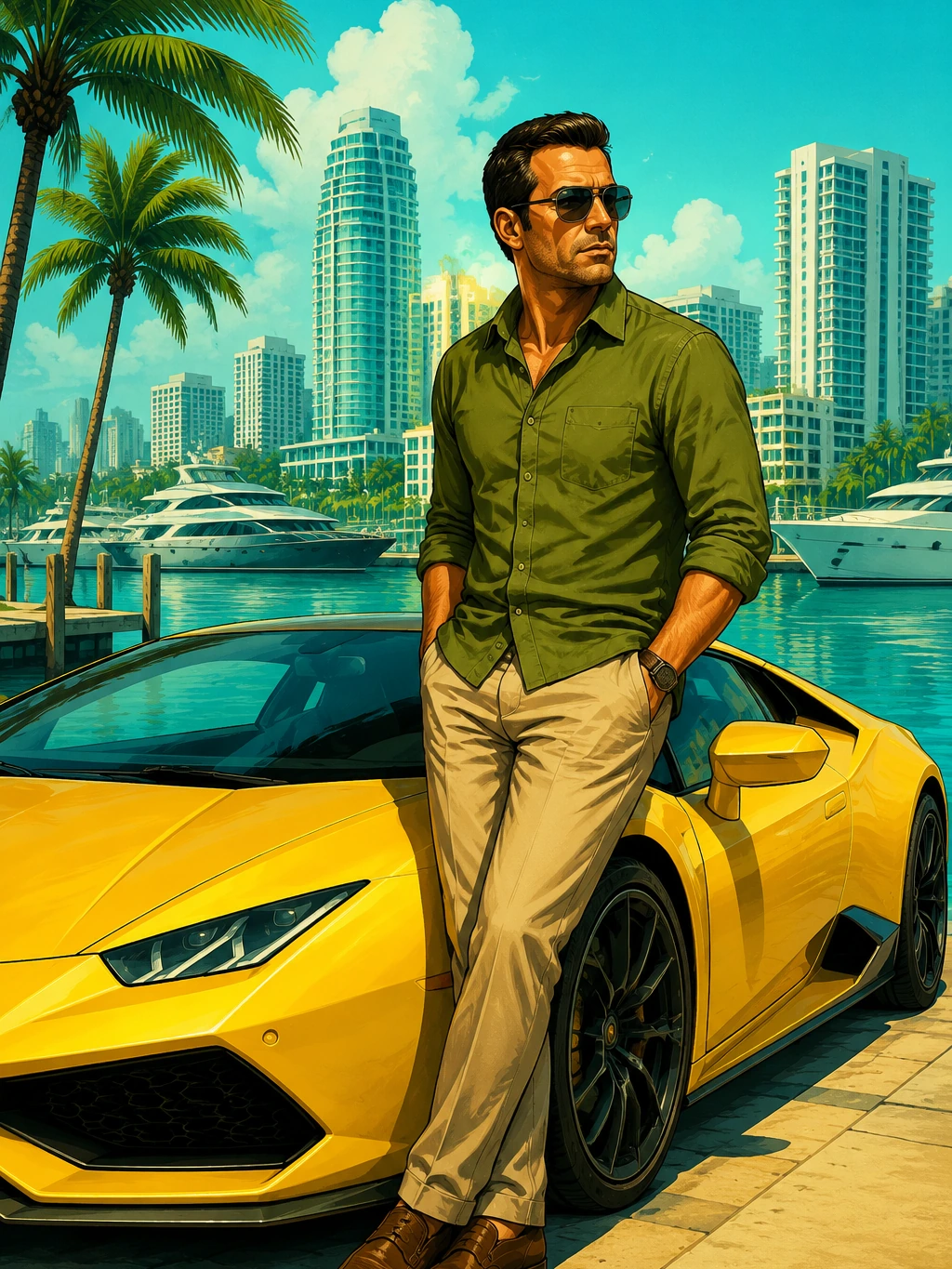 Cyan Coastal Posters
A yellow sports car and olive shirt driver at a bright teal marina with white towers.
Try This StyleAI GTA Filter FAQ
The AI GTA filter turns portraits, car photos, and city prompts into original open-world game cover art with bold comic outlines, airbrushed color, cinematic vehicles, and confident character poses.
Yes. Upload a clear portrait, car photo, or city scene, then describe the cover-art result you want. The filter can keep the main subject while changing the palette, background, and illustration style.
Ask for sunny tropical streets, yellow sports cars, green jackets, cyan sky, palm trees, and daytime lighting. Add avoid purple, avoid pink, and avoid magenta if you do not want a dark neon look.
For safer original results, do not request official characters, logos, titles, maps, or exact cover copies. Use broad style cues like open-world game cover art, comic outlines, and airbrushed city lighting.
Try: turn this portrait into original open-world game cover art, green jacket, yellow car, sunny tropical city, bold comic outlines, airbrushed color, no logo, no readable text, no trademarks.