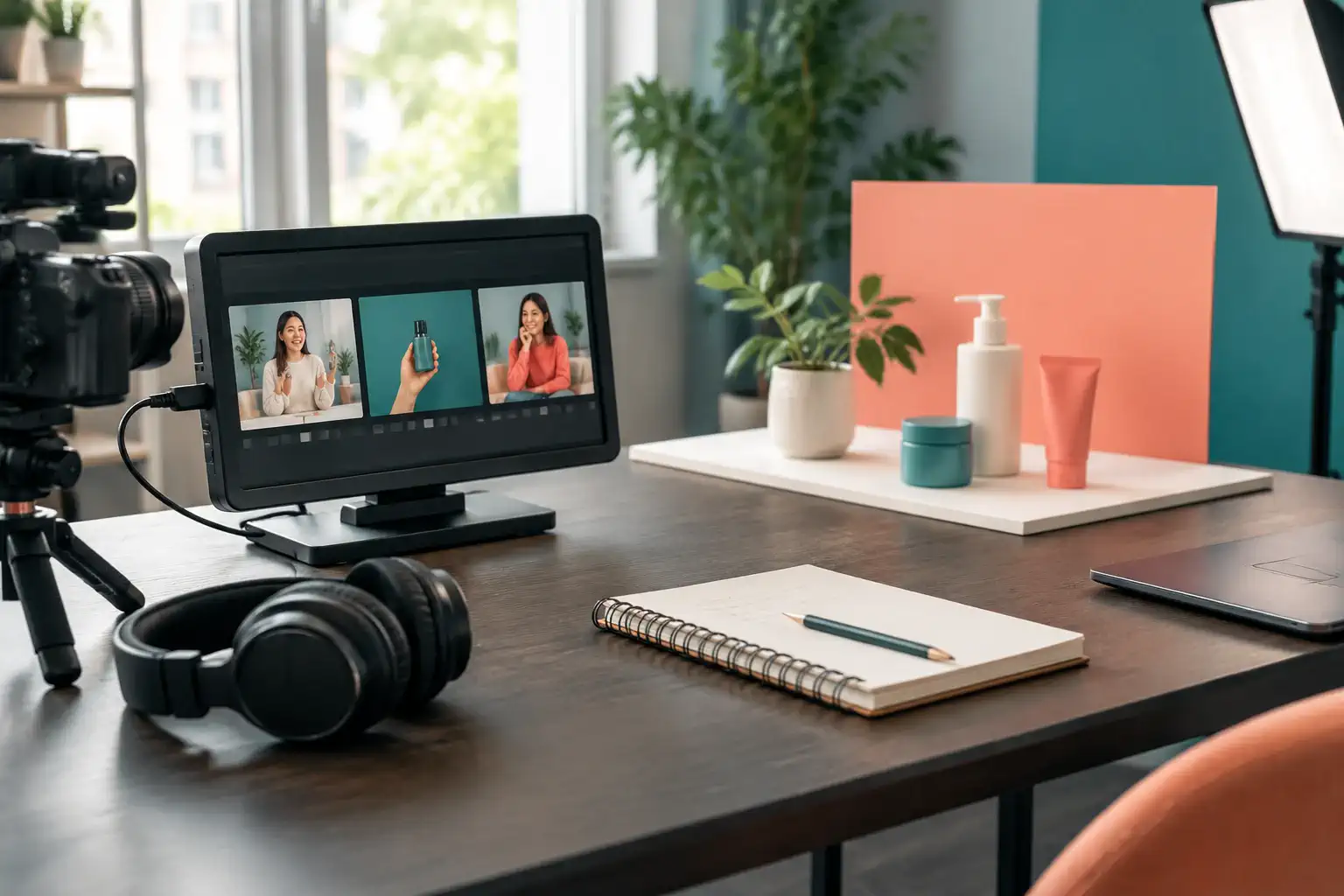
A practical workflow for turning a product brief into a short, on-brand video ad—from the first idea to the final export.
Making a video ad is rarely difficult because the camera move is complicated. The harder part is deciding what the viewer should understand, preparing the right product information, and keeping the message clear when the clip is only a few seconds long.
You can work through that process in GlobalGPT: shape the brief, write alternative hooks, generate a visual direction, create motion, and prepare the supporting copy in one multi-model workspace. The workflow below keeps the creative decision in front of the tool, so every generation has a job.
1. Prepare the five inputs before you open the generator
A short ad becomes easier to generate when the creative decision is already made. Put these five items in a note first:
- Prodotto: what must stay recognizable, including shape, color, packaging, or one physical detail.
- Pubblico: who should stop scrolling and why this product belongs in their day.
- One approved benefit: choose a benefit you can support. A generated scene can suggest a mood; it cannot prove a technical claim.
- Formato: landscape, square, or vertical; approximate duration; and where the video will appear.
- Next action: one readable CTA such as “Explore the collection” or “See the details.”
If a real package or logo must remain exact, prepare a clean reference image. Treat the generated clip as a creative starting point until the product details have been checked.
2. Choose a template-first or prompt-first route
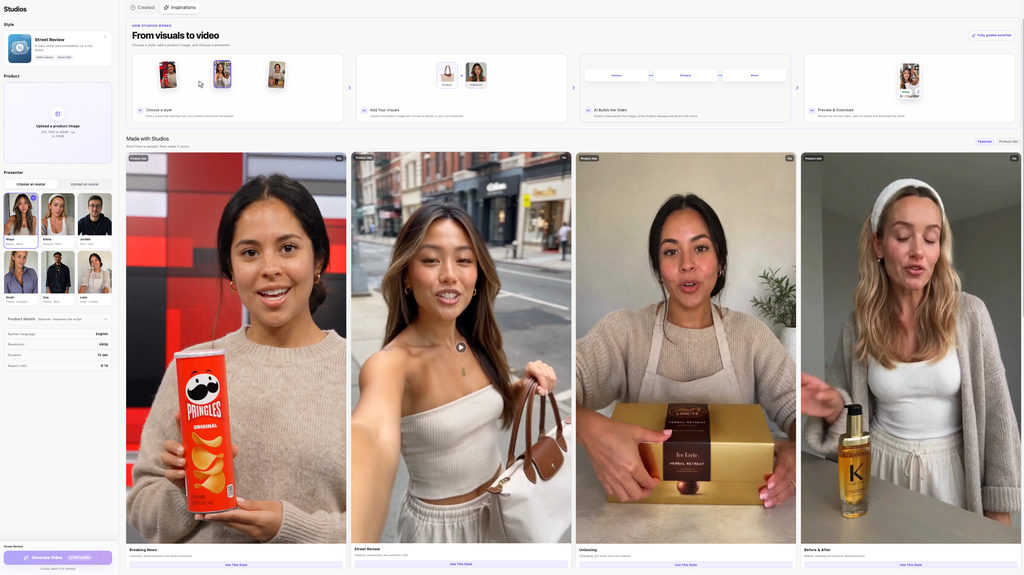
There are two useful ways to begin. A template-first route gives you a tested composition to adapt. A prompt-first route gives you more control when the product, setting, or story does not fit a ready format.
| Percorso | Iniziare con | Ideale quando | Fai attenzione a |
|---|---|---|---|
| Template-first | A format such as a reveal, lifestyle moment, or creator-style ad | You need a reliable structure and several variations quickly | Keep the product and approved message accurate when adapting the format |
| Prompt-first | The product, setting, action, camera move, and tone | Your product or campaign needs a custom scene | Long prompts can mix several ideas; give the shot one clear job |
3. Write a brief the model can use
A useful brief is short enough to scan and specific enough to guide a generation. This five-line pattern works for either route:
The five-line ad brief
Audience: [who is this for?]
Product: [what must remain visible and accurate?]
Moment: [what should happen in the shot?]
Message: [one approved benefit or feeling]
Action: [what should the viewer do next?]
Then add the visual controls: shot size, camera movement, light, background, pacing, aspect ratio, duration, and whether there should be room for copy. Keep the CTA and product claims outside the generated image or video when possible; editable text stays easier to correct.
4. Create the first clip, then make one deliberate change
- Start with one shot. A single product, one action, and one camera move are easier to review than a miniature film with five scenes.
- Protect the subject. Say what must remain stable: one product, complete silhouette, consistent proportions, no duplicates.
- Leave text for the edit. Ask for negative space rather than asking the model to draw a final offer or product name.
- Keep the first usable result. Save it for comparison; do not replace a workable output just because another variation might look prettier.
- Change one variable. If the first clip is too flat, adjust the light or camera move. Do not rewrite the subject, setting, and message at the same time.
5. Two GlobalGPT test examples
We created two five-second landscape concepts in GlobalGPT with Wan 3.0 at 720p: a clean tumbler reveal and a desk-lamp scene. Both leave the product name, offer, and CTA for the edit, so you can adapt the same footage to different messages.
Test 1: Product reveal for an insulated tumbler
The cobalt-blue tumbler stays upright on a pale stone counter while the camera moves closer. The clean space on the right gives an editor room for a short English hook and CTA. The shot is a good opening or hero moment; it does not prove insulation performance or any other product specification.
Leggi il testo completo
One continuous five-second landscape 16:9 product video ad concept. A single unbranded cobalt-blue insulated tumbler stands upright on a pale stone counter beside a folded linen napkin. The camera makes a slow controlled dolly-in from a medium-wide view to a closer hero framing while the tumbler stays complete, upright and recognizable. Warm morning window light, clean negative space on the right for English copy added later, realistic metal and condensation, polished but simple commercial mood. No people, no hands, no cuts, no duplicate tumbler, no subtitles, no writing, no letters, no labels, no numbers, no logos, no watermark, no interface elements.
Suggested edit
Hook: A cooler start to the morning.
Al centro: Add one verified detail about the real tumbler.
CTA: Scopri la collezione.
Test 2: A sliding reveal of a warm-lit desk lamp
The camera slides right across the desk to reveal an already-lit circular lamp. The lamp enters the frame about one second in, is fully visible at around two seconds, and becomes the focus of the closing frame. That gradual reveal gives a simple office scene a useful ad structure: introduce the setting, reveal the product, then add one verified benefit and a CTA over the final composition. The warm light sets the mood; it does not demonstrate a switch-on action or prove lighting performance.
Leggi il testo completo
One continuous five-second landscape 16:9 product video ad concept. A single compact unbranded desk lamp with a warm circular light sits on a tidy home-office desk at dusk. The camera starts on a dim, slightly cluttered desk and slowly slides right to reveal the lamp turning the workspace into a focused pool of light; keep one lamp, stable geometry, and a clear before-to-after visual beat. Modern realistic home office, restrained color, negative space for English copy added later. No people, no hands, no cuts, no duplicate lamp, no subtitles, no writing, no letters, no labels, no numbers, no logos, no watermark, no interface elements.
Suggested edit
Hook: Make room for one clear task.
Al centro: Add one verified product benefit once the lamp is fully visible; keep the claim short enough to read before the CTA.
CTA: Scopri i dettagli.
6. Turn a good clip into an ad
A generation becomes an ad when it connects attention to a reason to care and a next action. Use this simple sequence while editing:
Keep the generated scene and the campaign copy separate. The video can supply atmosphere and movement; the editor should control product names, offers, dates, prices, and legal copy. That makes the same shot easier to adapt for a landing page, social placement, or retargeting variation.
7. Review the export before publishing
- Prodotto: Does the shape, count, color, and packaging match the real item?
- Message: Can someone understand the benefit without reading a paragraph?
- Testo: Are the product name, offer, and CTA added in a readable, editable layer?
- Mozione: Does the first beat arrive quickly, and do cuts or camera moves feel intentional?
- Placement: Is the important detail safe on a phone, and does the aspect ratio fit the destination?
- Rights and claims: Are product references, music, logos, people, and performance claims approved?
- Outcome: After launch, compare watch time, clicks, leads, or purchases against the goal. A polished generation alone is not campaign performance.
Why use GlobalGPT for this workflow?

Video ads usually need more than one model or one kind of output. GlobalGPT gives a small team access to tools for briefs, hooks, images, video concepts, and supporting copy through one subscription. You can also compare ideas with the best AI ad generators guide and continue into the Il miglior generatore di video AI workflow. That is useful when you want to try a second creative direction without starting a new subscription or losing the original brief.
Use the platform for the parts that benefit from exploration, then bring the result back to your normal editing and approval process. For a real product, replace the unbranded test subject with an approved reference and review every visible claim before publishing.
Domande frequenti
How do I start a video ad if I do not have a finished script?
Start with the five-line brief: audience, product, moment, message, and action. Use that to generate one short shot, then build the surrounding copy after you know what the visual can actually show.
Should I use a template or write a prompt?
Use a template when you want a dependable structure and quick variations. Use a prompt when the product or story needs a custom scene. In either case, keep one shot focused on one job.
Can AI put my final product text in the video?
It can attempt text, but editable copy added during the edit is easier to read and correct. Keep names, prices, dates, offers, and legal wording outside the generation whenever possible.
How long should the first video ad be?
Start with the shortest duration that can show the hook and one benefit. A five-second concept is useful for testing the visual direction; extend it only when the message needs more explanation.
Are the two examples campaign results?
No. They are original GlobalGPT-generated creative concepts checked for playback and visible structure. They do not include paid-media conversion or sales data.
Have the brief ready? Open GlobalGPT, start with one product and one message, and build the next variation from what the first clip teaches you.