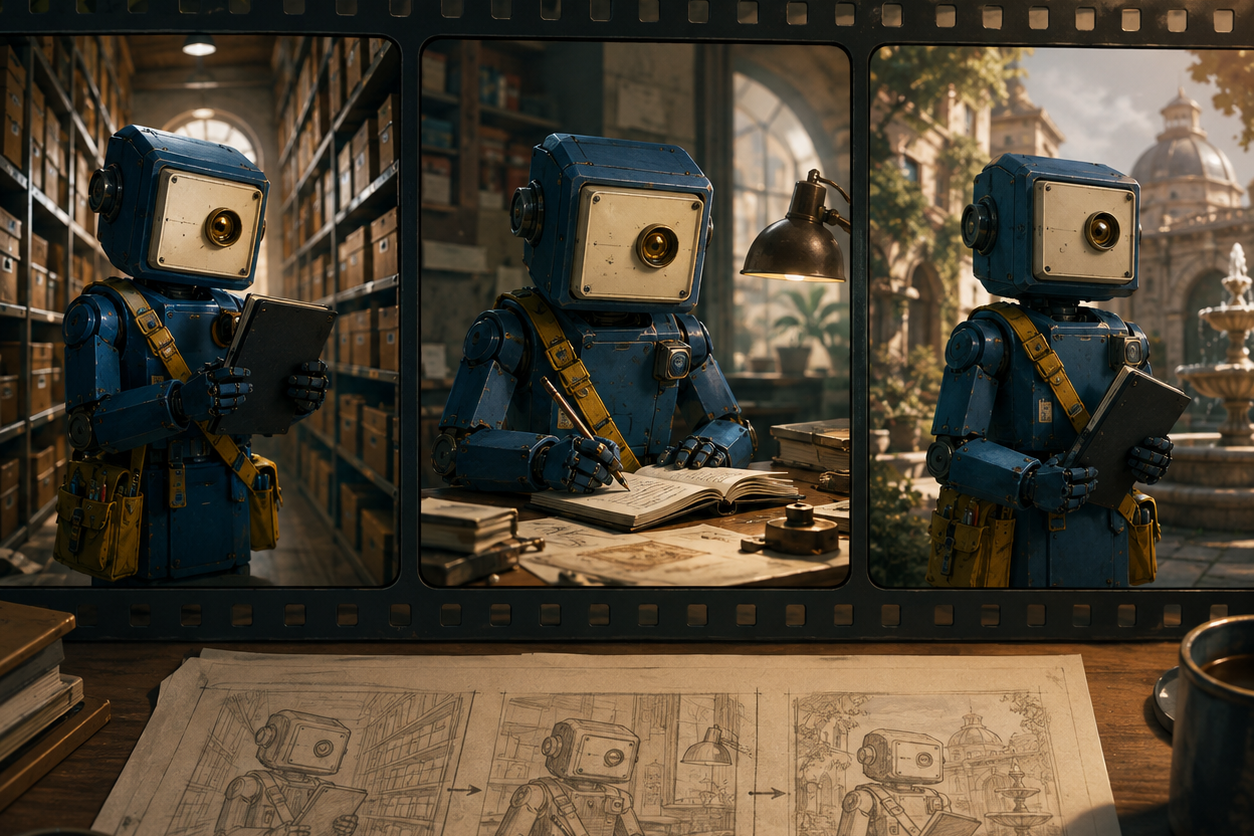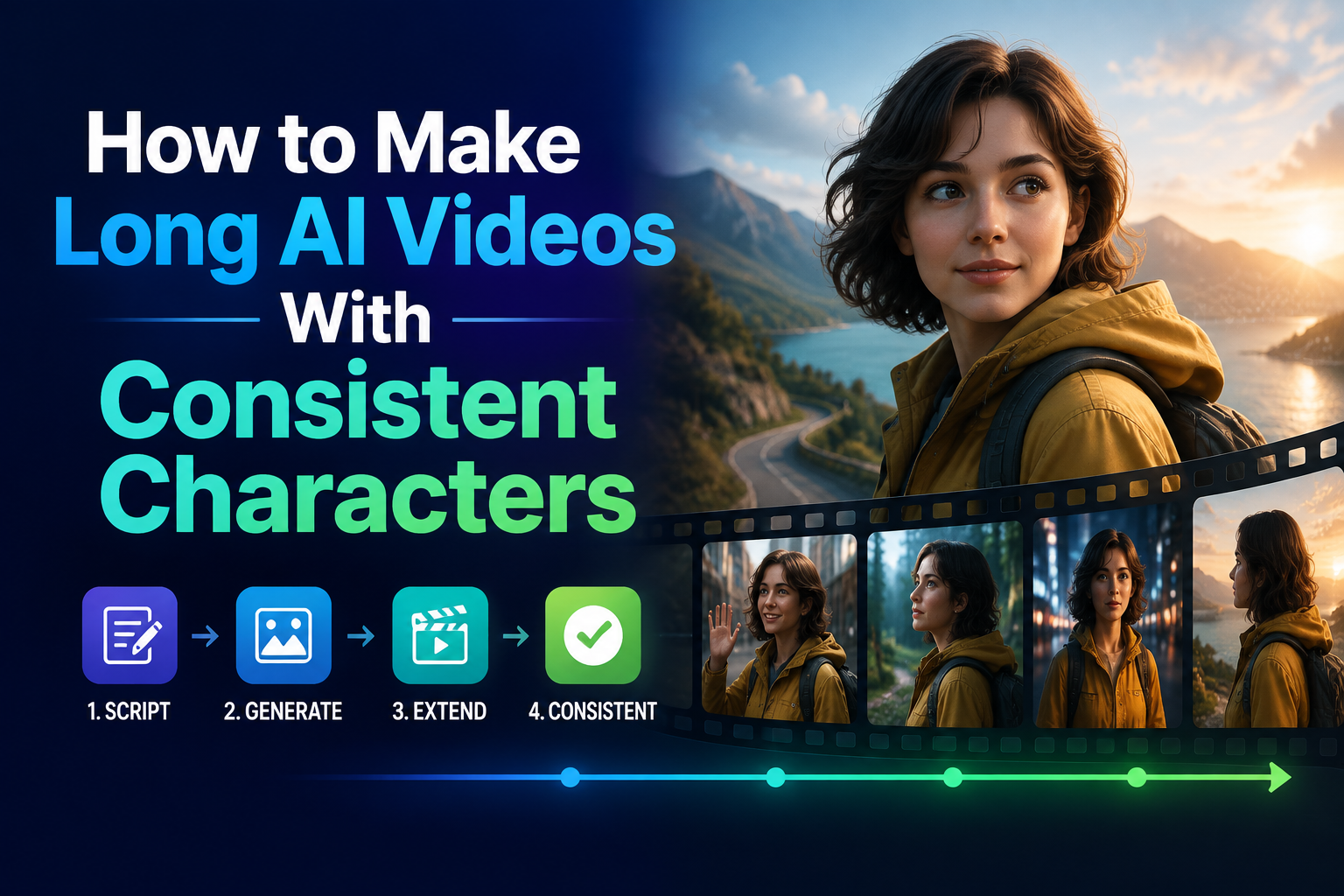
To make a long AI video with a consistent character, build it as a run of short shots rather than one oversized prompt. Give the character a fixed visual identity, make every clip do one clear job, and check the cut before you move to the next scene.
That is why I would start in GlobalGPT Video. You can make the reference image, move into a video route such as Seedance or Veo, and keep the character brief beside the clips instead of rebuilding the setup across separate sites. Your normal editor still handles the final assembly.
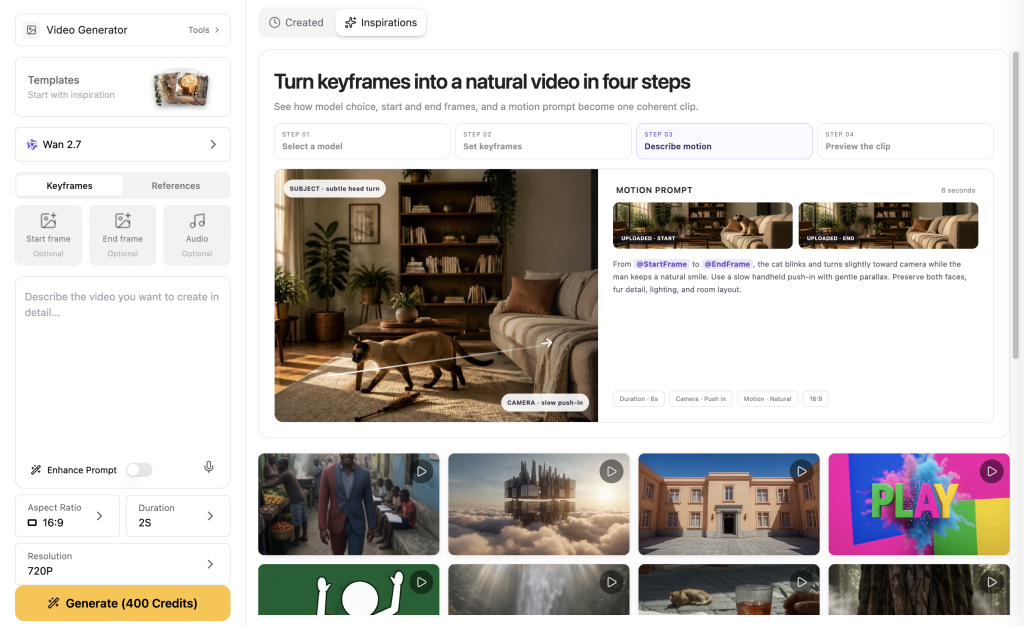
How to make a longer sequence in GlobalGPT
Aperto GlobalGPT Video and work from left to right: create the character asset, write a shot ledger, generate short clips, then check the cut between each pair. Do not write the full story into the first prompt.
Step 1: Create one reference image in Image
Utilizza il Immagine workspace to make a clean character reference. Ask for a front or three-quarter view, full body where possible, and the fixed visual cues you need later. Save the strongest first image as the character master.
Step 2: Write a one-page character package
Split the package into must remain, may change, e must be visible in this shot. A satchel can be in the prompt but still disappear if the camera is too tight.
Step 3: Move to Video and choose one short shot
Choose an available video route such as Seedance or Veo. Add the reference image when the route exposes an image-reference control; otherwise paste the full fixed package at the beginning of every prompt. Generate one simple anchor shot first.
Step 4: Generate the next shot from the same package
Duplicate the fixed character sentence exactly. Change only the location, action and camera. Add one visible continuity requirement such as “cream satchel on the left shoulder.”
Step 5: Review the join, then edit the approved clips
Compare the last second of the prior clip with the first second of the next. Repair only the failed clip or bridge the cut with a detail shot, then assemble approved clips in your normal editor.
Make a sequence, not one giant prompt
A long AI video has two jobs: it has to create a shot, and it has to remember the character from the last shot. A better production unit is a short clip with a clear starting state and one action.
Build a character package before you generate video
- Fixed: silhouette, color palette, signature clothing and props.
- Flexible: weather, location, camera angle and action.
- Per-shot requirement: name the fixed details that must be visible.
Turn the story into a shot ledger
Before generating, turn a 60-second idea into small sections. The ledger makes a continuity miss actionable: repair one shot instead of restarting the whole story.
What four first-output clips showed
These are first valid outputs from a fixed character package, not a benchmark. The camera can hide identity cues even when the prompt repeats them.
Test 01: Anchor shot
KITE-07 walks along a wet rooftop greenhouse walkway, then pauses to inspect a loose brass vent bolt. Medium tracking shot.- Route: Seedance 2.0 via Anywhere
- Uscita: first valid MP4, 5.054 seconds decoded; 16:9, 480p, 24fps
- What held: teal body, amber lens and red scarf.
- Limite: close framing hid the satchel and most shoulder scratches.
Test 02: Same character, new scene
The same KITE-07 sits at a workshop bench, opens the cream tool satchel and tightens a brass pocket-watch mechanism. Medium close shot.- Route: Seedance 2.0 via Anywhere
- Uscita: first valid MP4, 5.054 seconds decoded; 16:9, 480p, 24fps
- What held: teal body and red scarf carried into the repair scene.
- Take: put a required prop in the action, not only the description.
Test 03: Camera change
The same KITE-07 crosses a sunlit tiled corridor carrying the same cream satchel. Low side-tracking shot.- Route: Seedance 2.0 via Anywhere
- Uscita: first valid MP4, 5.054 seconds decoded; 16:9, 480p, 24fps
- What held: lens, scarf, satchel and shoulder-scratch motif.
- Take: wider travel shots can prove continuity more clearly.
Test 04: Second video route
The same KITE-07 turns from a rain-speckled studio window and places a brass gear into the cream satchel. Slow close shot.- Route: Veo 3.1 Fast via Anywhere
- Uscita: first valid MP4; browser player showed 8 seconds.
- What held: teal body, amber lens, scratches, satchel and scarf.
- Limite: workflow check, not a benchmark comparison.
Assemble the longer sequence without hiding the breaks
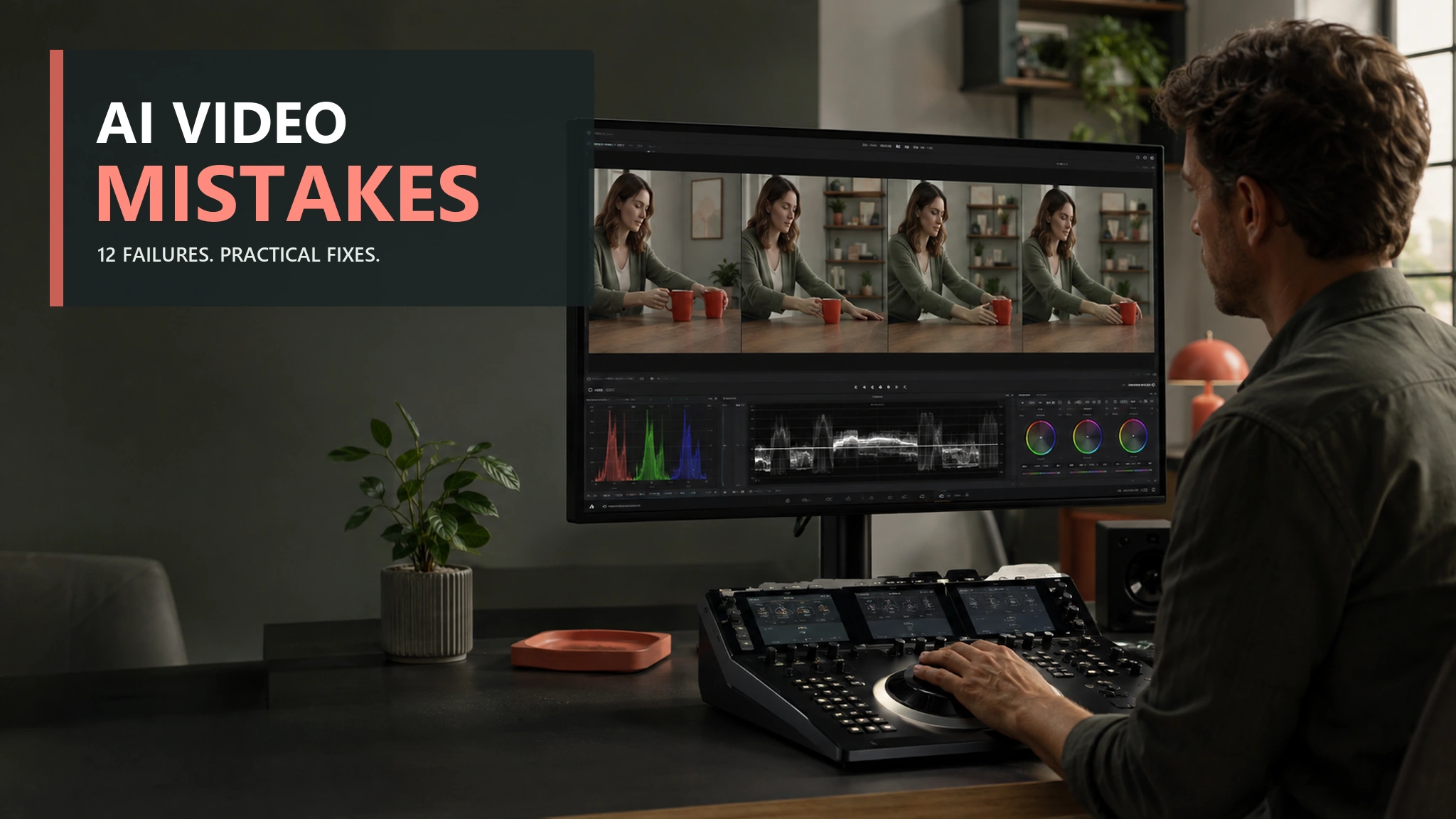
Review the last frame of one clip beside the first frame of the next. Cut away to a detail, add a bridge shot, or regenerate only the clip that fails the ledger.
Il ruolo di GlobalGPT
Iniziare in GlobalGPT Video to make the reference image, generate clips with an available video route, and preserve the prompt package beside the results. Read a reference-image workflow for consistent characters o un Sora 2 extension guide for the adjacent task.
FAQ
Can AI make a long video with the same character?
Yes, but build it as a sequence of short clips rather than one giant generation. Lock the character package first, give each clip one action, and use the end of one shot as the starting condition for the next.
What details should stay fixed in every prompt?
Keep the most recognizable identity cues fixed: face or silhouette, palette, signature clothing or accessory, and one prop. Copy those details in the same order each time, then add only the new location, action, and camera instruction.
Do I need a reference image for every shot?
Use the same approved reference image whenever the selected route supports it, especially for a recurring lead. It is still worth repeating the written package because a close crop can hide a cue that exists in the reference.
How long should each AI video clip be?
Keep each clip short enough to contain one clear action and one readable handoff. A five-to-ten-second beat is often easier to inspect and repair than a long generation with multiple locations or actions.
Can I change the background without changing the character?
Yes. Keep the identity package unchanged, describe the new environment in a separate sentence, and make one signature garment or prop visible in the new composition. Change one major variable at a time when you are testing a new setting.
Why does my AI character change clothes or lose a prop?
A prop can disappear because it competes with the scene or because the camera never shows it. Put important objects into the action itself, such as “holds the cream satchel while opening it,” and specify the framing that must reveal them.