Resposta rápida: A journal formatting tool should help you apply a journal’s actual instructions consistently across headings, references, figures, tables, spacing, page numbers, anonymization, and file packaging. It cannot decide whether a manuscript is scientifically sound or guarantee editorial acceptance.
Formatting is often treated as cosmetic until a submission portal rejects a file, a reference style becomes inconsistent, or identifying information breaks a blinded review. This guide turns journal formatting into a repeatable pre-submission quality check.

What Does Journal Formatting Include?
A journal formatting tool is valuable when it makes these checks visible and repeatable. It is risky when it silently applies a generic style that conflicts with the journal’s author guidelines.
A Reliable Journal Formatting Workflow
Capture the journal’s current rules.
Translate rules into a checklist.
Apply styles, references, figures and files.
Review visually and structurally.
Match portal fields and uploads.
Start with the journal, not the software. Save the date you checked the instructions and record any ambiguous rule. This prevents a template from becoming the hidden source of truth.
How to Choose a Journal Formatting Tool
Popup copy
Formatting works as a stack. If the journal rule is wrong at the bottom, polished headings and perfect references cannot make the submission compliant.
| Capacidade | Useful signal | Question to verify |
|---|---|---|
| Controle de estilo | Named styles, reusable templates, visible overrides | Can you inspect and change each rule? |
| Tratamento de referências | Duplicate detection and field-level editing | Does it preserve DOI, page ranges and special authors? |
| Blind review | Separate title page and metadata checks | Does it remove document properties and self-identifying text? |
| Exportar | Stable DOCX/PDF or portal-ready files | Can you reopen the exported file and verify it? |
Do not choose a tool solely because it advertises many styles. A transparent workflow that lets you inspect changes is safer than an opaque one-click conversion.
Manuscript-Level Formatting Checks
- Hierarchy: heading levels are consistent and match the journal’s section order.
- Abstract: word limit, structure, keywords, abbreviations, and trial registration details match the instructions.
- Figures: every figure is cited in order, has a complete caption, and is supplied in the requested format and resolution.
- Tables: titles, notes, units, footnotes, and statistical symbols are understandable without guessing.
- Language: symbols, decimal separators, capitalization, abbreviations, and spelling are consistent.
Use a visual inspection after automated checks. A tool can identify a missing reference field, but only a page-by-page review will show a stranded heading, split table, clipped caption, or unreadable figure.
References and Citation Consistency
Build a Journal-Specific Style Map
Before changing the manuscript, convert the author guidelines into a style map. Record the required article structure, heading levels, abstract format, word limits, keyword count, reference system, figure placement, table rules, supplementary files, anonymization, file names, and accepted formats. Mark each item as “must,” “should,” or “not specified.” This keeps software defaults from filling gaps with guesses.
Rule: Structured abstract with four labeled sections.
Fonte: Current journal author guidelines, checked [date].
Ação: Apply Heading 2 labels only to the abstract fields; do not let the formatter rename them.
QA: Count words in the abstract after formatting and compare with the stated limit.
Reference Conversion Is a Transformation, Not Proofreading
Changing APA-like records into a numbered journal style can alter punctuation, ordering, initials, page ranges, journal abbreviations, DOI presentation, and the treatment of online publication dates. The transformed record may look uniform while still pointing to the wrong article. Inspect a sample from every difficult category, then review the complete list for duplicates, missing citations, and uncited references.
- Compare a journal article, book, chapter, website, dataset, preprint, correction, and group-author record.
- Open a sample DOI or URL and compare the source title, authors, date, and publication type.
- Check that citation numbering remains correct after deleting, adding, or moving paragraphs.
- Keep a copy of the original reference library before accepting bulk changes.
Figures and Tables Need Meaningful QA
Formatting a figure is more than resizing it. Confirm that the caption defines abbreviations, the text remains legible at the journal’s publication width, colors do not carry the only meaning, and every figure is cited in numerical order. Tables need the same discipline: define units, explain notes, align decimals where appropriate, and avoid duplicating every table value in the surrounding prose.
Anonymization Is a Document-Wide Task
Removing the author line is only the visible part. Search the manuscript for institution names, grant numbers, distinctive project names, local ethics-board identifiers, acknowledgements, self-citations written in the first person, comments, tracked changes, headers, footers, filenames, and document properties. Some journals prefer masked self-citations; others want neutral third-person wording. Follow the target journal’s stated method.
Export, Reopen, and Compare
Never treat the export button as the end of formatting. Reopen the exported DOCX or PDF on a second device or viewer. Check fonts, equations, figure placement, page breaks, hyperlinks, bookmarks, comments, embedded media, and text extraction. Then compare the file list with the submission portal one more time. A correct editable source can still produce a broken upload file.
Think in Document Objects, Not Visual Patches
Reliable formatting treats the manuscript as linked objects: title page, abstract, headings, paragraphs, citations, references, figures, tables, equations, notes, and metadata. Repeated spaces or manual line breaks may fix one page while breaking the relationship elsewhere. Use real heading styles, caption fields, cross-references, list structures, and citation fields whenever the tool supports them. This keeps numbering and navigation stable when text is added or a figure moves.
- Estrutura: headings should be searchable and navigable, not merely bold.
- Referências: citations should resolve to one reference record, not a typed duplicate.
- Figures: captions and in-text callouts should remain connected when repositioned.
- Metadata: author names, affiliations, ORCID values, and file properties should agree.
Version Control Prevents Silent Formatting Drift
Keep a change log for every formatting pass: source version, guideline date, style-map version, citation conversion, figure replacement, anonymization pass, and export date. Preserve the editable source before generating PDF or XML. When a coauthor sends a late text change, compare the changed section instead of rerunning an opaque “format all” command. This identifies whether an error came from content, conversion, or a style rule.
Troubleshoot by Failure Class
| Sintoma | Likely class | First diagnostic |
|---|---|---|
| References are out of order | Citation mapping | Find duplicate or unresolved citation keys. |
| Figure is missing from the PDF | Asset or export | Open the source asset and export one page as a test. |
| Blind review reveals an institution | Anonymization | Search text, metadata, comments, filenames, and acknowledgements. |
| Headings look right but navigation is empty | Estrutura | Replace visual formatting with actual heading styles. |
This failure-class approach is faster than changing margins or fonts at random. Fix the source relationship first, then rerun visual QA so the final package remains reproducible.
Reference formatting is not just punctuation. Confirm that every in-text citation appears in the reference list, every listed reference is cited, author names are consistent, dates and titles are complete, and DOI or URL fields follow the journal’s rule. Then inspect unusual records manually: group authors, organizational authors, preprints, datasets, corrections, translations, and online-first articles.
If an editor opened this citation today, would the record lead to the exact source you intended?
For a broader research-writing workflow, use the AI research assistant guide to compare source notes, but keep the final citation record tied to the sources you actually checked.
Anonymous Review and Submission Files
Current author guidelines
Apply visible rules
Reopen the export
Match portal fields
Fix before upload
Popup copy
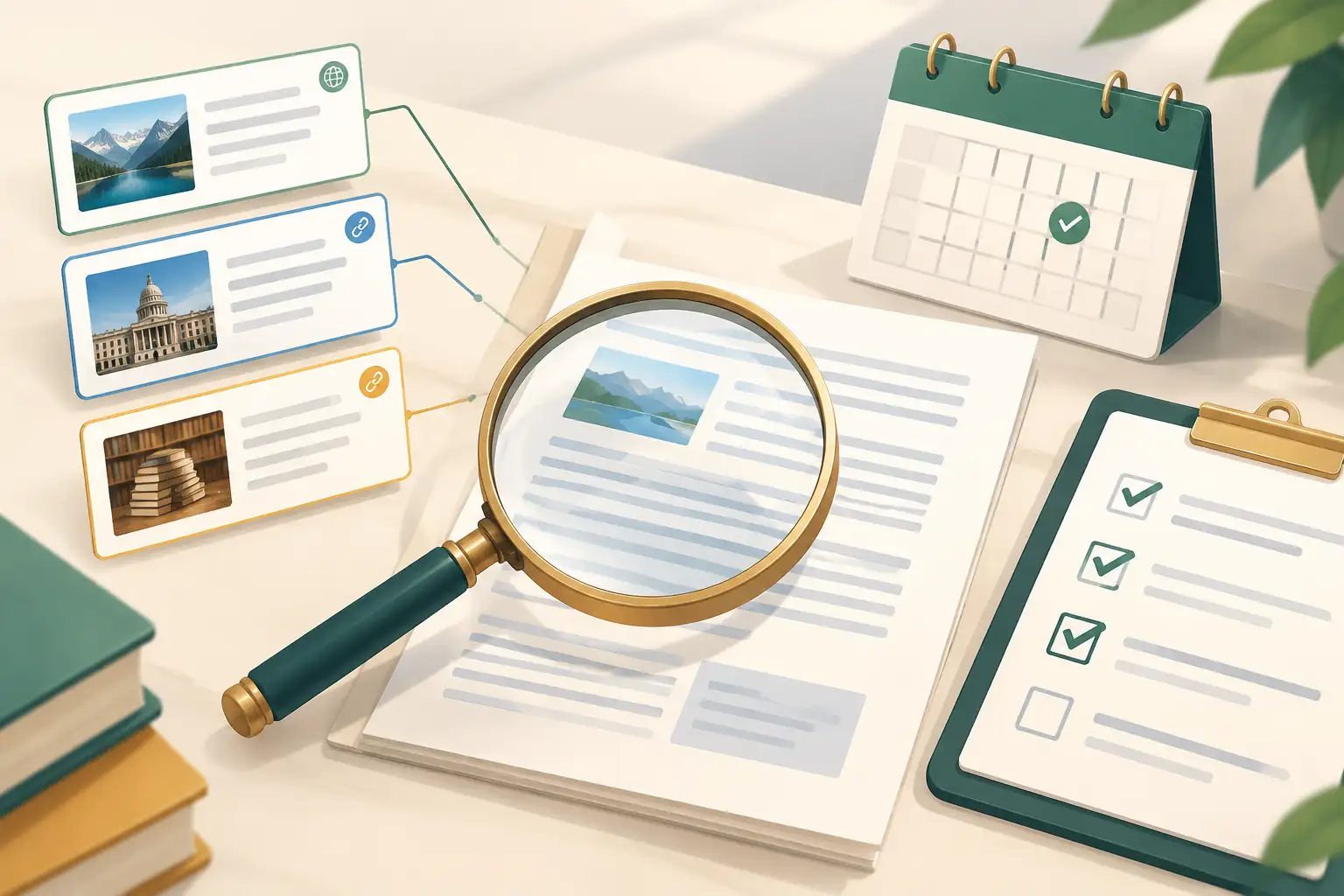
The last review is a loop, not a single click: read the rule, format the file, reopen the exported version, compare it with portal requirements, and recheck after every correction.
Blind review can fail outside the visible manuscript. Check the title page, acknowledgements, self-citations, file names, document properties, tracked changes, comments, headers, footers, supplementary files, and image metadata. Keep the author-identifying version separate from the anonymized version and reopen the final export before uploading.
Perguntas frequentes
What is a journal formatting tool?
It is software or a workflow that helps apply a journal’s document, citation, figure, table, anonymity, and submission-file requirements consistently. It does not replace scientific or editorial review.
Is a journal template enough?
A template can provide a useful starting structure, but it may not cover current portal fields, supplementary files, metadata, permissions, or blind-review requirements. Check the latest author guidelines too.
Can formatting software change my citations automatically?
Many tools can transform citation styles, but you still need to inspect author names, dates, DOI fields, group authors, datasets, corrections, and records with missing information.
How do I format a manuscript for double-blind review?
Follow the journal’s anonymization rule across the manuscript, file metadata, comments, acknowledgements, self-identifying language, filenames, and supplementary materials. Keep the title page separate when required.
Should I convert my manuscript to PDF?
Only when the journal requests PDF or accepts it for the relevant file type. Preserve the editable source when required, and reopen the exported PDF to inspect fonts, equations, figures, captions, and page breaks.
Can GlobalGPT help with journal formatting?
GlobalGPT can help turn author guidelines into a checklist, compare formatting instructions, identify inconsistent wording, and review a redacted manuscript plan. It should not silently rewrite citations or invent compliance.