
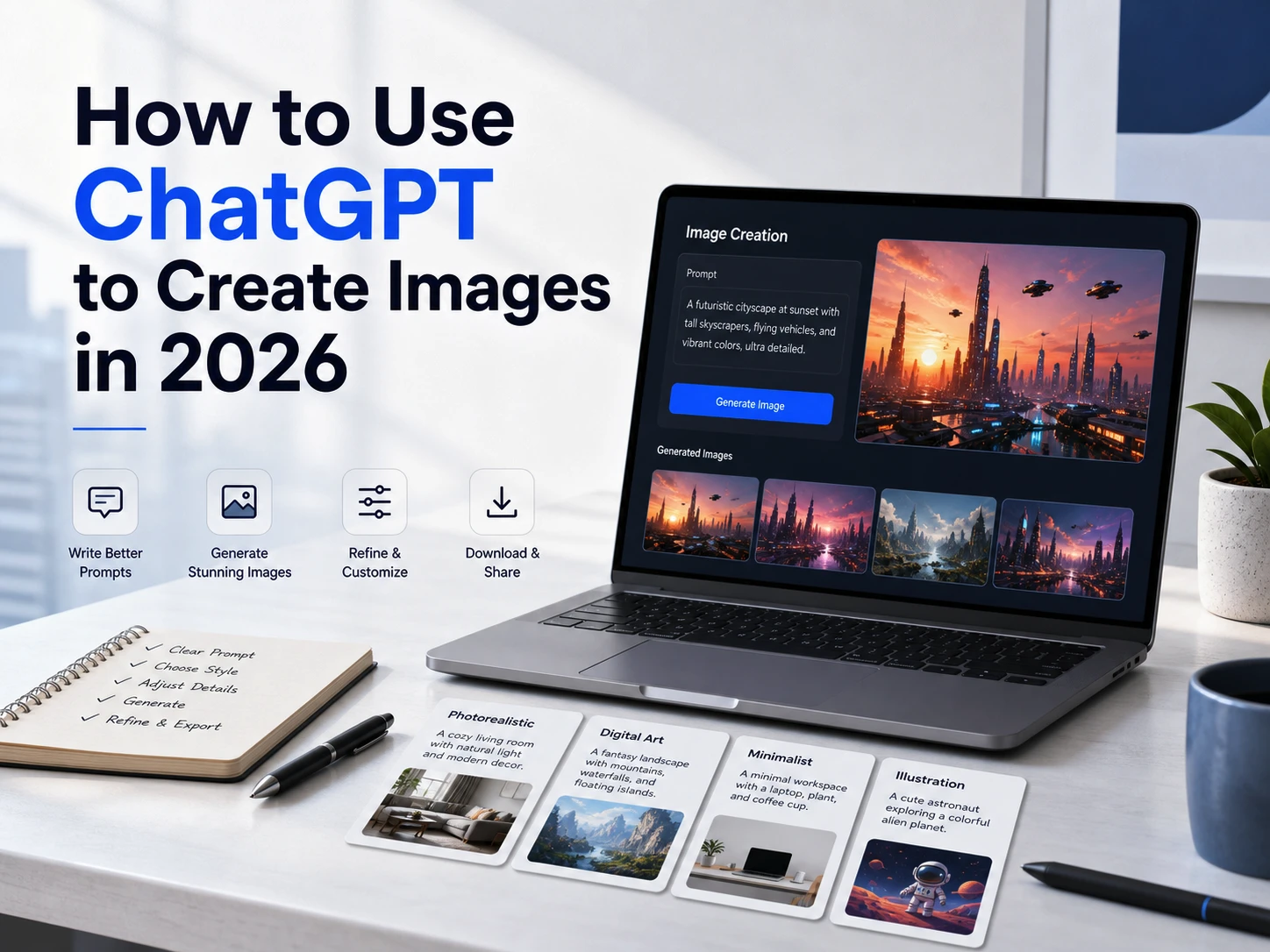
If you are trying to use ChatGPT to create images in 2026, start with the current ChatGPT image workflow rather than old GPT-5.0 or GPT-5.1 instructions. ChatGPT can create new images from prompts, edit uploaded or generated images, and keep the results under Images.
The naming causes most of the confusion. In the ChatGPT app, OpenAI calls the feature ChatGPT Images. In the developer documentation, the latest dedicated image model is gpt-image-2; the Responses API can also let a supported mainline model, such as gpt-5.6, call the image generation tool. Those are different product surfaces, so you do not need to hunt for a “GPT-5 image model” button before making a picture in ChatGPT.
If your goal is to make many images, compare styles, or switch between image and video tools, GlobalGPT is also worth considering. It gives users one workspace for GPT, Claude, Gemini, Perplexity-style search, GPT Image, Nano Banana, and video tools. That does not make it the same as OpenAI’s official ChatGPT app or API account, but it can be a lower-friction route for creators who work across several AI tools.

Quick Answer
The fastest way to create an image in ChatGPT is to open a chat, describe the image you want, and use the image option where it appears in your account. Add the subject, style, composition, lighting, aspect ratio, and any text you want in the picture. After ChatGPT creates the image, ask for changes in the same chat or use the edit tools where available.
| Task | Best route | What to remember |
|---|---|---|
| Create a quick image | ChatGPT Images in the ChatGPT app | Describe the subject and style clearly. |
| Edit a generated image | Use ChatGPT’s image edit flow | Select a part of the image or describe the edit in chat. |
| Build an app or automation | OpenAI API with GPT Image models | API setup and organization verification may apply. |
| Compare several creative models | GlobalGPT | Useful for GPT Image, Nano Banana, and other image/video tools in one workspace. |
Understanding GPT-5.1: The Next Generation AI Model
GPT-5.1 represents OpenAI’s most advanced multimodal AI system, seamlessly integrating text and image generation capabilities. Unlike its predecessors, this model features enhanced creative reasoning, superior prompt interpretation, and the ability to generate images with remarkable detail and artistic coherence. The model excels at understanding complex creative briefs, artistic styles, and can produce images that perfectly match your vision.
Key Features:
- Advanced prompt understanding with contextual awareness
- Photorealistic and artistic style generation
- Superior text rendering within images
- Enhanced composition and color theory application
- Support for complex scene generation
- Multi-style fusion capabilities
*OpenAI’s Help Center wording at the verification date. ChatGPT Team was renamed ChatGPT Business on August 29, 2025.

How ChatGPT Image Generation Works
ChatGPT turns your instructions into an image request, applies safety checks, and returns an image you can refine in the same conversation. If you are first confirming whether ChatGPT can generate images, begin with one concrete scene rather than a long creative brief.
For API work, the model and billing path are explicit. The Image API lets you choose gpt-image-2 directly. In the Responses API, a supported mainline model can call the image generation tool, and its text/model usage is counted in addition to image generation. OpenAI lists GPT Image pricing by tokens, quality, and size; do not convert those API prices into ChatGPT app credits or a consumer image quota.
How to Use ChatGPT 5.0 / 5.1 to Create Images (Step-by-Step)
- Step 1: Open ChatGPT and select GPT-5.0 or GPT-5.1 for best image quality.
- Step 2: Click Tools → Create Image

- Step 3: Write a clear prompt, e.g.:
“Create a sticker-style image of an orange cat wearing a bowtie with the word “meow” on top”.

How to Write Better Image Prompts
The strongest prompt is specific without becoming a wall of adjectives. Use the pieces below, then add only the details that affect the result.
- Subject: an astronaut, a red fox, a luxury perfume bottle
- Setting: a quiet studio, a rainy Tokyo street, a white ecommerce backdrop
- Style: watercolor, anime, photorealistic, editorial, 3D render
- Composition: close-up, wide shot, centered, top-down, empty space for a headline
- Lighting and color: golden hour, soft window light, muted palette, neon spectrum
- Text rules: quote the exact wording and say “no extra text”
- Constraints: aspect ratio, transparent background, and details that must not change
If you want ready-to-adapt formats for portraits, products, posters, and social posts, use these more ChatGPT image prompt examples as a starting point. The practical habit is to revise one variable at a time so you can tell which instruction improved the image. descriptions.
Editing Images in ChatGPT5.0 / 5.1 (Selection Tool)
After generating an image, you can edit parts of it:
- Click the image
- Use the “Select”

- Highlight an area
- Describe the change
Example edits:
- “Make the sky more dramatic.”
- “Change the character’s outfit to a red kimono.”
This allows precise refinement without regenerating the entire image.
Managing Images in the ChatGPT Library
OpenAI added a built-in image library that automatically stores everything you create.
You can:
- Revisit past generations
- Edit older images
- Export high-resolution versions
- Organize work into collections
- Delete outdated assets
This is especially useful for ongoing design projects, branding, newsletters, and social media production.

GlobalGPT — Unlimited Image Creation Without ChatGPT’s Limits
If ChatGPT’s image limits (about 50 generations per 3 hours) or slow peak-time rendering hold you back, many creators use GlobalGPT as a high-speed, low-cost alternative.
GlobalGPT is a powerful all-in-one AI platform offering:
- Access to 100+ top AI models
Including GPT-5.1, Claude 4.5, Gemini 3 Pro, Perplexity, Sora 2, Nano Banana Pro, and more.
- Unlimited or extremely high image-generation limits
Perfect for designers, content creators, and marketers.
- Fast rendering with commercial use
No slowdown, no queue times.
- Dramatically cheaper than ChatGPT Plus
Up to 50% off during promotions.
Short Example Prompts You Can Use Immediately
Realistic portrait:
Editorial portrait of a founder in a small design studio, natural window light, calm expression, shallow depth of field, no logos, 4:5 aspect ratio.
Fantasy environment:
Floating islands above a violet sunset, glowing waterfalls, soft atmospheric haze, wide cinematic composition, no text, 16:9 aspect ratio.
Product mockup:
Minimalist black smartwatch on a white pedestal, soft studio lighting, clean background, premium 3D product render, no extra objects, 1:1 aspect ratio.
Common Issues & How to Fix Them
| Problem | What to try |
|---|---|
| Images is missing | Check whether you are on web, iOS, or Android; update the app; try a new chat; and check workspace admin settings. Rollout and controls can vary by account. |
| Generation is slow | Keep using ChatGPT while it renders, simplify an overloaded prompt, or retry later. OpenAI says complex requests can take a few minutes. |
| The edit changes too much | Name both the requested change and the details that must remain fixed. The official editor note says edits can extend beyond a selected area. |
| Text is misspelled | Use short exact wording in quotation marks and say “no extra text.” Correct one text element at a time. |
| You hit a limit | Use the limit shown in your own account. Do not plan around a universal public number because access can vary by plan, account, demand, region, and policy. |
If plan access is the main problem, the separate guide to ChatGPT Go image generation explains that route in more detail. For a Business, Enterprise, or Edu workspace, an admin setting can also determine which tools appear.
FAQ
Can ChatGPT create images in 2026?
Yes. ChatGPT Images can create new images and edit existing ones. OpenAI says the feature is available on web, iOS, and Android, although the exact controls and usage limits can vary by account.
Do I need ChatGPT Plus to create images?
No. OpenAI says ChatGPT Images 2.0 is available on all tiers. Images with thinking is available on Plus, Pro, and Business; Enterprise and Edu were still listed as coming soon when this guide was verified.
Is ChatGPT 5 the same as ChatGPT Images?
No. “ChatGPT 5” is a broad search phrase. In the consumer app, the image feature is ChatGPT Images. In the API, developers use GPT Image models such as gpt-image-2, while a supported mainline model can call image generation through the Responses API.
What is GPT Image 2?
GPT Image 2 is an OpenAI image generation and editing model listed in the OpenAI API documentation. It matters most for developers using the API, not ordinary ChatGPT users who create images inside the ChatGPT app.
Why is image generation not showing in my ChatGPT account?
Check the app version, device, account type, region, and workspace settings. Try web, iOS, or Android and start a new chat. OpenAI rolls out some controls by account, and a Business or school workspace can also apply admin restrictions.
Can ChatGPT edit an uploaded image?
Yes. Upload an image, describe the change, and say what should remain untouched. You can also use the selection tool where available, but OpenAI notes that edits may extend beyond the selected area.
Does ChatGPT save generated images?
Yes. OpenAI says images created with ChatGPT are automatically saved under Images so you can browse, revisit, and reuse them. Deleting the conversation also deletes the related image from My images.
How many images can ChatGPT generate?
There is no single public quota that safely applies to every account. Treat limits as plan-, account-, demand-, region-, and policy-dependent, and rely on the message shown in your own ChatGPT interface.
Is GlobalGPT better than ChatGPT for image generation?
It depends on the job. ChatGPT is the official OpenAI route and is the better reference for native OpenAI features. GlobalGPT can be useful when you want to compare several image or video models in one workspace, but it does not replace OpenAI’s app, API billing, or Business controls.
What is the best prompt format for ChatGPT images?
Use subject, setting, style, composition, lighting, color palette, aspect ratio, exact text, and constraints. Start with one clear request, then revise the result in the same conversation instead of overloading the first prompt.





