

Perplexity searches for information and turns what it finds into a conversational answer with sources you can inspect. Google helps you discover and navigate original pages, alongside features such as AI Overviews. ChatGPT lets you develop a task through conversation and can search the web when fresh information is needed. All three can help with research; the useful distinction is where you want to start and what you need to do next.
For work that moves from research into writing, GlobalGPT brings Perplexity and other leading models into one workspace. You can gather sources, develop an argument, draft the result, and create supporting visuals through one multi-model AI subscription.
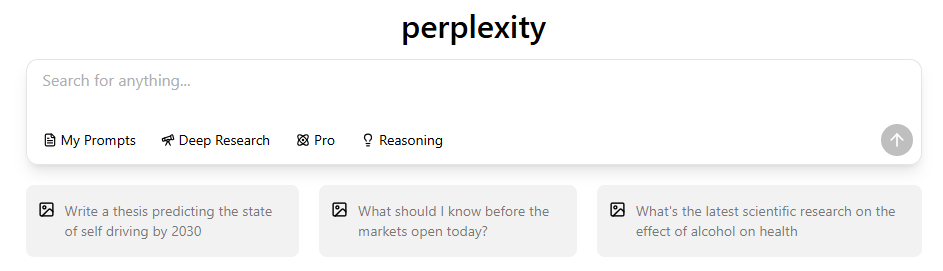
What Is Perplexity AI?
Perplexity is an AI search-and-answer product. You ask a question in ordinary language, read a synthesized response, and use its linked sources to investigate further. That can be helpful when a question spans several pages and you need an initial explanation before deciding what to read closely.
Is Perplexity an LLM or a search product?
A large language model, or LLM, generates and transforms text. Perplexity builds a search experience around that capability: the product brings together your question, retrieved information, a generated response, and follow-up conversation. Choosing a model is only one part of that experience.
The official plan guide makes this distinction practical: on Standard, Perplexity chooses the model; paid tiers offer advanced-model access. For more on that layer, see what LLM Perplexity uses.
How Perplexity Turns a Question Into an Answer
The workflow is easiest to follow in four stages. These explain what happens during a research task; Perplexity’s private ranking and routing rules are not fully public.
From a question to an answer you can check
Use these four steps to understand the research task. The final source check is yours to do.
1. Start with a question that defines the task
Include the subject, date range, geography, and result you need. “Explain heat pumps” invites a general overview. “Compare air-source and ground-source heat pumps for an existing UK home, using official guidance and separating installation from running costs” gives the search a clearer purpose.

Use the quick-search versus deeper-search distinction to decide how much investigation your question needs, then check the allowance shown in your current account.
2. Find relevant information
Web retrieval brings external material into the answer. This helps with questions that need recent information, but a search can still miss an important page or surface an outdated one. For a policy or technical requirement, ask for the original document and its publication date.
Research is a distinct option for a task that needs a deeper report. Decide how much investigation the question deserves: finding one official page and comparing several competing explanations are different jobs.

A report-style task is useful when you need to compare several sources; open the evidence behind the report before using its conclusions.
3. Combine the material into an explanation
A language model organizes the material into a readable response. It can bring several points into one comparison, explain terminology, and suggest a useful follow-up. This is also where a qualification can disappear: a result measured in one country or one study may sound broader after summarization.
4. Open the sources and refine the question
Follow the links behind the claims you intend to use. If two sources disagree, ask what differs in their dates, definitions, or methods. A useful follow-up is: “Which source supports this sentence, and what does that source leave uncertain?” Then check that page yourself.
Perplexity vs Google Search vs ChatGPT Search
Google’s How Search Works explains its index and ranking systems. Its AI Overviews guidance also describes summaries with links and warns that AI responses can contain mistakes. OpenAI’s ChatGPT release notes document web search within conversation. These products overlap in capability, so compare the work each interface helps you do.
| Question | Perplexity | Google Search | ChatGPT Search |
|---|---|---|---|
| Where do I start? | A natural-language research question and a search-and-answer workspace. | A query over a ranked index, with result pages and additional answer surfaces depending on the query and availability. | A conversation that can use web search when fresh information is needed. |
| What comes back? | A synthesized answer with linked sources in supported search flows. | Ranked pages, snippets, and sometimes an AI-generated overview with links. | A conversational response; Search mode can add source links and current web context. |
| What should I verify? | Whether the cited page really supports the claim and is current. | Whether the result is the original or most useful page, and whether any summary omitted context. | Whether Search was used, which sources are linked, and whether the answer separates fact from inference. |
| Useful starting point | Source-led research, comparisons, and fast starting briefs. | Finding original pages, local information, products, and broad navigation paths. | Conversational drafting or tutoring, with web search added when the task needs fresh sources. |
For more on result pages and conversational answers, see how Perplexity differs from traditional search engines. The recommendations here are a task guide, not a measured speed or accuracy ranking.
Try the same research task in three ways
For the heat-pump example, start in Perplexity with a request for a short comparison and official sources. Use Google to locate the named guidance or a manufacturer’s technical sheet. In ChatGPT, ask for an explanation of the trade-offs or a draft based on the pages you have checked; use web search when you need fresh facts.
Judge the result by whether the sources answer your question, whether the dates and conditions match, and how much checking remains. A longer answer or a larger source list alone does not settle which tool worked better.
What Perplexity Citations Can and Cannot Tell You
A citation gives you a route back to a source. It does not establish that the source is reliable or that the answer represents it faithfully. A page can mention a subject without supporting the precise sentence attached to it.
A Columbia Journalism Review/Tow Center study published March 6, 2025 tested eight generative search tools using 1,600 excerpt-retrieval queries drawn from 20 news publishers. Perplexity answered 37% of its queries incorrectly in that historical sample. That was a test of identifying news articles from excerpts, not a current overall accuracy score for every kind of Perplexity answer.
- Open the cited page and find the passage that supports the claim.
- Check the date, location, definitions, and any important exceptions.
- Prefer the original document for a policy, price, release, or statistic.
- Keep unresolved disagreements visible instead of forcing several sources into one confident conclusion.
Models, Modes, Plans, and Access
A mode, a model, and a plan answer different questions. The mode describes the task, such as a quick search or deeper research. The model helps produce the response. The plan determines access and usage boundaries. Perplexity’s official subscription guide, checked September 30, 2026, describes the following distinctions.
| Access | What the official guide describes | What it means for your workflow |
|---|---|---|
| Standard (Free) | Basic searches and search history, limited Pro Search and file uploads; Perplexity chooses the model. | Start with everyday questions. Advanced search and file use have separate limits. |
| Pro | Extended Pro Search, advanced models, increased file-analysis limits, image/video generation, and limited Create files and apps access. | Useful when research involves more files or a choice of model. A paid plan still has feature limits. |
| Max | Higher access to advanced models, Research, and Create files and apps, plus early features. | Consider this when your workload regularly reaches the access boundaries of a lower plan. |
| API Platform | A separate developer route for integrating Perplexity into other products. | API credits and behavior are distinct from the consumer website or app. |
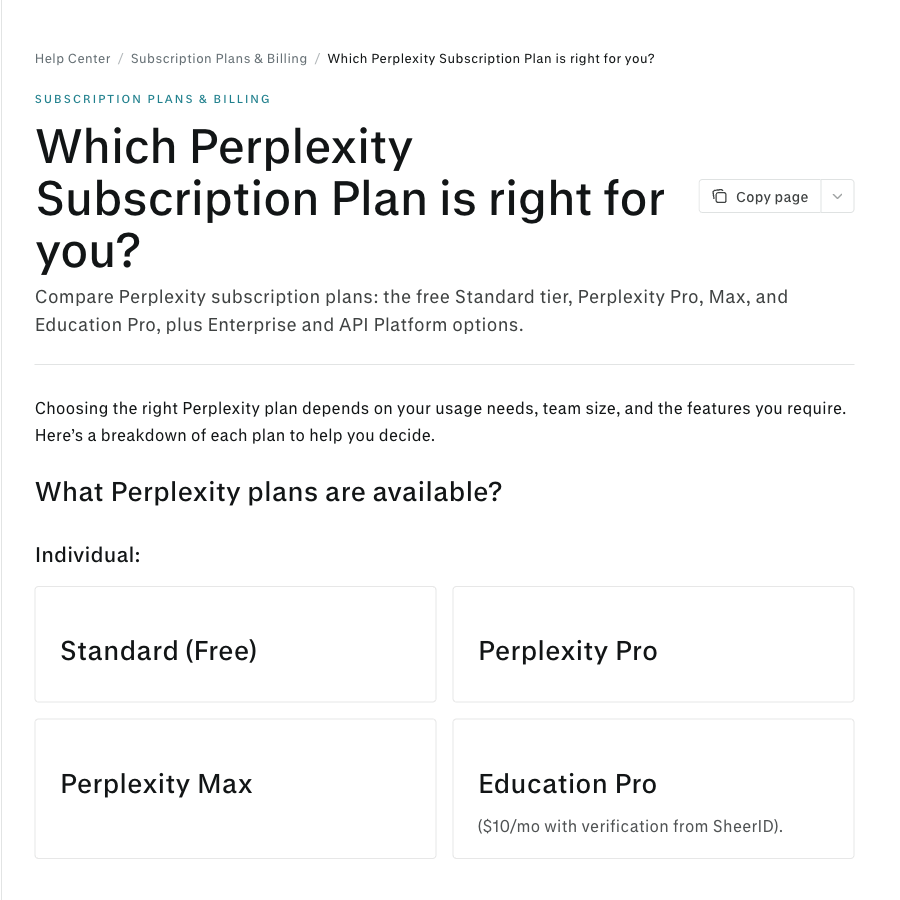
The guide also lists Education Pro for verified students and educators, and separate Enterprise plans for organizations. Start with the search or file task you need to complete, then check its current allowance before choosing a plan.
Files and models change how you ask the question
An attached document gives you specific material to ask about. For example, you can compare a report’s conclusions with a web source, while keeping track of which claim came from which document. The plan guide lists limited file uploads on Standard and increased upload and analysis limits on Pro.

When a question combines an uploaded report with web research, label which claim came from the file and which came from a web page.
A model selector changes the model used for a response; it does not turn a citation into proof. The older menu below illustrates the selector’s role. Use the current product menu and plan guide for available model names.

Choose the model for the task, then apply the same source checks to its answer whichever option you selected.
If you are building an application, consult the Perplexity API FAQ separately. API credits, model configuration, and responses can differ from the consumer website. A consumer subscription and developer API access should be evaluated as separate services.
Which One Should You Use?
Start with Perplexity to build a source-backed brief
Choose it when you need an orientation to a topic, a comparison of viewpoints, or a shortlist of sources to read. Ask for the scope explicitly, then follow the citations that matter to your decision.
Start with Google to find and browse original pages
Choose it when you know the site or document you want, need local or product information, or prefer to compare several pages yourself. Open the original result when exact wording matters.
Start with ChatGPT to develop the result through conversation
Choose it when your next task is drafting, tutoring, brainstorming, or revising an explanation. Search can supply fresh web context; for a source-sensitive draft, tell it which checked material to use and where you want citations retained.
Use GlobalGPT to move from research to finished work
You can start in the Perplexity workspace in GlobalGPT, collect useful sources, and continue with other models for reasoning, writing, images, or video. That is helpful when the job ends with a report, article, presentation, or creative asset rather than a search answer.
The older shortcuts show ways into research; use the newer entry points below when following this workflow.
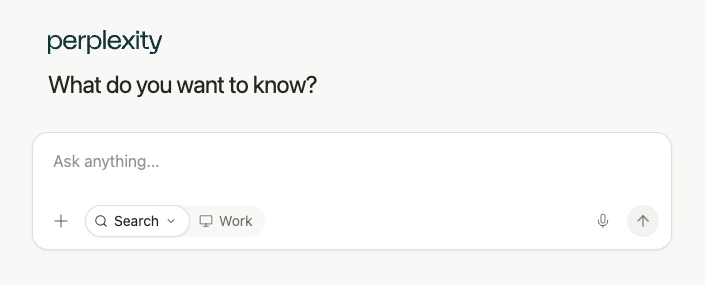
Use the research workspace to collect sources, then carry only the checked evidence into your draft.
FAQs
What is Perplexity AI?
Perplexity is a search-and-answer product that combines a natural-language interface with web retrieval and language-model synthesis. It is better described as a product workflow than as one standalone language model.
Is Perplexity an LLM?
Perplexity is not the same thing as a single base LLM. It combines a search interface, retrieved material, and models that generate an answer. The model you can use depends on the mode and account access.
How does Perplexity differ from Google Search?
Perplexity starts with a conversational research question and returns a synthesized answer with linked sources in supported flows. Google starts with a ranked search index and can also show summaries or AI Overviews. Both still require checking the original pages.
How does Perplexity compare with ChatGPT?
Perplexity is organized around search and source review. ChatGPT is organized around conversation and can use web search for current information. The right choice depends on whether source discovery or drafting is the first job.
Do Perplexity citations guarantee accuracy?
No. A citation makes a claim easier to inspect, but the linked page may be wrong, outdated, incomplete, or only loosely related. Open the source and compare its date, scope, and wording with the answer.
Do I need a paid Perplexity plan to try it?
No. Standard is the free plan and includes basic searches, with limited Pro Search and file uploads. Pro and Max offer additional access. The API Platform is a separate developer service; check the current official plan guide for the feature you need.
Final Takeaway
Use Perplexity to turn a research question into an initial explanation and a set of sources. Use Google to locate and inspect original pages. Use ChatGPT to develop an idea or draft through conversation, adding web search when the task calls for it. Whichever starting point you choose, open the evidence behind the claims you plan to rely on.
When that work continues into writing or creative production, GlobalGPT brings the model workflows together in one workspace.



