للاستخدام كلينج 3.0 مثل المحترفين، يجب عليك إتقان صيغة “العمود الفقري الموجه”، واستخدام ربط العناصر لتأمين تناسق الأحرف، والتحول إلى نموذج أومني لمزامنة الشفاه الأصلية عبر تسلسلات متعددة اللقطات. بدلاً من الاعتماد فقط على تحويل النص إلى فيديو، يقوم المحترفون أولاً بإنشاء صور أساسية عالية الجودة واستخدام فُرش الحركة للتحكم في الحركات الجسدية الدقيقة. ومع ذلك، فإن إجراء اختبارات معقدة مباشرةً داخل Kling 3.0 يستهلك اعتمادات باهظة الثمن بسرعة، مما يجعل التجربة والخطأ كابوسًا مكلفًا لمنشئي الفيديو.
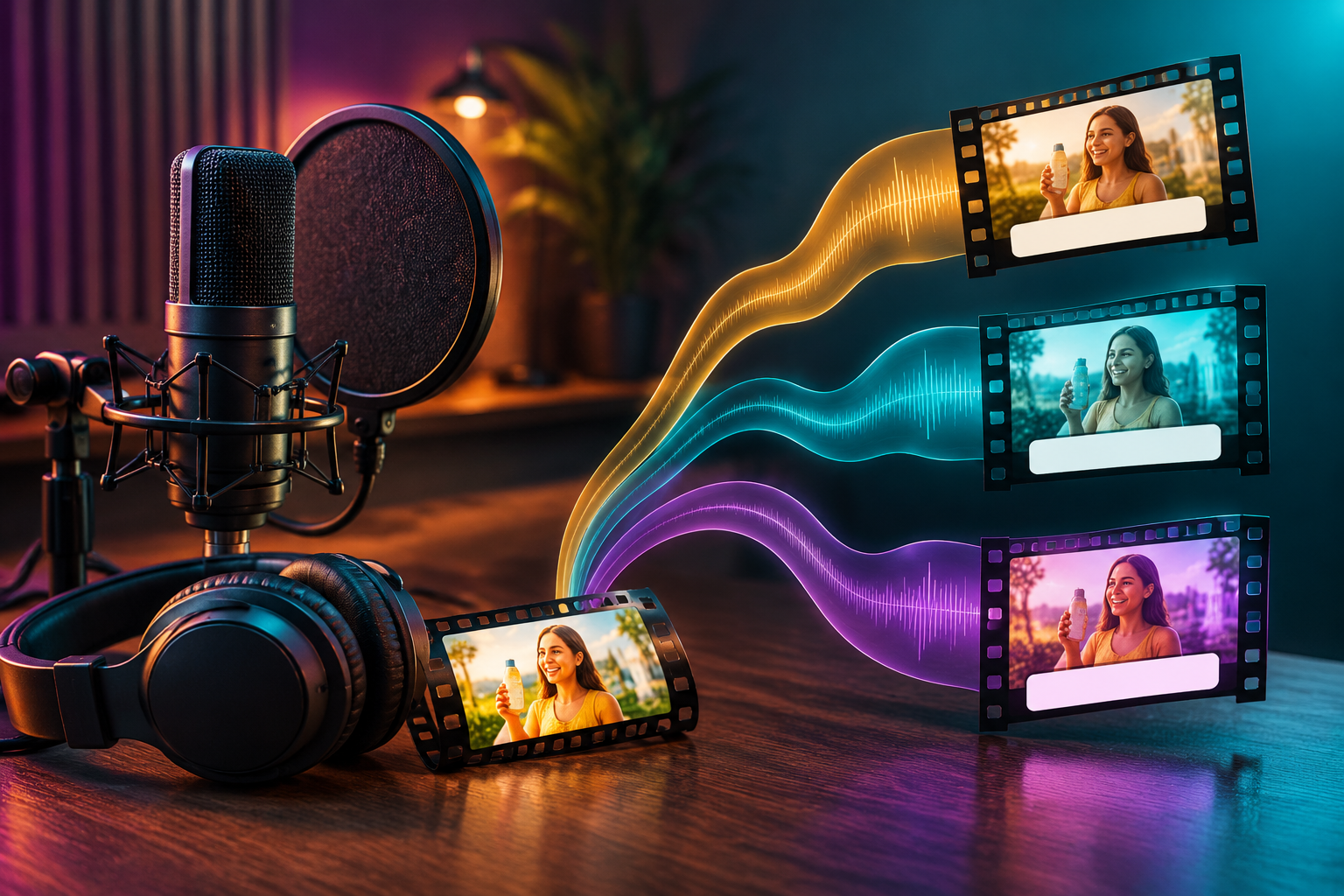
إن إهدار الدولارات على عروض الفيديو الفاشلة لأن طلبك لم يكن مثاليًا يكسر ميزانيتك ويدمر جدولك الزمني للإنتاج. لحسن الحظ, جلوبال جي بي تي تي يوفر بيئة شاملة حيث يمكنك إتقان نصك البرمجي وإنشاء صور أساسية وعرض مقاطع الفيديو النهائية دون التنقل بين اشتراكات مستقلة باهظة الثمن.
تدمج هذه المنصة المتكاملة سير عمل صناعة الأفلام بالكامل. بالنسبة إلى خطة $10.8 Pro Plan فقط، يمكنك التبديل بسلاسة بين أفضل الموديلات مثل GPT-5.4 لكتابة السيناريو، وMidjourney لكتابة السيناريو، وKling 3.0 لرسوم الفيديو المتحركة النهائية. يمكنك الحصول على مخرجات فيديو احترافية بدون قيود منطقة صارمة وبدون الحاجة إلى إدارة حسابات فوترة متعددة...

كيفية استخدام Kling 3.0 مثل المحترفين: ما هو سير عمل الفيديو النهائي؟
يتضمن سير العمل النهائي للفيديو استخدام مرحلة “ما قبل الإنتاج” حيث تقوم بصياغة النصوص باستخدام ذكاء اصطناعي نصي قبل عرض أي شيء في Kling 3.0. لا يكتب المحترفون أفكارهم مباشرةً في مولد الفيديو دون تخطيط أولاً.
- استخدم LLMs كمدير للذكاء الاصطناعي: قبل فتح Kling، استخدم نموذج نصي مثل GPT-5.4 أو Claude 4.6. اطلب من الذكاء الاصطناعي تقسيم فكرة الفيديو الخاص بك إلى لقطات بالكاميرا مدتها 3 ثوانٍ، مع تفصيل الإضاءة وموضع الشخصية وحركة الكاميرا لكل مقطع.
- توليد الصور الأساسية أولاً: غالبًا ما ينتج عن تحويل النص إلى فيديو وجوه شخصيات عشوائية. يستخدم المحترفون مولدات الصور لإنشاء صورة ثابتة مثالية للشخصية، ثم تحميل تلك الصورة إلى Kling 3.0 لتحريكها.
- إدارة نظام الائتمان: يعمل Kling 3.0 Kling 3.0 على نظام ائتماني حيث يكلف كل جيل أموالاً. من خلال تخطيط لقطاتك بنماذج النصوص والصور أولاً، تتجنب إهدار الأرصدة على عروض الفيديو السيئة.
| مرحلة سير العمل | نهج الهواة | نهج المحترفين | النتيجة |
| البرمجة النصية | كتابة أفكار عشوائية في Kling | استخدام GPT-5.4 لكتابة قائمة لقطات منظمة | لا توجد أرصدة مهدرة |
| المرئيات الأساسية | تحويل النص إلى فيديو مباشر | تحويل الصورة إلى فيديو (باستخدام قاعدة ميدجورني/فلوكس) | وجوه شخصية مثالية |
| الرسوم المتحركة | آمل أن يكون تخمين الذكاء الاصطناعي صحيحاً | استخدام فرشاة الحركة لتوجيه الحركات الدقيقة | تحكم سينمائي |

قوالب الموجه
محققة في الثلاثين من عمرها ترتدي معطفًا بيج اللون [المرجع أ] (الموضوع)، تقف داخل مستودع مهجور خافت الإضاءة (المشهد)، تشعل عود ثقاب وترفعه لتفحص دليل على الحائط (الحركة)، لقطة متوسطة تتدفع ببطء إلى لقطة مقربة للغاية لوجهها (الكاميرا)، إضاءة درامية كياروسكورو دراماتيكية، توهج عود ثقاب دافئ مقابل إضاءة محيطة زرقاء باردة (الإضاءة)، فيلم وثائقي سينمائي شجاع (الأسلوب)، 4k فائق الوضوح، حبيبات الفيلم (الجودة). --v 3.0_omniكيف يمكنك كتابة العمود الفقري المثالي لـ Kling 3.0 موجه 3.0؟
يمكنك كتابة العمود الفقري المثالي لموجه Kling 3.0 باتباع معادلة صارمة من 7 خطوات: الموضوع والمشهد والحركة والكاميرا والإضاءة والأسلوب والجودة. هذا النهج المنظم يمنع الذكاء الاصطناعي من الخلط بين العناصر العشوائية والجمع بينها.
- اتبع الصيغة المكونة من 7 خطوات: اكتب مطالبتك دائماً بهذا الترتيب الدقيق. على سبيل المثال: “امرأة شابة (موضوع)، في مقهى نيون (مشهد)، تشرب القهوة (حركة)، تكبير بطيء (كاميرا)، إضاءة سينمائية دافئة (إضاءة)، واقعية (أسلوب)، جودة فائقة الوضوح 4K (جودة).”
- فكر في تسلسلات قصيرة: يسمح لك Kling 3.0 بما يلي توليد ما يصل إلى 3 دقائق من الفيديو, ، ولكنه يعمل بشكل أفضل عندما تطلبه في مقاطع تتراوح مدتها من 10 إلى 15 ثانية.
- استخدم الأفعال التي تتطلب الفعل: تجنب الكلمات الغامضة مثل “سعيد” أو “مشغول”. استخدم أفعالًا فيزيائية قوية مثل “يركض” أو “يتحرك” أو “يسقط” حتى يعرف محرك الذكاء الاصطناعي بالضبط ما هي الفيزياء التي يجب محاكاتها.
| عنصر العمود الفقري الموجه | مثال سيء | مثال للمحترفين |
| الموضوع والعمل | رجل يبدو رائعاً | رجل يرتدي بدلة يعدل ربطة عنقه الحمراء |
| حركة الكاميرا | التنقل | تكبير بطيء متحرك بطيء يدفع للأمام |
| الإضاءة والأناقة | إضاءة جيدة | إضاءة نيون عالية التباين وعدسة سينمائية 35 ملم |

كيف يمكنك الحفاظ على اتساق الشخصية عبر مشاهد متعددة؟
يمكنك الحفاظ على اتساق الشخصية عبر مشاهد متعددة من خلال استخدام ميزة ’ربط العناصر“ في Kling 3.0 وتأمين ثوابت الخلفية الخاصة بك. هذا يمنع وجه شخصيتك أو ملابسك من التغيير عندما تتحرك الكاميرا.
- تجليد العنصر الرئيسي: يتيح لك Kling 3.0 تثبيت هوية الشخصية. تقوم بتحميل صورة مرجعية لممثلك، وسيضمن لك الذكاء الاصطناعي بقاء الوجه الدقيق متطابقًا في جميع تسلسلات متعددة اللقطات.
- تأمين الثوابت: إذا كانت شخصيتك في “زقاق ممطر”، يجب عليك تضمين “زقاق ممطر” في كل مطالبة في هذا المشهد. إذا نسيت ذلك في اللقطة 2، سيغير الذكاء الاصطناعي الخلفية فجأة إلى شارع مشمس.
- تجنب الإفراط في الوصف لاحقاً: بمجرد أن تحدد الشخصية في اللقطة الأولى، يمكنك استخدام “موجز إبداعي” أقصر للقطات التالية، مما يسمح لمنصات مثل GlobalGPT بنقل سير عملك بسلاسة من إنشاء الصورة مباشرةً إلى اختبار تناسق الفيديو.
| الميزة | ما هي وظيفتها | لماذا يستخدمه المحترفون |
| ربط العنصر | أقفال ملامح الوجه والملابس | منع الشخصيات من التحول إلى أشخاص مختلفين |
| صور مرجعية | يستخدم صورة بدلاً من النص لتوجيه الذكاء الاصطناعي | تضمن مطابقة الألوان بدقة للمنتجات أو الملابس |
| ثوابت الموجه | تكرار الكلمات المفتاحية الخلفية | يحافظ على البيئة مستقرة أثناء تحريك الكاميرا |
مصفوفة الاتساق: Kling 2.0 مقابل Kling 3.0 PRO
ما هي أفضل الإعدادات للتحكم المتقدم في الحركة والصوت الأصلي؟
تتطلب أفضل الإعدادات للتحكم المتقدم في الحركة استخدام فرشاة الحركة، بينما يتطلب الحصول على صوت أصلي اختيار طراز Kling 3.0 Omni من لوحة التحكم لتمكين مزامنة الشفاه.
- الرسم باستخدام فرشاة الحركة: لا تكتب فقط “السيارة تتحرك للأمام”. ارفع صورتك، وحدد فرشاة الحركة، وقم بتمييز السيارة، وارسم سهمًا يشير إلى الأمام. يضمن ذلك حركة مثالية بالبكسل دون تشويه الخلفية.
- قم بتفعيل Kling 3.0 أومني للصوت: فيديو Kling Video 3.0 القياسي صامت. يجب التبديل إلى إصدار Omni لتوليد مؤثرات صوتية بيئية أصلية و مزامنة شفاه مثالية.
- استخدم عرض النص الأصلي: إذا كنت بحاجة إلى لوحة إعلانية أو شاشة واجهة مستخدم في الفيديو الخاص بك، يتيح لك Kling 3.0 وضع كلمات دقيقة بين علامات اقتباس داخل مطالبتك. سيعرض الذكاء الاصطناعي طباعة واضحة ومقروءة بدلاً من النص الفضائي الضبابي.
| الميزة | نموذج الفيديو القياسي | نموذج فيديو أومني | حالة الاستخدام للمحترفين |
| الصوت | صامت | الصوت الأصلي والحوار | مقابلات الشخصيات والمشاهد السينمائية |
| فرشاة الحركة | نعم | نعم | التحكم في المياه المتساقطة وقيادة السيارات |
| عرض النص | ضبابية / عشوائية | كريستال كلير | الإعلانات التجارية التي تحمل شعارات العلامة التجارية |

لماذا يتحول صانعو الأفلام المحترفون إلى منصات الذكاء الاصطناعي المتكاملة؟
يتحول صانعو الأفلام المحترفون إلى منصات الذكاء الاصطناعي المتكاملة لأن التنقل بين المواقع المستقلة يتسبب في تأخير تكاليف الاشتراك الخفية.
- تجنب إرهاق الاشتراك: شراء باقات منفصلة لباقات ChatGPT وMidjourney وKling AI قد يكلف أكثر من $60 شهرياً. تجمع منصات الكل في واحد هذه الأدوات القوية معاً مقابل جزء بسيط من التكلفة.
- إيقاف الاعتمادات المهدرة: عندما تدفع مقابل كل توليد فيديو على المواقع المستقلة، فإن كل خطأ يكلفك المال. غالبًا ما توفر المنصات الموحدة حدودًا أعلى للاستخدام، مما يتيح لك اختبار وإتقان مطالباتك دون ضغوط مالية.
- خط الأنابيب السلس: نقل ثقيل مقاطع فيديو بدقة 4K على غرار سورا بطيء. يريد المحترفون كتابة البرنامج النصي وإنشاء المرجع وعرض الفيديو النهائي داخل علامة تبويب متصفح واحدة.

| فئة النفقات | شراء الأدوات المستقلة | استخدام منصة الكل في واحد |
| توليد النص (نص برمجي) | ~حوالي $20 / شهر | مشمول |
| توليد الصور (القاعدة) | ~ $10 - $30 / الشهر | مشمول |
| توليد الفيديو (كلينغ) | ~ $8 - $30+/شهريًا | مشمول |
| التكلفة الإجمالية المقدرة | $38 - $80+/شهرياً | أقل من $15 / شهر |
تكاليف الاشتراك الشهري لصانع الأفلام: مستقل مقابل الكل في واحد
كيف يمكنك إصلاح أخطاء الفيديو الشائعة في الذكاء الاصطناعي والهلوسة؟
يمكنك إصلاح أخطاء الفيديو الشائعة للذكاء الاصطناعي عن طريق تجنب المطالبات الطويلة جدًا والحد من حركات الكاميرا الشديدة. يتسبب إعطاء الذكاء الاصطناعي الكثير من التعليمات في وقت واحد في حدوث خلل أو ذوبان الشخصيات.
- توقفي عن الإفراط في الوعظ: إذا كانت مطالبتك عبارة عن فقرة ضخمة، فإن الذكاء الاصطناعي سيشعر بالارتباك. اختصر مطالبتك في “موجز إبداعي” موجز. ركز فقط على الإجراء الأكثر أهمية في الإطار.
- تقليل حركة الكاميرا: إذا بدت الوجوه مشوهة أو كانت الخلفيات متقطعة، فعادةً ما يكون ذلك بسبب طلبك لحركة كاميرا طائرة بدون طيار سريعة. قم بتغيير مطالبتك إلى “لقطة ثابتة للحامل ثلاثي القوائم” لإصلاح الخلل على الفور.
- استخدم دائماً المجموعات الضابطة: اختبر مقطع فيديو مدته 3 ثوانٍ أولًا قبل عرض تسلسل كامل متعدد اللقطات مدته 15 ثانية. إذا كان الاختبار الذي مدته 3 ثوانٍ يبدو سيئًا، فقم بتعديل المطالبة قبل إهدار المزيد من الأرصدة على عرض أطول.
| الخطأ الشائع | السبب الجذري | كيفية إصلاحه كالمحترفين |
| ذوبان الوجوه / الالتواء | حركة الكاميرا السريعة جداً | استخدم “قفل الكاميرا مغلقة” أو “لقطة ثلاثية القوائم” |
| يتغير لون الكائن | لم يتم تحميل أي صورة مرجعية | استخدم ربط العنصر لقفل الكائن |
| نص فوضوي / غريب | استخدام نموذج كلينج الخاطئ | قم بالتبديل إلى Kling Video 3.0 Omni واستخدم علامات الاقتباس |
الأسئلة الشائعة
هل كلينج 3.0 أفضل من سورا؟
يتميز Kling 3.0 بتنافسية عالية مع Sora، خاصةً بالنسبة للفيديو الطويل، حيث يقدم تناسقًا فائقًا للشخصية وتحكمًا مثاليًا في الحركة لمدة تصل إلى 3 دقائق.
كيف يمكنني جعل مقاطع فيديو Kling 3.0 أطول؟
يمكنك جعل مقاطع فيديو Kling 3.0 أطول من خلال استخدام ميزة توليد اللقطات المتعددة، مما يسمح لك بتسلسل عدة مقاطع من 10 إلى 15 ثانية في خط زمني واحد متصل.
هل يحتوي Kling 3.0 على صوت؟
نعم، إذا قمت بتحديد طراز Kling Video 3.0 Omni من Kling Video 3.0، فيمكنه إنشاء مؤثرات صوتية بيئية أصلاً ومزامنة حركات الشفاه مع الحوار متعدد اللغات.
ما هو الحد الأقصى لطول الفيديو في Kling 3.0؟
يمكن ل Kling 3.0 توليد تسلسلات قصصية متواصلة وواقعية للغاية تدوم حتى 3 دقائق للمستخدمين من المؤسسات والمحترفين.
الخاتمة
يتطلب إتقان Kling 3.0 تجاوز المدخلات النصية الأساسية واعتماد سير عمل احترافي. من خلال إنشاء عمود فقري سريع قوي، والاستفادة من Element Binding لتحقيق الاتساق، واستخدام نموذج Omni للصوت الأصلي، يمكن للمبدعين إنتاج تسلسلات سينمائية متعددة اللقطات حقًا. وبدلاً من إهدار الوقت والميزانية على أدوات مجزأة، فإن تبسيط عملية الإنتاج بالكامل - من السيناريو إلى العرض النهائي - هو المفتاح لتوسيع نطاق إخراج فيديو الذكاء الاصطناعي بكفاءة.