1. Choose your video
Select an MP4, WebM, or M4V video up to 200 MB and 60 seconds from your media library.

Assess likely AI-generated or manipulated signals across text, images, and video. Results indicate risk, not proof.
MP4, WebM or M4V · up to 200 MB and 60 seconds
Review each probability signal together with the source and surrounding context.
Detection results are probability-based risk assessments and are not absolute proof of authorship or manipulation.
Understand the result
An AI video detector analyzes visual and manipulation signals in a selected frame to estimate whether it may contain AI-generated or deepfake content. It provides a probability-based risk assessment, not absolute proof.
Three simple steps
Select an MP4, WebM, or M4V video up to 200 MB and 60 seconds from your media library.
Choose a point in the video; GlobalGPT captures and analyzes only that current frame.
Review the AI-generated image and deepfake signals for the selected timestamp.
Separate, explainable signals
Estimates whether visual content contains patterns associated with AI-generated footage.
Reviews possible face-swap or identity-manipulation risk. When no applicable face signal is available, the result shows N/A.
Read the evidence
Review visual AI-generation and deepfake signals separately for the selected frame.
Use the player or frame selector to choose the exact moment. Each analysis returns results only for that timestamp.
A high score is not a measurement of how much of the video was created by AI. It shows how strongly the analyzed signal matches a risk category.
Know the difference
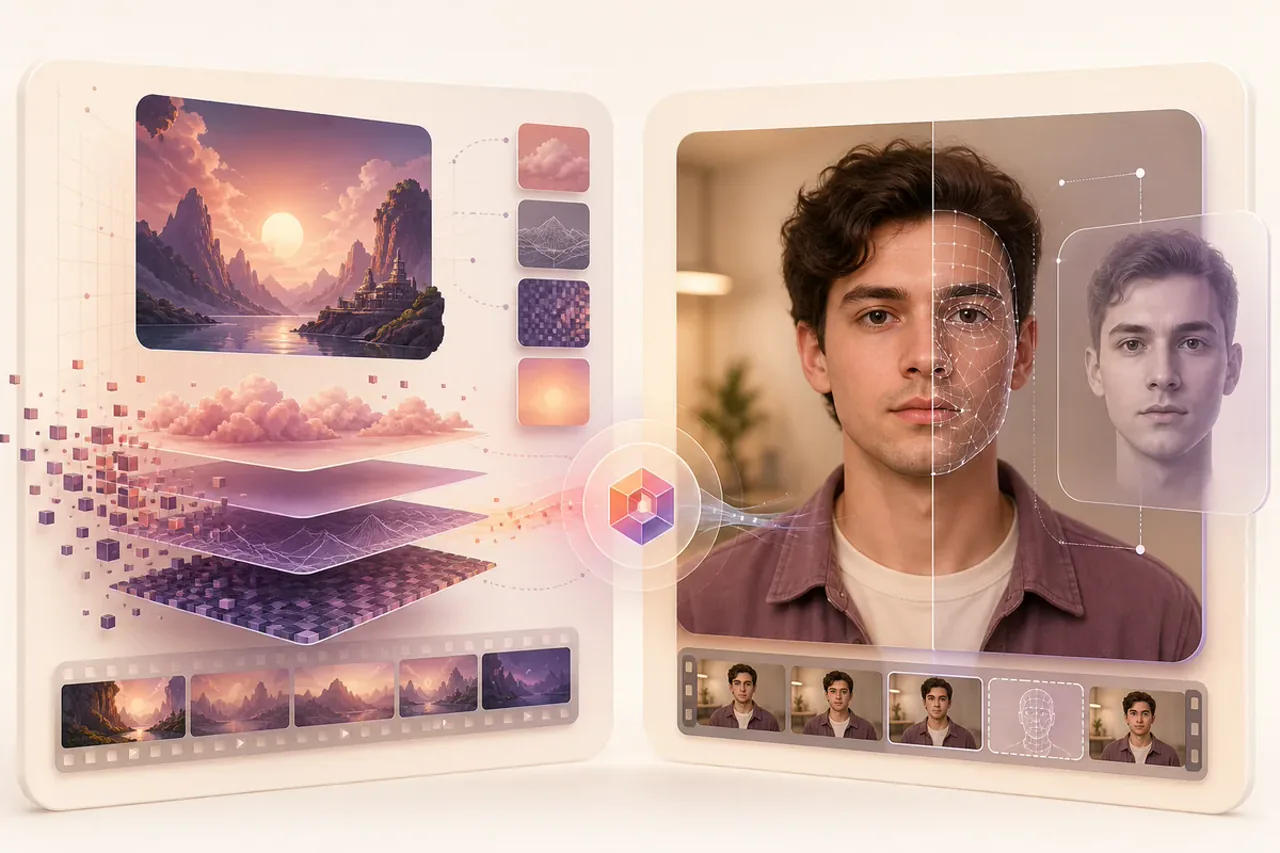
Some or all of the scene, subject, motion, background, or complete clip may have been created with generative AI.
A face, identity, expression, or visible action may have been synthetically altered or imitated.
Use results responsibly

Social platforms and messaging apps may reduce useful visual detail.
Cropping, filters, overlays, and repeated exports can change detectable signals.
The detector may have fewer frames and less information to evaluate.
One video can combine real footage, generated scenes, edited visuals, and synthetic elements.
New or unfamiliar patterns may be harder to assess as AI video technology changes.
Practical checks
Check a permitted saved copy of a viral or unexpected clip before reposting it.
Add an extra review signal when moderating videos uploaded by users.
Identify footage that may require source confirmation or further investigation.
Review a frame that appears to imitate a person or organization.
Common questions
Detectors can identify visual and manipulation signals associated with synthetic media, but the result cannot independently prove that a video is AI-generated or authentic.
Yes. GlobalGPT reports a separate deepfake risk signal when that metric applies.
You can choose MP4, WebM, and M4V video files.
The maximum supported file size is 200 MB and the maximum duration is 60 seconds.
No. A high score indicates that the detector found signals associated with a risk category; it is not proof of origin or authorship.
No. The current page analyzes media selected from your GlobalGPT library and does not fetch public social-media links.
Review before you trust or share
Review the current frame's AI-generation and deepfake signals together in one report.