Search and source discovery · Search workspace
Perplexity Search
Investigate a topic, compare source material and refine the question with follow-ups. Check the original pages for dates, quoted wording and support for important claims.


Start with a focused question, find a trail of sources and check what supports the answer. Use Perplexity alongside other AI models in one GlobalGPT workspace.
Curated by GlobalGPT Review Team
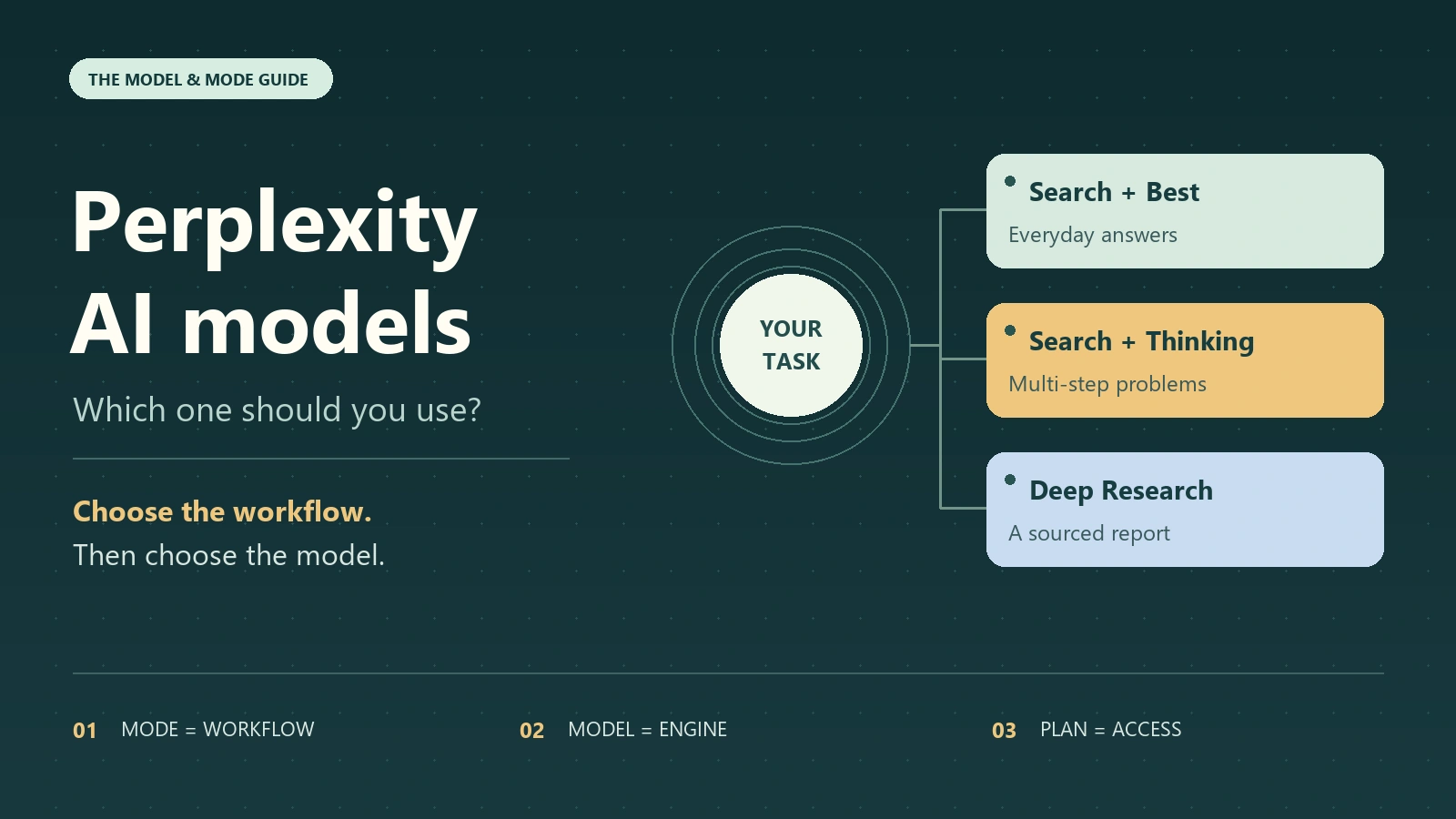
Use Perplexity to investigate a question, then open the original sources behind important claims. GlobalGPT’s search entry, Perplexity’s official app and its developer APIs are separate routes with their own tools and account rules.
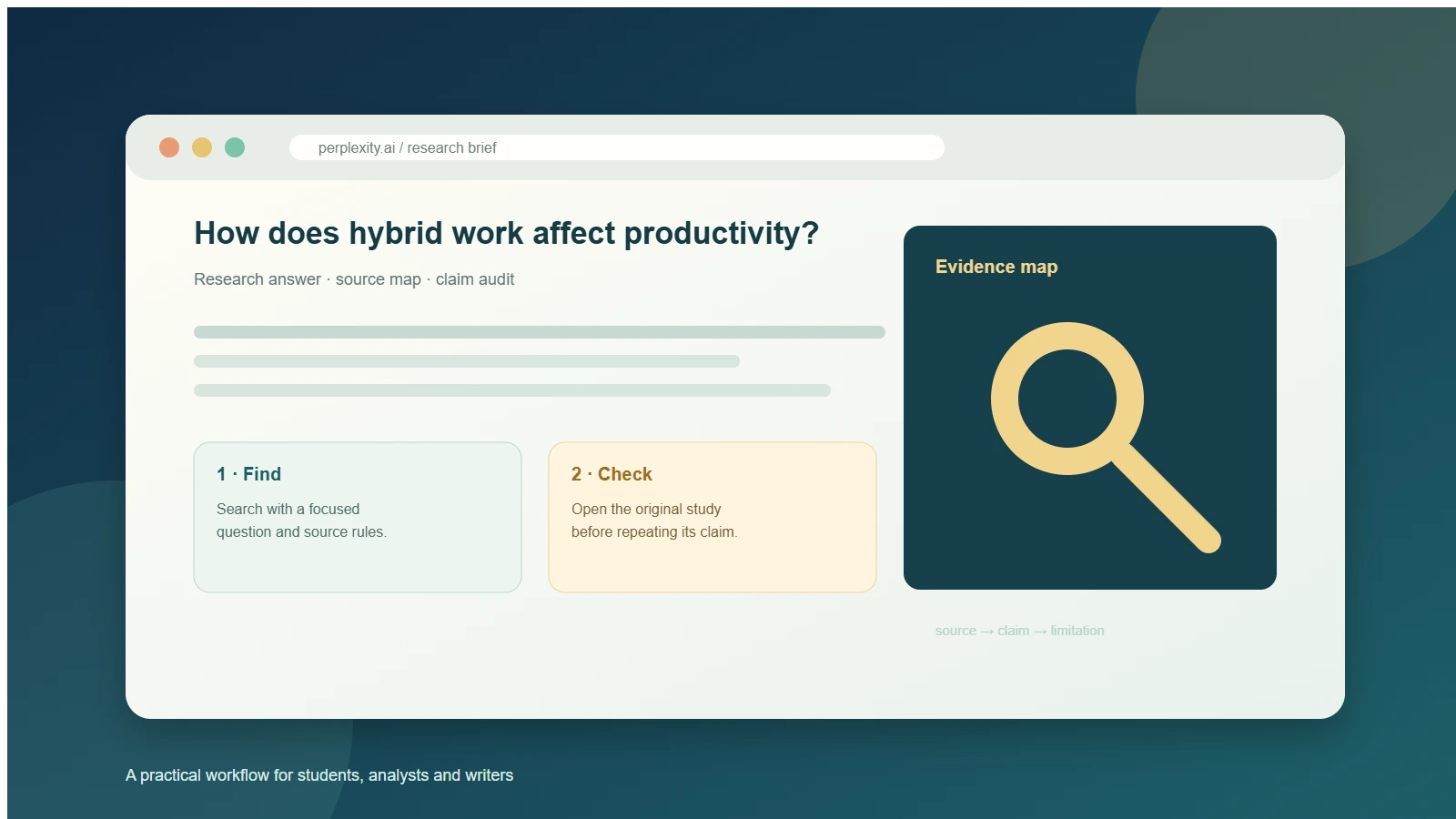
Choose the verified Perplexity search entry in GlobalGPT. Ask for a focused answer, a date range and the evidence you need; open important sources before relying on the result.
Investigate a topic, compare source material and refine the question with follow-ups. Check the original pages for dates, quoted wording and support for important claims.
A familiar model name does not bring every feature of its provider’s app. Choose the route that supplies the tools, account controls and billing your work needs.
| Model | Use it for | Access and scope | Check before relying on it |
|---|---|---|---|
| Perplexity on GlobalGPTGlobalGPT | Search as part of a broader multi-model workflow | GlobalGPT’s Perplexity entry and account rules | Check the selected workspace and sources. Official app modes and API billing are separate. |
| Official Perplexity AppPerplexity | Workflows that need Perplexity’s native app features | Free or paid app access according to the current plan | Confirm which models, modes and file tools your account includes. |
| Perplexity Developer APIsPerplexity | Building source-grounded answers or search into an application | Developer key, usage-based billing and API-specific tools | Use current API documentation; an app or GlobalGPT subscription is not an API key. |
Start with the basics, improve your search and source checks, or explore comparisons and developer workflows. App-specific features in linked guides belong to the route each article describes.
Understand the search workflow and the difference between an app mode and a model.
Replace the template fields with your question, audience, dates and source preferences. Ask for unknowns and conflicting evidence to stay visible.
Define the decision, time range and preferred sources. Ask for supported findings rather than a padded list.
Research Prompt TemplatesKeep the criteria and product versions consistent. Ask which claims are verified and which still need checking.
Comparison Prompt TemplatesSpecify the audience, format and evidence table. Separate facts, estimates and recommendations.
Report Prompt TemplatesAsk for the exact supporting passage and date. Mark missing evidence instead of substituting a plausible source.
Source-Verification Prompt TemplatesStart with Perplexity search, then use GlobalGPT’s related tools to read documents, summarize material and review wording. The document and writing tools use their own workflows and are not presented as Perplexity-powered.
 01
01Open the verified Perplexity workspace, investigate a focused question and inspect the sources behind important claims.
GlobalGPT
02Condense pasted material or a supported file into key points. Review names, dates, figures and qualifications against the original.
GlobalGPT
 03
03Upload a PDF and ask questions about its contents. Check the answer against the original document and its surrounding context.
GlobalGPT
04Review grammar, spelling and clarity in your research notes or final brief. Apply suggestions that preserve the meaning; source verification is a separate step.
GlobalGPT
Official documentation explains product and developer scope. GlobalGPT guides explain workflows; the original source remains the authority for a claim.
Start in Perplexity, check the sources and move the useful findings into your next brief, draft or decision.