

AI Snoopy Filter
Prompt Guide
Model
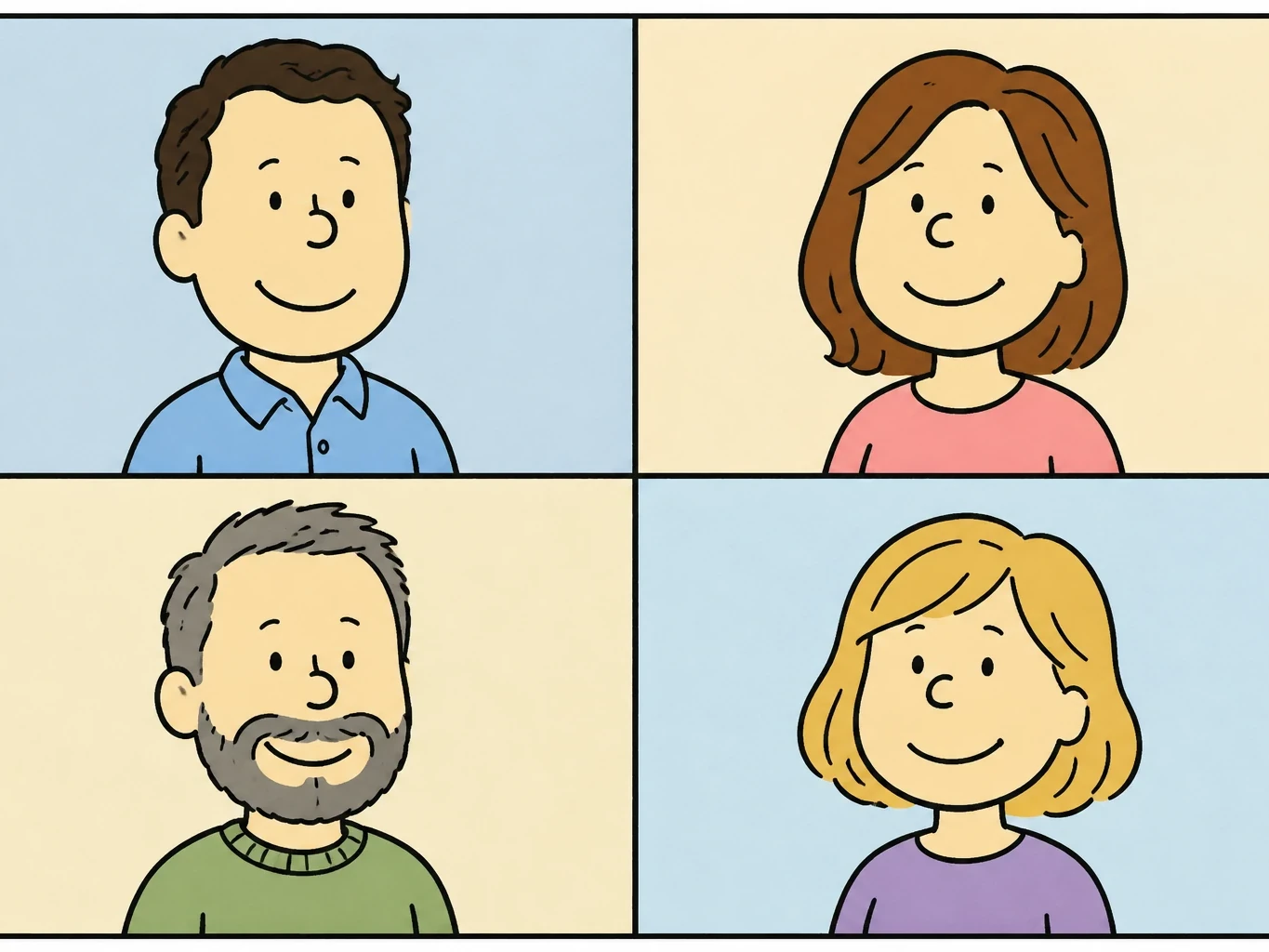
AI Snoopy Filter
Create a warm comic cartoon version of your favorite photo without drawing it by hand. This photo filter turns selfies, couple photos, profile pictures, and pet portraits into soft ink-and-pastel images that feel playful, nostalgic, and share-ready while staying original.
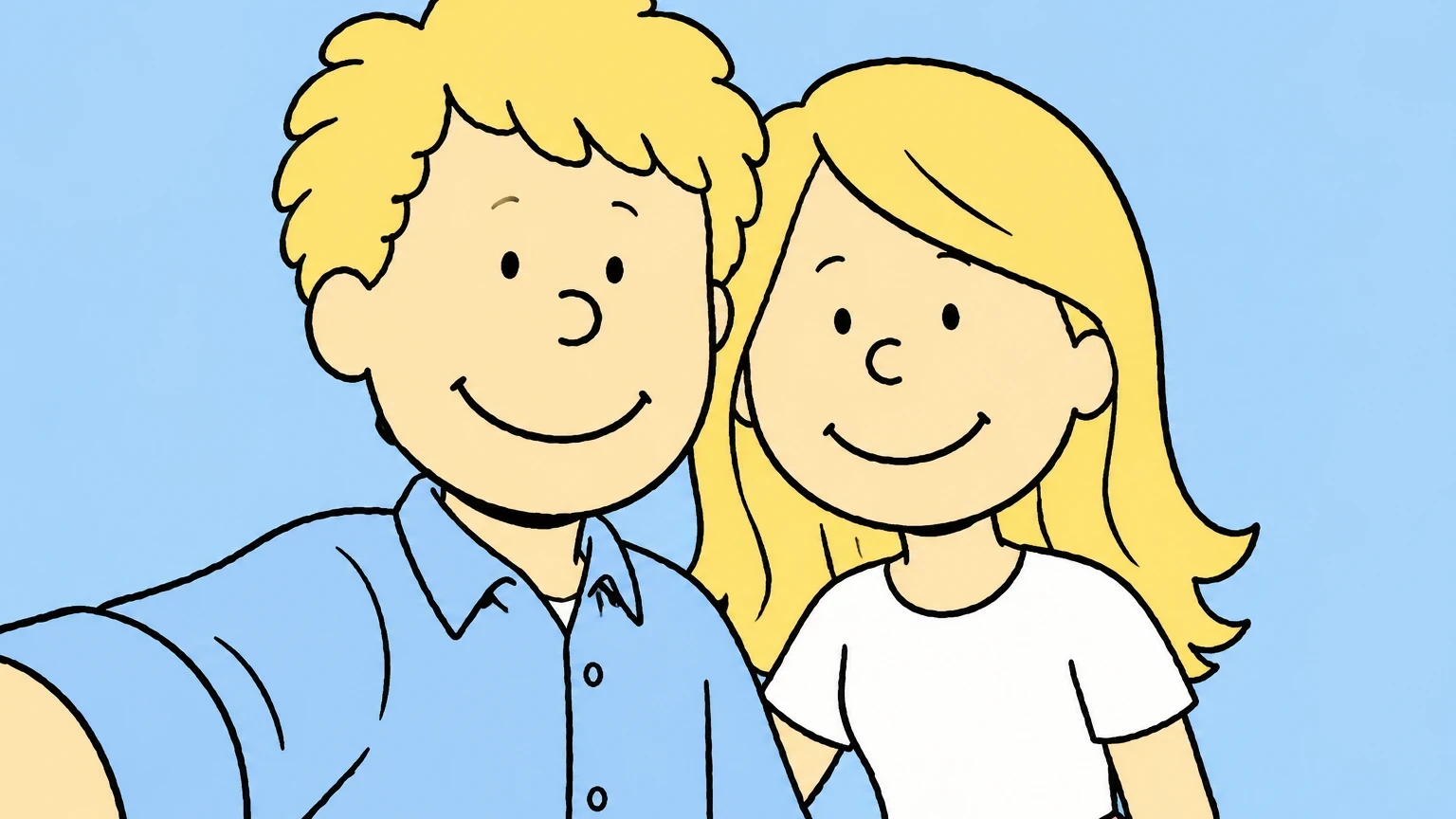
How to Use the AI Snoopy Filter
The AI Snoopy filter is easiest to control when you describe the photo subject, comic style, and finish in one prompt. Keep the result original by asking for a warm newspaper-comic feel instead of naming an exact character copy.
Upload a clear photo
Start with a selfie, couple picture, pet portrait, or profile image where the face and pose are easy to see. Clear photos give the filter better structure to transform.
Describe the comic look
Ask for clean black ink outlines, pastel colors, cream paper texture, simple facial features, and a friendly expression. Add no logo and no readable text for cleaner results.
Generate and refine
Review the first result, then adjust reference strength, color softness, line thickness, background, or expression until the comic version feels polished and share-ready.
AI Snoopy Filter Ideas
Use this comic-photo filter for playful, original transformations that work for avatars, couple posts, family keepsakes, travel memories, pet portraits, and profile images. These examples avoid logos, readable text, and exact character copies.
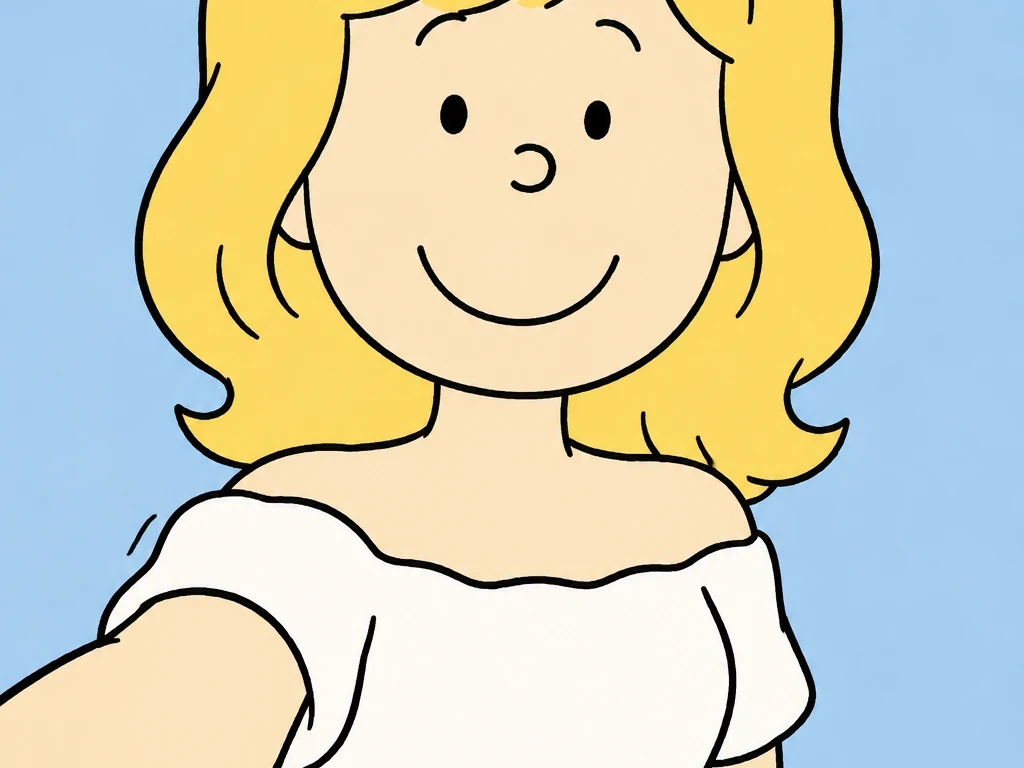 Selfies and Avatars
Turn this selfie into an original cozy comic cartoon portrait with simple black linework, pastel color, cream paper texture, clean face detail, no existing characters, no logos, no readable text.
Try This Style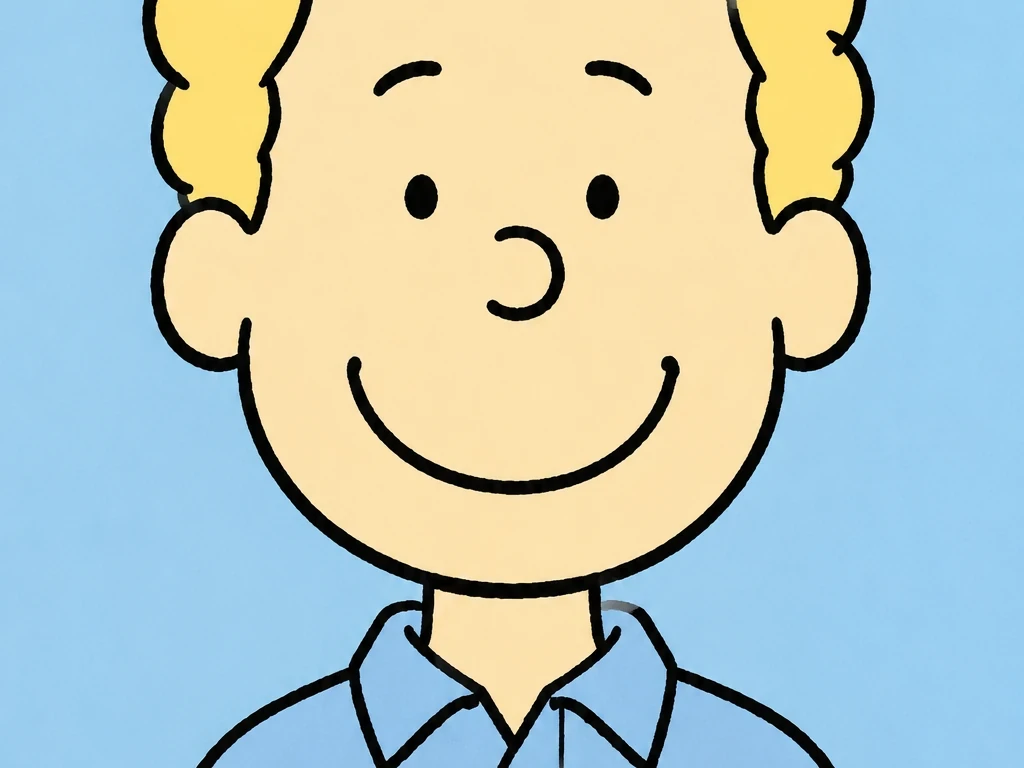 Selfies and Avatars
Turn this profile photo into an original comic strip avatar with warm line art, clean skin tones, pastel shirt, cream paper background, no existing characters, no logos, no readable text.
Try This Style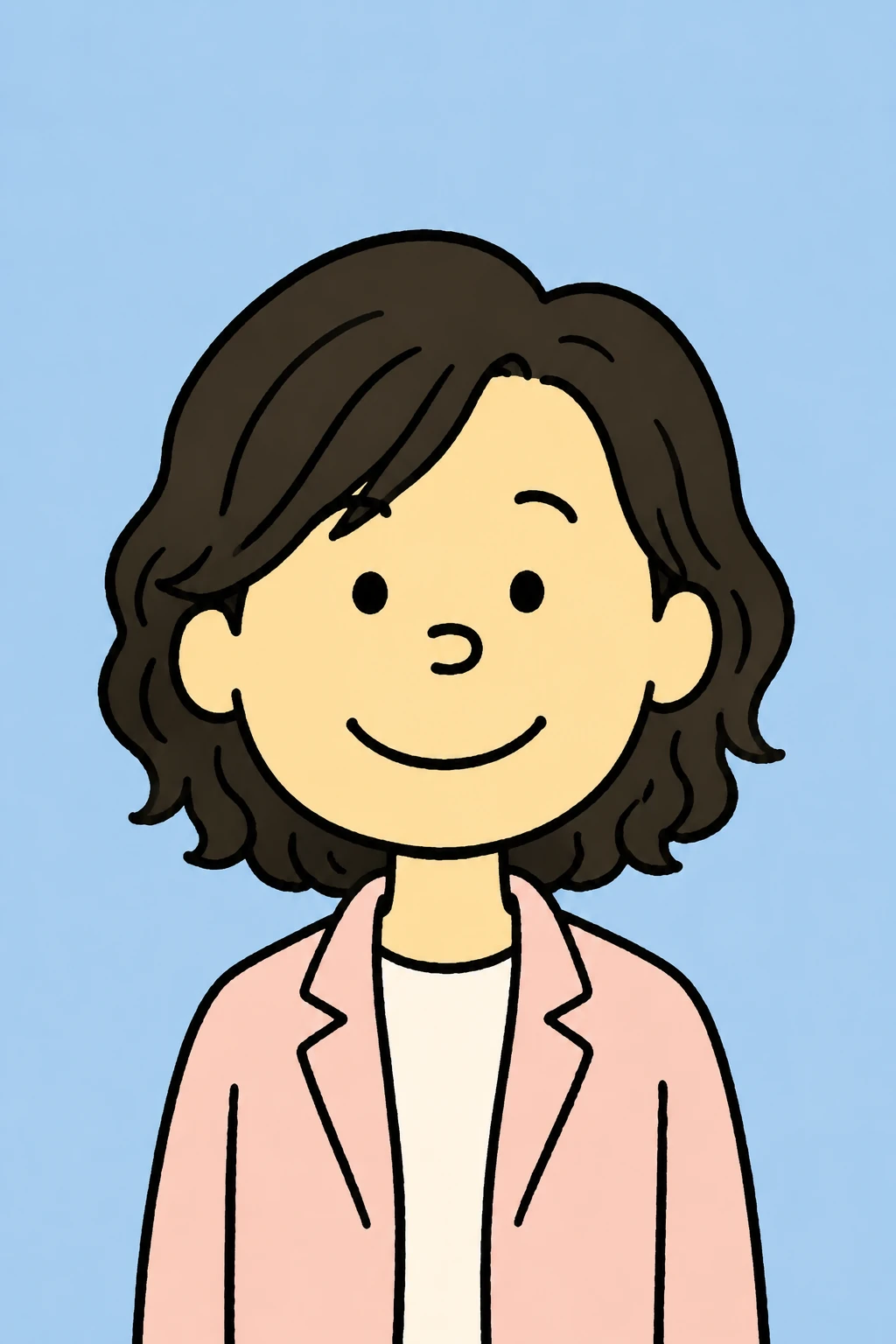 Selfies and Avatars
Turn a studio portrait into an original soft comic cartoon avatar with clean face detail, black ink outlines, pastel colors, and cream paper texture, no logos, no text.
Try This Style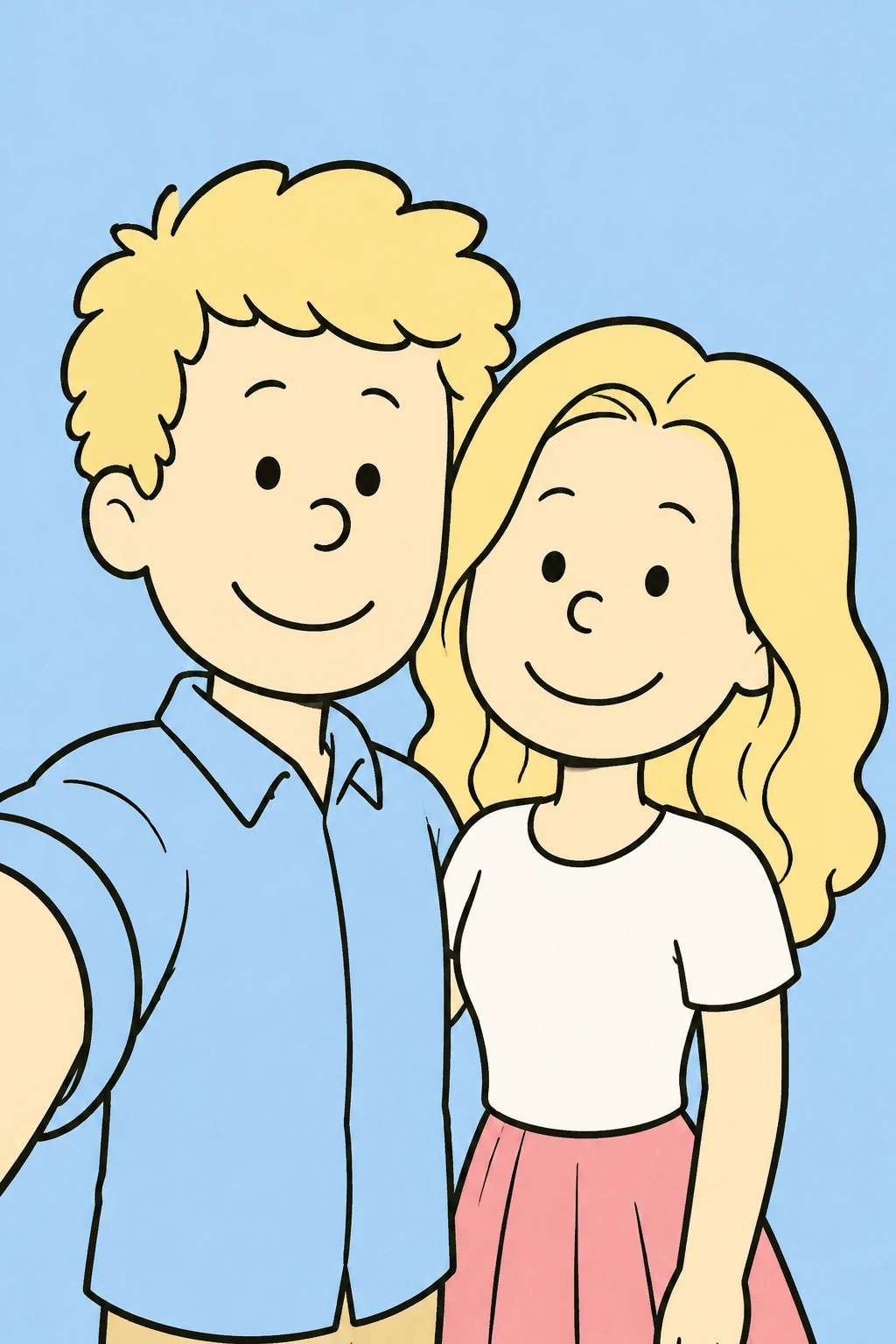 Couples and Friends
Transform a couple beach selfie into an original hand-drawn comic portrait with warm sunshine, black ink outlines, soft colors, and cream paper texture.
Try This Style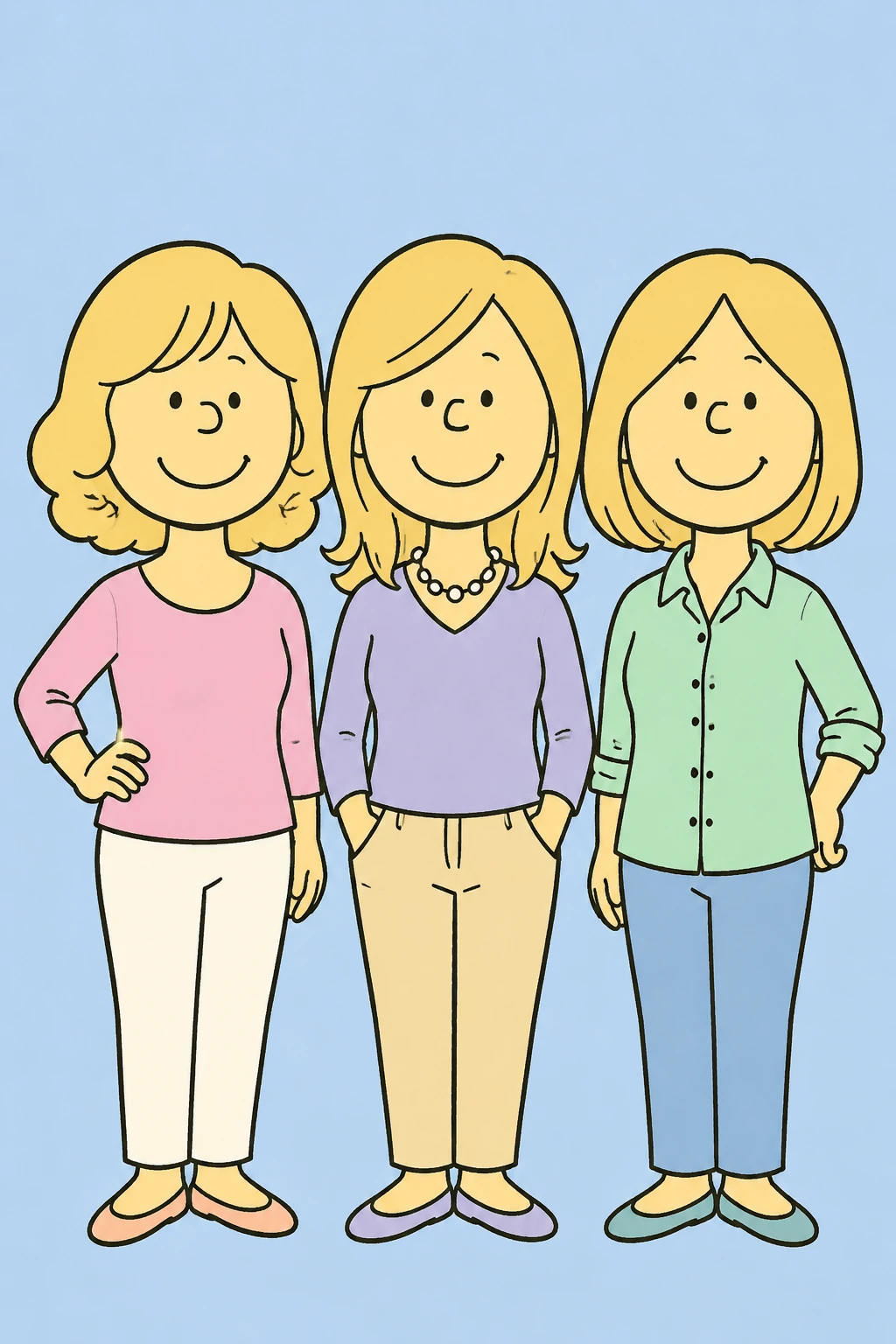 Couples and Friends
Turn a group of adult friends into an original Sunday newspaper comic portrait with simple expressive faces, pastel outfits, and cream paper texture.
Try This Style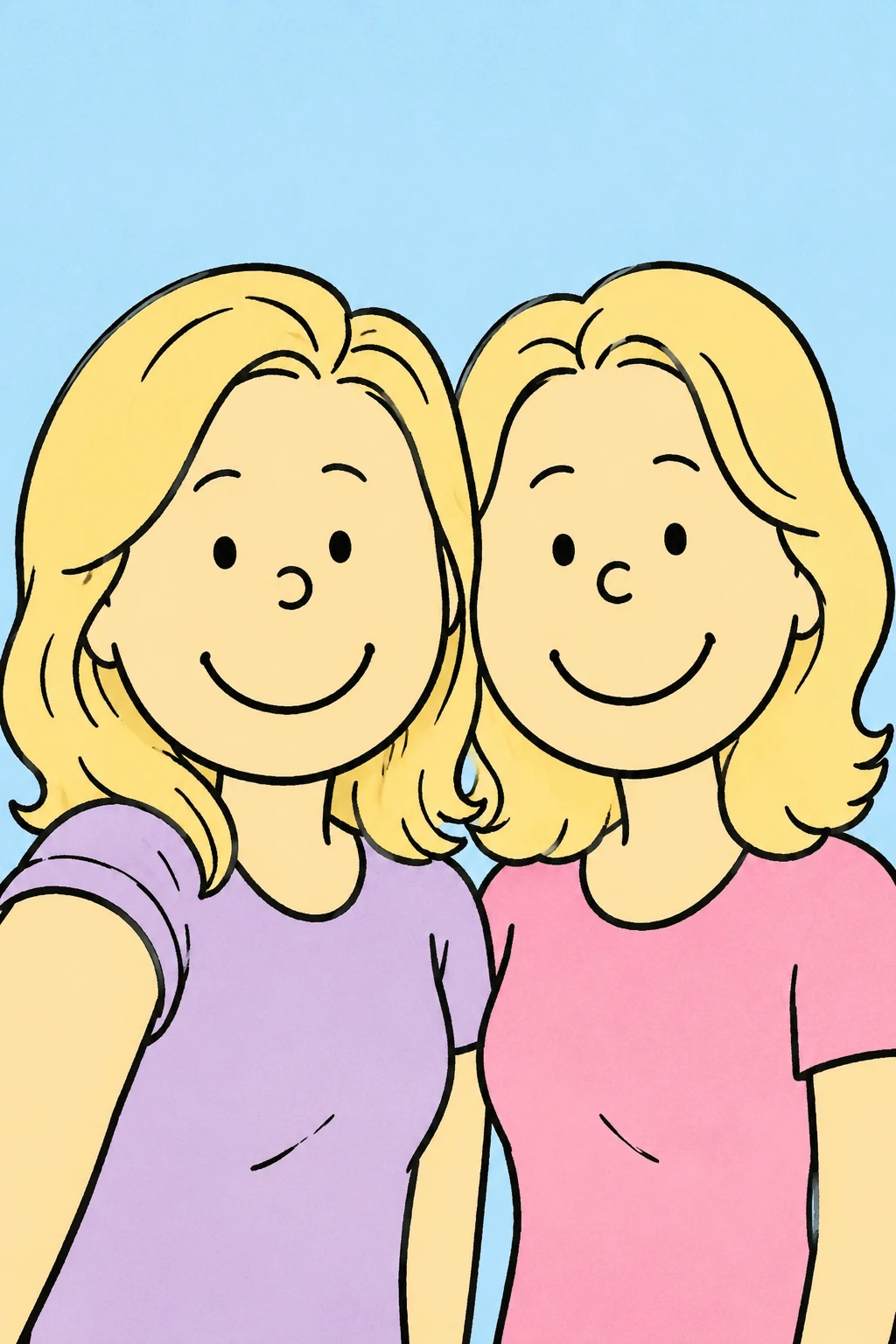 Couples and Friends
Create a casual friends photo as a soft comic strip style image with clean outlines, warm color, and no readable text.
Try This Style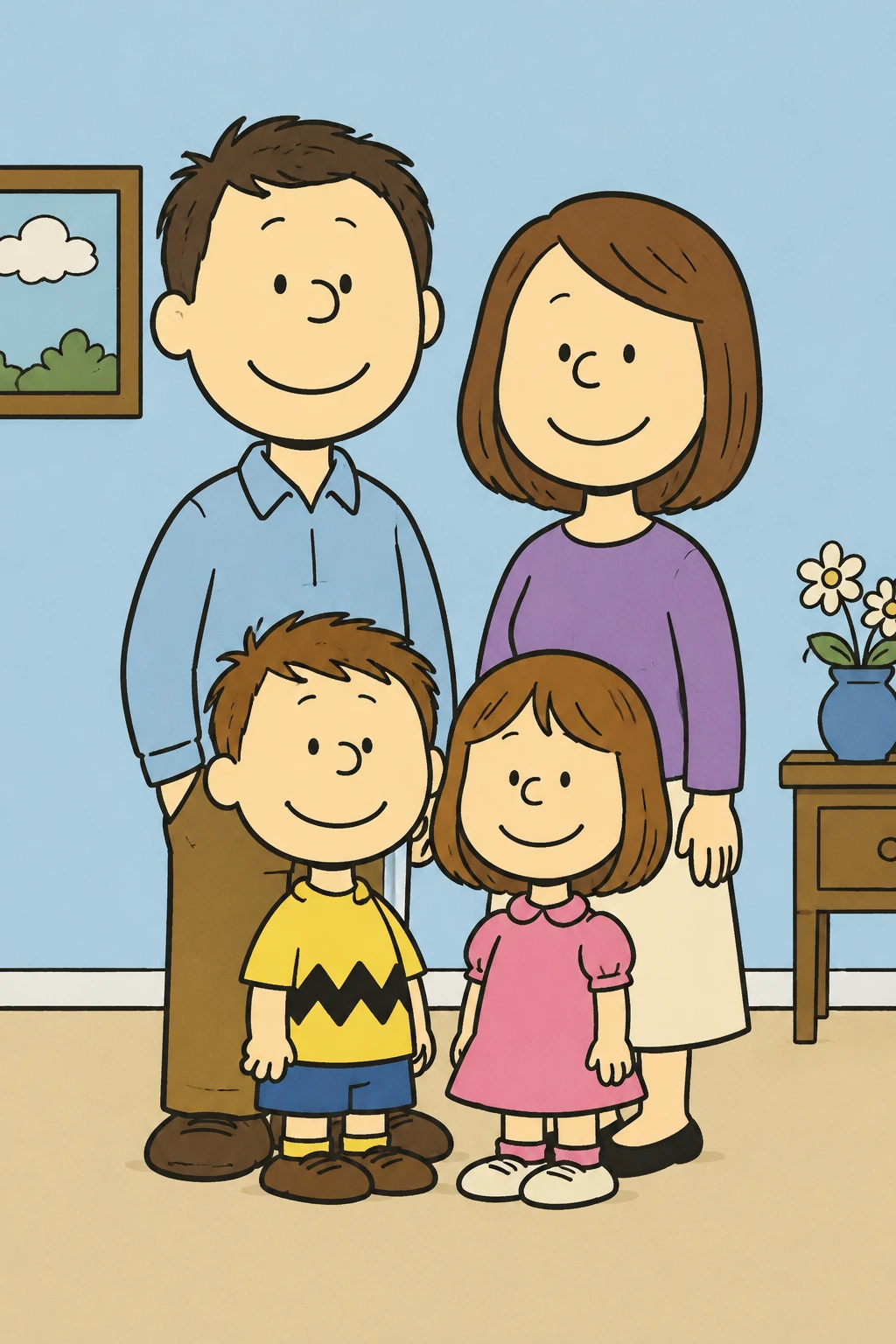 Family and Pets
Transform a family portrait into an original gentle comic cartoon keepsake with clean faces, warm indoor light, black ink outline, and pastel fills.
Try This Style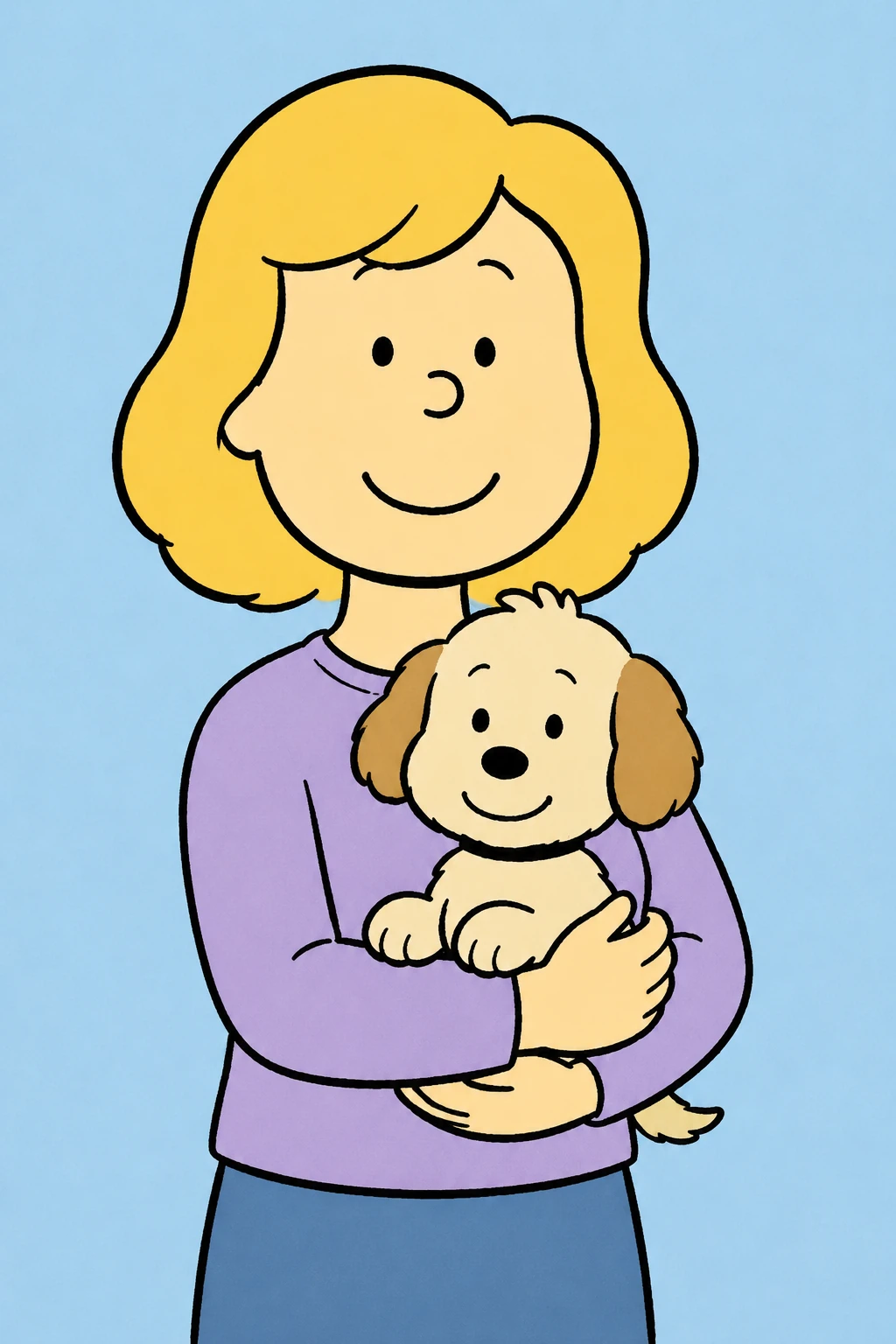 Family and Pets
Turn a pet-and-owner photo into an original playful comic portrait with warm pastel colors, black ink linework, cream paper texture, no existing characters.
Try This Style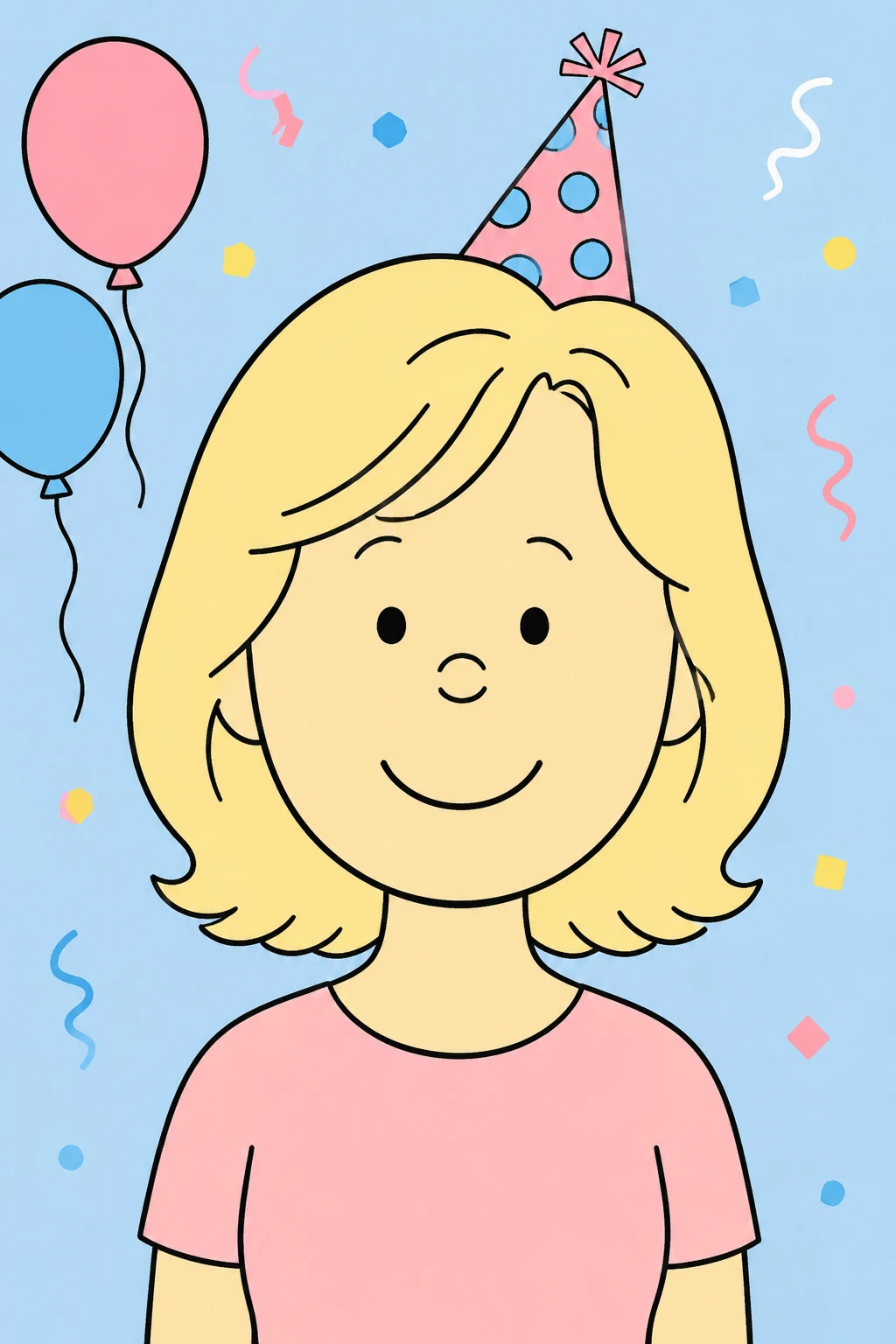 Keepsakes and Travel
Transform a birthday portrait into an original cheerful comic cartoon keepsake with a simple party background, black ink outlines, and pastel colors.
Try This Style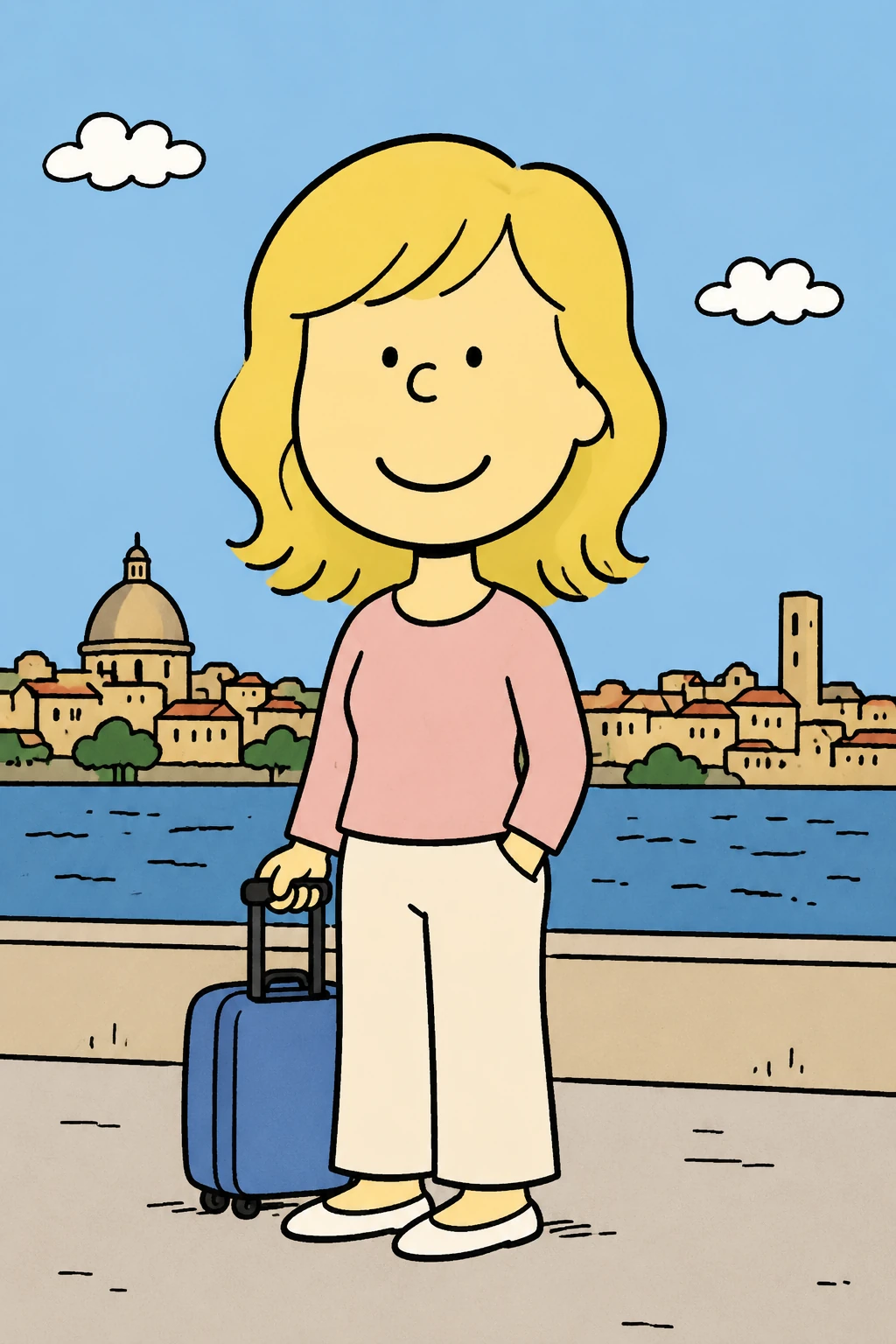 Keepsakes and Travel
Turn a travel photo into an original warm comic strip illustration with a sunny city street, black ink outline, pastel fills, and cream paper texture.
Try This StyleAI Snoopy Filter FAQ
It is a photo-to-comic cartoon effect for turning selfies, couple pictures, pet photos, and profile images into warm ink-and-pastel comic portraits. For best results, ask for an original comic look rather than an exact character copy.
Yes. Start with a clear face or subject photo, then describe the comic style you want. The filter can keep the pose and expression while changing the image into a softer illustrated result.
Try: turn this photo into an original warm newspaper comic cartoon, clean black ink outlines, pastel color, cream paper texture, friendly expression, no logo, and no readable text.
Yes. It works for couple selfies, family images, pet portraits, creator avatars, and travel photos when the subject is clear and the prompt names the final mood.
Use style words like soft comic, newspaper cartoon, ink outline, pastel color, and cream paper texture. Avoid asking for exact copyrighted characters, logos, or scene copies.