

Start From a Ready Texture Example
Every preset above is a complete prompt you can run as-is, so the first image takes one click instead of a blank page.
Prompt Guide
Model
Reference Image
Design ultra-realistic textures for 3D models, games, or digital art with Global GPT’s AI Texture Generator.
Real image examples for this page. Each one has its own editable prompt; results vary by model and seed.
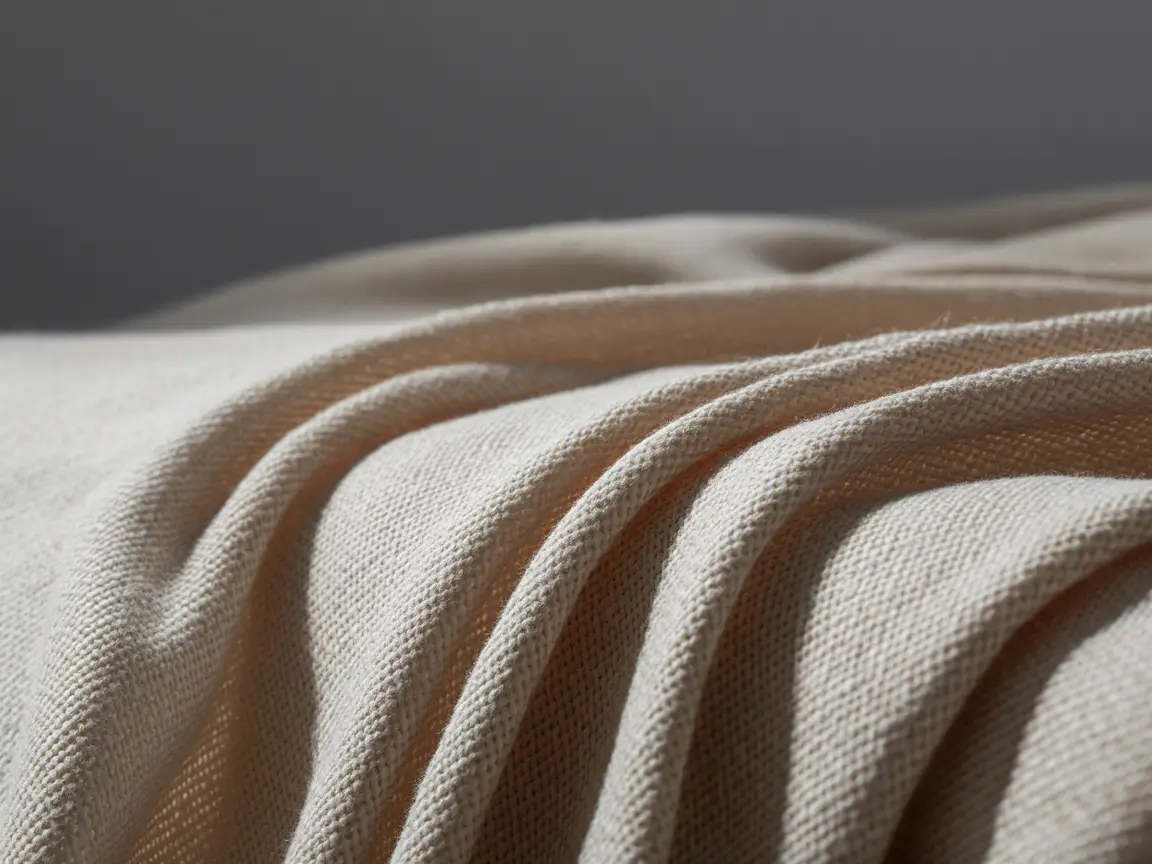
TextureCream wool fabric folded into soft ridges, gentle side light raking across the fibres, warm neutral palette, macro textile study.
Try This Prompt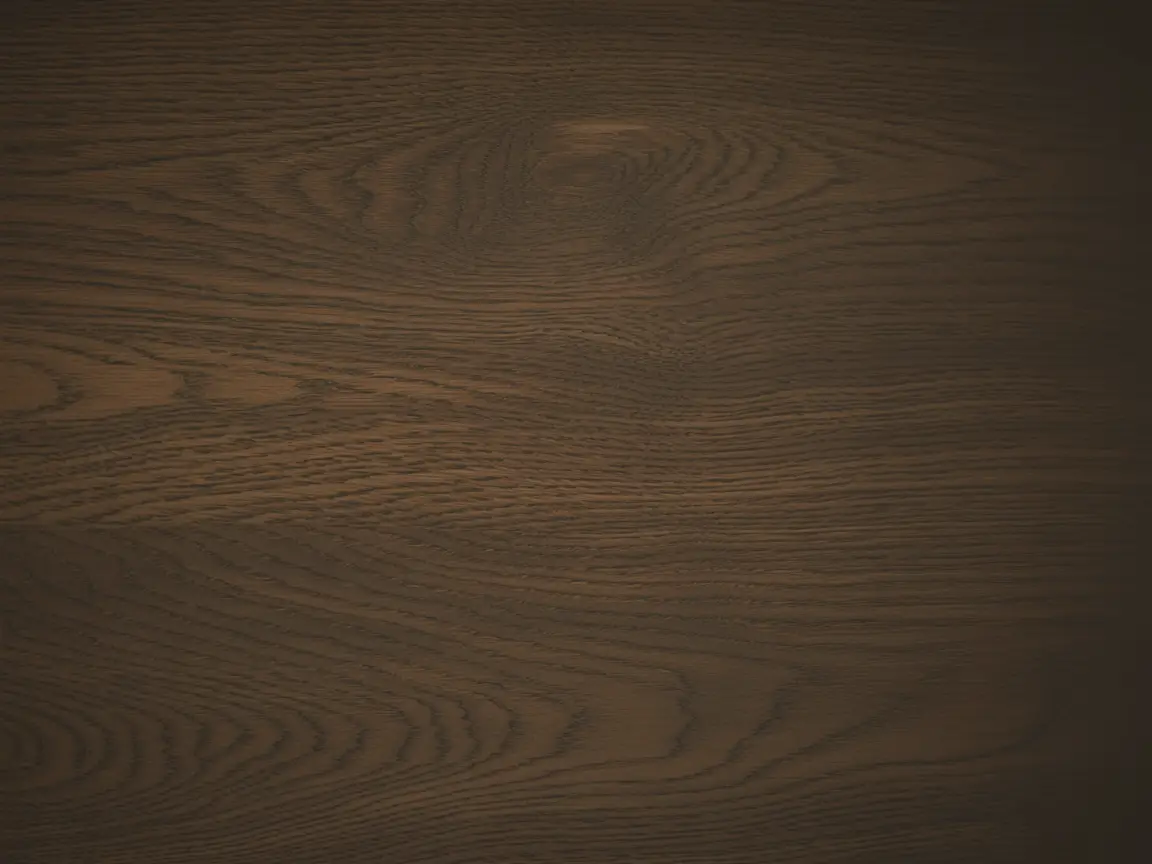 Texture
Dark walnut timber surface with flowing grain lines and a satin sheen, even side lighting, rich brown tones, close material study.
Try This Prompt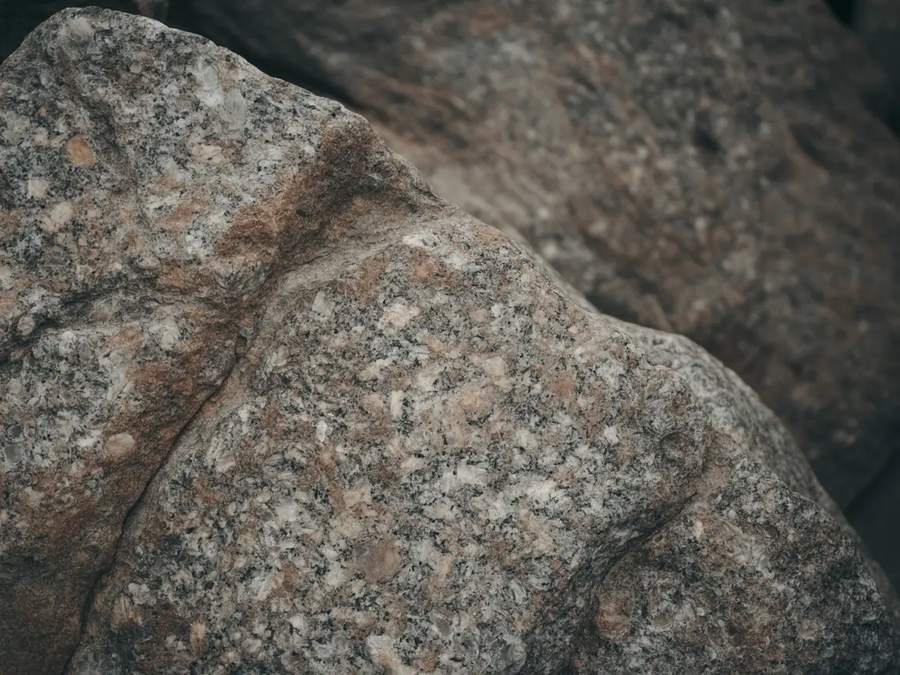 Texture
Rough granite surface with speckled mineral grain in grey and warm beige, raking light revealing pits and ridges, natural stone texture.
Try This Prompt Texture
A charcoal knitted throw draped over a wooden chair beside a bright window, soft daylight and shadow, cosy interior styling.
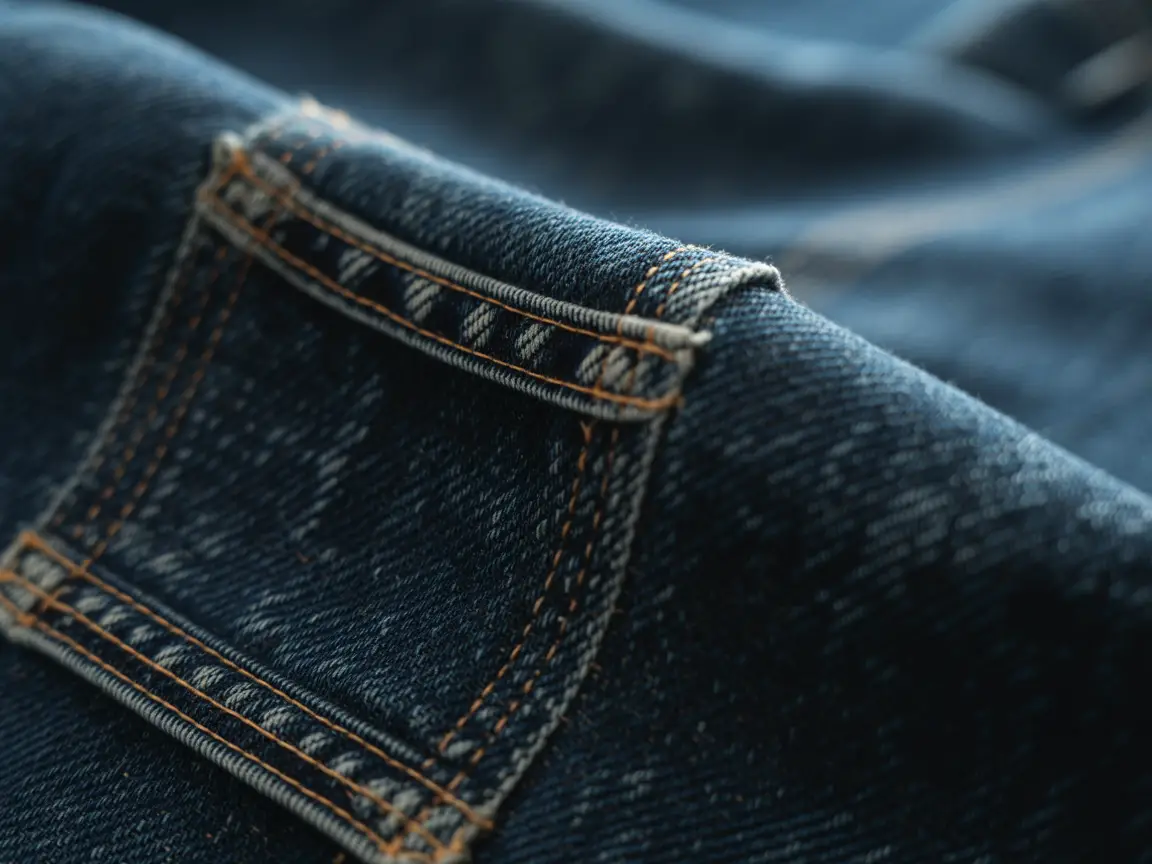
Try This PromptTextureDenim texture with realistic stitching patterns and blue fabric grain
Try This Prompt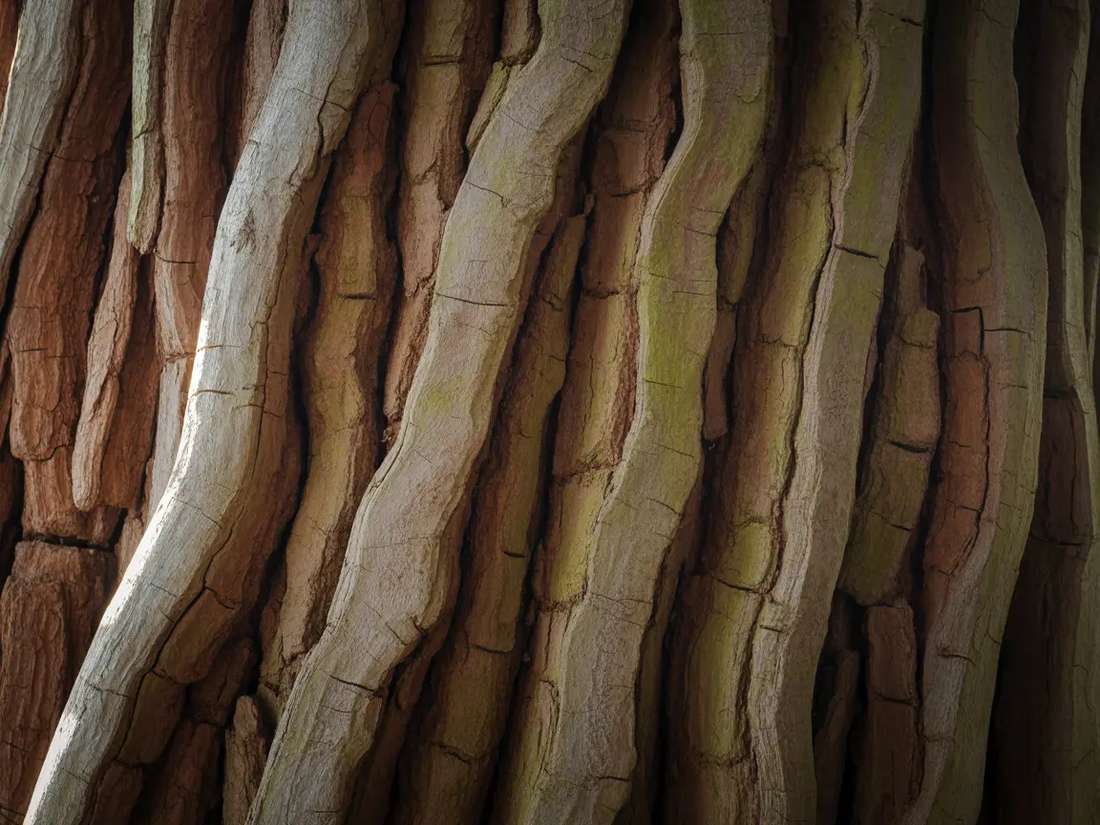 Texture
Tree bark texture with deep grooves and earthy tones
Try This Prompt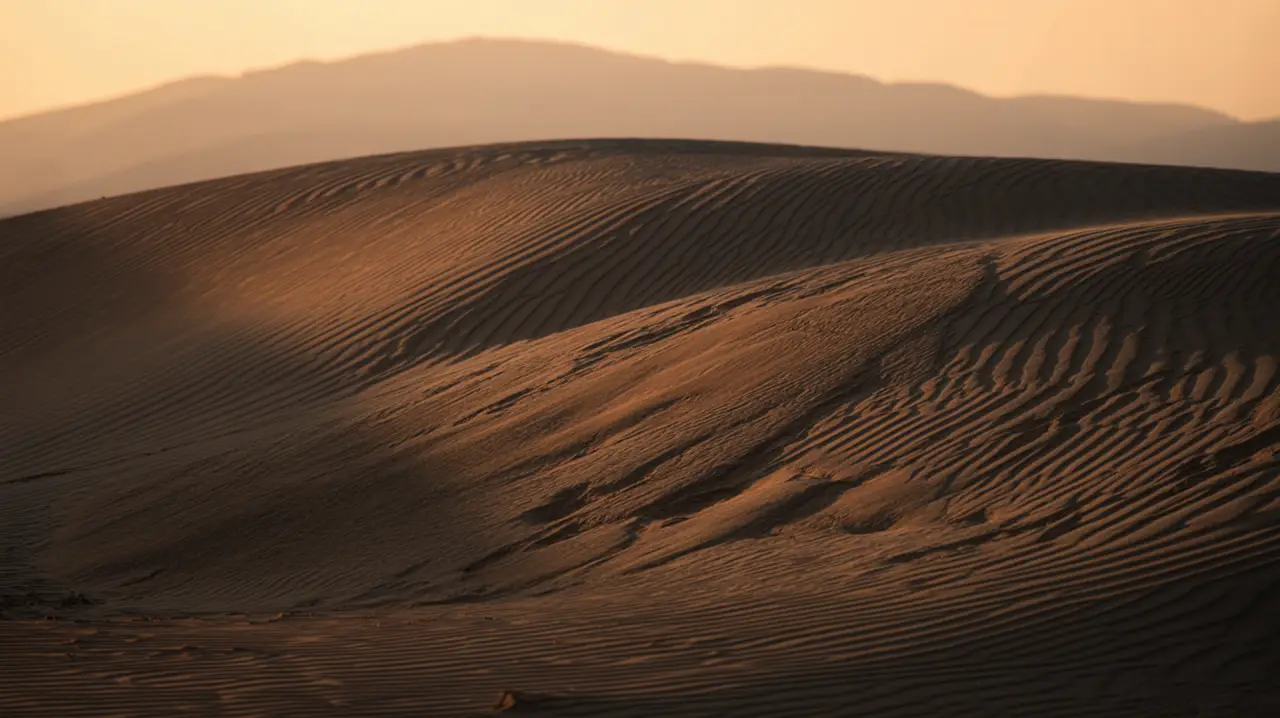 Studio
Wind-carved sand dunes with fine ripple patterns, low golden sunlight raking across the crests, warm ochre tones, seamless texture study.
Try This Prompt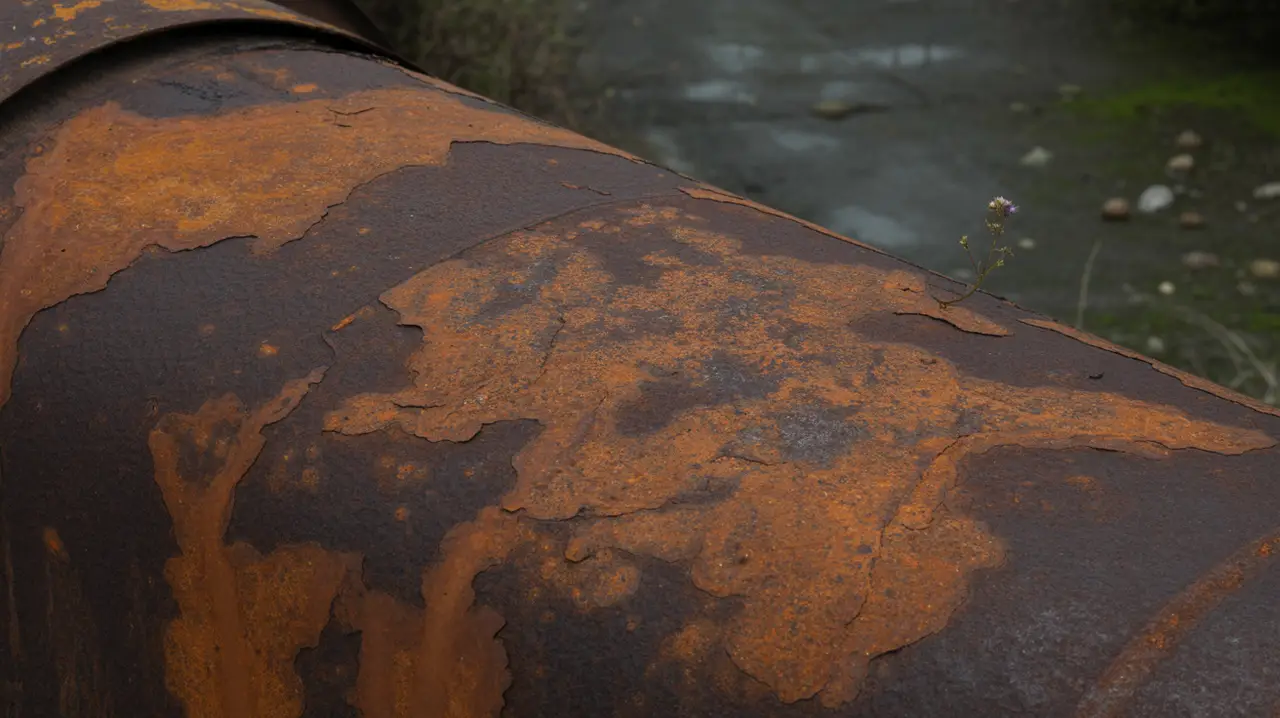 Close-up
Weathered rock surface crusted with rust-orange minerals and dark fissures, macro detail, rough tactile texture, even daylight.
Try This Prompt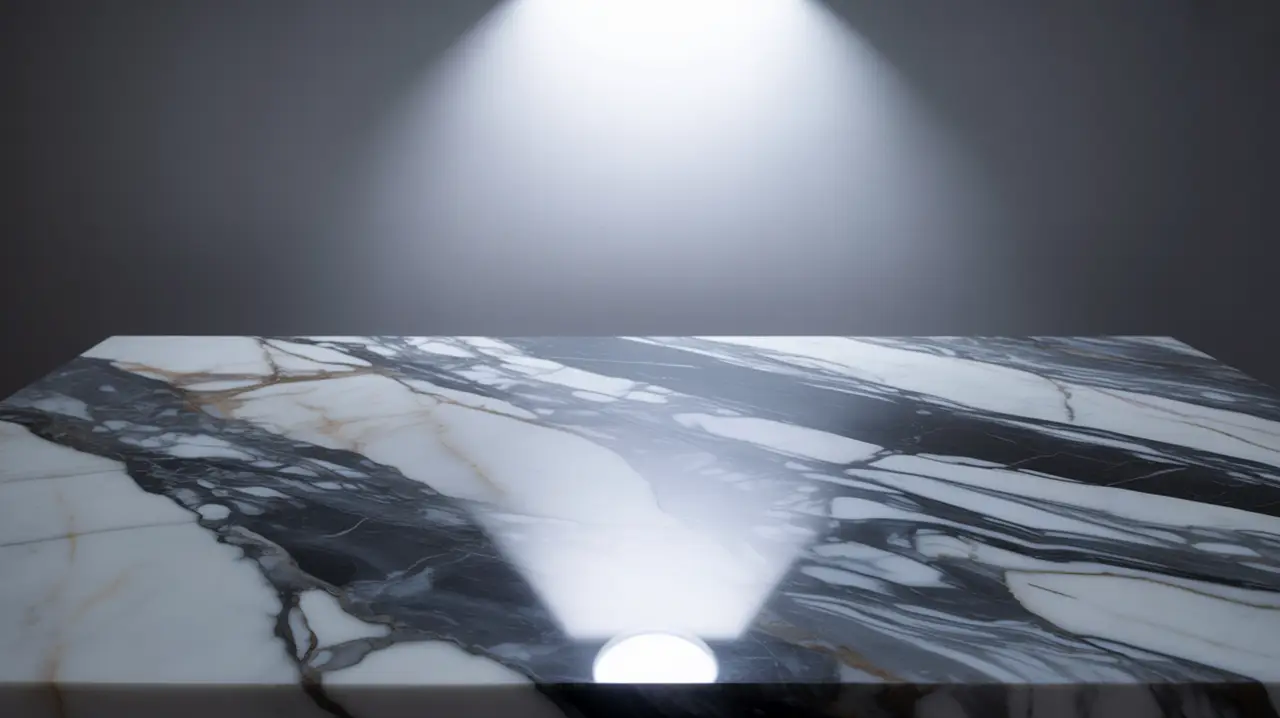 Texture
Cracked ice surface with branching fracture lines, pale blue and white tones, cold diffused light, macro texture detail.
Try This PromptReady-made starting points and a clear review step keep each iteration short.
Every preset above is a complete prompt you can run as-is, so the first image takes one click instead of a blank page.
Say what you want to see: subject, setting, light and mood. Short, concrete sentences beat long lists of keywords.
Choose between the listed models before you generate. The free one is for the first try; the paid one is for the final image.
Repeat the same subject, palette and framing across prompts so a set of results looks like one series.
When something is off, change a single element and regenerate. That makes it obvious which instruction did the work.
Export the finished image for social posts, thumbnails, mockups or client previews; check the current plan terms before commercial use.
Three steps from an idea to a usable result.
Open one of the examples above and read its prompt. It already describes the subject, light and framing for this image.
Choose an available model and shape, check the displayed cost, then submit. Keep the first run simple so you can judge it.
Look at the whole image: subject, edges, text and hands or fine detail. Change one line of the prompt and generate again.
Illustrative scenarios with fictional names; these are not verified customer reviews.
I start from one of the texture presets, then rewrite only the light and the background. It keeps a series consistent.
The first try is usually enough to judge the idea. If not, one changed sentence gives me a different image.
Useful for quick image drafts before a real shoot. Check fine detail at full size before you publish.
Same prompt, different finish. Start free, then move to the paid model for the final version. For current subscription options, see GlobalGPT plans.
| Criteria | GPT Image 2 | Nano Banana 2 |
|---|---|---|
| Best role on this page | Free first pass to test the texture prompt. | Paid final image once the prompt is right. |
| Use it when | You are still exploring subject, framing or style. | You need the strongest detail for publishing this image. |
| Free trial | Limited trial runs for eligible accounts. | Paid only; check credits before each run. |
Design ultra-realistic textures for 3D models, games, or digital art with Global GPT’s AI Texture Generator.
No. Start from a preset, change a few words and generate. Each result is a draft you can judge and refine.
Yes. Describe subject, palette, lighting and framing in the prompt; keep those lines stable when you want a consistent set.
The first listed model is configured for trial runs on eligible accounts. Later models are paid; check the displayed cost before generating.
Check the current platform and model terms for your plan, and confirm you hold the rights to any reference you upload before publishing.