

Focused controls
Keep prompt, style, ratio, and quality choices together in one workflow.
Prompt Guide
Model
Reference Image
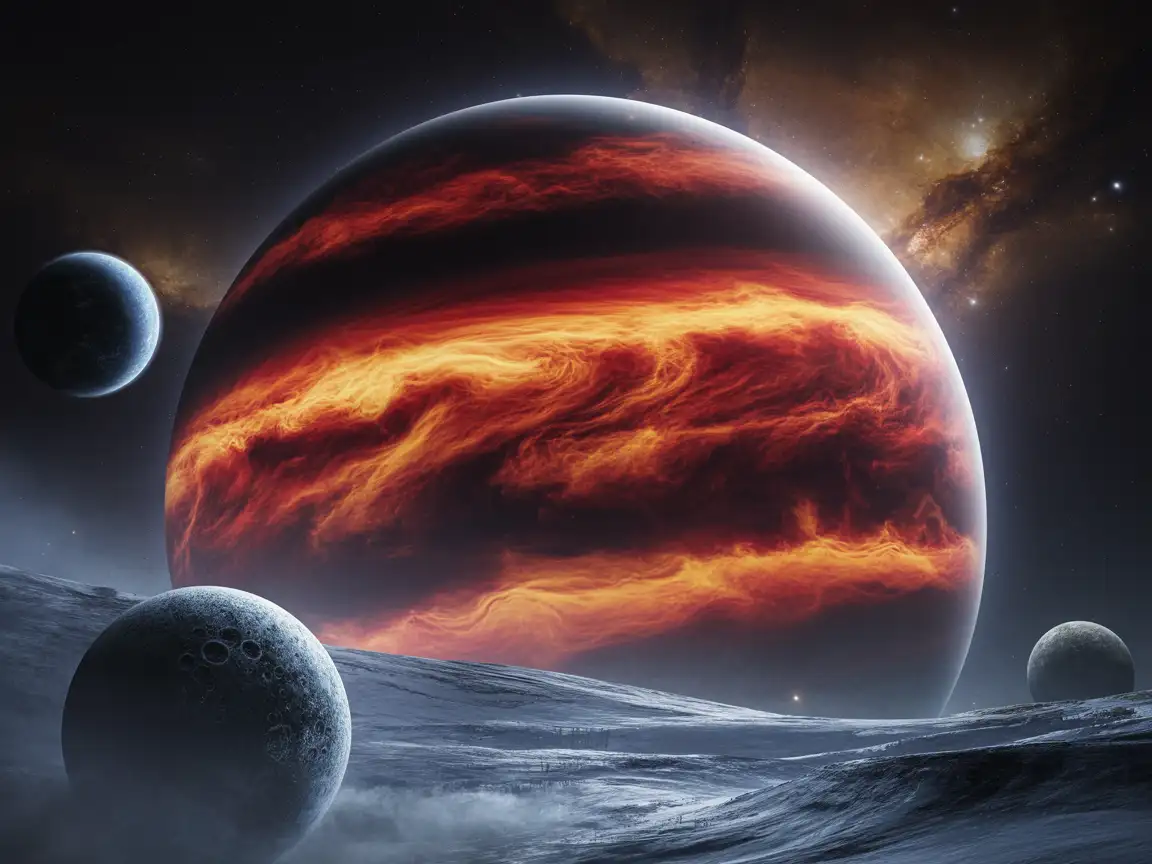
Turn a clear idea into polished planet generator visuals with practical controls and reusable styles.
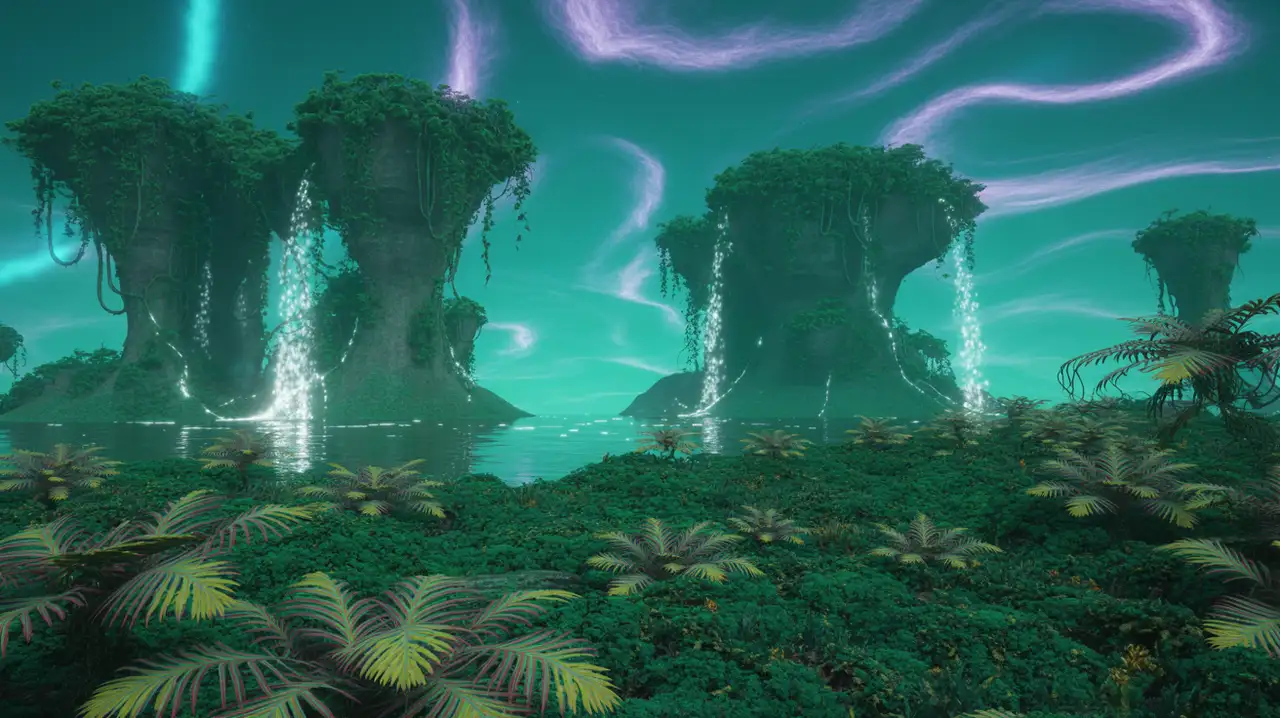
Explore reusable directions before you generate.
Featured resultColossal ringed planet filling the sky above a desert horizon, tiny figures for scale, twilight colors.
Try This Style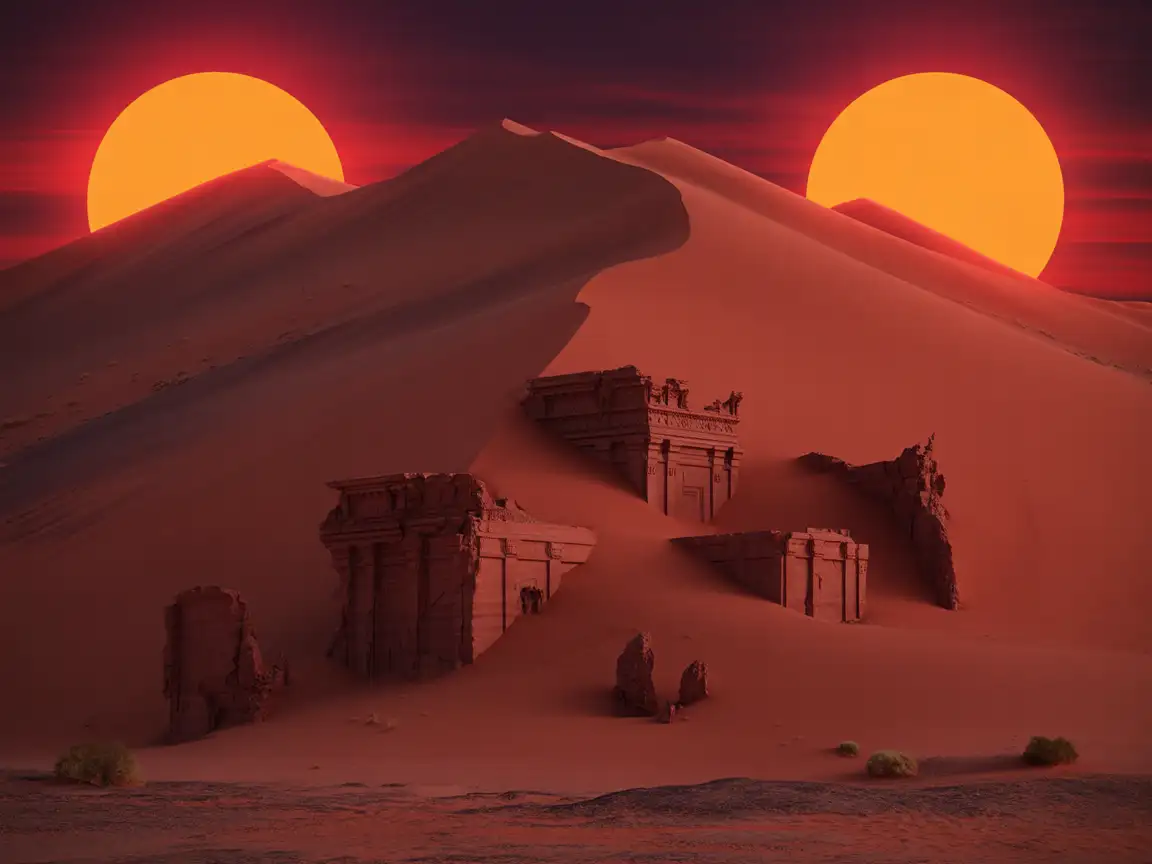 Featured result
Alien desert planet surface with two suns setting, red dunes and rock spires, long shadows.
Try This Style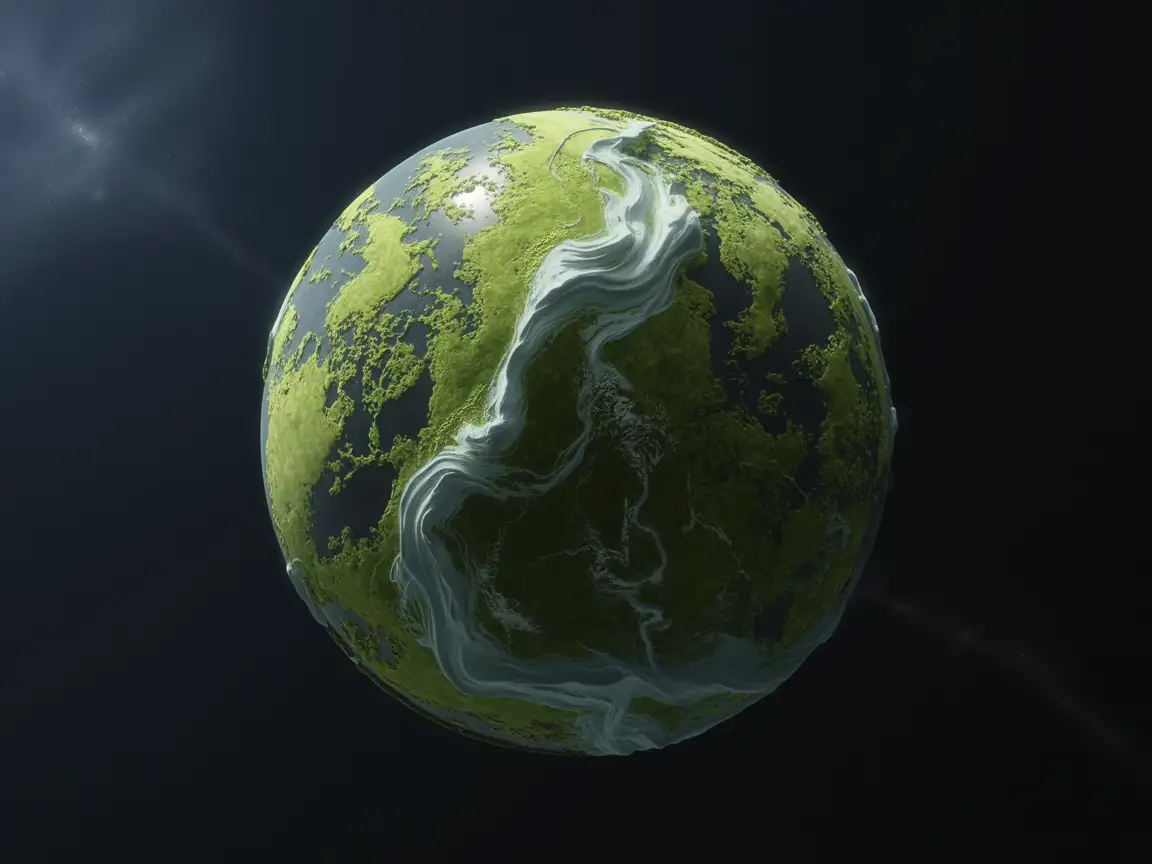 Featured result
Blue planet with green continents and swirling clouds seen from orbit, sunlight terminator, star field.
Try This Style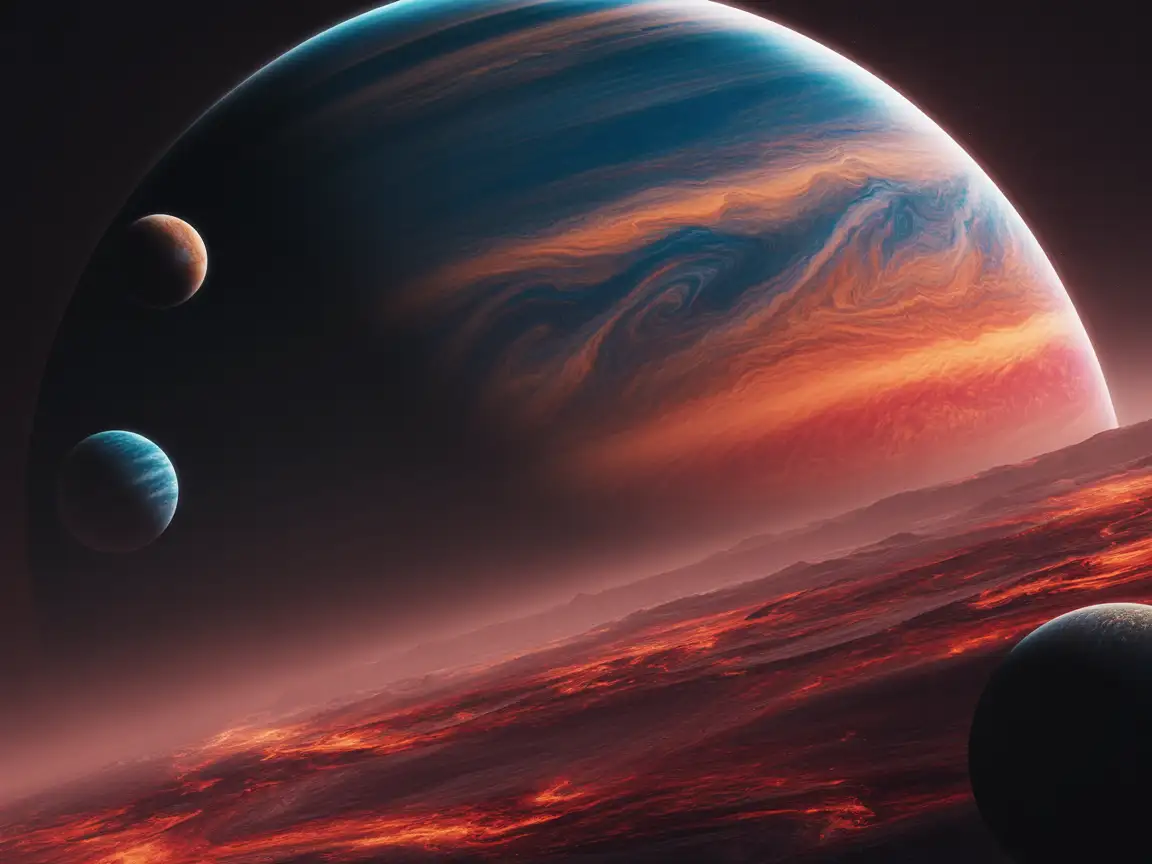 Featured result
Close-up of a molten planet surface with glowing lava veins and dark basalt crust, heat haze.
Try This Style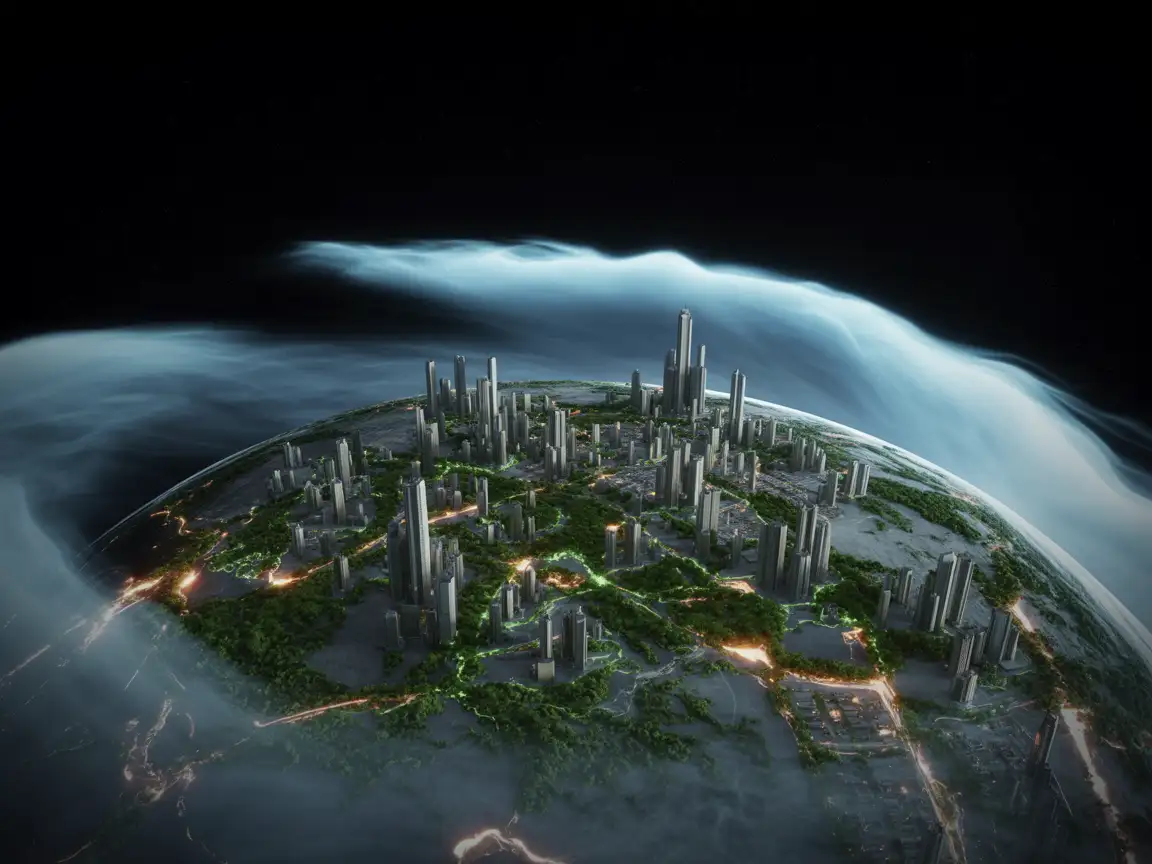 Featured result
Water-covered planet with a thin luminous atmosphere seen from space, deep blues, crescent shadow.
Try This Style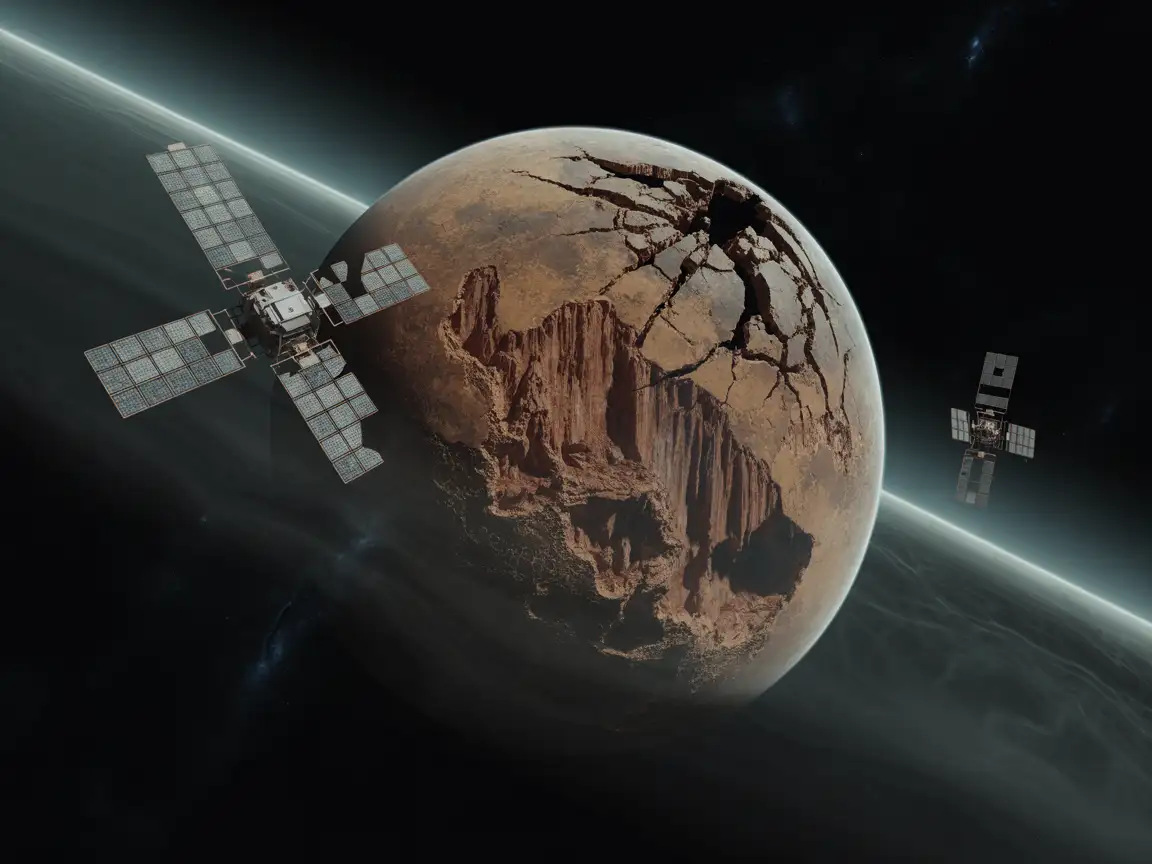 Featured result
Cratered rocky moon lit by harsh sunlight against black space, sharp terminator, high detail.
Try This StyleFeatured resultAlien world with towering tree-like structures under a violet and teal sky, bioluminescent plants.
Try This Style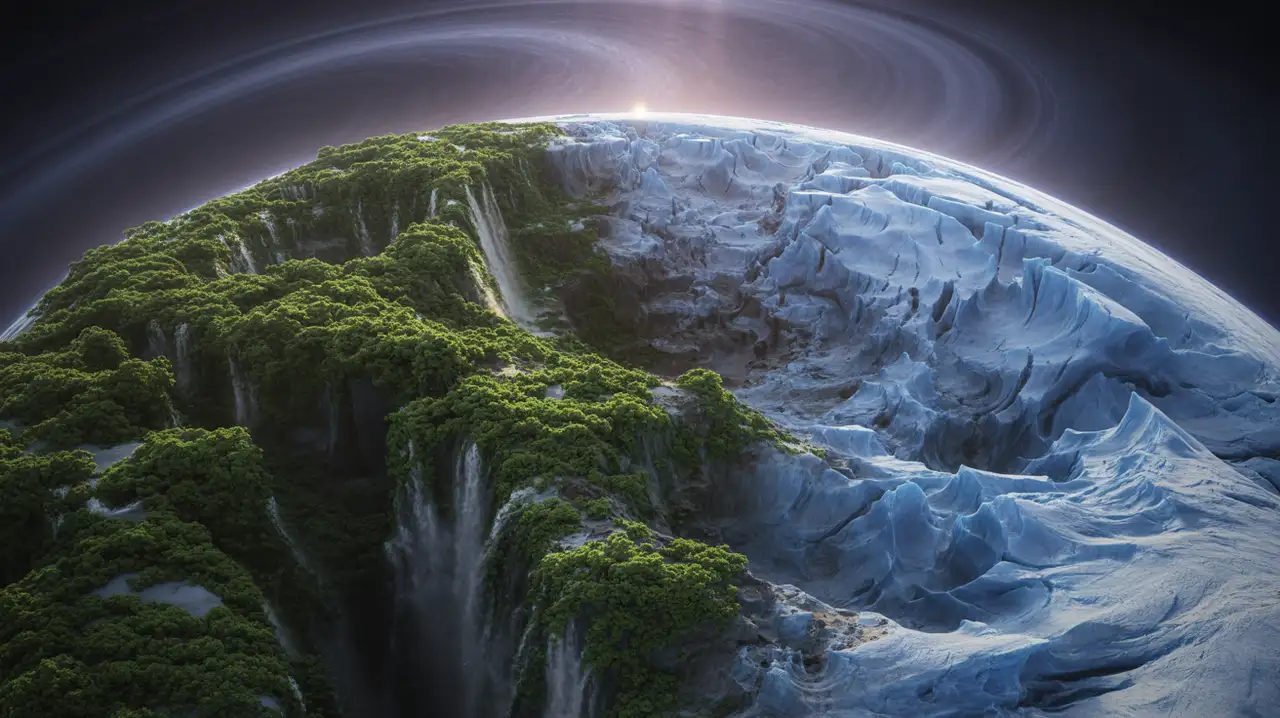 Featured result
Earth from orbit with swirling white cloud bands over deep blue oceans, crisp detail, black space.
Try This Style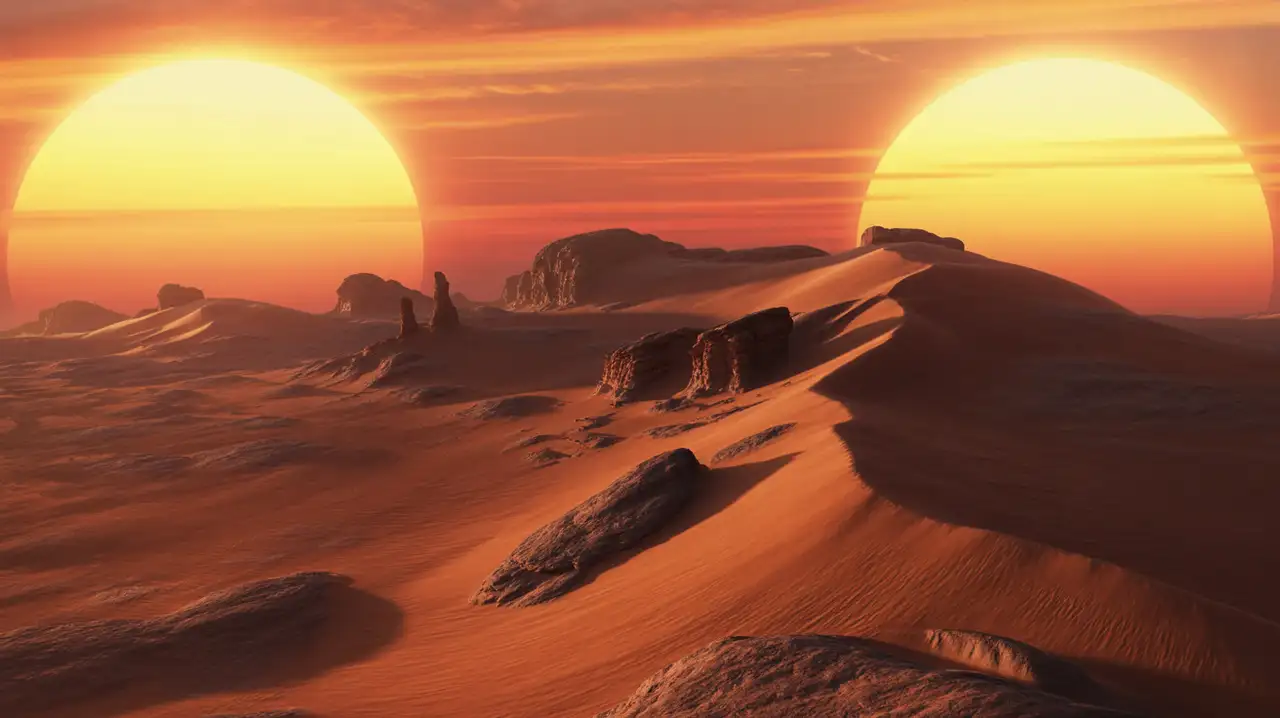 Featured result
Two suns setting over rippled sand dunes, warm orange sky, distant mesa silhouette.
Try This StyleKeep prompt, style, ratio, and quality choices together in one workflow.
Start from proven examples and adjust the details for your own result.
Compare enabled models without rebuilding the whole workflow. Compare the available AI image models before choosing a model for this image.
State the subject, style, mood, and key details for your ai planet generator output.
Pick a starting example, ratio, and model that match your intended use. Before generating, check the available access options in GlobalGPT plans.
Review the result, adjust the prompt, and generate another version when needed.
The examples made it easier to start my ai planet generator project.
I liked keeping the main controls together instead of switching between tools.
The focused workflow helped me compare a few directions quickly.
AI Planet Generator helps you create focused results from a prompt and reusable visual directions.
Yes. Start from an example, change the prompt and controls, then generate another direction.
Choose the ratio that matches where you will use the result, such as social, portrait, or widescreen content.
The workspace exposes enabled models so you can compare available workflows before generating.