

Multiple AI Models in One Place
Pick from the image models available on GlobalGPT and switch between them without leaving the page.
Experience the power of nature with Global GPT’s AI Hurricane Image Generator.
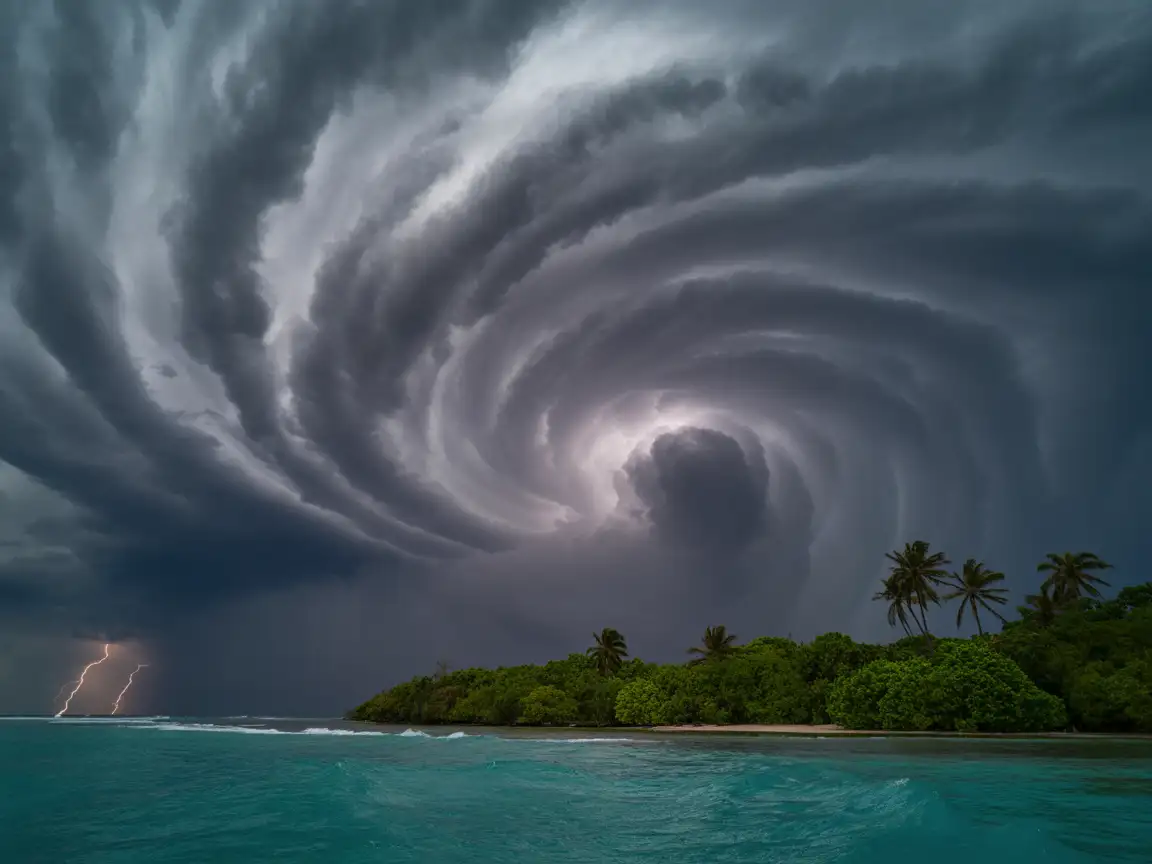
Prompt Guide
Model
Reference Image
Real outputs from the tool, grouped by use case.
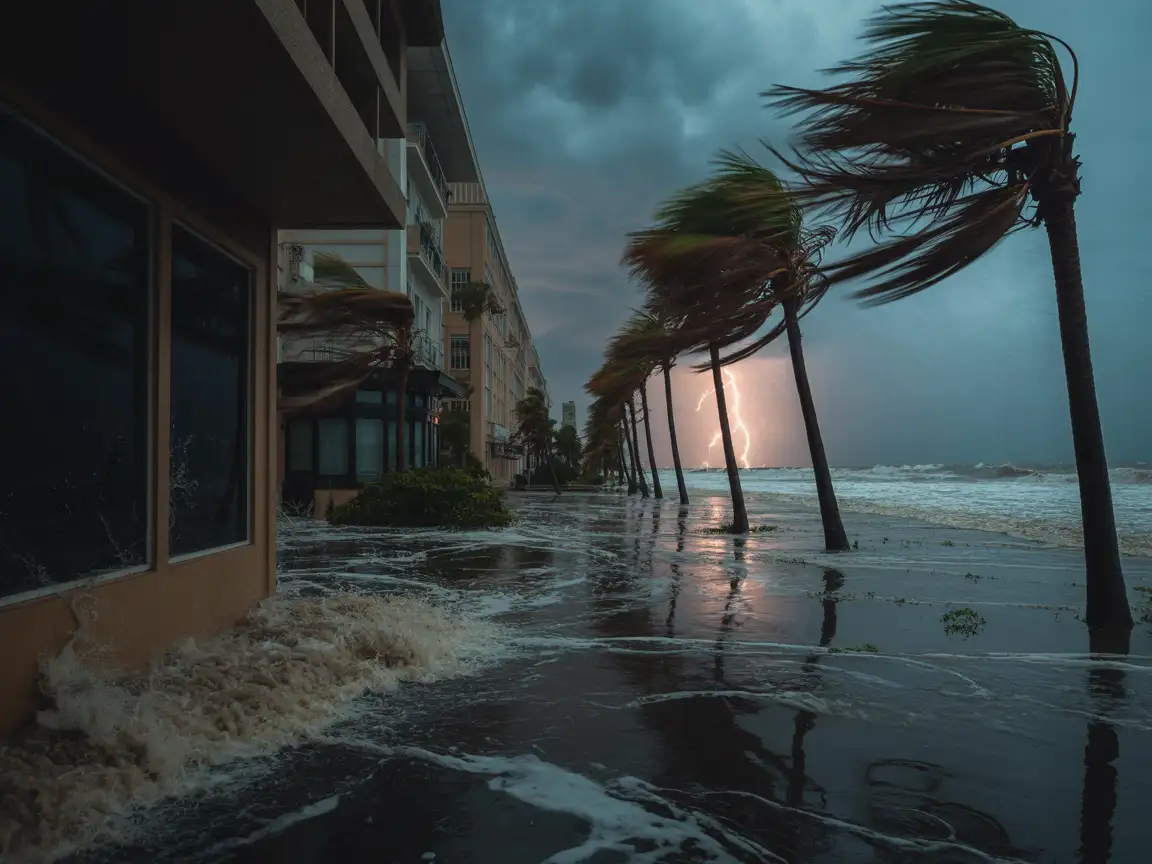 AI Hurricane Image Ideas
Hurricane Image in natural light
Try This Prompt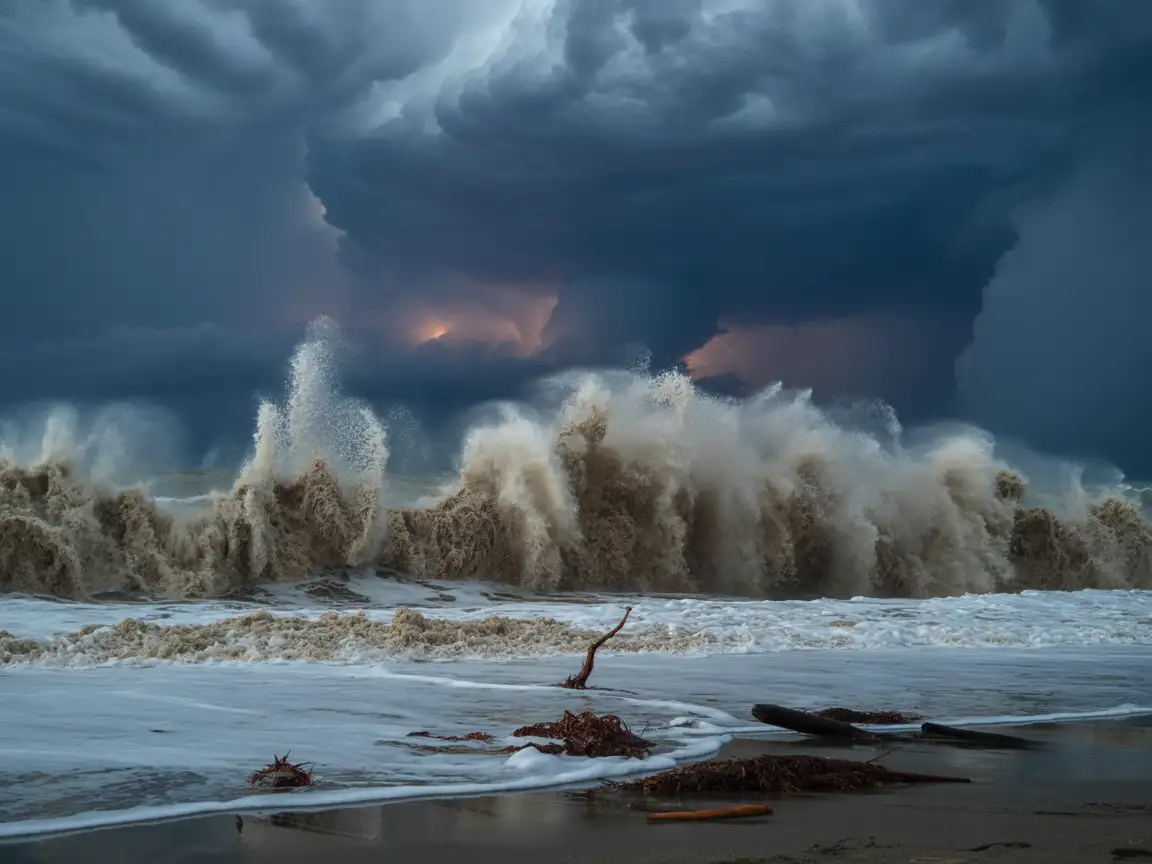 AI Hurricane Image Ideas
Close-up detail of hurricane image
Try This Prompt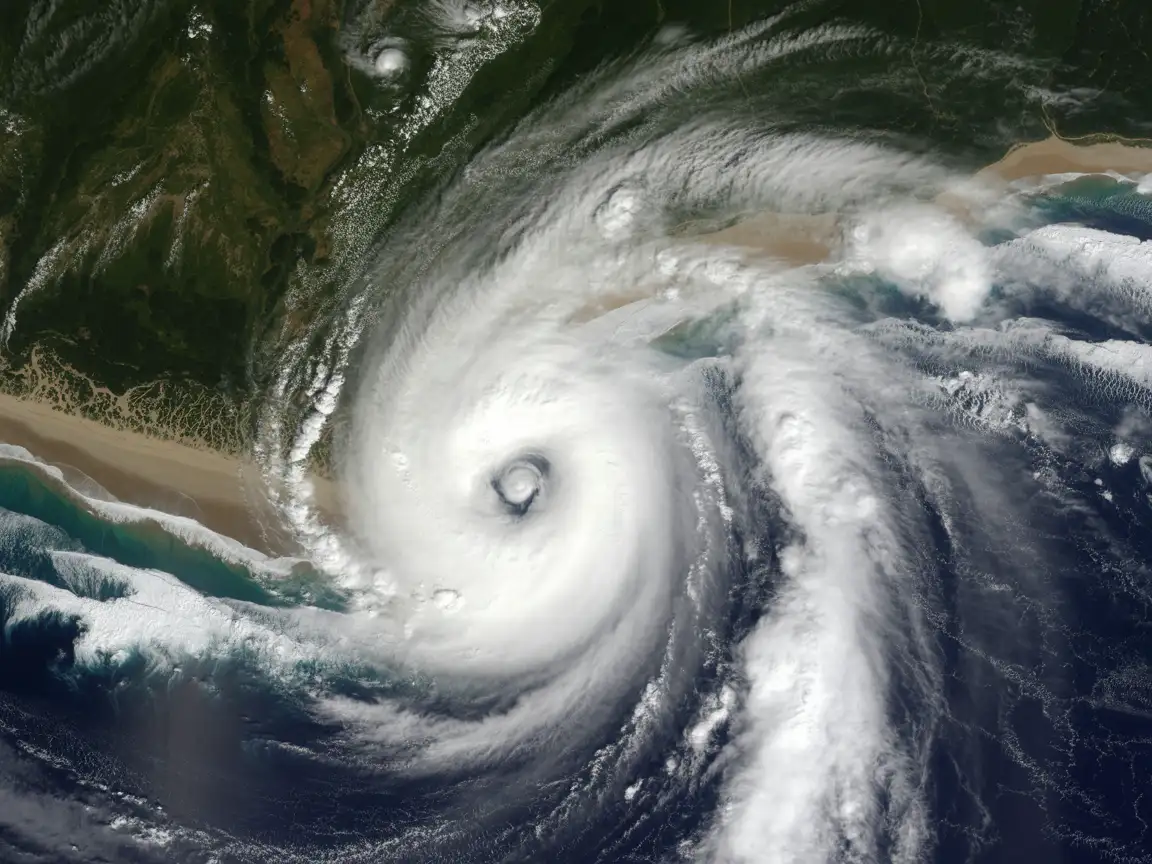 AI Hurricane Image Ideas
Hurricane Image in a wide editorial scene
Try This Prompt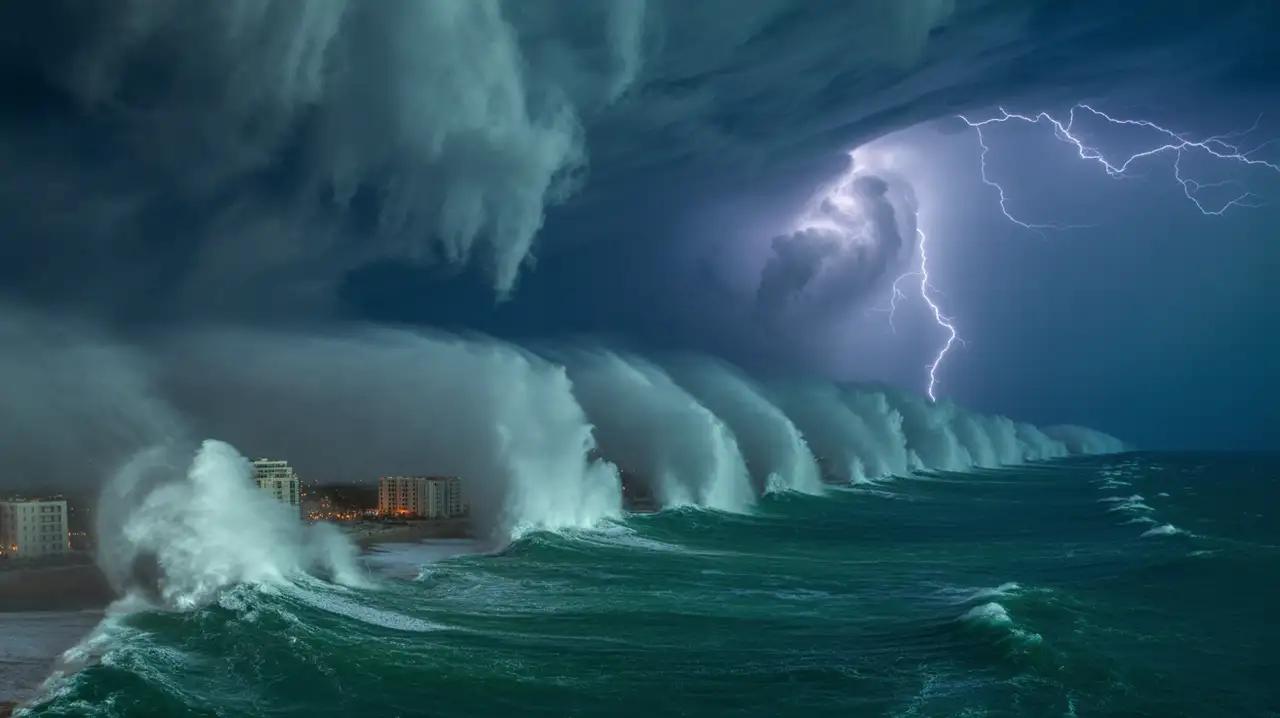 AI Hurricane Image Ideas
Stylized hurricane image illustration
Try This PromptPick from the image models available on GlobalGPT and switch between them without leaving the page.
Start with the free allowance, then compare the plans that match how often you generate.
Preview the result, regenerate what needs another pass, then download the file in a usable format.
Describe the Storm – Include hurricane size, perspective, intensity, weather effects, time of day, and surrounding environment.
Click Create – Watch Global GPT instantly bring your hurricane vision to life.
Download or Share – Save your creation or post it across platforms with ease. Try for Free For more control, compare AI models. For more control, compare GlobalGPT plans.
Yes. Use multiple prompts to create diverse storm intensities, coastal impacts, and weather conditions — perfect for education, simulation, or creative storytelling.
Absolutely! Describe the viewpoint—satellite, aerial, or ground-level—and the AI will generate photorealistic hurricane visuals accordingly.
Yes! You can try Global GPT’s AI Hurricane Image Generator for free, though premium features such as ultra-HD output or advanced effects may require credits.