

Multiple AI Models in One Place
Pick from the image models available on GlobalGPT and switch between them without leaving the page.
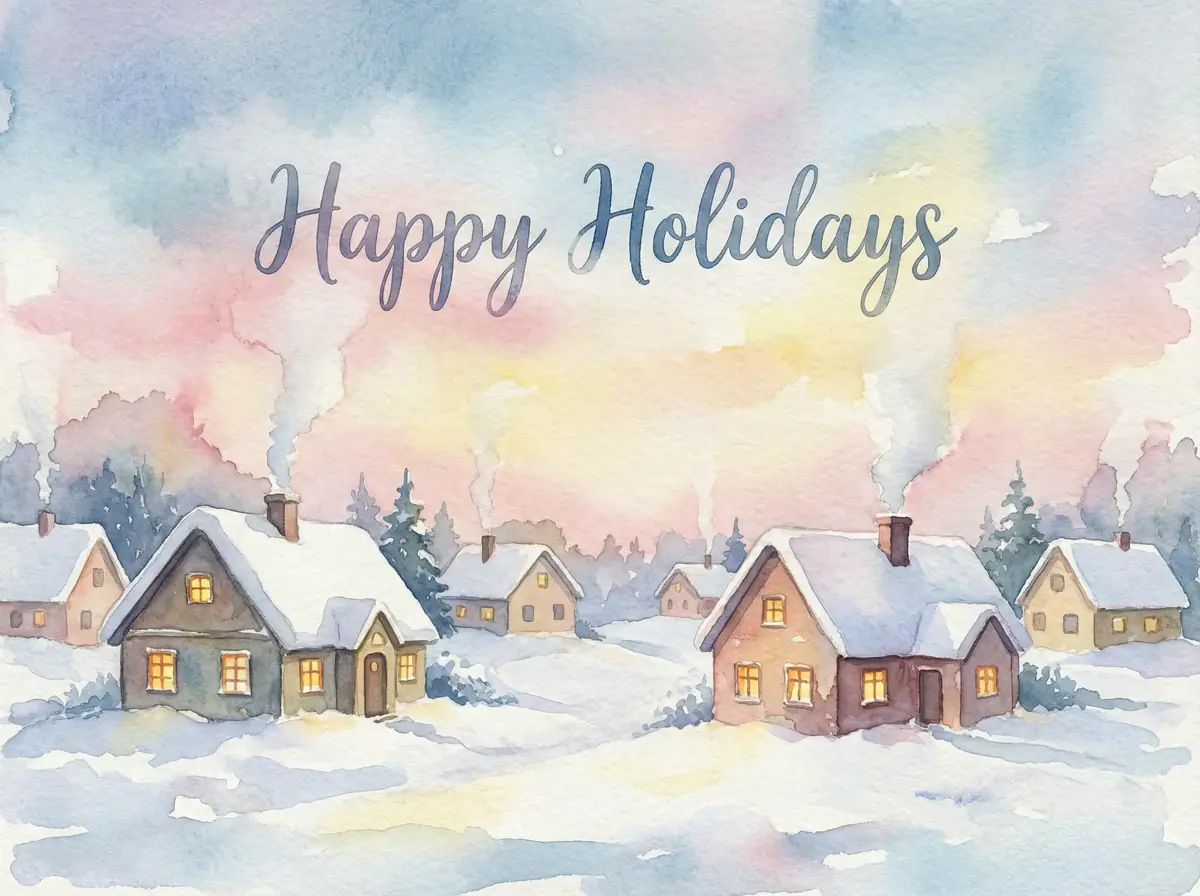
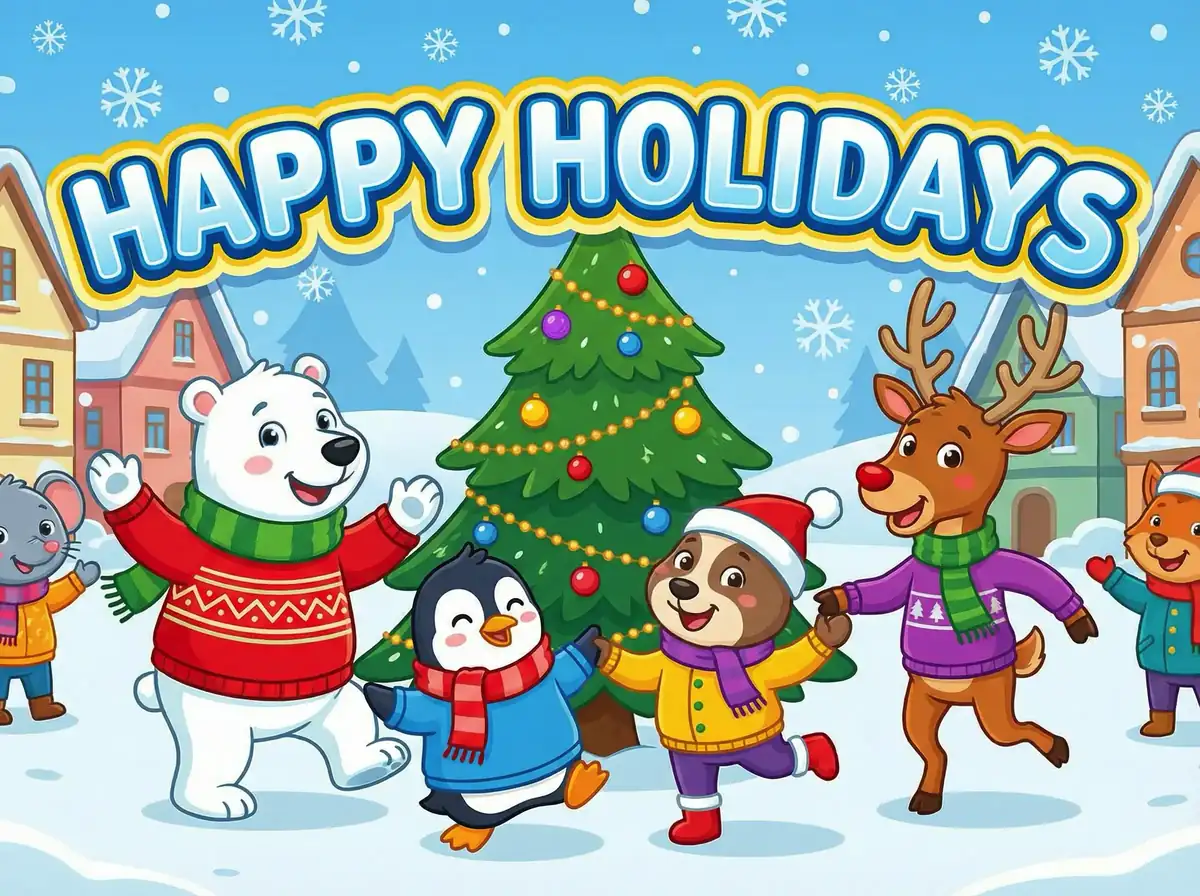
Use the AI Happy Holidays Image Generator to create warm festive scenes, sparkling holiday cards, winter landscapes, cozy indoor celebrations, and artistic greeting visuals for branding, social media.
Prompt Guide
Model
Reference Image
Real outputs from the tool, grouped by use case.
 AI Happy Holidays Image Ideas
Cozy holiday card scene
Try This Prompt AI Happy Holidays Image Ideas
Winter landscape at dusk
Try This Prompt AI Happy Holidays Image Ideas
Gift table styled for a promo
Try This Prompt AI Happy Holidays Image Ideas
Festive greeting layout
Try This PromptPick from the image models available on GlobalGPT and switch between them without leaving the page.
Start with the free allowance, then compare the plans that match how often you generate.
Preview the result, regenerate what needs another pass, then download the file in a usable format.
Type the happy holidays you have in mind — subject, setting, lighting and style — or upload a reference photo if the tool accepts one.
Choose one of the available image models, then create the first version and compare it with your brief.
Adjust the prompt or settings until the image matches what you described, then download it in the size you need. More: GlobalGPT, GlobalGPT plans.
Yes — depending on your GlobalGPT usage plan.
Absolutely — just include them in your prompt.
Yes — you can add any text, font style, and layout you want.