

Multiple AI Models in One Place
Pick from the image models available on GlobalGPT and switch between them without leaving the page.
Use the AI Flower Drawing Image Generator to create floral sketches, botanical line art, pencil drawings, ink illustrations, and elegant flower artwork in seconds.
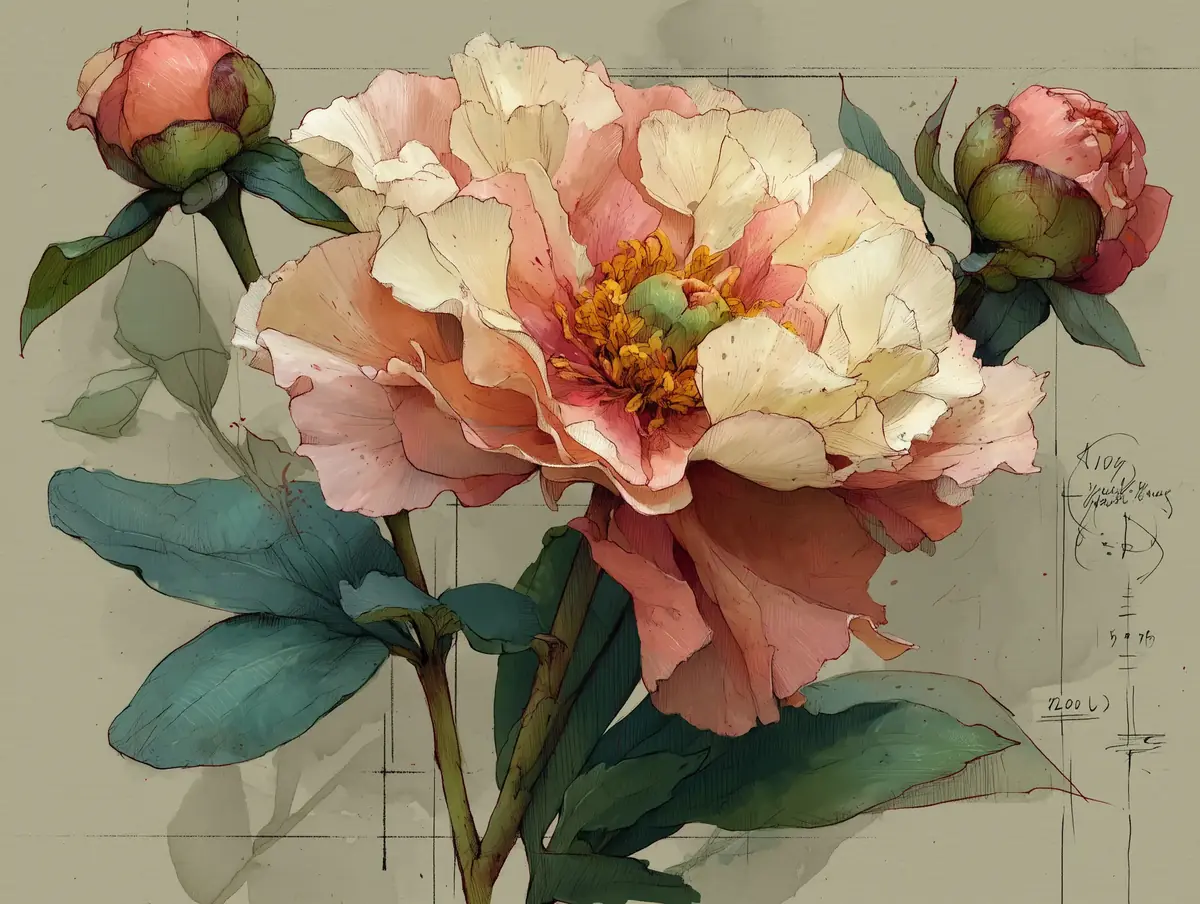
Prompt Guide
Model
Reference Image
Real outputs from the tool, grouped by use case.
 AI Flower Drawing Image Ideas
Flower Drawing Image in natural light
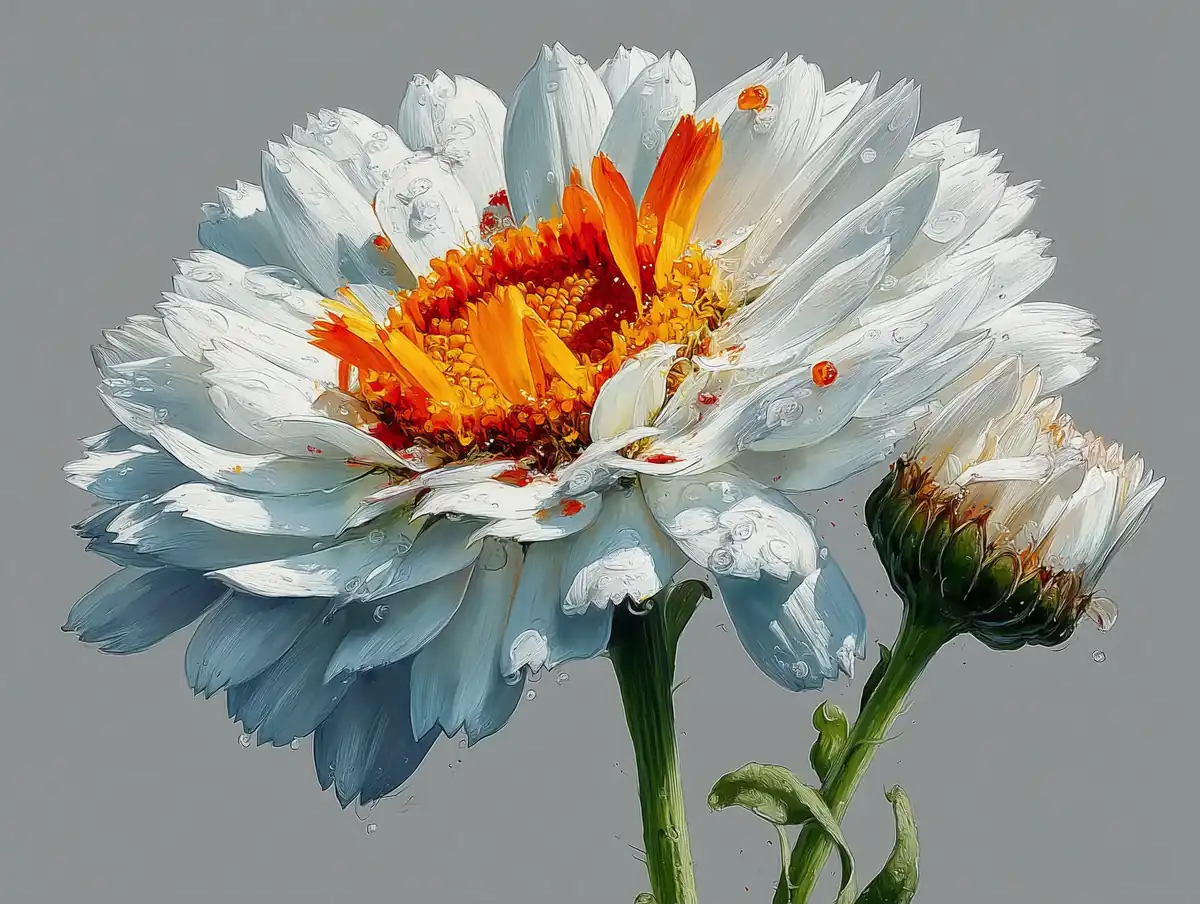
Try This Prompt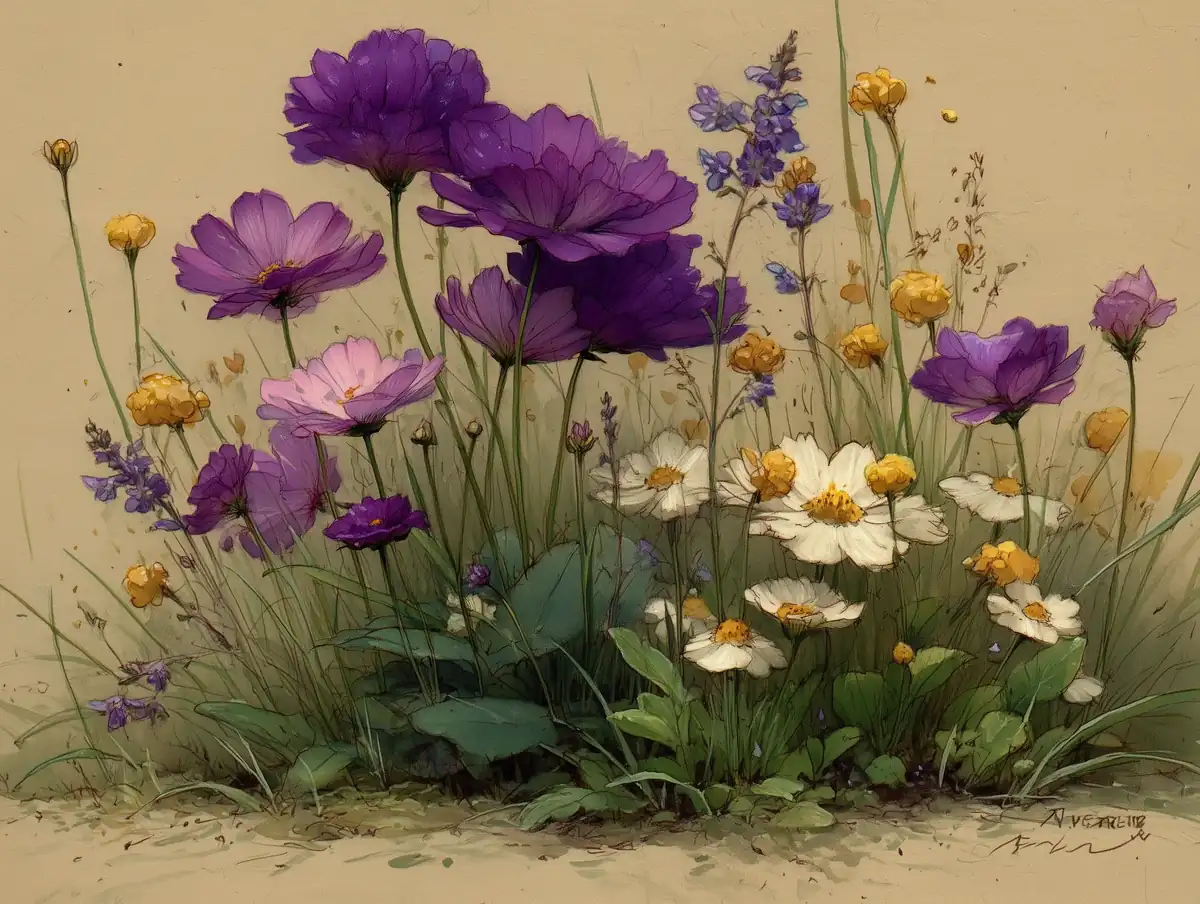 AI Flower Drawing Image Ideas
Close-up detail of flower drawing image
Try This Prompt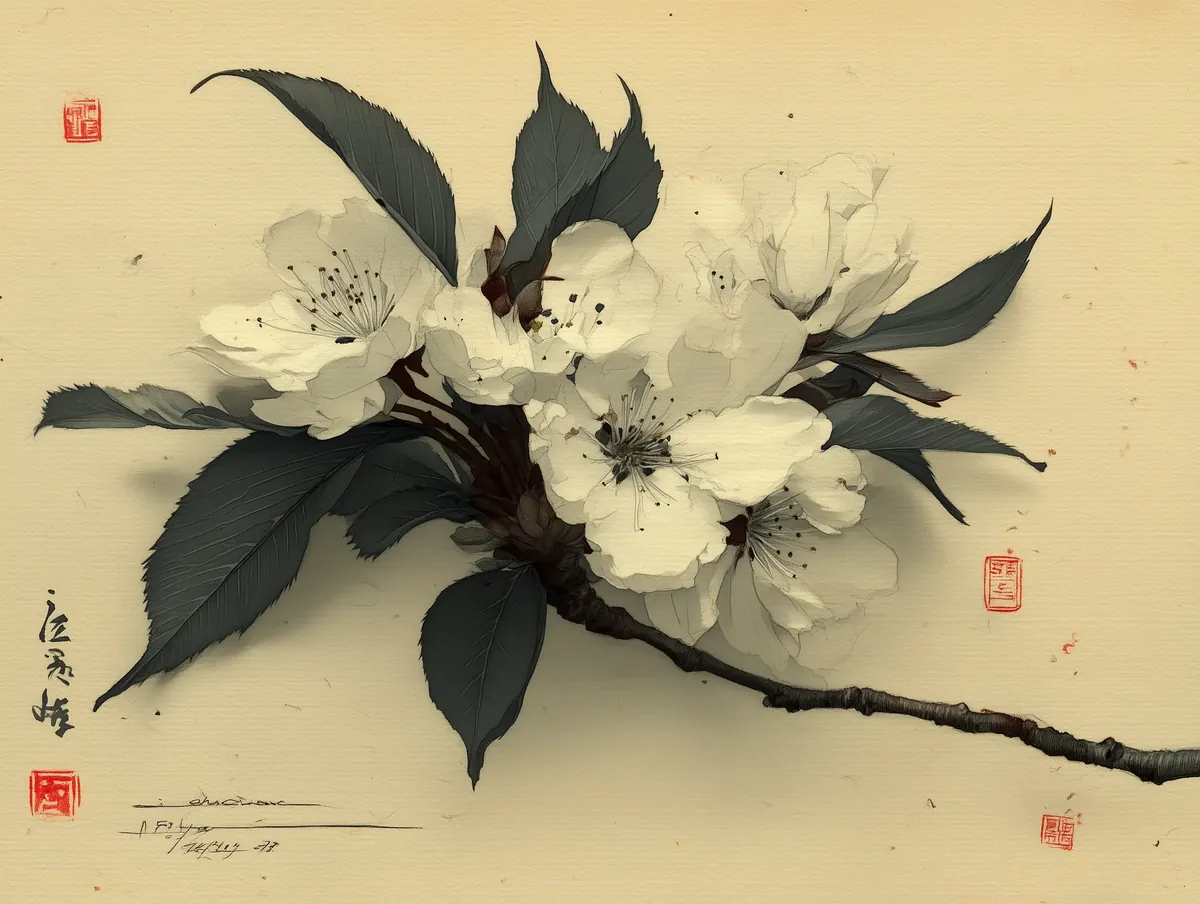 AI Flower Drawing Image Ideas
Flower Drawing Image in a wide editorial scene
Try This Prompt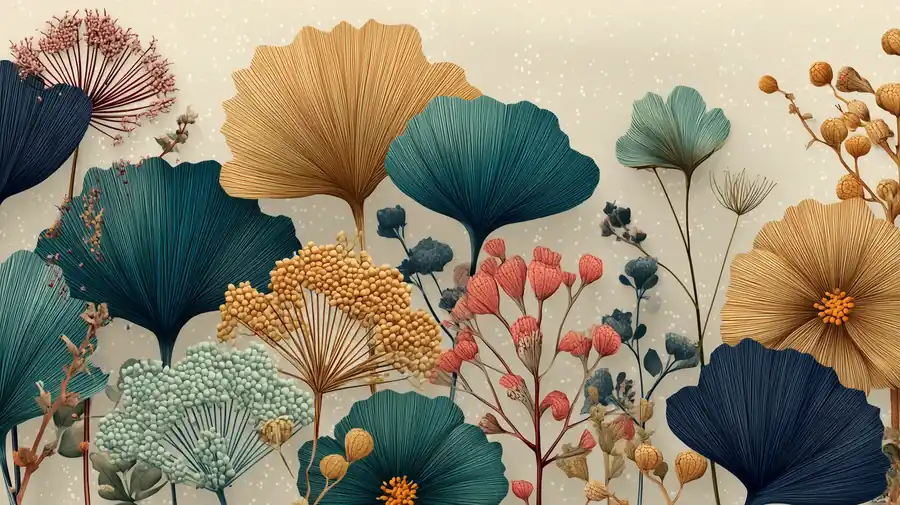 AI Flower Drawing Image Ideas
Stylized flower drawing image illustration
Try This PromptPick from the image models available on GlobalGPT and switch between them without leaving the page.
Start with the free allowance, then compare the plans that match how often you generate.
Preview the result, regenerate what needs another pass, then download the file in a usable format.
Type the subject, setting and mood, or upload a reference photo if the tool accepts one.
Choose one of the available image models, then create the first version and compare it with your brief.
Adjust the prompt or settings until the result matches, then download the image you need. More: AI models, GlobalGPT plans.
Yes — GlobalGPT includes a free tier for floral drawing creation.
Both are supported — minimal line art, ink, pastel, or hybrid watercolor-outline styles.
Yes — detailed linework and scientific-style illustrations are supported.