

Personalize Every Detail
Describe family members, poses, outfits, locations, lighting, color palettes, and moods to guide the portrait toward your idea.
What is an AI Family Portrait Generator?
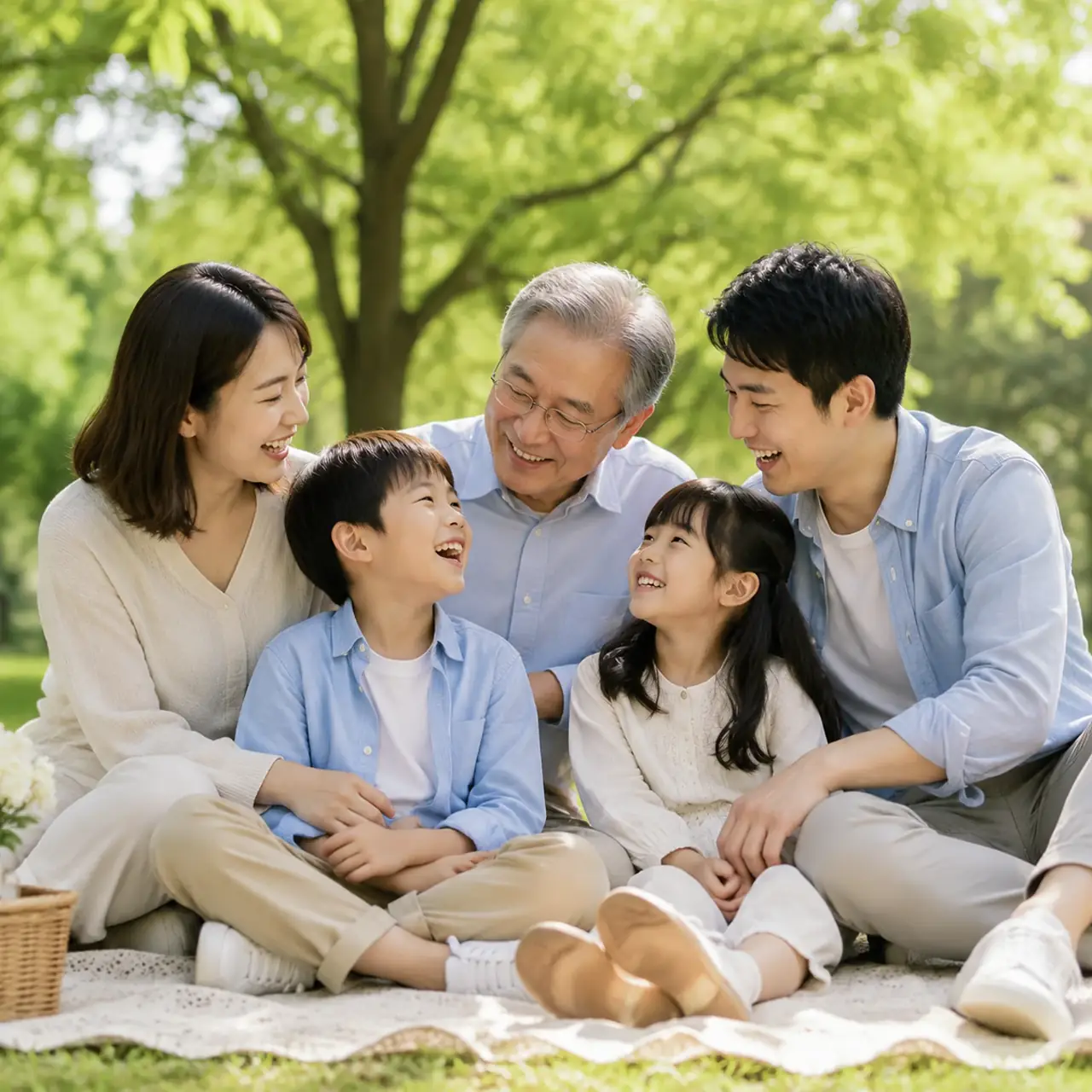
Prompt Guide
Model
Reference Image
Real outputs from the tool, grouped by use case.
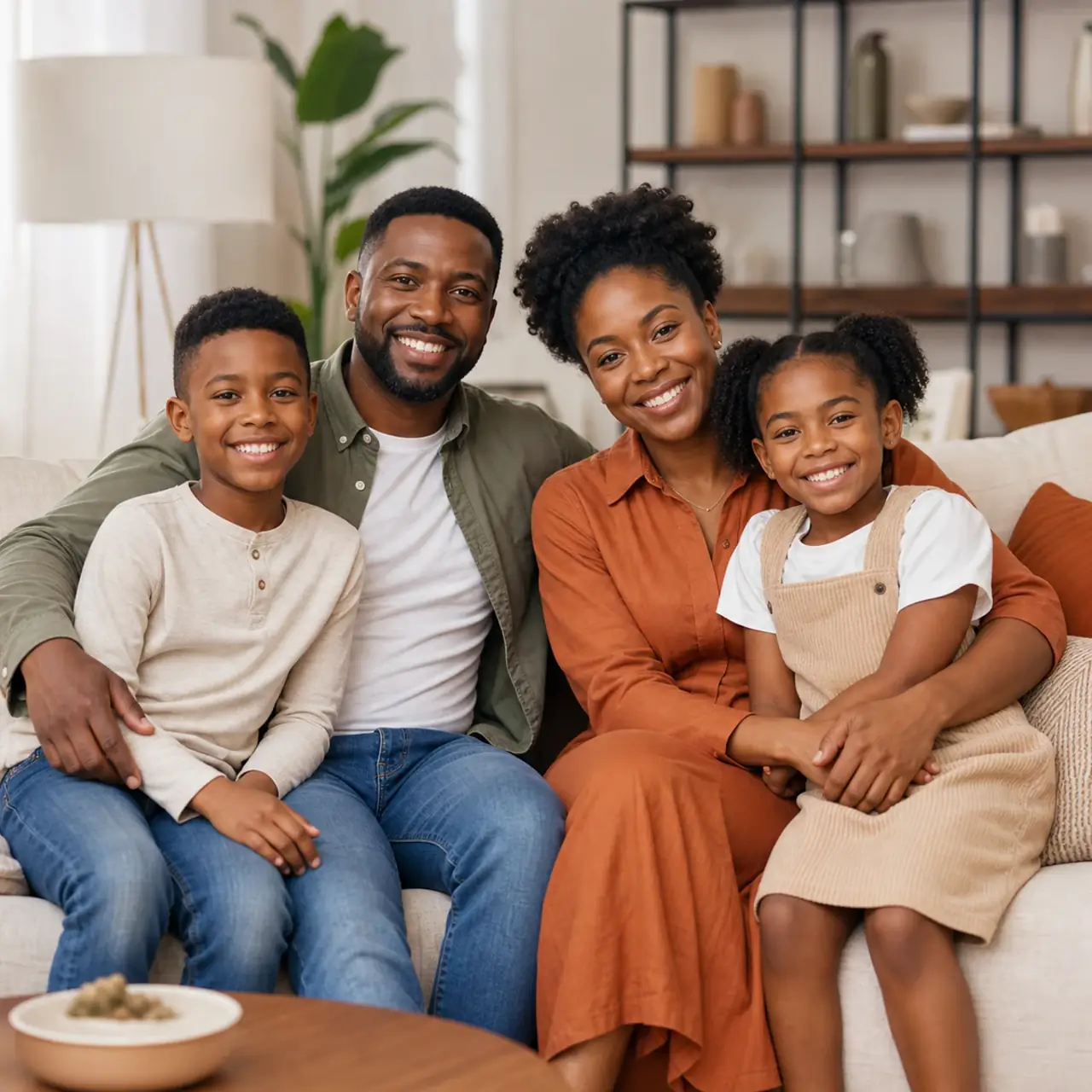 AI Family Portrait Ideas
Enchanted forest at twilight
Try This Prompt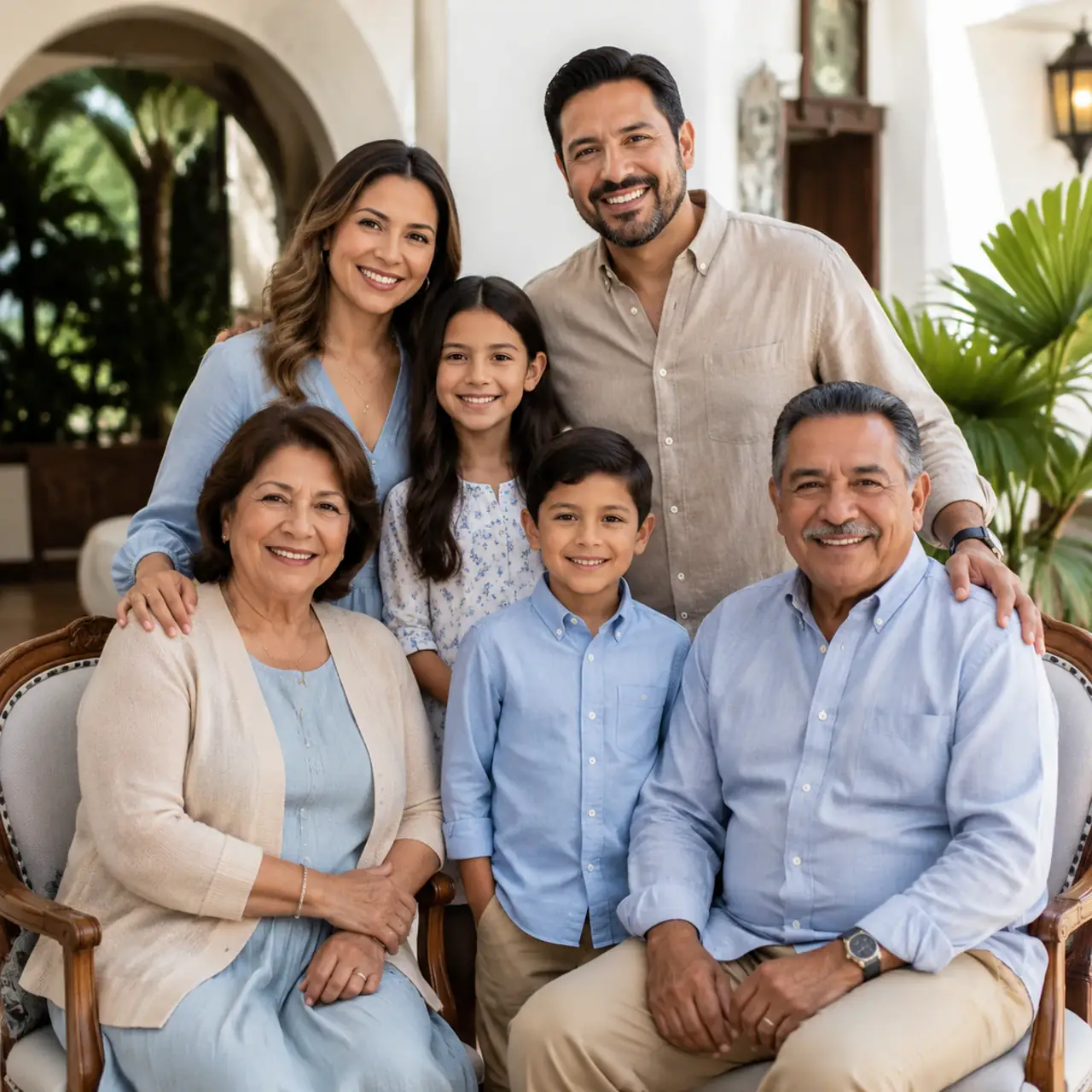 AI Family Portrait Ideas
Castle on a floating island
Try This Prompt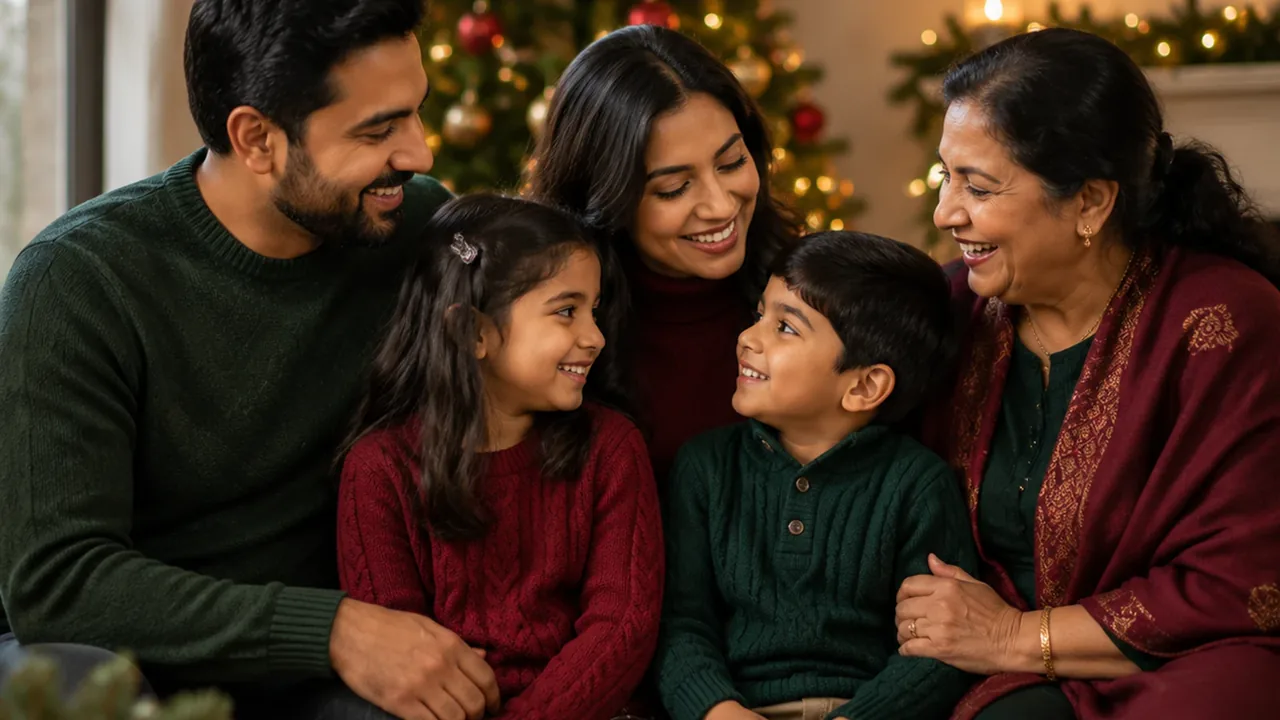 AI Family Portrait Ideas
Dragon circling a mountain peak
Try This Prompt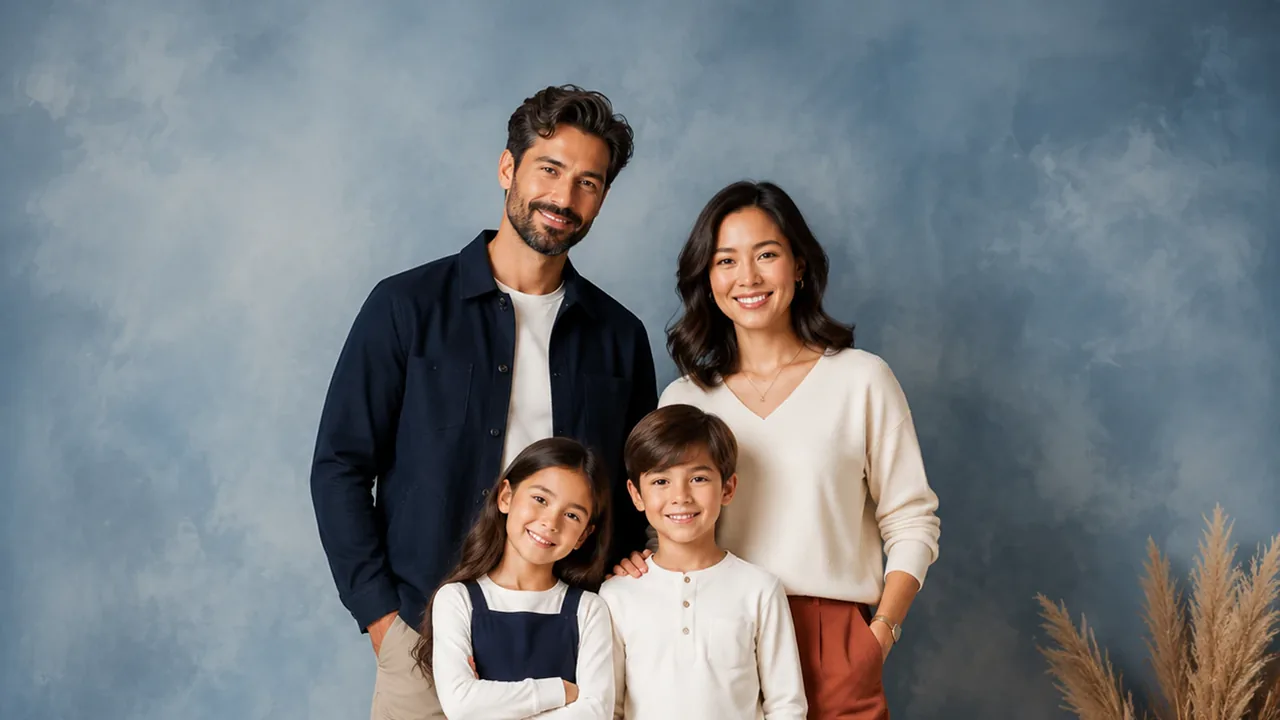 AI Family Portrait Ideas
Mystic portal in a cave
Try This PromptDescribe family members, poses, outfits, locations, lighting, color palettes, and moods to guide the portrait toward your idea.
Try realistic photography, polished studio portraits, watercolor art, storybook illustration, or cinematic scenes from the same creative workspace.
Develop portrait concepts for family gifts, reunion invitations, holiday cards, social posts, photo books, and personal keepsakes.
Type the subject, setting and mood, or upload a reference photo if the tool accepts one.
Choose one of the available image models, then create the first version and compare it with your brief.
Adjust the prompt or settings until the result matches, then download the image you need. More: image model, GlobalGPT plans.
Inspect faces, eyes, hands, clothing, and the background at full size. Confirm that the image dimensions and aspect ratio fit your intended print, check color and cropping with the printing service, and make sure you have permission to use any reference photos or included likenesses.
Describe each family member clearly and consistently, including approximate age, hairstyle, clothing, position, and relationship to the others. Keep the group size and scene manageable, then refine one detail at a time if the first result changes a face or adds an extra person.
If the selected image workflow supports reference images, you can use a family photo to guide the composition or appearance. Results may not reproduce every person's identity exactly, so review facial details carefully and only use photos you have permission to upload.
Yes. You can start with an available free image model. Other models may require a paid plan, so check the model options shown in the tool before generating.
Common ideas include personal keepsakes, gift concepts, holiday cards, reunion invitations, social posts, photo-book artwork, and creative family projects. Review every generated image carefully before printing or sharing it.
You can prompt for realistic photography, studio portraits, outdoor lifestyle images, watercolor paintings, storybook illustrations, cinematic scenes, and other creative directions.