

Multiple AI Models in One Place
Pick from the image models available on GlobalGPT and switch between them without leaving the page.
Generate unique AI clothing images — from outfit concepts to fashion illustrations — using the AI Clothing Generator.
Prompt Guide
Model
Reference Image
Real outputs from the tool, grouped by use case.
 AI Clothing Image Ideas
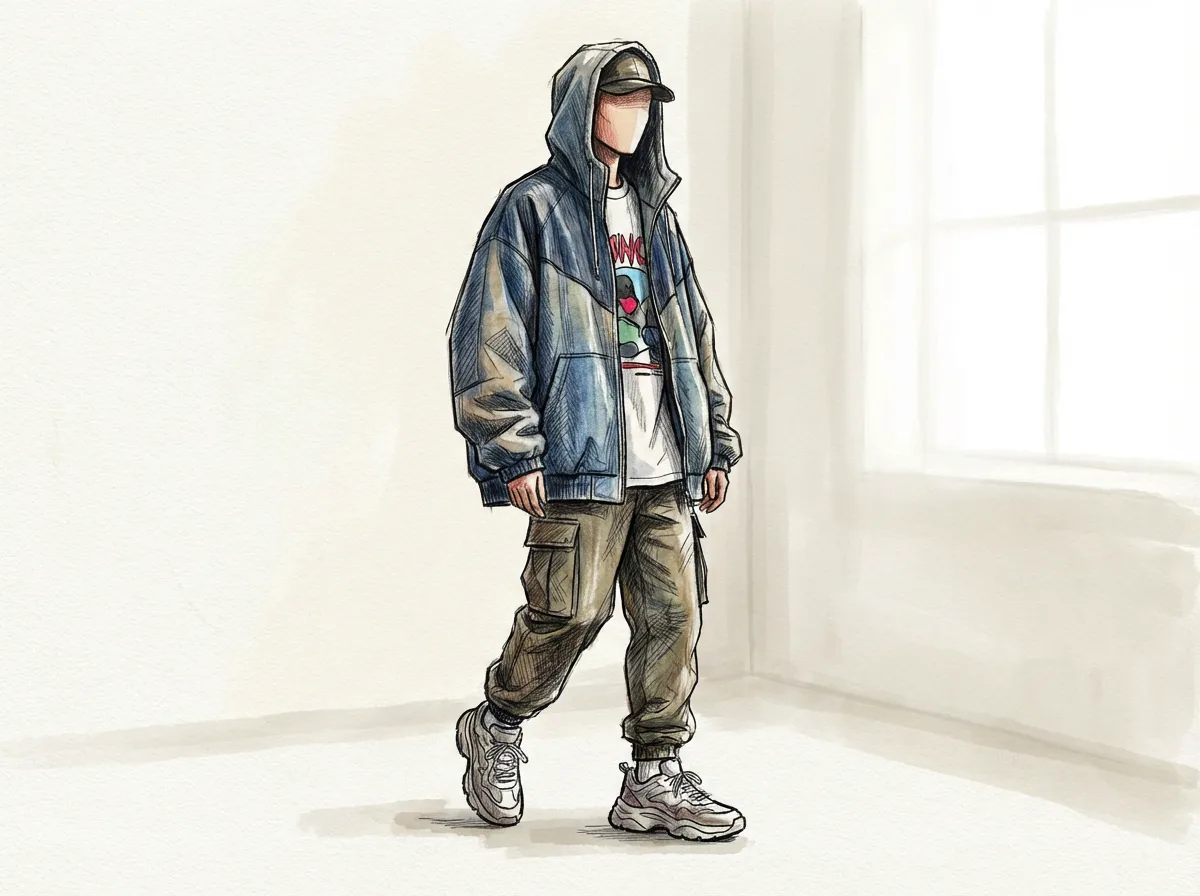
Street-style look on a city corner
Try This Prompt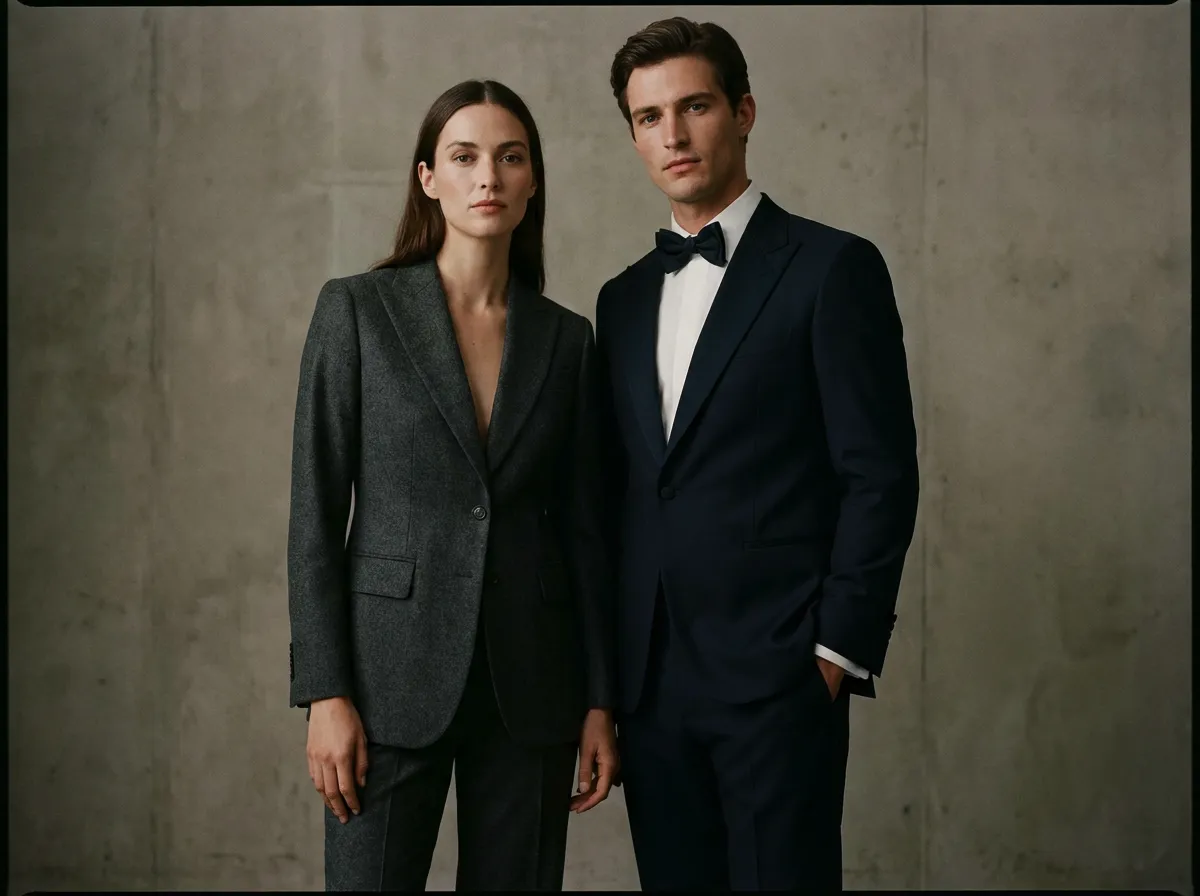 AI Clothing Image Ideas
Studio portrait with soft lighting
Try This Prompt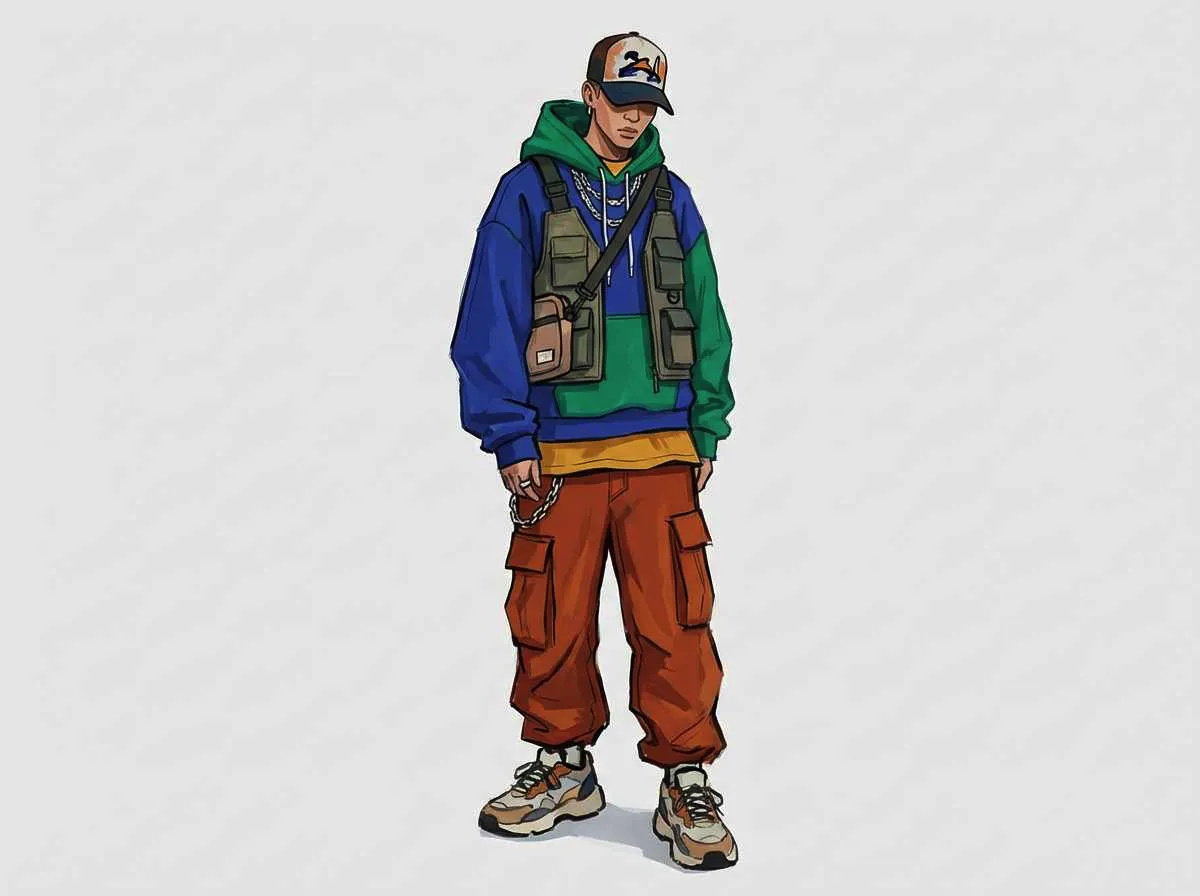 AI Clothing Image Ideas
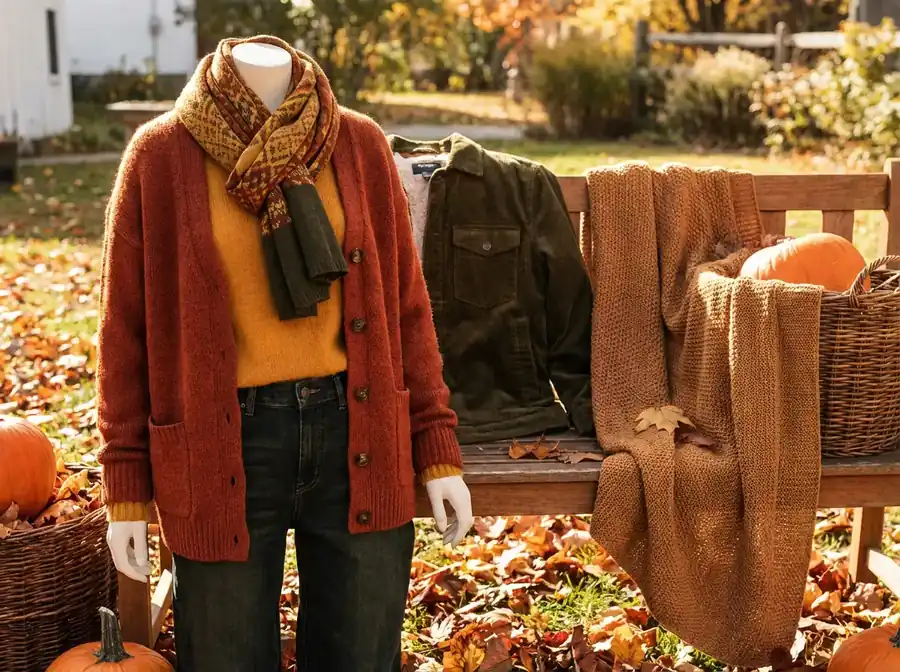
Layered outfit flat-lay
Try This Prompt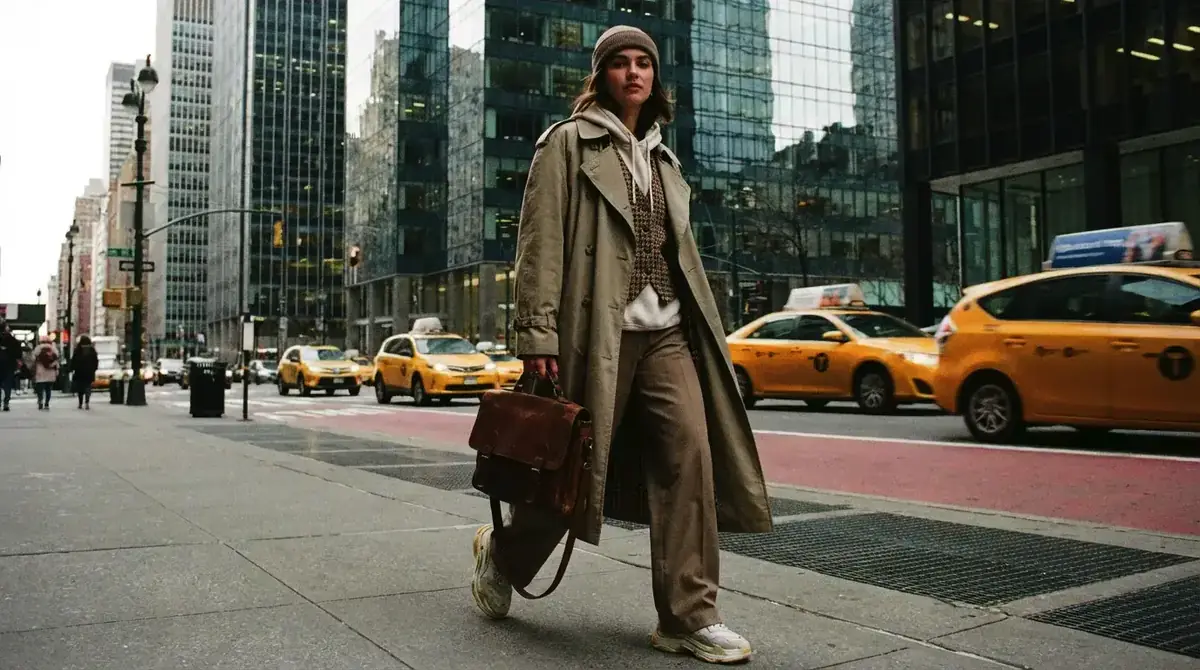 AI Clothing Image Ideas
Runway-inspired full-body shot
Try This PromptPick from the image models available on GlobalGPT and switch between them without leaving the page.
Start with the free allowance, then compare the plans that match how often you generate.
Preview the result, regenerate what needs another pass, then download the file in a usable format.
Type the subject, setting and mood, or upload a reference photo if the tool accepts one.
Choose one of the available image models, then create the first version and compare it with your brief.
Adjust the prompt or settings until the result matches, then download the image you need. More: AI models, GlobalGPT plans.
No — it’s beginner-friendly with simple prompt input.
Yes — image-to-image support lets you transform uploaded images into custom AI Clothing Images.
It can produce outfit designs, fashion illustrations, character wardrobe visuals, and textile pattern concepts.