

Material Named
Say brass, brushed steel or enamel in the prompt. Plain metal gives back a plastic sheen that reads as a toy in a thumbnail.
Prompt Guide
Model
Reference Image
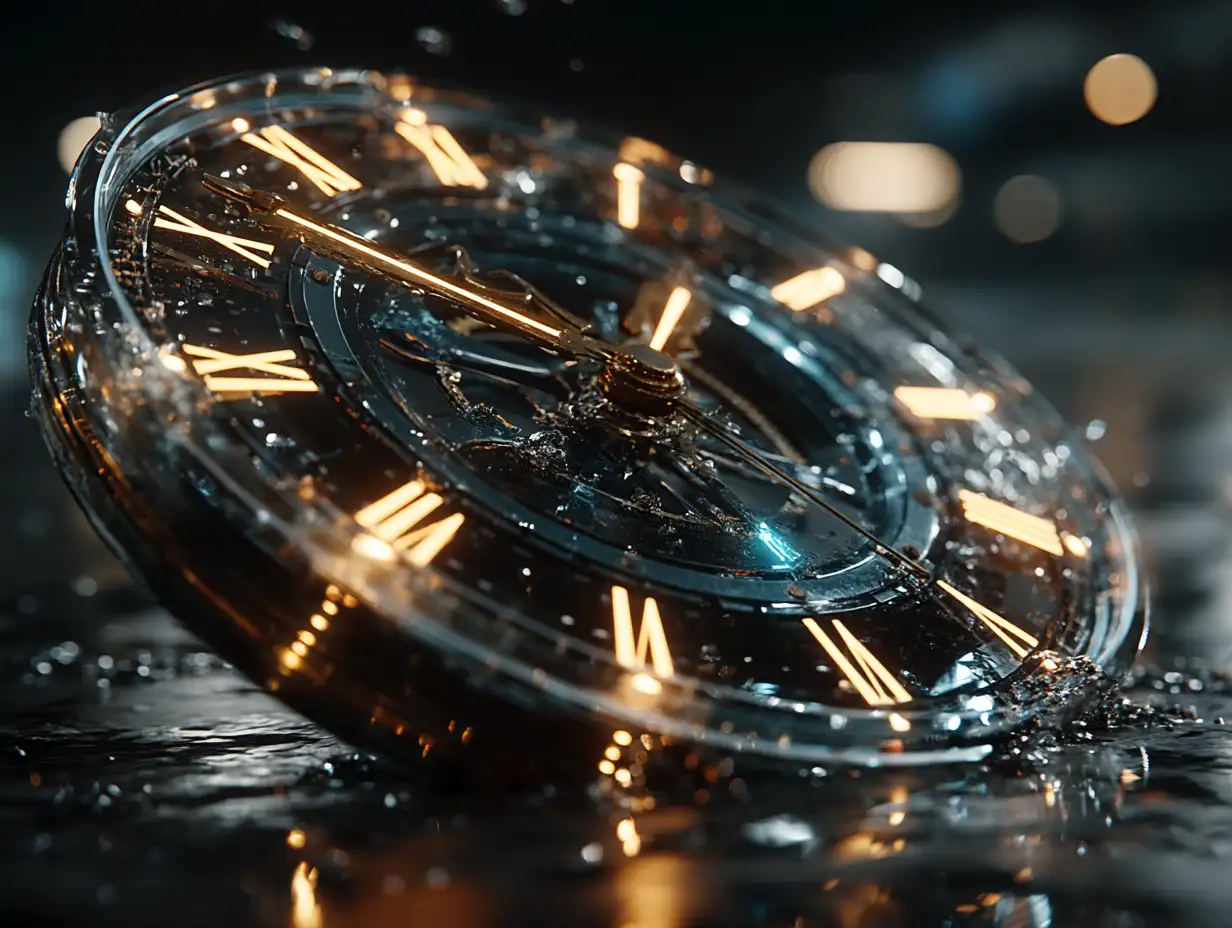
Describe the dial, the metal and the light, and this AI clock image generator returns a product-ready render in seconds — four dial presets, four ratios and watermark-free downloads, free to try.
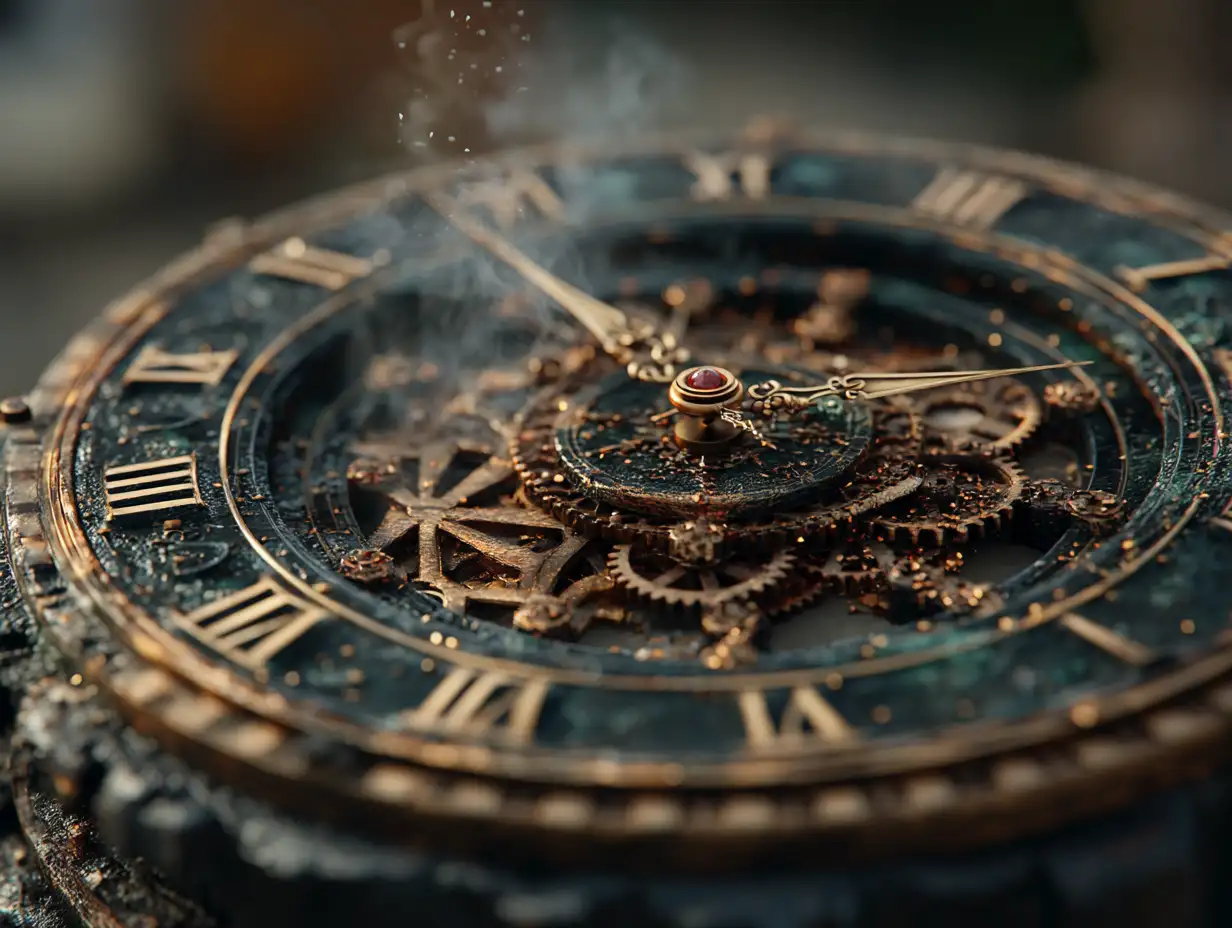
Three steps, no 3D software — and a free allowance on every new account.
Name the dial type, the metal and the finish: 'thick Roman numerals, brushed steel bezel, black enamel dial'. The AI clock image generator turns that into a product shot.
Four presets cover smoked, pastel, tiled and gold. Choose 1:1 for a product card, 4:3 for a wide render or 9:16 for a story — the same prompt works across all.
Start on the free allowance, switch models in the picker, then download a watermark-free image. Paid plans start at $5.80 a month when you need more volume. Compare the available AI image models before choosing a model for this image.
Ten dial and case renders across four setups — smoked, pastel, tiled and gold.
 Concept
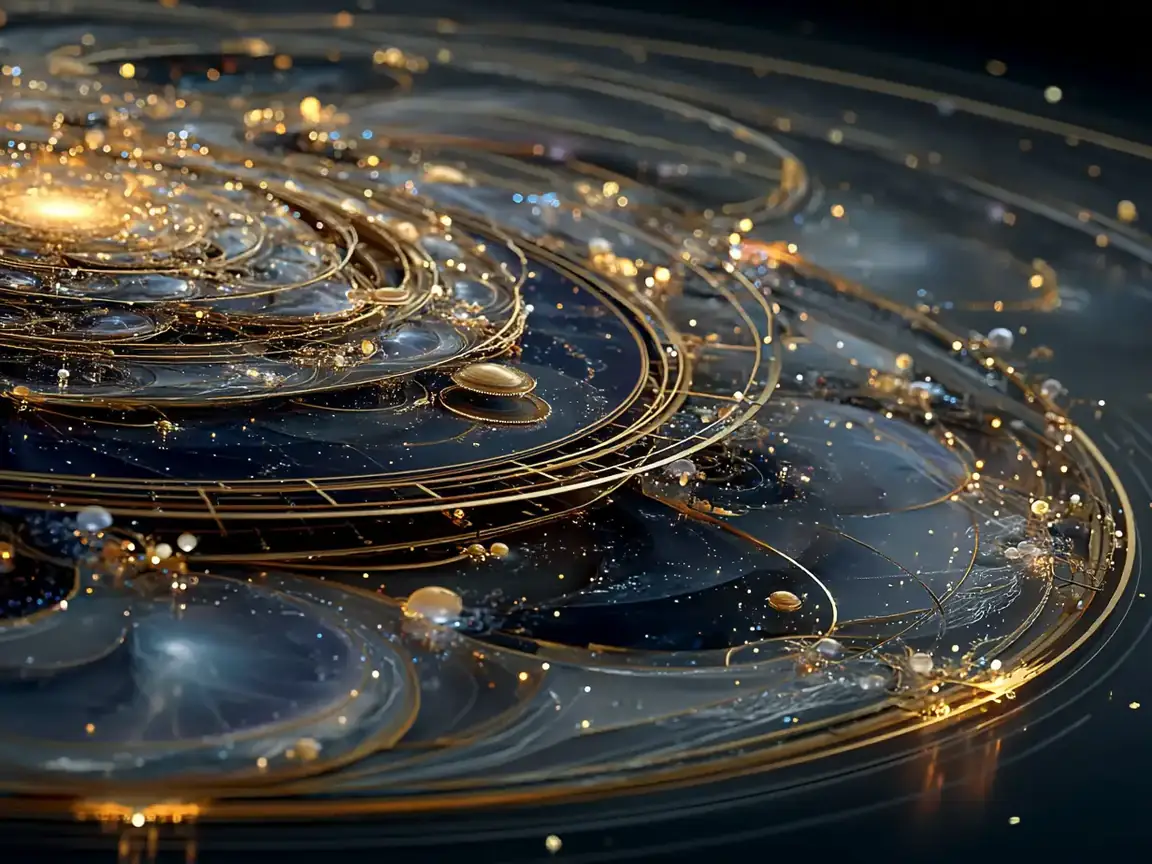
A ring of gold clock gears turns inside a blue nebula, loose numerals drifting in the dust, deep space light from below, cinematic wide composition, 3:4
Try This Style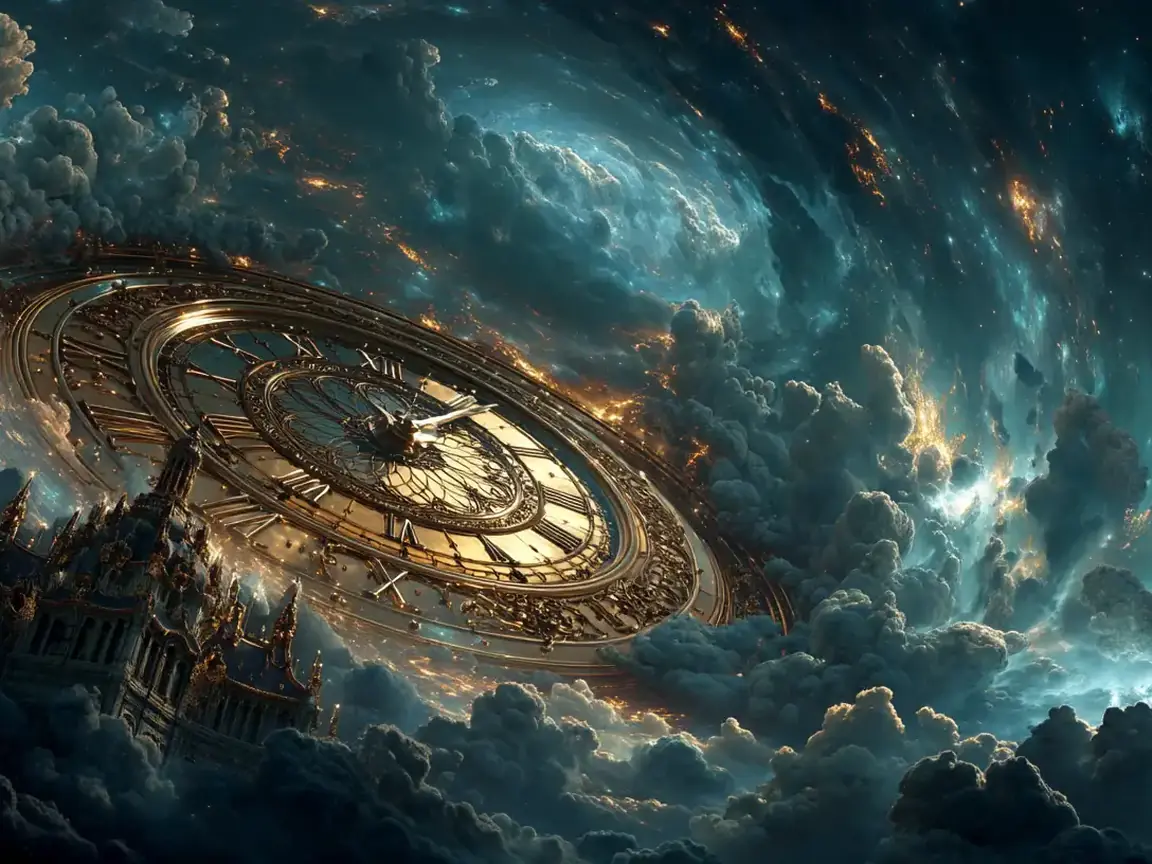 Concept
A baroque clock hall floats above a sea of clouds, one giant gilded dial glowing amber, teal mist beneath, dusk light and a long-exposure feel, 3:4
Try This Style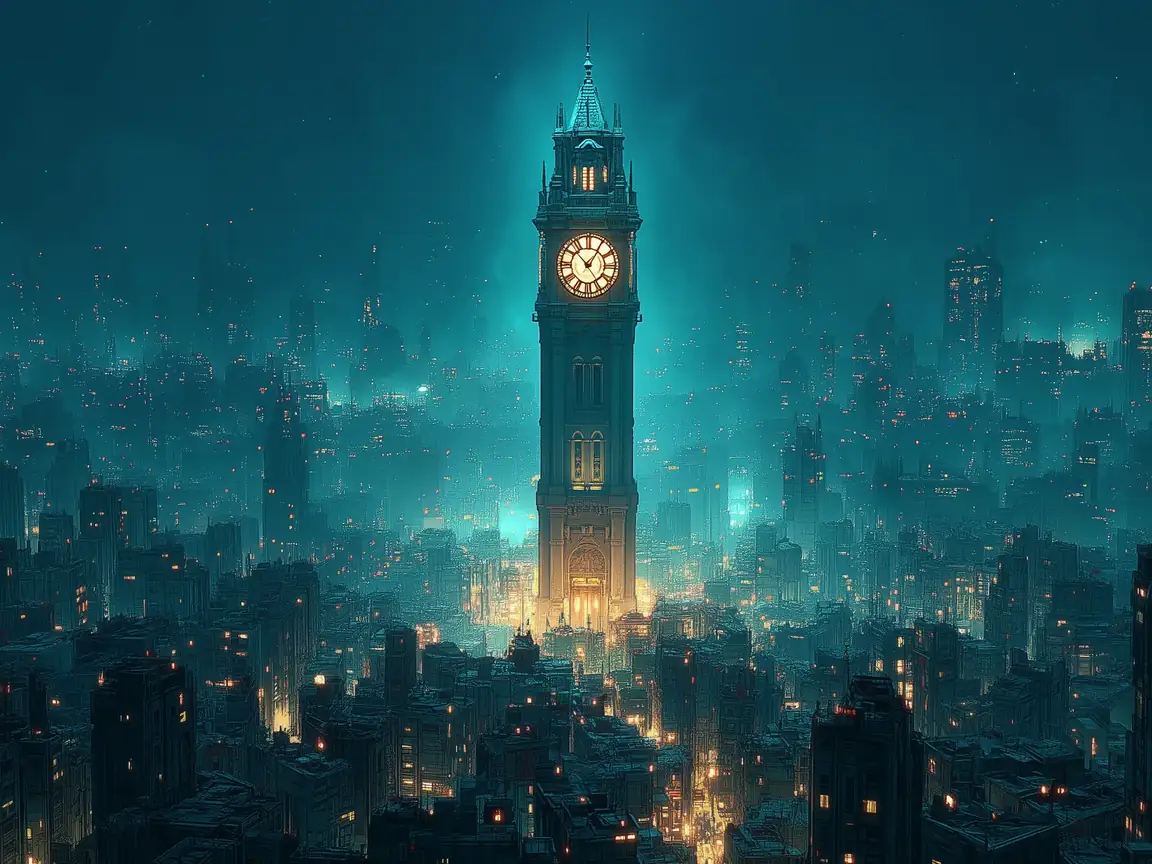 Concept
A stone clocktower with a glowing gold dial rises over a foggy teal city at night, windows lit in rows, cool haze, wide establishing shot, 3:4
Try This Style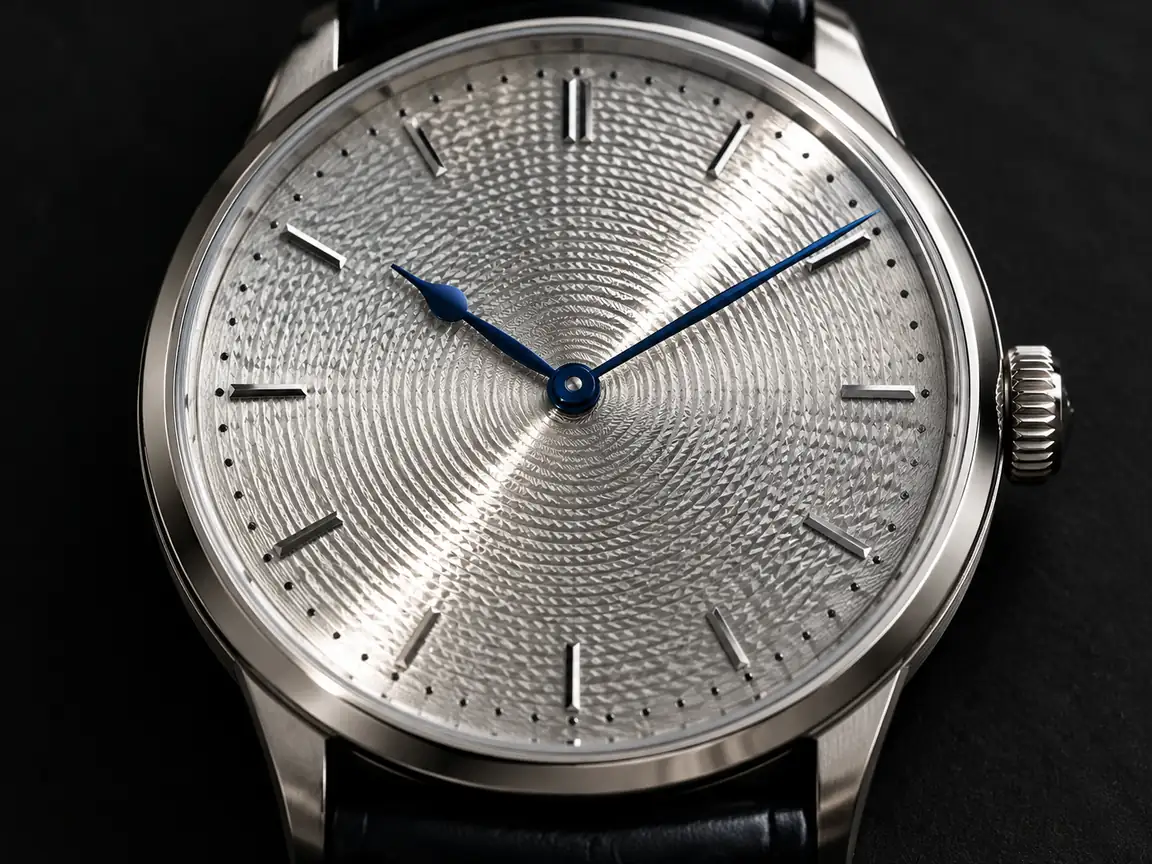 Dial Macro
Top-down macro of a silver guilloche dial, concentric engine-turned rings catching a strip of light, blued steel hands at ten past ten, dark backdrop, 3:4
Try This Style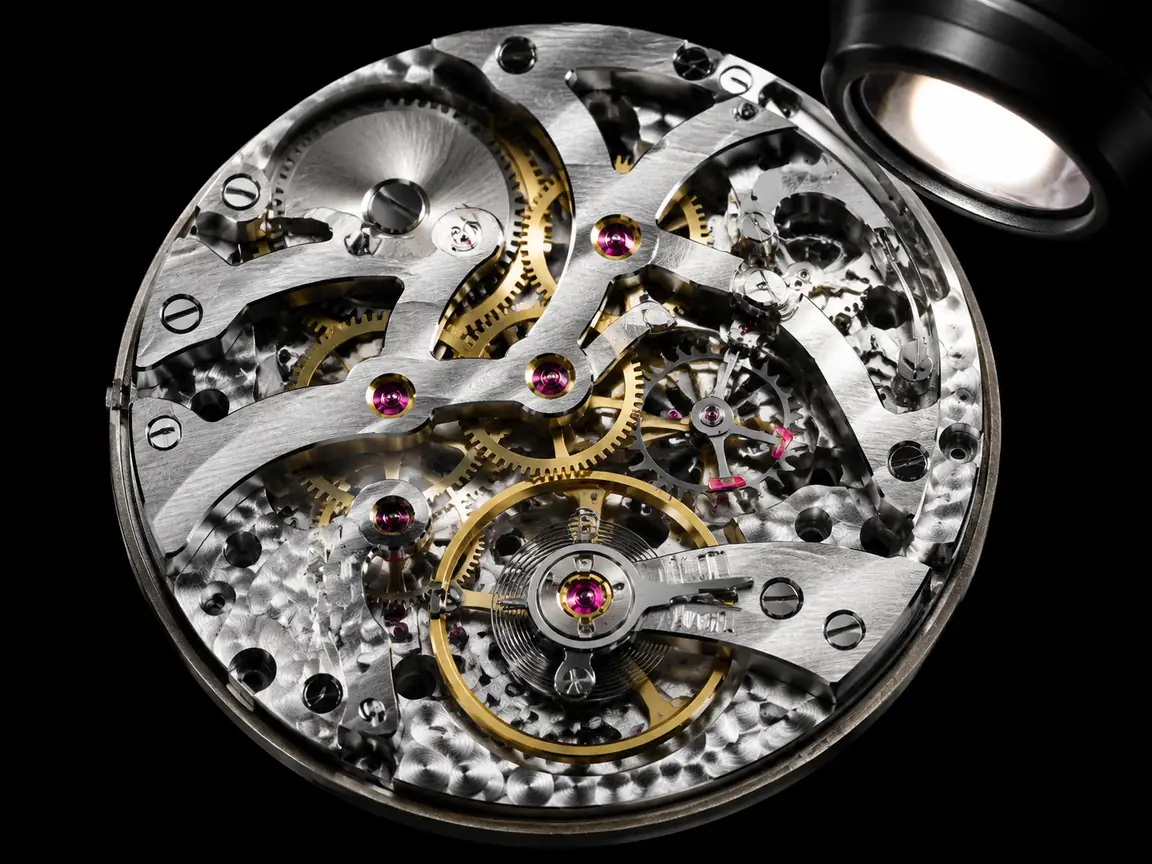 Dial Macro
Skeleton watch movement seen from above, ruby jewels and escapement wheels under a loupe light, brushed bridges and perlage plates, extreme detail, black background, 3:4
Try This Style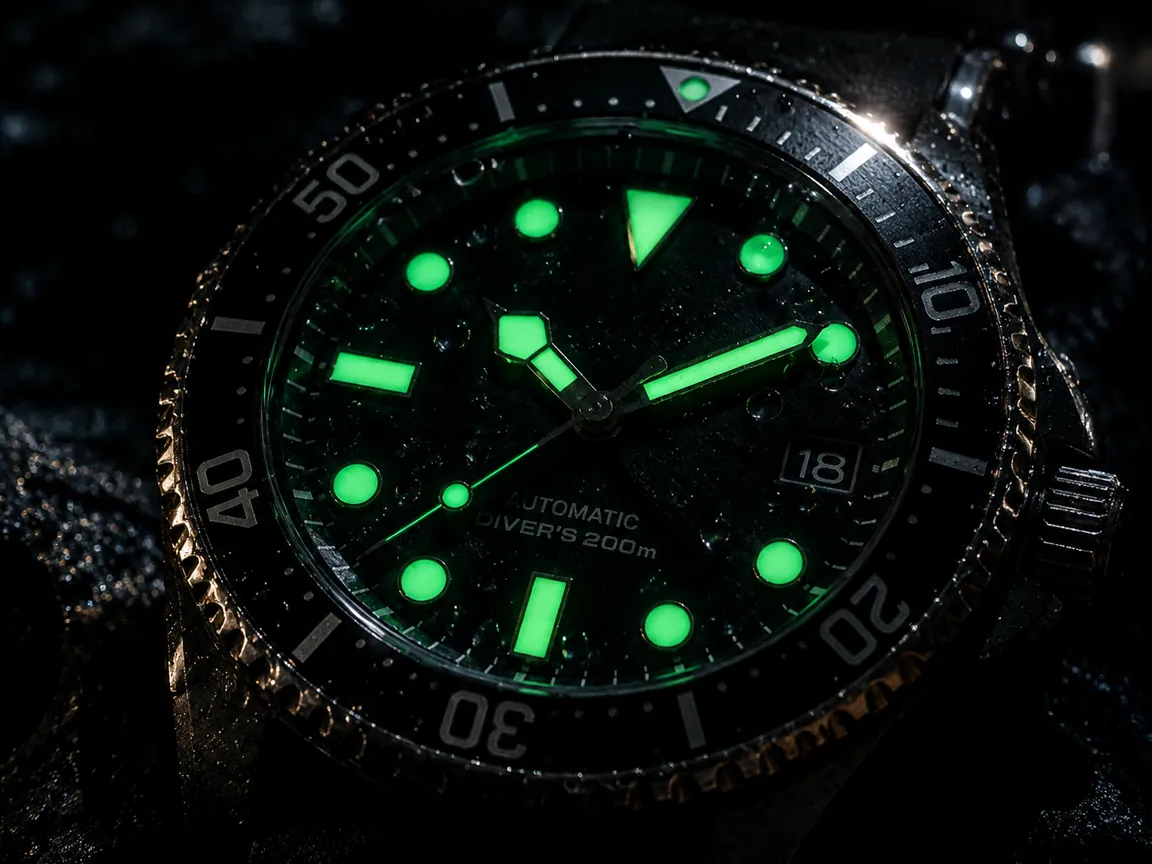 Dial Macro
A dive watch dial in near darkness, thick lume markers glowing green, bezel notches catching a thin torch beam, water droplets on the crystal, 3:4
Try This Style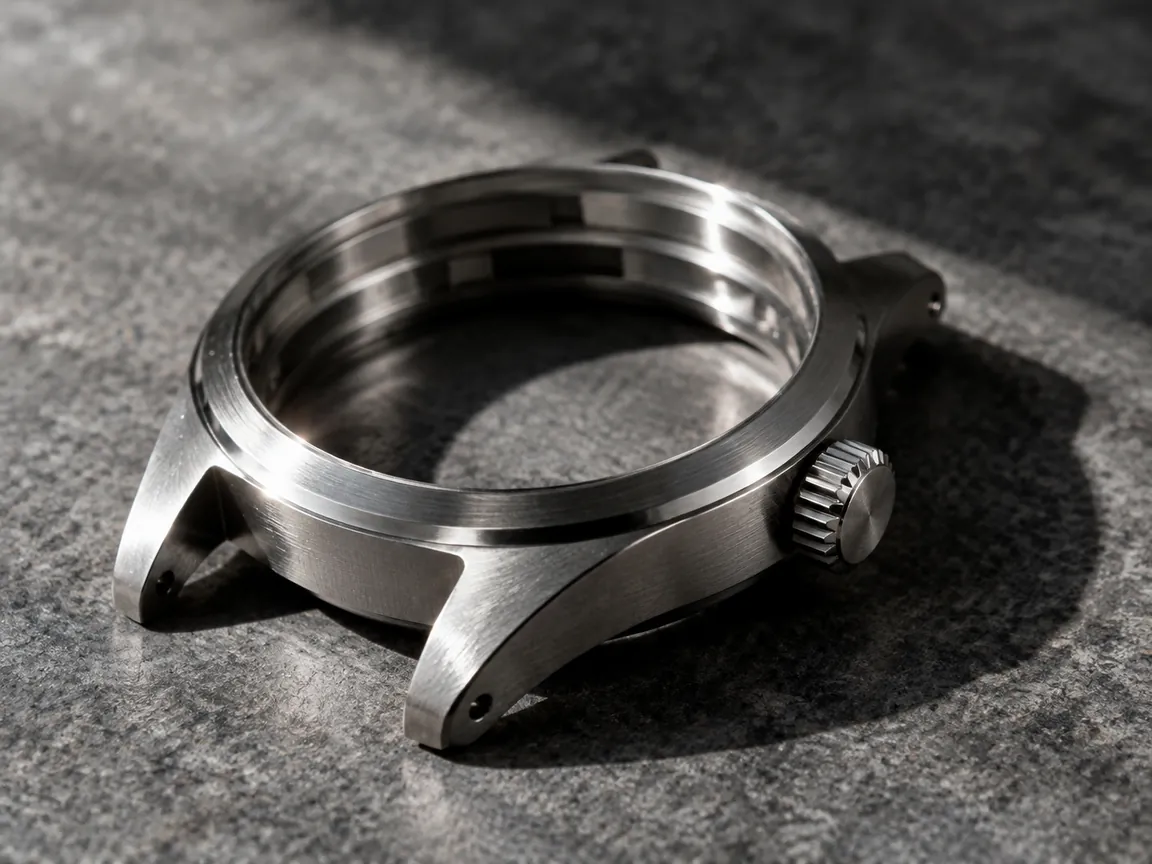 Metal & Case
Three-quarter view of a brushed steel watch case on grey stone, the bezel edge catching a strip of hard light, deep shadow behind, 100mm macro, 3:4
Try This Style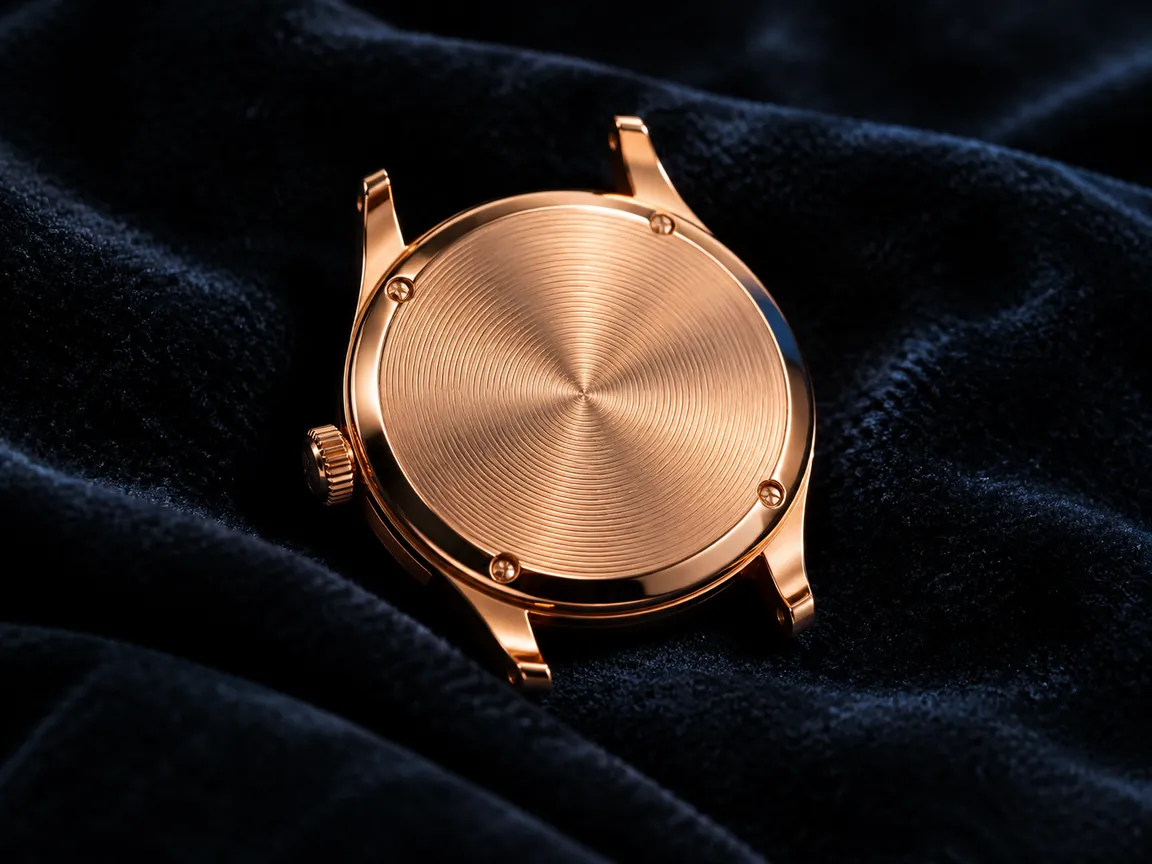 Metal & Case
Rose gold caseback engraved with fine concentric circles resting on dark velvet, warm key light and a cool fill, soft reflections in the polish, 3:4
Try This Style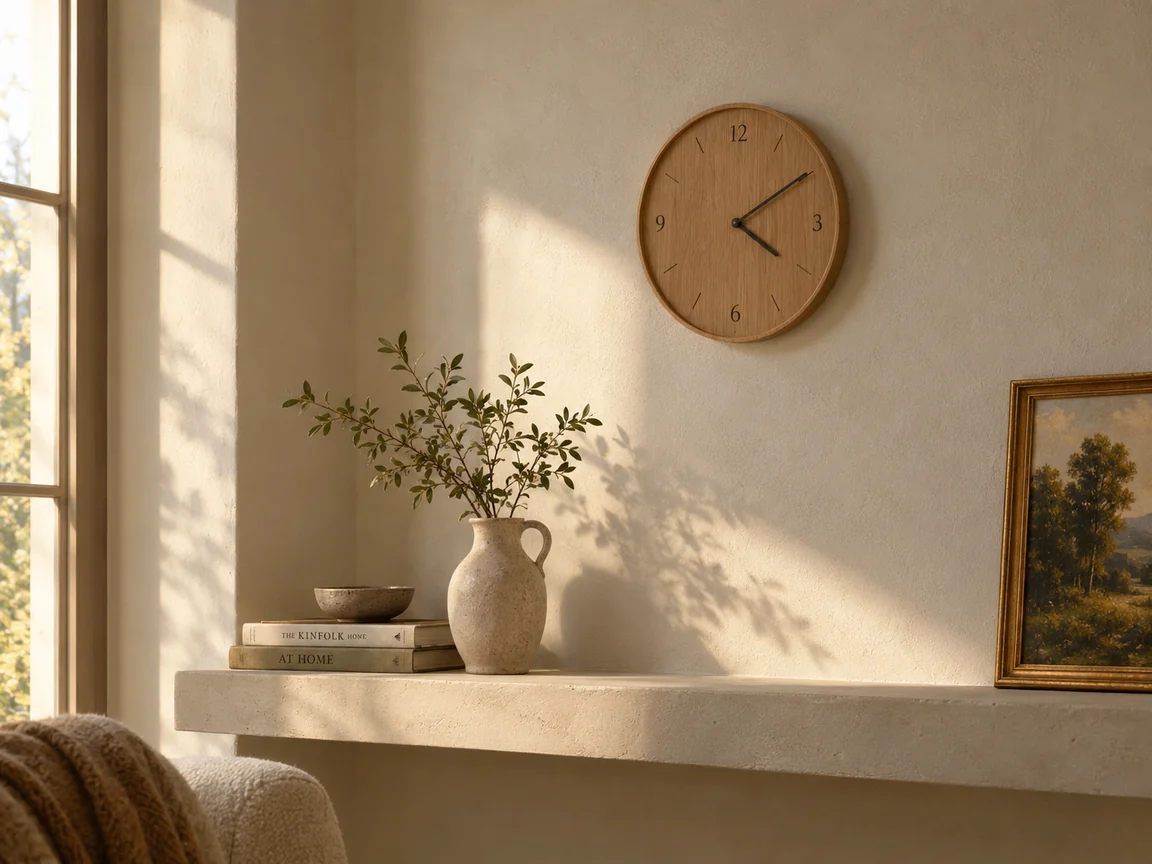 Room Light
A slim oak wall clock above a pale plaster shelf in a quiet room, low afternoon window light and a soft shadow band, 35mm interior view, 3:4
Try This Style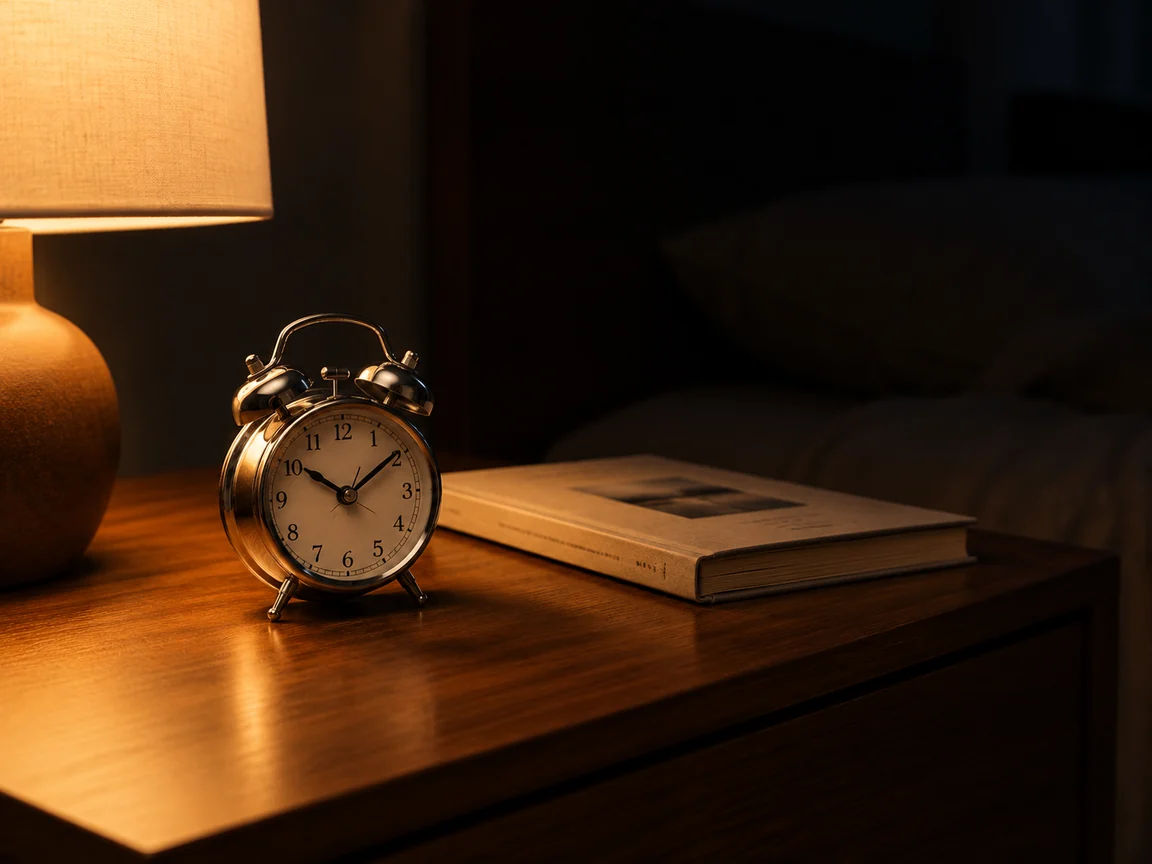 Room Light
A small chrome alarm clock on a walnut nightstand beside a folded book, single warm lamp at the left, the dark room falling away behind, 3:4
Try This StyleSix checks before a render goes to a listing.
Say brass, brushed steel or enamel in the prompt. Plain metal gives back a plastic sheen that reads as a toy in a thumbnail.
Pick one and stay with it. Mixed indice styles are exactly where generated dials start inventing glyphs nobody can read.
Name where the specular sits, whether bezel edge, crystal or caseback. Unplaced light flattens the whole case into a silhouette.
1:1 and 4:3 survives marketplace grids and banners. 3:4 is for lookbook and print, where the case can breathe.
Keep light and lens wording identical across a series so twelve products look photographed on one bench, not in twelve sessions.
Prompts exclude logos and brand lettering. A clean dial is faster to retouch than a garbled one, and safer to publish.
I needed a concept concept the same afternoon I found this page. I typed what I wanted for "Cosmic Gear Ring", ran it twice, then changed only the light and the palette on the second pass. The version I kept went straight into a client deck and saved me a stock-photo search.
My first try for "Open Movement" came back too polished, more advertising than real photograph. I rewrote the sentence to describe the surface and the actual light in the room, and the third attempt looked like something I could have shot myself. That is the one I still use for ai clock image generator mockups.
I use it the way I use a sketchbook: one prompt for "Brushed Bezel", one for "Rose Gold Case", then I pick the half that works and iterate from there. Two of those frames ended up in a package for a client who could not decide between the two directions, and seeing them side by side settled it in a minute.
It is a text-to-image tool for watch and clock product shots: you describe the dial, the case and the light, and it returns a render with readable numerals and a believable metal finish.
Numerals and hand positions are the weak spot. Ask for baton markers instead of numerals when accuracy matters, or leave the dial blank and set the numerals in vector software afterwards.
One light source, one reflection, one surface. Name the finishes: brushed steel case, polished bezel, matte black dial. A macro lens and a dark background do more than any adjective about luxury.
State the time in words, such as hands at 10:10, and expect to fix it. Model output treats hands as decoration; anything read as a real clock face usually needs a retouch.
Not for a watch you sell. A render that resembles your product misrepresents it, and marketplaces reject altered product images. Use them for mood boards, dial concepts and packaging studies.
Yes, within the free allowance; paid models start around $5.80 a month with no watermark on the download. For current subscription options, see GlobalGPT plans.