Why Use This AI Christmas Video Generator
An AI Christmas Video Generator that handles the snow, the light and the camera move, so you only write the scene.
1Prompt or Photo, Same Tool
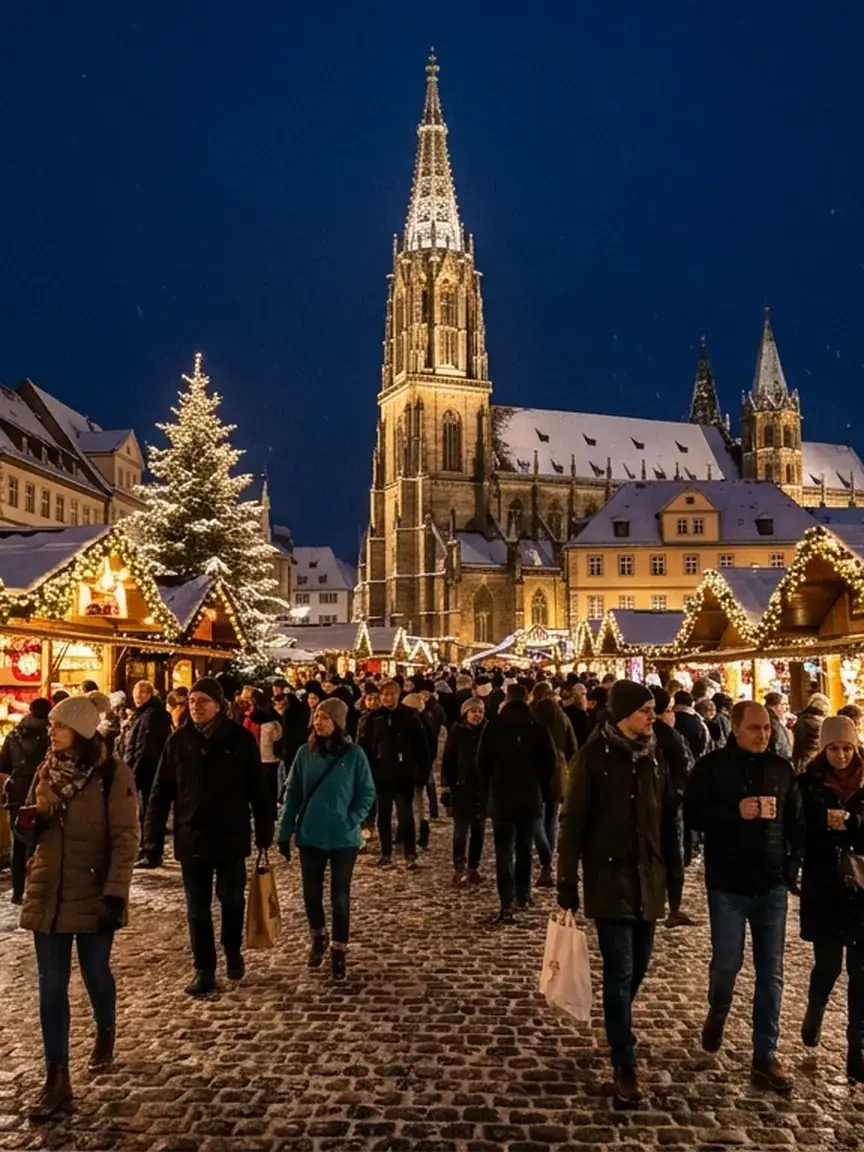
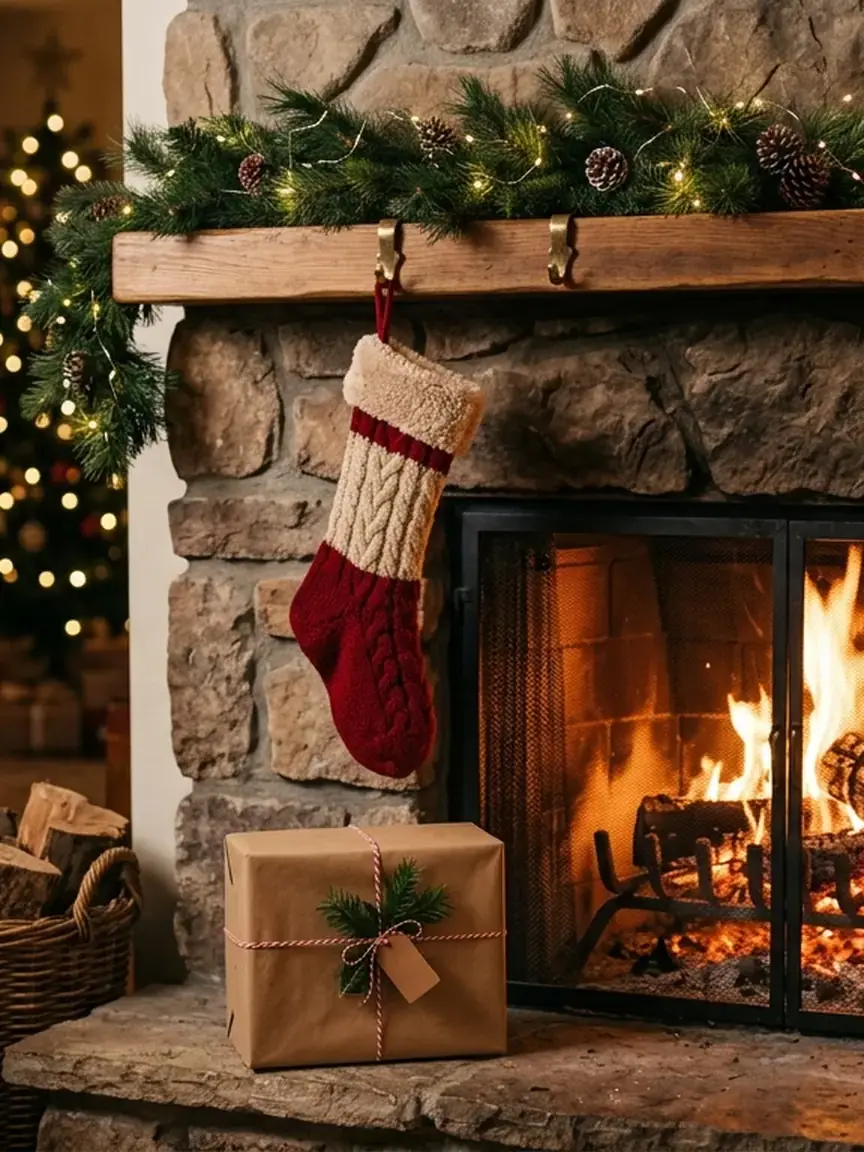
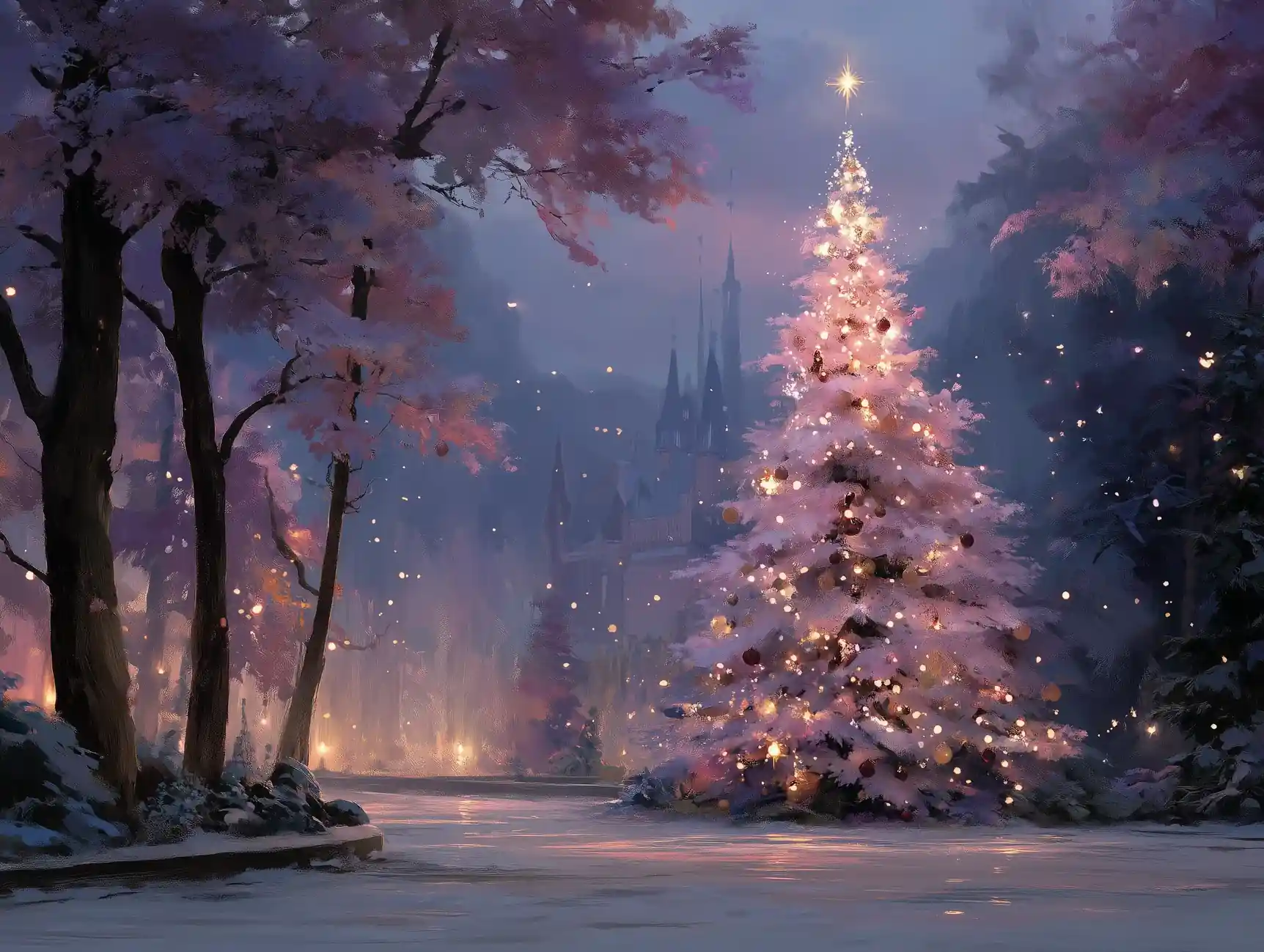
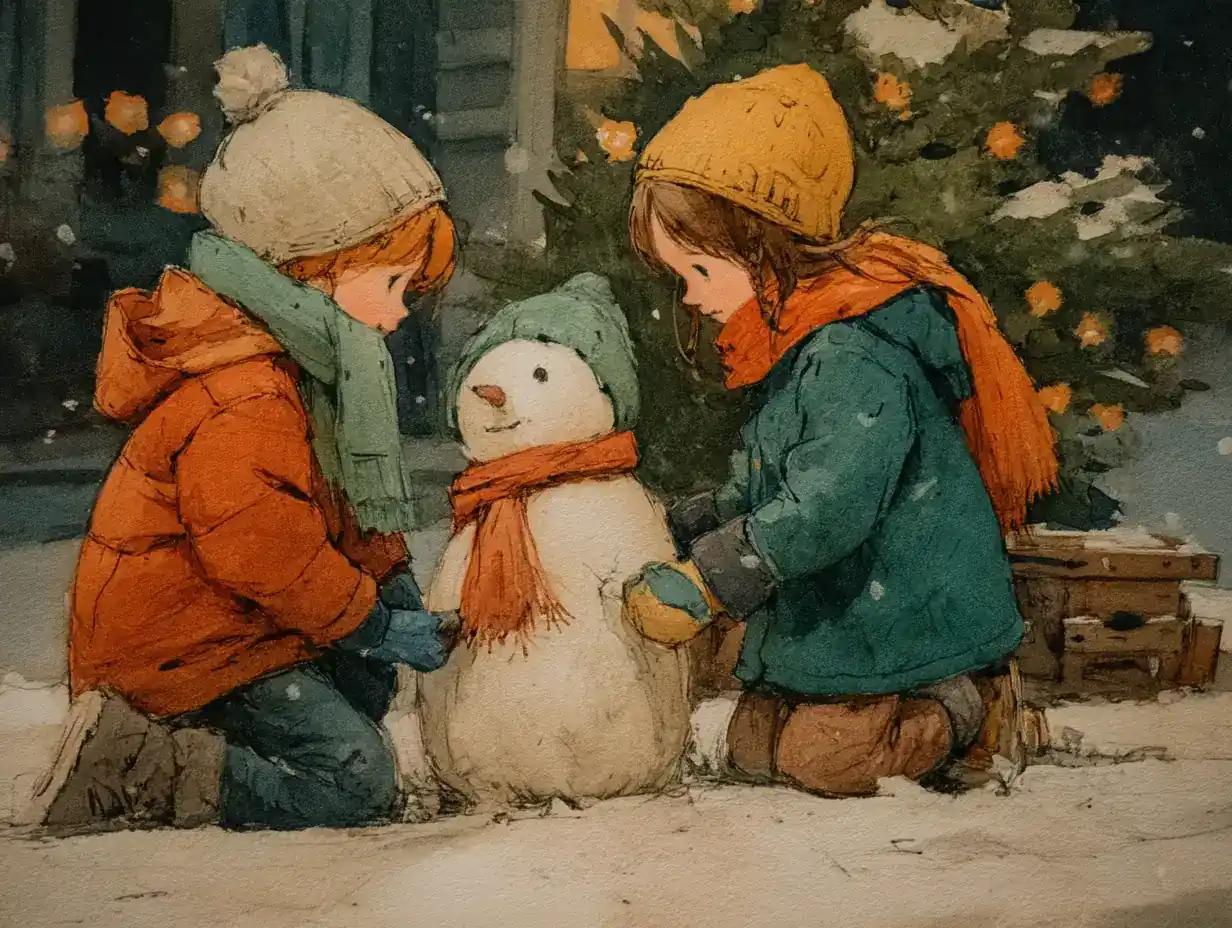
Type a description, or upload a still and let the AI Christmas Video Generator animate it. Snowfall, a slow push-in and drifting bokeh are all handled for you, which is why a photo becomes a clip in one pass. That is the difference between animating by hand and asking the AI Christmas Video Generator for the move.
2Five Video Models in One Place
Compare Agnes, Grok Imagine, Seedance and Kling without leaving the page. The christmas video maker keeps the same prompt across models, so the comparison is fair and the choice is yours.
3Camera Moves That Read as Cinematic
Slow push-ins, lateral dollies and drone pull-backs are all promptable. The AI Christmas Video Generator understands framing language, so you do not need to animate by hand. Describe the move and the AI Christmas Video Generator applies it to the whole shot.
4Landscape and Vertical
Export 16:9 for YouTube and site headers, or 9:16 for Reels and Shorts. A festive video generator run at either ratio keeps the subject centred, so one idea covers both placements.