

Prompt or Reference
Start from a written scene or upload an existing illustration, product shot or family concept. The AI Christmas Image Generator restyles it, keeps the composition and returns a finished holiday picture.
Prompt Guide
Model
Reference Image
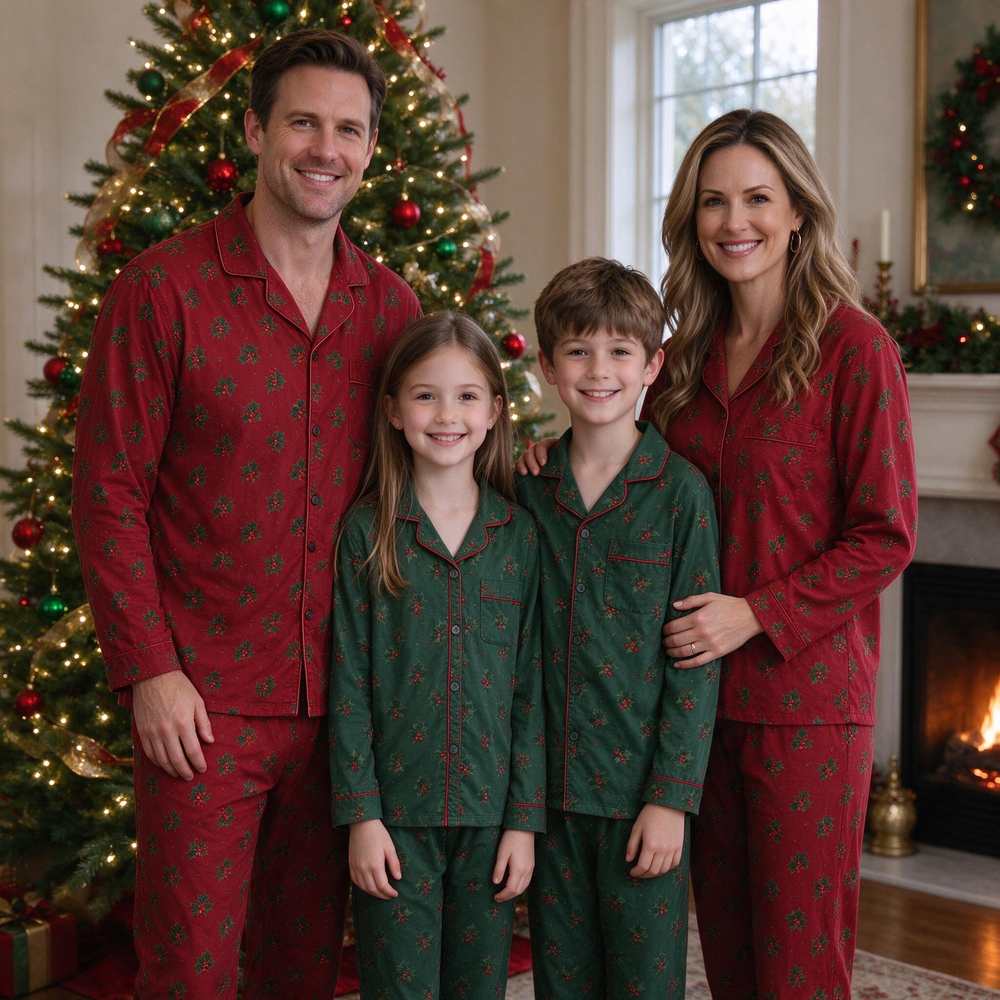
Turn a short prompt into a warm Christmas picture. The AI Christmas Image Generator handles the snow, the lights and the styling, so the whole holiday set comes from one page.
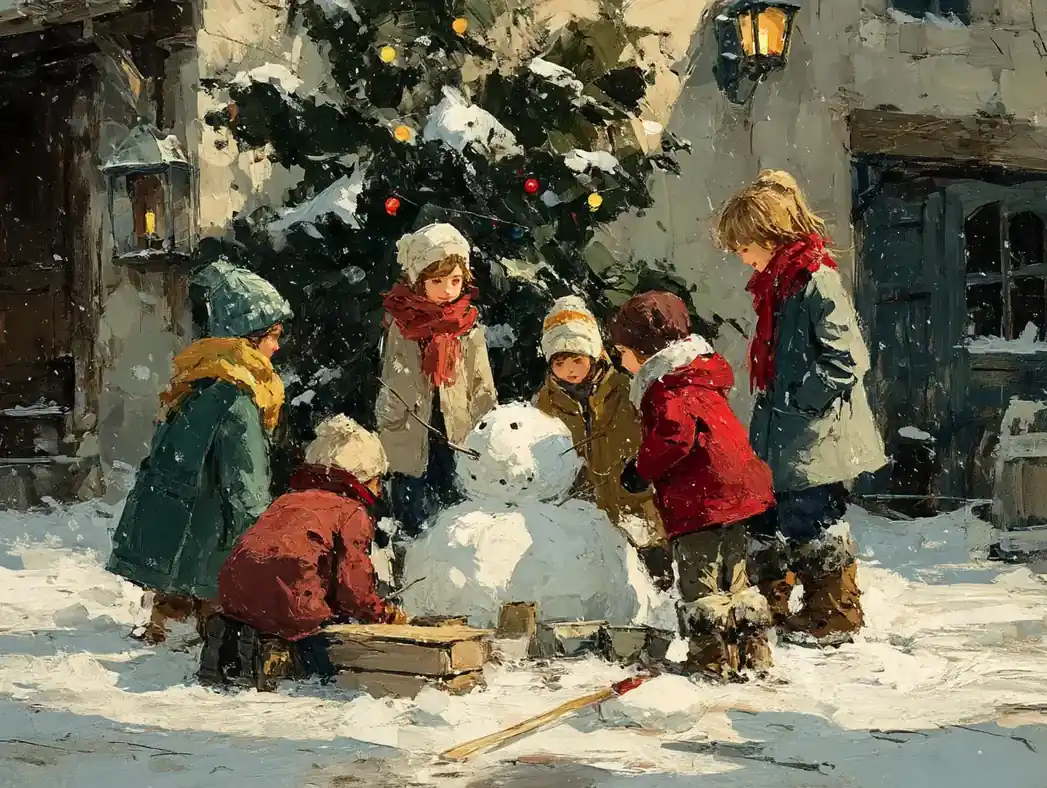
Ten Christmas images made with the AI Christmas Image Generator, from a snowy street to a candlelit nativity. Reuse any prompt in the same AI Christmas Image Generator to get your own version.
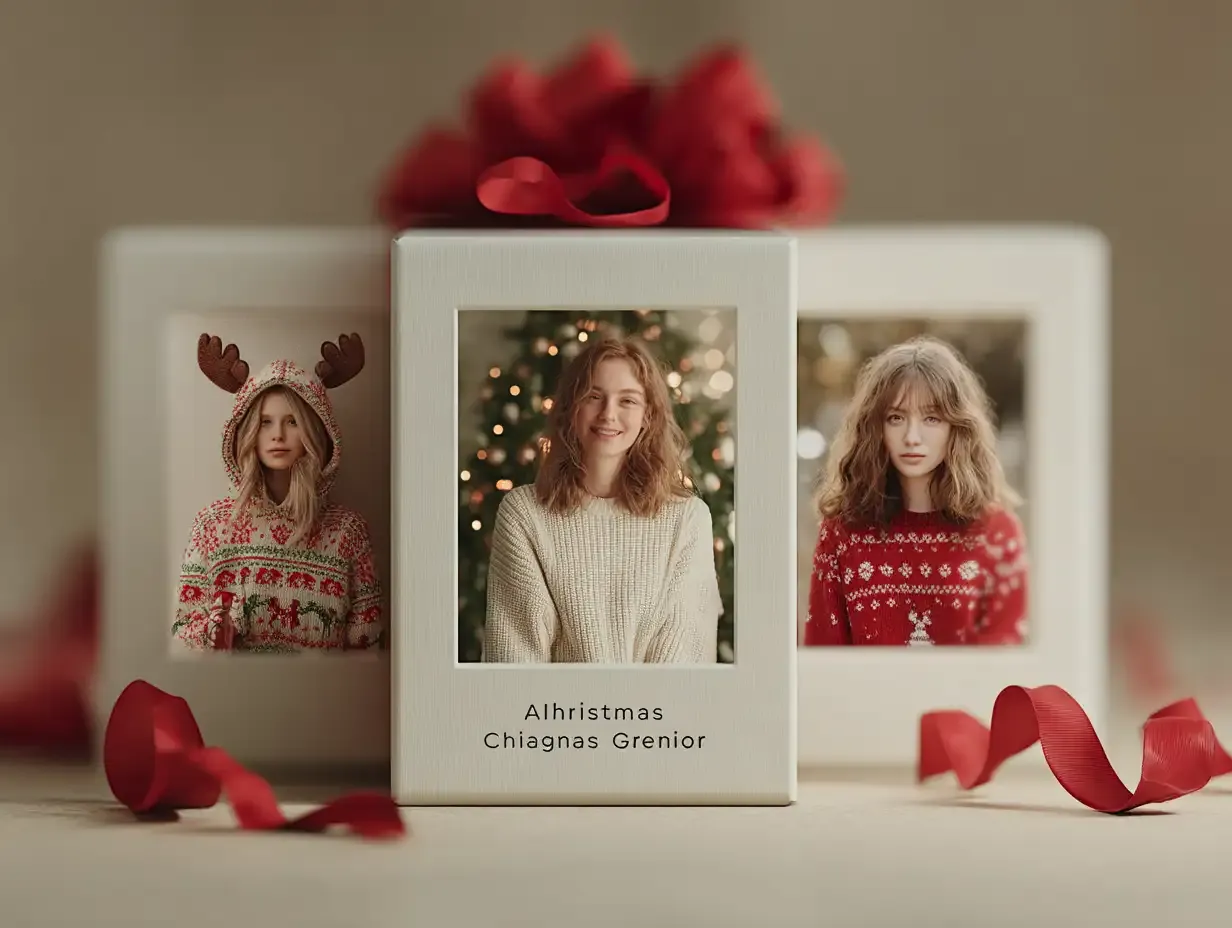 Family & Faith
A framed family photograph on a wooden mantel beside pine garland and lit candles, warm gold light, shallow depth of field, nostalgic Christmas interior
Try This Prompt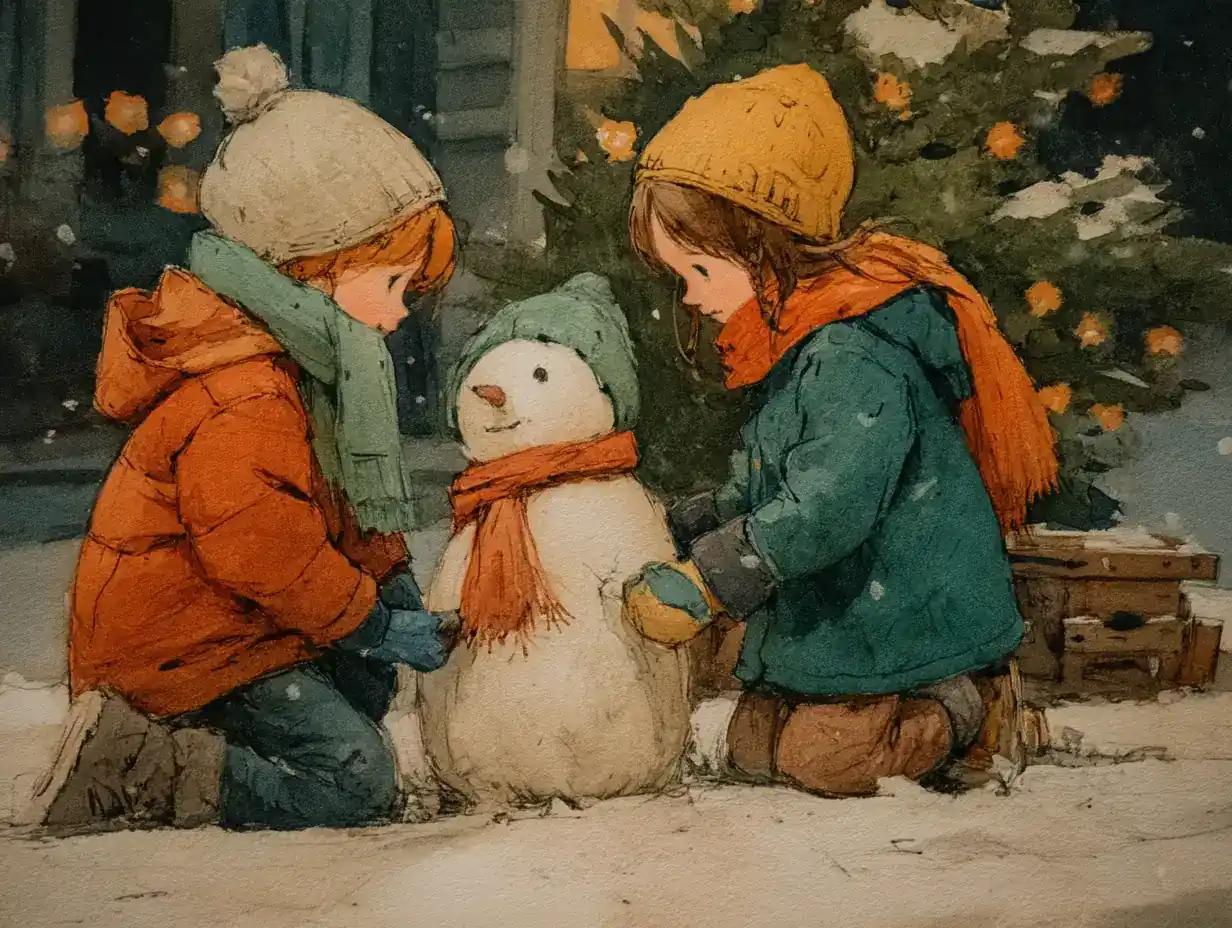 Snow & Winter
Two children in red and green winter coats rolling a snowman in a snowy garden, a lit tree glowing through the window behind, soft falling snow, photorealistic holiday scene
Try This Prompt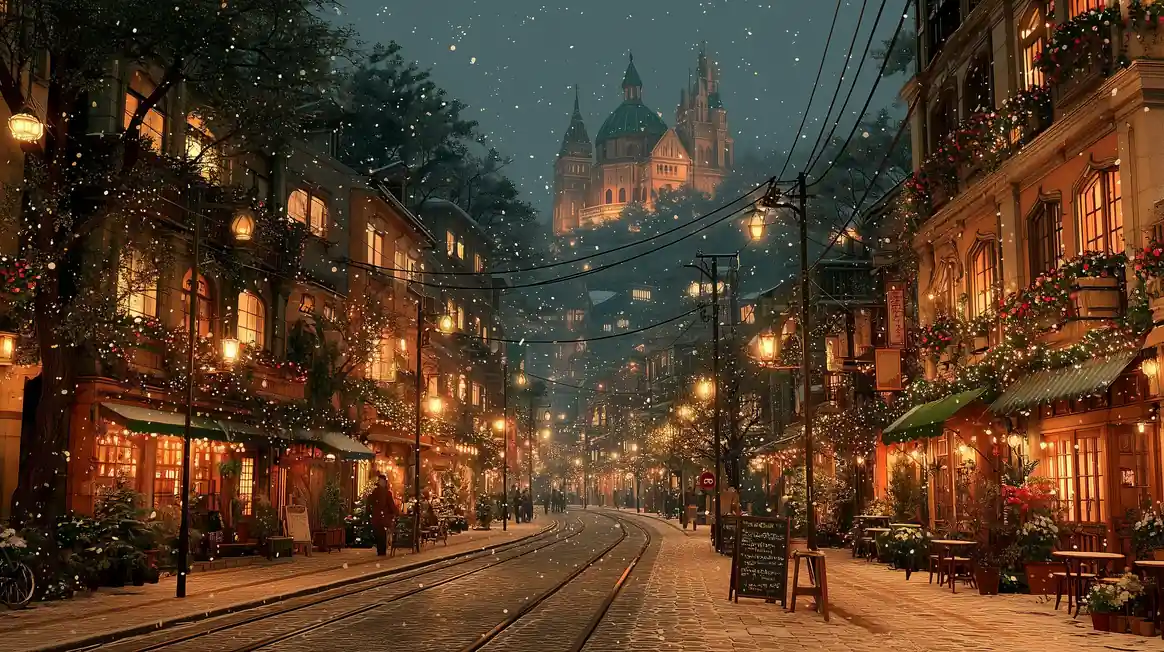 Markets & Streets
A narrow cobblestone street at night after fresh snow, warm window light and hanging Christmas garlands, wet reflections on the stones, cinematic winter atmosphere
Try This Prompt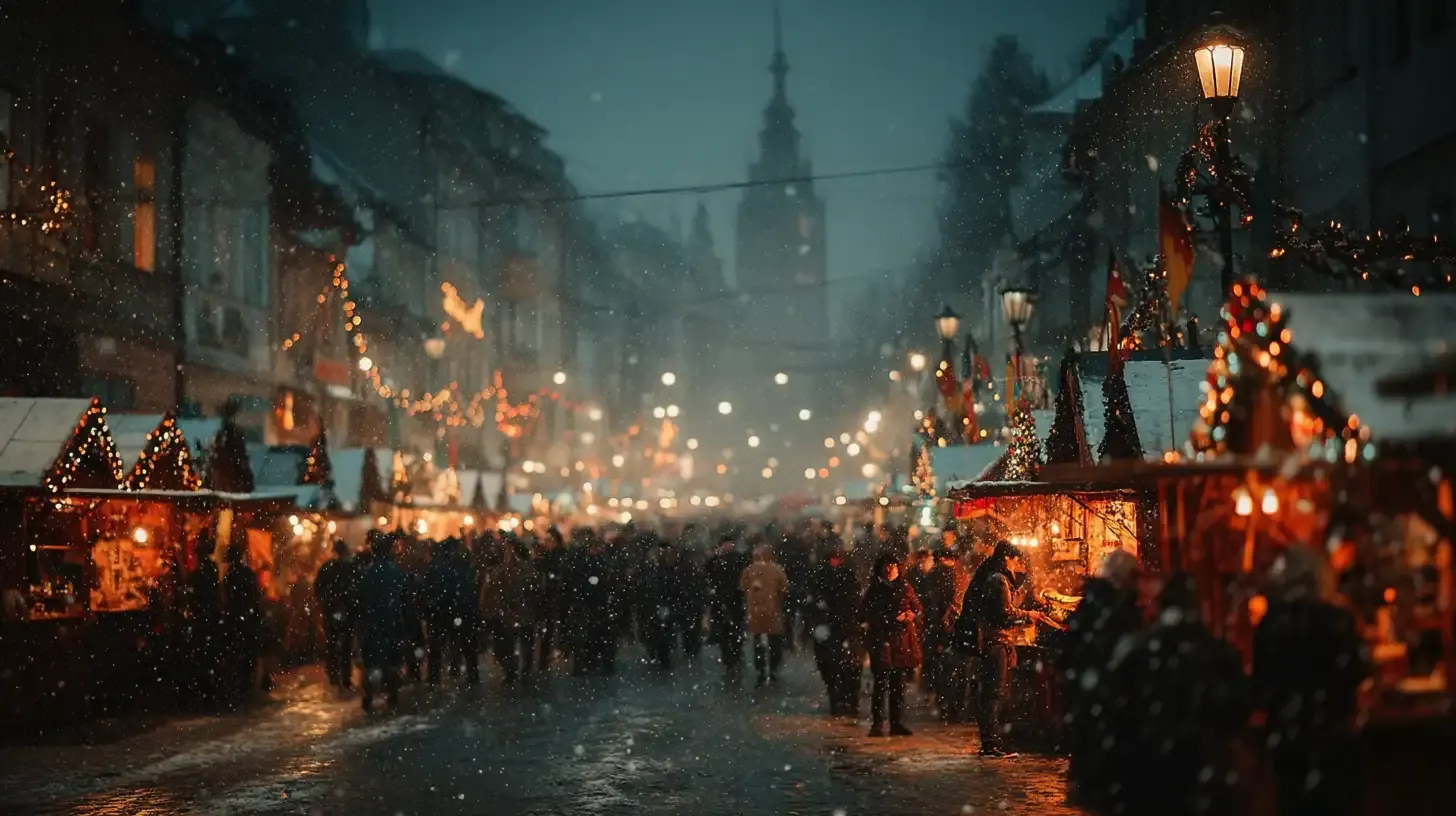 Markets & Streets
A crowded European Christmas market at dusk, wooden stalls with warm lanterns, mulled wine steam, snow on the roofs, a large lit tree in the square, rich festive detail
Try This Prompt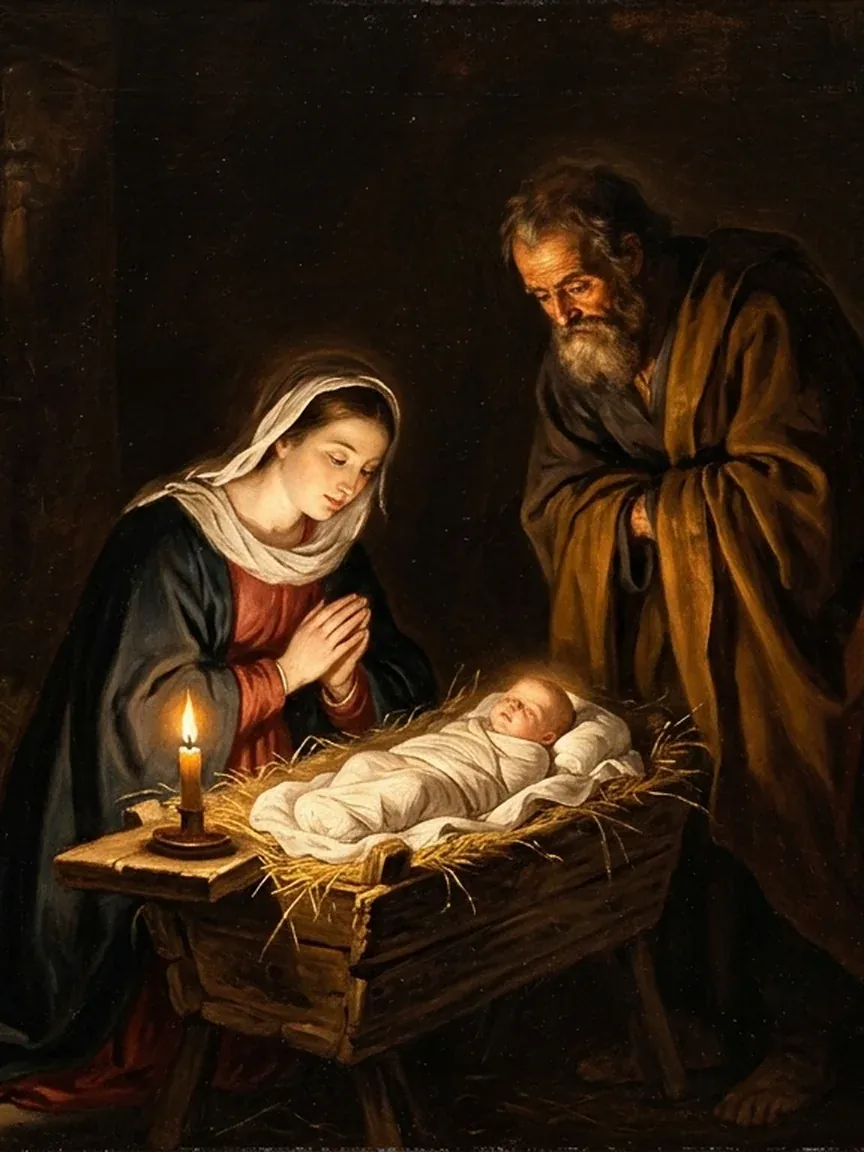 Family & Faith
A candlelit nativity scene in a stone stable, carved wooden figures, straw and warm amber light, deep shadow in the background, reverent and painterly Christmas image
Try This Prompt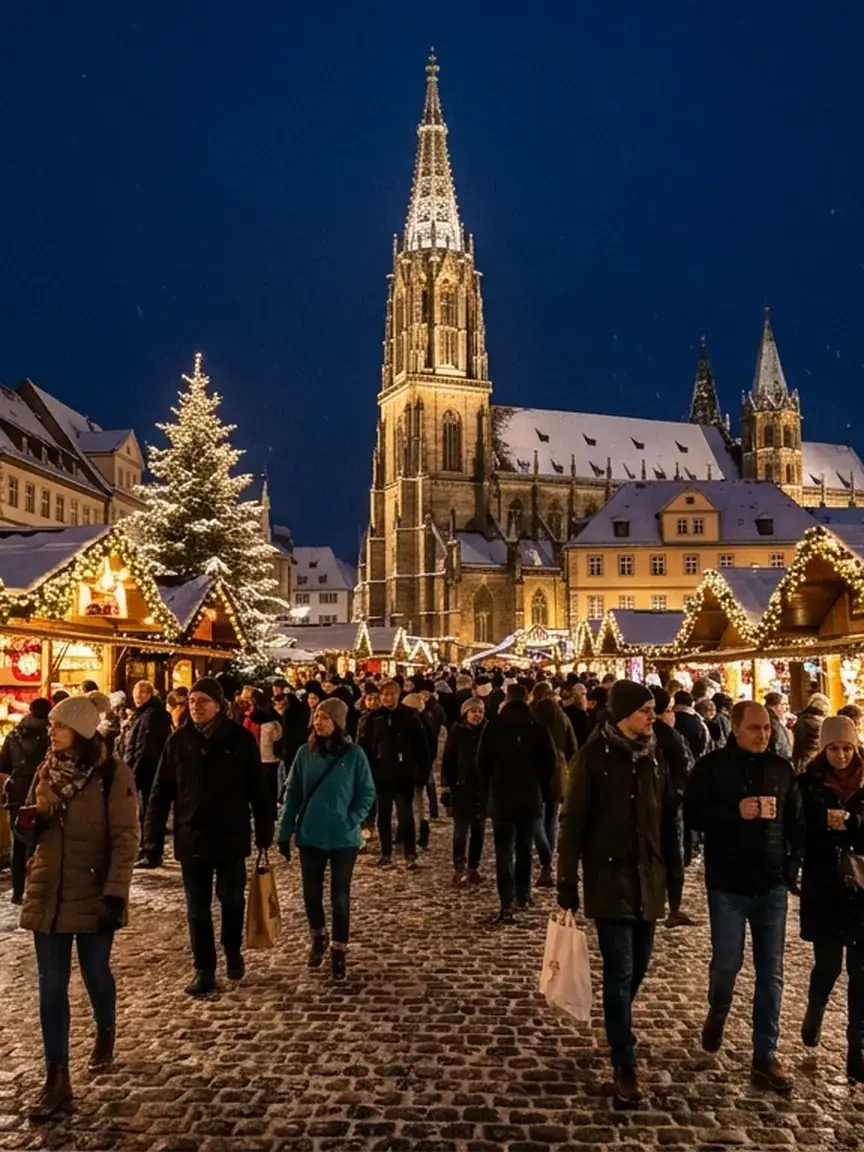 Markets & Streets
A tall Christmas tree in a European market square after sunset, warm gold lights against a deep blue sky, a few figures walking past, light snow in the air, cinematic wide shot
Try This Prompt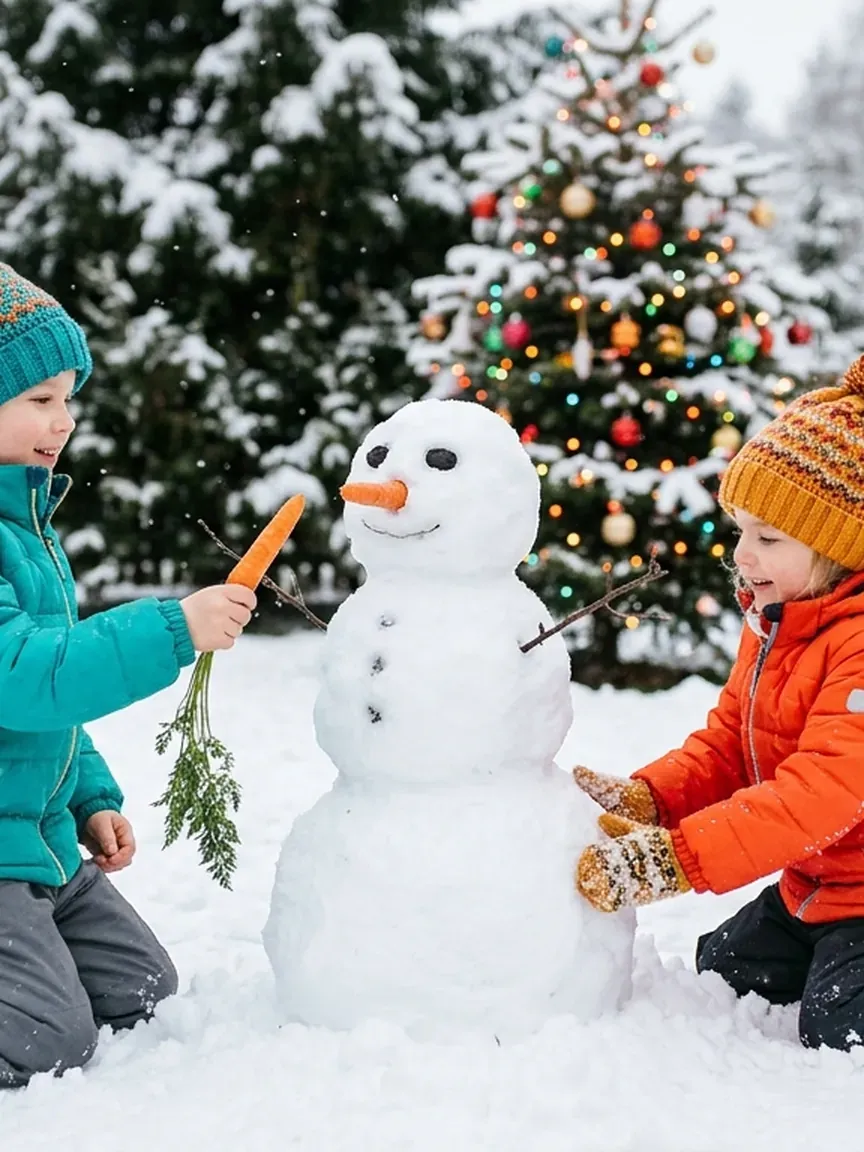 Snow & Winter
Two children laughing beside a finished snowman with a scarf and carrot nose, snowy garden at golden hour, warm rim light on their faces, photorealistic winter portrait
Try This Prompt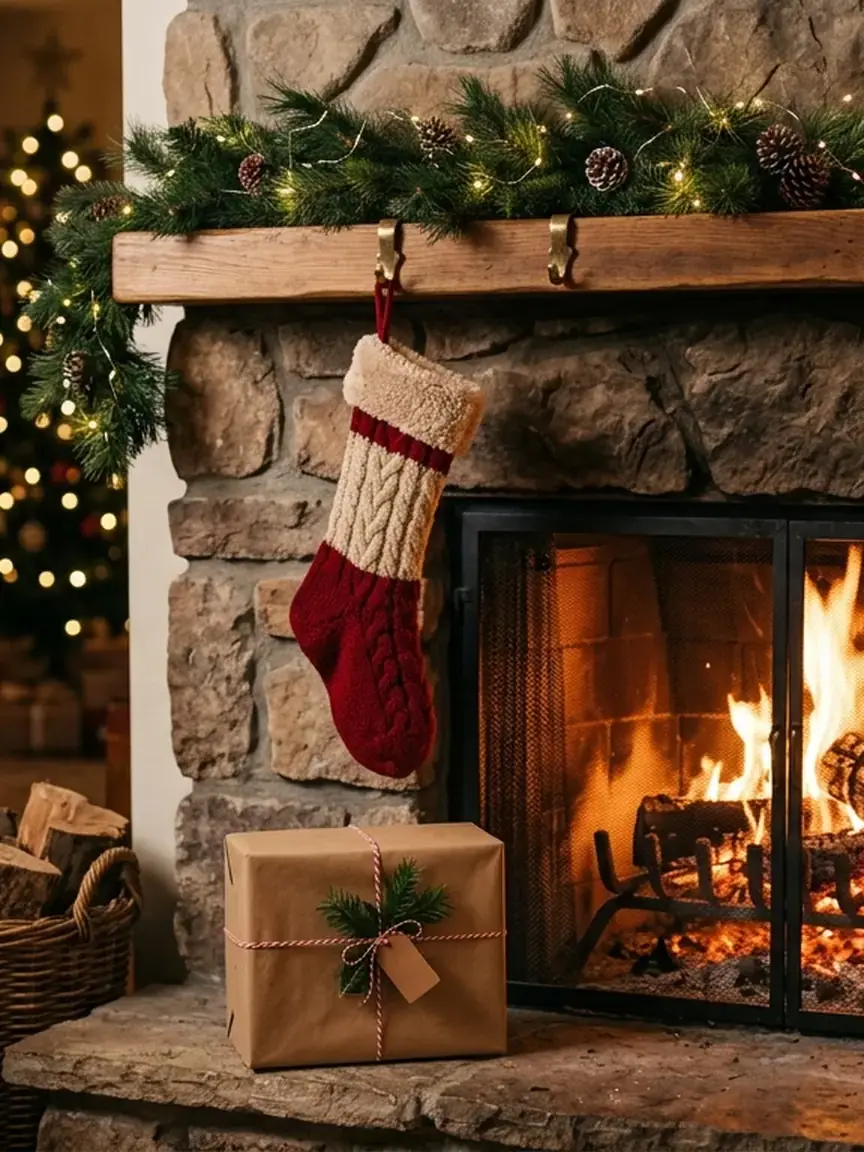 Warm Interiors & Lights
Three knitted stockings hanging above a crackling fireplace, pine garland with warm fairy lights, wrapped gifts on the hearth, soft ember glow, cozy Christmas interior
Try This Prompt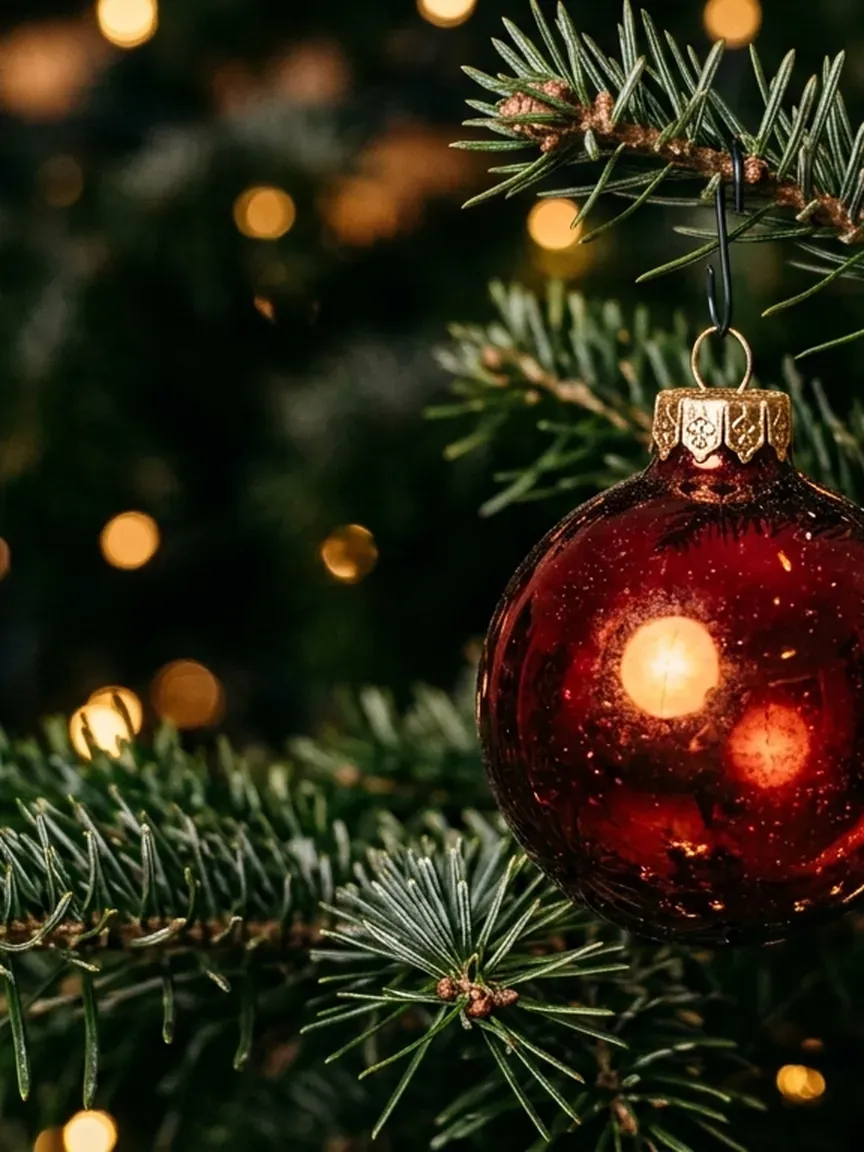 Warm Interiors & Lights
Extreme close-up of a red glass Christmas bauble reflecting a lit tree, warm golden bokeh behind, shallow depth of field, elegant holiday detail shot
Try This Prompt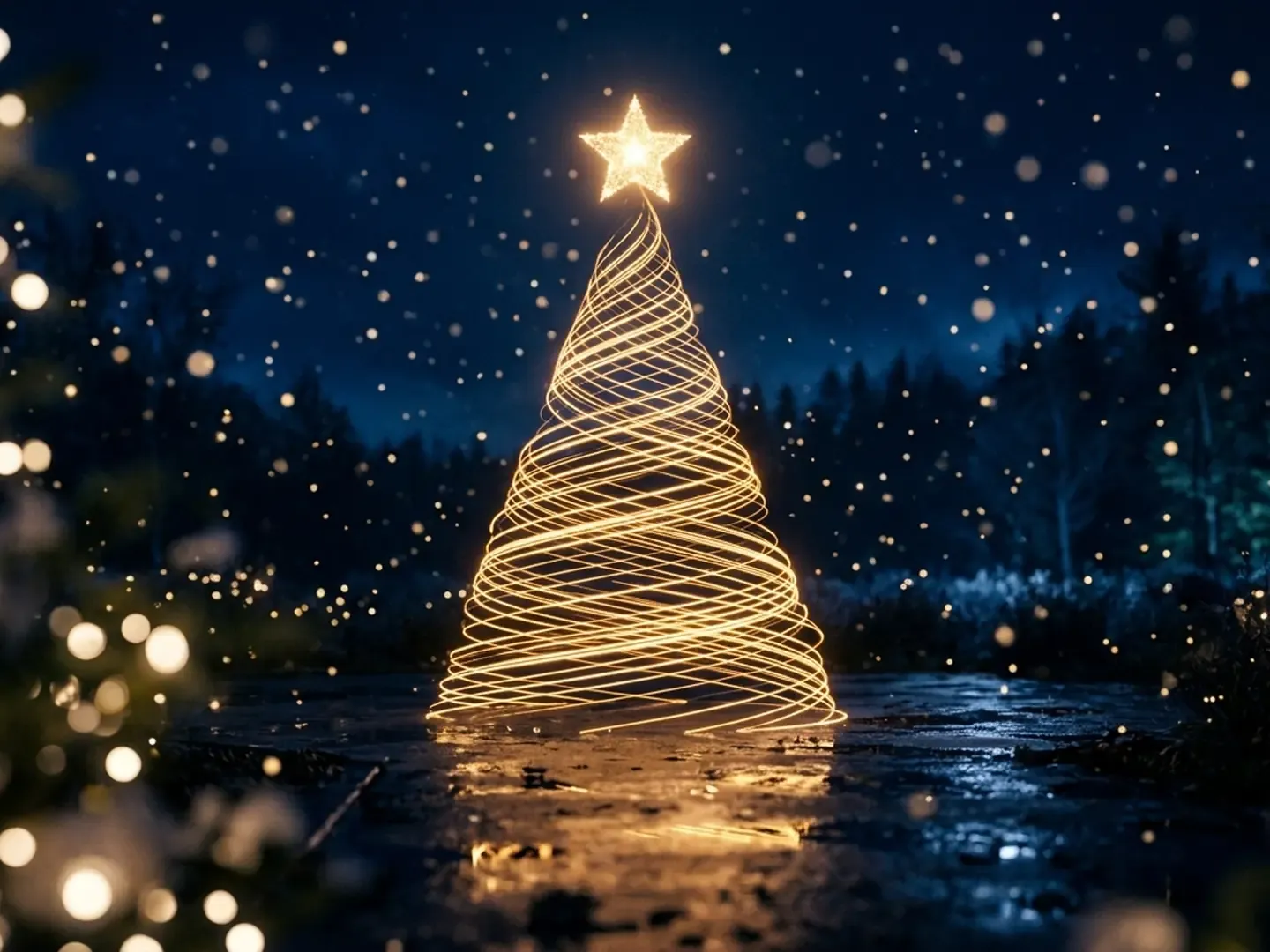 Warm Interiors & Lights
A modern spiral Christmas tree built from a single string of warm lights in a dark room, glowing line against black, minimal and elegant, long exposure feel
Try This PromptOne workspace for every Christmas image you need this season.
Start from a written scene or upload an existing illustration, product shot or family concept. The AI Christmas Image Generator restyles it, keeps the composition and returns a finished holiday picture.
Photoreal holiday photography, painted greeting card art, storybook illustration, cinematic Santa scenes and minimal light-line trees all come from the same prompt box. That range is what separates an AI Christmas Image Generator from a single-look filter.
Compare image models without leaving the page. The AI Christmas Image Generator keeps your prompt intact when you switch, so the ai christmas images you get back differ only by model.
Export an AI Christmas Image Generator result for a greeting card, a social post, an ecommerce banner or a framed print. No watermark and no manual retouching.
Three steps from a written idea to a finished festive picture.
Include the subject, the Christmas setting, the mood, the colours and the light. Mention snow, ornaments, gifts, candles or Santa when they matter, and the AI Christmas Image Generator will place them.
Choose an image model and create the first christmas ai image. The AI Christmas Image Generator gives you a free trial, so you can compare a photoreal look with a painted one before committing.
Adjust the prompt, generate variations, then save the ai christmas images you want. Every export from the AI Christmas Image Generator is watermark free and ready for cards, campaigns and stories.
Greeting card art, festive portraits, product scenes, winter landscapes, market scenes, nativity images and social visuals. The AI Christmas Image Generator works from a written prompt, so the range is set by how specifically you describe the scene.
No. Describe the holiday scene, generate, then refine the wording. The AI Christmas Image Generator handles composition, lighting and rendering, so you only edit words.
Yes. Upload an illustration, product photo or family concept and the AI Christmas Image Generator restyles it while keeping the subject and framing. That is how most people make a personalised christmas ai image.
Name the subject, the setting, the light and the style. A close-up of a bauble reads very differently from a wide market shot, and the AI Christmas Image Generator follows those cues closely.
There is a free trial allowance before you choose a plan. Use it to test the christmas picture generator on your own prompt and compare models before committing.
The images work for festive campaigns, ecommerce banners, social posts and printed cards. Check the current plan terms for the commercial rights that apply to your account before publishing ai christmas images.
A stock library gives you someone else scene. The AI Christmas Image Generator builds the picture around your brief, so the AI Christmas Image Generator output matches your product, your palette and your layout.