

Multiple AI Models in One Place
Pick from the image models available on GlobalGPT and switch between them without leaving the page.
Bring post-apocalyptic worlds to life with Global GPT’s AI Apocalyptic Image Generator.
Prompt Guide
Model
Reference Image
Real outputs from the tool, grouped by use case.
 AI Apocalyptic Image Ideas
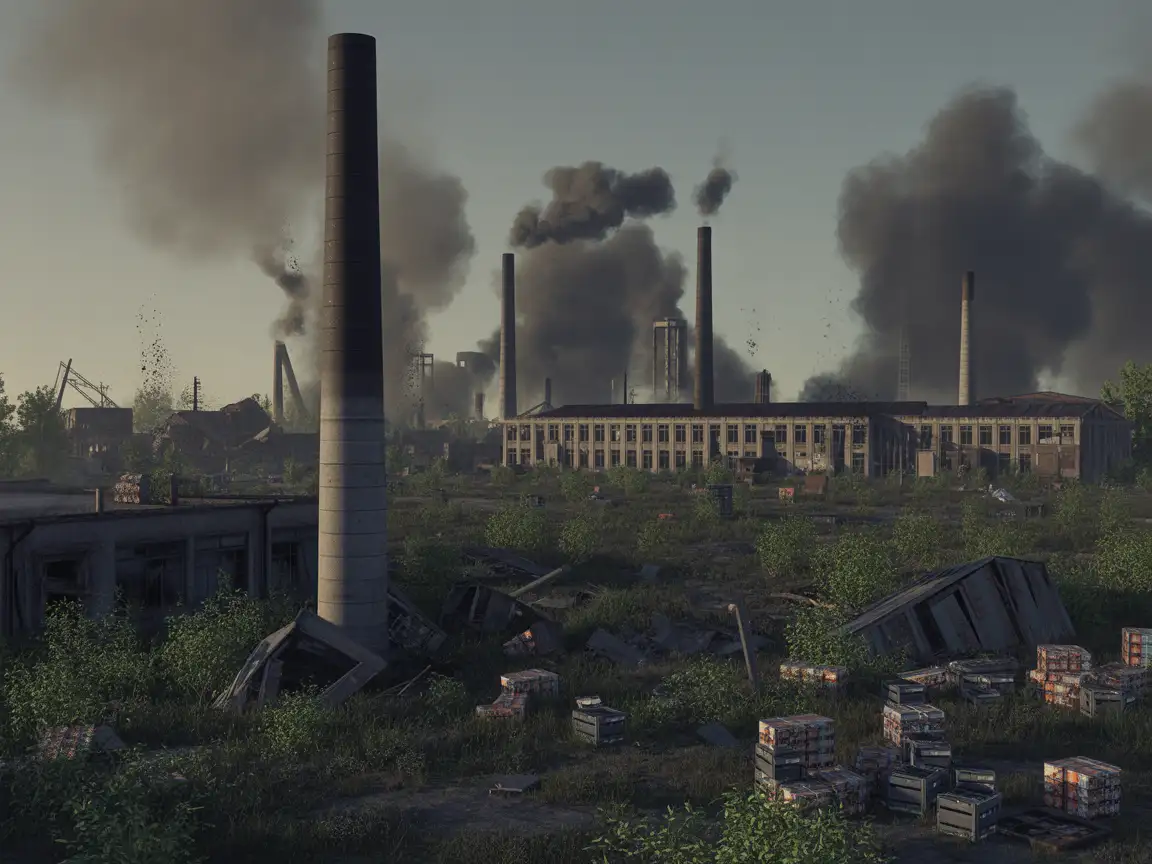
Ruined city skyline at dusk
Try This Prompt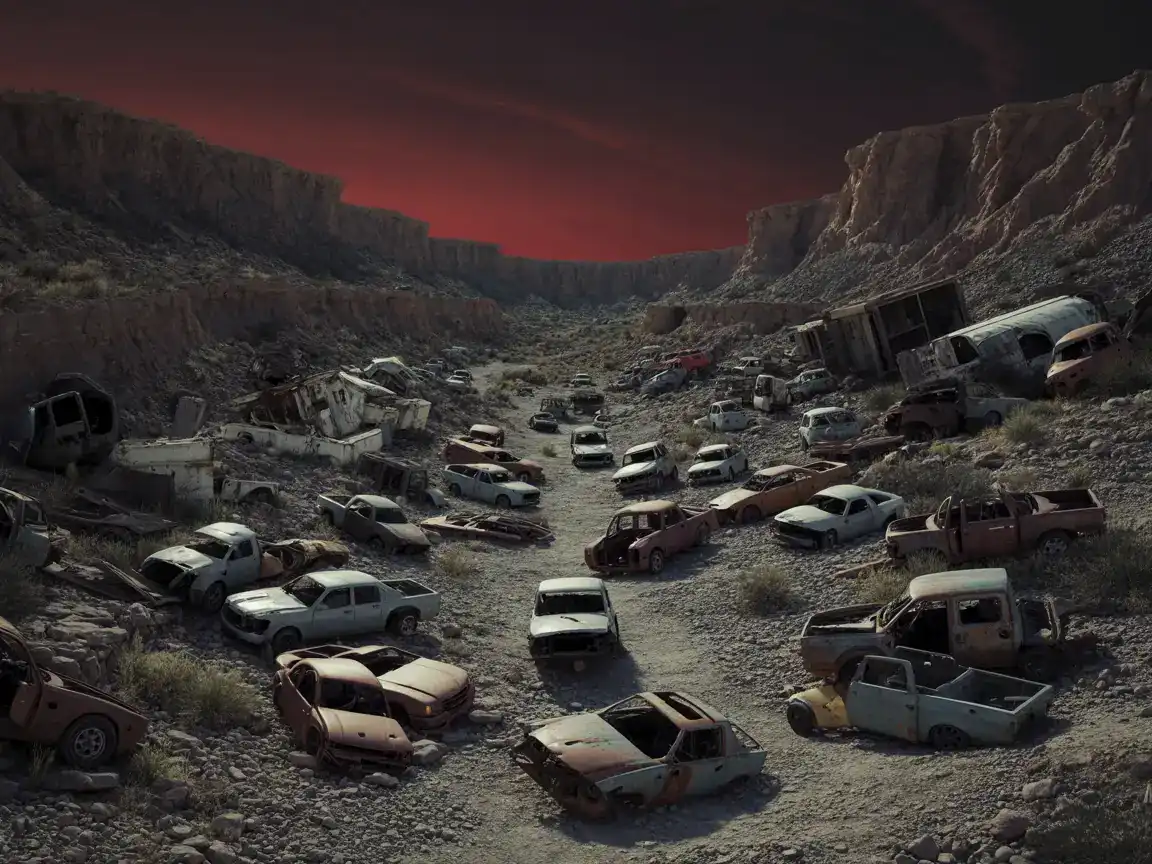 AI Apocalyptic Image Ideas
Abandoned street with overgrowth
Try This Prompt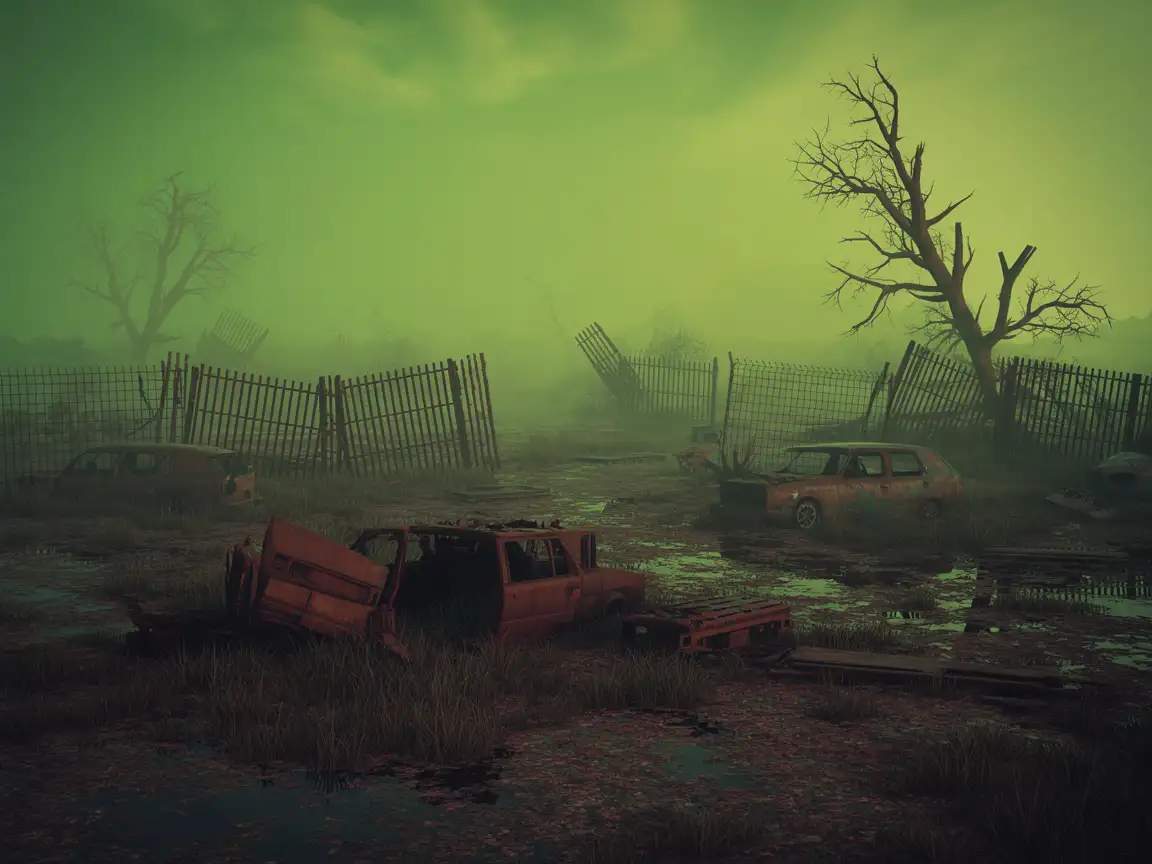 AI Apocalyptic Image Ideas
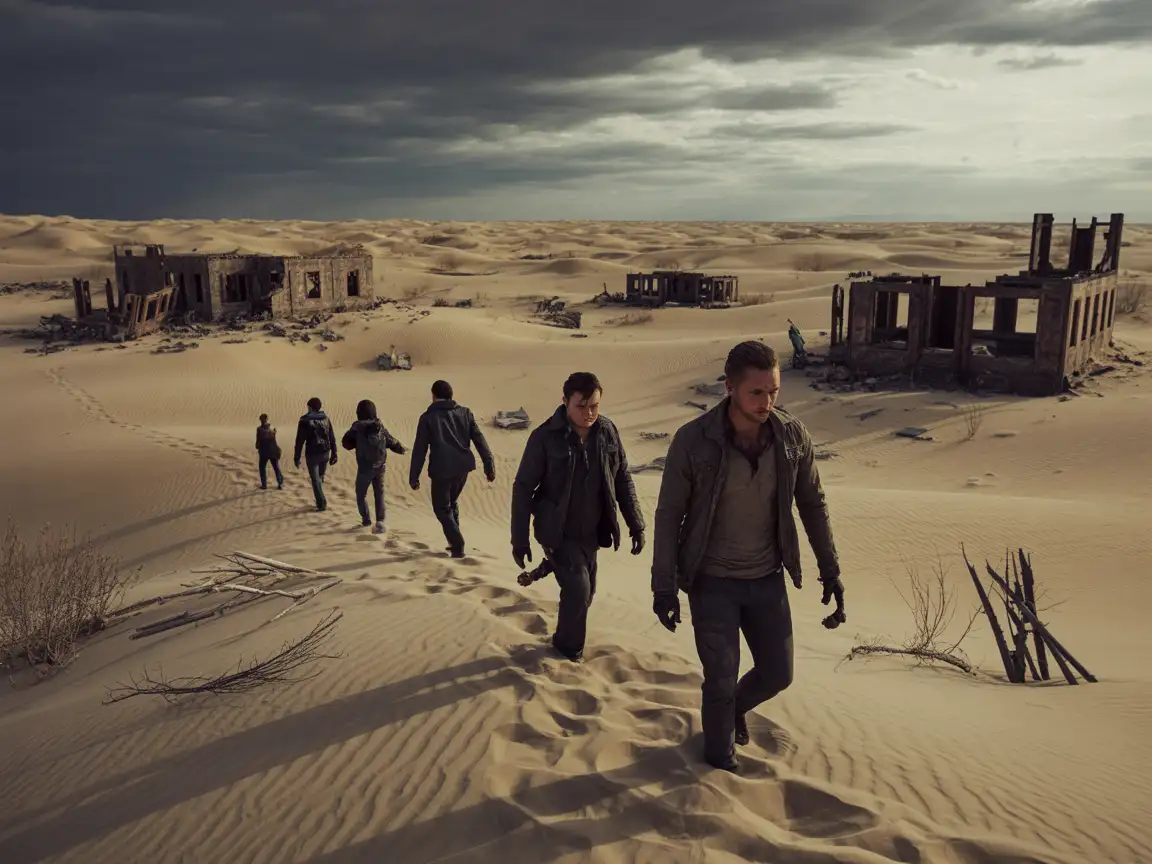
Dust storm over a broken highway
Try This Prompt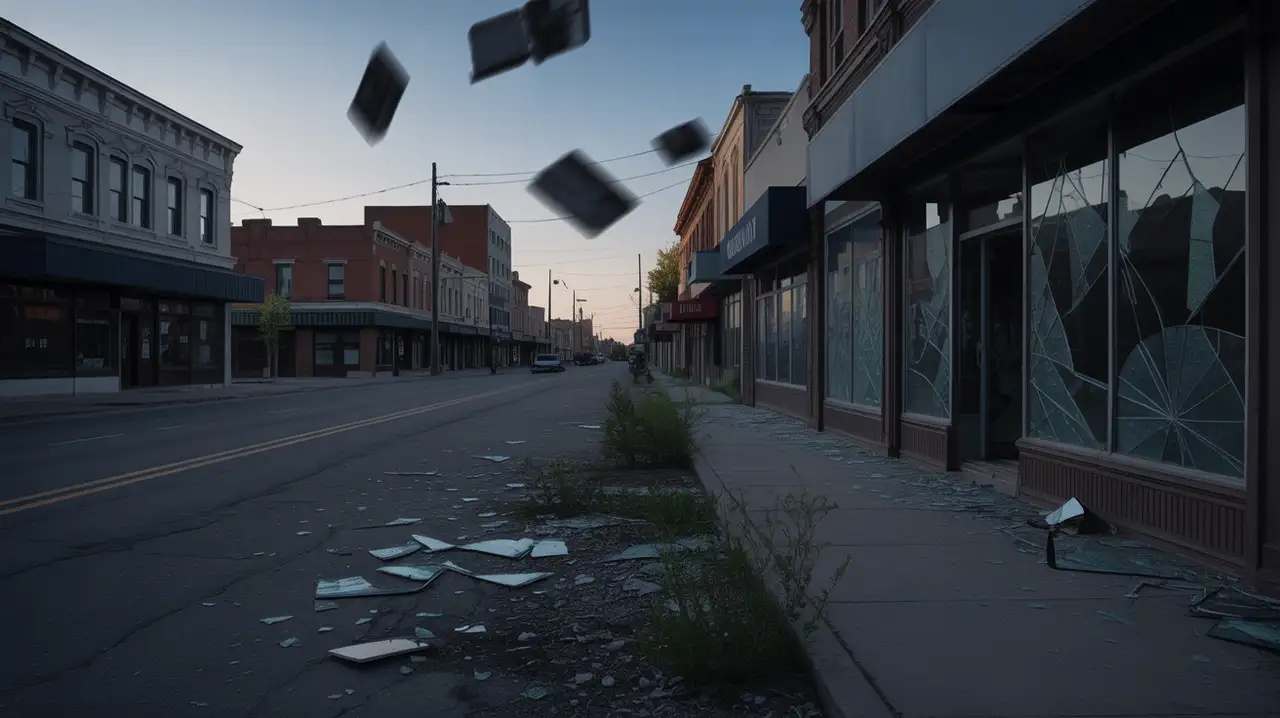 AI Apocalyptic Image Ideas
Survivor camp in fading light
Try This PromptPick from the image models available on GlobalGPT and switch between them without leaving the page.
Start with the free allowance, then compare the plans that match how often you generate.
Preview the result, regenerate what needs another pass, then download the file in a usable format.
Type the apocalyptic you have in mind — subject, setting, lighting and style — or upload a reference photo if the tool accepts one.
Choose one of the available image models, then create the first version and compare it with your brief.
Adjust the prompt or settings until the image matches what you described, then download it in the size you need. More: AI models, GlobalGPT plans.
Yes. From dystopian cities and desert wastelands to industrial ruins and flooded landscapes, Global GPT supports a wide variety of post-apocalyptic visuals.
Absolutely. Describe specific settings, destruction levels, or characters, and AI will generate a custom apocalyptic scene inspired by your vision.
Yes! You can try Global GPT’s AI Apocalyptic Image Generator for free, with optional premium upgrades for ultra-HD output and cinematic effects.