AI Silhouette Generator
Prompt Guide
Model

AI Silhouette Generator
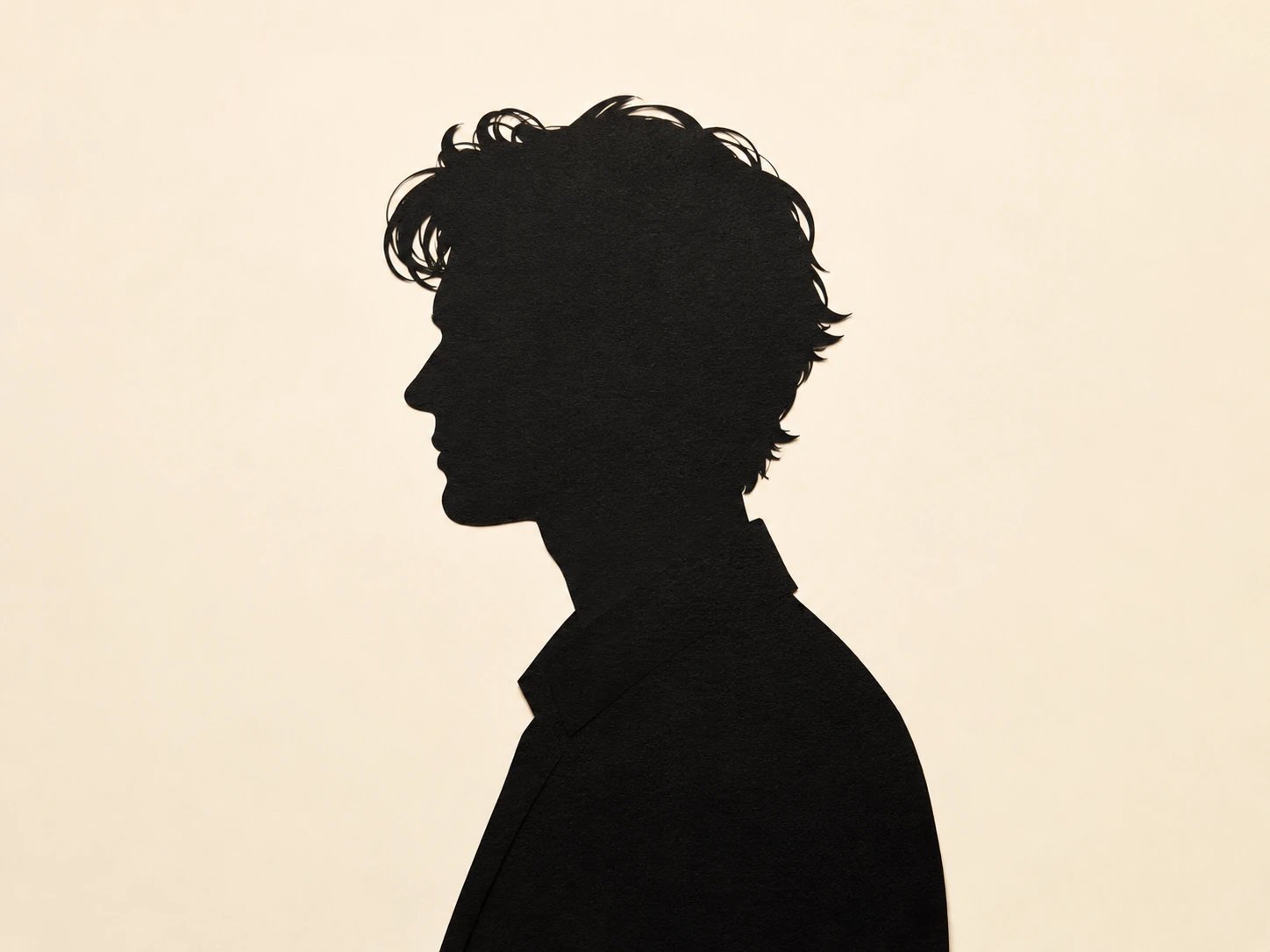
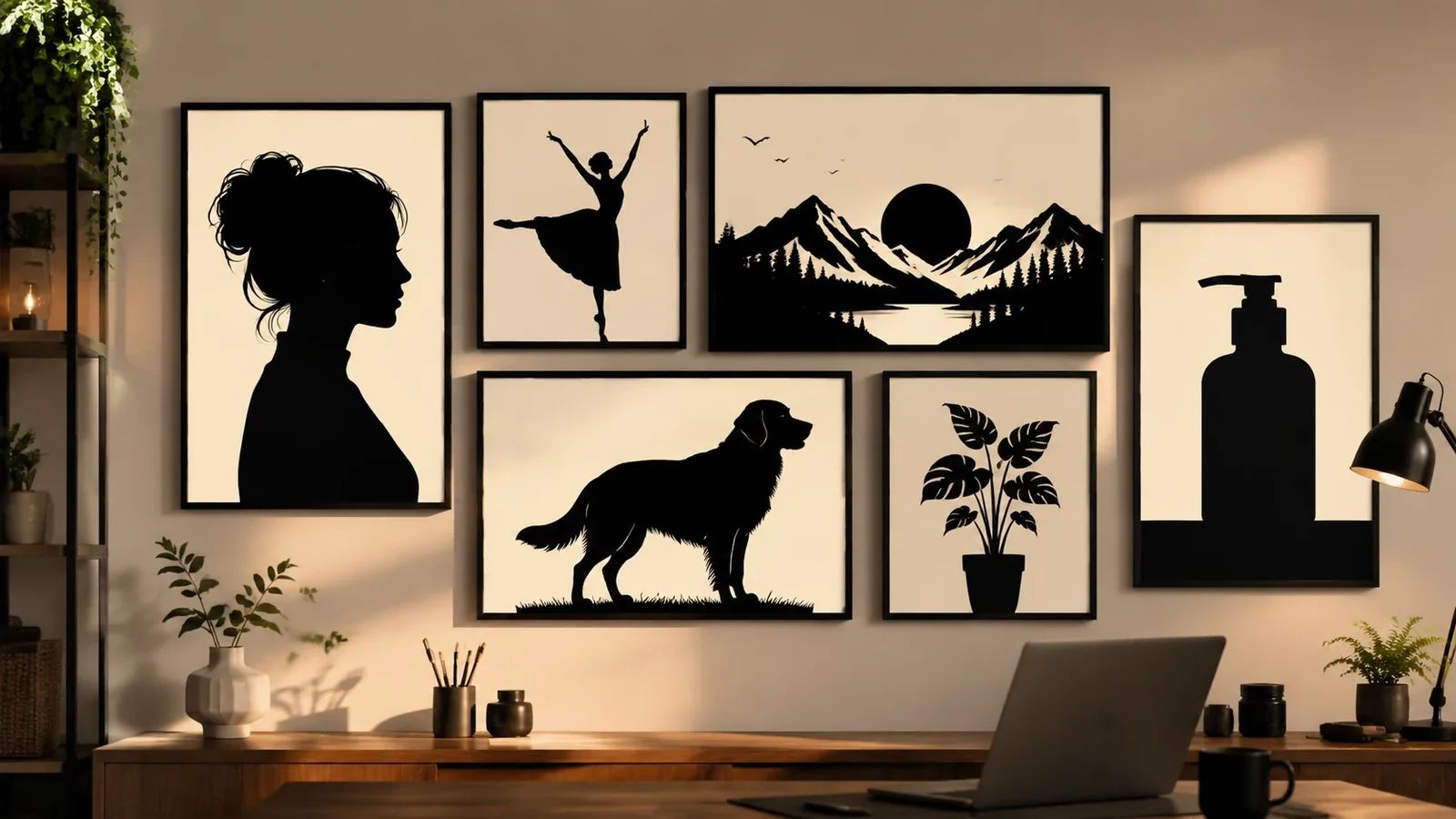
Create striking silhouette art without tracing by hand. The AI silhouette generator turns prompts or uploaded photos into crisp black cutout images for portraits, couples, pets, nature scenes, product mockups, stickers, logos, posters, and social visuals. Use the ai silhouette generator when you want a simple shape language that still feels expressive, polished, and scene-specific.

How to Create an AI Silhouette
The AI silhouette generator works best when you describe the subject shape, the scene, and the final design use. A strong prompt tells the ai silhouette generator what should become black, what should stay in the background, and how clean the edge should be.
Upload or describe the subject
Start with a photo, profile, pet image, product idea, or written scene. Mention the main outline, pose, object, or composition you want the silhouette to preserve.
Choose a silhouette style
Ask for paper cut, clean vector, sunset shadow, noir poster, botanical logo mark, sticker cutout, wedding keepsake, or minimal profile art.
Generate and refine the edge
Use the AI silhouette generator, then refine background color, contrast, edge detail, negative space, and final format until the image is ready for sharing or design.
Silhouette Styles for Different Scenes
Use the AI silhouette generator across portraits, family memories, pet art, outdoor scenes, brand marks, posters, and social designs. These examples show how the ai silhouette generator can adapt the same high-contrast style to many practical creative needs.
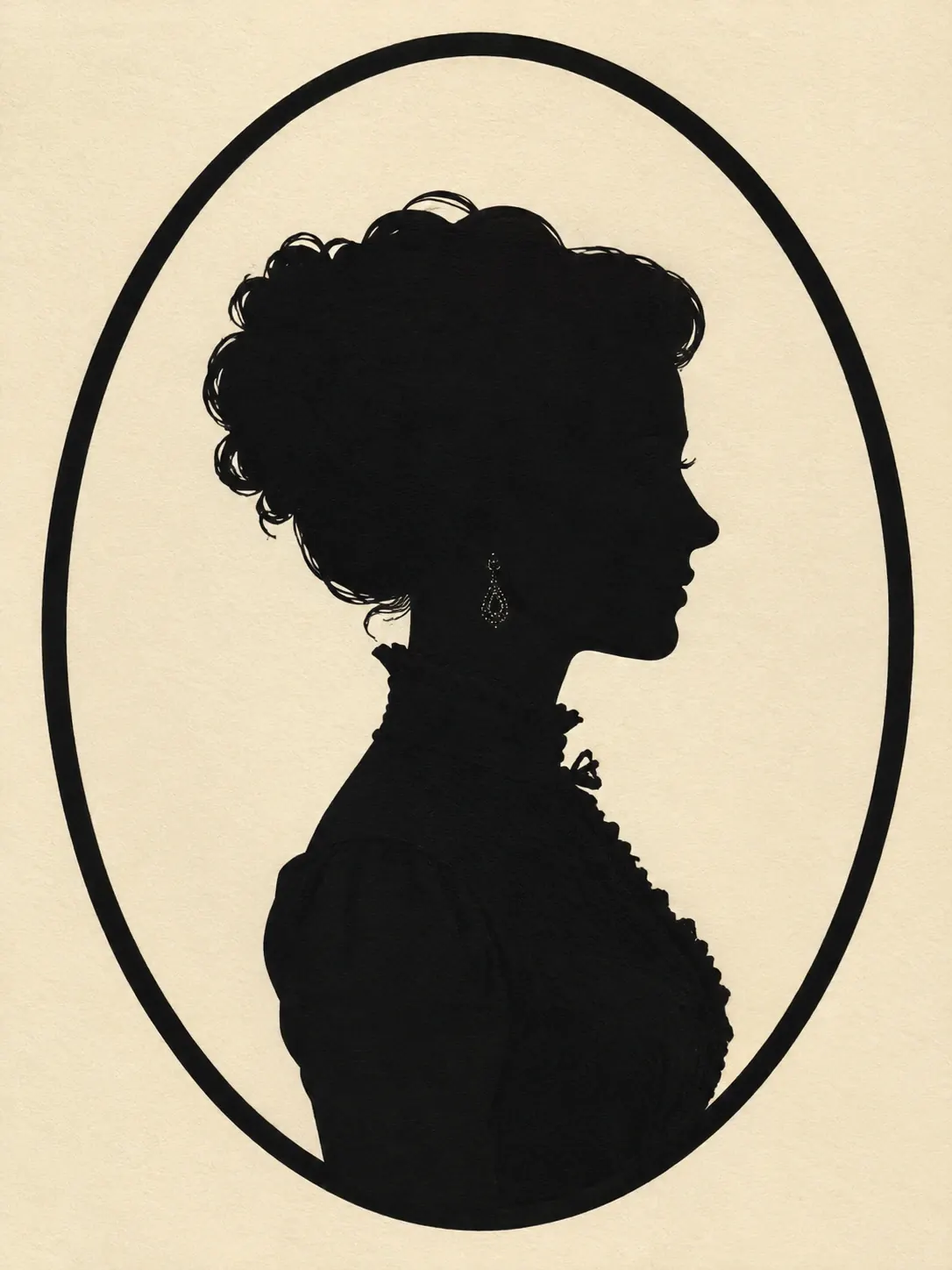
Portrait SilhouettesA refined side-profile cutout for avatar art, keepsakes, framed portraits, and classic cameo-style designs.
Try This Style
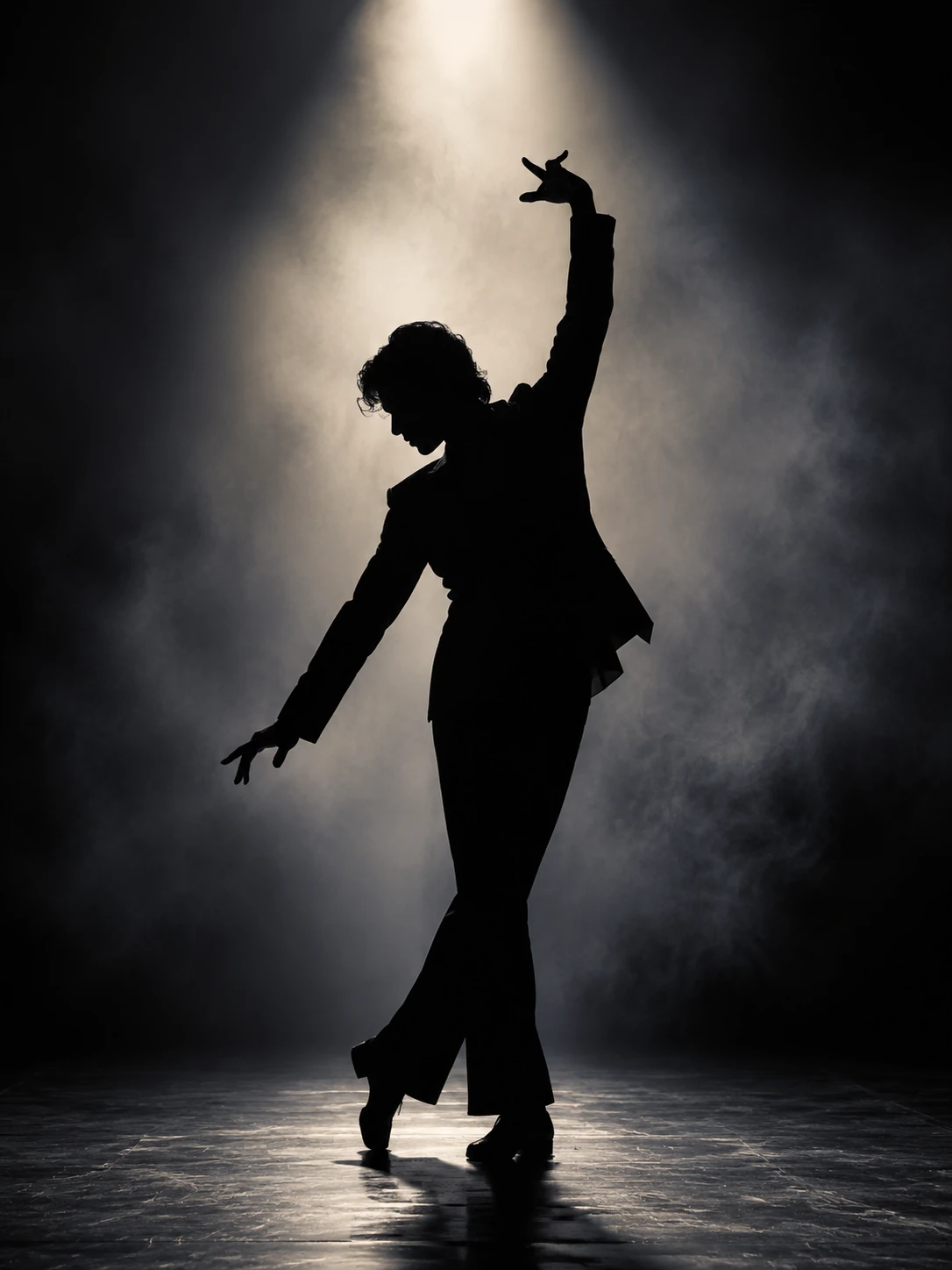
Portrait SilhouettesA dramatic stage silhouette with expressive pose, spotlight haze, and poster-ready movement.
Try This Style
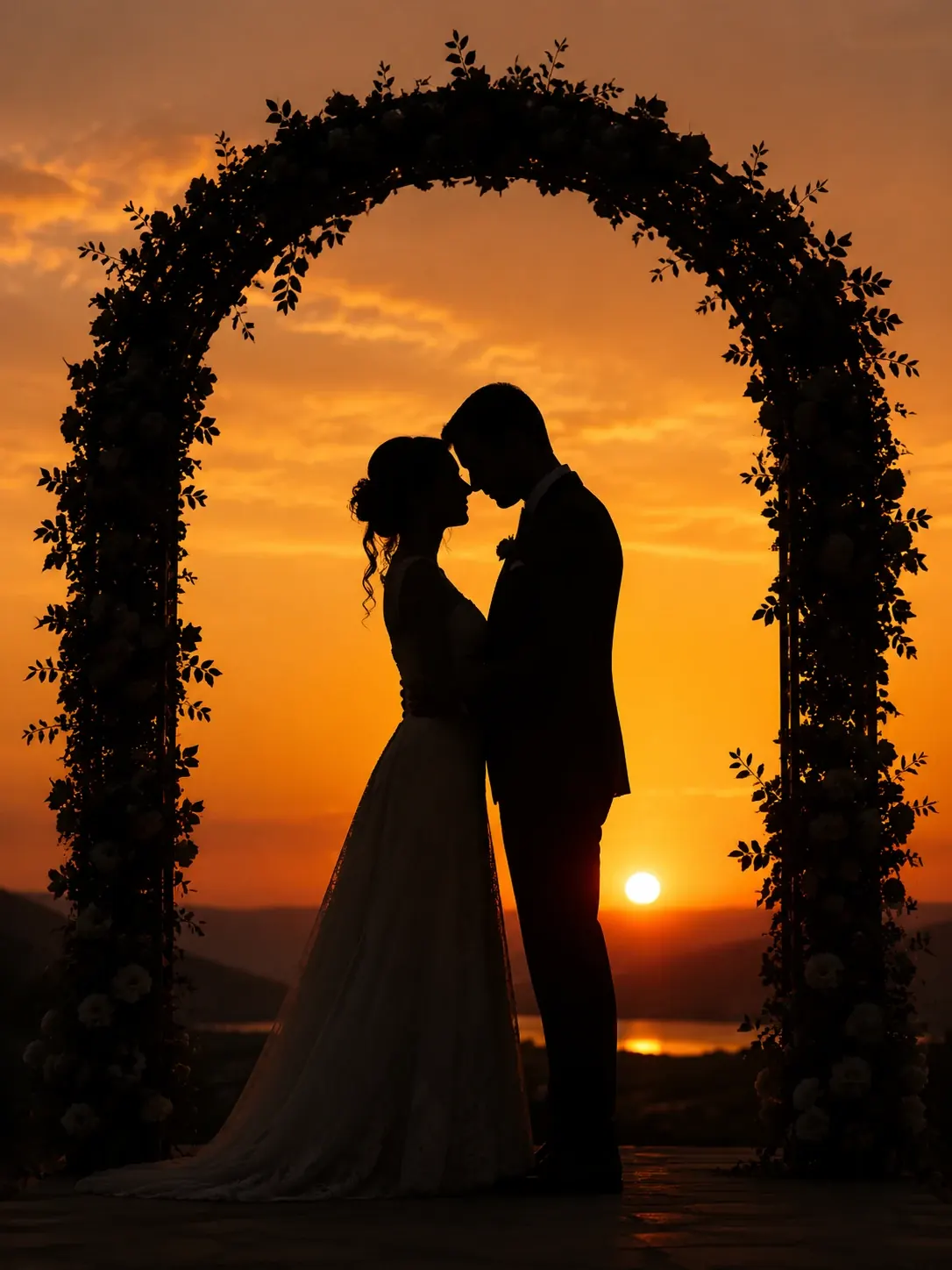
Family and RomanceA romantic sunset composition for invitations, anniversary visuals, memory prints, and couple portraits.
Try This Style
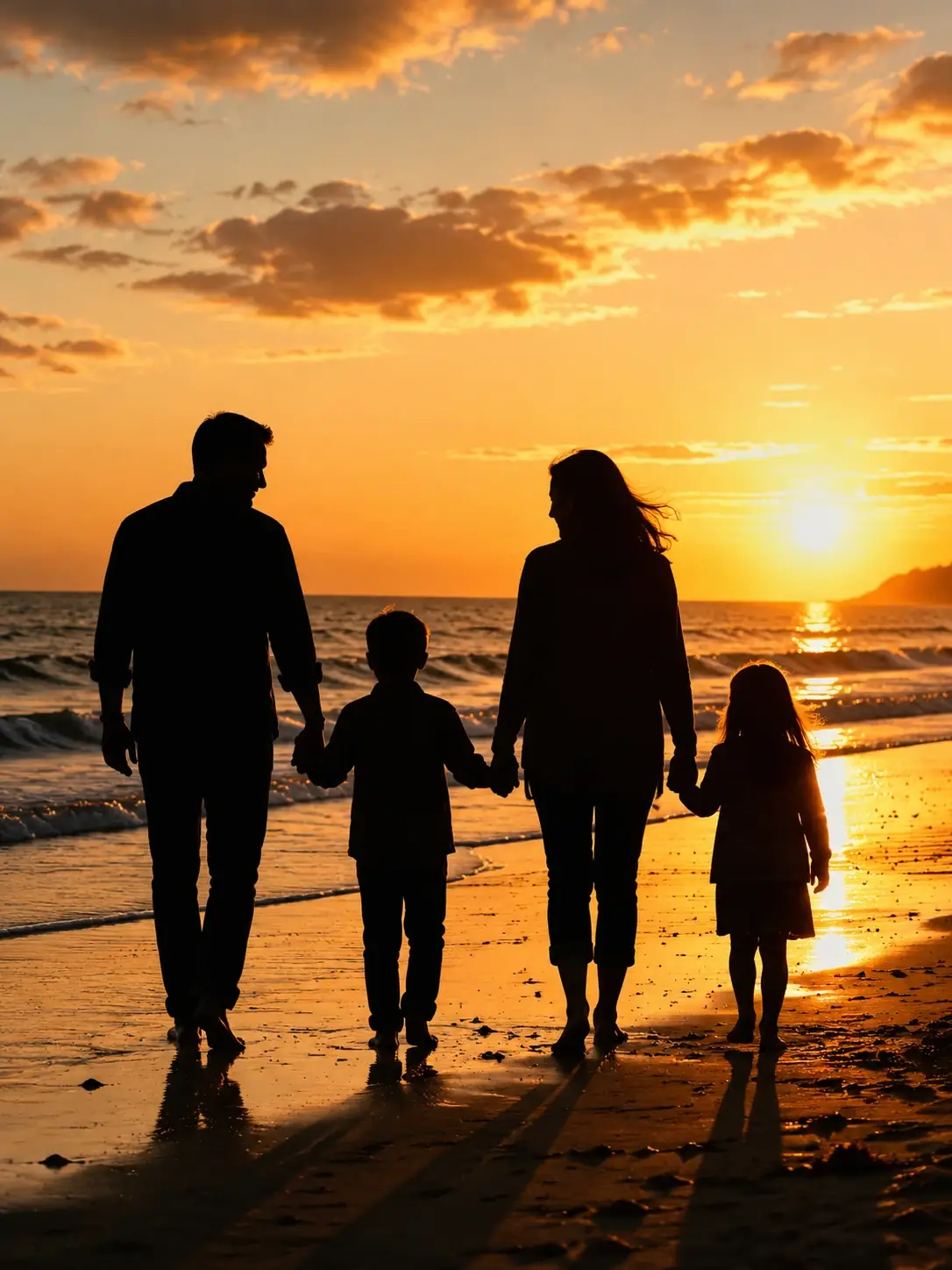
Family and RomanceA warm family scene with clean figure outlines, simple horizon light, and keepsake-photo energy.
Try This Style
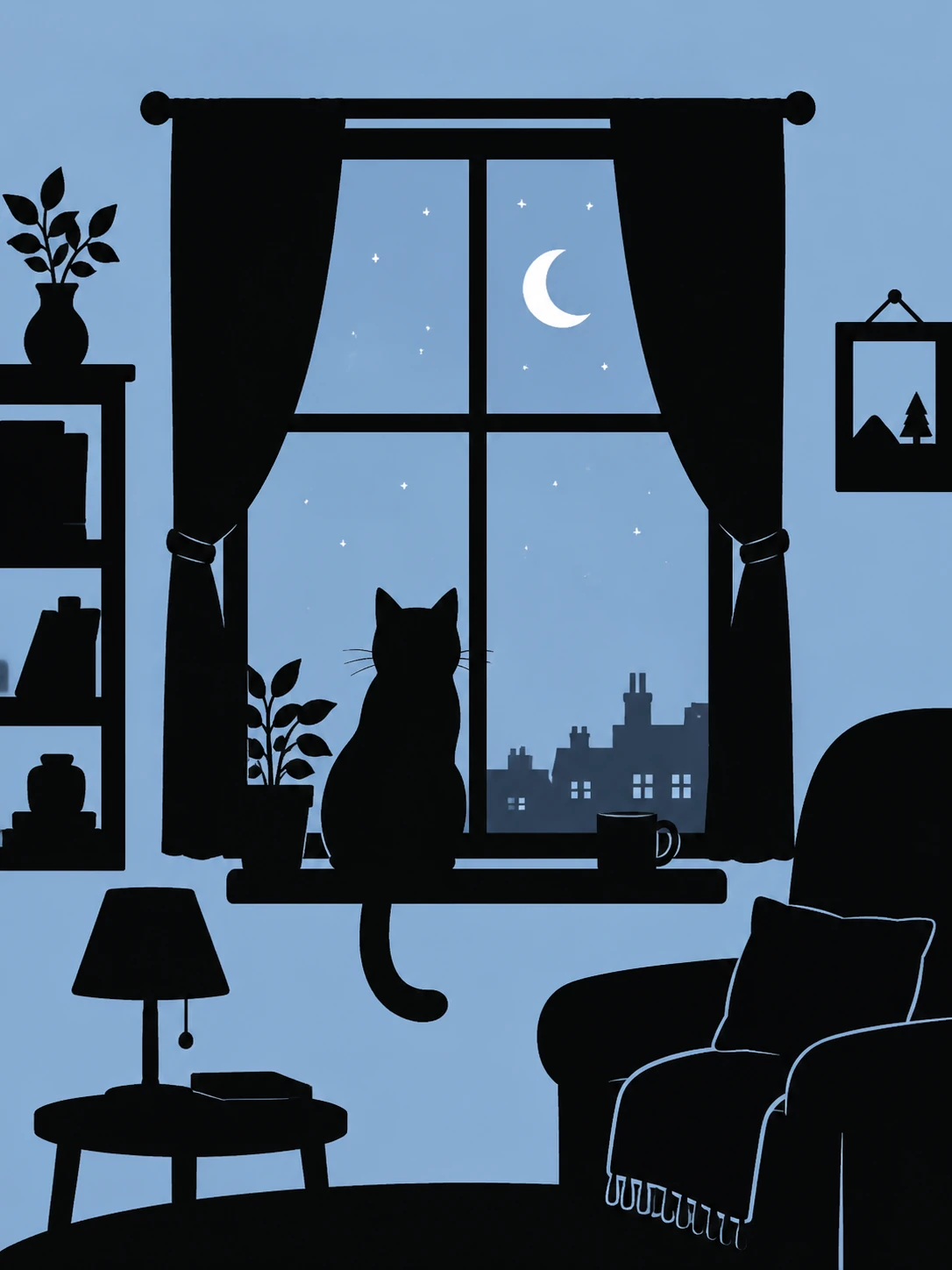
Pets and NatureA cozy pet silhouette for stickers, wall art, profile pictures, and simple storybook scenes.
Try This Style
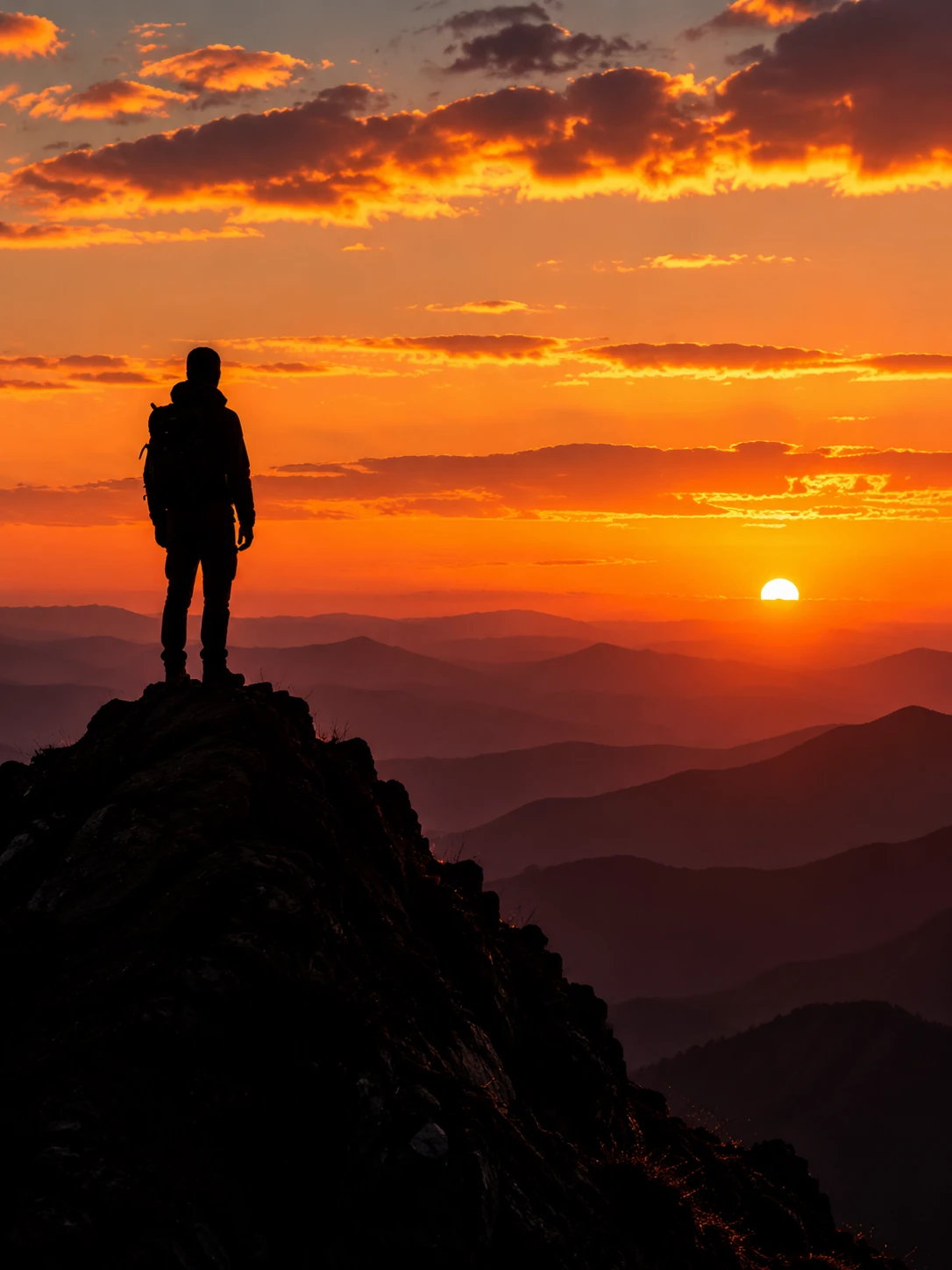
Pets and NatureA cinematic outdoor silhouette for adventure posters, travel covers, and social header visuals.
Try This Style
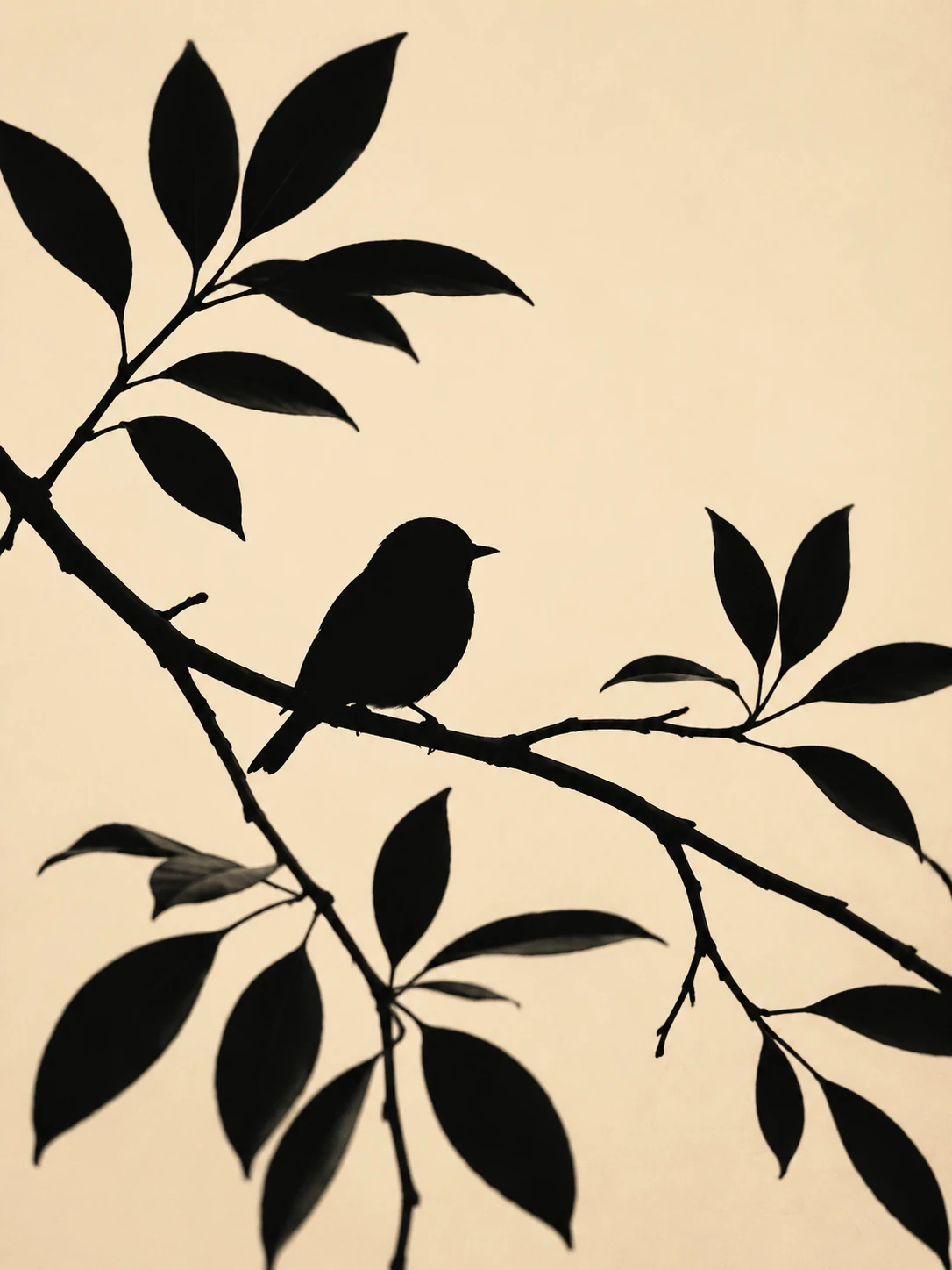
Pets and NatureA minimal nature cutout for botanical prints, stationery, stickers, and clean decorative graphics.
Try This Style
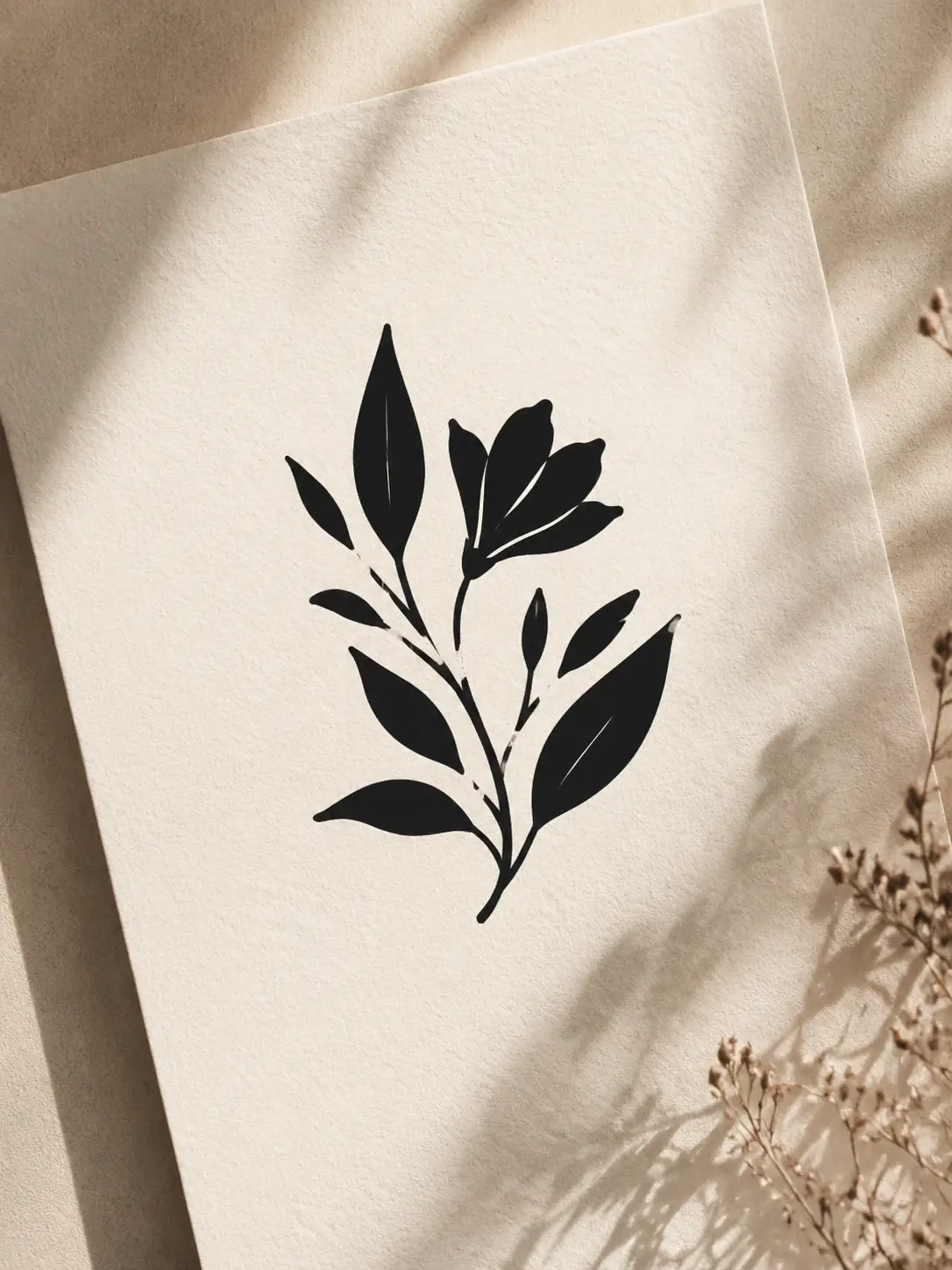
Design and PostersA clean leaf-and-flower silhouette direction for brand marks, packaging mockups, and elegant labels.
Try This Style
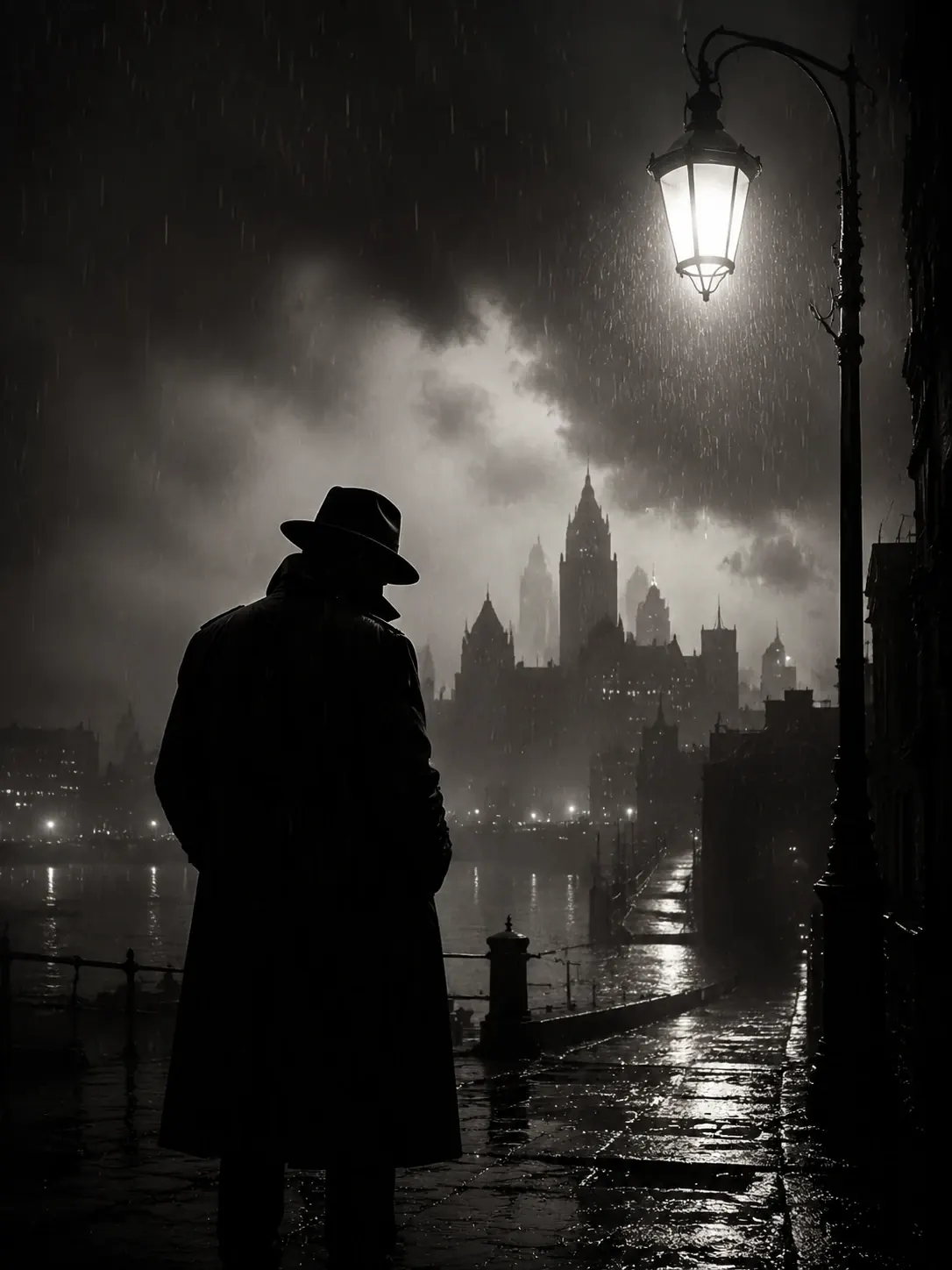
Design and PostersA moody cinematic silhouette for book covers, posters, mystery concepts, and editorial art.
Try This Style
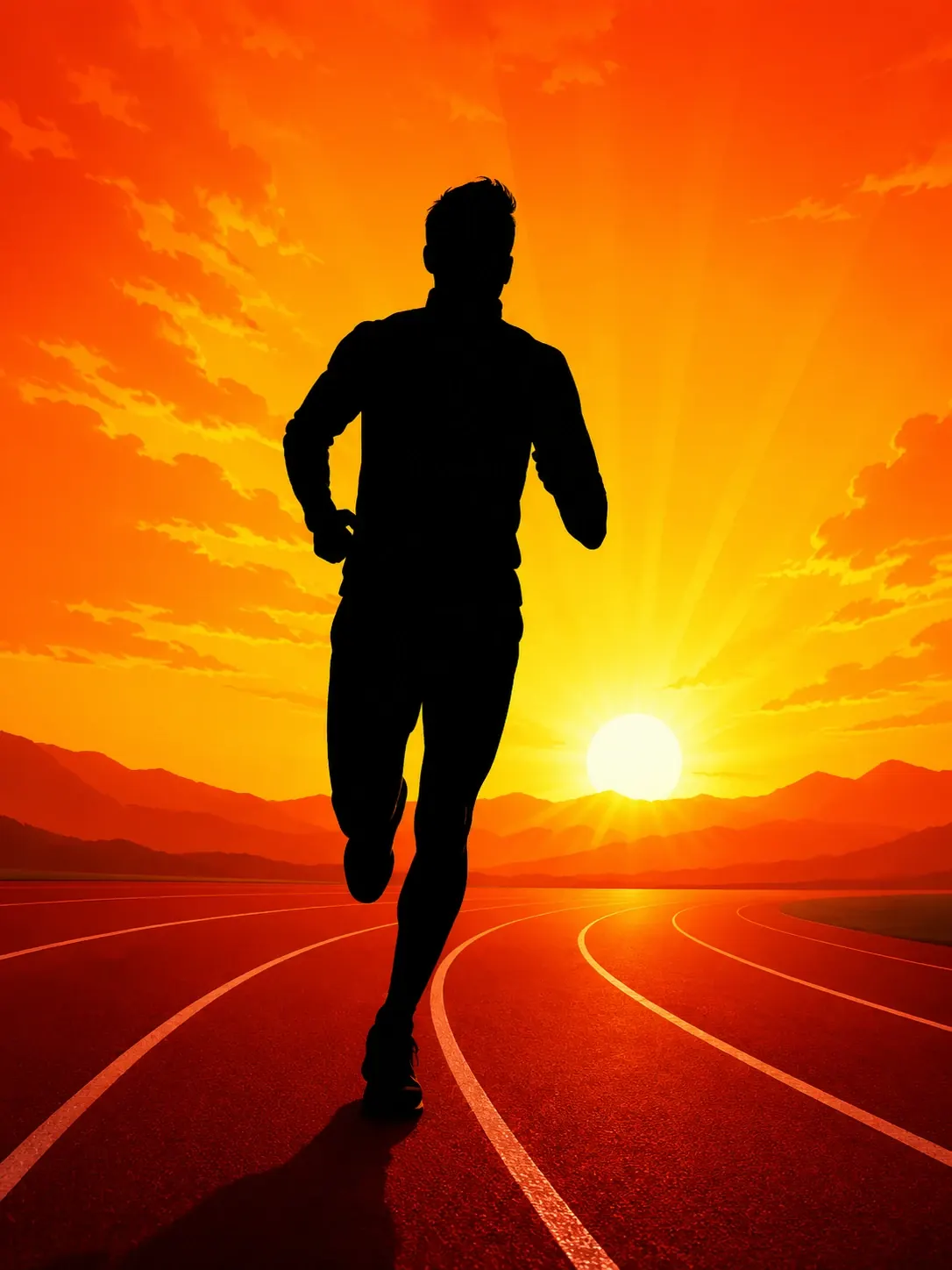
Design and PostersAn energetic sports silhouette for event posters, fitness content, motivational art, and social graphics.
Try This StyleAI Silhouette Generator FAQ
An AI silhouette generator creates high-contrast cutout-style images from prompts or photos. It can simplify people, pets, products, landscapes, and objects into clean black shapes with a controlled background.
Yes. Upload a clear photo where supported, then ask the AI silhouette generator to preserve the outline, remove interior detail, use a black cutout shape, and place the result on a simple background.
You can generate paper-cut portraits, sunset couple scenes, pet silhouettes, botanical marks, product cutouts, sticker-style shapes, noir posters, sports posters, and minimal nature art.
Name the subject, pose, background, edge style, and use case. Phrases like crisp black silhouette, clean vector cutout, paper-cut edge, strong negative space, and no readable text usually help.
Yes. The AI silhouette generator is useful for early logo concepts, sticker ideas, event posters, cover art, and social graphics. Avoid brand names or readable text in the image prompt unless you plan to add final typography separately.