

의도적으로 알아볼 수 있게
원본의 자세, 실루엣, 중요한 색상을 유지하면서 의도적으로 어설프게 표현하세요.
프롬프트 가이드
모델
참조 이미지
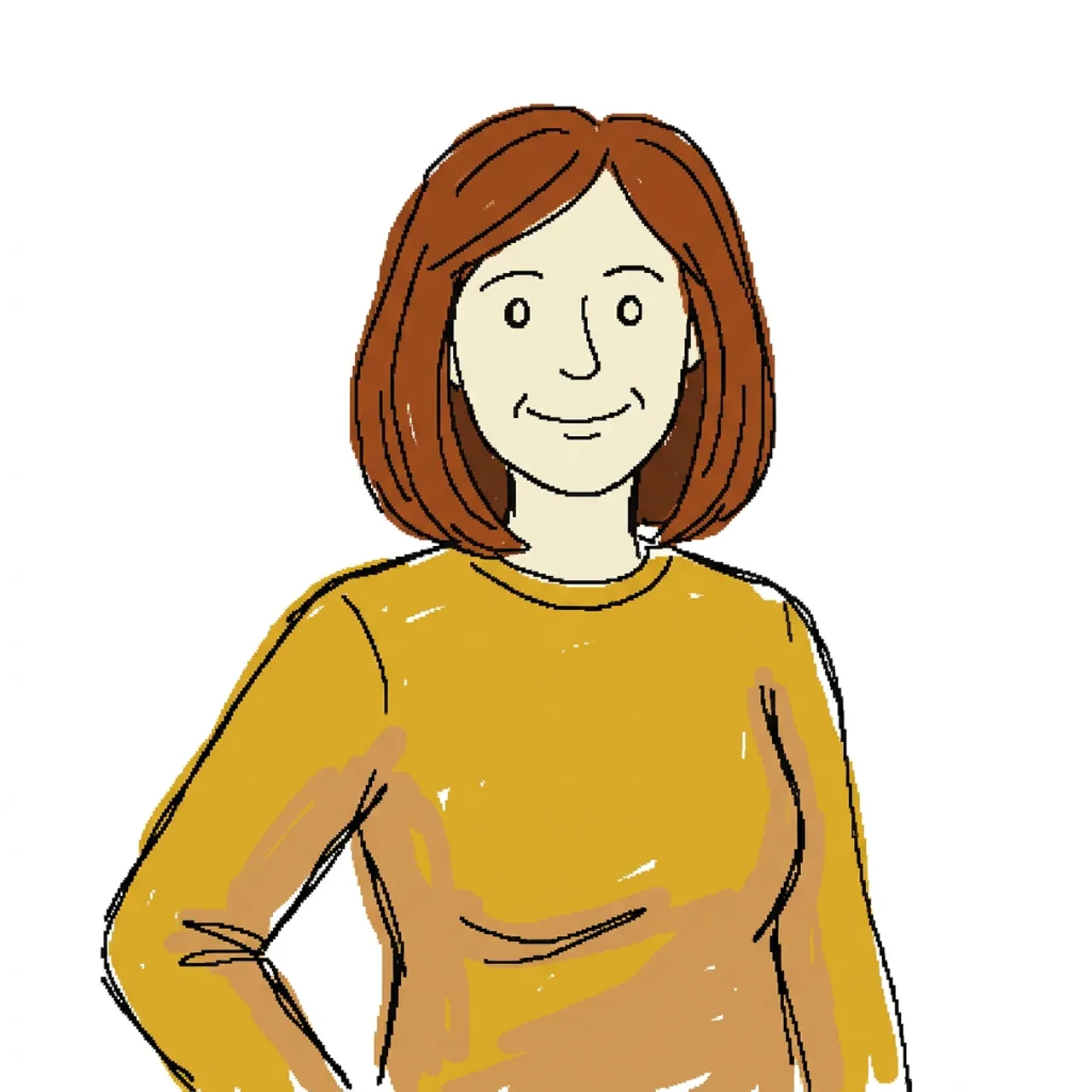
사진을 업로드하고 흔들리는 마우스 선, 비뚤어진 비율, 거친 색상, 알아볼 수 있는 주제를 가진 의도적으로 어색한 MS 그림판 스타일 낙서로 다시 그립니다.
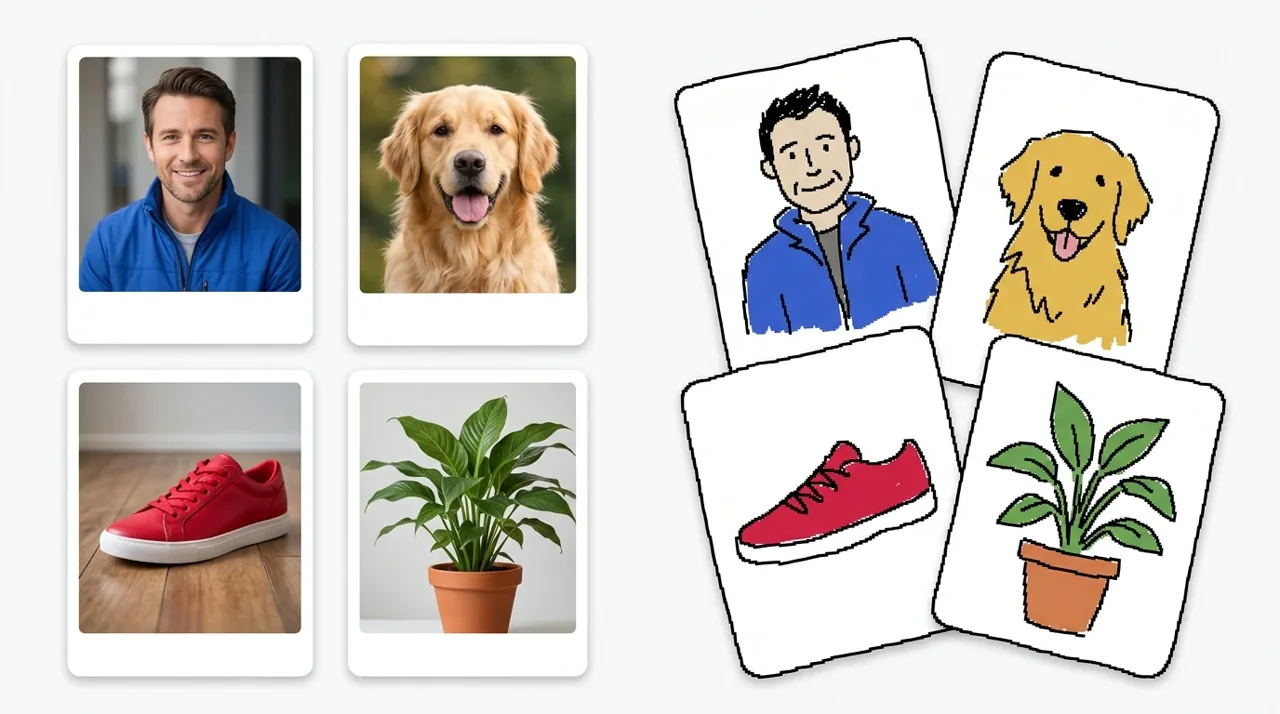
생성기를 사용하여 세 가지 간단한 단계로 통제된 나쁜 그림을 만드세요.
읽을 수 있는 주제와 뚜렷한 실루엣이 있는 JPG, PNG 또는 WebP 이미지를 선택하세요.
준비된 Messy 프롬프트로 시작하거나, 재료 예시를 선택하거나, 지침을 편집하여 결과를 더 절제되거나 혼란스럽게 만드세요.
낙서 버전을 만들고, 필요한 경우 동일한 설정을 조정하고, 원본을 다시 업로드하지 않고 결과를 다운로드하세요.
Clumsy Scribbly AI Generator로 인물 사진, 반려동물, 제품, 사물이 어떻게 통제된 서투른 그림으로 변하는지 확인하세요.
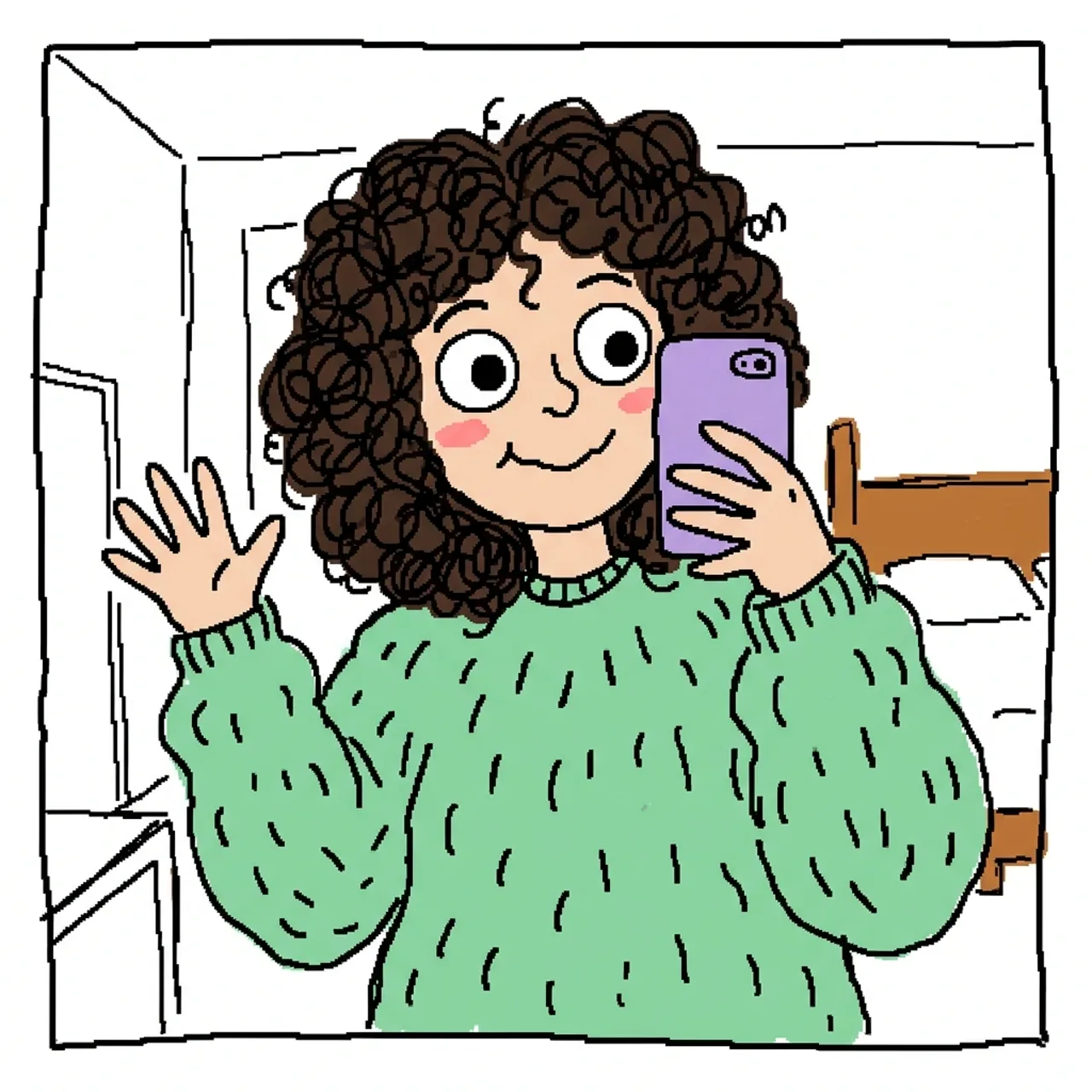 초상화 낙서
업로드한 성인 셀카를 나쁜 마우스 낙서로 다시 그립니다. 헤어스타일, 의상 색상, 표정, 자세를 유지하고 흔들리는 검은 윤곽선, 단순한 과장된 눈, 고르지 않은 평면 색상, 흰색 배경을 추가합니다.
이 낙서 시도하기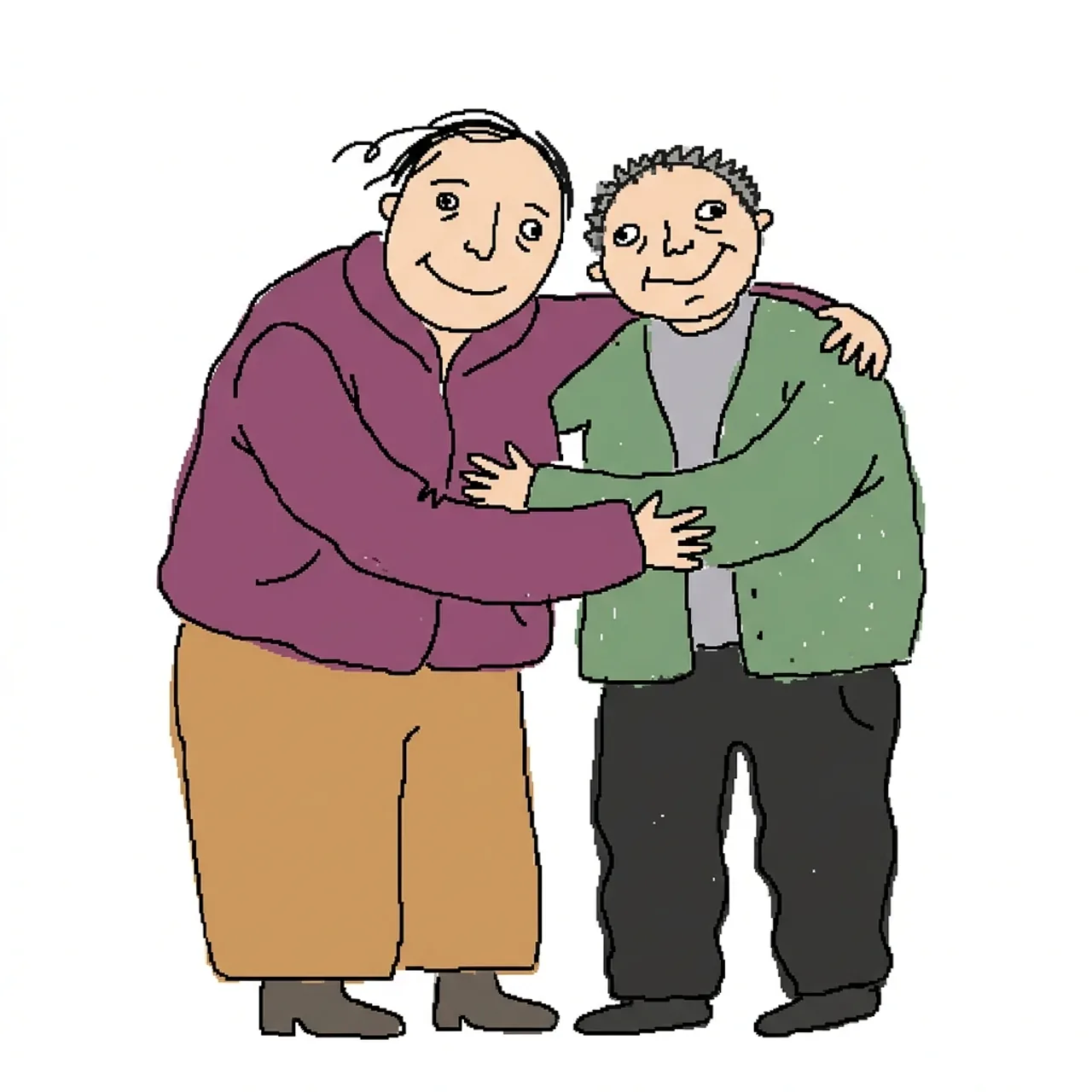 초상화 낙서
완전히 옷을 입은 두 성인을 어색한 데스크톱 그림판 낙서로 다시 그리세요. 포즈와 의상 색상은 유지하되, 비율이 어긋나고, 얼굴이 조잡하며, 윤곽선이 흔들리고, 흰색 배경에 거친 평면 채색을 사용하세요.
이 낙서 시도하기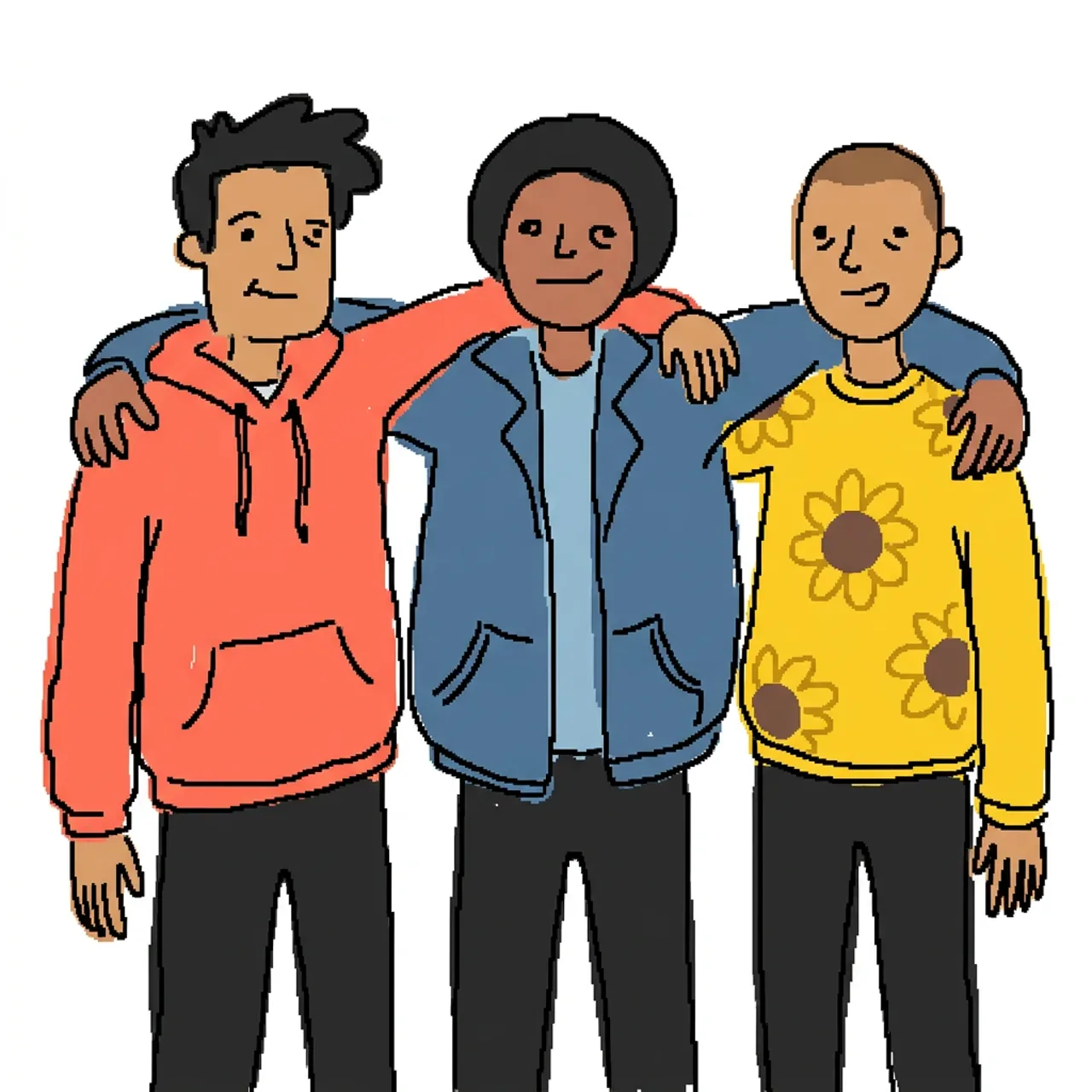 초상화 낙서
성인 단체 사진을 저품질 마우스 그림으로 바꾸세요. 배열과 의상 색상은 유지하면서 얼굴과 몸을 고르지 않고 재미있으며 알아볼 수 있는 형태로 단순화하세요.
이 낙서 시도하기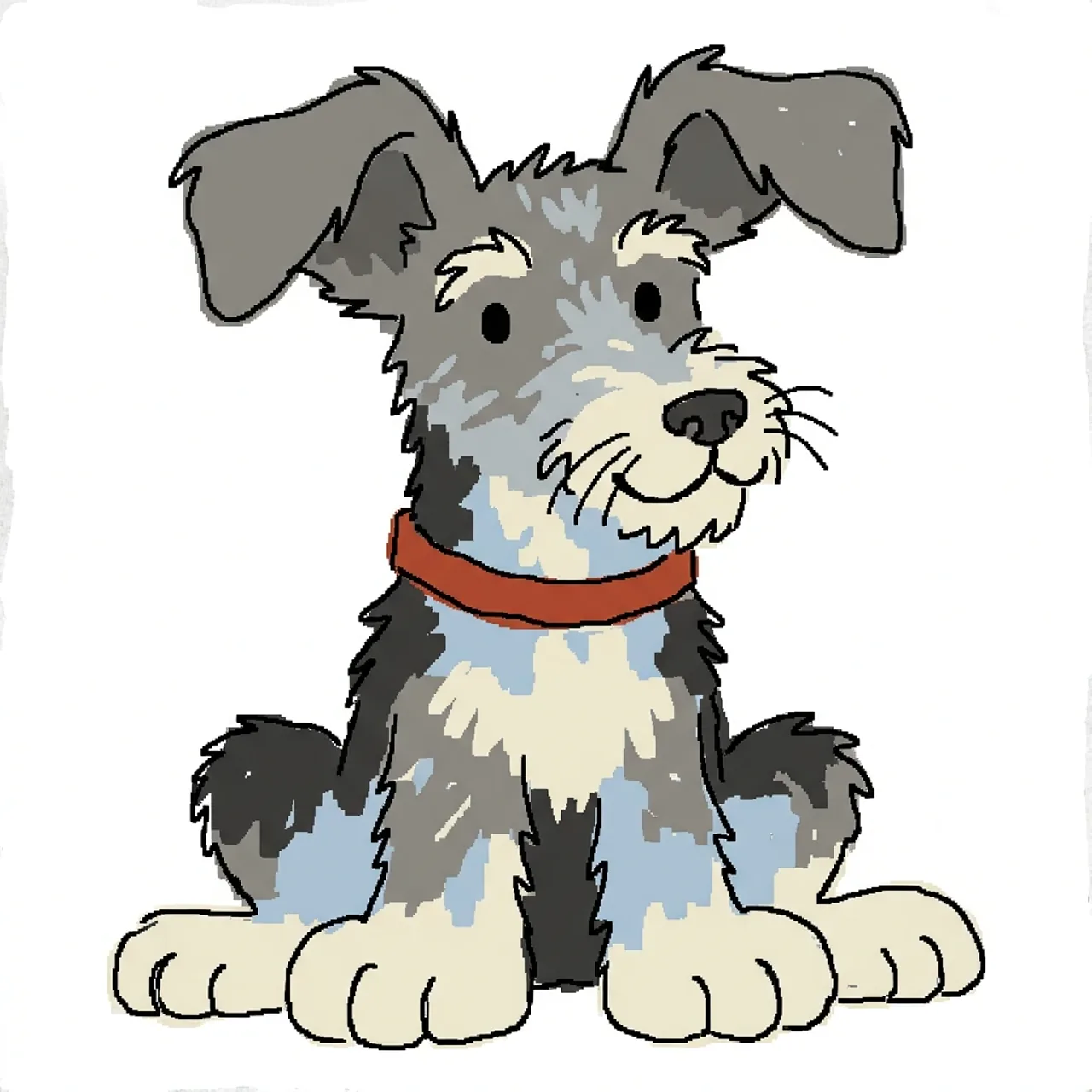 반려동물 낙서
개를 서투른 마우스 낙서로 다시 그리세요. 귀가 비대칭이고, 발이 과장되게 크며, 윤곽선이 흔들리고, 점 눈, 거친 털 모양, 흰색 배경에 평면 색상을 사용하세요.
이 낙서 시도하기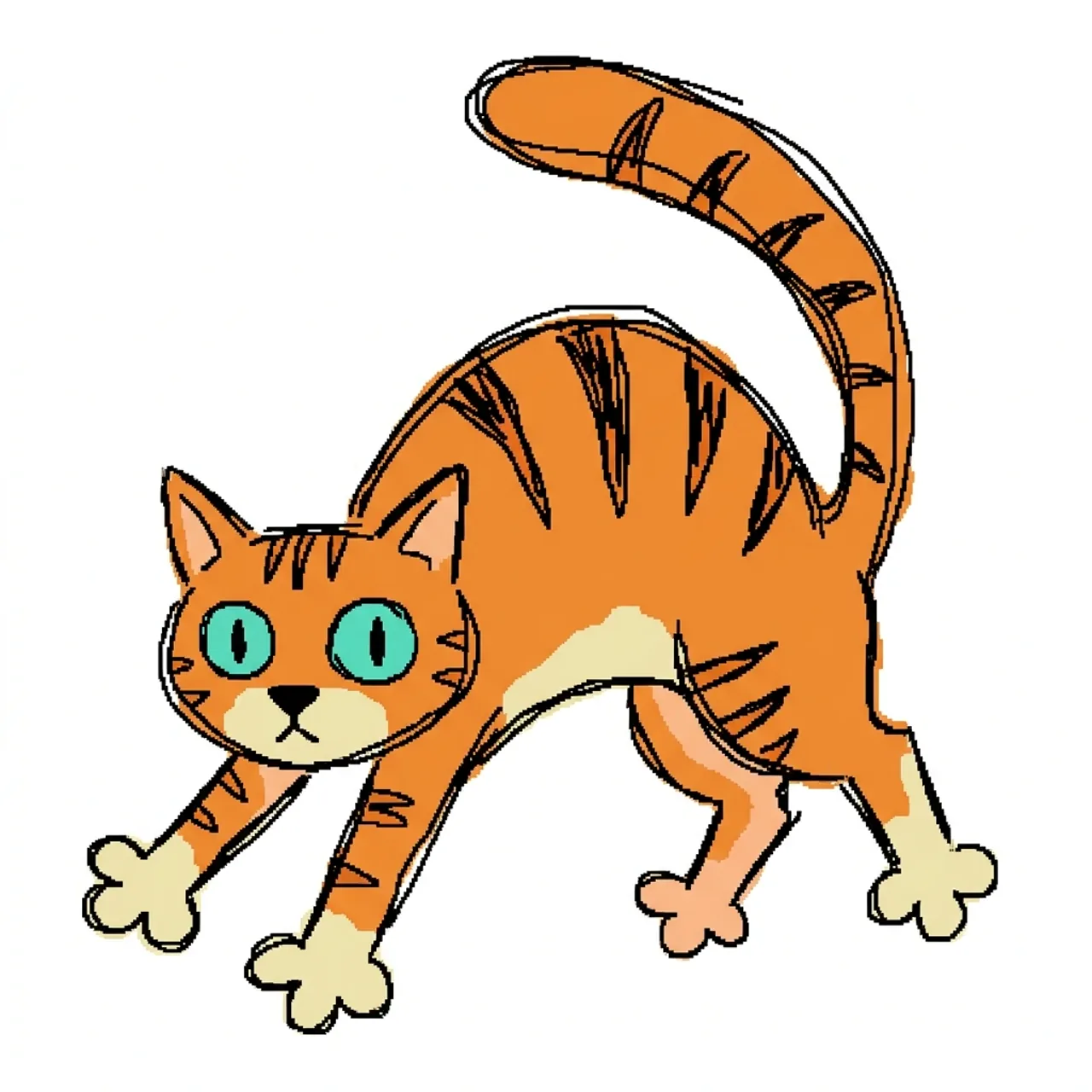 반려동물 낙서
고양이를 혼란스럽지만 알아볼 수 있는 디지털 낙서로 바꾸세요. 털 색상과 포즈는 유지하되, 눈, 꼬리, 발, 몸을 조잡한 윤곽선과 원시적인 채색으로 과장하세요.
이 낙서 시도하기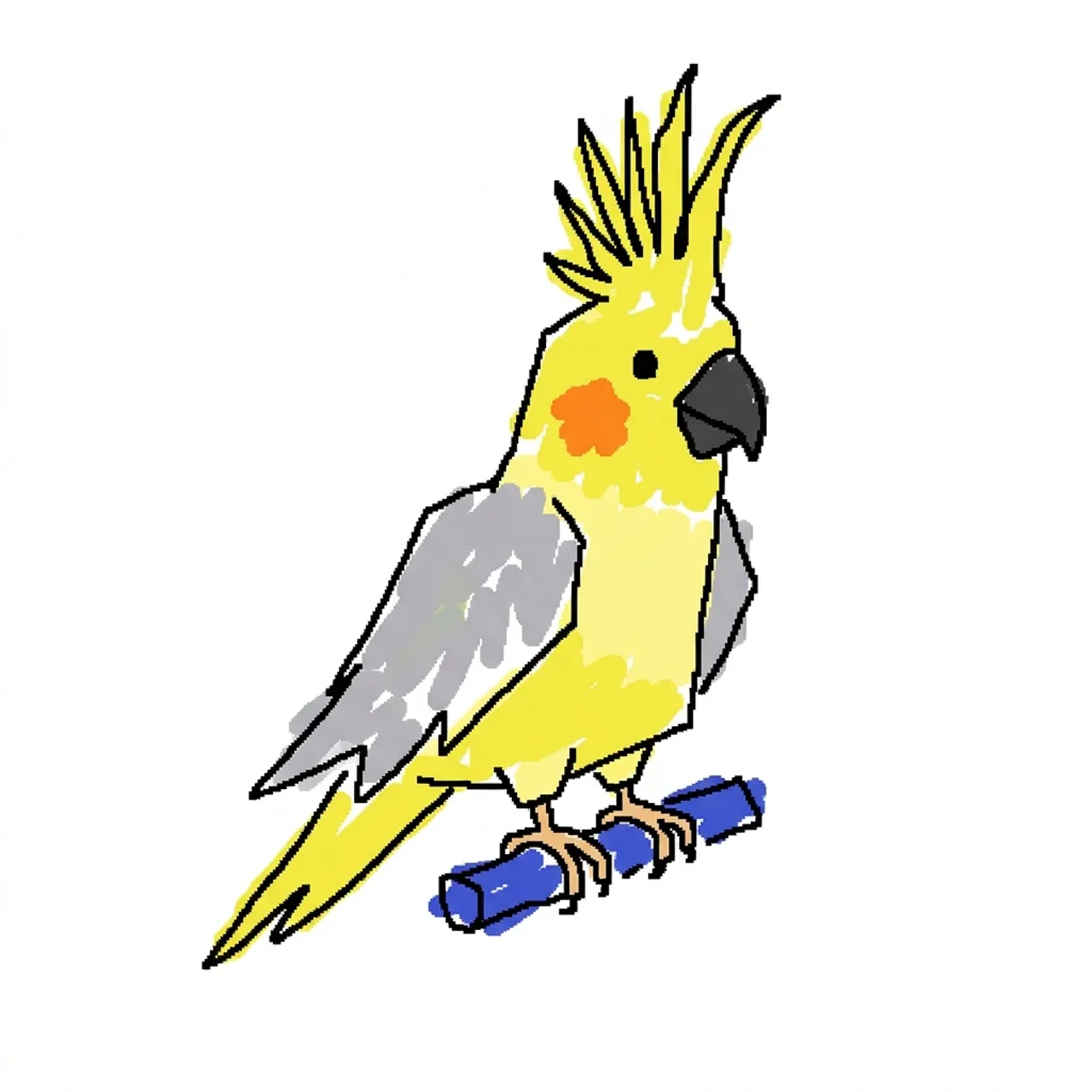 반려동물 낙서
새를 우스꽝스러운 데스크톱 그림판 낙서로 다시 그리세요. 부리, 주요 색상, 횃대는 유지하되, 비뚤어진 기하학, 흔들리는 검은 선, 일관성 없는 평면 색상 블록을 사용하세요.
이 낙서 시도하기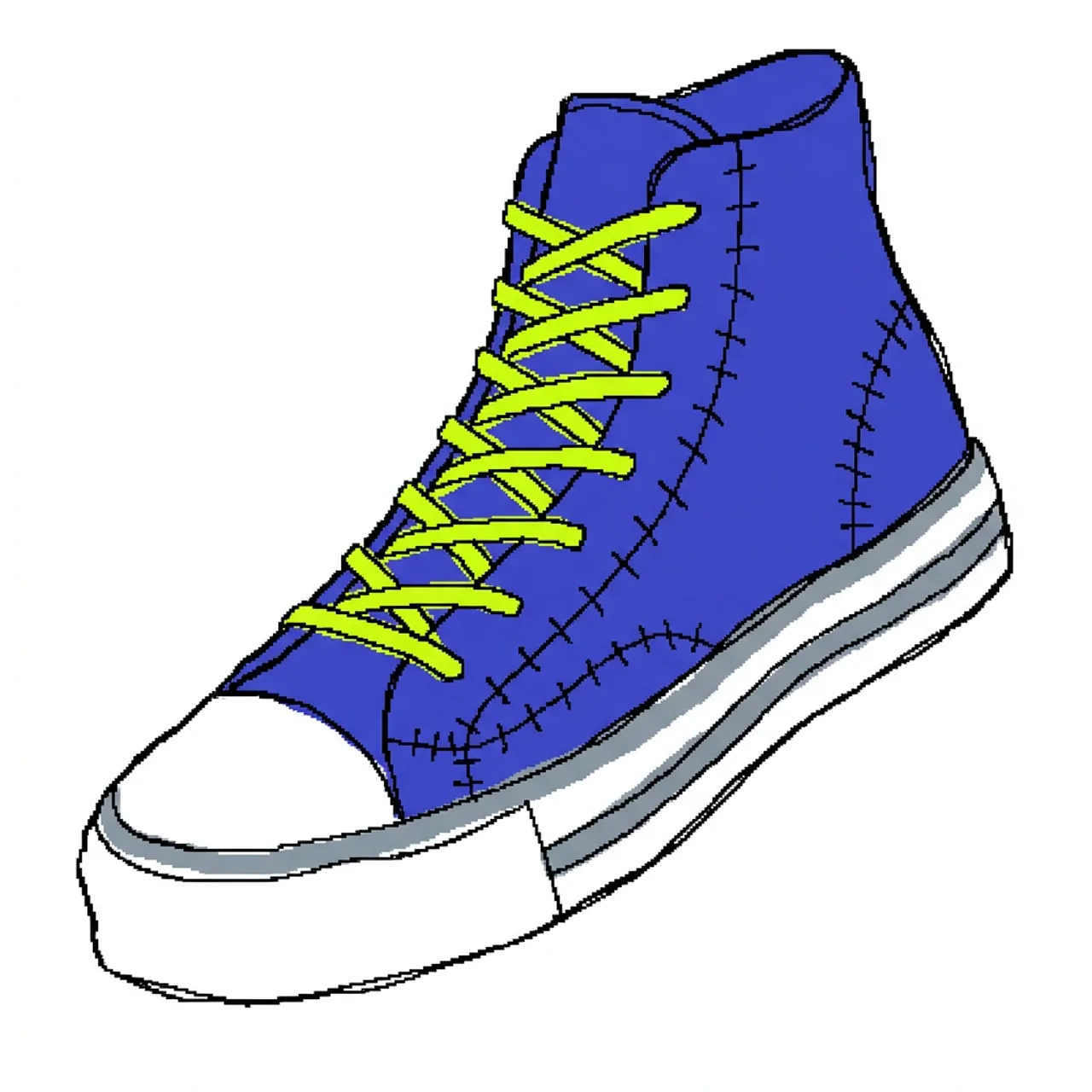 제품 낙서
제품 낙서운동화를 비뚤어진 마우스 그림 낙서로 바꾸세요. 색상과 실루엣은 유지하면서 밑창, 끈, 박음질, 원근감을 의도적으로 고르지 않게 만드세요.
이 낙서 시도하기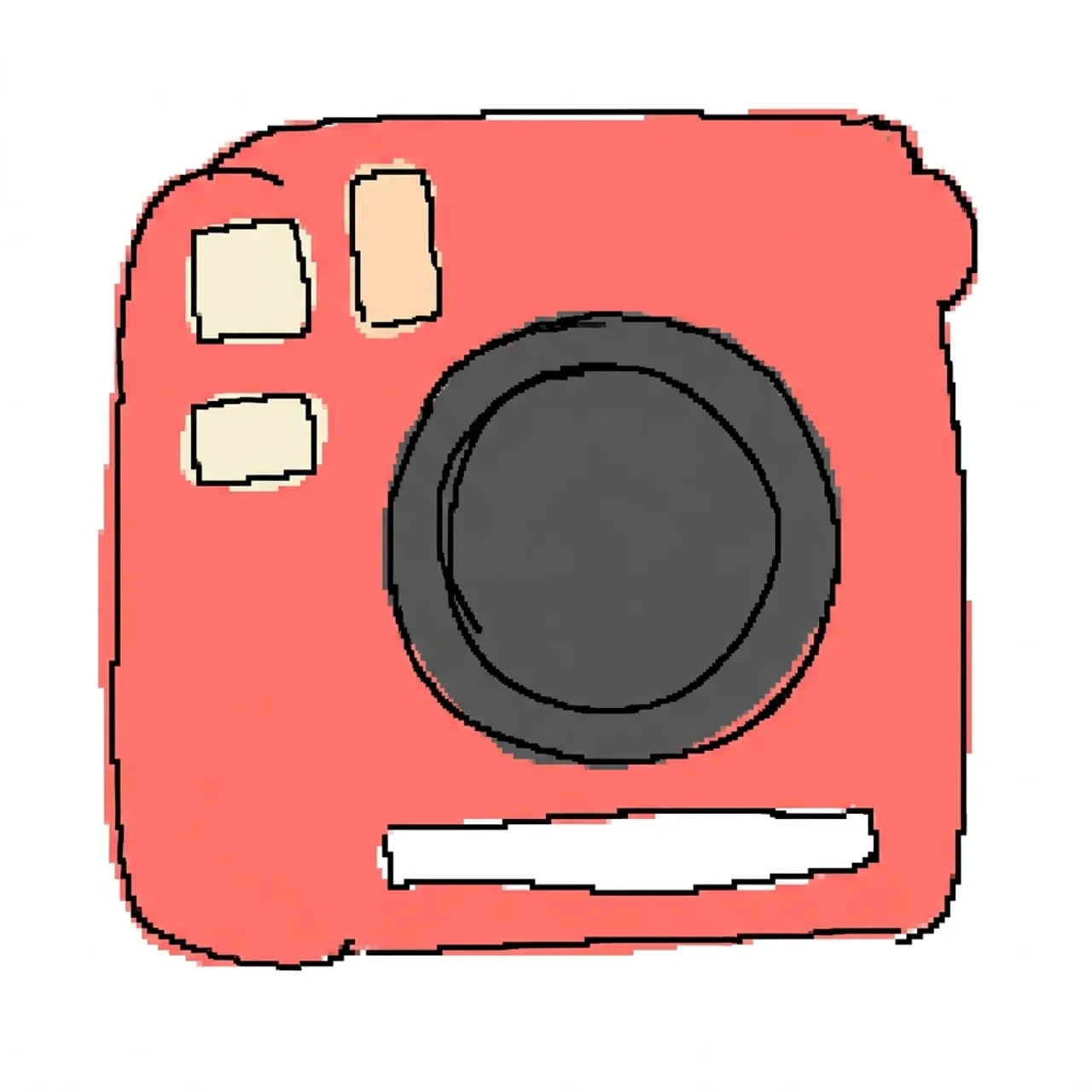 제품 낙서
제품 낙서카메라를 서투른 데스크톱 그림판 스케치로 다시 그리세요. 본체, 렌즈, 주요 색상은 알아볼 수 있게 유지하되, 버튼과 모서리를 어색한 원시적인 형태로 단순화하세요.
이 낙서 시도하기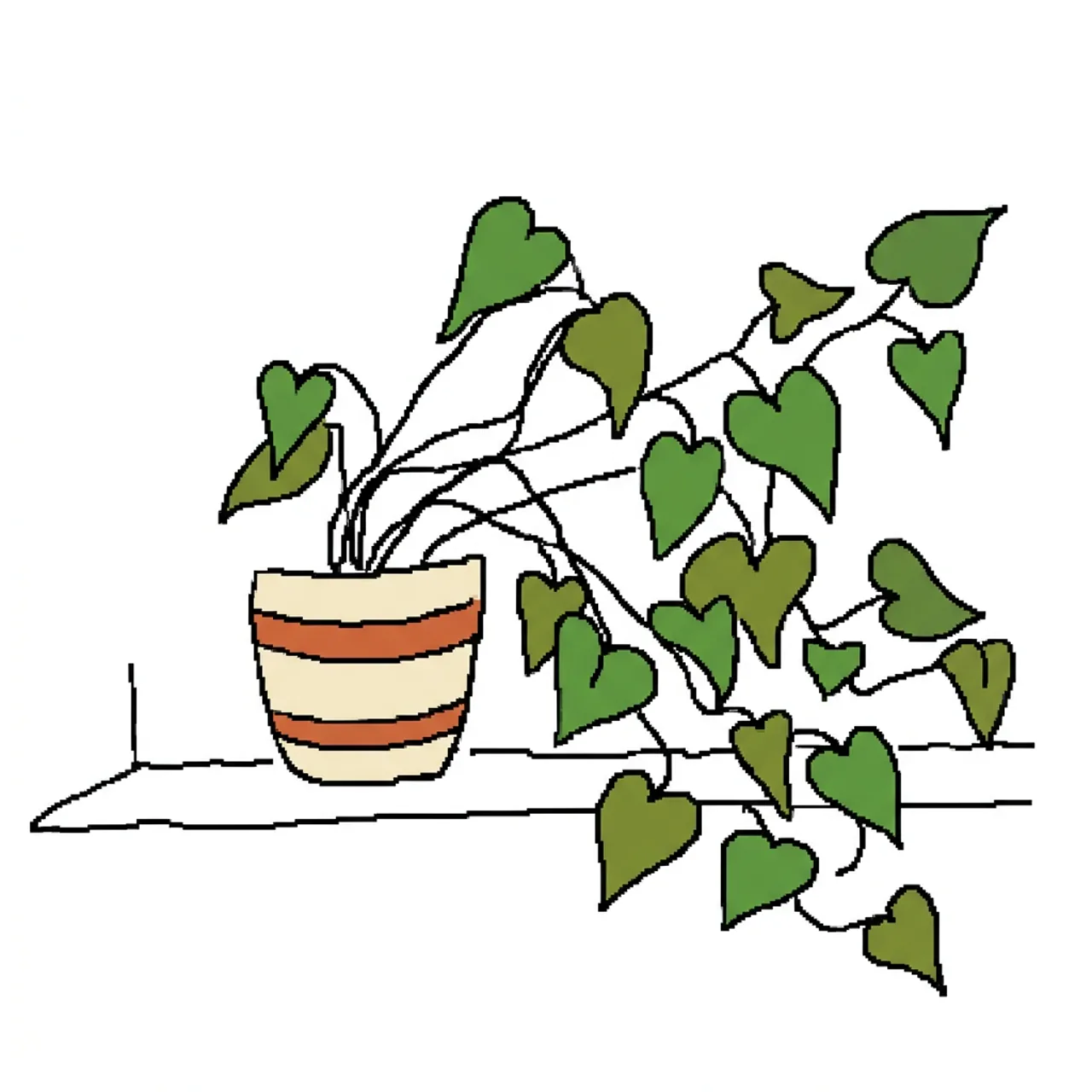 일상 사물
일상 사물실내 화분을 한쪽으로 기울어진 서투른 낙서로 바꾸세요. 화분 줄무늬와 잎 색상은 유지하되, 비뚤어진 줄기, 고르지 않은 잎, 흔들리는 테이블 선, 거친 평면 채색을 그리세요.
이 낙서 시도하기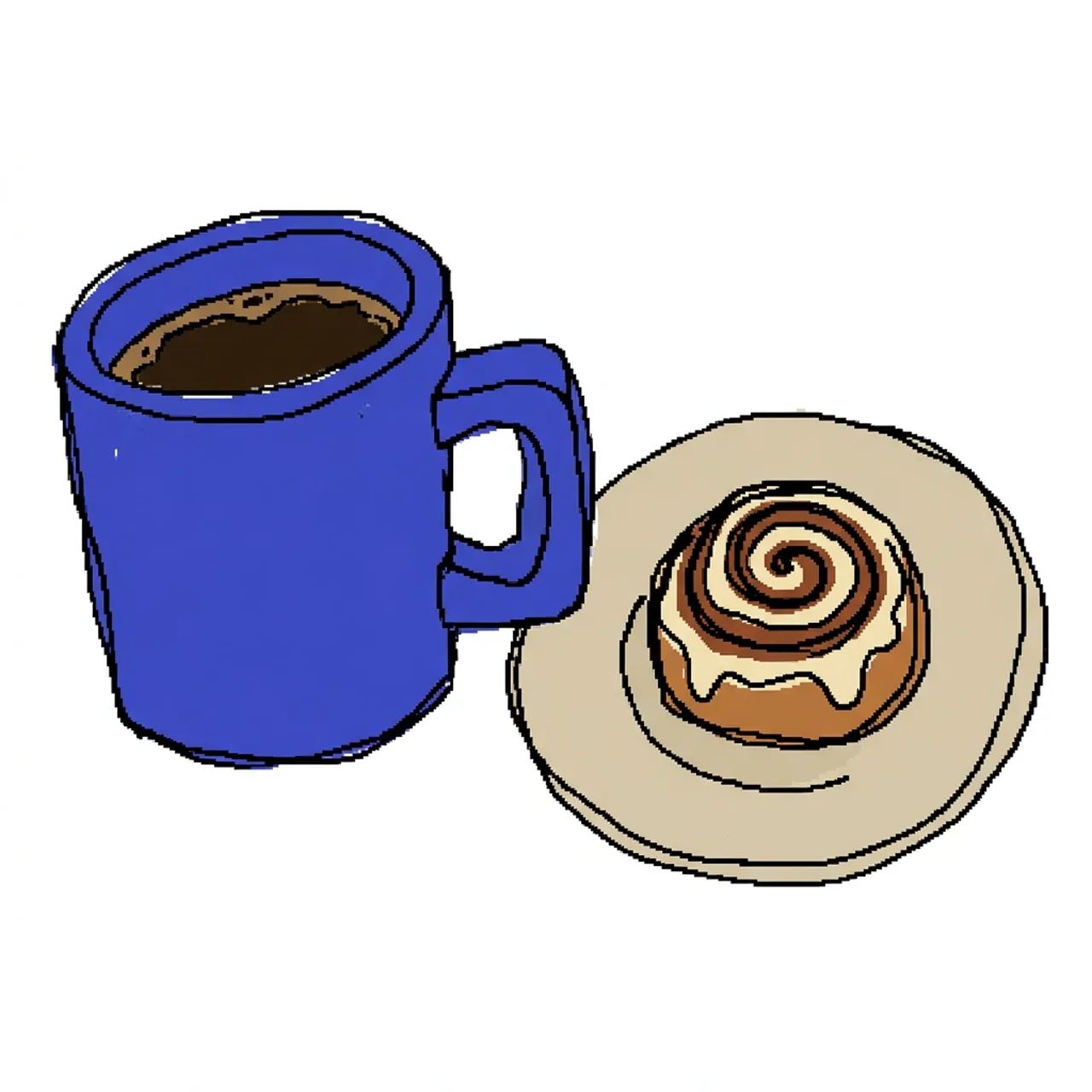 일상 사물
일상 사물커피 머그잔을 엉성한 마우스 낙서로 다시 그리세요. 색상과 손잡이는 알아볼 수 있게 유지하되, 고르지 않은 테두리, 비뚤어진 측면, 원시적인 그림자, 흰색 배경을 사용하세요.
이 낙서 시도하기사진을 흔들리는 마우스 선, 거친 평면 색상, 원시적인 형태, 알아볼 수 있는 주제로 어색한 디지털 낙서로 다시 그립니다.
아니요. 이미지를 업로드하고 Messy를 사용하세요. 고급 옵션에 짧은 지시를 추가하여 세부 사항을 유지하거나 과장하세요.
피사체가 하나이고 실루엣이 뚜렷하며 주요 색상이 잘 보이는 선명한 사진이 가장 좋습니다. 인물 사진, 반려동물, 제품, 간단한 가정용품을 시도해 보세요.
많은 낙서 필터는 더 깔끔한 선화를 목표로 하지만, 이 생성기는 의도적으로 고르지 않은 비율, 흔들리는 윤곽선, 거친 평면 채색, 아마추어 마우스 그림 마감을 사용합니다.
현재 접근 권한, 크레딧, 생성 한도는 생성을 시작할 때 표시되는 플랜에 따라 다릅니다.
서투른 낙서 AI 생성기는 사진을 의도적으로 못 그렸지만 알아볼 수 있는 디지털 낙서로 변환합니다. 세련된 선화 대신 흔들리는 윤곽선, 어색한 해부학, 고르지 않은 채색, 원시적인 도형을 사용하여 마우스로 빠르게 그린 그림을 흉내 냅니다.
원본의 자세, 실루엣, 중요한 색상을 유지하면서 의도적으로 어설프게 표현하세요.
깔끔한 일러스트를 불안정한 윤곽선, 거친 모서리, 원시적인 디지털 붓질로 대체하세요.
준비된 프롬프트로 시작한 다음, 다시 그릴 때 보존하거나 과장할 색상, 모양, 세부 사항을 설명하세요.
실루엣이 뚜렷한 성인, 동물, 제품, 사물의 사진을 사용하세요.
피사체의 가장 잘 알아볼 수 있는 의상, 털, 제품, 사물 색상을 보존하도록 생성기에 요청하세요.
흔들리는, 서투른, 낙서 같은, 마우스로 그린, 고르지 않은, 원시적인, 저품질 같은 용어를 사용하세요.
매끄러운 벡터 선, 전문적인 음영, 세밀한 페인팅, 깔끔한 만화 렌더링, 사실적인 질감을 피하세요.
마야 R.
"인물 사진을 업로드했더니 여전히 알아볼 수 있는 멋지게 어설픈 마우스 그림 버전을 받았습니다. 프리셋 덕분에 긴 프롬프트를 작성하지 않고도 농담을 쉽게 이해할 수 있었습니다."