

Give Each Detail a Role
Separate subject, setting, lighting and composition so the image idea is coherent and easy to revise.
Describe the subject, style, composition and intended interface. Keep the brief focused so the output is concise and easy to revise.
Prompt Guide
Model
Turn a rough scene into a focused positive prompt, separate exclusions and one revision note. Write with GlobalGPT, then test the text in your own compatible image workflow.
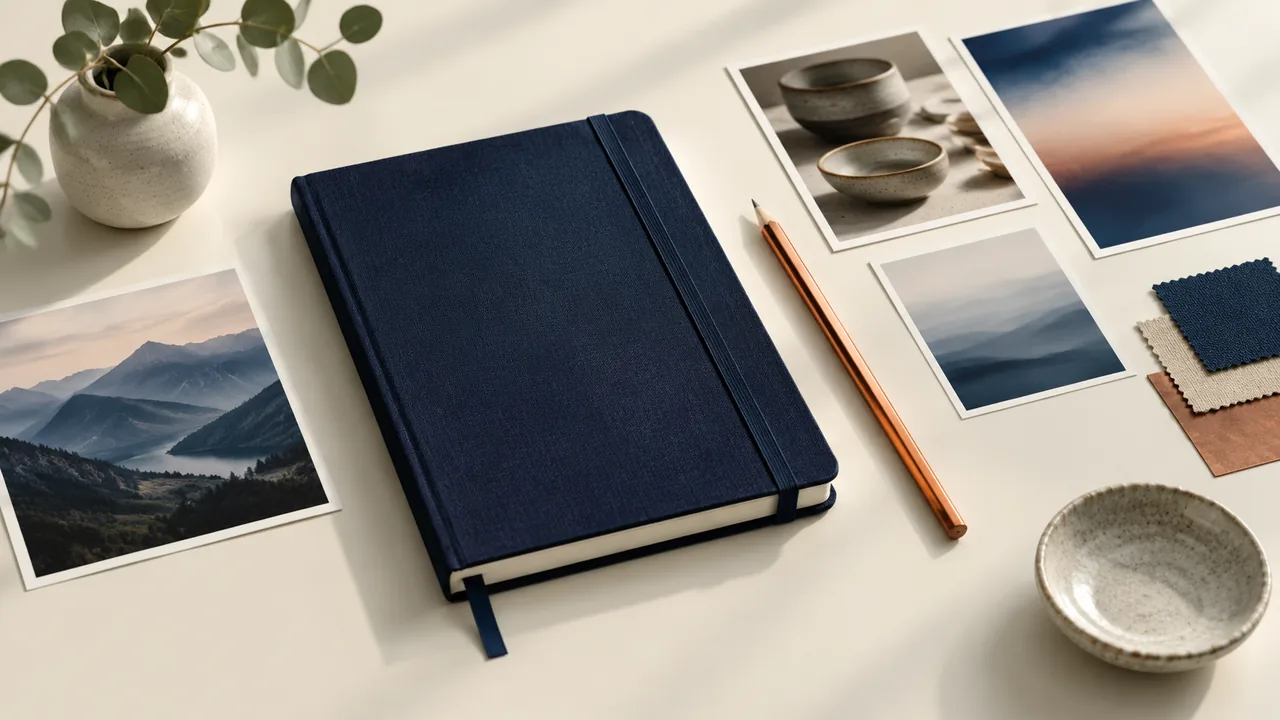
Build Stable Diffusion prompts around the subject, setting, composition and light. Include important constraints instead of stacking unrelated style words.
Mention SDXL, SD 1.5 or your chosen setup. Name the interface if you need a specific prompt-weighting format.
Copy the draft into your compatible image tool. Review the output and change one instruction at a time; this workspace writes text only.
Separate subject, setting, lighting and composition so the image idea is coherent and easy to revise.
Draft a negative prompt alongside the main description when your target model and interface support that control.
Prompt weights and negative conditioning vary by workflow. Name the interface before requesting a particular notation.
Paste existing Stable Diffusion prompts and ask for a clearer version that preserves the main idea while removing conflicts and filler.
Mention the target checkpoint or workflow. The same wording can behave differently across models and generation settings.
Keep the subject stable while changing one variable, such as framing or light, so you can understand each revision.
This compares writing workflows, not measured image quality or model performance.
| Criteria | Unstructured Draft | GlobalGPT Prompt Draft | Your Image Test |
|---|---|---|---|
| Creative input | Mixed scene ideas | A focused visual brief | A compatible image workflow |
| Output | Free-form wording | Positive prompt and optional exclusions | An image to inspect |
| Compatibility | May assume the wrong syntax | Names the target interface | Checks actual behavior |
| Revision | Change everything at once | Change one instruction | Compare the resulting image |
Illustrative scenarios with fictional names; these are not customer reviews or measured results.
A designer turns a rough scene idea into separate subject, light and composition instructions.
A creator shortens a product prompt before testing the wording in a compatible image workflow.
An illustrator changes only the lighting instruction to compare two deliberate variations.
Selected Arena entries dated Oct 23, 2026. External general-purpose rankings are a reference for model selection, not a measured result for this page or a guarantee of your output. Model variants may differ from GlobalGPT.
| Rank | Model | Arena Rating | Votes | Rank Range |
|---|---|---|---|---|
| #1 | claude-fable-5 Anthropic / Proprietary | 1507.77 | 24331 | #1-#4 |
| #2 | claude-opus-4-6-high Anthropic / Proprietary | 1504.49 | 72359 | #1-#4 |
| #3 | claude-opus-4-7-high Anthropic / Proprietary | 1502.01 | 60203 | #1-#5 |
Source: Arena Leaderboard
No. It writes Stable Diffusion prompts. Copy the text into your own compatible image workflow to generate and review an image.
Yes. Name the target workflow and interface. The same words can behave differently across checkpoints and settings; no prompt guarantees an identical result.
No. Weighted syntax depends on the interface and model. Start with clear natural language unless you know which notation your chosen workflow supports.
No. It is one control in compatible workflows. Some errors require a different main prompt, settings, image edit or model.
Paste the draft and describe the issue. Ask for conflicting instructions to be removed and one focused revision to test next.