

Specify the Edit Target
Name one object or area rather than describing the whole picture again. A clear target makes the requested change easier to understand and evaluate.
Prompt Guide
Model
Reference Image
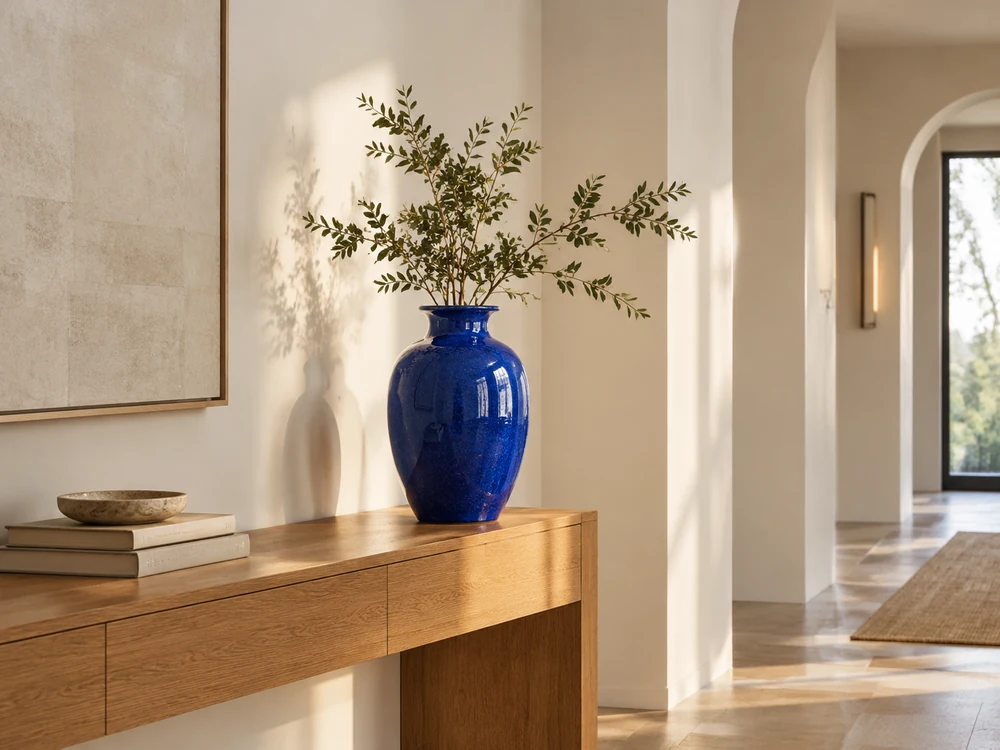
Know what to replace, what to preserve and how you will judge the result. Compare masked inpainting with the prompt-guided editing available on GlobalGPT before choosing your workflow.
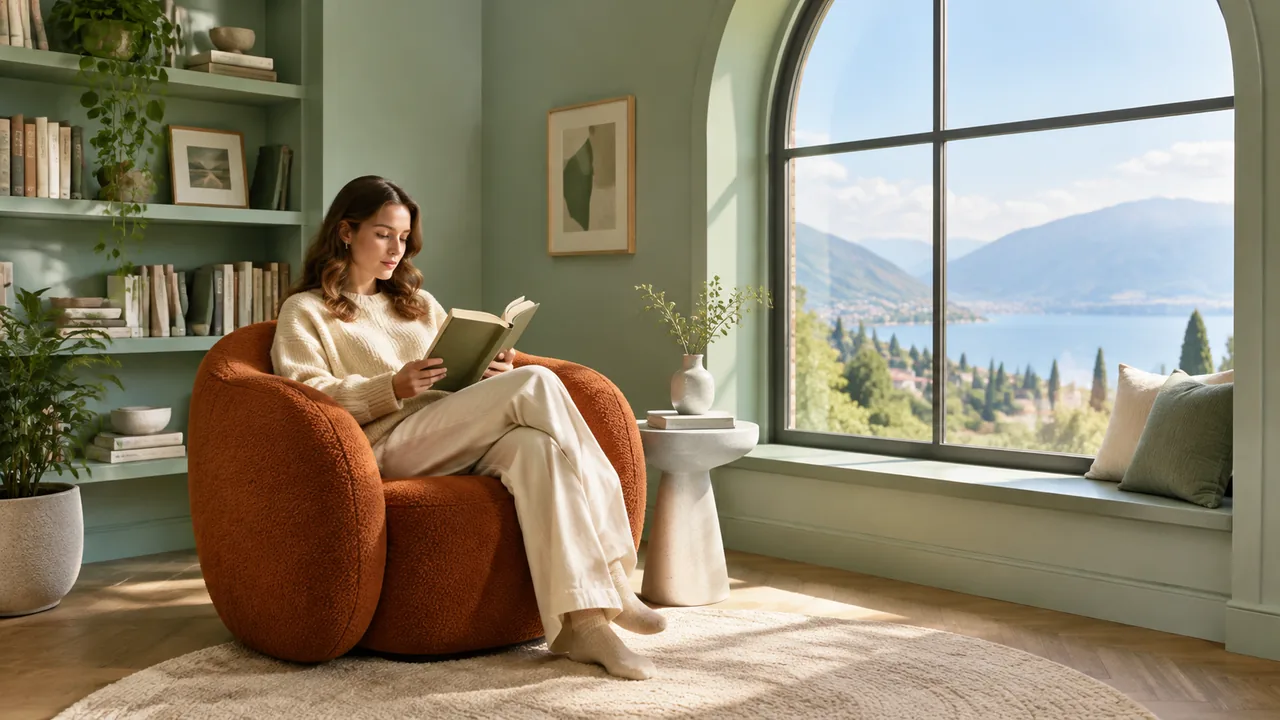
Choose a local object, garment or background detail. Identify the surrounding features that must remain consistent, including lighting, perspective and identity.
For masked inpainting with Stable Diffusion, use a compatible external editor with a mask. Here, upload a reference and try a natural-language edit through the displayed model.
Review the edited area and everything around it. Prompt-guided editing can change unrequested details, so compare the complete image before using the result.
Standalone concepts illustrate possible edit goals; they are not source/result pairs or Stable Diffusion outputs. Samples use GPT Image 2, while workspace results depend on the model you select.
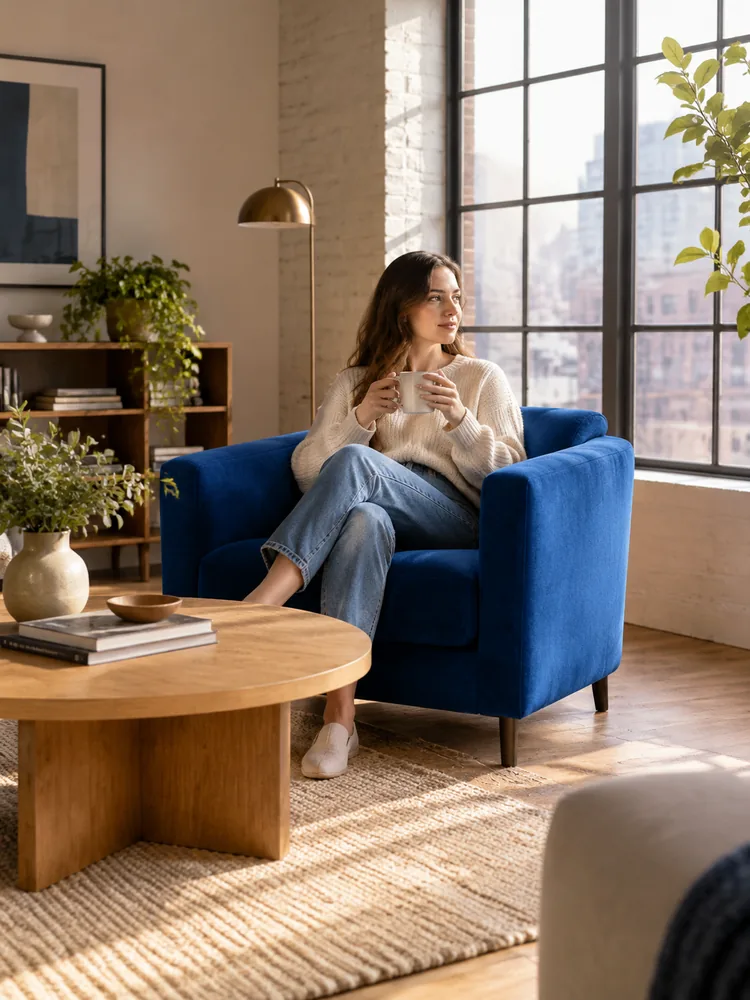 Interior Details
Change only the armchair upholstery to cobalt blue; keep the room layout and lighting.
Try This Direction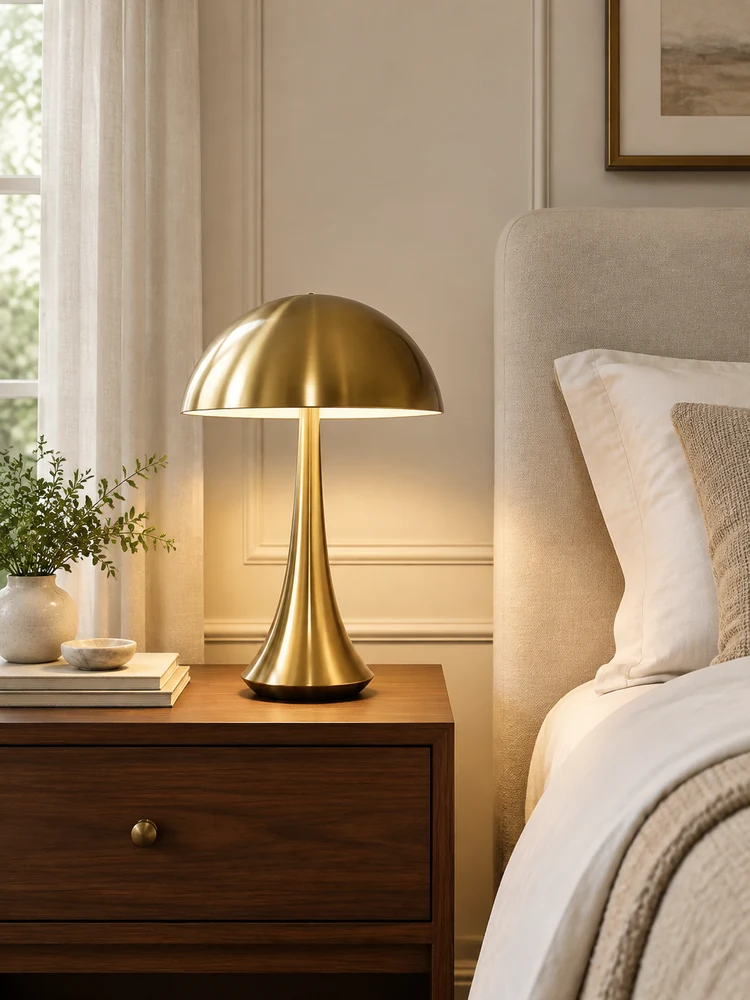 Interior Details
Replace the bedside lamp with a small brass design; retain the table, bedding and perspective.
Try This Direction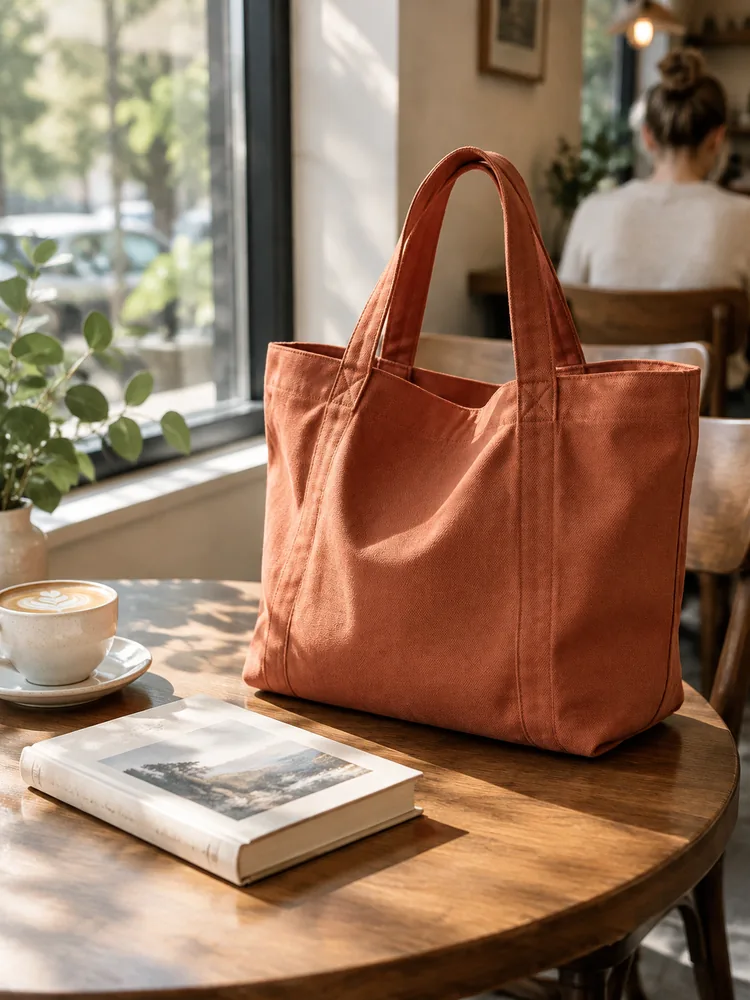 Object Restyling
Replace the tote with terracotta canvas; keep the book, table, framing and light.
Try This Direction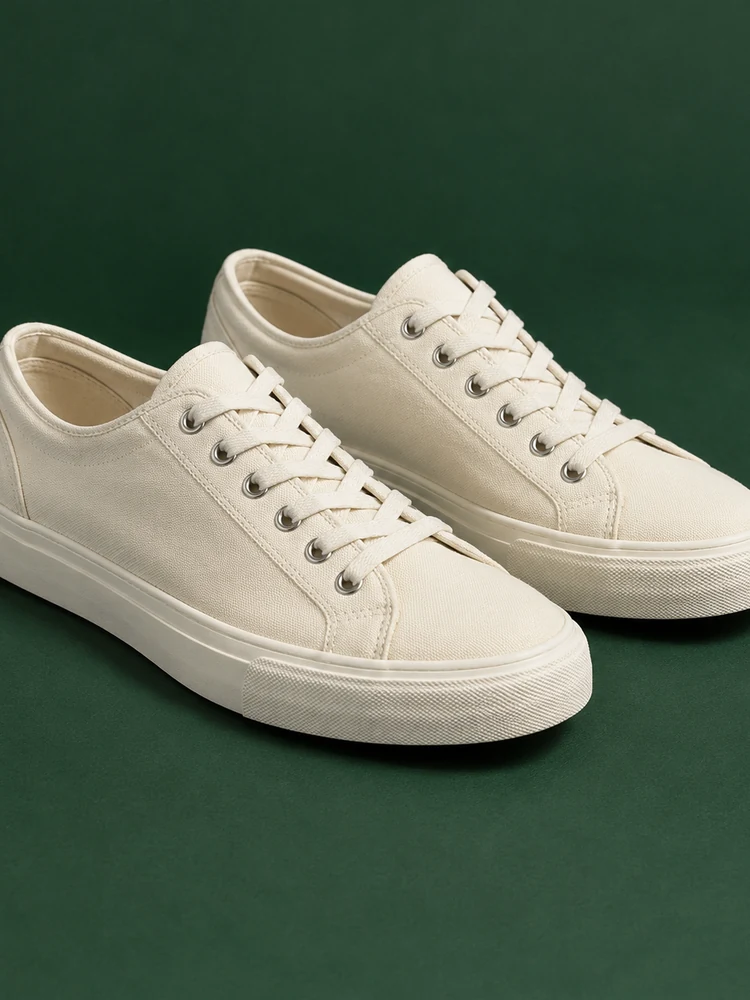 Object Restyling
Change the shoes to cream canvas while keeping their position, shape and ground shadows.
Try This Direction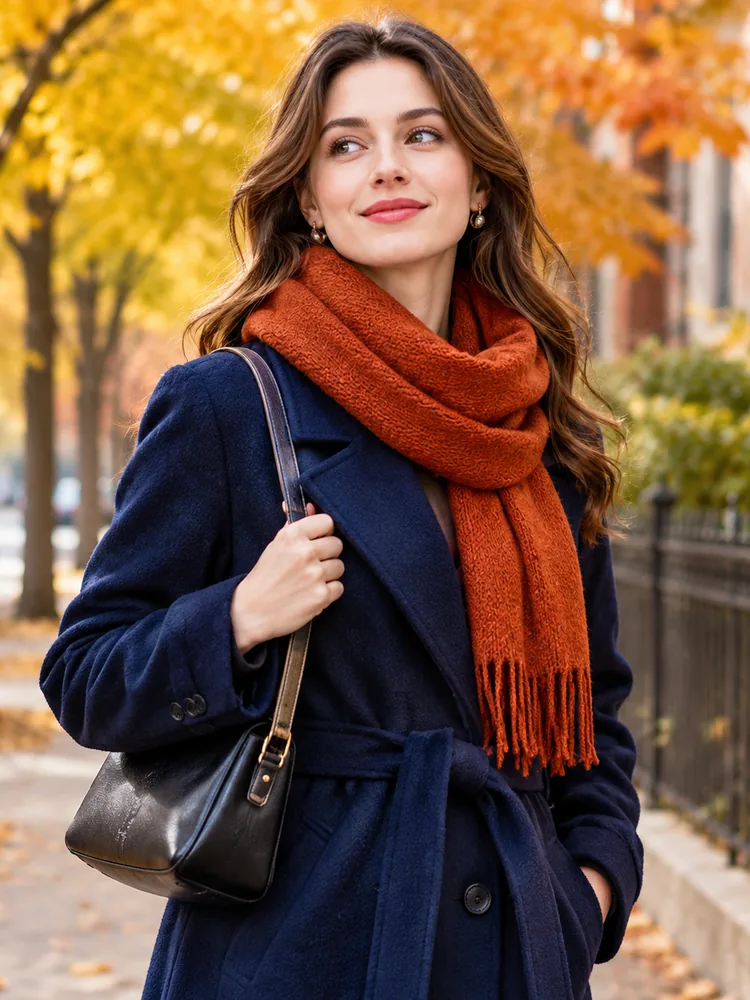 Wardrobe Ideas
Change the scarf to rust orange; preserve the face, coat, pose and street setting.
Try This Direction Wardrobe Ideas
Change the shirt to sage linen while keeping the face, pose and terrace unchanged.
Try This Direction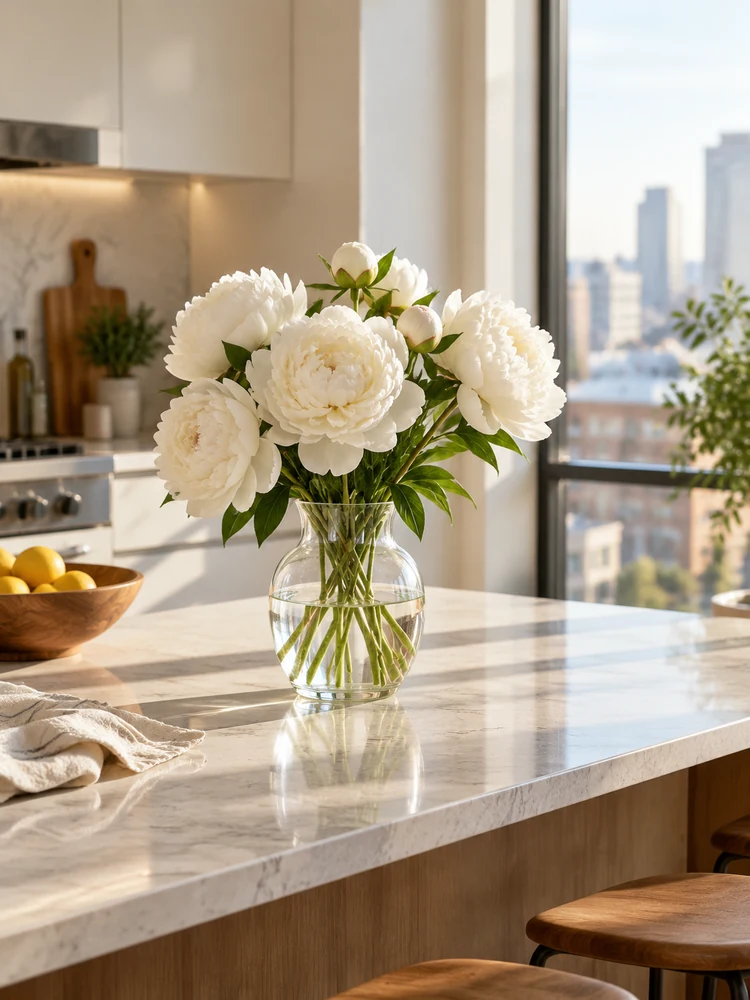 Scene Details
Replace the flowers with white peonies; preserve the vase, kitchen and original perspective.
Try This Direction Scene Details
Change the sky to soft dusk tones; preserve the cabin, mountains, lake and composition.
Try This Direction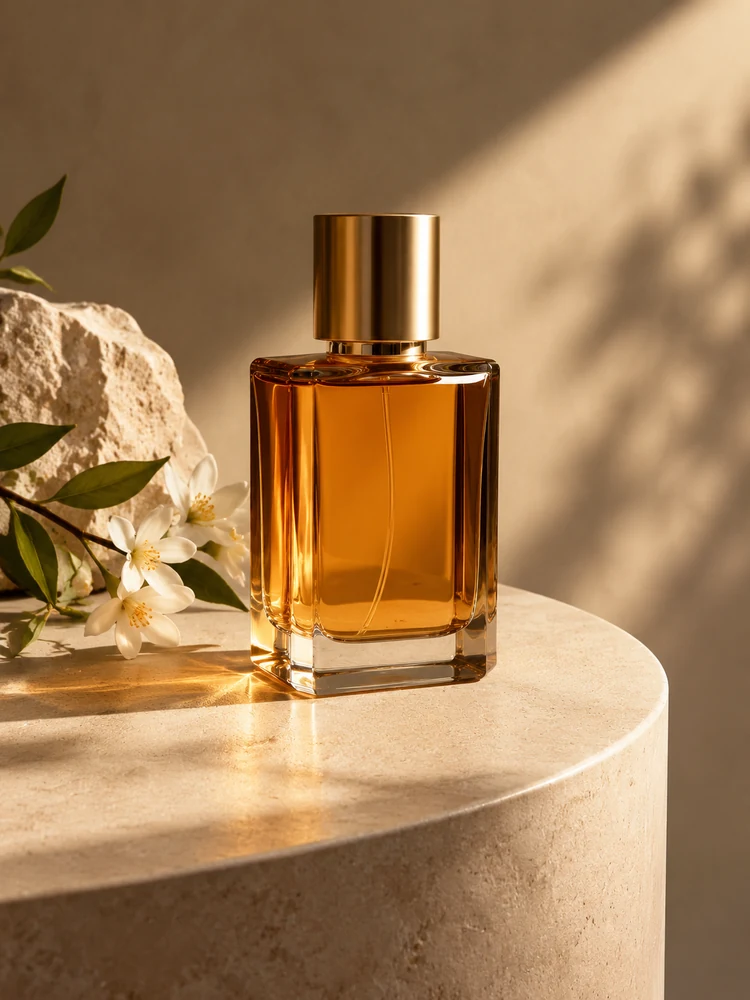 Product Concepts
Change the pedestal to pale sandstone, keeping the bottle and reflection placement consistent.
Try This Direction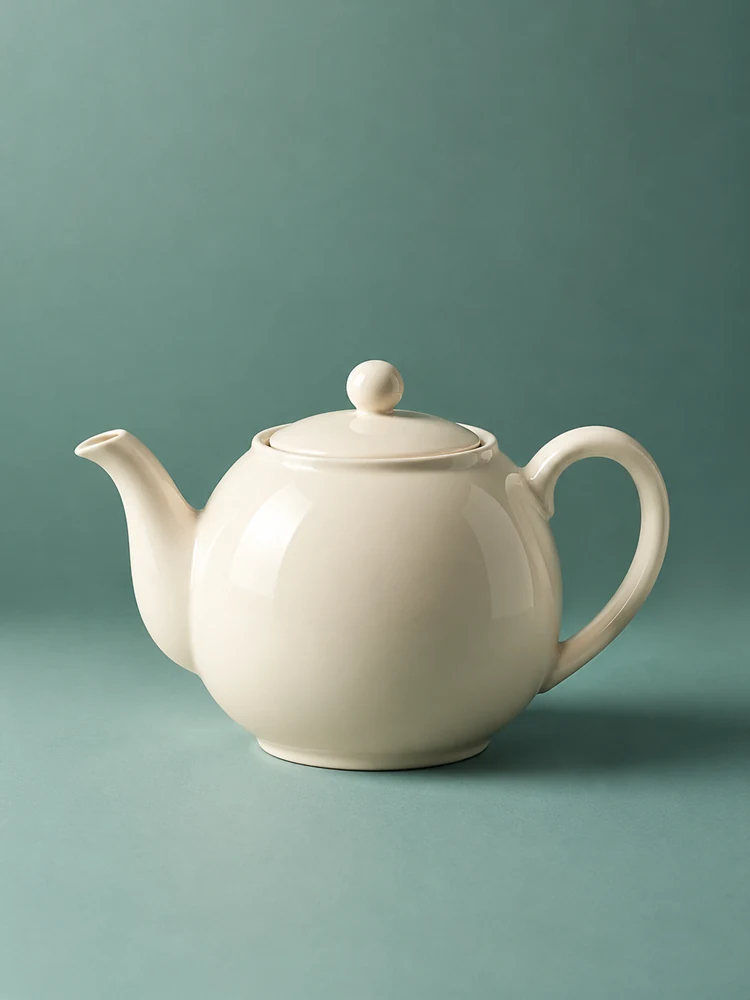 Product Concepts
Change only the backdrop to muted teal; retain the teapot, camera angle and soft shadows.
Try This DirectionName one object or area rather than describing the whole picture again. A clear target makes the requested change easier to understand and evaluate.
Keep identity, pose, camera position and important structures explicit. Inpainting with Stable Diffusion and prompt-guided edits both benefit from a focused preservation brief.
Describe the replacement material and the existing light direction. Consistent shadows and reflections help a new object fit naturally into its surroundings.
A mask is a dedicated editing control, not a sentence in a prompt. This workspace does not offer mask painting or guarantee that unselected pixels stay identical.
Use the visual concepts to plan wardrobe, interiors or product details. The gallery is inspiration rather than evidence of a measured before-and-after edit.
Start with a small change and compare the image. Broader restyling can make preservation harder, so keep the next revision tied to one visible issue.
Select the method by its actual controls. The Stable Diffusion column describes an external compatible workflow, not a model available in this workspace.
| Criteria | Masked SD Workflow | GlobalGPT Image Edit | Manual Retouching |
|---|---|---|---|
| Selection | A supported mask control | A written edit target | Editor selection tools |
| Input | Source, mask and prompt | Reference image and prompt | Source image and manual edits |
| Preservation | Depends on pipeline and settings | Must be checked across the image | Controlled by the editing work |
| Best fit | A defined region in an SD setup | Exploring a focused visual change | Precise finishing and cleanup |
Illustrative scenarios with fictional names; these are not customer reviews or measured results.
An interior stylist plans a chair change and checks that the window, floor and light remain coherent.
A product creator tests a new pedestal material while preserving the bottle shape and reflections.
A portrait editor checks that a jacket restyle has not changed the subject’s expression or identity.
Selected Arena entries dated Oct 20, 2026. External general-purpose rankings are a reference for model selection, not a measured result for this page or a guarantee of your output. Model variants may differ from GlobalGPT.
| Rank | Model | Arena Rating | Votes | Rank Range | Price / Image |
|---|---|---|---|---|---|
| #1 | gpt-image-2 (medium) OpenAI / Proprietary | 1461.78 | 212326 | #1-#1 | 0 |
| #2 | grok-imagine-image-2.0 (low) SpaceXAI / Proprietary | 1439 | 5936 | #2-#2 | - |
| #3 | mai-image-2.6-preview Microsoft AI / Proprietary | 1416.85 | 9013 | #3-#4 | - |
| #4 | muse-image Meta / Proprietary | 1404.9 | 66921 | #3-#5 | - |
Source: Arena Leaderboard
No. The guide explains the concept, while the workspace provides prompt-guided editing with the displayed GlobalGPT image model. It has no Stable Diffusion inference or painted-mask control.
A compatible mask explicitly marks an editing region. A written instruction describes the intended change, but does not provide pixel-level selection or preservation.
You can try a focused replacement using an authorized reference. Check the object, nearby edges, shadows and the rest of the image for unexpected changes.
No. They are separately generated concepts that illustrate editing goals, not before-and-after tests of inpainting with Stable Diffusion.
State the target, the replacement and the features to preserve. Keep the request short, and review one change before asking for a broader revision.