

Flare for Faster Iteration
Explore prompt directions with speed-focused Flare before committing to a demanding final render.
Build photoreal portraits, polished product campaigns, and stylized worlds from one clear prompt. Use Flare for fast exploration or Sunburst when fine detail and precise edits matter most.
Start Generating







Prompt Guide
Model
Reference Image
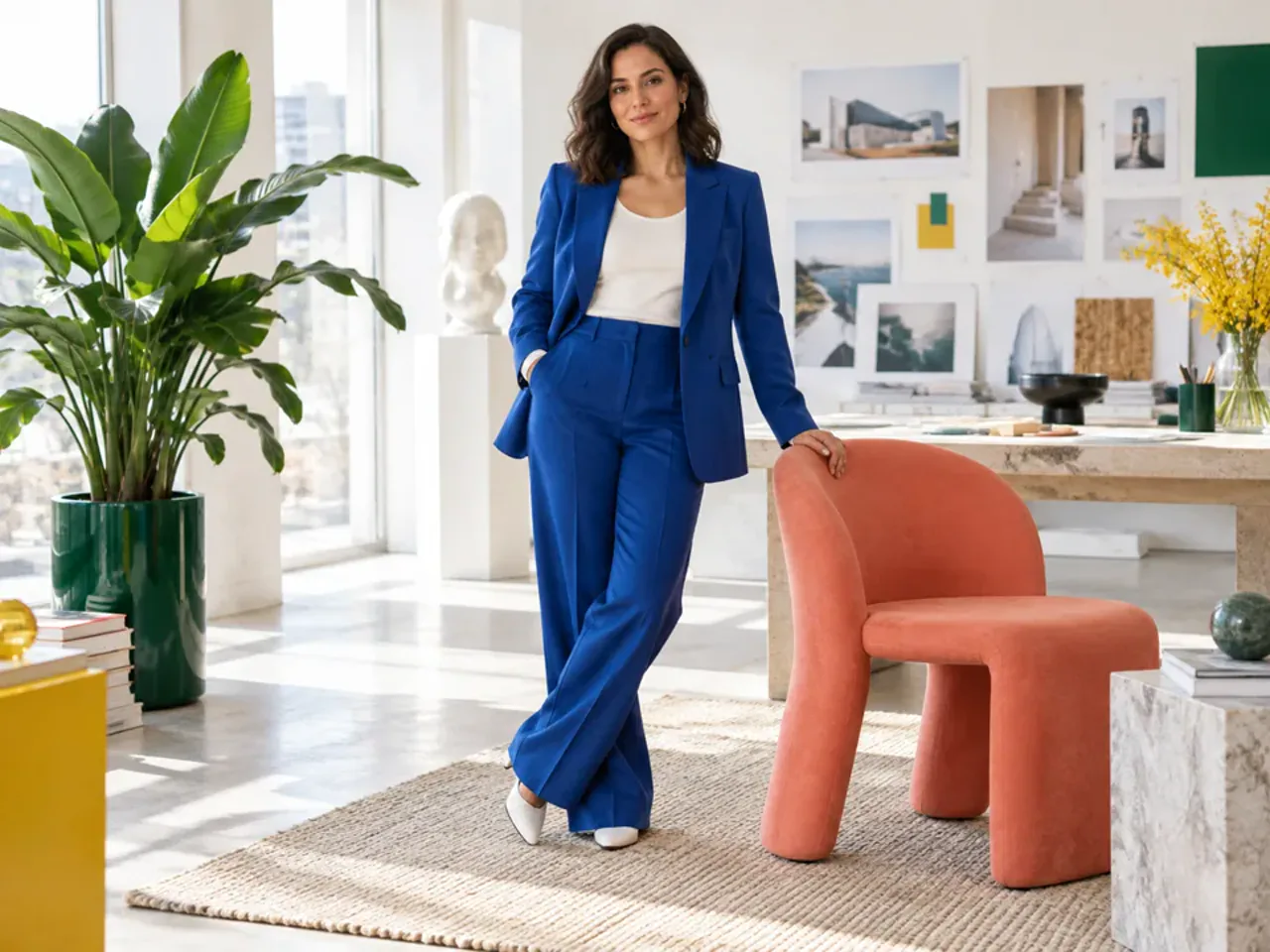
Move from a rough idea to a controlled image in three focused steps.
Start with Flare when you want faster prompt exploration, or choose Sunburst when demanding image quality is the priority.
Define the subject, composition, style, lighting, aspect ratio, and constraints. For edits, state what should change and what must remain unchanged.
Create the image, inspect important details, then refine one change at a time until the result is ready to download or continue editing.
Explore ten distinct outcomes across realistic photography, commercial art direction, illustration, and fantasy 3D.
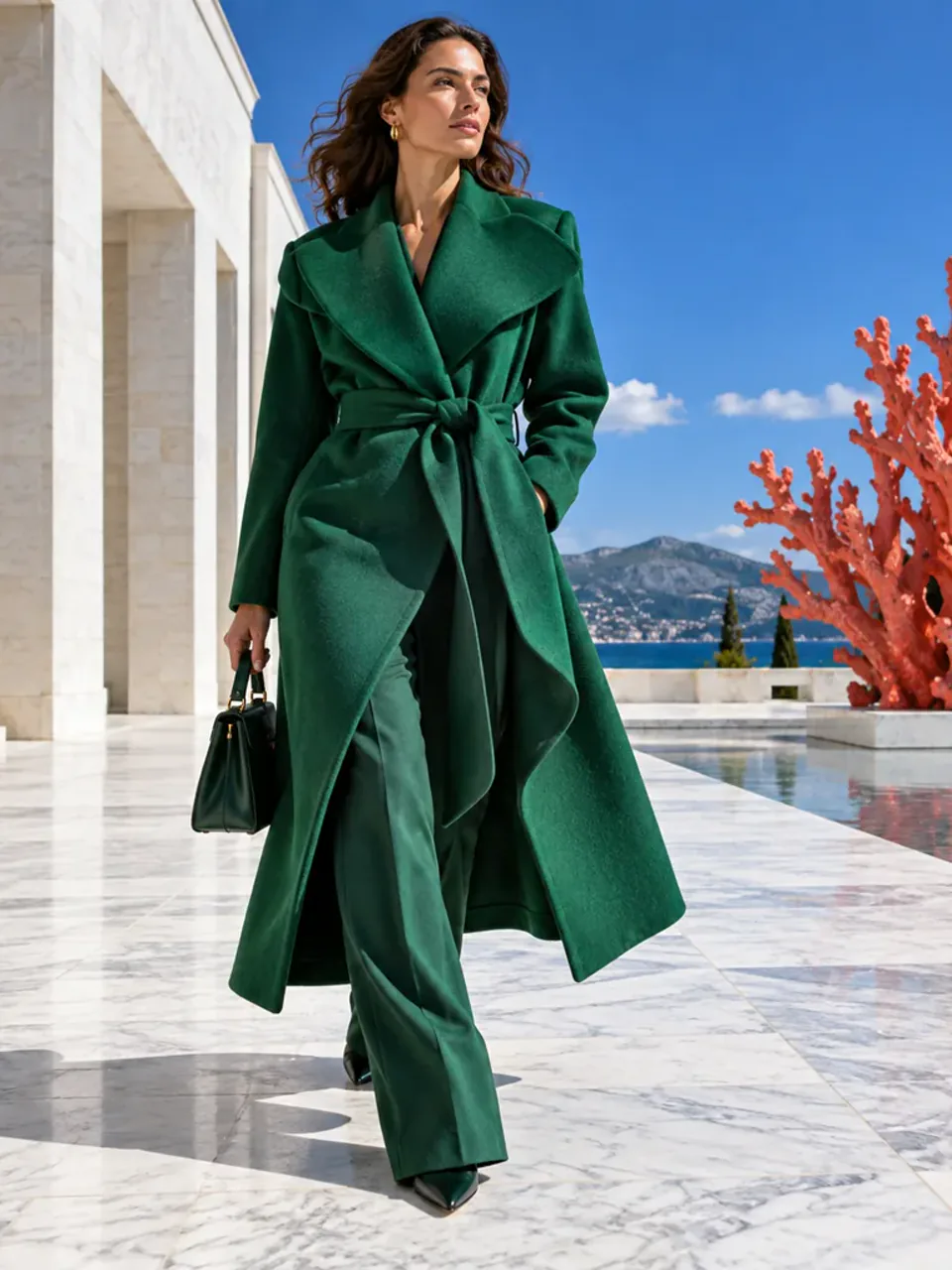 Photorealism
Vertical 3:4 high-fashion editorial photograph of a fully clothed adult woman in an emerald sculptural coat crossing a sunlit white marble courtyard, cobalt sky and coral installation, authentic 85mm detail, clean midday light, natural skin and correct anatomy, no text, no logo.
Try This Prompt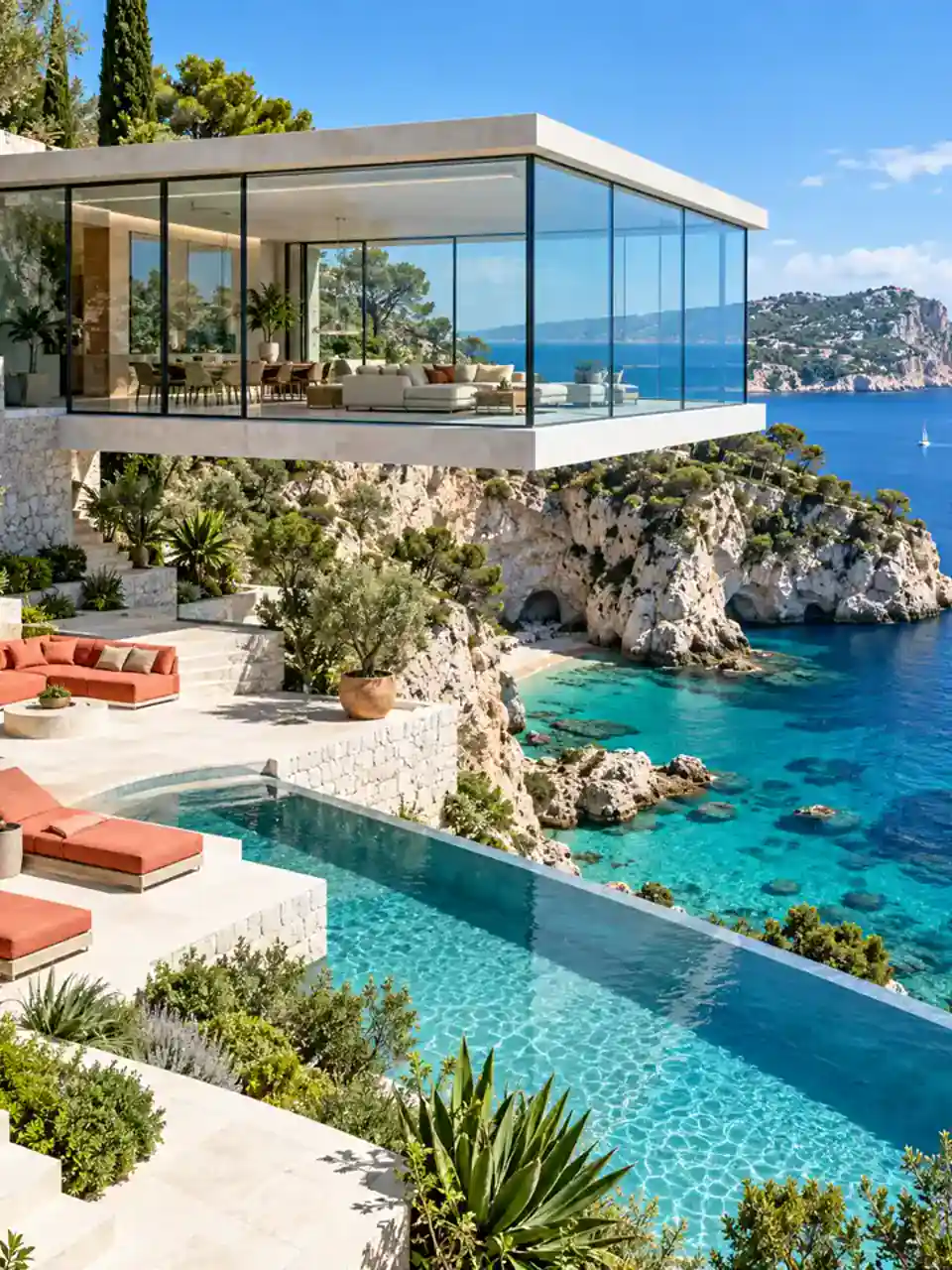 Photorealism
Vertical 3:4 architectural photograph of a transparent glass house above a turquoise Mediterranean cove, white stone terraces, coral furniture, vivid blue water, bright noon light, precise straight geometry, premium magazine realism, no people, no text, no logo.
Try This Prompt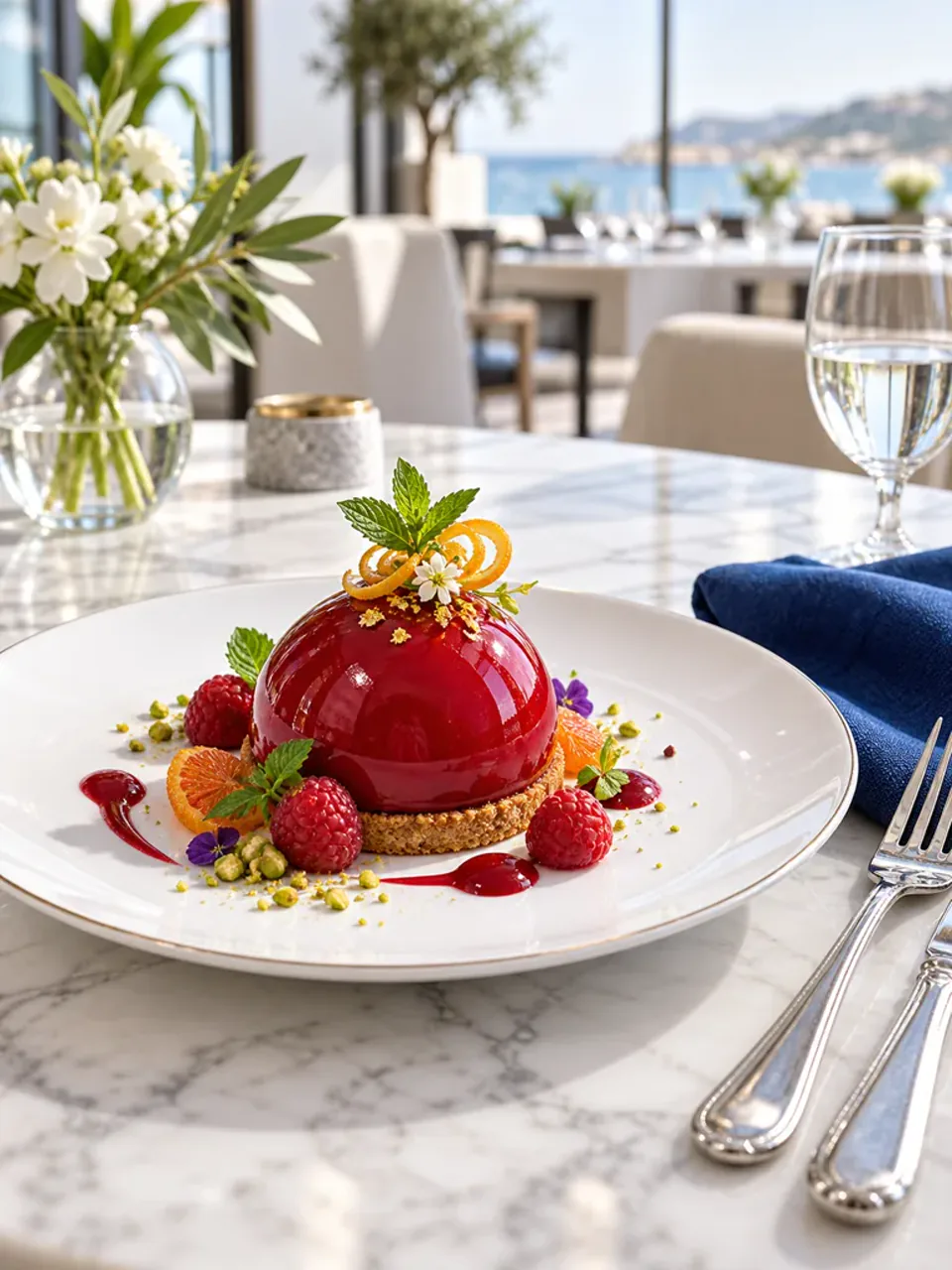 Photorealism
Vertical 3:4 camera-real culinary still life of a sculptural ruby-glazed dessert with citrus curls and emerald herbs on white porcelain, sunlit marble table, crisp commercial food photography, elegant shallow depth, no people, no text, no logo.
Try This Prompt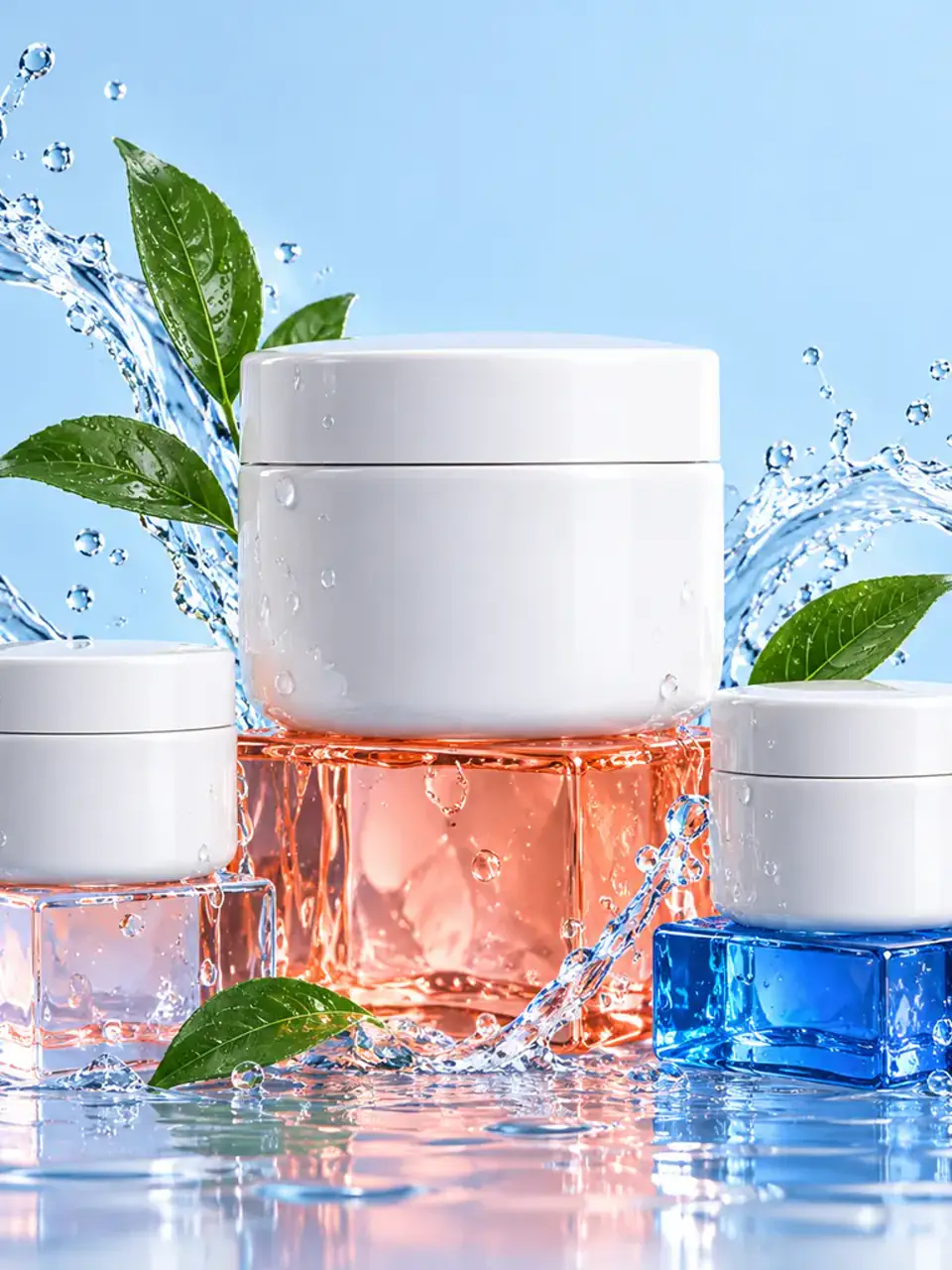 Product Advertising
Vertical 3:4 luxury skincare campaign with three label-free white ceramic jars on coral and cobalt glass blocks, clear water ribbons, emerald leaves, pale blue seamless studio, precise product geometry, high-key light, no typography, no labels, no logo.
Try This Prompt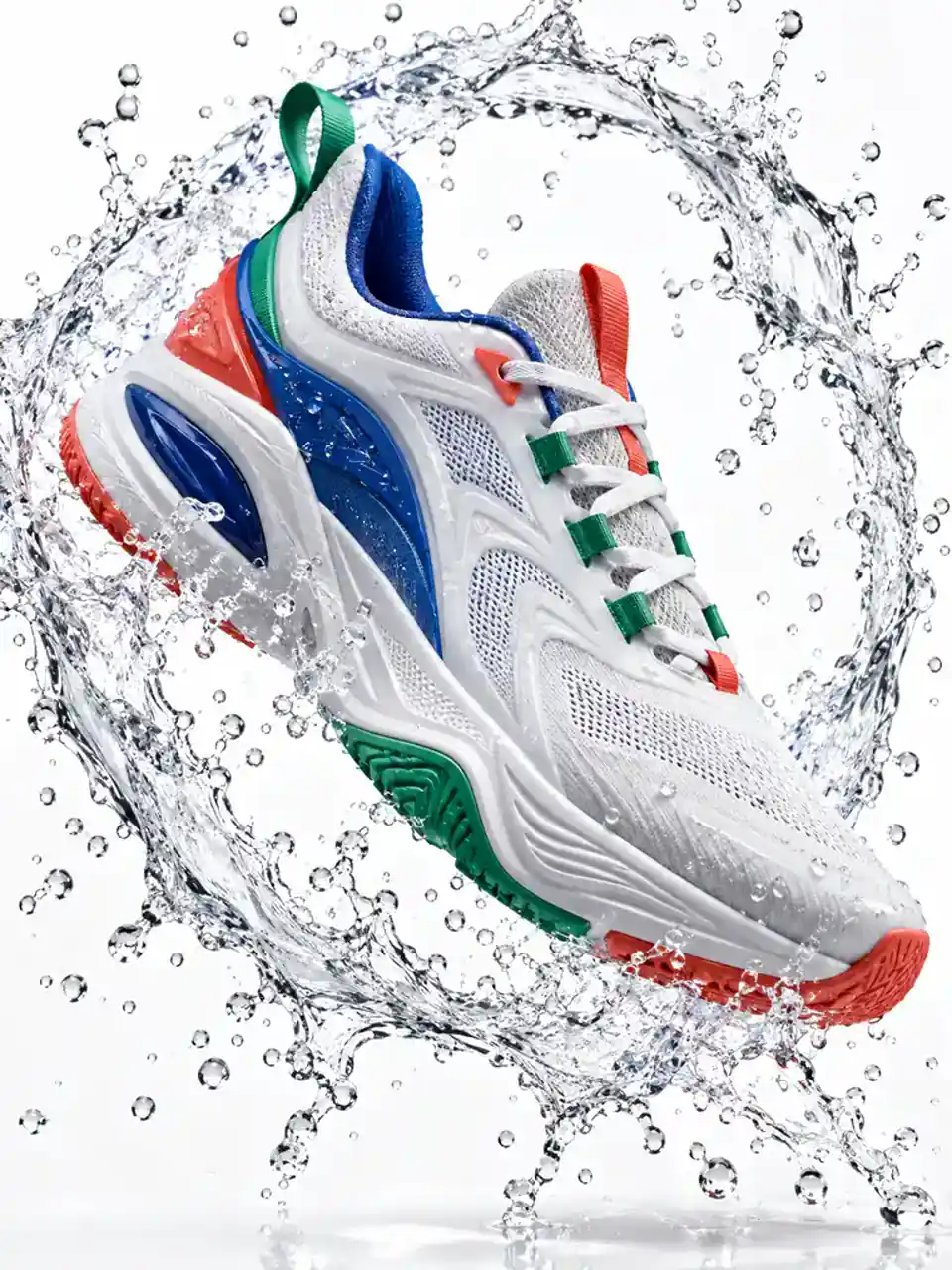 Product Advertising
Vertical 3:4 premium sports campaign with one unbranded sculptural white sneaker suspended inside an explosive ring of crystal-clear water, bright seamless studio, sharp sole and lace geometry, high-speed flash photography, no people, no text, no logo.
Try This Prompt Product Advertising
Vertical 3:4 premium coffee still life with a handmade coral cup on a cobalt stone plinth, elegant steam and roasted beans in motion, emerald leaves, bright warm studio light, tactile materials, exact cup geometry, no people, no text, no logo.
Try This Prompt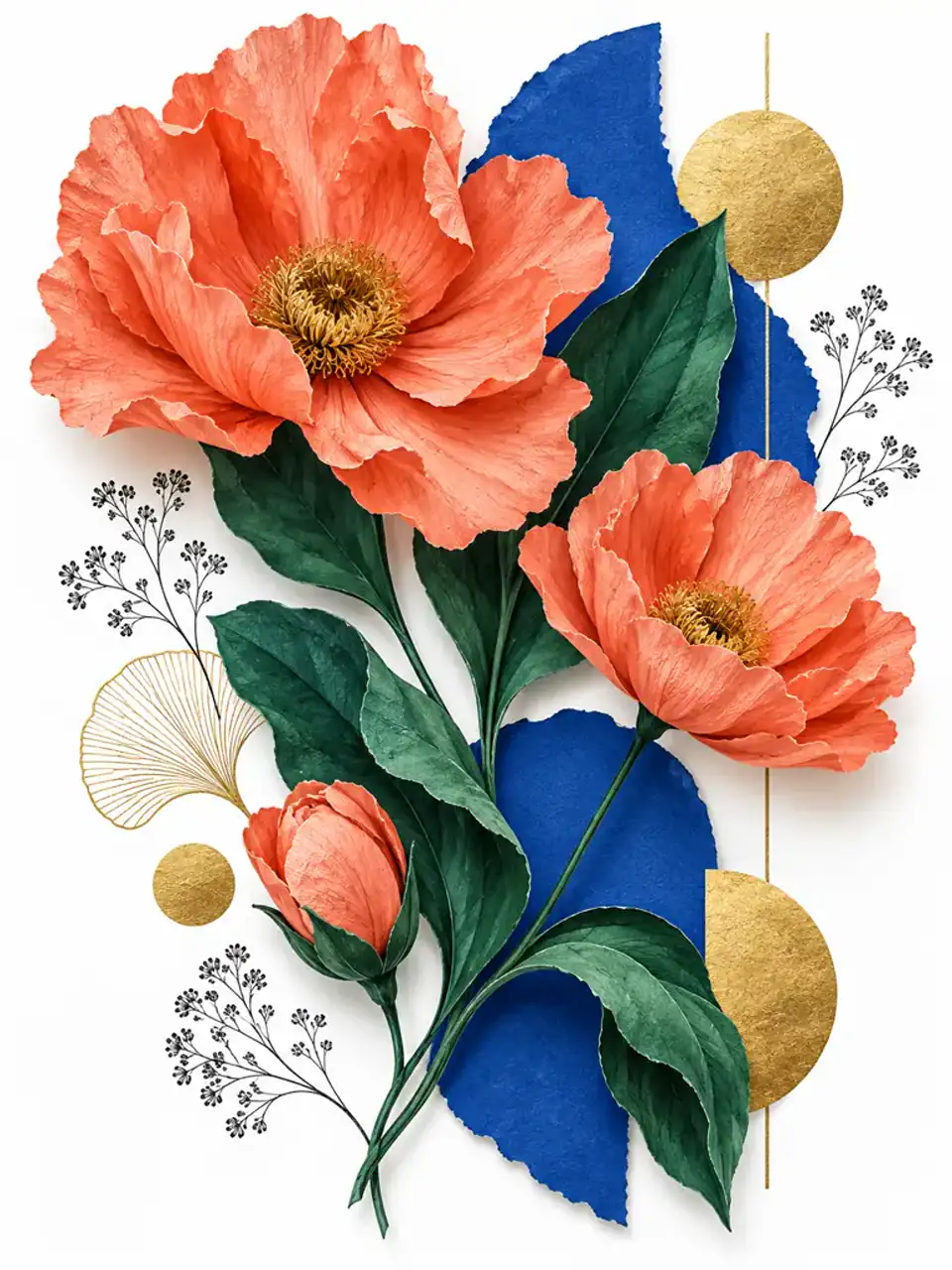 Illustrated Concepts and Design
Vertical 3:4 botanical editorial collage with oversized coral flowers, emerald leaves, cobalt paper shapes, ink textures and golden geometry, layered cut-paper depth, bright white space, crisp handcrafted edges, absolutely no typography or logo.
Try This Prompt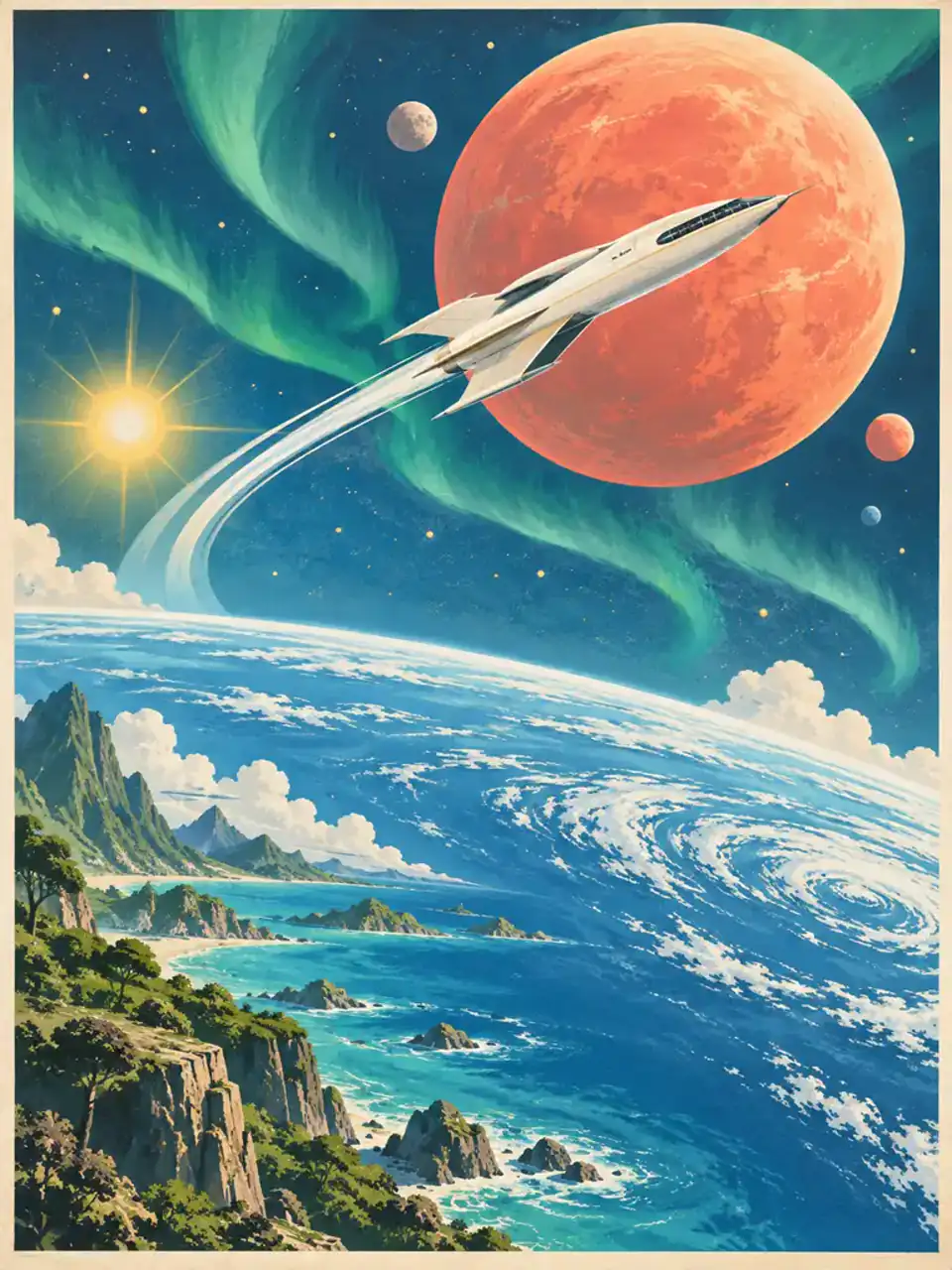 Illustrated Concepts and Design
Vertical 3:4 retro-futurist space travel poster without typography, a sleek white spacecraft arcing past a radiant coral planet above a cobalt ocean world, emerald aurora and warm stars, screen-printed gouache shapes, bright optimistic palette, no letters, no logo.
Try This Prompt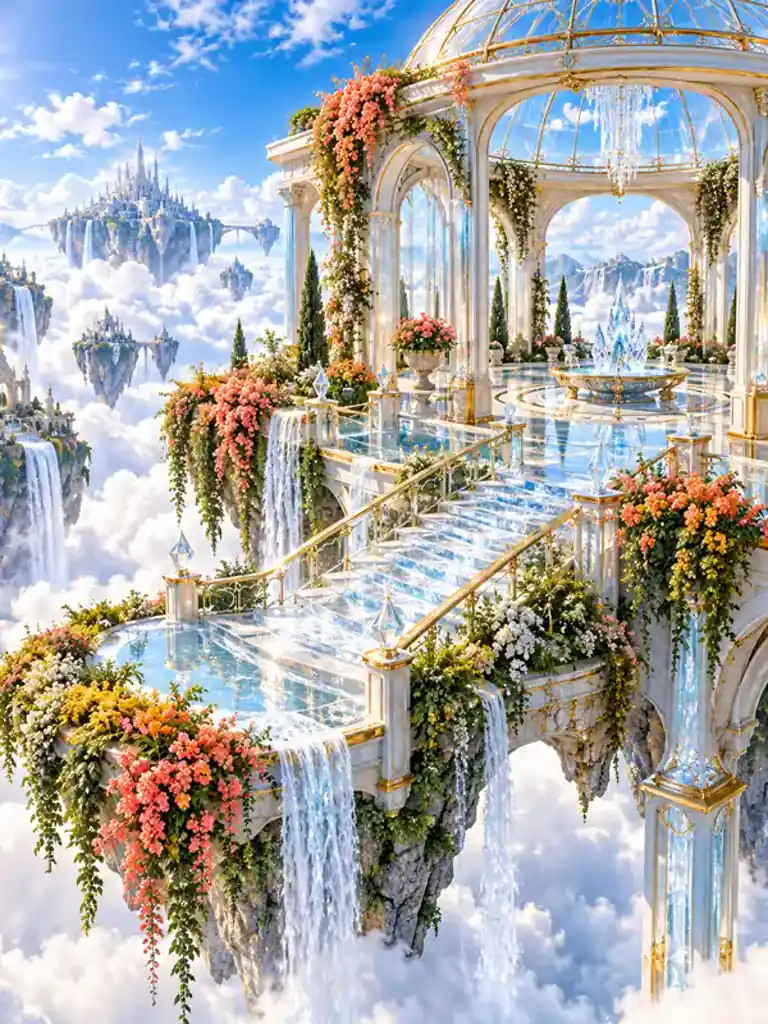 Fantasy Worlds and 3D Scenes
Vertical 3:4 luminous fantasy 3D scene of an open-air glass pavilion above brilliant clouds, cascading coral emerald and golden gardens, crystal stairs and waterfalls, polished materials, radiant daytime atmosphere, stable architecture, no people, no text, no logo.
Try This Prompt Fantasy Worlds and 3D Scenes
Vertical 3:4 premium 3D character scene with a small porcelain exploration robot walking through giant sunlit coral and emerald flowers, friendly lens face, clean mechanics, sparkling dew, animated-film detail, stable limbs, no humans, no text, no logo.
Try This PromptChoose a workflow that matches the stage of your idea, then keep the details that matter under control.
Explore prompt directions with speed-focused Flare before committing to a demanding final render.
Move to the quality-focused choice when fine product edges, natural textures, or polished final artwork matter most.
Describe the exact change while stating what must stay fixed, so refinements remain focused instead of rewriting the whole image.
Keep the central person, product, or visual identity recognizable while adjusting the surrounding scene or style.
Create cutout-ready assets for product layouts, design systems, presentations, and layered campaign work.
Use the same structured briefing method for portraits, product shots, editorial collage, posters, and polished 3D worlds.
Start with the choice that matches your speed and quality target, then switch only when the output requires it.
| Criteria | GPT Image 2.5 Flare | GPT Image 2.5 Sunburst | GPT Image 2 |
|---|---|---|---|
| Best role | Fast exploration and repeated prompt iterations. | Demanding final-image quality and precise edits. | Existing image workflows that already meet requirements. |
| Official quality position | Comparable image quality to GPT Image 2. | Higher image quality than GPT Image 2. | The comparison baseline in OpenAI's migration guidance. |
| Generation and editing | Generation, editing, and transparent backgrounds. | Generation, editing, and transparent backgrounds. | Generation and editing for established workflows. |
| Use it when | You want to test composition, style, or prompt variants quickly. | You need the strongest available detail and subject preservation. | Your current validated prompts already deliver the required result. |
Scenario-specific examples of how creative teams can use this workflow.
I can explore several art directions with Flare, then reserve Sunburst for the product image that needs the cleanest glass edges and reflections.
The prompt examples make it much easier to specify composition and constraints. My edits stay focused instead of changing the entire scene.
The same structured brief works across our portraits, product campaigns, and stylized concept art, which keeps a mixed creative workflow consistent.
It is OpenAI's image model family for image generation and editing. The official prompting guide presents two choices: Flare for speed and Sunburst for demanding quality.
Use Flare when fast iteration is the priority. Use Sunburst when image quality is the priority, especially for polished final assets or demanding edits. A practical workflow is to test with Flare first, then move to Sunburst only when its quality advantage is needed.
Yes. Both Flare and Sunburst support image editing. State exactly what should change, what must remain the same, and refine one element at a time to protect composition and subject details.
Yes. OpenAI's official guidance says both model choices support transparent backgrounds, which is useful for product cutouts, presentation graphics, layered layouts, and reusable design assets.
Start with the image you need, then specify the subject, composition, style, lighting, aspect ratio, and constraints. For edits, identify the requested change and the details that must stay fixed.