

Build around your venue
Use garden flowers, coastal light, or a formal paper palette to connect the visual concept with your wedding setting.
Prompt Guide
Model
Reference Image
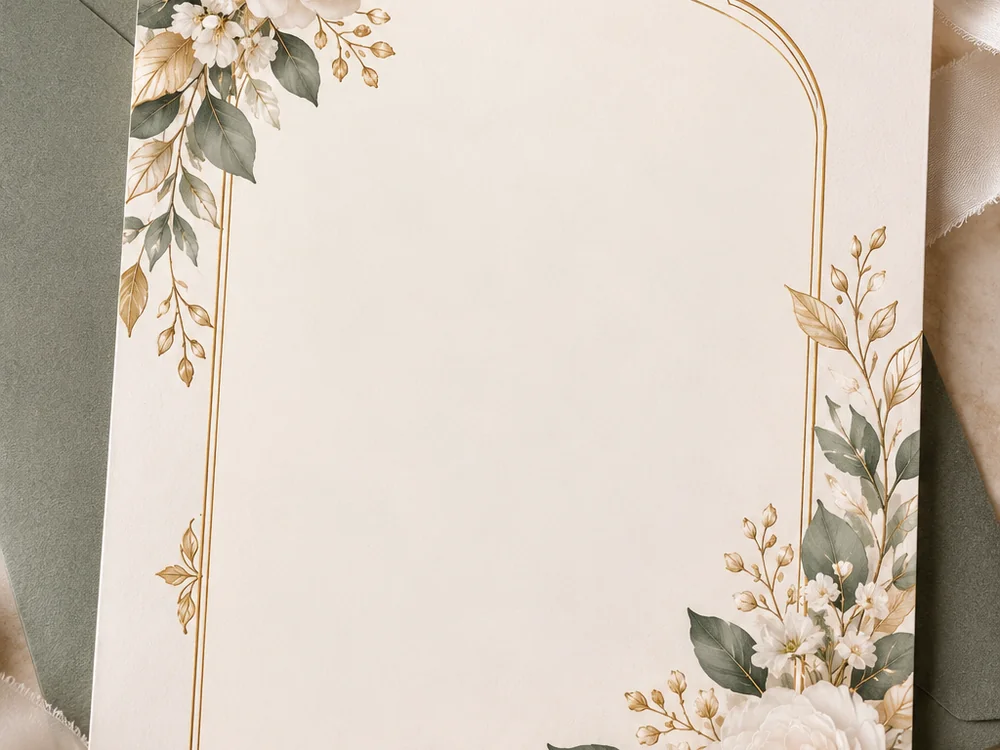
Set the mood before guests open the envelope. This free AI wedding invitation image generator helps you explore artwork; add and proofread final event details separately.
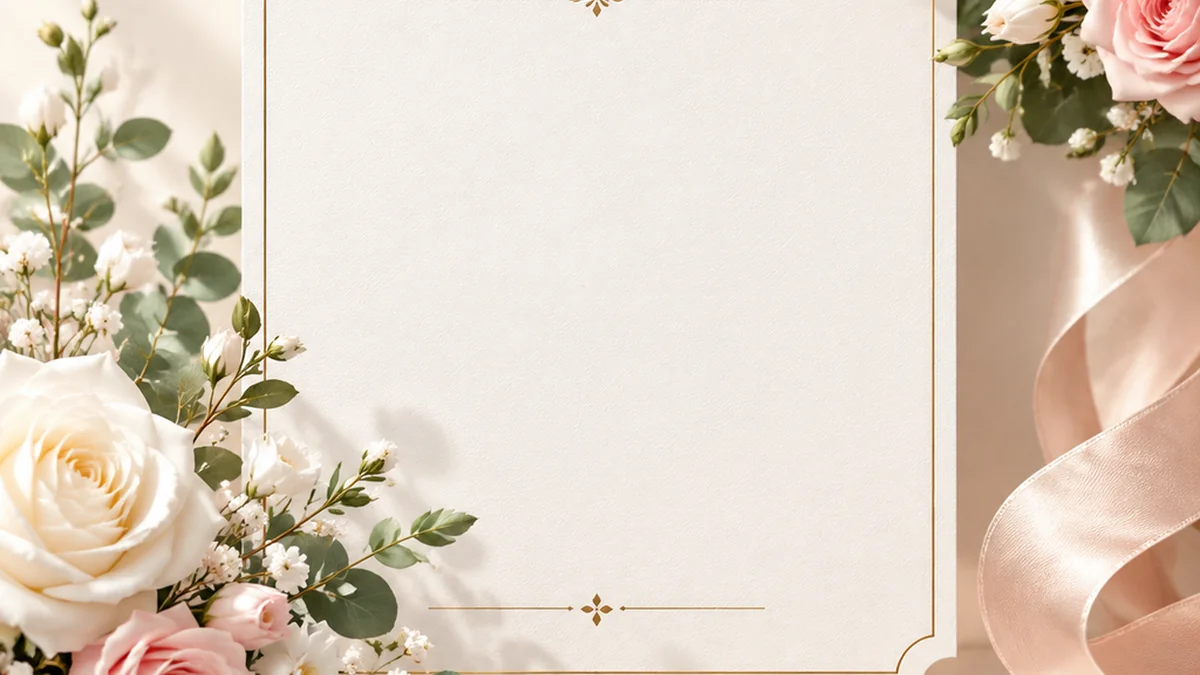
Use the free AI wedding invitation image generator to choose a direction, then prepare wording and print layout.
Describe the venue, season, and palette. Start with a clear visual direction such as a garden celebration in blush and sage.
Specify a quiet central area for names and event details. Treat generated text as a draft that needs careful proofreading.
Adjust flowers, border weight, paper appearance, and decorative accents. Compare the concept with the rest of your stationery.
Add verified names, dates, addresses, and RSVP details in your layout editor. Check dimensions, print margins, and a physical proof before ordering.
Explore artwork from the free AI wedding invitation image generator: floral borders, minimalist lines, botanical prints, and retro illustrations with space for your final wording.
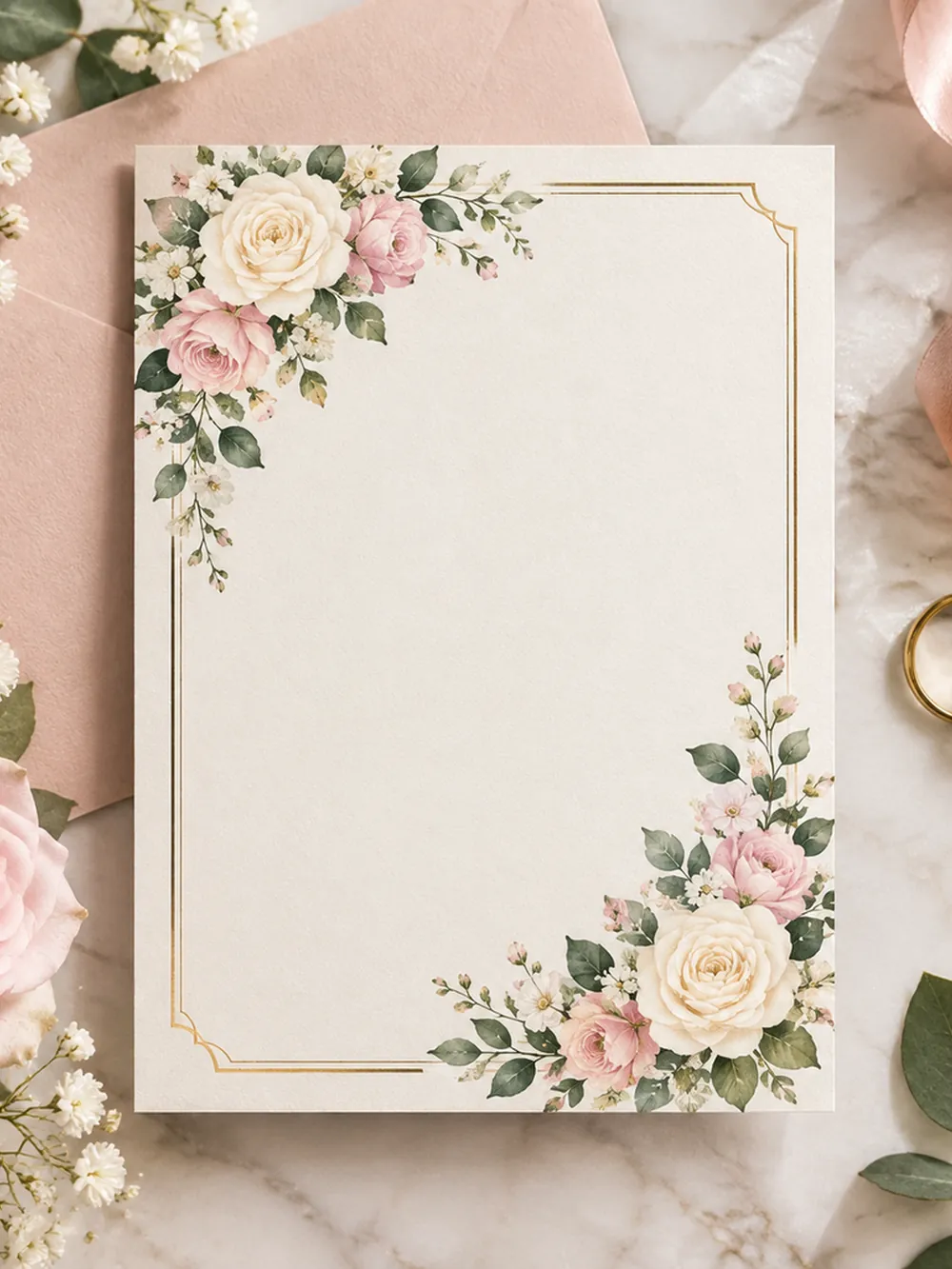 Floral Stationery
Create a cream invitation background with blush rose corner details and a fine gold frame. Keep the center blank for final wedding wording.
Try This Prompt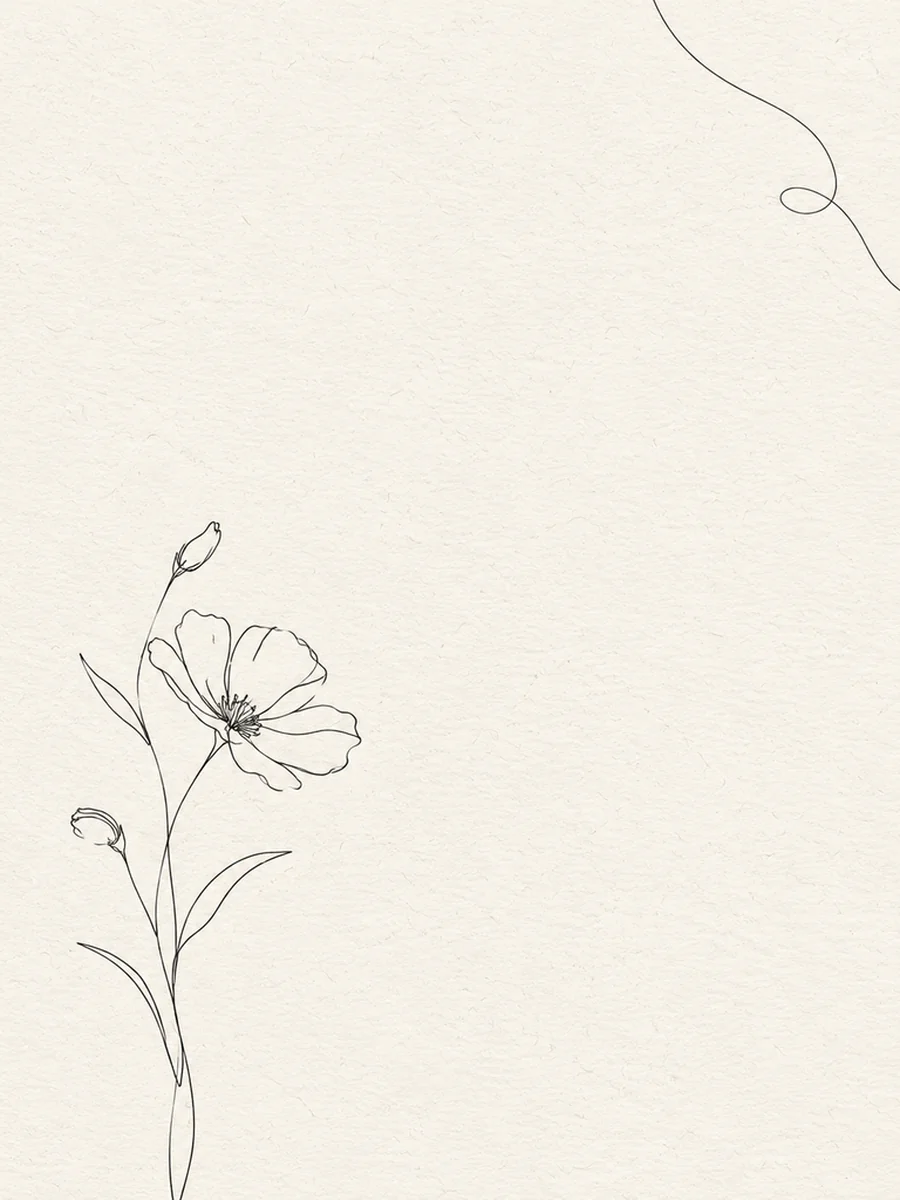 Minimal Line Art
Create a minimalist ivory invitation background with a single black line-drawn wildflower and generous blank space for wedding names and details.
Try This Prompt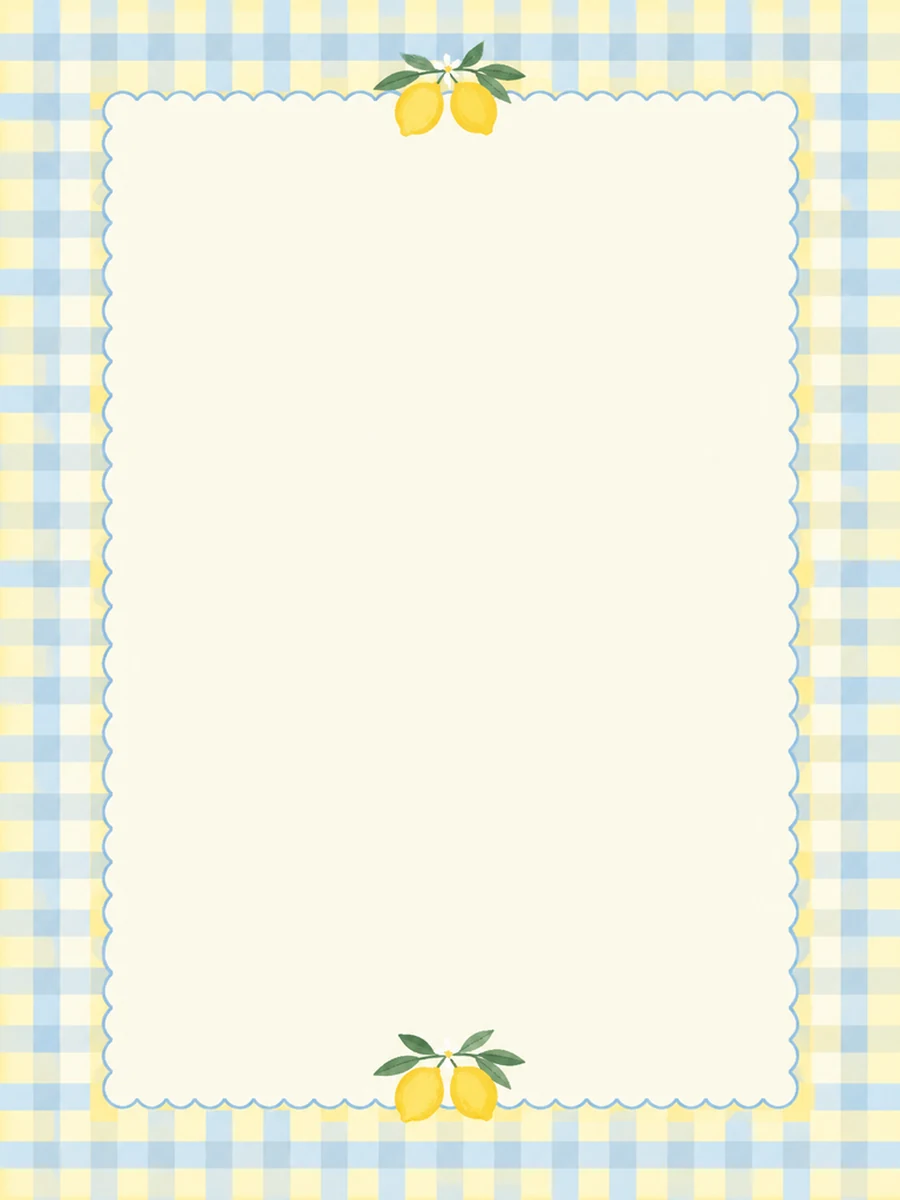 Graphic Patterns
Design a playful invitation background with a yellow-and-blue gingham border, scalloped edges, and small lemon accents around a blank ivory center.
Try This Prompt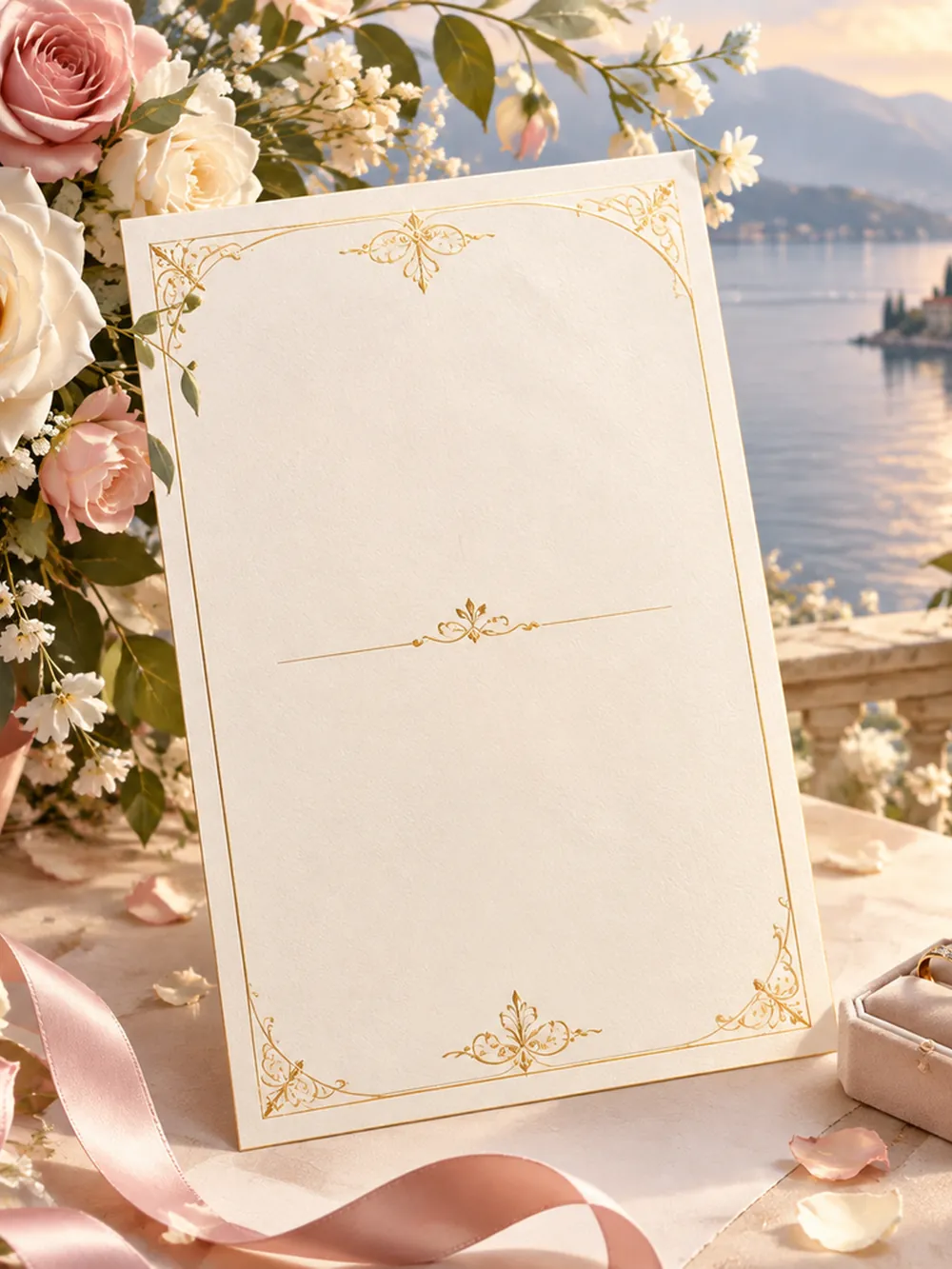 Venue Inspired
Create a wedding invitation artwork concept styled beside roses at sunset. Use a pale card, delicate gold details, and an uncluttered center.
Try This Prompt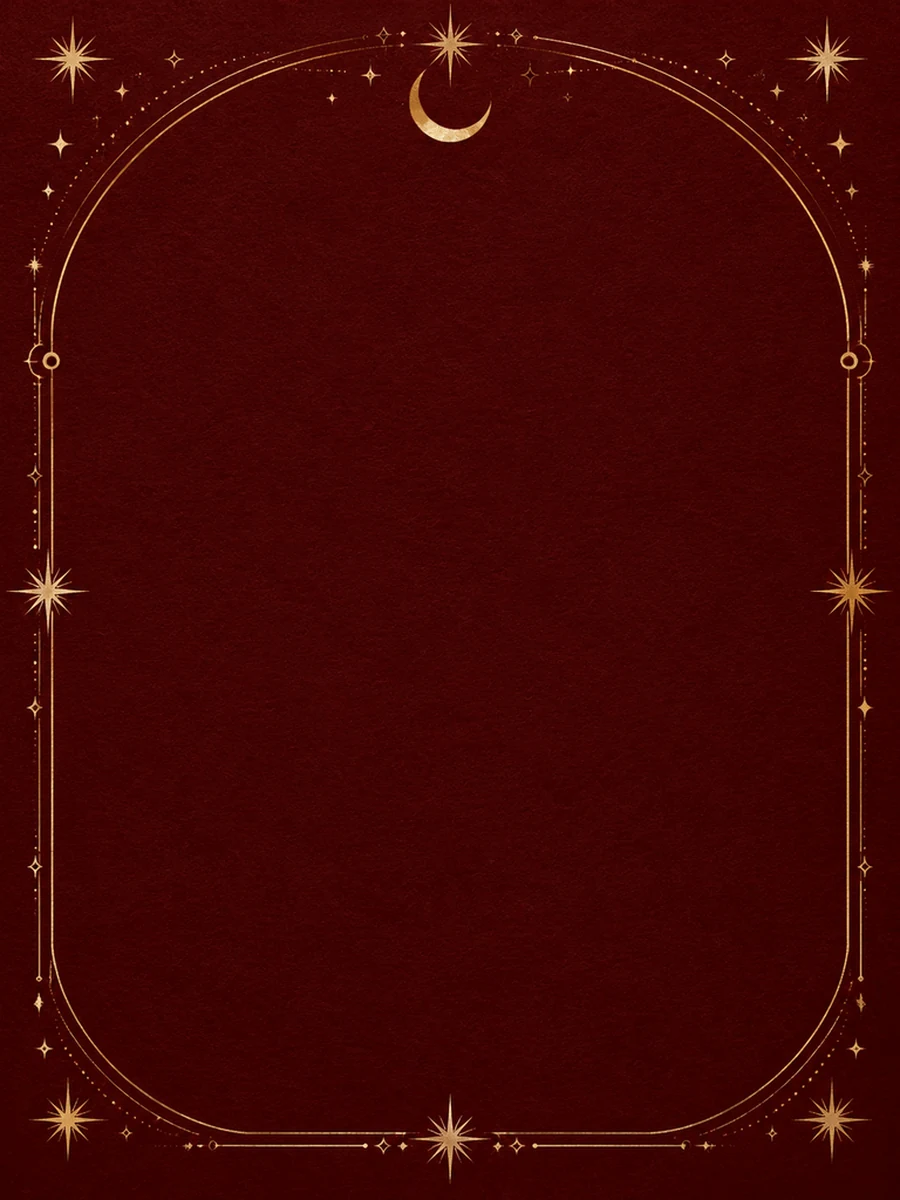 Formal Frames
Create a burgundy wedding invitation background with a delicate gold celestial border, a crescent moon, and a clear central area for event details.
Try This Prompt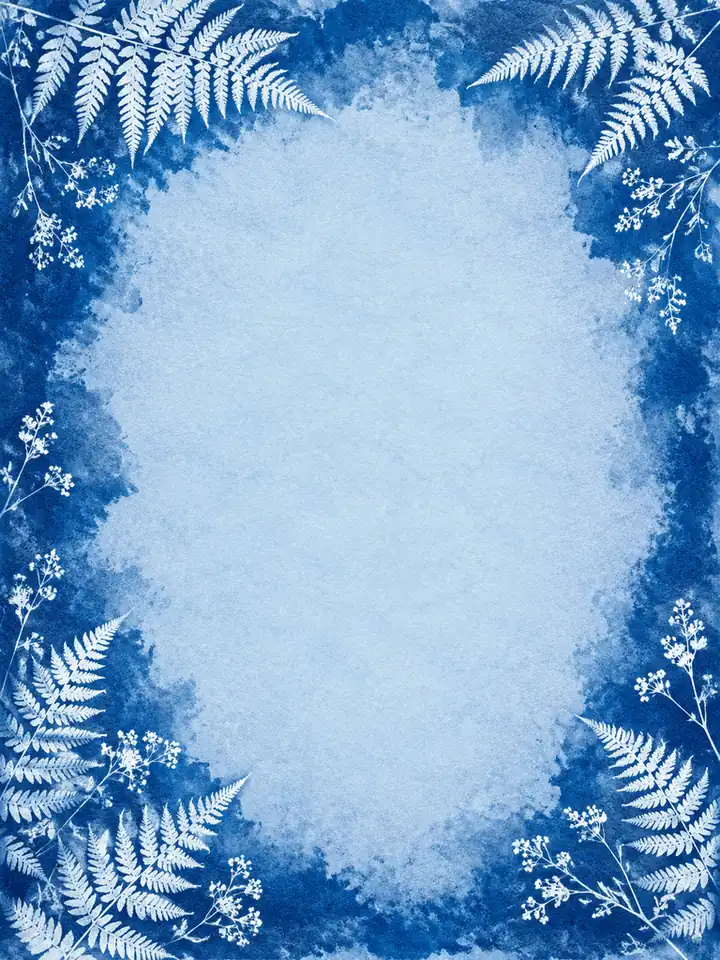 Botanical Art
Design a blue cyanotype invitation background with white fern silhouettes around the edges and a pale central area reserved for wedding wording.
Try This Prompt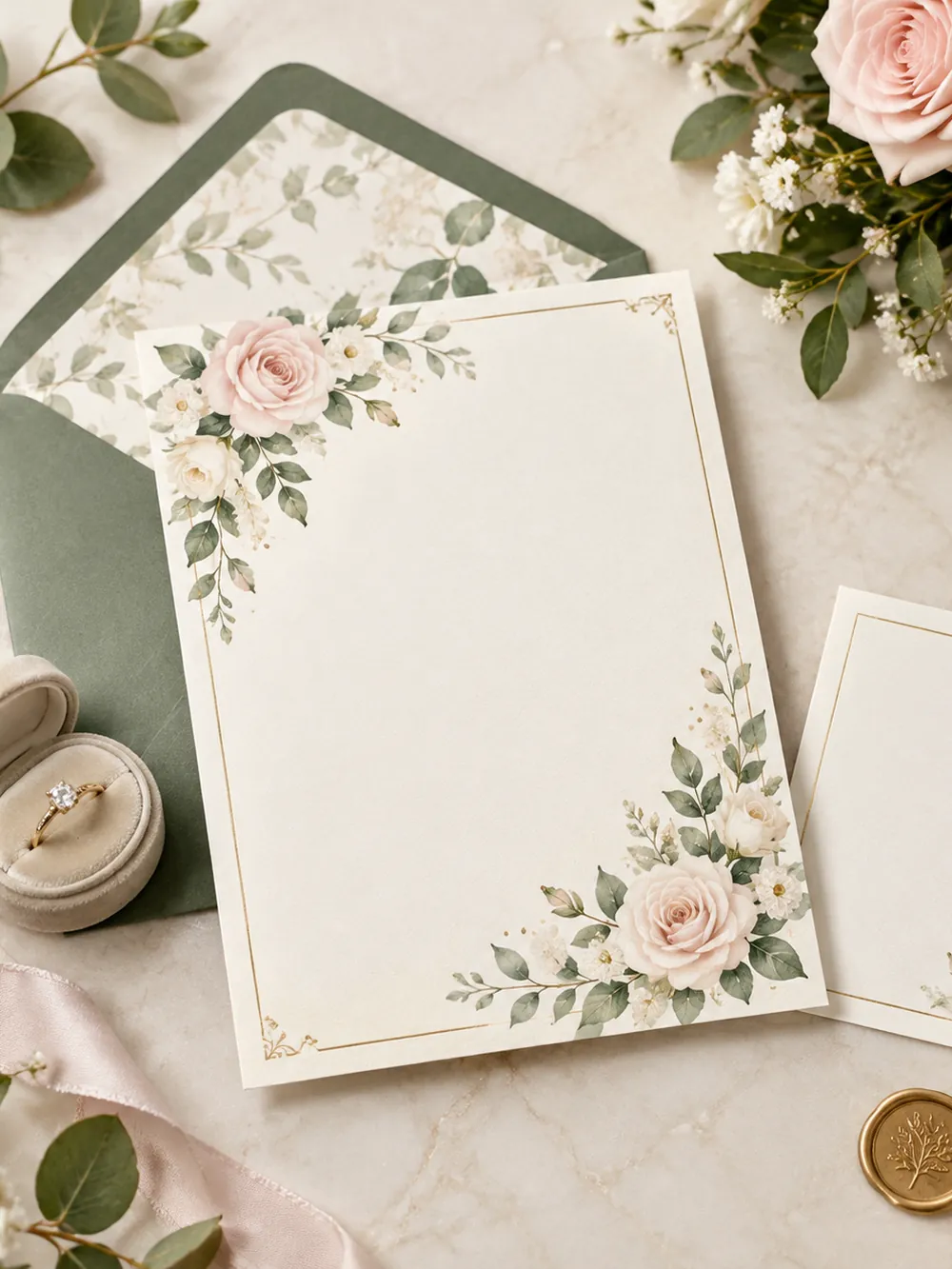 Floral Stationery
Create a botanical invitation concept paired with a sage envelope. Arrange soft roses around the cream card and reserve the center for wording.
Try This Prompt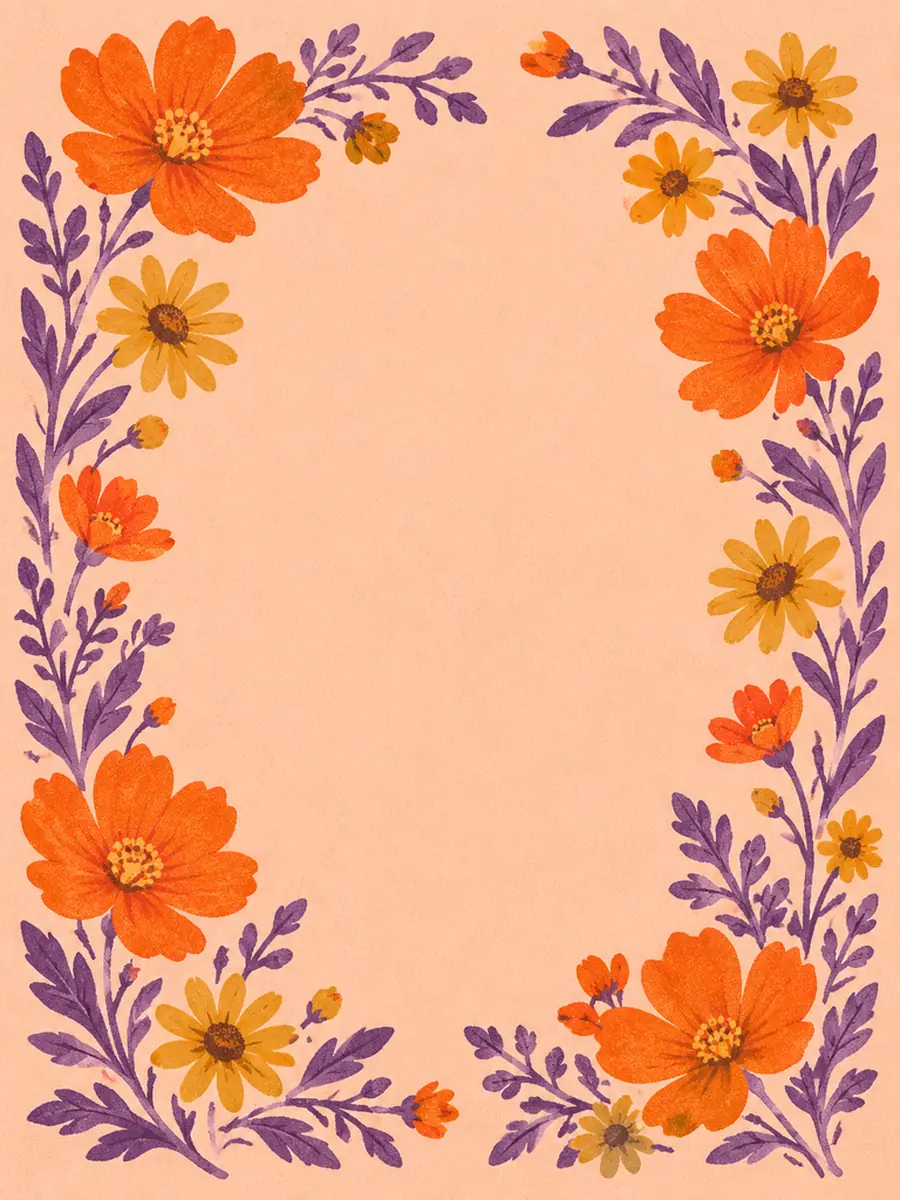 Botanical Art
Create a retro invitation background with orange cosmos, ochre daisies, purple leaves, and a peach center left clear for the wedding details.
Try This Prompt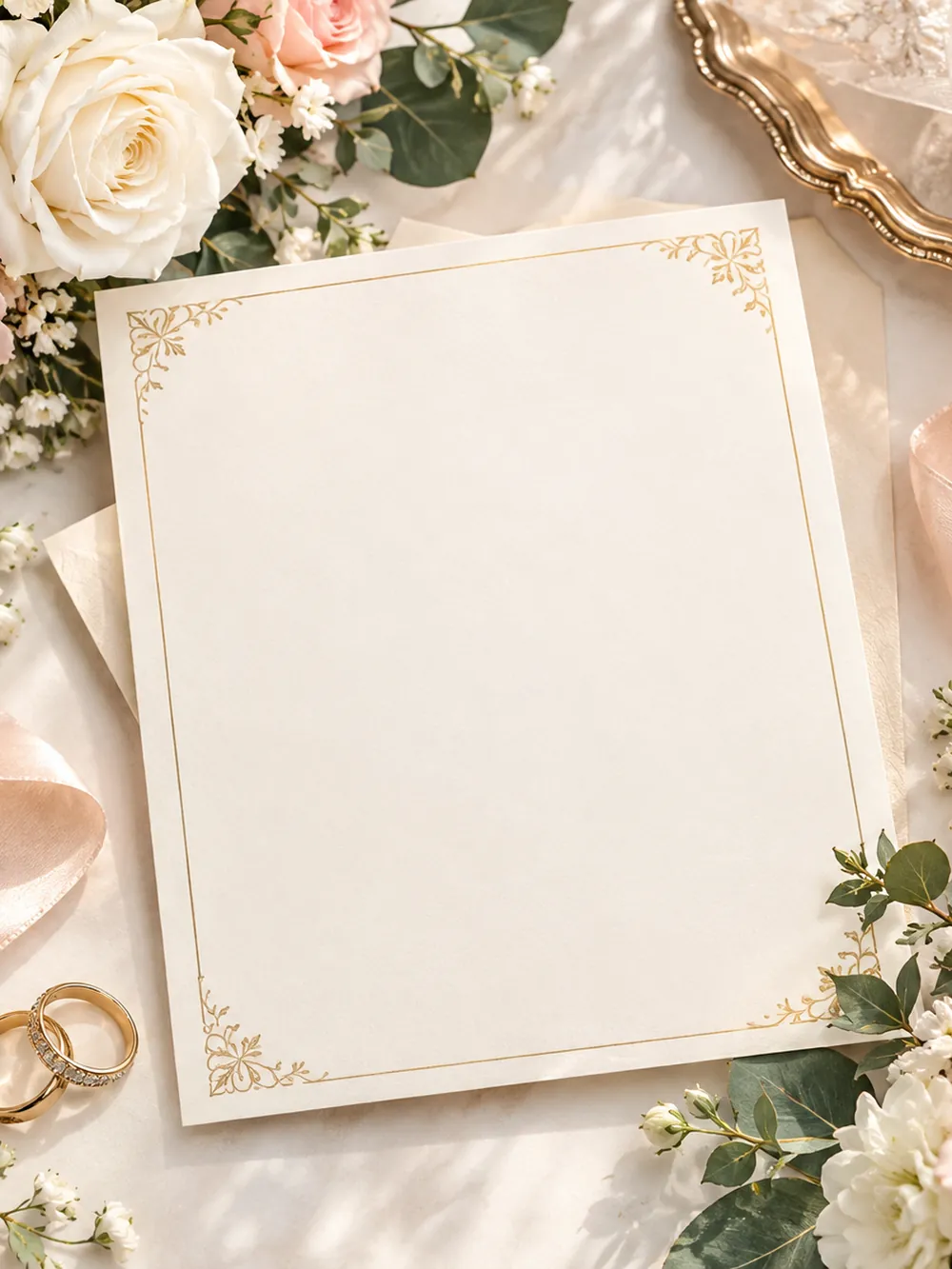 Formal Frames
Create an ivory wedding invitation concept with a fine gold edge and restrained rose decoration. Keep the composition bright, balanced, and text-free.
Try This Prompt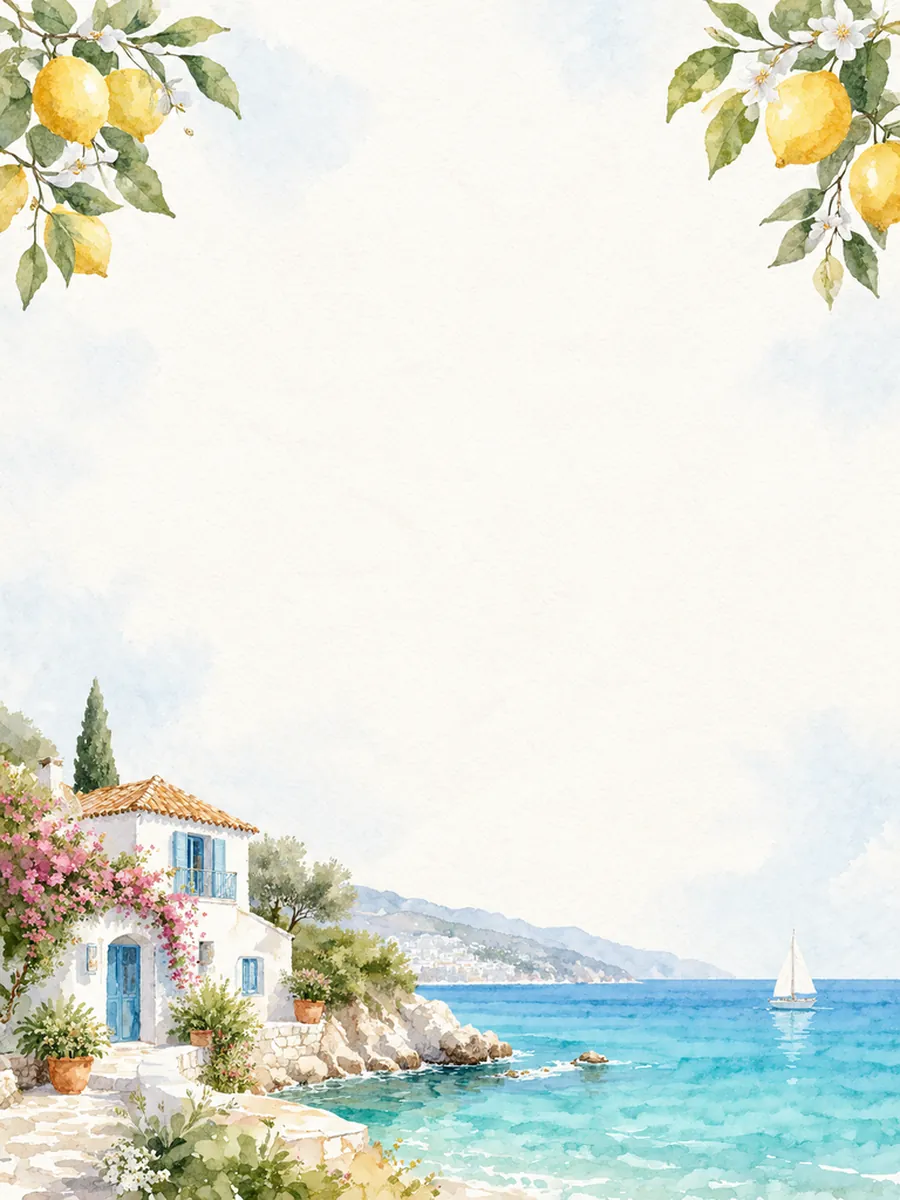 Venue Inspired
Paint a coastal invitation background with a white villa, blue shutters, lemon branches, and generous ivory space above the turquoise sea for wording.
Try This PromptStart with the free AI wedding invitation image generator trial, then refine the venue mood, decorative border, and open space for your invitation wording.
Use garden flowers, coastal light, or a formal paper palette to connect the visual concept with your wedding setting.
Request a clear text area so decorative artwork supports the invitation wording instead of competing with it.
Try watercolor foliage, minimal line art, Art Deco frames, or modern geometry. Match the decoration to the atmosphere of your celebration.
Reuse the same palette and botanical direction for ideas for RSVP cards, detail inserts, and thank-you notes.
Add the final event information separately and check every line. Generated artwork is not a substitute for proofreading.
Decide whether the design is for a digital invitation or a printed card. Check actual file dimensions and printer requirements before production.
Compare workflows by the control you need. These are practical tradeoffs, not measured model rankings.
| Criteria | AI Artwork | Template Editor | Layout Design |
|---|---|---|---|
| Best fit | Decorative artwork, color palettes, and background ideas | Names, dates, and a structured invitation layout | Custom typography, print sizing, and final proofing |
| Text handling | Proofread generated wording; add final text separately | Edit the text fields directly | Control line breaks, fonts, and exact placement |
| Before printing | Check dimensions and recreate any needed layout details | Check the exported file and printer requirements | Check bleed, margins, color workflow, and a proof |
Fictional scenarios; stars are illustrative, not customer ratings.
Create a watercolor foliage border that echoes a garden venue. Keep the center spacious, then add the final names, date, and location in a separate text layout.
Explore a terracotta geometric design for a modern city celebration. Carry the same palette into RSVP artwork and check every event detail before sharing.
Use navy and gold Art Deco artwork for a formal reception. Reserve clear space for the wording and request a print proof before producing the full stationery suite.
Selected Arena entries, updated Oct 5, 2026. General preference scores; model variants may differ from those in GlobalGPT. These are not tests of this specific task.
| Rank | Model | Arena Rating | Votes | Rank Range | Price / Image |
|---|---|---|---|---|---|
| #1 | gpt-image-2 (medium) OpenAI / Proprietary | 1381.71 | 75014 | #1-#1 | 0 |
| #2 | mai-image-2.6-preview Microsoft AI / Proprietary | 1330.7 | 6418 | #2-#3 | - |
| #3 | grok-imagine-image-2.0 (low) SpaceXAI / Proprietary | 1315.6 | 2675 | #2-#4 | - |
| #4 | reve-2.1 Reve / Proprietary | 1301.61 | 7580 | #3-#4 | - |
Source: Arena Leaderboard
This page provides the trial option shown in the workspace. Additional generation or model access can depend on your account and plan. Check the current allowance before creating more variations; this is not an unlimited-free offer.
It can help you explore invitation artwork and visual direction. Final typography, names, dates, bleed, dimensions, and print settings still need to be checked in your layout and proofing workflow before sending a design to a printer.
You can describe your desired wording, but generated text may contain mistakes. For dependable event information, add the final names, date, venue, and RSVP details in a layout editor and proofread them before sharing.
Start with the mood of your venue and two or three complementary colors. A light floral border with a quiet center works as a flexible first concept; refine the density and arrangement to suit your celebration.