

Custom stickers in seconds
Turn a phrase, character or inside joke into a die-cut style sticker.
Turn your creative ideas into vibrant, custom stickers with Global GPT’s Free AI Sticker Generator. Design unique die-cu

Prompt Guide
Model
Reference Image
Real outputs from the tool, grouped by use case.
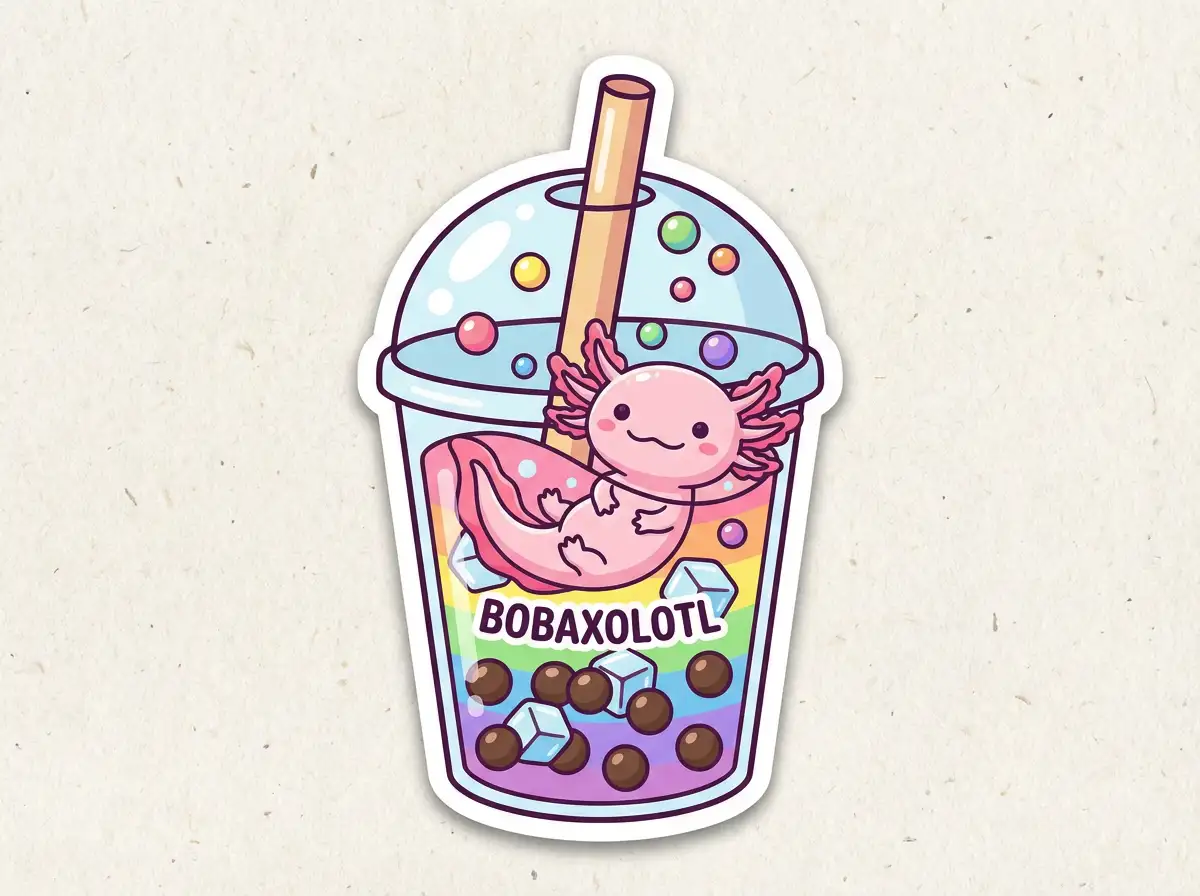 Sticker Design Ideas
Bubble tea sticker
Try This Prompt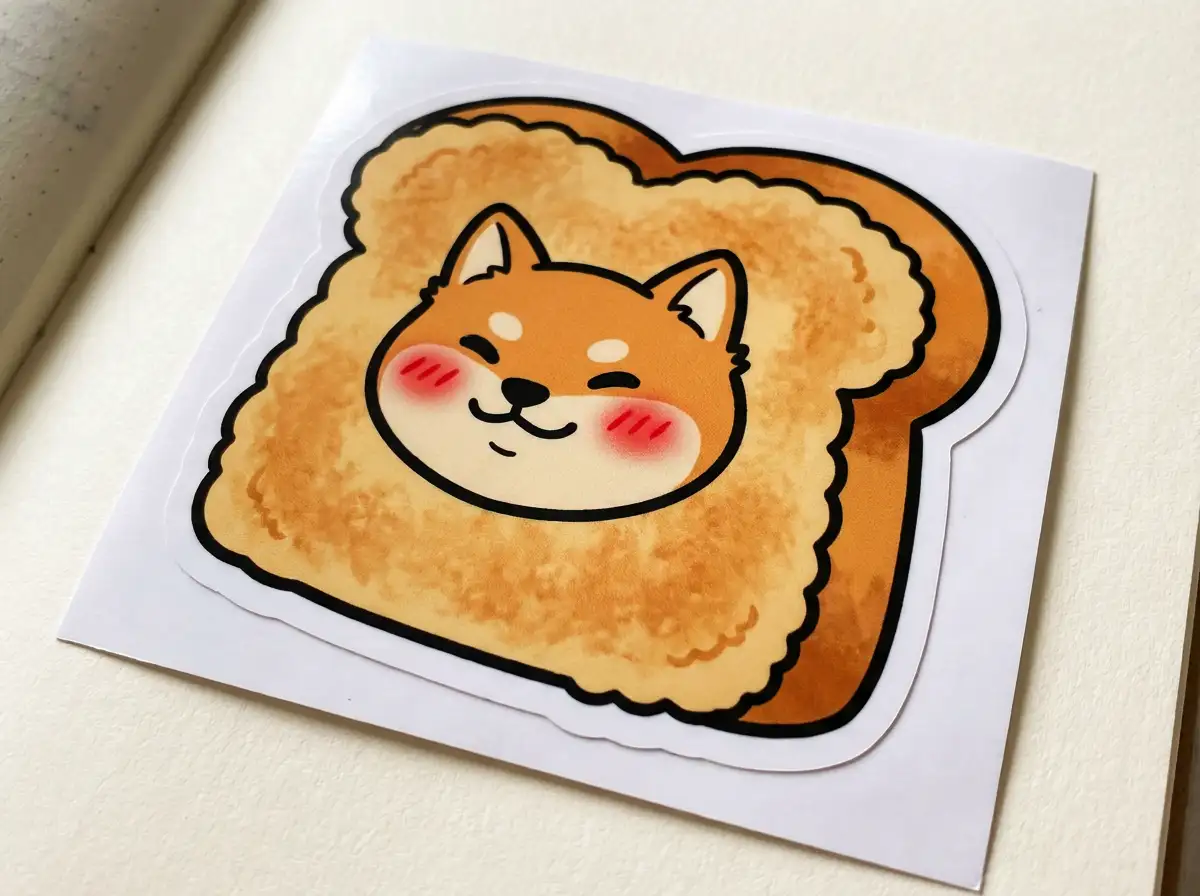 Sticker Design Ideas
Toast bear sticker
Try This Prompt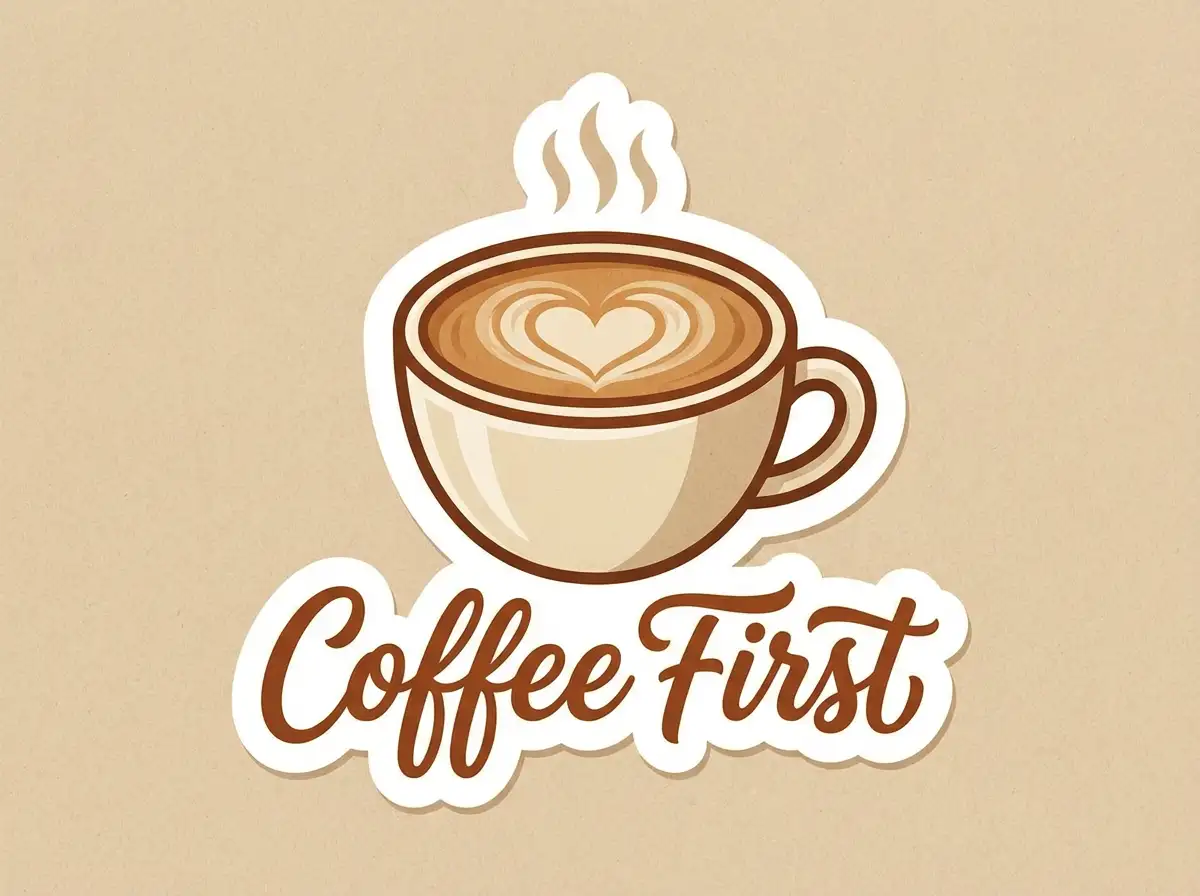 Sticker Design Ideas
Coffee First lettering sticker
Try This Prompt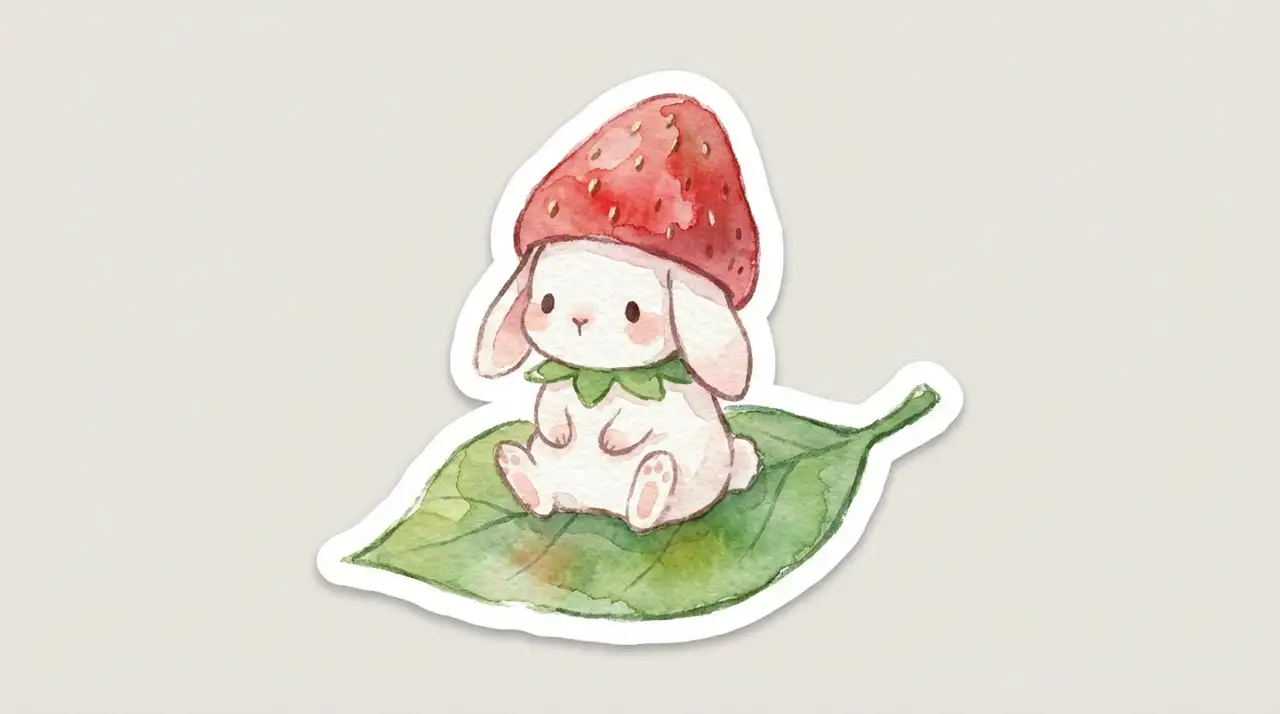 Sticker Design Ideas
Garden gnome sticker
Try This PromptTurn a phrase, character or inside joke into a die-cut style sticker.
Download stickers that drop straight onto chats, packaging or merch mockups.
Open the tool, type a prompt and download. No account needed for a first run.
Step 1 Describe Your Design - Enter a detailed prompt describing your character or object, and be sure to include keywords like "die-cut" or "white border" for the best results. Global GPT empowers you to craft personalized stickers for every mood and occasion. From adorable emojis and "chibi" characters to professional-grade vinyl decals, the only limit is your imagination. Before generating, check the available access options in GlobalGPT plans.
Step 2 Generate and Refine - Click create and watch as Global GPT’s AI instantly renders multiple variations of your custom sticker.
Step 3 Export and Use - Download your high-resolution sticker or share it directly across your favorite social media and messaging platforms.
Yes! You can try Global GPT’s AI Sticker Generator for free, though some premium features like ultra-high resolution or specialized styles may require credits.
Upload a reference image or describe your character’s features and style in the prompt box, then hit “Create.” The AI will generate a custom sticker version for you.
Absolutely! Our generator produces high-quality, high-resolution images that are perfect for printing onto vinyl, paper, or other physical sticker materials for personal or commercial use.