

The doll takes the picture
Use explicit subject-and-action prompts to keep the tiny phone in the doll’s hand. The result tells a complete selfie story through pose and viewpoint.
Create a toy-scale selfie where the doll herself holds the phone. Choose her outfit, expression and miniature setting, then refine the camera angle until the pose reads clearly. Begin with the vanity-scene prompt and make the next shot your own.
Create an Image
Prompt Guide
Model
Reference Image
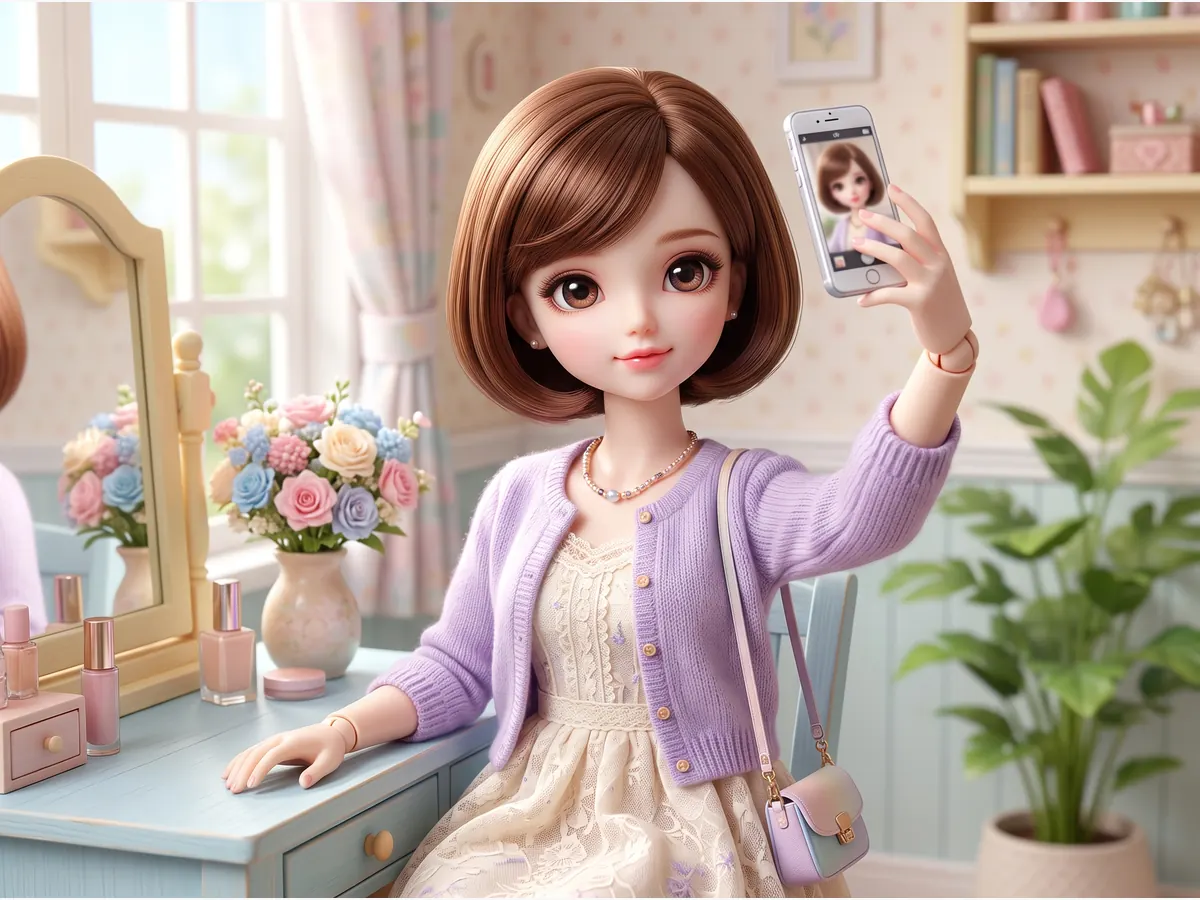
Start with a focused idea, generate a result and refine what matters.
Start with the vanity preset or describe your own collectible. Name the hair, wardrobe and miniature location. Keep the doll as the only subject so the result reads as her personal selfie.
Tell the doll selfie generator that the doll holds her own tiny phone at arm length. Add the selfie viewpoint, which hand holds the device and where her gaze should point.
Review the doll hand, phone placement and eye line. If the shot is unclear, adjust one detail and generate again. Choose an output ratio that fits the profile image or post you are preparing.
Explore six distinct directions and adapt the prompts to your own idea.
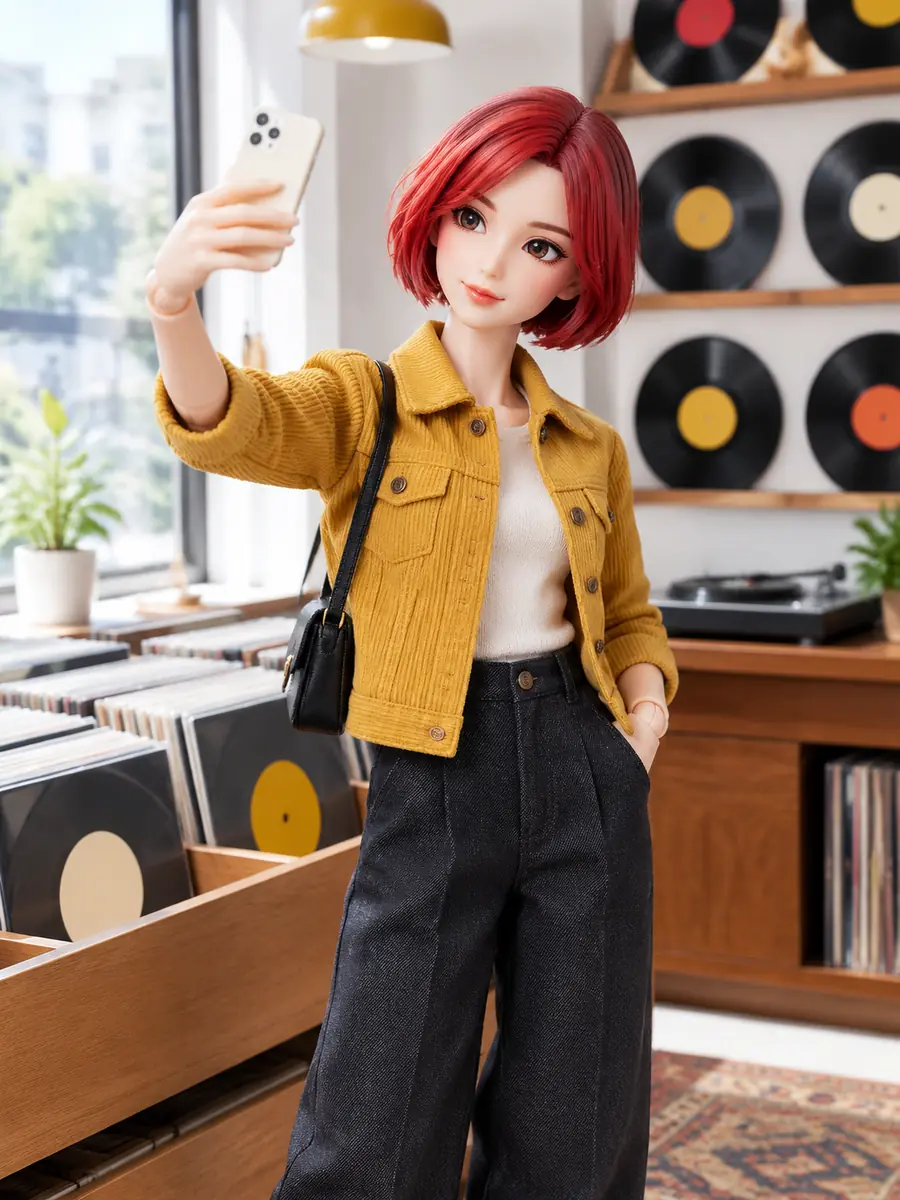 City Stories
A red-haired fashion doll takes her own phone selfie in a miniature record shop, wearing a mustard jacket and dark trousers. Keep the toy scale clear.
Try This Direction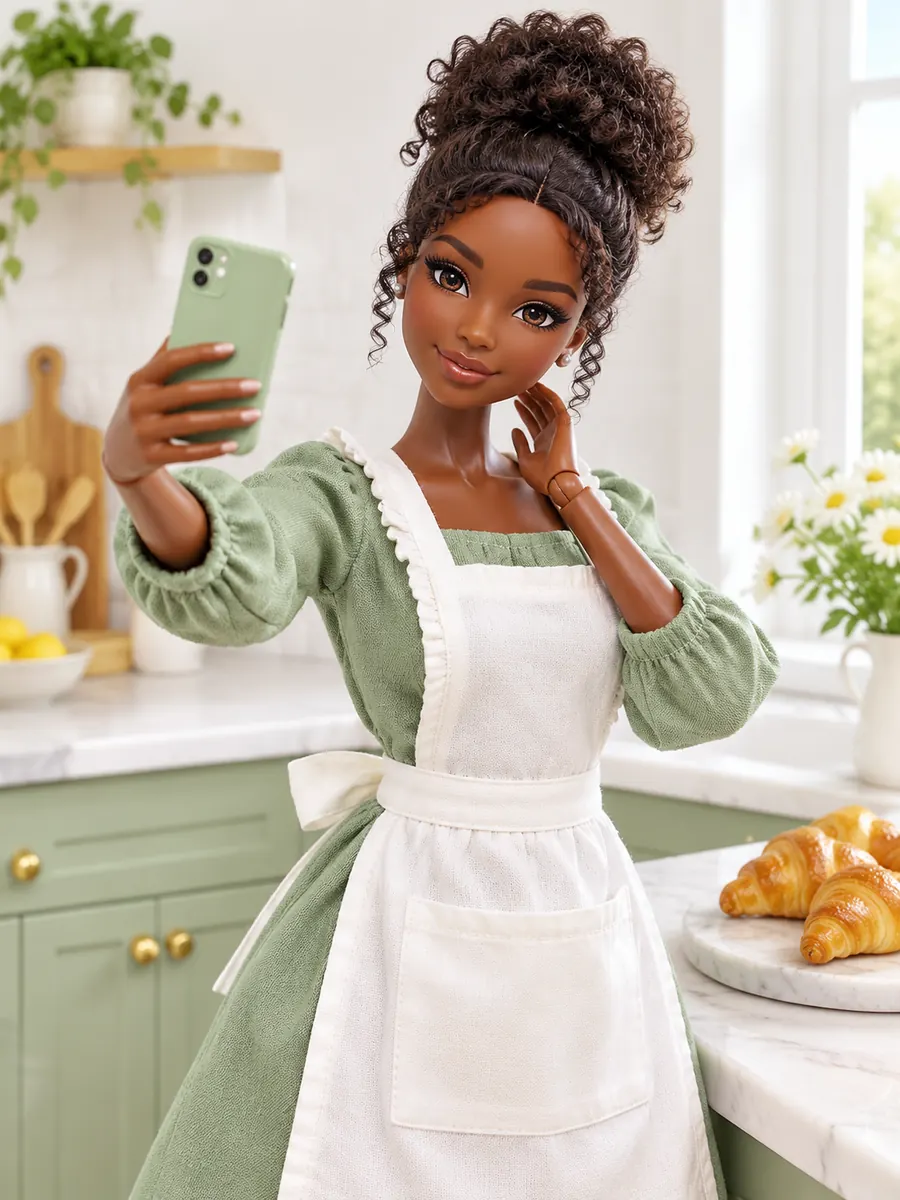 Miniature Lifestyle
A curly-haired fashion doll in a sage dress and baker's apron takes her own phone selfie beside tiny croissants in a bright miniature kitchen.
Try This Direction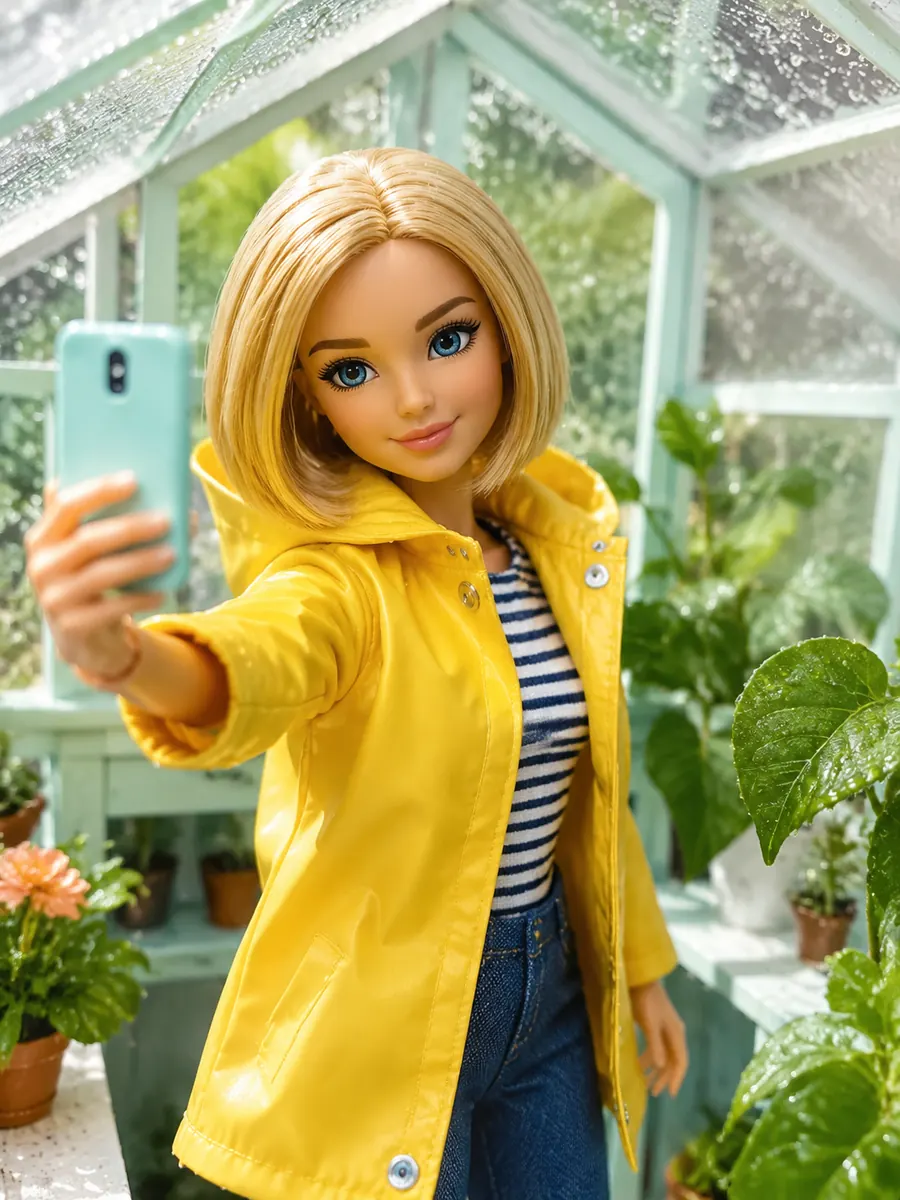 Travel
A blonde fashion doll in a yellow raincoat takes her own phone selfie inside a leafy miniature greenhouse, with raindrops on the glass.
Try This Direction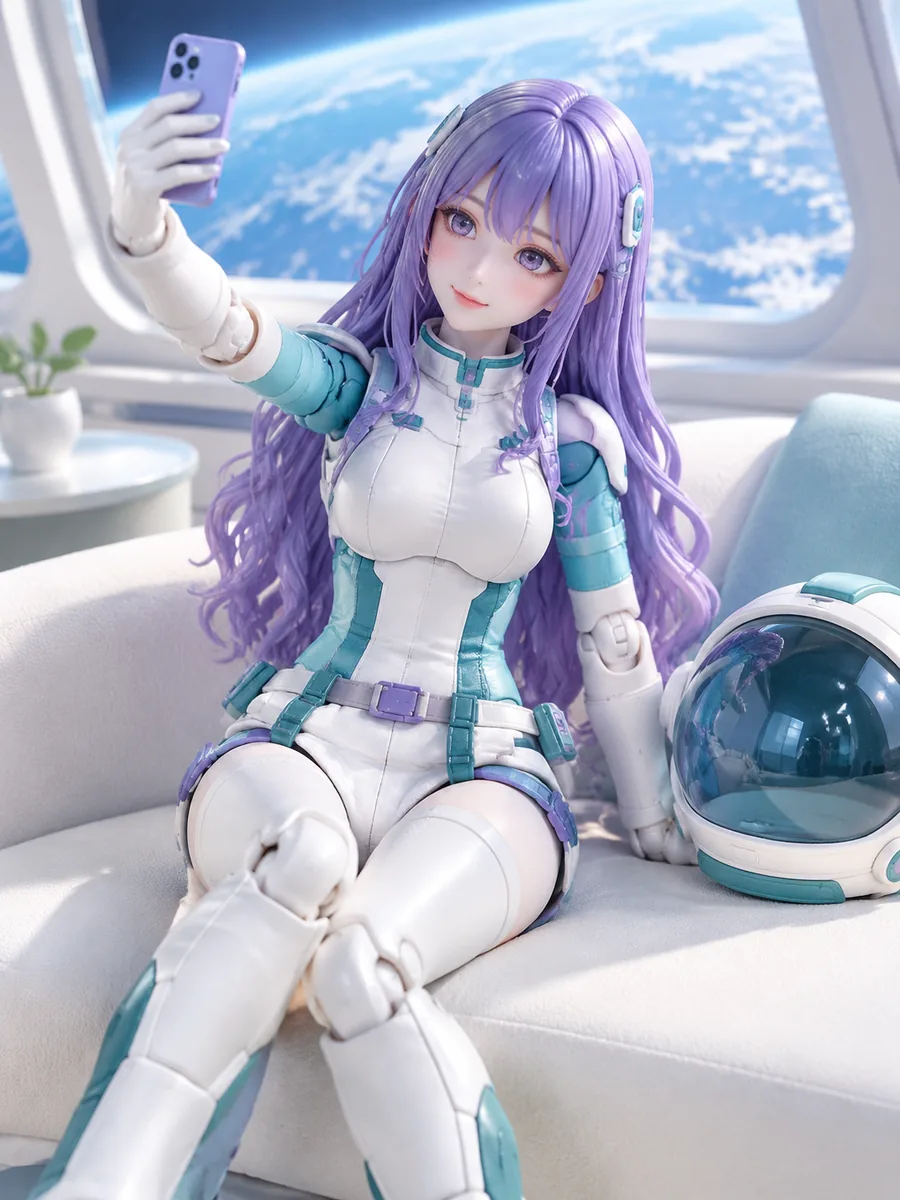 Fantasy Worlds
A purple-haired astronaut doll holds her own phone for a selfie in a miniature space-station lounge. Show her white-and-teal suit and Earth through the window.
Try This Direction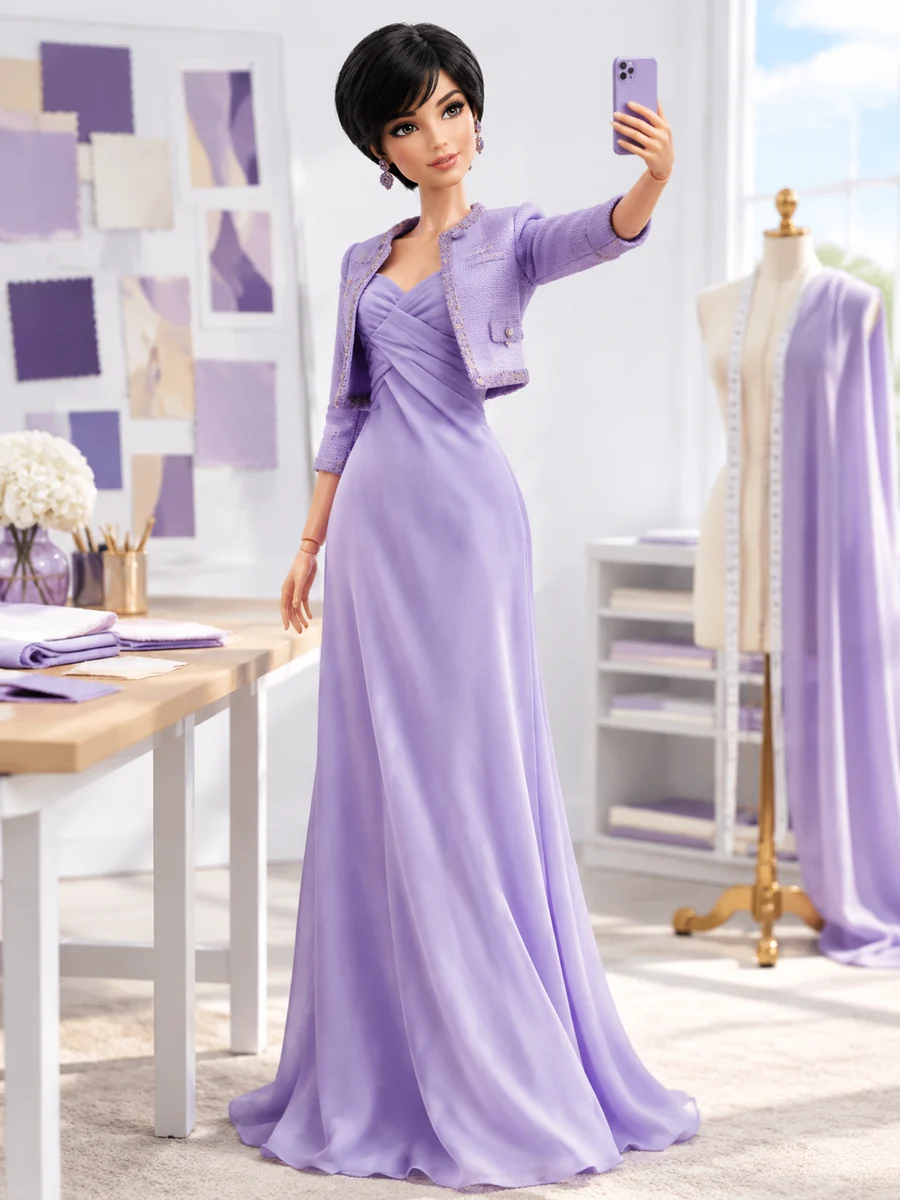 Fashion
A fashion doll in a lavender gown takes her own phone selfie in a miniature couture atelier, surrounded by fabric swatches and dress forms.
Try This Direction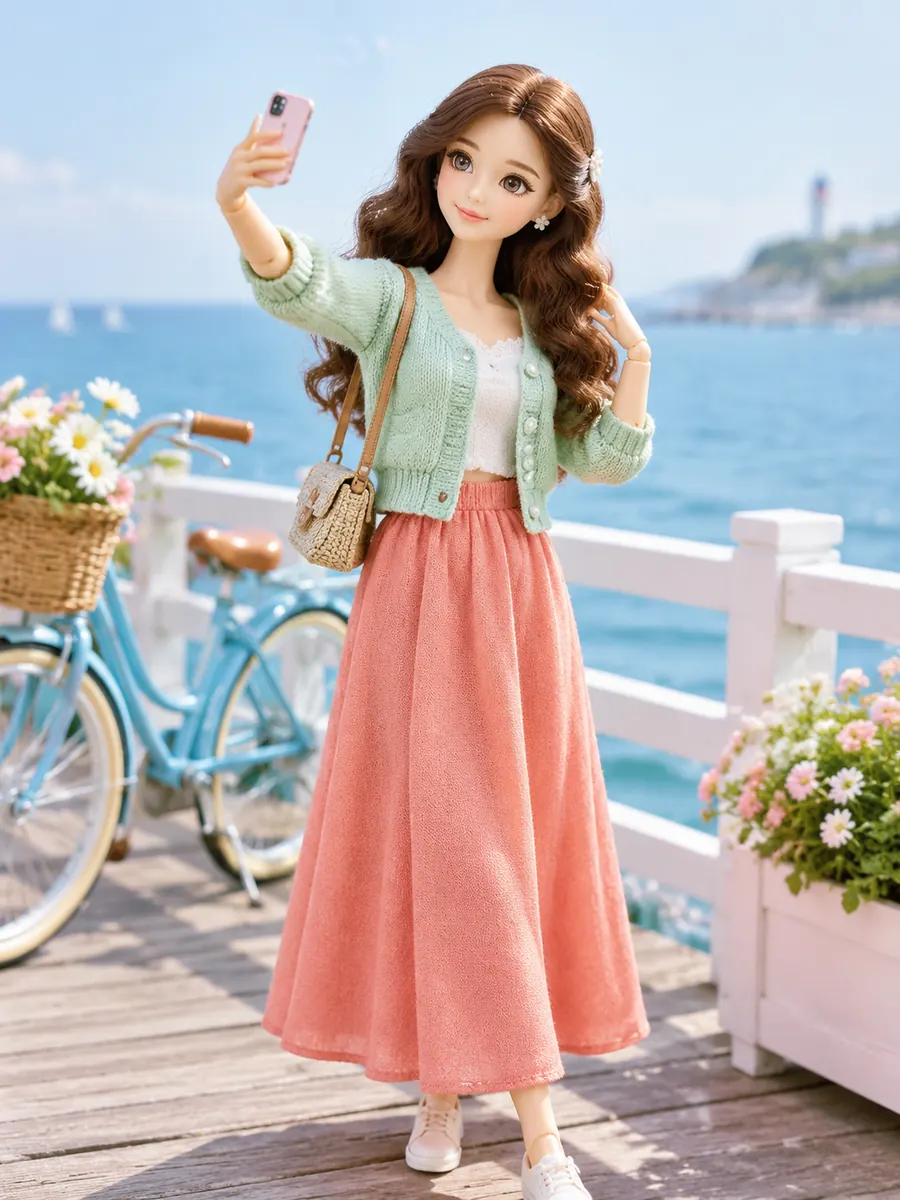 City Stories
A fashion doll in a mint cardigan and coral skirt takes her own phone selfie on a miniature seaside boardwalk, with a tiny bicycle nearby.
Try This DirectionPractical choices that help you direct the result.
Use explicit subject-and-action prompts to keep the tiny phone in the doll’s hand. The result tells a complete selfie story through pose and viewpoint.
Pair glossy vinyl or molded joints with a vanity, café or travel setting. Describe the lighting and props so every detail reinforces the scale of the doll.
Keep the character description while changing one wardrobe or setting detail. This helps you explore a series without rebuilding the entire concept each time.
Illustrative perspectives on this creative workflow. Names are fictional; these are not verified customer reviews.
For a doll selfie, the tiny phone needs to stay in the doll's own hand. The vanity prompt gives that idea a clear starting point.
Changing the miniature location gives each shot its own story while keeping the doll as the photographer.
I would check the phone grip and eye line before choosing a final image for a doll collection.
It creates a still image of a doll taking her own selfie. The phone belongs in the doll’s hand, with the doll acting as the photographer. You can describe the outfit, setting and toy materials in the prompt.
Write “one doll only; no human person” and describe the miniature scale. State that the doll holds the phone herself. Review the result and refine the subject or pose if the model adds another figure.
Yes. Specify the clothing colors, hairstyle, expression and miniature environment. Change one element at a time when comparing results so you can see which prompt detail affected the image.
This workspace creates images. Motion requires a separate video workflow and review of the moving hands, phone and face. A finished still image can serve as a visual reference where the chosen video model supports it.